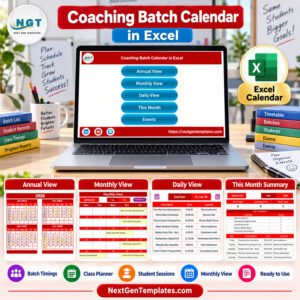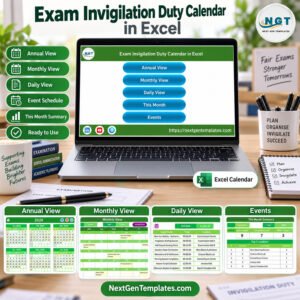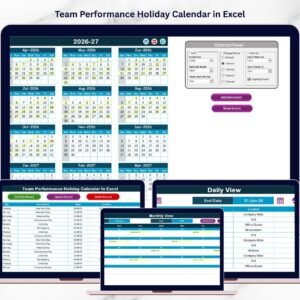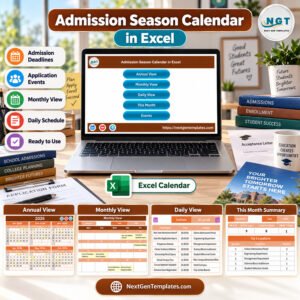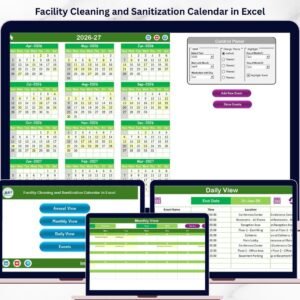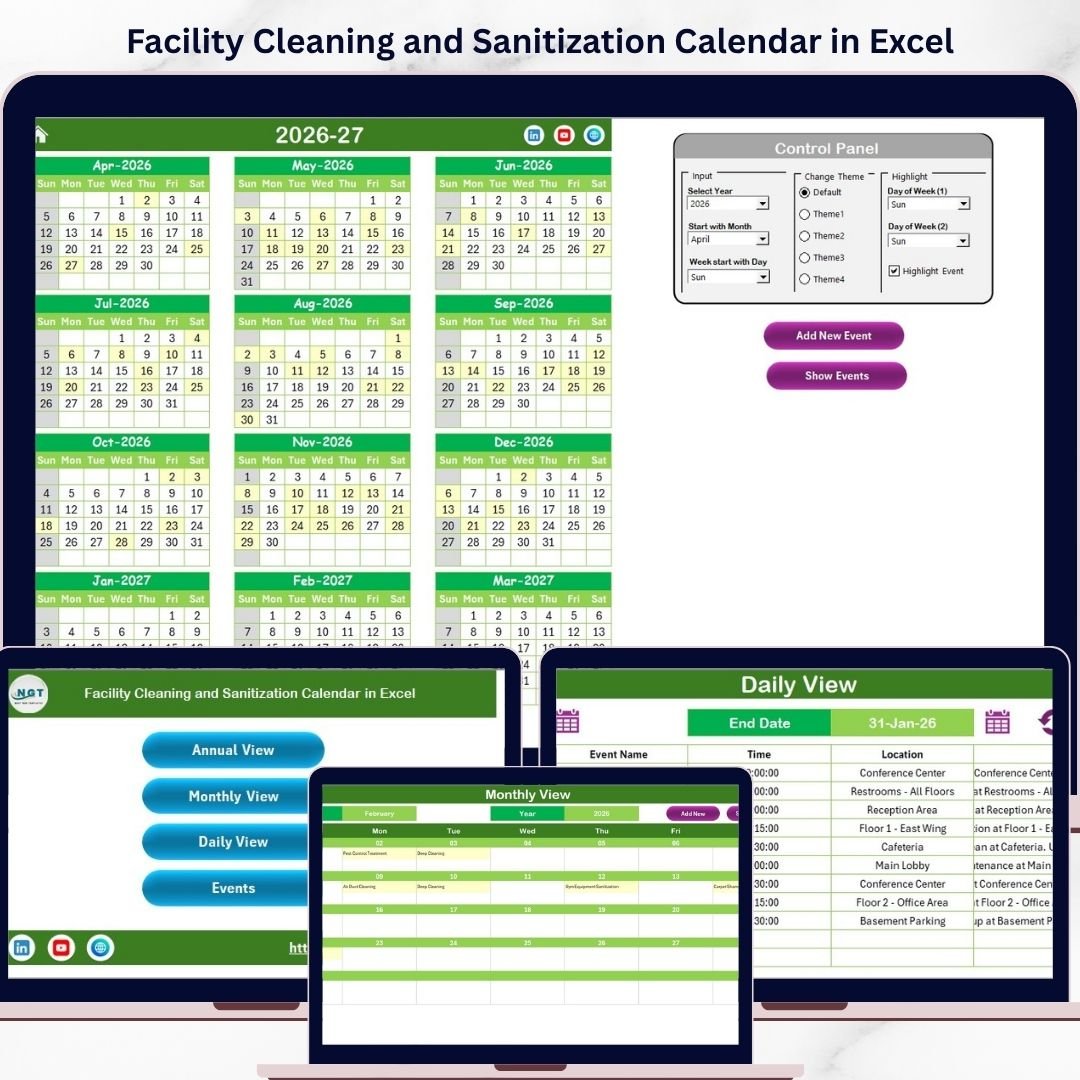

Introducing the Facility Cleaning and Sanitization Calendar in Excel — a powerful, ready-to-use tool designed to help you plan, organize, and track cleaning activities effortlessly across your facility.
In today’s environment, maintaining hygiene and cleanliness is not just important—it’s critical. However, managing multiple schedules manually can be confusing and time-consuming.
That’s where this smart Excel calendar comes in! 🚀
It simplifies your entire cleaning and sanitization workflow by providing structured views, interactive controls, and easy event management. As a result, you can ensure consistency, improve efficiency, and maintain high standards of cleanliness.
✨ Key Features of Facility Cleaning and Sanitization Calendar in Excel
📅 Complete Scheduling System
Plan cleaning activities across annual, monthly, and daily views in one place.
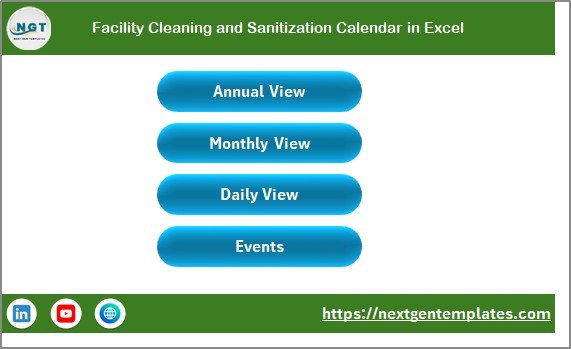
🏠 Interactive Home Dashboard
Navigate easily using buttons for Annual, Monthly, Daily, and Events views.
🎨 Customizable Themes
Choose from multiple color themes to match your preference and improve visibility.
📊 Dynamic Calendar Views
Automatically update schedules based on selected year, month, and week settings.
📝 Advanced Event Management
Add, update, delete, and track cleaning events with ease.
🔍 Event Highlighting
Highlight weekends and important cleaning schedules for better planning.
⚡ User-Friendly Interface
Designed for simplicity—no advanced Excel skills required.
📂 Centralized Data Management
Store all cleaning schedules and event details in one organized database.
📂 What’s Inside the Facility Cleaning and Sanitization Calendar in Excel
📌 Home Sheet
Quick navigation panel with buttons to access all calendar views.
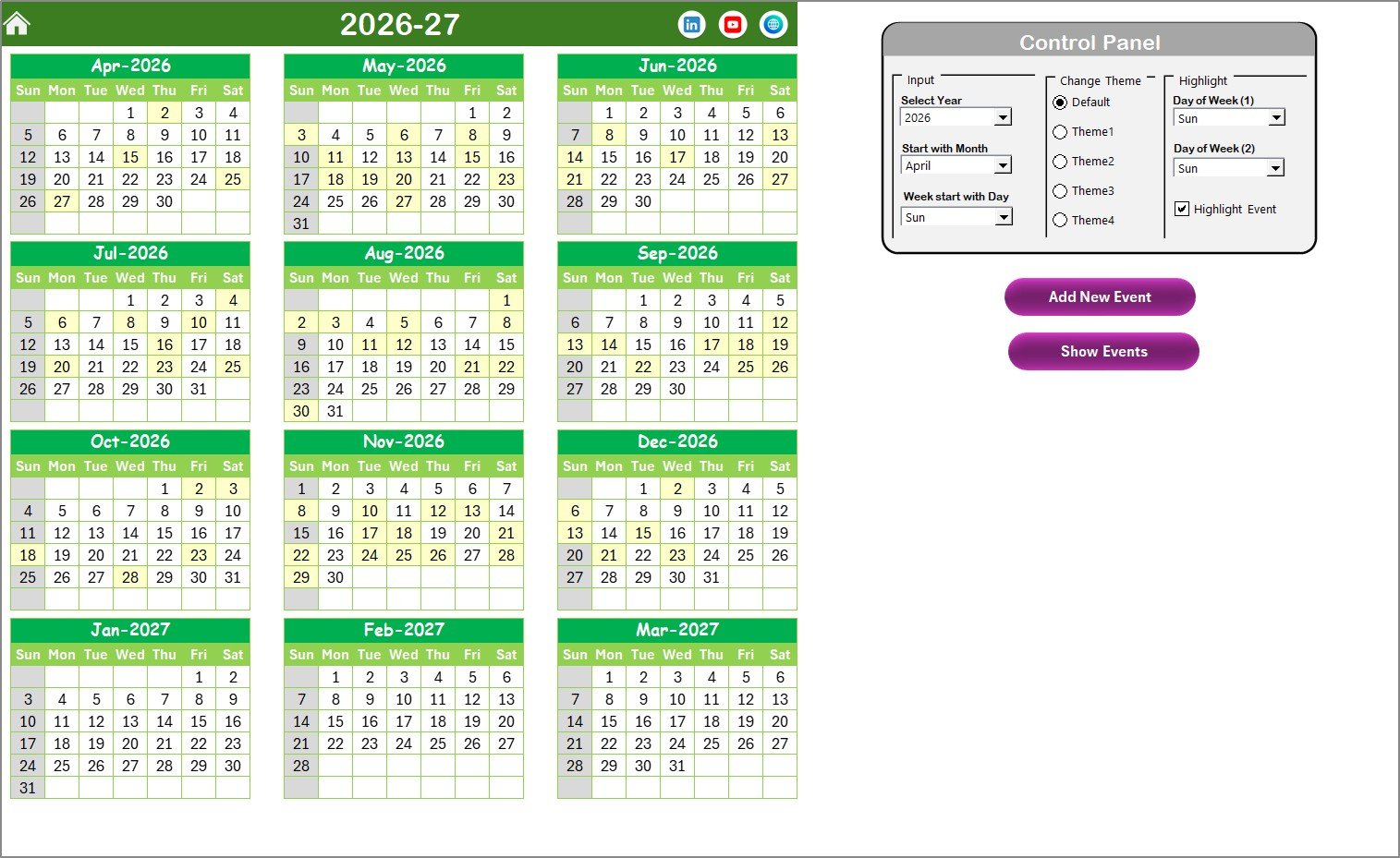
📌 Annual View Sheet
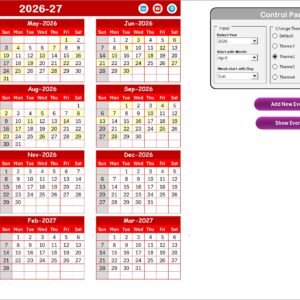
12-month overview with control panel for year selection, themes, and highlights.
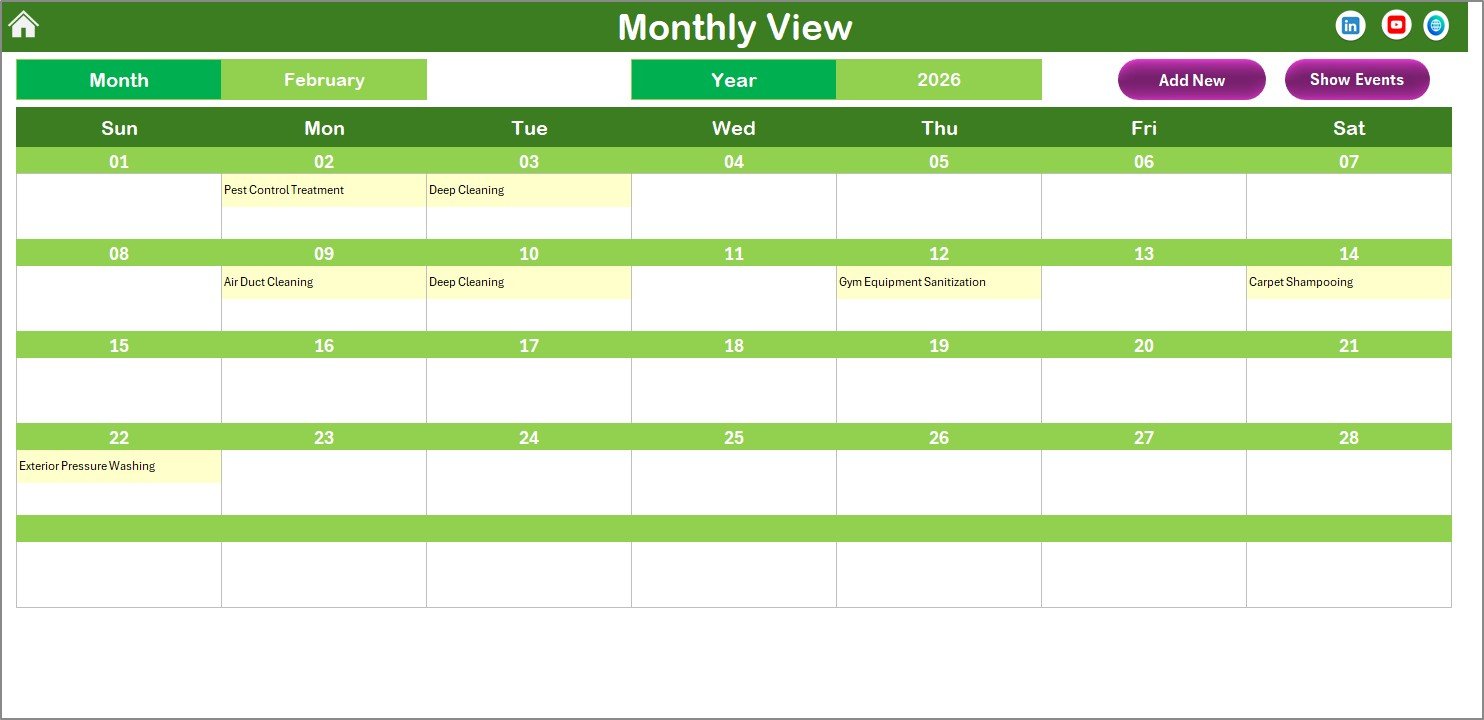
📌 Monthly View Sheet
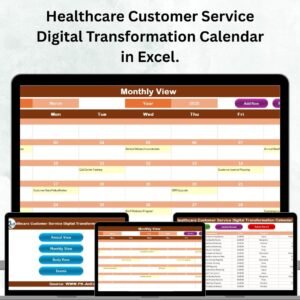
Detailed monthly calendar with event visibility and quick actions.
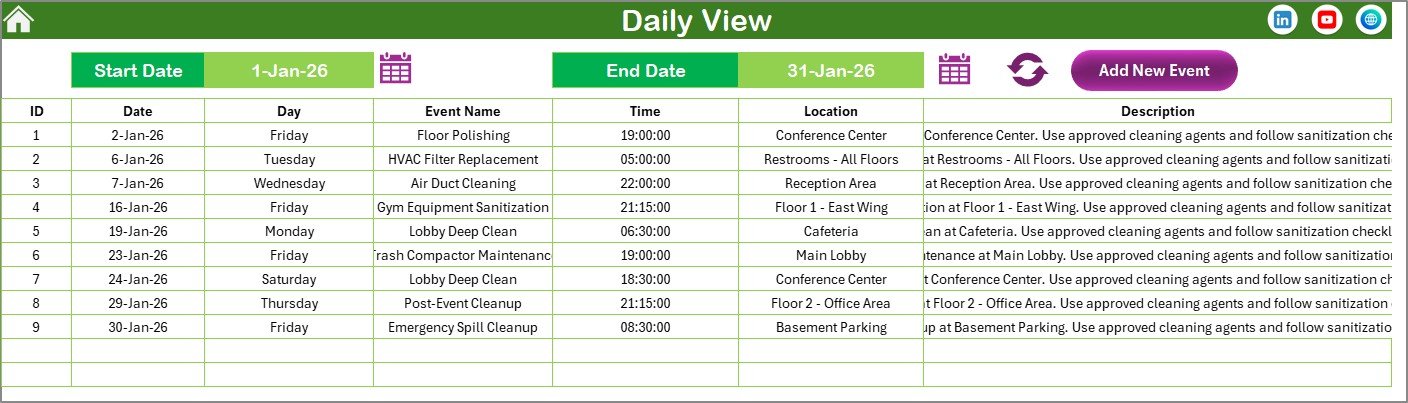
📌 Daily View Sheet
View events within a selected date range with detailed information.
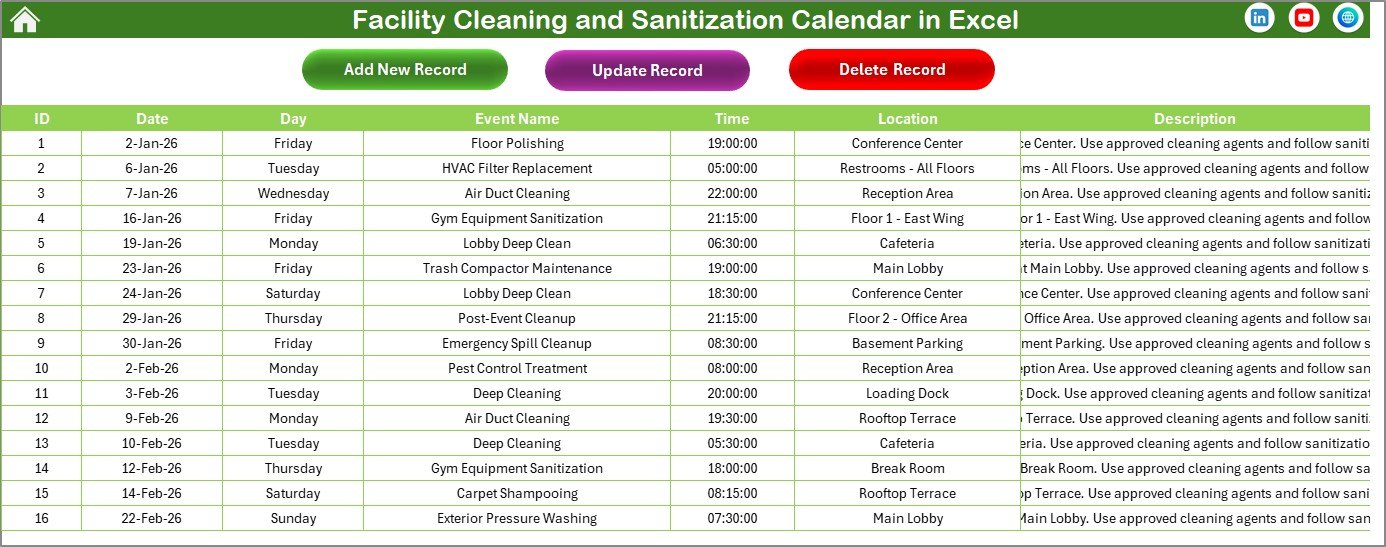
📌 Events Sheet
Central database containing all event details like date, time, location, and description.
🛠️ How to Use the Facility Cleaning and Sanitization Calendar in Excel
Using this calendar is simple and efficient! 💡
1️⃣ Select Year & Settings
Choose year, starting month, and week format.
2️⃣ Add Cleaning Events
Use “Add New Event” to schedule cleaning tasks.
3️⃣ Manage Events
Update or delete records from the Events sheet.
4️⃣ View Schedules
Switch between Annual, Monthly, and Daily views.
5️⃣ Track Activities
Monitor all cleaning and sanitization tasks in real time.
6️⃣ Optimize Planning
Ensure no task is missed and improve efficiency.
👥 Who Can Benefit from This Facility Cleaning and Sanitization Calendar in Excel
🏢 Facility Managers – Organize and track cleaning schedules
🧹 Cleaning Service Providers – Manage multiple client schedules
🏥 Hospitals & Clinics – Ensure hygiene compliance
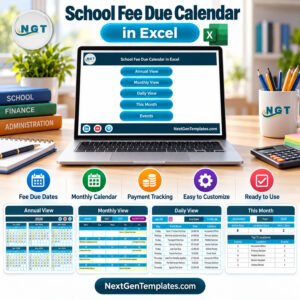
🏫 Schools & Institutions – Plan cleaning activities effectively
🏬 Commercial Spaces – Maintain cleanliness standards
💡 Why This Calendar is a Must-Have?
✔ Centralized scheduling system
✔ Easy event tracking and management
✔ Multiple calendar views for better planning
✔ Customizable and user-friendly design
✔ Saves time and reduces manual effort
👉 If you want to streamline your facility cleaning operations and maintain high hygiene standards, this calendar is your perfect solution!
📖 Click here to read the Detailed blog post
🎥 Visit our YouTube channel to learn step-by-step video tutorials
👉 YouTube.com/@PKAnExcelExpert
Compatibility and Requirements
- Works in Microsoft Excel desktop (Excel 2016 or later, or Microsoft 365).
- The Annual, Monthly and Daily views are built with charts and worksheets that Excel updates from your settings. Microsoft explains the basics in Excel for Windows training.
Frequently Asked Questions
Which sheets are included?
Five sheets: Home, Annual View, Monthly View, Daily View and Events.
How do I add a cleaning task?
Use the Add New Event button, then enter the date, time, location and description. The task is stored on the Events sheet and appears in the calendar views.
Can I edit or delete a task later?
Yes. You can update or delete any record from the Events sheet.
Can I change the colors?
Yes. The control panel on the Annual View sheet has several color themes. You can also pick the year, the starting month and the week format, and highlight weekends.
Is there a Google Sheets version?
There is a related Facility Booking Calendar in Google Sheets for booking spaces. This cleaning calendar is an Excel template.
Related Facility and Calendar Templates
- Maintenance Tasks Calendar in Excel: schedule repair and upkeep work next to your cleaning plan
- Office Cleaning Checklist in Excel: a checklist for daily office cleaning tasks
- Health & Safety Compliance Calendar in Excel: track health and safety dates
- Facility Booking Calendar in Excel: book rooms and shared spaces
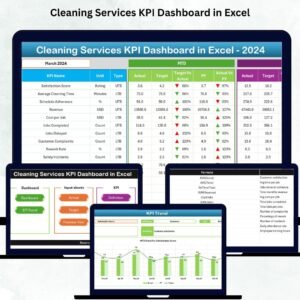
- Cleaning Services KPI Dashboard in Excel: measure cleaning performance
Browse all Excel calendar templates or the Operations templates.