
The insurance industry runs on deadlines, schedules, and timely communication. From policy renewals and compliance reviews to client meetings and training sessions, insurance professionals manage countless events every month. Insurance Event Calendar in Excel Missing even a single important date can impact customer satisfaction, regulatory compliance, and operational efficiency.
But managing events using emails, manual planners, or scattered spreadsheets often creates confusion and scheduling conflicts.
What if you could organize all insurance events in one smart, interactive system?
Introducing the Insurance Event Calendar in Excel — a powerful, ready-to-use scheduling solution designed specifically for insurance teams who want complete control over events, reminders, and planning without expensive software.
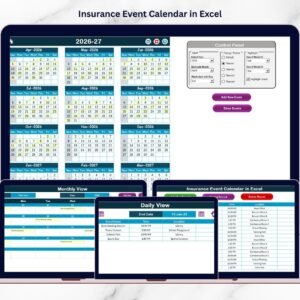
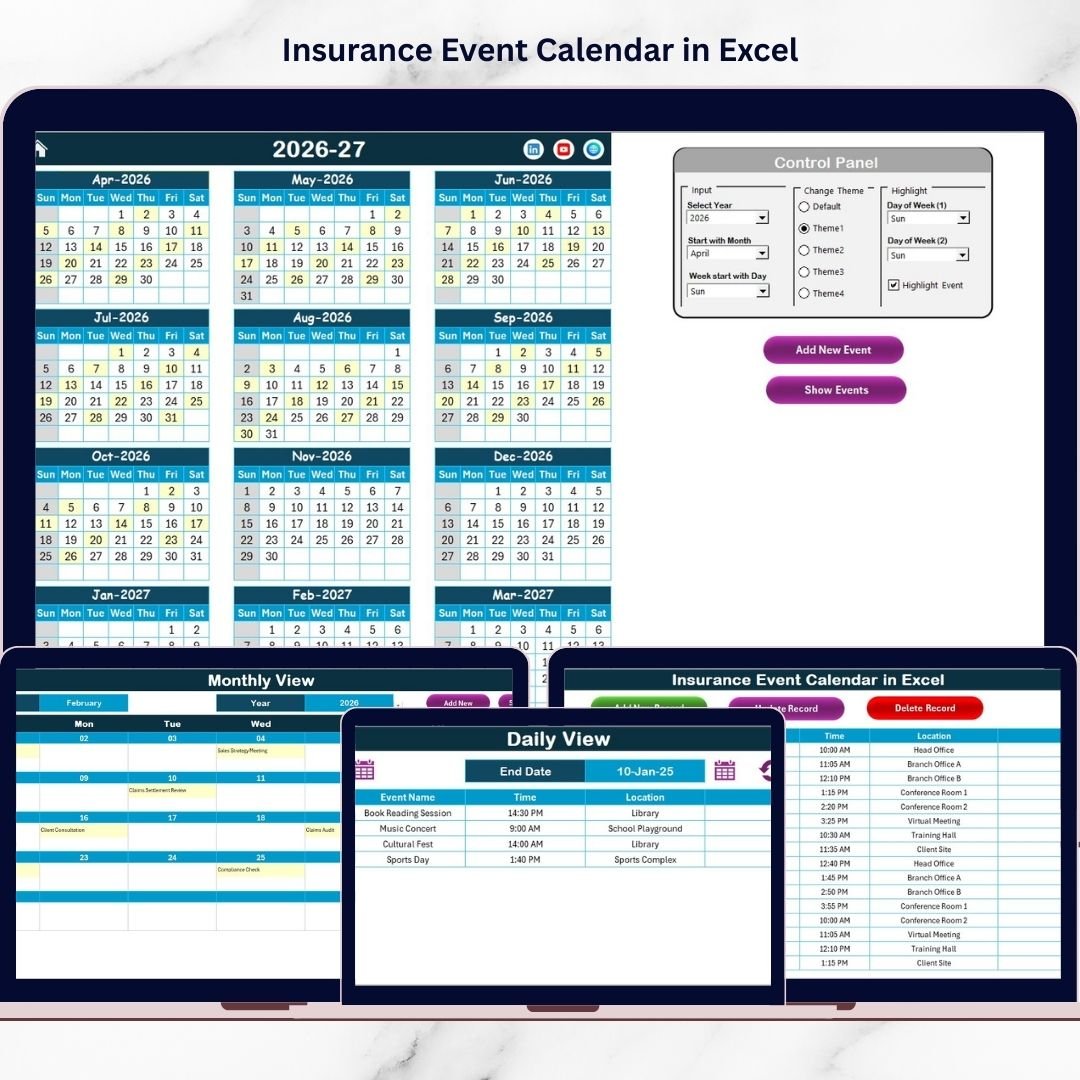
Insurance Event Calendar in Excel This professionally designed Excel calendar centralizes annual, monthly, and daily scheduling into one easy-to-use workbook. With automated views, interactive buttons, and a structured event database, teams can plan activities efficiently and stay organized throughout the year.
Whether you manage policy renewals, audits, internal meetings, or marketing campaigns, this calendar ensures nothing gets missed.
Because it works entirely inside Microsoft Excel, implementation is instant — no subscriptions, installations, or technical setup required.
🚀 Key Feature of Insurance Event Calendar in Excel
✅ Annual, Monthly, and Daily calendar views
✅ Interactive navigation dashboard
✅ Easy event creation using automated forms
✅ Highlight important dates automatically
✅ Dynamic year and month selection
✅ Multiple color themes for customization
✅ Centralized event database management
✅ Add, update, or delete events easily
✅ Support for multiple events per day
✅ User-friendly interface suitable for all skill levels
These features help insurance professionals manage schedules confidently and efficiently.
📦 What’s Inside the Insurance Event Calendar in Excel
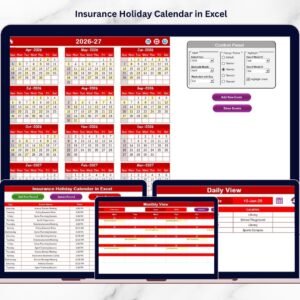
This ready-to-use template includes five powerful worksheets, each serving a specific function:
1️⃣ Home Sheet — Navigation Dashboard
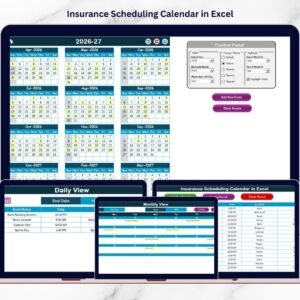
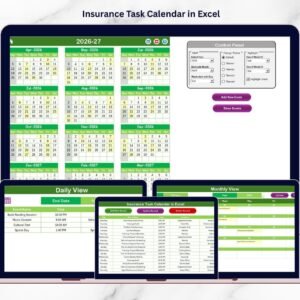
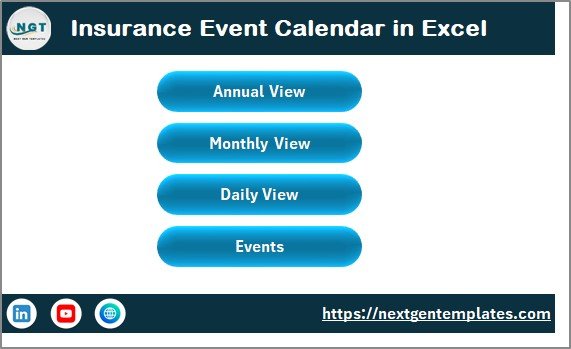
A central index page with quick navigation buttons to Annual View, Monthly View, Daily View, and Events Database for seamless movement.
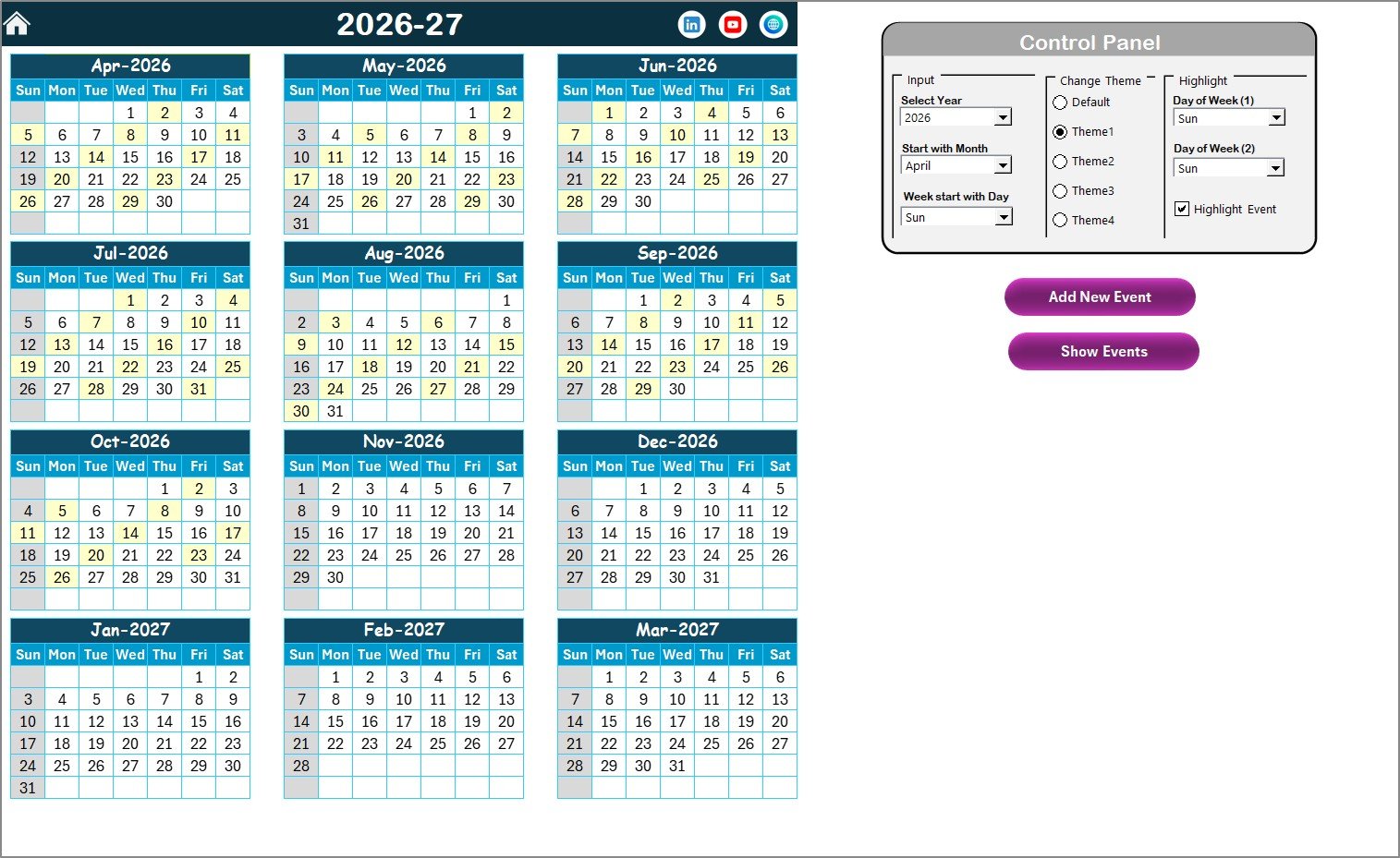
2️⃣ Annual View Sheet — Yearly Planning Overview
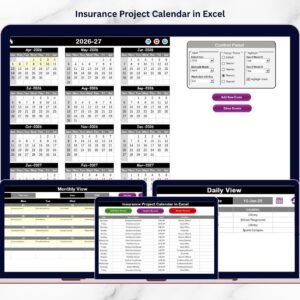
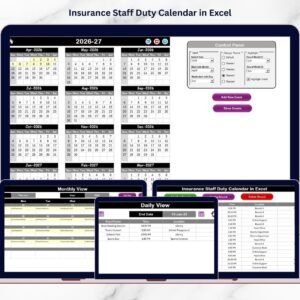
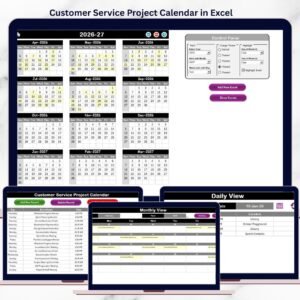
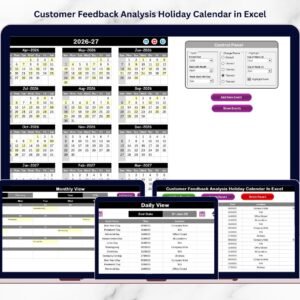
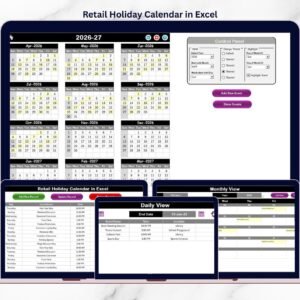
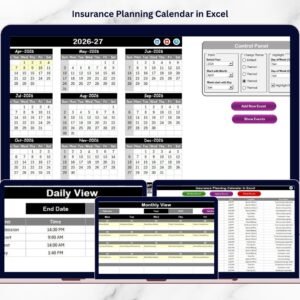
Displays all 12 months in one screen, allowing long-term planning. Users can adjust year settings, change themes, and highlight specific weekdays automatically.
3️⃣ Monthly View Sheet — Monthly Scheduling Control
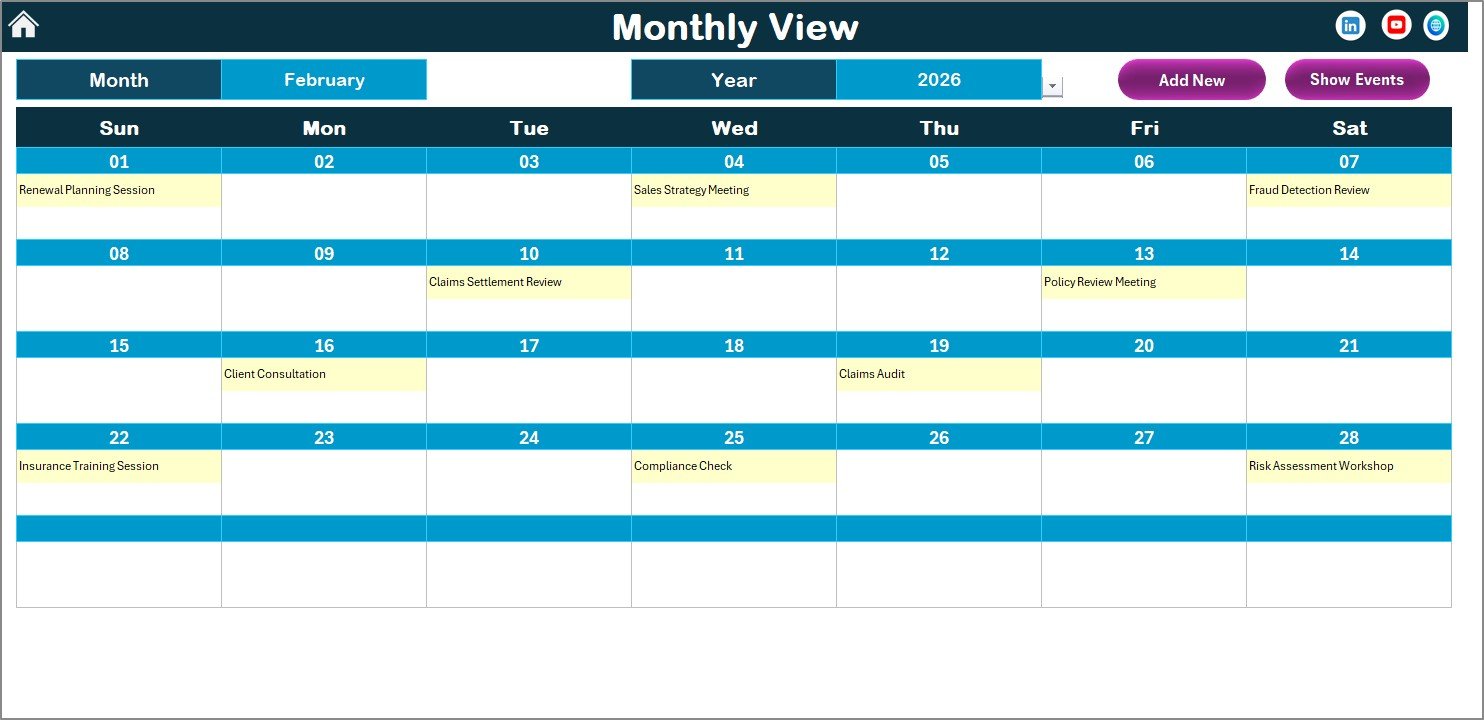
Focus on one month at a time. The calendar updates dynamically based on selected month and year while displaying event summaries clearly.
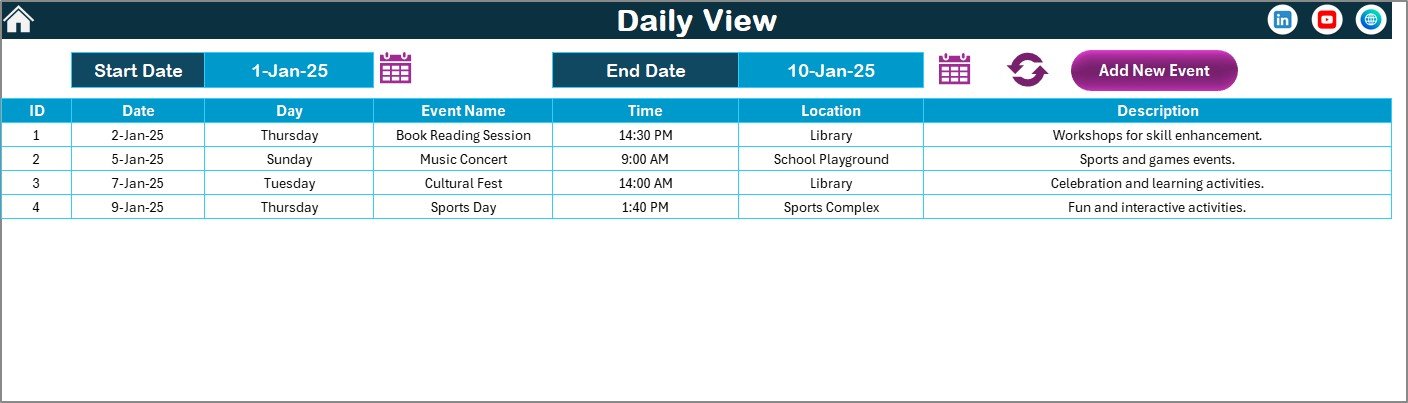
4️⃣ Daily View Sheet — Detailed Event Monitoring
Analyze events within a selected date range using detailed listings. Perfect for reviewing upcoming tasks or historical activities.
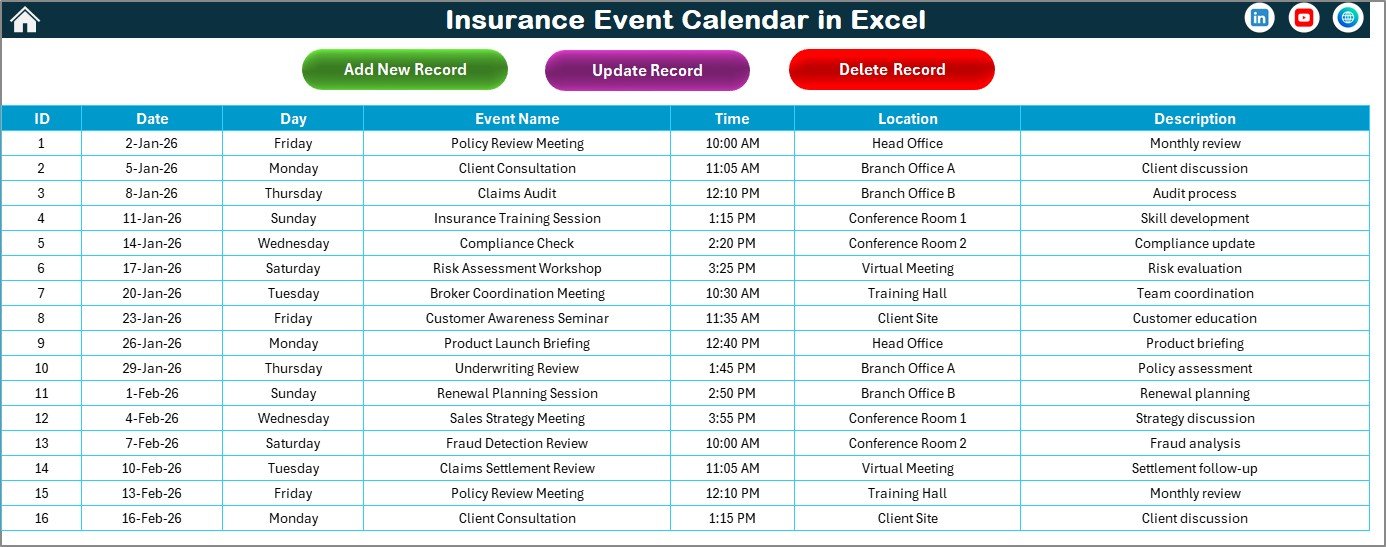
5️⃣ Events Sheet — Central Event Database
Stores all event records including date, time, location, and descriptions, ensuring organized and searchable scheduling data.
Together, these sheets create a complete insurance event management system.
⚙️ How to Use the Insurance Event Calendar in Excel
Getting started is simple — no advanced Excel skills required.
1️⃣ Open the Home Sheet and select your calendar year.
2️⃣ Customize themes and highlight important days.
3️⃣ Add events using the “Add New Event” buttons.
4️⃣ Enter event details through the event form.
5️⃣ Review schedules using annual, monthly, or daily views.
6️⃣ Update or manage records anytime from the Events database.
All updates appear automatically across calendar views, saving time and reducing manual work.
👨💼 Who Can Benefit from This Insurance Event Calendar in Excel
This calendar is ideal for professionals across insurance organizations:
✅ Insurance Agencies managing client schedules
✅ Policy Administrators tracking renewals
✅ Compliance Officers monitoring deadlines
✅ Claims Teams organizing case reviews
✅ HR Departments planning training sessions
✅ Sales Teams coordinating client meetings
Any insurance department that relies on organized scheduling will benefit from this solution.
By implementing a structured calendar system, teams eliminate missed deadlines and improve collaboration across departments.
The result?
✔ Better planning visibility
✔ Reduced scheduling conflicts
✔ Improved operational coordination
✔ Faster event management
✔ Increased productivity
Because Excel is familiar and flexible, adoption becomes quick and effortless for all users.
Ultimately, the Insurance Event Calendar in Excel transforms event management into a simple, organized, and highly efficient process.
📖 Click here to read the Detailed blog post
▶ Visit our YouTube channel to learn step-by-step video tutorials
👉 https://youtube.com/@PKAnExcelExpert
Watch the step-by-step video tutorial:
Compatibility and Requirements
- Works in Microsoft Excel desktop (Excel 2016 or later, or Microsoft 365).
- The Home sheet has buttons for the Annual, Monthly and Daily views and the Events database. Microsoft covers Excel for Windows training if you want to learn the basics.
Frequently Asked Questions
Which sheets are included?
Five sheets: Home, Annual View, Monthly View, Daily View and Events. The Home sheet holds the navigation buttons, and the Events sheet stores every event record.
What details can I save for an event?
Each event record holds the date, time, location and a description. You enter them through the event form that opens from the Add New Event buttons.
Can I add more than one event on the same day?
Yes. The calendar supports multiple events per day.
Can I change the year, theme or highlighted weekdays?
Yes. On the Annual View sheet you can set the year, change the color theme and highlight specific weekdays.
How do I see events between two dates?
Open the Daily View sheet and select a date range. It lists the events inside that range, so you can review upcoming or past activities.
Related Calendar and Insurance Templates
- Insurance Holiday Calendar in Excel: track holidays for insurance teams
- Insurance Planning Calendar in Excel: plan insurance work across the year
- Event Planning Calendar in Excel: a general calendar for planning events
- Legal Compliance Calendar in Excel: keep compliance deadlines in one place
- Insurance Dashboard in Excel: a dashboard for insurance reporting
Browse all Excel calendar templates.