


Key Features of Office Parking Utilization Project Calendar In Excel
Optimize your office parking space management effortlessly with the Office Parking Utilization Project Calendar In Excel. This ready-to-use Excel template is designed to streamline scheduling, event tracking, and resource allocation for office parking projects. With its intuitive interface and powerful features, managing your parking utilization has never been easier.
The template includes 5 worksheets that provide a comprehensive view of your parking utilization project:
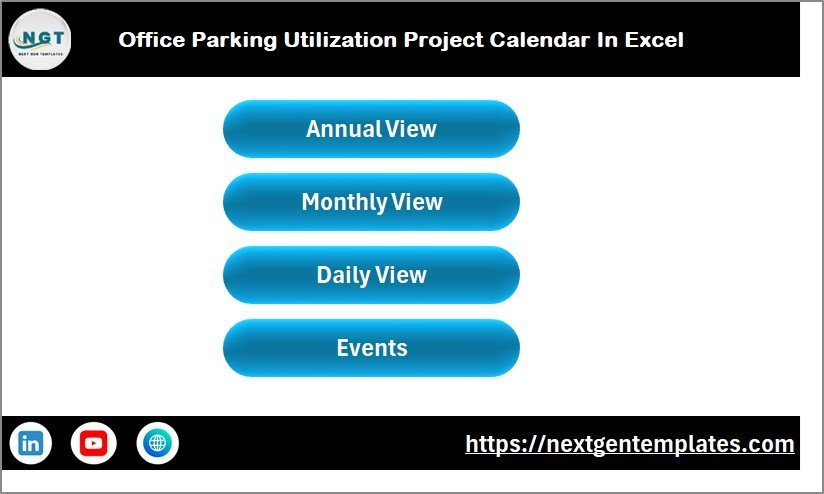
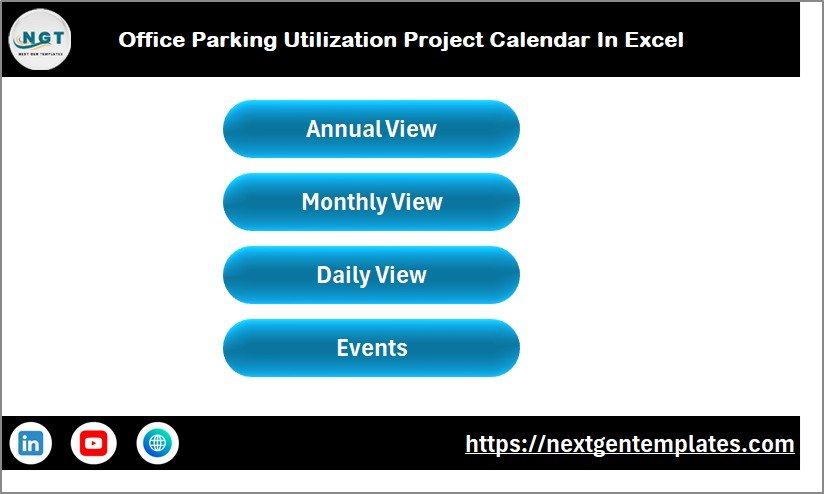
- 🏠 Home Sheet Tab: The central navigation hub, featuring buttons that quickly jump to Annual View, Monthly View, Daily View, and Events sheets, ensuring smooth usability.
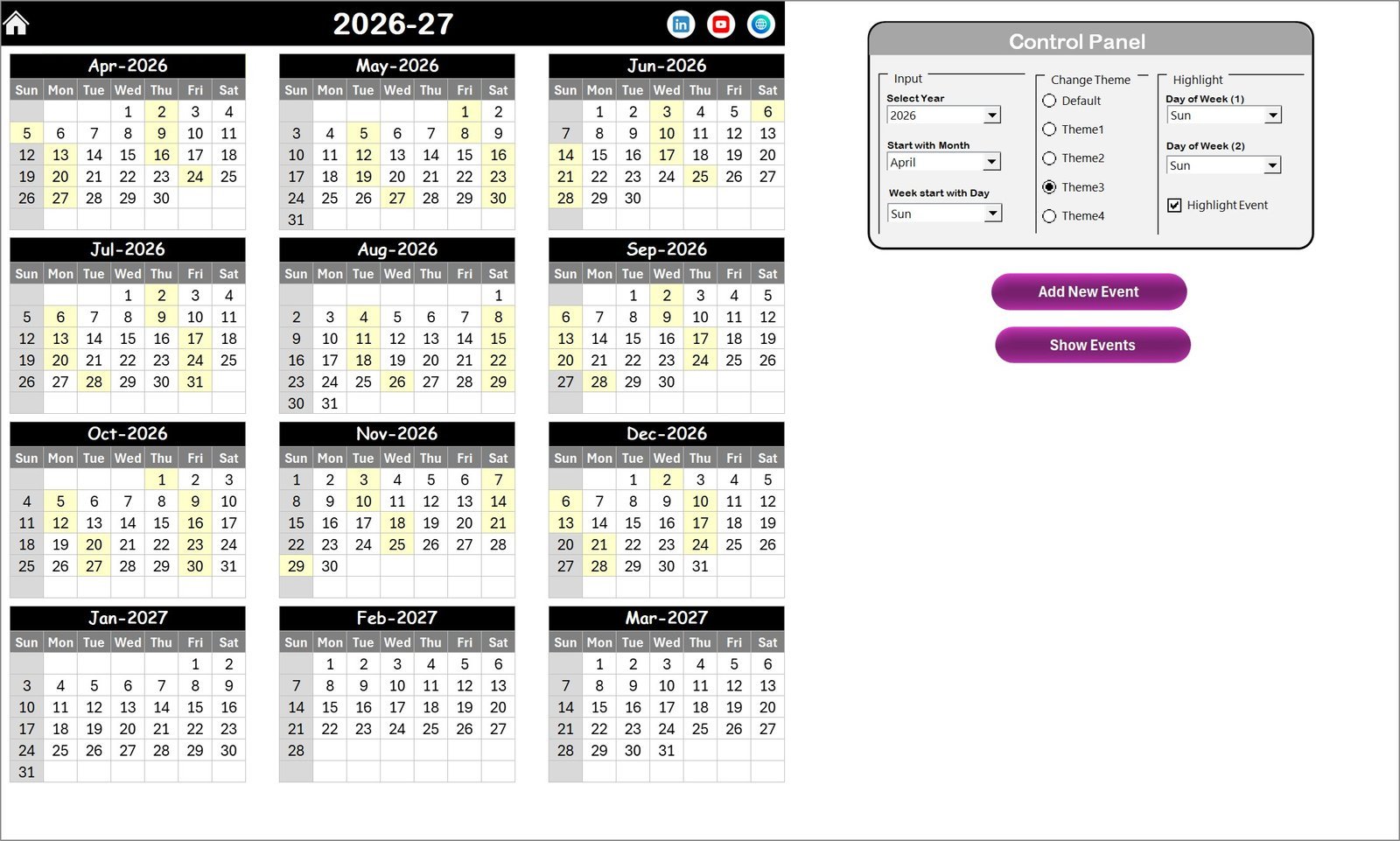
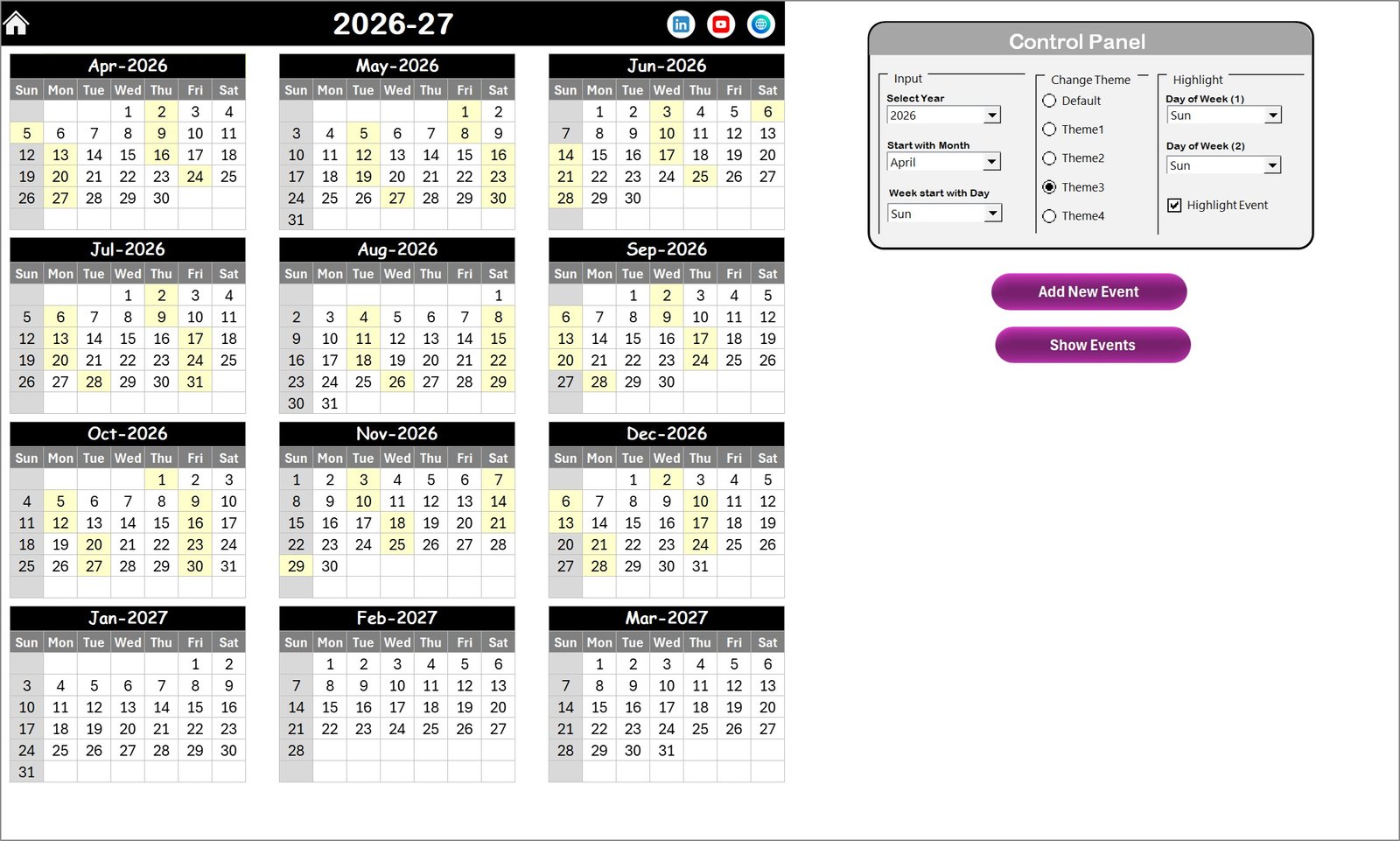
- 📅 Annual View Sheet Tab: Displays all 12 months on one sheet with a dynamic control panel. You can select the year, starting month, and the first day of the week. It allows you to switch between 5 vibrant color themes, highlight specific weekdays (e.g., weekends), and emphasize events with a yellow highlight for fast recognition. Easily add or view events using dedicated buttons.
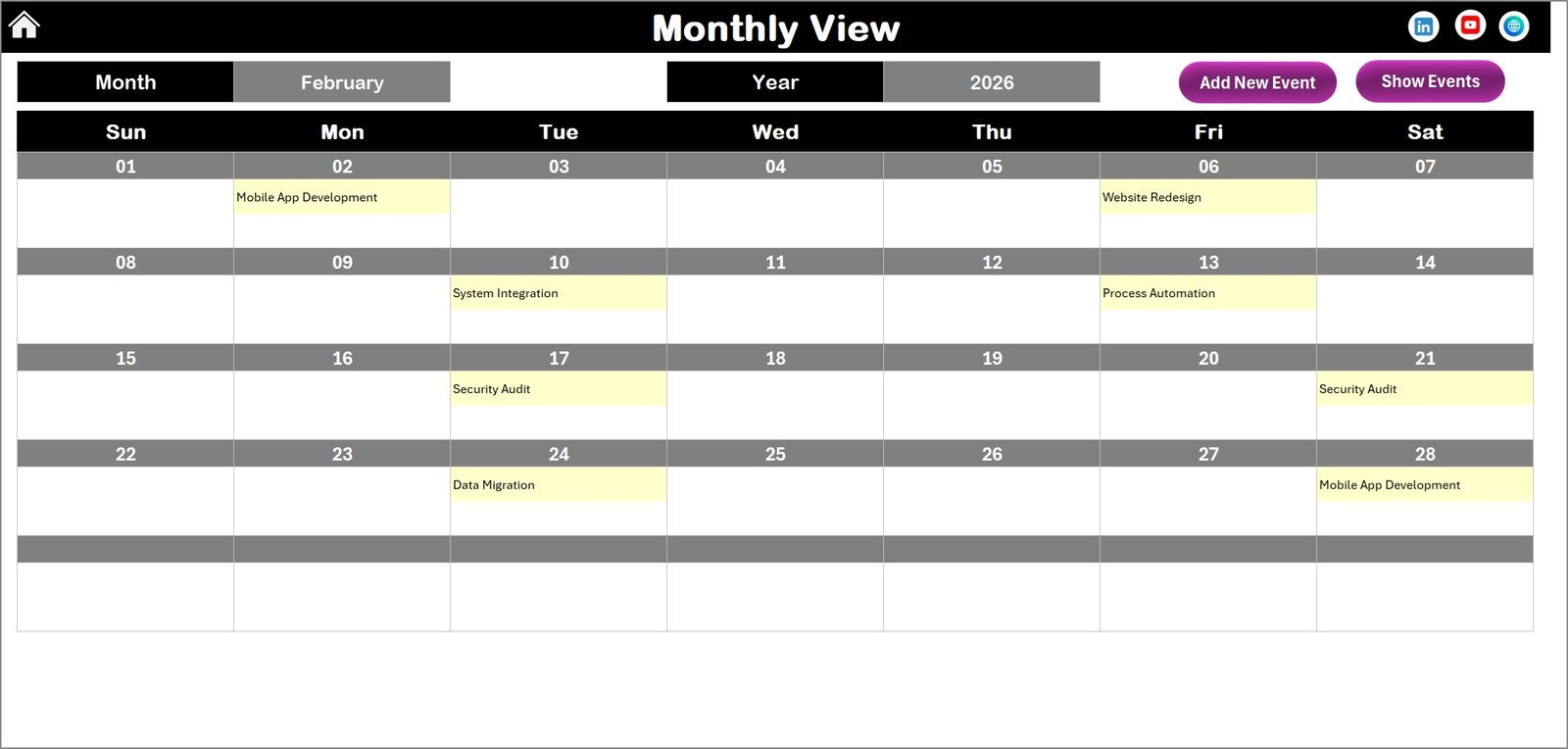
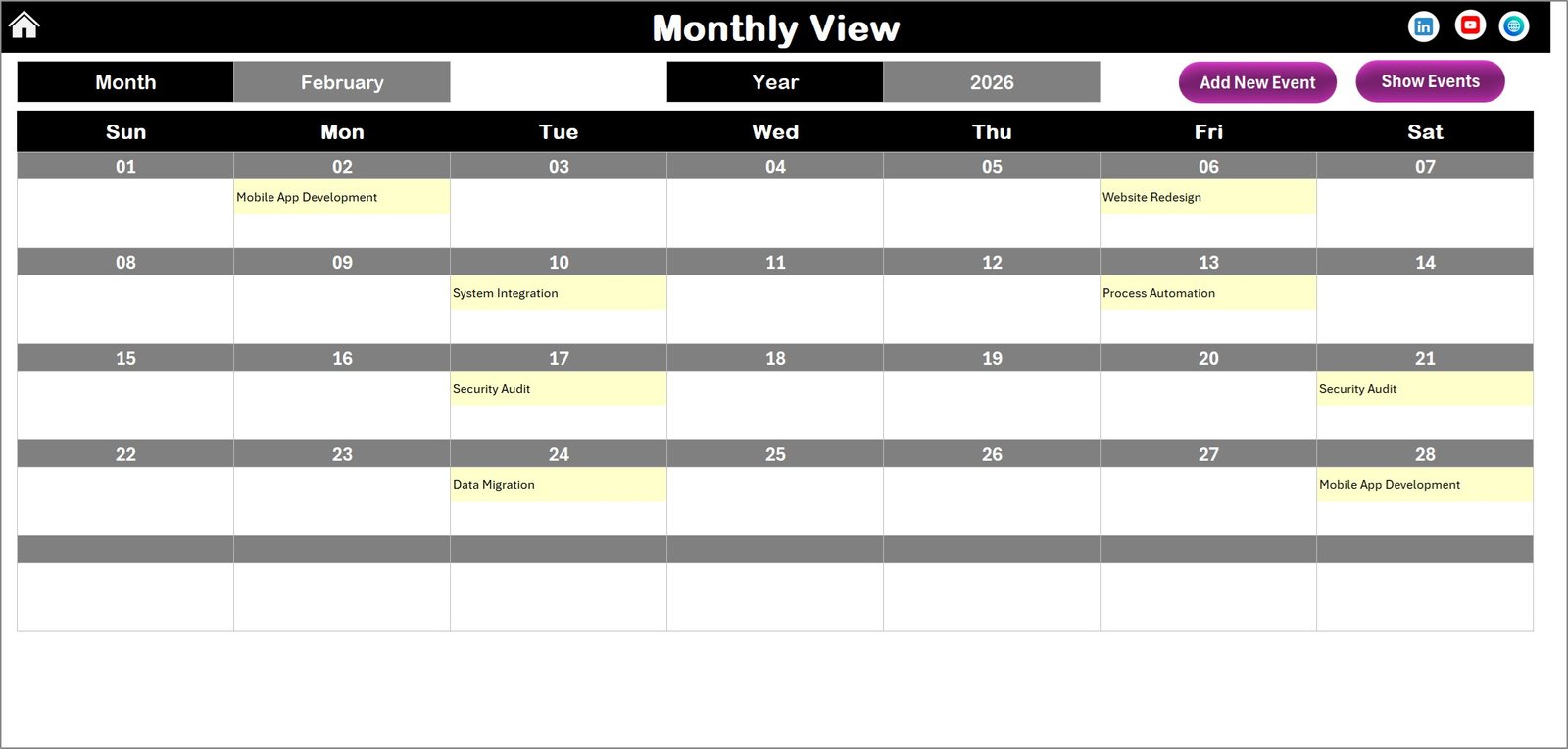
- 📆 Monthly View Sheet Tab: Focus on a single month by selecting the month and year. Events are displayed clearly, with an indicator if there are multiple events on a day. Add new events or view existing ones with simple buttons atop the calendar.
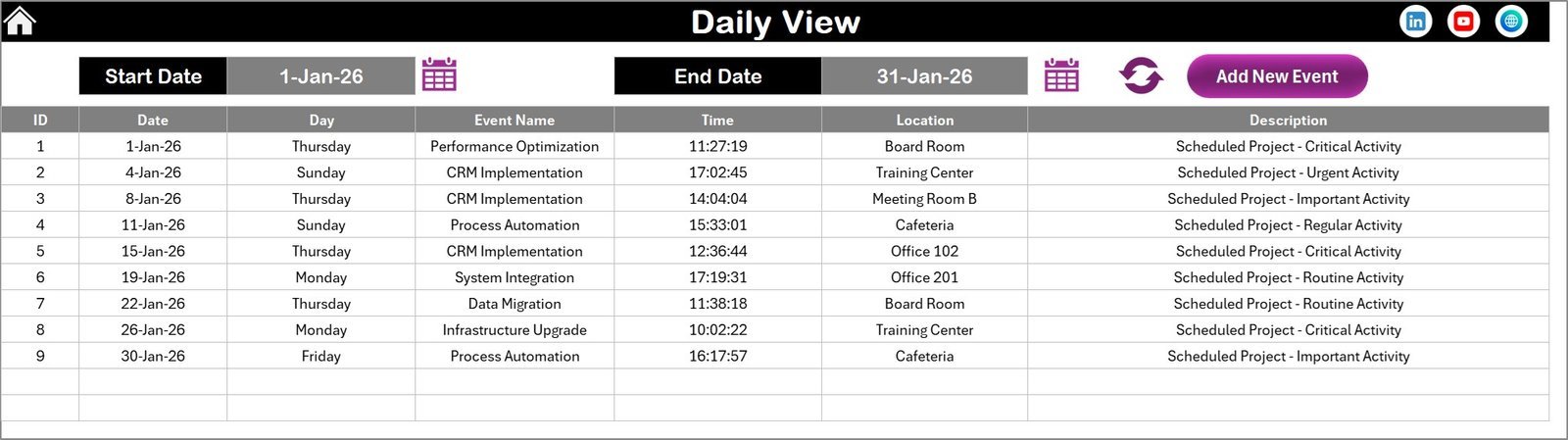
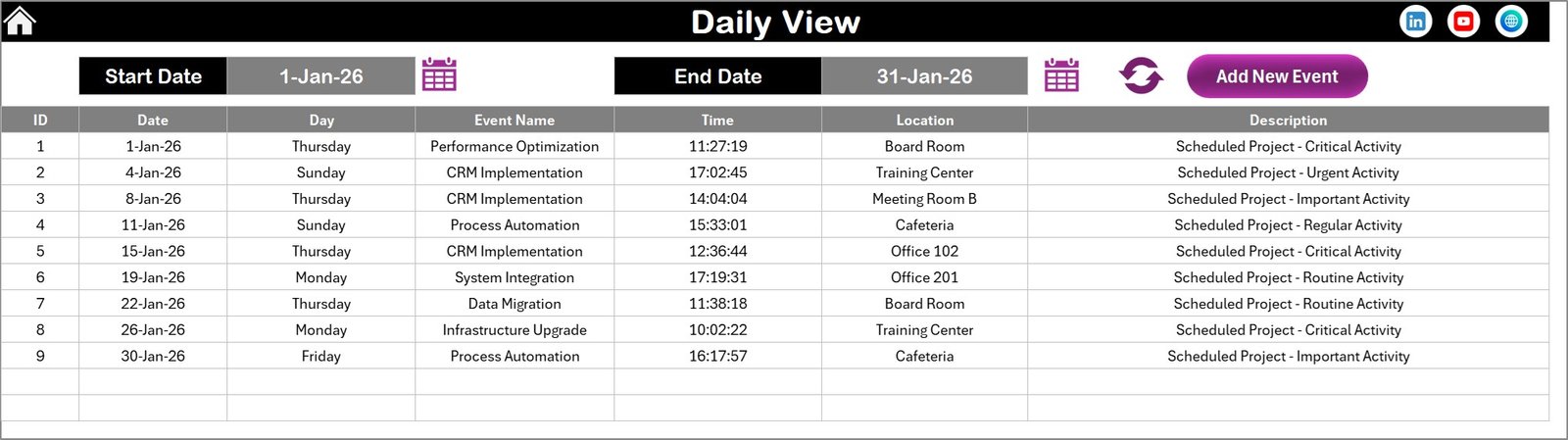
- 🗓️ Daily View Sheet Tab: Offers a detailed list of events within a custom date range. Use start and end date selectors to refresh and view the latest data. A handy Add New Event button helps you seamlessly update your schedule.
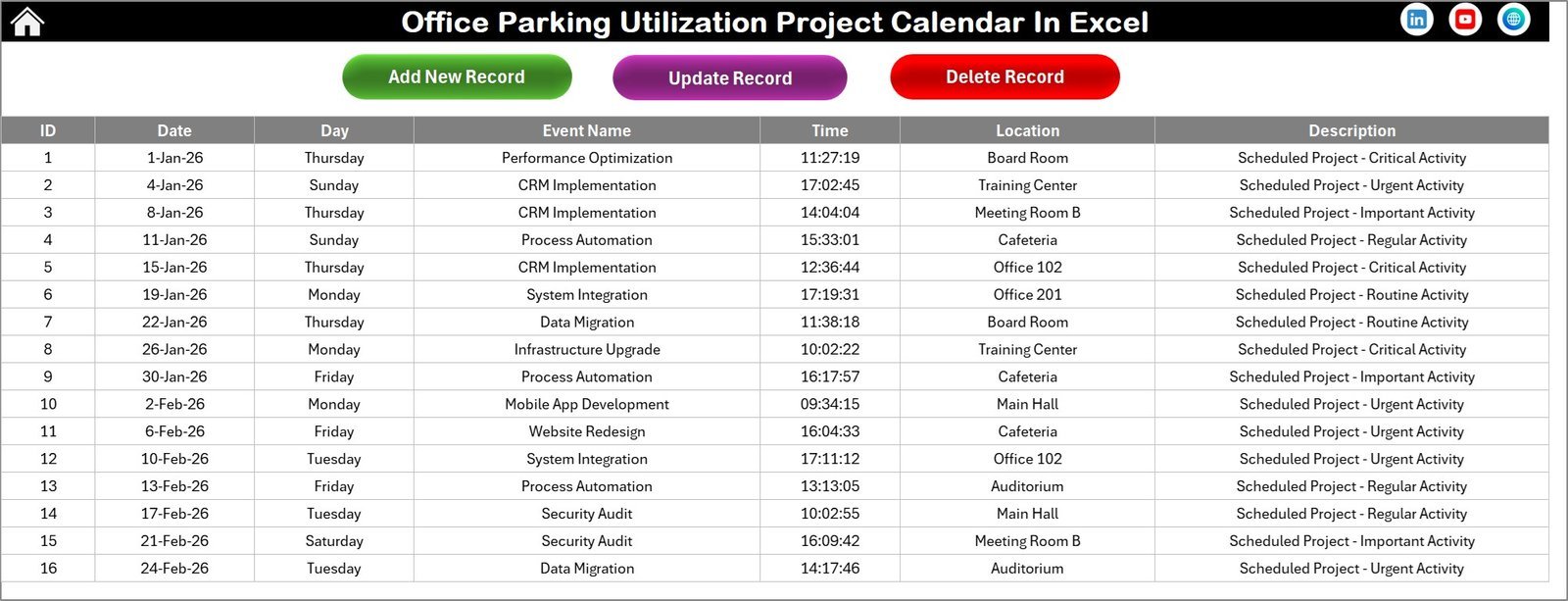
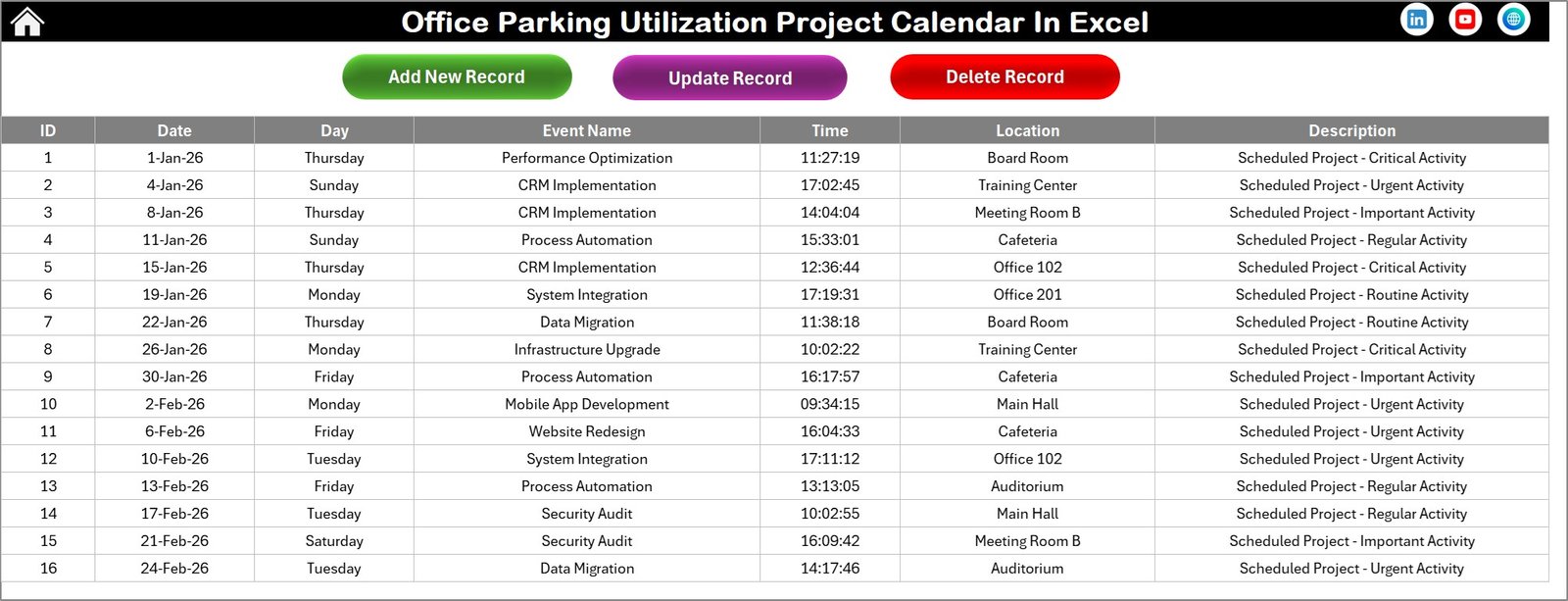
- 📝 Events Sheet Tab: A comprehensive database storing all event details including ID (auto-generated), Date, Day, Event Name, Time, Location, and Description. Manage events with Add, Update, and Delete buttons for complete control.
What’s Inside the Office Parking Utilization Project Calendar In Excel
This Excel calendar template packs functionality and user-friendliness into one package, enabling efficient parking space management and event tracking. Inside, you’ll find:
- 🏠 Home Sheet: Quick navigation with 4 buttons to jump between views.
- 📅 Annual View: Full-year calendar with customizable year, start month, week start day, and 5 color themes.
- 📆 Monthly View: Detailed monthly calendar with event overview and multi-event indicator.
- 🗓️ Daily View: Filtered event list based on date range with refresh capabilities.
- 📝 Events Database: Easily add, update, or delete event records with all essential details captured.
- 🔘 Interactive Buttons: Add new event forms and event viewing options on every calendar view for maximum convenience.
How to Use the Office Parking Utilization Project Calendar In Excel
Getting started is simple and requires no advanced Excel skills:
- 🖱️ From the Home Sheet, navigate to any calendar view with one click.
- 📅 In the Annual View, select the year, starting month, and first day of the week from the control panel to auto-update the calendar.
- 🎨 Choose your preferred color theme to customize the calendar’s look and feel.
- 🌟 Highlight specific weekdays for quick visual reference; use the highlight event option to make events stand out.
- ➕ Use the Add New Event button to schedule parking-related activities by selecting a date and filling out the form.
- 👁️ View your scheduled events on any date by clicking the Show Event button.
- 📆 Switch to the Monthly View to focus on one month, add or view events easily.
- 🗓️ Use the Daily View to analyze event details for a specific date range and refresh to see updated info.
- 📝 Manage your event database via the Events Sheet, where you can add, update, or delete records seamlessly.
Who Can Benefit from This Office Parking Utilization Project Calendar In Excel
This powerful Excel calendar template is ideal for a variety of users and organizations looking to improve parking space management and event coordination:
- 🏢 Office Managers who need to track parking utilization and allocate spaces efficiently.
- 🚗 Facilities Teams responsible for scheduling maintenance, parking events, and space assignments.
- 📊 Project Coordinators managing parking-related projects that require detailed event tracking and calendar views.
- 🏬 Property Managers overseeing multiple tenants and parking arrangements.
- 💼 HR Departments organizing employee parking schedules and special events.
- 🛠️ Maintenance Crews scheduling work and minimizing parking conflicts.
- 📅 Event Planners coordinating parking logistics for office events or meetings.
- 📈 Business Owners seeking an easy-to-use tool to improve resource utilization and planning.
With easy navigation, customizable views, and a robust event management system, this calendar ensures you stay organized and in control of your office parking utilization.
Office Parking Utilization Project Calendar In Excel
Annual View Sheet tab
Monthly View Sheet tab
Daily View Sheet tab
Events Sheet tab
Click here to read the Detailed blog post.
Visit our YouTube channel to learn step-by-step video tutorials.
Compatibility and Requirements
- Needs Excel desktop on Windows with macros enabled. The event buttons and forms run on macros, so the file does not work in Excel for the web, Google Sheets or mobile apps.
- Microsoft explains how to enable macros in Microsoft 365 files.
Frequently Asked Questions
How many sheets are in the Office Parking Utilization Project Calendar?
Five: Home, Annual View, Monthly View, Daily View and Events. The Home sheet has four buttons that open the other sheets.
How do I add a parking event?
Select a date on the Annual View or Monthly View and click the Add New Event button. Fill in the form and the event is saved to the Events sheet.
What details are stored for each event?
ID, date, day, event name, time, location and description. Use the Add, Update and Delete buttons on the Events sheet to manage records.
Can I change the year and the first day of the week?
Yes. The control panel on the Annual View lets you pick the year, starting month and starting weekday, and choose one of 5 color themes.
How do I see events for a date range?
Open the Daily View, pick a start and end date and refresh. Every event in that range is listed.
Related Office Parking Templates
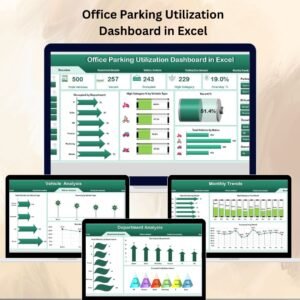
- Office Parking Utilization Dashboard in Excel: charts for parking usage
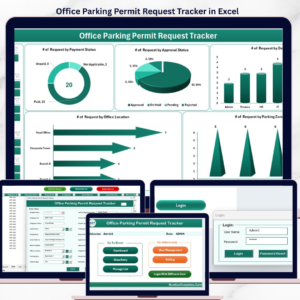
- Office Parking Permit Request Tracker in Excel: log permit requests and approvals
- Office Parking Utilization Compliance Calendar In Excel: track parking compliance dates
- Office Parking Utilization Maintenance Calendar In Excel: plan parking lot maintenance
- Calendar & Planner Pack: 12 Excel and Google Sheets calendars and planners
Browse all Excel calendar templates or the Excel operations templates.































Reviews
There are no reviews yet.