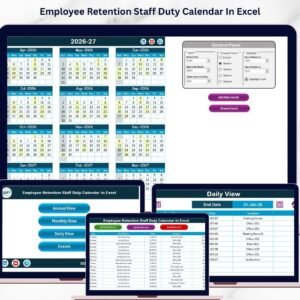
Managing employee schedules, engagement activities, and staff responsibilities can become complicated for HR teams and managers. Organizations invest heavily in hiring and training employees, so retaining skilled staff becomes a critical business priority. Without proper planning tools, companies may miss important employee engagement events, training sessions, and HR activities.
The Employee Retention Staff Duty Calendar in Excel is a powerful yet simple solution designed to help organizations plan, schedule, and manage employee-related activities efficiently. This ready-to-use Excel template allows HR teams, managers, and business owners to organize staff duties, employee engagement programs, and HR events throughout the year in a structured format.
Because this calendar is built in Excel, organizations can easily customize it without requiring complex software or technical knowledge. With multiple calendar views, interactive buttons, and a centralized event database, this template helps teams stay organized while improving employee engagement and retention strategies.
🚀 Key Features of Employee Retention Staff Duty Calendar in Excel
📅 Interactive Home Navigation Panel
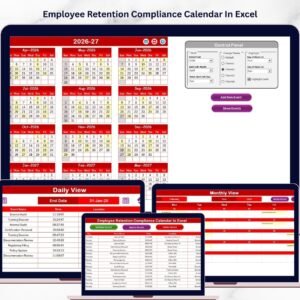
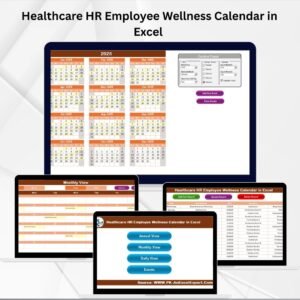
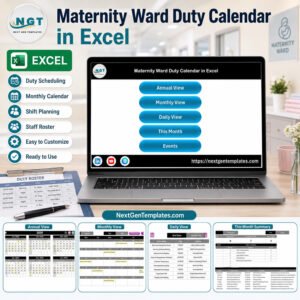
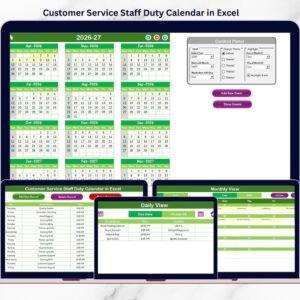
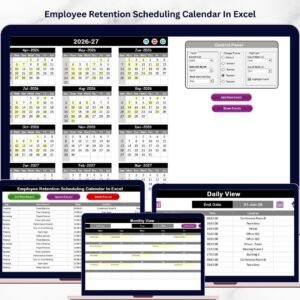
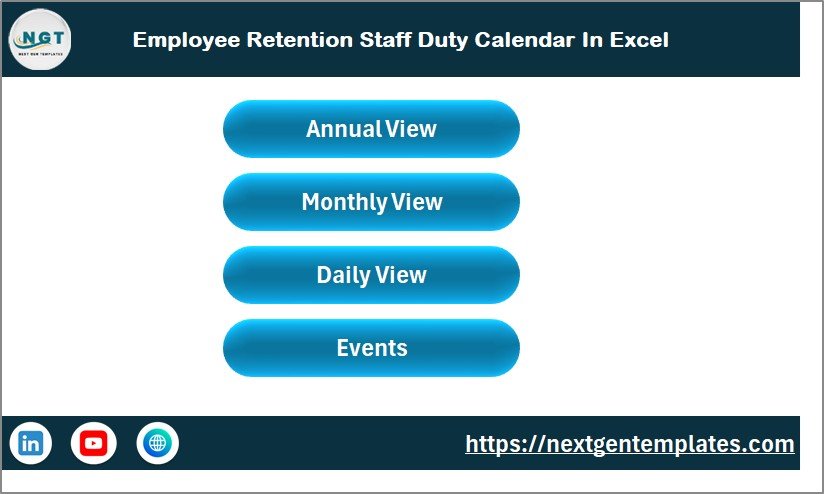
The Home sheet acts as a central navigation dashboard. With quick-access buttons for Annual View, Monthly View, Daily View, and Events, users can move across the workbook instantly.
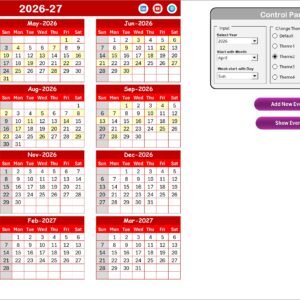
📆 Annual Calendar Overview
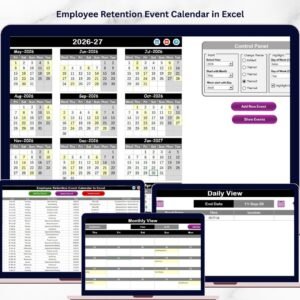
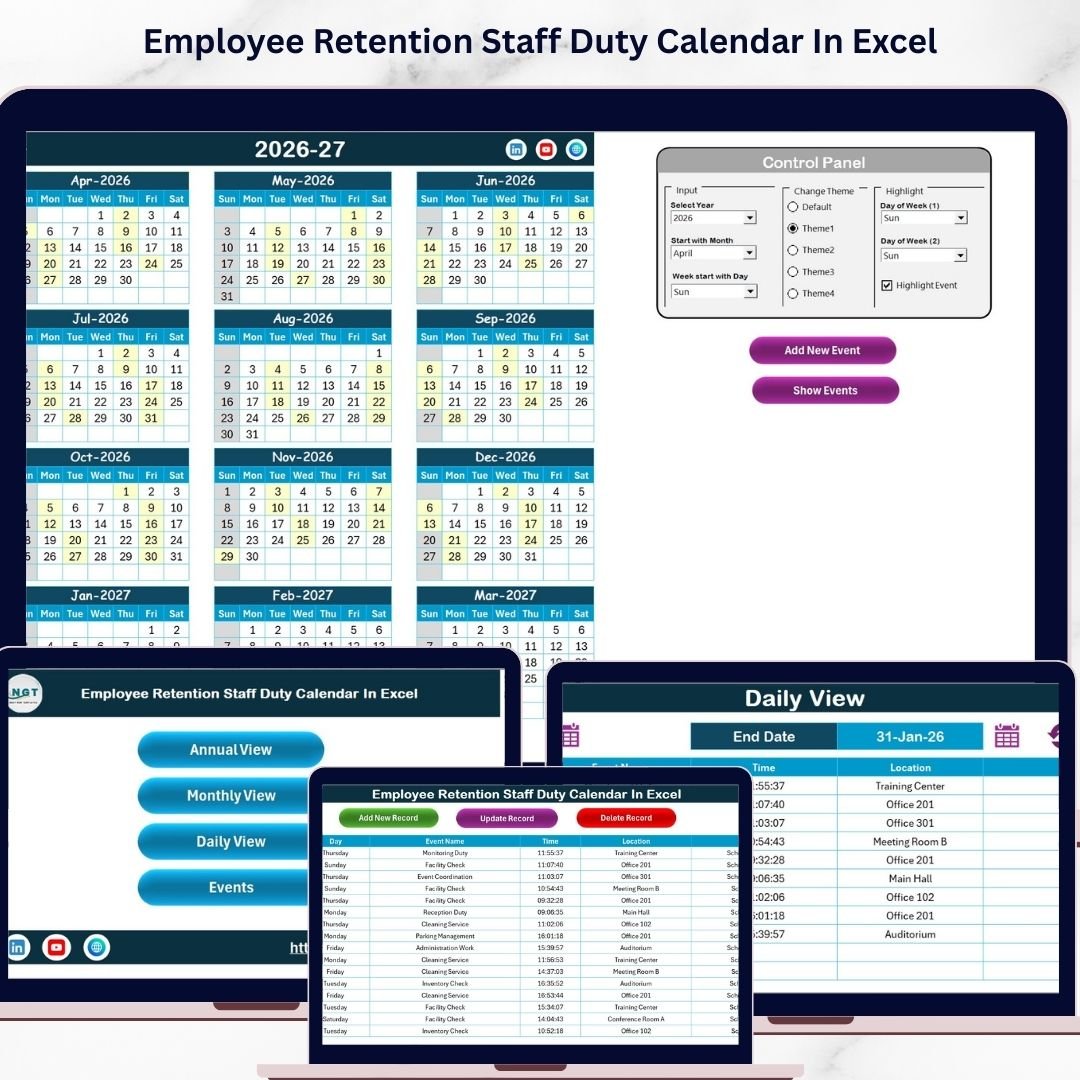
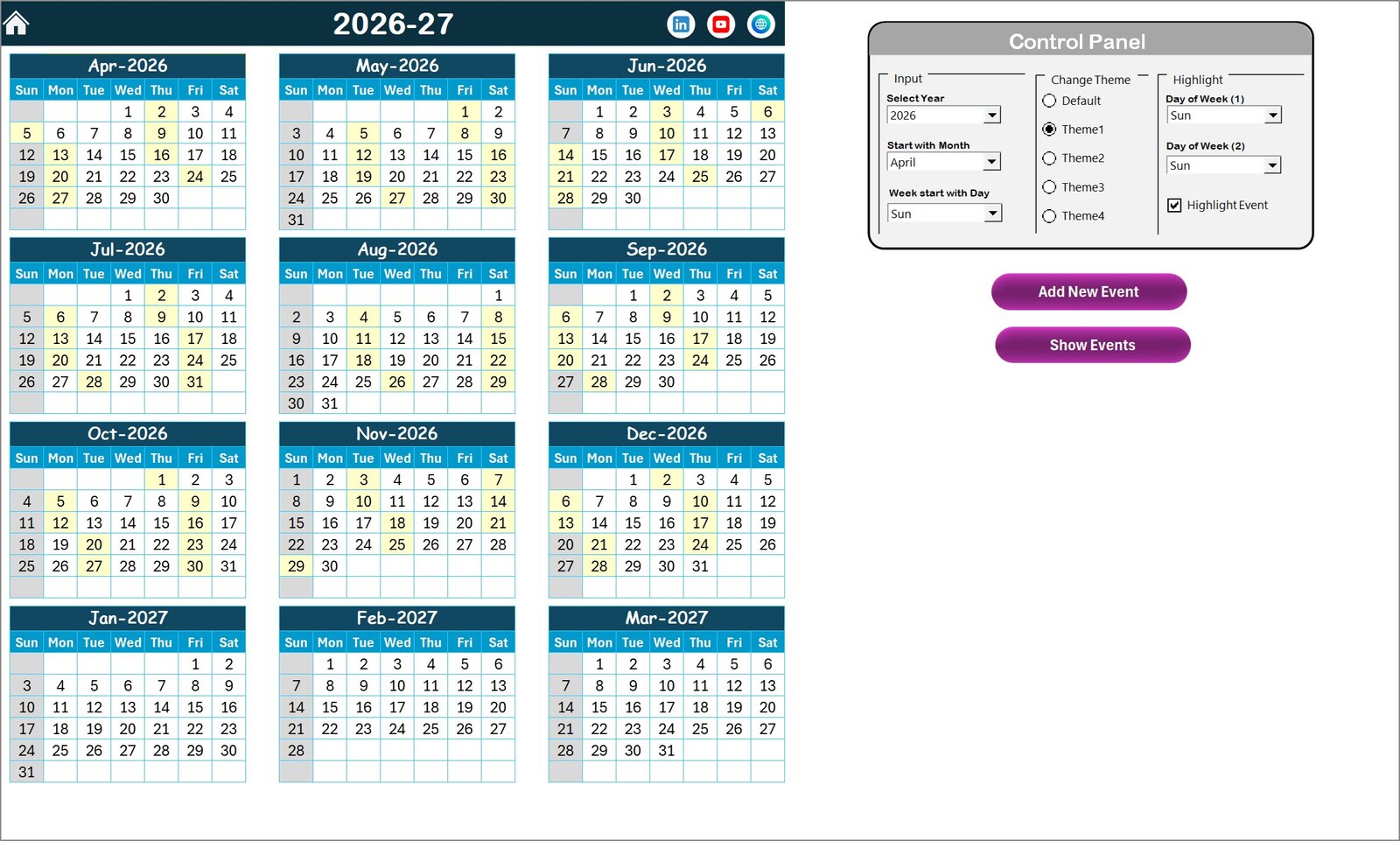
View the complete 12-month calendar on a single screen. This allows HR managers and team leaders to plan employee activities, meetings, and engagement programs across the entire year.
🎨 Customizable Theme Settings
The template includes five color themes that allow organizations to personalize the calendar design according to their company style or preference.
⚙️ Flexible Calendar Settings
Users can easily select the year, choose the starting month, and define the starting day of the week. Once updated, the calendar automatically refreshes.
✨ Highlight Important Days Automatically
Users can highlight weekends, training days, or shift schedules. The system can also highlight event days automatically for better visibility.
➕ Quick Event Creation
With the Add New Event button, users can instantly schedule meetings, training sessions, staff duties, or employee engagement activities.
🔎 View Events Instantly
The Show Event button allows users to quickly check events scheduled on a specific date.
📊 Monthly Calendar View
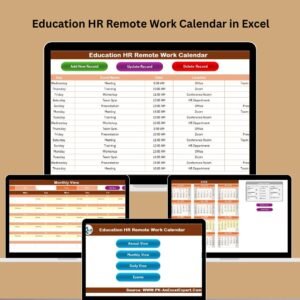
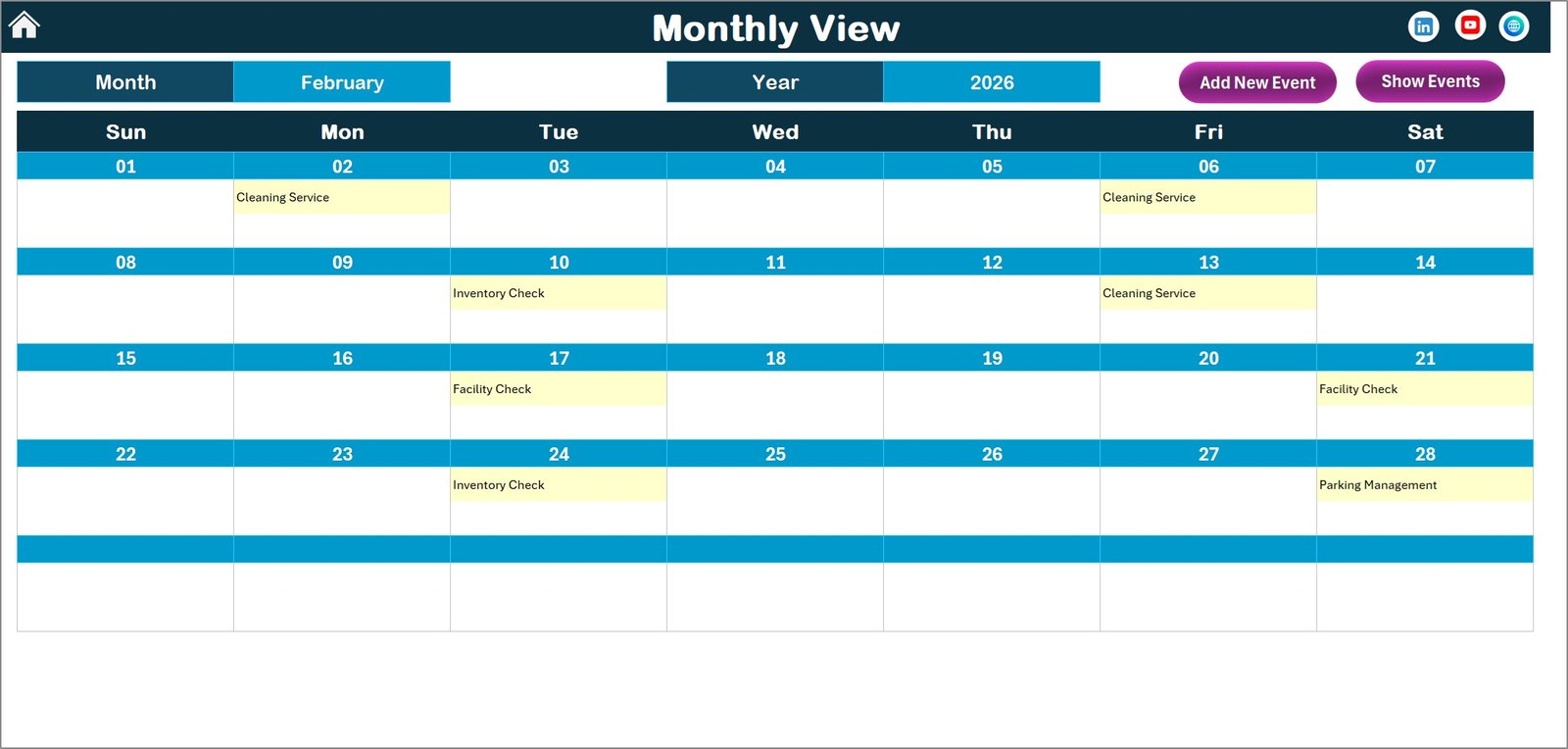
The monthly view displays events scheduled for a selected month. It helps managers track detailed staff activities and monitor schedules easily.
📋 Daily Event Analysis View
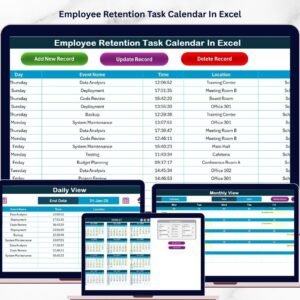
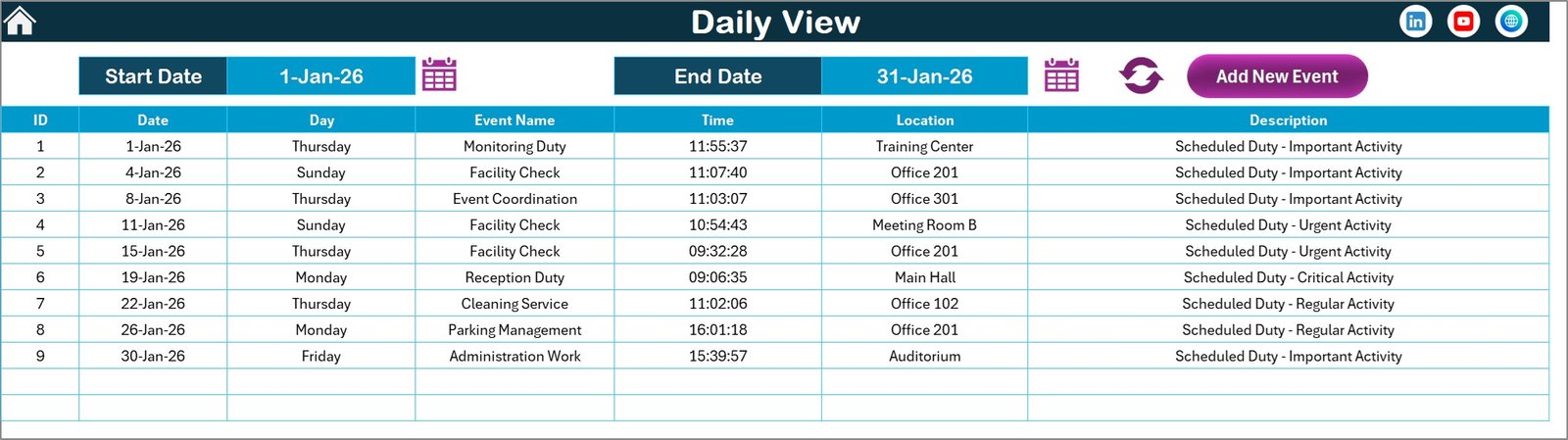
The Daily View sheet allows users to analyze events between a selected start date and end date. This helps HR teams monitor upcoming HR activities and staff schedules.
🗂️ Central Event Database
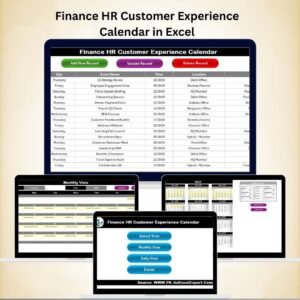
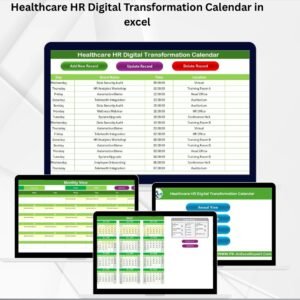
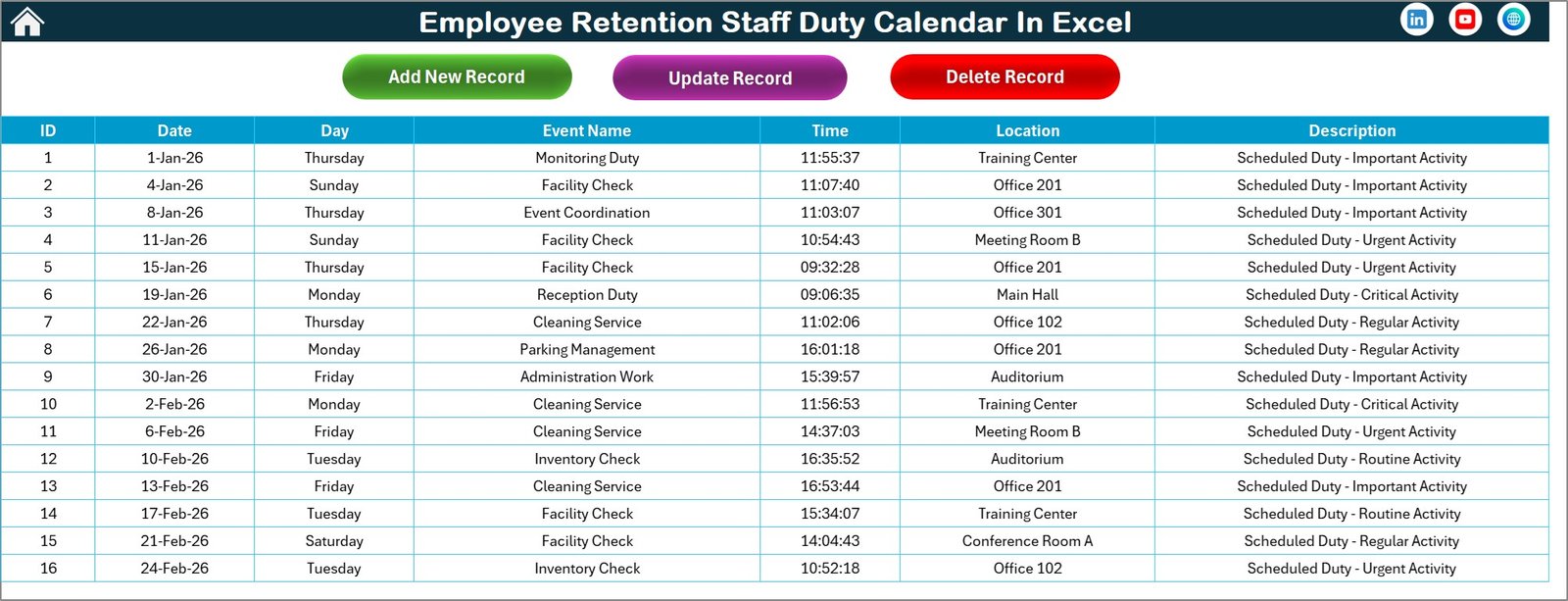
The Events sheet stores all event records including date, time, location, and description. This structured database ensures all records remain organized.
📦 What’s Inside the Employee Retention Staff Duty Calendar in Excel
This ready-to-use Excel template includes five fully functional worksheets that help organizations manage employee schedules and HR events efficiently.
✔ Home Sheet – Central navigation dashboard with shortcut buttons to access all calendar views.
✔ Annual View Sheet – Displays the entire year calendar with customizable control panel options.
✔ Monthly View Sheet – Shows detailed monthly calendar for tracking staff activities and duties.
✔ Daily View Sheet – Lists events within a selected date range for better analysis and tracking.
✔ Events Sheet – Central database storing all event details including ID, date, event name, time, location, and description.
These integrated sheets work together to provide a complete employee scheduling and retention planning system.
⚙️ How to Use the Employee Retention Staff Duty Calendar in Excel
Using this calendar template is simple and requires minimal Excel knowledge.
1️⃣ Open the template and start from the Home Sheet.
2️⃣ Navigate to Annual, Monthly, or Daily views using the navigation buttons.
3️⃣ Adjust calendar settings such as year, starting month, and week format.
4️⃣ Add events by selecting a date and clicking the Add New Event button.
5️⃣ Enter event details like event name, time, location, and description.
6️⃣ Use the Show Event button to review scheduled events.
7️⃣ Analyze events through monthly or date-range views.
With just a few clicks, HR teams can maintain an organized event schedule.
👥 Who Can Benefit from This Employee Retention Staff Duty Calendar
This template is useful for many organizations and professionals including:
🏢 HR Managers – Plan employee engagement programs and HR activities.
👨💼 Business Owners – Monitor staff duties and improve workforce planning.
📊 Team Leaders – Schedule meetings, training sessions, and team events.
🏭 Corporate Organizations – Manage employee retention programs efficiently.
🏫 Educational Institutions – Plan staff schedules and HR activities.
🏥 Healthcare Organizations – Organize staff duties and shift schedules.
Any organization looking to improve employee engagement and workforce planning can benefit from this calendar.
Employee retention remains a major challenge for organizations. Companies must ensure employees feel supported, engaged, and valued. The Employee Retention Staff Duty Calendar in Excel provides a simple yet powerful way to plan employee activities, monitor engagement programs, and manage HR events effectively.
By organizing staff schedules and engagement initiatives in a structured calendar, organizations can improve communication, reduce scheduling conflicts, and create a more productive work environment.
Click here to read the Detailed blog post
Watch the step-by-step video tutorial: