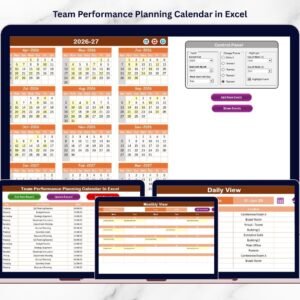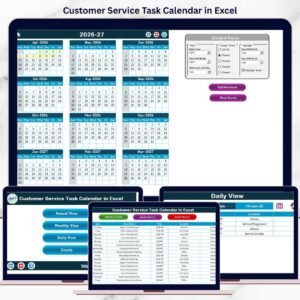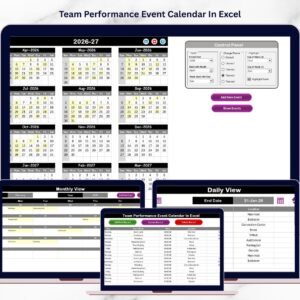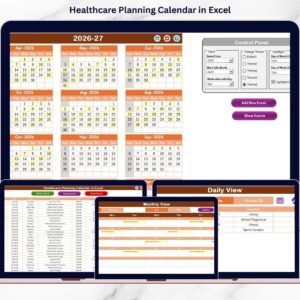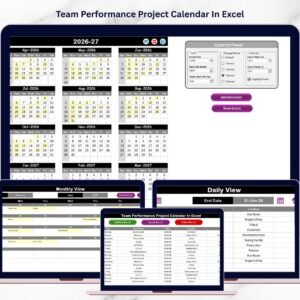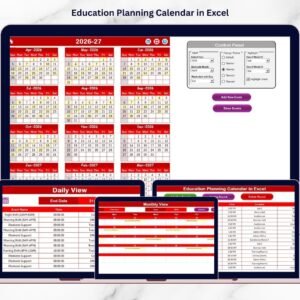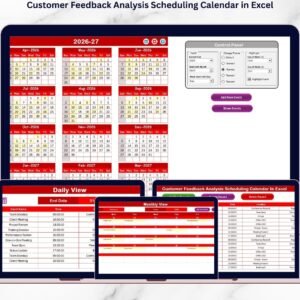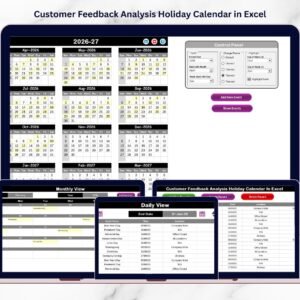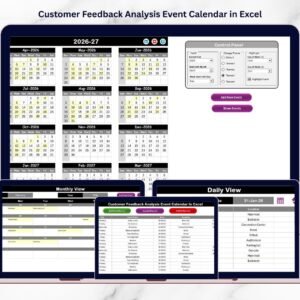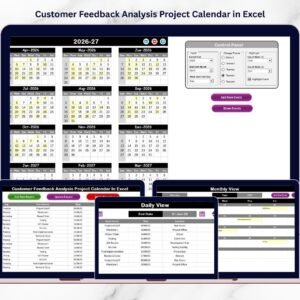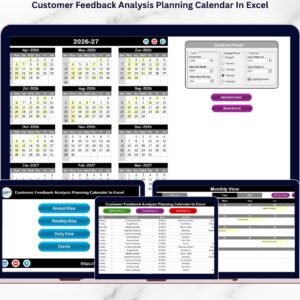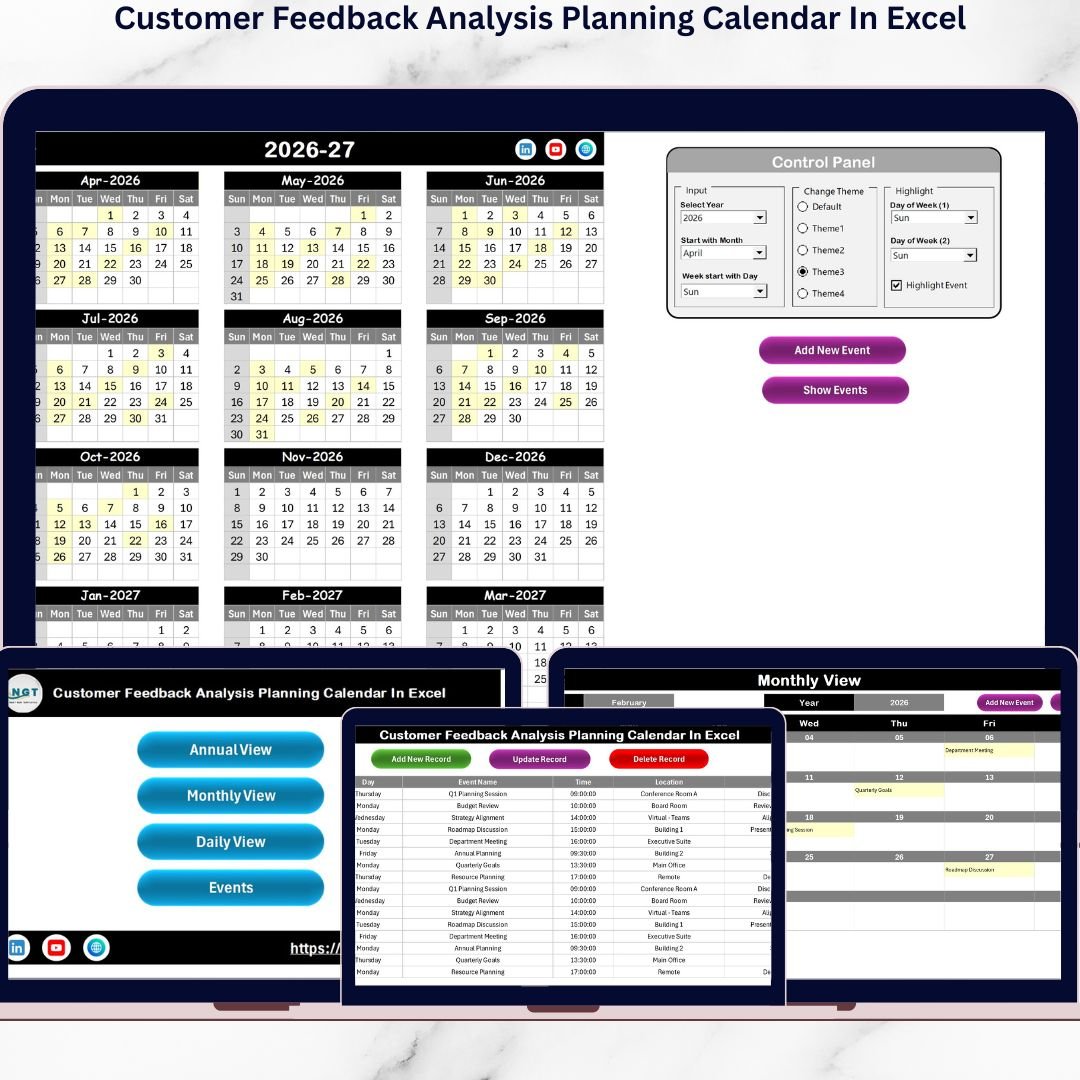
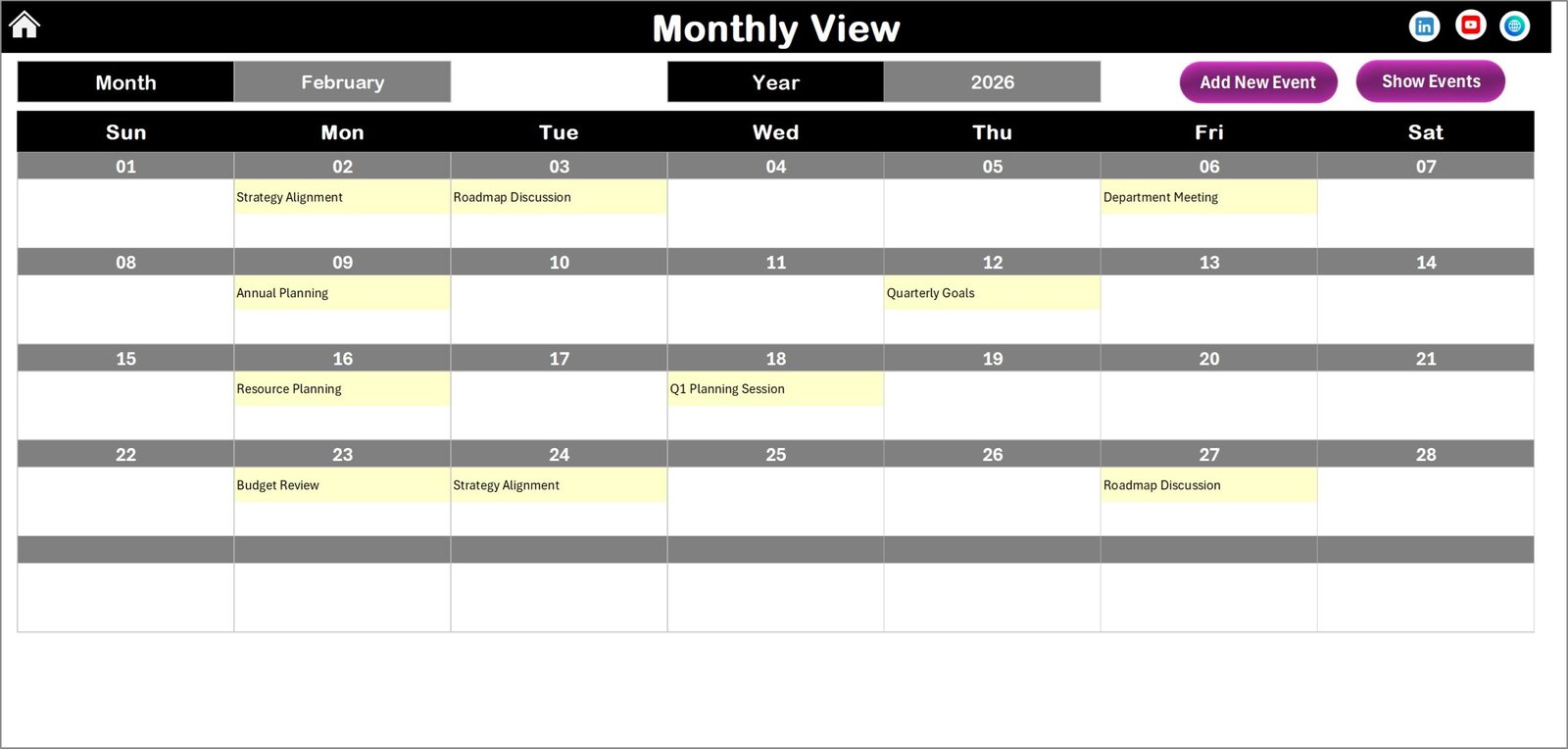

Managing customer feedback without proper planning often leads to missed reviews, delayed analysis, and lost improvement opportunities. Many organizations collect valuable customer insights but struggle to organize when and how feedback should be reviewed or acted upon. As a result, decision-making becomes reactive instead of strategic.The Customer Feedback Analysis Planning Calendar in Excel is a ready-to-use, professionally designed scheduling solution that helps businesses organize feedback collection, analysis timelines, meetings, and improvement actions — all inside one powerful Excel workbook.Instead of using scattered spreadsheets, emails, or manual reminders, this smart Excel calendar centralizes every feedback activity into a structured system. Consequently, teams stay aligned, managers gain full visibility, and organizations transform customer opinions into measurable improvements faster.Designed with simplicity and automation in mind, this template allows users to plan yearly feedback strategies, monitor monthly activities, and track daily execution effortlessly.
✅ Key Features of Customer Feedback Analysis Planning Calendar in Excel
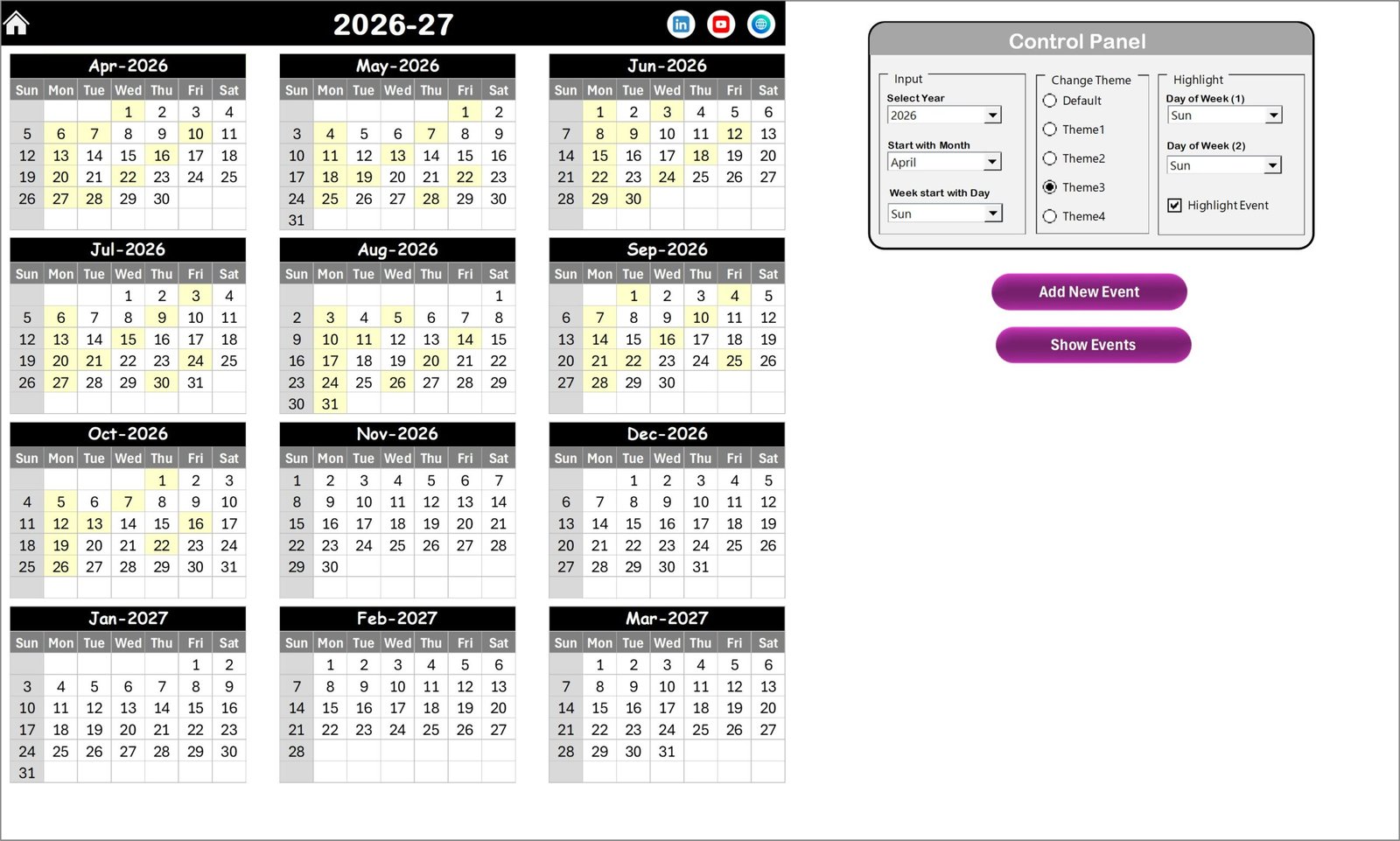
📅 Interactive Annual Planning Calendar – Plan and visualize feedback activities across the entire year with dynamic controls.
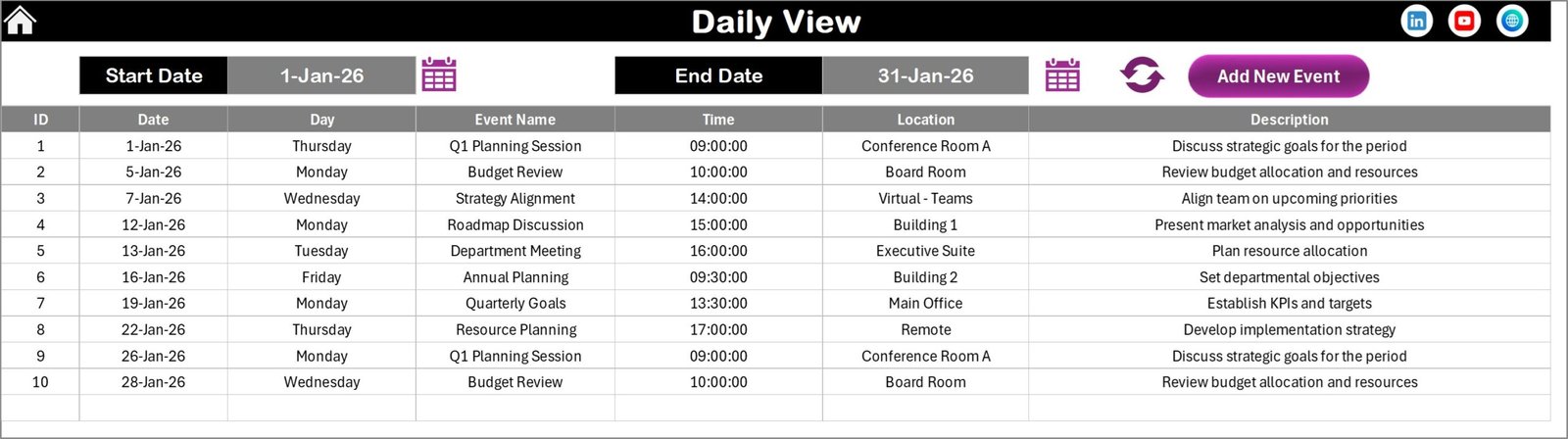
🎯 Monthly & Daily Tracking Views – Monitor detailed schedules and execution timelines without confusion.
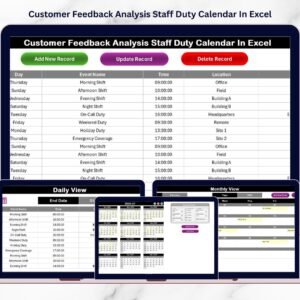
⚡ One-Click Event Management – Add, edit, or delete feedback events instantly using user-friendly buttons.
🎨 Multiple Color Themes – Customize the calendar appearance to match company branding.
🔎 Highlight Important Days – Mark review deadlines, surveys, or meetings for quick visibility.
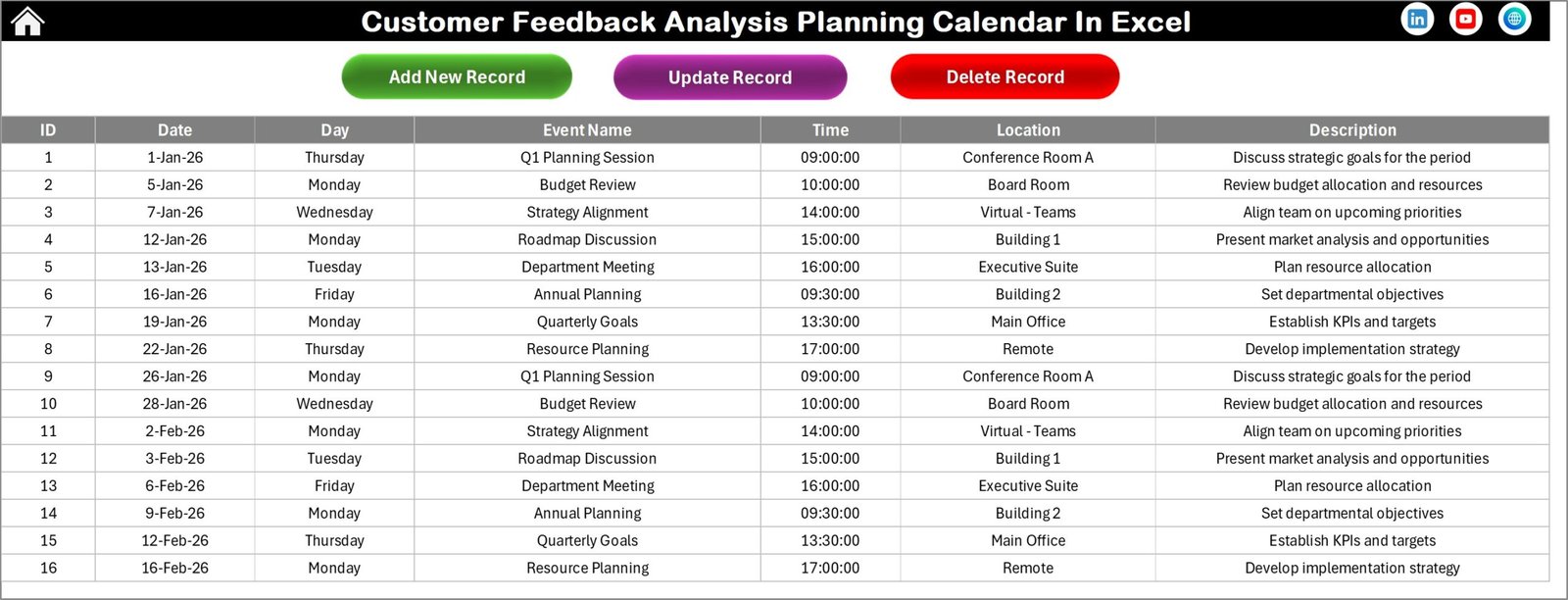
📊 Centralized Event Database – Maintain structured historical records of all feedback activities.
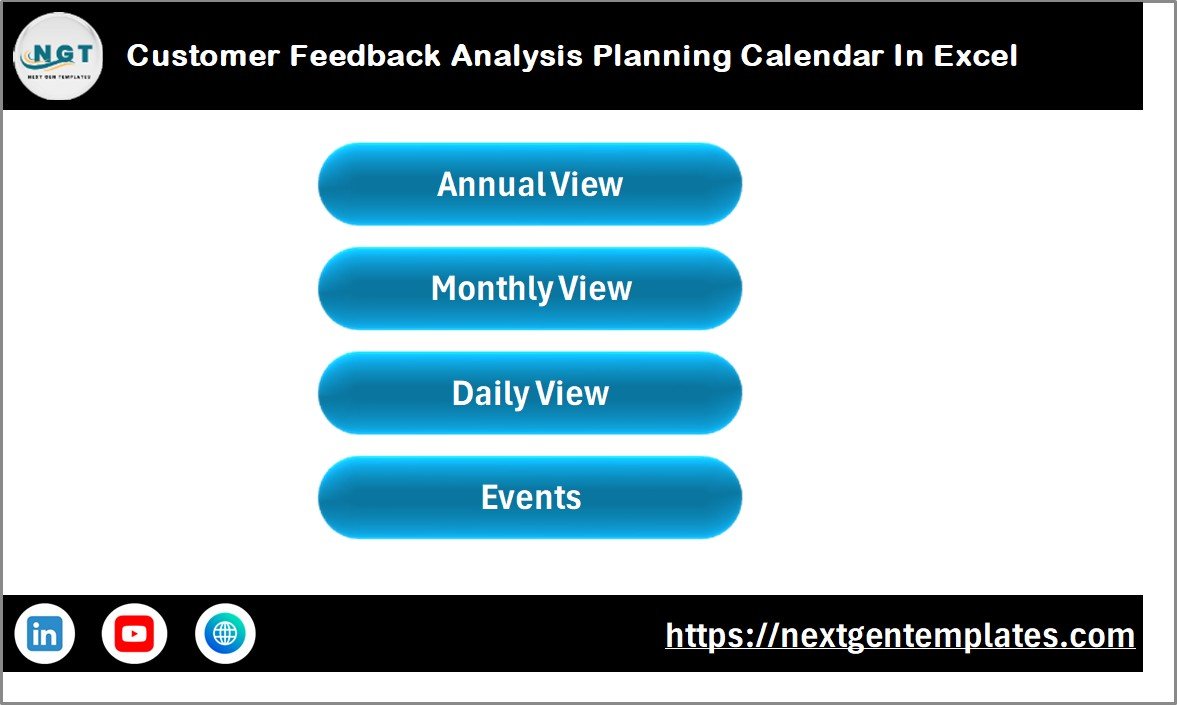
🧭 Easy Navigation Home Page – Jump between Annual, Monthly, Daily, and Database views instantly.
👨💼 Beginner-Friendly Design – No advanced Excel skills required.
📦 What’s Inside the Customer Feedback Analysis Planning Calendar in Excel
This ready-to-use template includes five professionally structured worksheets:
Home Sheet – Navigation hub with quick-access buttons.
Annual View – Full 12-month planning calendar with control panel options.
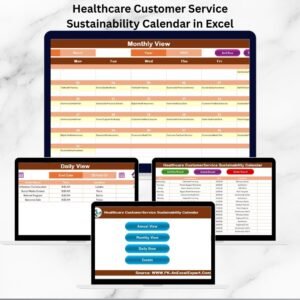
Monthly View – Focused scheduling for monthly feedback activities.
Daily View – Detailed operational tracking for selected dates.
Events Database – Central backend storing all feedback event records.
Each sheet works together to create a complete feedback planning ecosystem, ensuring no activity goes unnoticed.
🚀 How to Use the Customer Feedback Analysis Planning Calendar in Excel
Using this template is simple and intuitive:
1️⃣ Open the workbook and start from the Home sheet.
2️⃣ Select the year and customize calendar settings.
3️⃣ Add feedback events using the Add New Event button.
4️⃣ View schedules in Annual, Monthly, or Daily formats.
5️⃣ Update or manage records directly from the Events database.
6️⃣ Highlight important review dates for better tracking.
Within minutes, your organization can build a structured feedback management workflow.
👥 Who Can Benefit from This Customer Feedback Analysis Planning Calendar
This template is ideal for:
Customer Experience Teams
Quality Assurance Managers
Product Managers
Marketing & Research Teams
Service-Based Businesses
SaaS Companies
Retail Organizations
Support & Operations Departments
Any organization focused on improving customer satisfaction can immediately benefit from this structured planning system.
By combining planning, tracking, and centralized data management, this Excel calendar helps businesses move from unorganized feedback handling to a proactive customer experience strategy. Instead of reacting late to customer concerns, teams can schedule analysis cycles consistently and drive continuous improvement.
Ultimately, this tool turns feedback into action — helping organizations improve services, strengthen relationships, and make smarter decisions based on real customer insights.
Click here to read the Detailed blog post
Watch the step-by-step video tutorial:
Visit our YouTube channel to learn step-by-step video tutorials
👉 https://Youtube.com/@PKAnExcelExpert
Compatibility and Requirements
- Works in Microsoft Excel desktop (Excel 2016 or later, or Microsoft 365).
- The calendar uses buttons to add, edit and delete events and a control panel for the year and color theme. Microsoft’s Excel for Windows training covers the basics if you are new to Excel.
Frequently Asked Questions
Which sheets are included?
Five sheets: Home, Annual View, Monthly View, Daily View and Events Database.
How do I add a feedback event?
Click the Add New Event button, enter the event details and save. The event then shows in the Annual, Monthly and Daily views and is stored in the Events Database.
Can I change the look of the calendar?
Yes. The template has multiple color themes, so you can match the calendar to your company branding.
Can I mark review deadlines and survey dates?
Yes. You can highlight important days such as review deadlines, surveys or meetings so they stand out in the calendar.
Is there a checklist or tracker to use alongside the calendar?
Yes. See the Customer Feedback Tracker in Excel and the Customer Feedback Review Checklist in Excel.
Related Customer Feedback Templates
- Customer Feedback Collection Calendar in Excel: plan when feedback is collected
- Customer Feedback Tracker in Excel: log and follow up on each feedback item
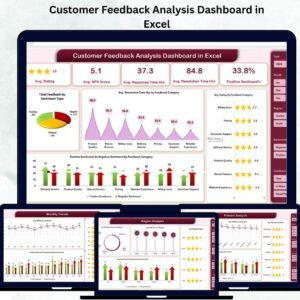
- Customer Feedback Analysis Dashboard in Excel: a dashboard view of your feedback data
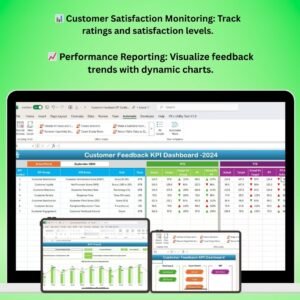
- Customer Feedback KPI Dashboard in Excel: track feedback KPIs
- Customer Feedback Review Checklist in Excel: a checklist for review cycles
Browse all Excel calendar templates.