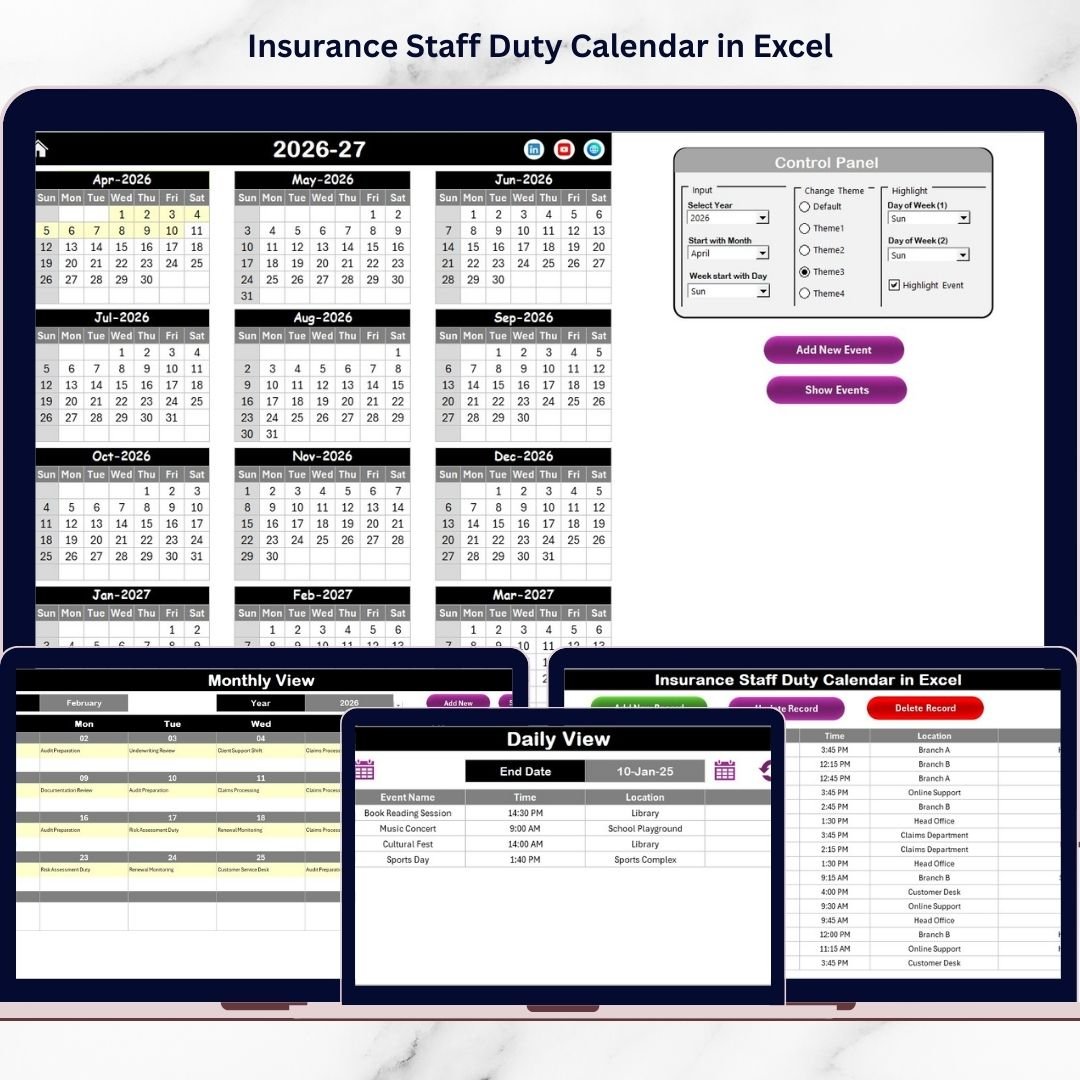

Managing staff duties in the insurance industry requires precision, coordination, and clear scheduling. Insurance organizations handle multiple daily responsibilities such as customer service operations, claim processing, inspections, compliance activities, internal meetings, and policy management. Insurance Staff Duty Calendar in Excel Without a structured scheduling system, teams often face overlapping duties, missed events, and inefficient workload distribution.
Many companies still rely on manual planners, emails, or disconnected spreadsheets to manage staff schedules. As a result, coordination becomes difficult, productivity decreases, and important operational activities may be overlooked.
The Insurance Staff Duty Calendar in Excel is a ready-to-use, professionally designed scheduling solution that helps insurance organizations manage staff duties, events, and operational planning through an interactive calendar interface. Built entirely in Excel, this smart calendar centralizes scheduling into one organized system while remaining simple enough for everyday users.
Insurance Staff Duty Calendar in Excel Instead of manually tracking events, managers can plan duties using automated annual, monthly, and daily calendar views. Dynamic updates ensure schedules remain accurate, while built-in forms simplify event entry and management.
Whether you are managing a small insurance team or coordinating multiple departments, this calendar provides structured planning that improves visibility, accountability, and operational efficiency.
🚀 Key Features of Insurance Staff Duty Calendar in Excel
✅ Interactive calendar with annual, monthly, and daily views
✅ One-click navigation buttons for quick access
✅ Automated event entry using smart forms
✅ Dynamic calendar updates based on inputs
✅ Customizable year, month, and week settings
✅ Multiple color themes for personalized layout
✅ Event highlighting for important dates
✅ Centralized event database management
✅ Easy event update and deletion options
✅ User-friendly design requiring no advanced Excel skills
These features allow organizations to manage staff duties efficiently without complex scheduling software.
📦 What’s Inside the Insurance Staff Duty Calendar in Excel
This ready-to-use template includes five structured worksheets designed for complete scheduling management:
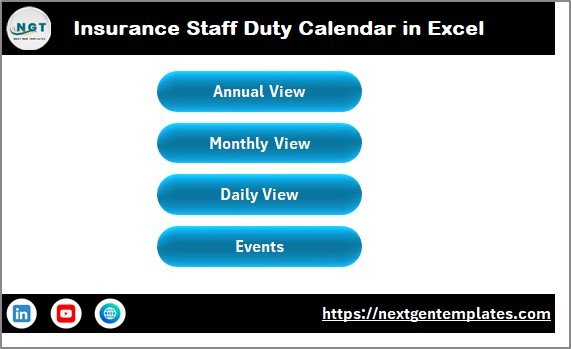
🏠 Home Sheet – Central navigation panel with buttons for quick movement between calendar views.
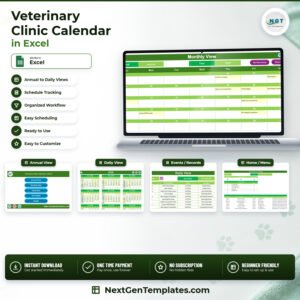
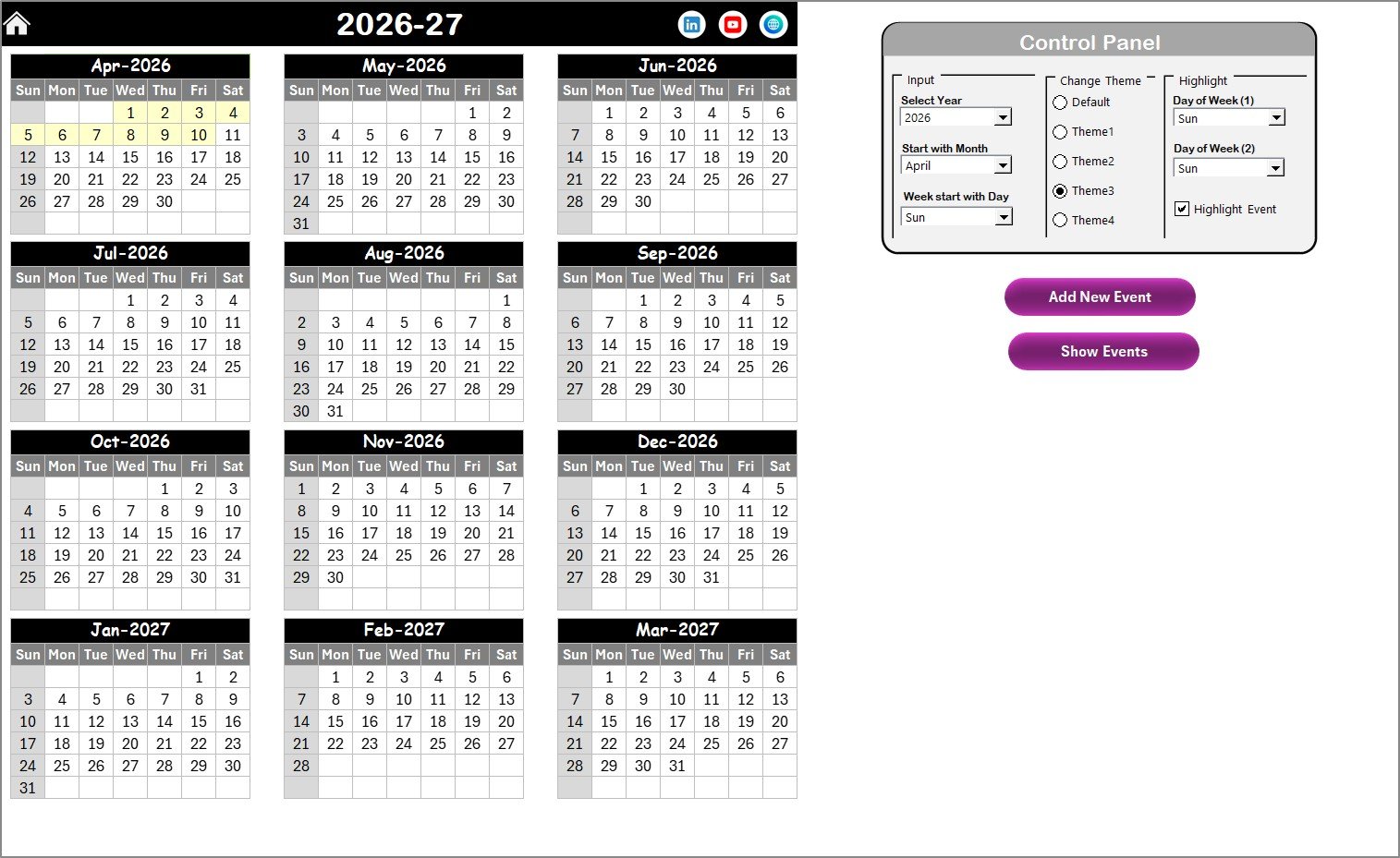
📅 Annual View Sheet – Displays all 12 months in a single dashboard for yearly planning and event visualization.
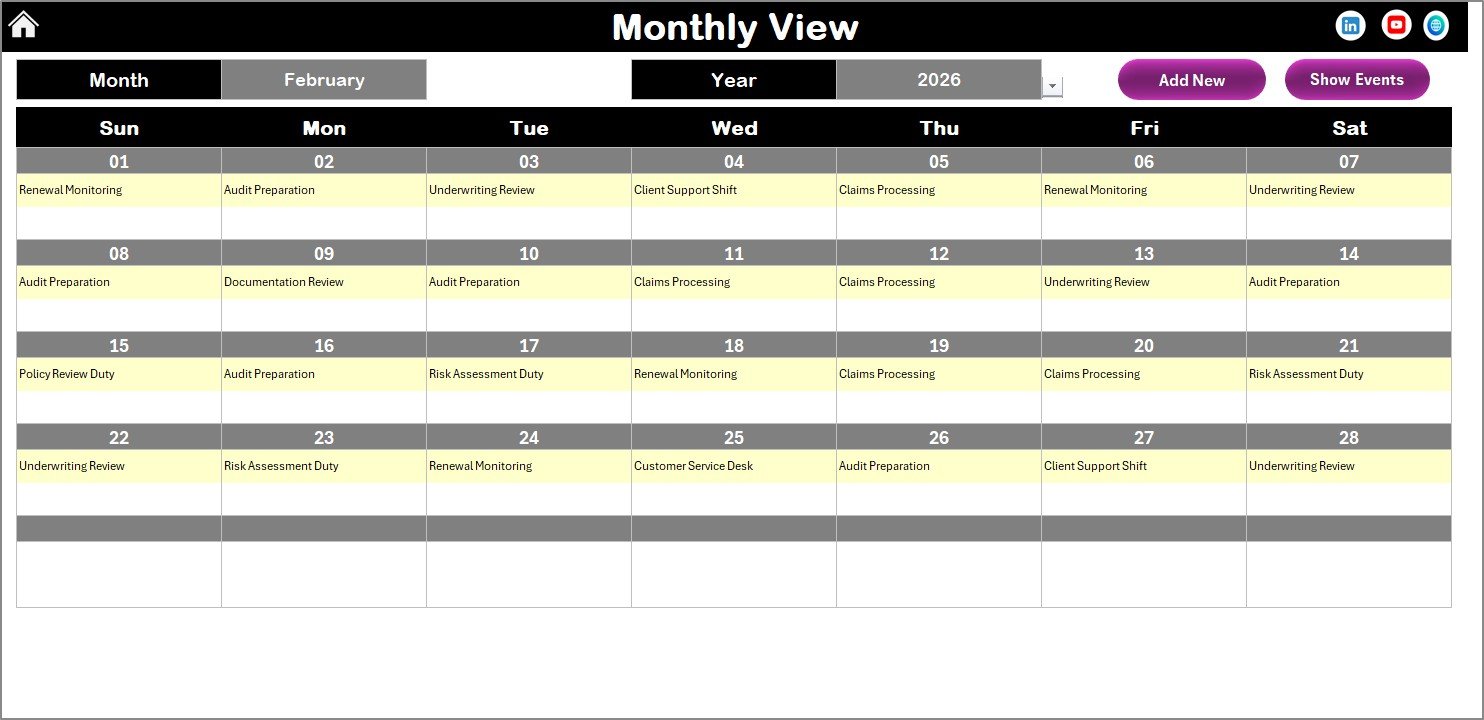
🗓 Monthly View Sheet – Provides detailed monthly scheduling with automatic event display and management buttons.
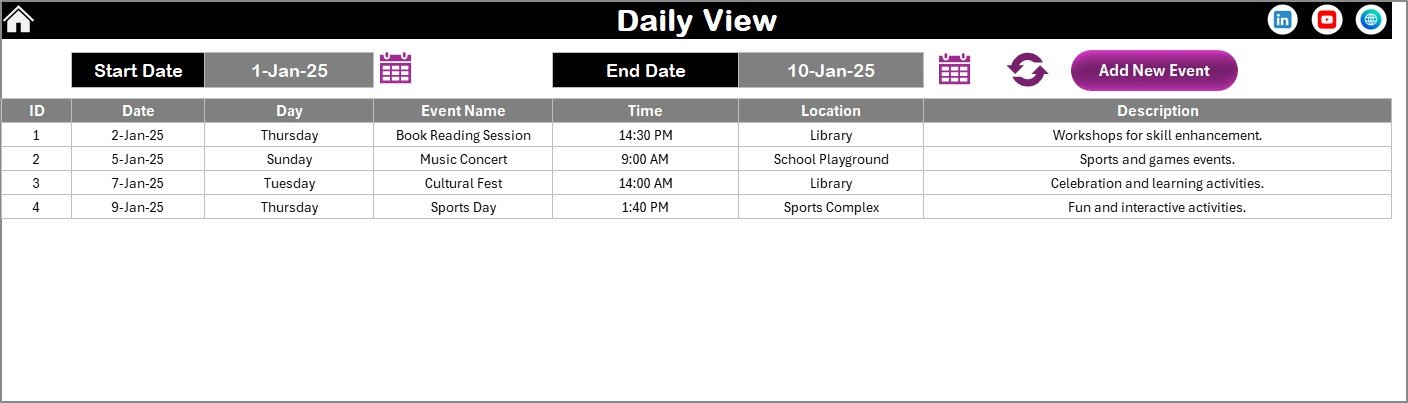
📋 Daily View Sheet – Shows event details within selected date ranges for workload analysis.
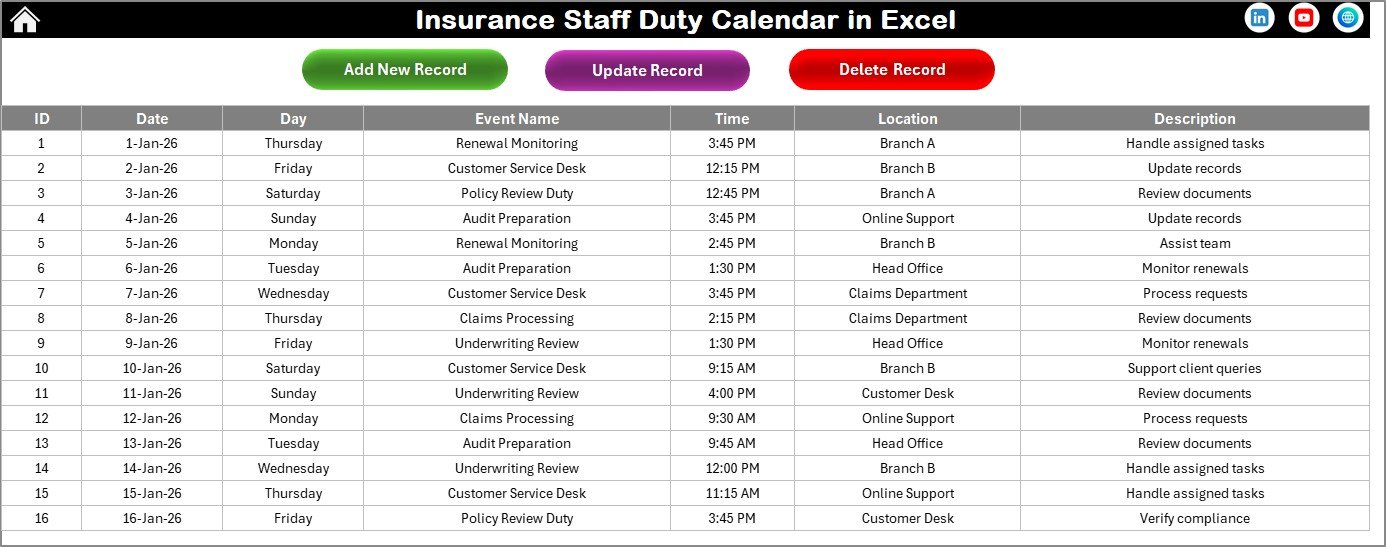
🗂 Events Sheet – Backend database storing all event records including date, time, location, and descriptions.
Together, these sheets create a centralized and automated staff scheduling system.
⚙️ How to Use the Insurance Staff Duty Calendar in Excel
The calendar follows a simple workflow suitable for all users:
1️⃣ Add staff duties or meetings using the Add New Event button.
2️⃣ Enter event details through the automated form.
3️⃣ Save events directly into the database sheet.
4️⃣ View schedules instantly across annual, monthly, and daily calendars.
5️⃣ Monitor workloads and update events whenever required.
Because all views update automatically, managers always work with accurate scheduling data.
👥 Who Can Benefit from This Insurance Staff Duty Calendar in Excel
This template is ideal for:
🏢 Insurance companies and agencies
👨💼 Operations and administrative managers
📊 HR and workforce coordinators
📅 Team supervisors managing staff duties
📈 Compliance and inspection teams
🚀 Small to large insurance organizations
Any organization requiring structured workforce planning can use this calendar to improve coordination.
A structured duty calendar significantly improves organizational efficiency. Managers gain visibility into staff availability, teams avoid scheduling conflicts, and operational planning becomes proactive rather than reactive.
Excel’s familiar environment ensures quick adoption without training barriers. Automated event forms reduce data entry errors, while visual calendar layouts simplify workload planning.
The Insurance Staff Duty Calendar in Excel transforms traditional scheduling into a streamlined, professional planning system. By implementing this calendar, organizations improve coordination, reduce operational confusion, and ensure every duty and event is managed effectively.
Click here to read the Detailed blog post
Visit our YouTube channel to learn step-by-step video tutorials
👉 Youtube.com/@PKAnExcelExpert