
Managing Hospital Shifts Manually? One Scheduling Mistake Can Disrupt Patient Care 🏥⏰
Healthcare facilities operate 24/7. Doctors, nurses, technicians, and support staff must follow structured duty rosters without conflict. However, many hospitals and clinics still rely on manual planning or scattered spreadsheets. As a result, shift overlaps occur, staff shortages arise, overtime increases, and coordination becomes stressful.
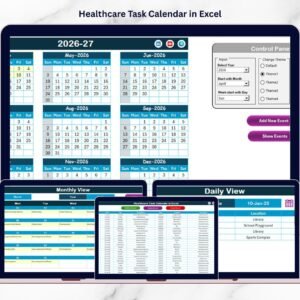
The Healthcare Staff Duty Calendar in Excel gives you a structured, ready-to-use scheduling system designed specifically for healthcare environments.
Instead of juggling multiple files, you manage annual schedules, monthly duty plans, daily events, and staff assignments — all in one organized workbook.
Clarity replaces confusion.
Structure replaces chaos.
Confidence replaces stress.
This powerful Excel template helps administrators improve scheduling accuracy while reducing administrative workload.
Key Feature of Healthcare Staff Duty Calendar in Excel 📅
This professionally built calendar includes smart features designed for healthcare scheduling:
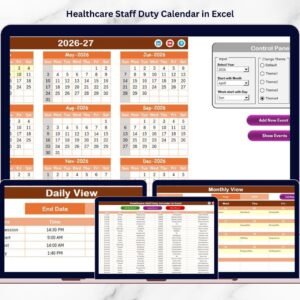
✅ Annual, Monthly & Daily Views – Plan at every level with clarity.
✅ Interactive Control Panel – Adjust year, month, and week settings instantly.
✅ 5 Customizable Color Themes – Match your hospital branding.
✅ Highlight Weekends & Important Days – Improve visual clarity.
✅ Add New Event Form – Enter staff duty records easily.
✅ Update & Delete Records – Keep schedules clean and current.
✅ Auto-Generated ID System – Organized event tracking.
✅ Centralized Event Database – All staff duties stored in one place.
Because everything runs inside Excel, your team can start using it immediately.
What’s Inside the Healthcare Staff Duty Calendar in Excel 📁
You receive a fully structured Excel workbook with 5 organized sheets.
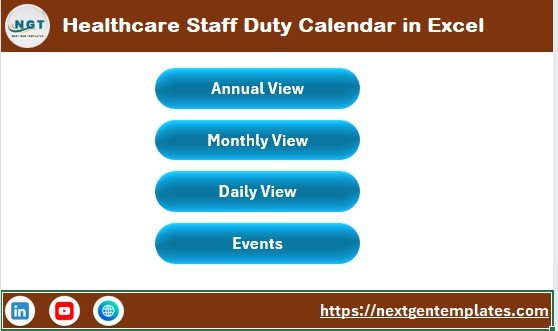
🏠 1️⃣ Home Sheet – Central Navigation Hub
This sheet acts as the index page with 4 quick navigation buttons:
Annual View
Monthly View
Daily View
Events
Switch between sheets instantly and maintain smooth workflow.
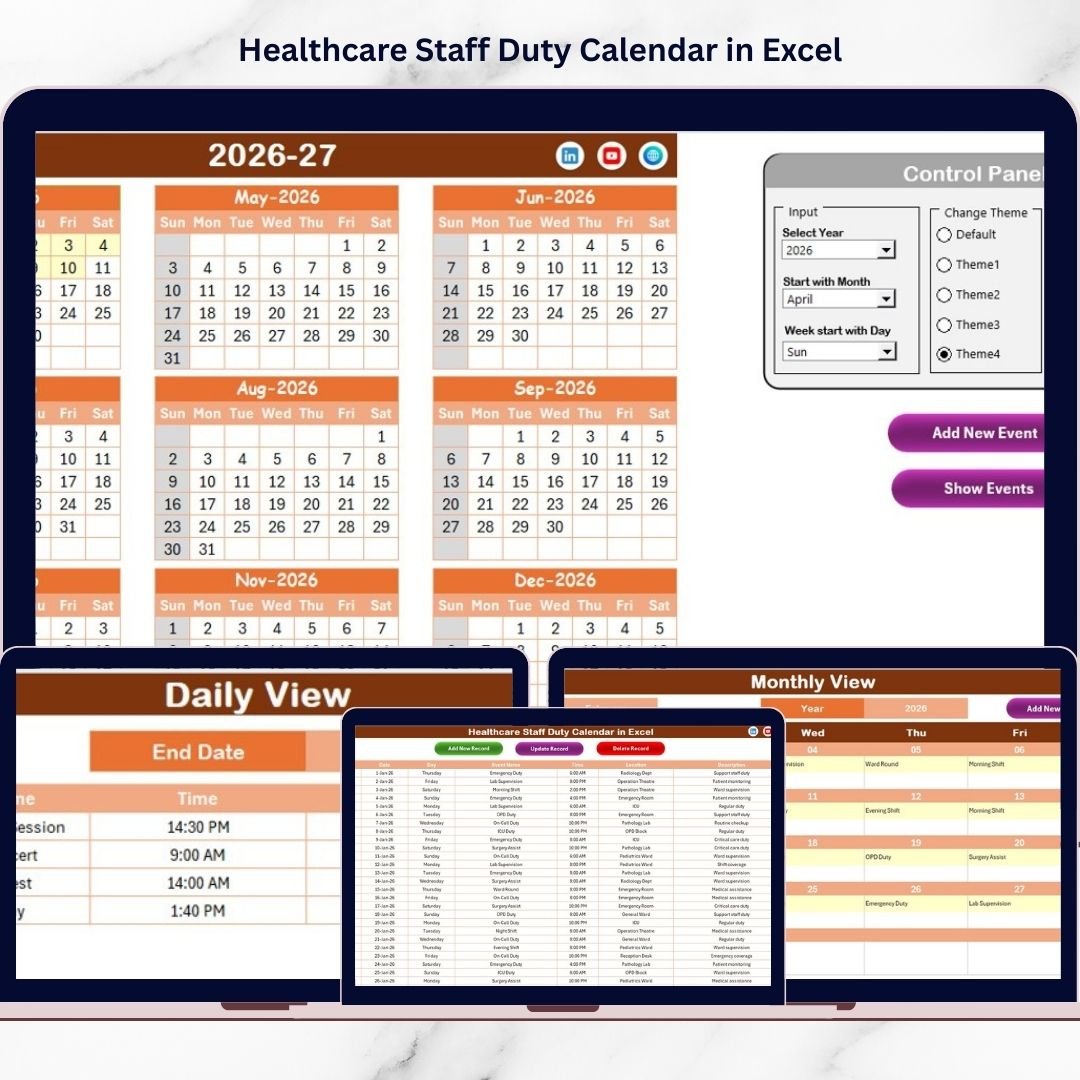
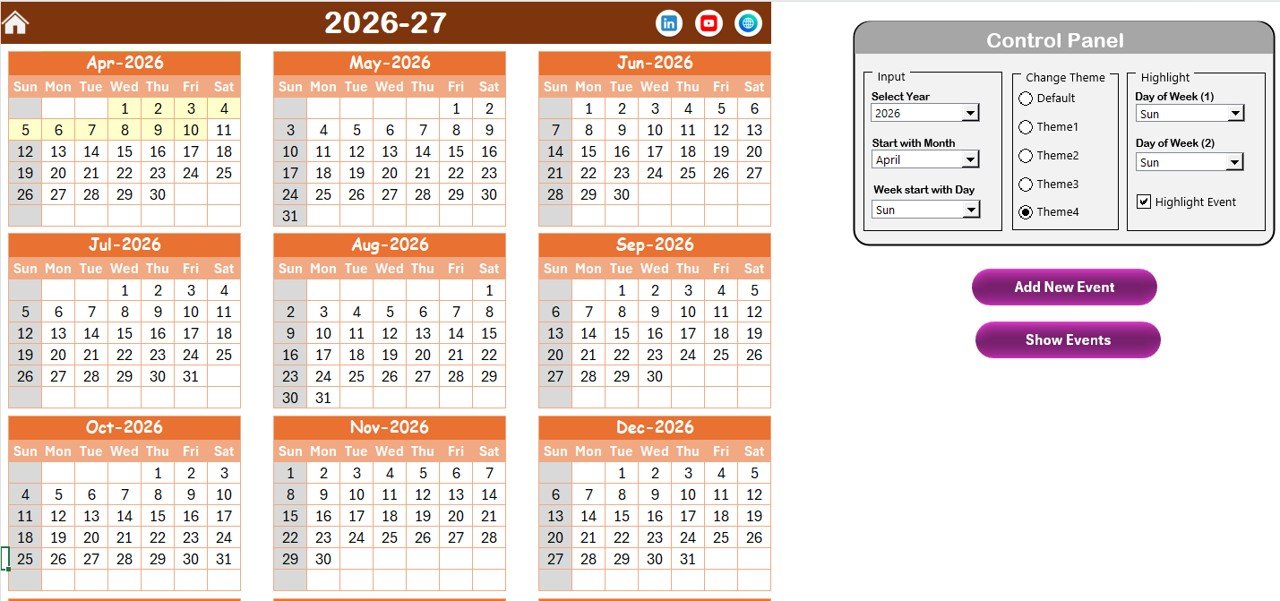
📆 2️⃣ Annual View Sheet – Complete Year Overview
Displays all 12 months in one layout.
🔹 Control Panel Includes:
Input Group:
Select Year
Choose Starting Month
Select Starting Day of Week
Change Theme Group:
Choose from 5 professional color themes
Highlight Group:
Highlight two selected weekdays
Enable Highlight Event (events appear in yellow)
Buttons Available:
Add New Event
Show Event
This sheet supports long-term duty planning and annual visibility.
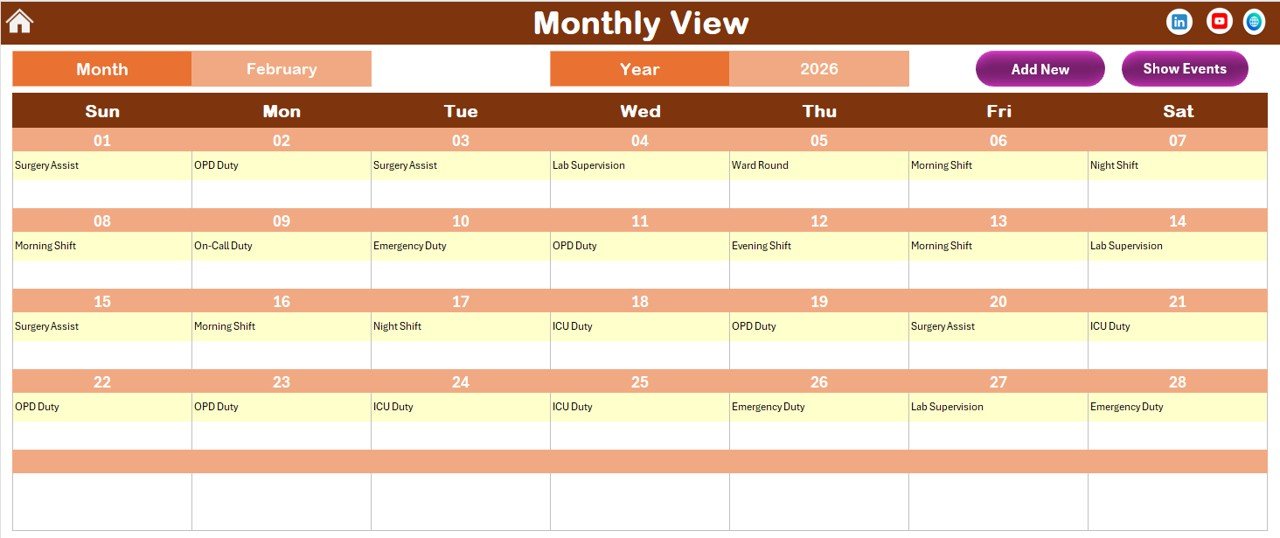
📅 3️⃣ Monthly View Sheet – Focused Monthly Planning
Select Month and Year from dropdown.
Calendar updates automatically.
If a date has:
One event → Displays directly
Multiple events → Shows “more than 1…”
Buttons:
Add New Event
Show Event
Monthly planning becomes structured and clear.
📋 4️⃣ Daily View Sheet – Detailed Event Tracking
Enter:
Start Date
End Date
Click Refresh to view events within that date range.
This helps administrators:
Monitor weekly rosters
Track daily duties
Review upcoming assignments
You can also add new events directly from this sheet.
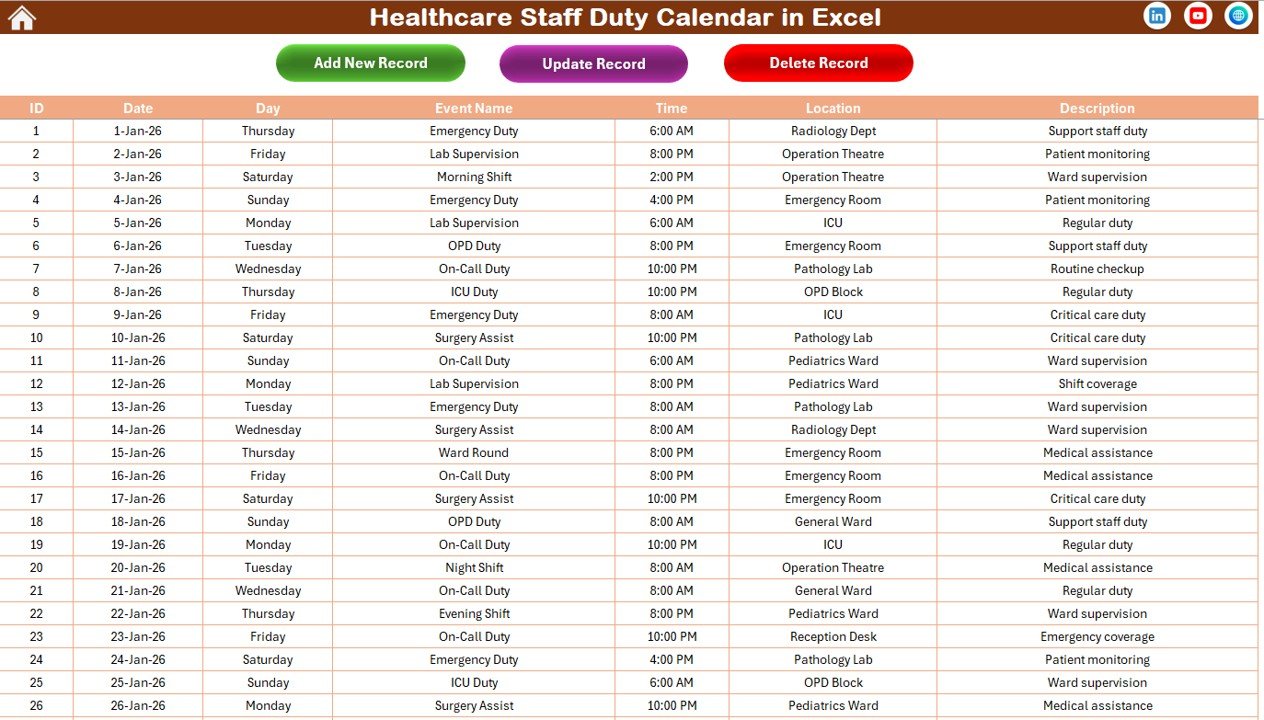
🗂 5️⃣ Events Sheet – Central Database
Stores structured data including:
ID (Auto-generated)
Date
Day
Event Name
Time
Location
Description
Buttons:
Add New Record
Update Existing Record
Delete Record
All updates reflect automatically across views.
How to Use the Healthcare Staff Duty Calendar in Excel ⚙️
Step 1: Set Year & Preferences
Adjust year, starting month, and theme.
Step 2: Add Staff Duty Events
Select date and use Add New Event form.
Step 3: Review Monthly Schedule
Check staffing balance and highlight important days.
Step 4: Monitor Daily Assignments
Use date range filtering to review shifts.
Step 5: Update Records
Modify or delete duties as changes occur.
Within minutes, your scheduling becomes structured and organized.
Who Can Benefit from This Healthcare Staff Duty Calendar in Excel 👥
This calendar is ideal for:
✔ Hospital Administrators
✔ Clinic Managers
✔ Nursing Supervisors
✔ HR Managers
✔ Medical Colleges
✔ Diagnostic Centers
✔ Healthcare NGOs
Whether you manage a small clinic or a multi-specialty hospital, this template scales to your needs.
How This Calendar Improves Healthcare Operations 🛡
It helps you:
🔹 Prevent shift overlap
🔹 Avoid staff shortages
🔹 Reduce overtime costs
🔹 Improve communication
🔹 Enhance scheduling accuracy
🔹 Strengthen operational control
Because all staff duties remain centralized, coordination improves dramatically.
Instead of reacting to staffing issues, you plan proactively.
If smooth operations and accurate scheduling matter to your healthcare facility — this calendar becomes an essential administrative tool.
Click here to read the Detailed blog post
Visit our YouTube channel to learn step-by-step video tutorials
👉 Youtube.com/@PKAnExcelExpert