

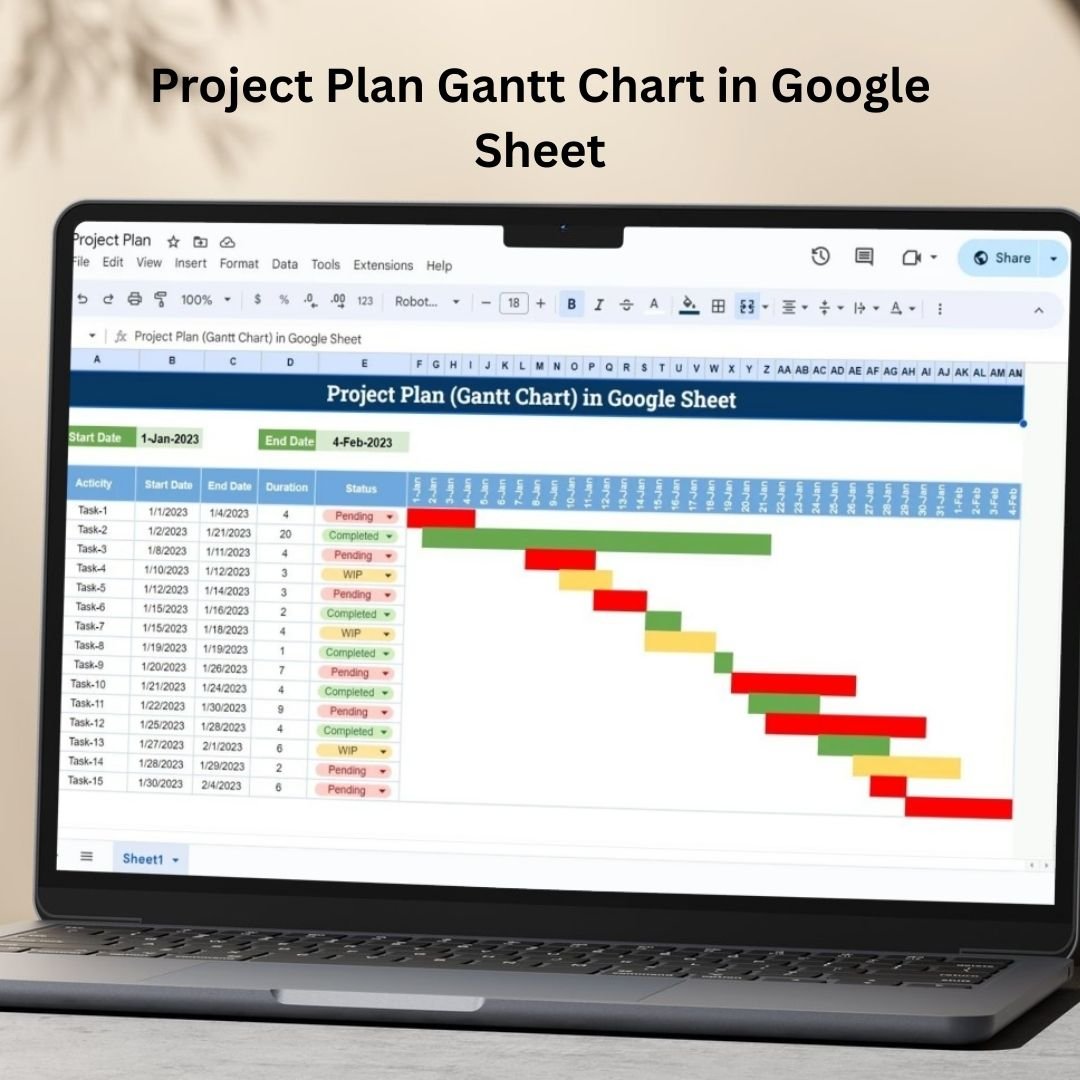


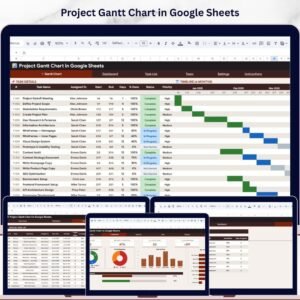
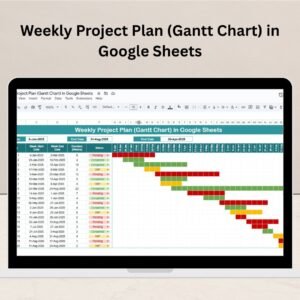
The Project Plan Gantt Chart in Google Sheet is a Google Sheets template for organizing project tasks, responsibilities, deadlines and milestones on a visual timeline. Teams can update task progress and review dependencies alongside the planned start and end dates.
With its flexible and customizable layout, this tool helps you break down projects into smaller tasks, assign responsibilities, set deadlines, and track progress in real-time. This user-friendly template makes collaboration easy, allowing team members to stay updated on task status, dependencies, and upcoming deadlines. Project Plan Gantt Chart in Google Sheet

Key Features of the Project Plan Gantt Chart in Google Sheet
📅 Project Timeline Management: Create and manage project timelines with clear visual indicators of task start and end dates.
⚙️ Task Breakdown: Break down your project into individual tasks, making it easier to track progress and assign responsibilities.
📈 Real-Time Collaboration: Share the Google Sheet with your team and work on the project plan collaboratively in real-time.
📊 Visual Gantt Chart: Use the built-in Gantt chart to visualize task progress, dependencies, and milestones.
🔄 Automated Updates: Automatically update task progress and timelines, keeping the team on track and informed.
🧑💼 Customizable Layout: Tailor the template to fit your project’s specific needs by adjusting tasks, dates, and more.
📚 Dependencies Tracking: Track task dependencies to ensure that dependent tasks are completed in the correct sequence.
Project Plan Gantt Chart in Google Sheet
Why You’ll Love the Project Plan or Gantt Chart in Google Sheets
✅ Simplifies Project Planning: Easily plan and visualize your project timeline with an interactive and easy-to-use Gantt chart.
✅ Real-Time Collaboration: Work with your team in real-time, updating task statuses and timelines as the project progresses.
✅ Customizable for Your Needs: Adjust the chart and tasks based on your project’s unique requirements.
✅ Increased Productivity: Stay on track with visual tracking, task deadlines, and dependencies clearly laid out.
✅ Improves Project Visibility: Keep all team members informed about project progress, milestones, and deadlines with ease.
What’s Inside the Project Plan or Gantt Chart in Google Sheets?
📅 Gantt Chart View: View tasks as a visual timeline, making it easy to track progress and identify delays.
⚙️ Task Breakdown: Clearly defined tasks, responsibilities, and deadlines for each phase of the project.
📊 Dependencies: Track task dependencies to ensure everything is completed in the correct order.
📈 Real-Time Updates: Track changes and updates automatically across all shared users.
🧑💼 Customization Options: Adjust the chart layout, colors, and task details to match your project’s unique needs.
How to Use the Project Plan or Gantt Chart in Google Sheets
1️⃣ Download the Template – Access the ready-to-use project plan template in Google Sheets.
2️⃣ Customize the Tasks: Add your project tasks, deadlines, and responsible team members.
3️⃣ Update Task Progress: Track task progress and make updates as the project moves forward.
4️⃣ Visualize Your Timeline: Use the Gantt chart view to see the project timeline and identify milestones.
5️⃣ Collaborate in Real-Time: Share the sheet with your team and make updates collaboratively.
Who Can Benefit from the Project Plan or Gantt Chart in Google Sheets?
🔹 Project Managers
🔹 Team Leaders
🔹 Business Owners
🔹 HR Managers
🔹 Freelancers
🔹 Marketing Teams
🔹 Consultants
Stay on top of your project timelines and ensure smooth execution with the Project Plan or Gantt Chart in Google Sheets. A visual and collaborative tool to help you manage your projects effectively. Project Plan Gantt Chart in Google Sheet
Click here to read the detailed blog post Project Plan Gantt Chart in Google Sheet
Visit our YouTube channel to learn step-by-step video tutorials
Watch the step-by-step video tutorial: Project Plan Gantt Chart in Google Sheet
Also check our Attendance Template in Google Sheet
Questions about this template
How do I set up the project timeline?
Enter project tasks, start and end dates and responsible team members. Add milestones and task dependencies, then keep task progress updated as the project moves forward.
How do task dependencies work in the Gantt chart?
You record which tasks depend on others, so dependent tasks are completed in the correct sequence and delays show up on the timeline.
Can my team update the project plan at the same time?
Yes. Share the Google Sheet with your team and everyone can update task status and dates in real time.
Can I change the colors and layout?
Yes. You can adjust the chart layout, colors and task details to match your project.
Compatibility and Requirements
- Works in Google Sheets with a free Google account and a web browser. Nothing to install.
- Open the file in your browser and save a copy to your own Google Drive. Google explains the basics in How to use Google Sheets.
Related Gantt Chart and Project Templates
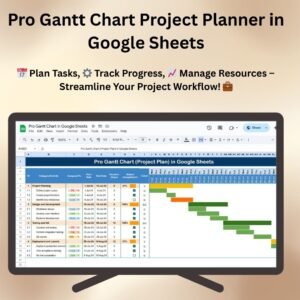
- Pro Gantt Chart Project Planner in Google Sheets: a fuller Gantt planner in Google Sheets
- Weekly Project Plan (Gantt Chart) in Google Sheets: plan the project week by week
- Project Status Update Tracker in Google Sheets: report task and milestone status
- Pro Gantt Chart in Excel with Data Entry Form: the Gantt chart idea for Excel users
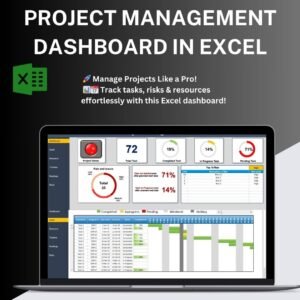
- Project Management Pro Bundle: 9 project templates for Excel and Google Sheets
Browse all Google Sheets project management templates or the Excel project management templates.










Reviews
There are no reviews yet.