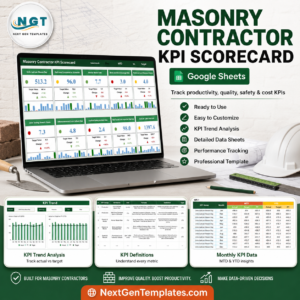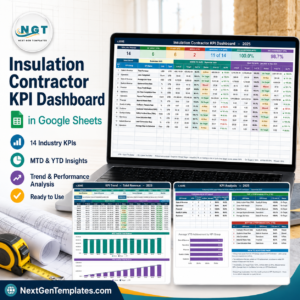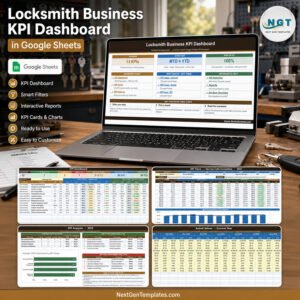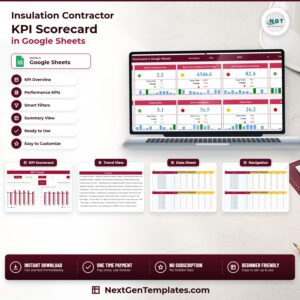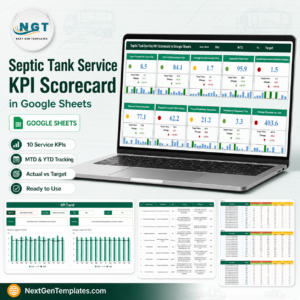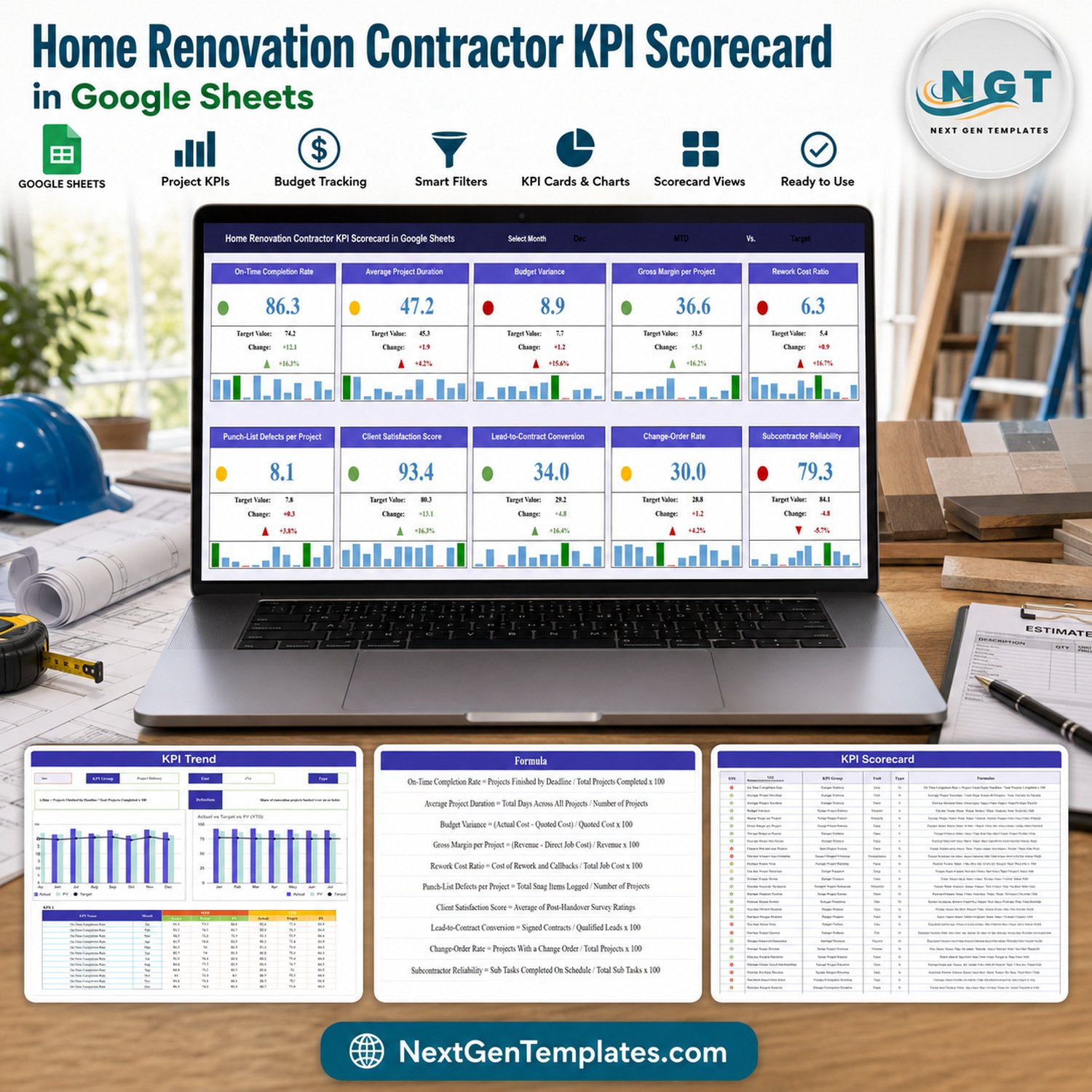
Track 10 practical renovation KPIs in one monthly view. The Home Renovation Contractor KPI Scorecard in Google Sheets brings schedule, cost, quality, sales, client, and subcontractor measures together without a recurring software fee. Select a month to review actual versus target performance, scan red-yellow-green status signals, and open the trend view when a result needs context. The editable template uses sample data so you can understand the layout before replacing it with your own figures. It is a management scorecard, not accounting, estimating, licensing, code-compliance, inspection, or warranty software.
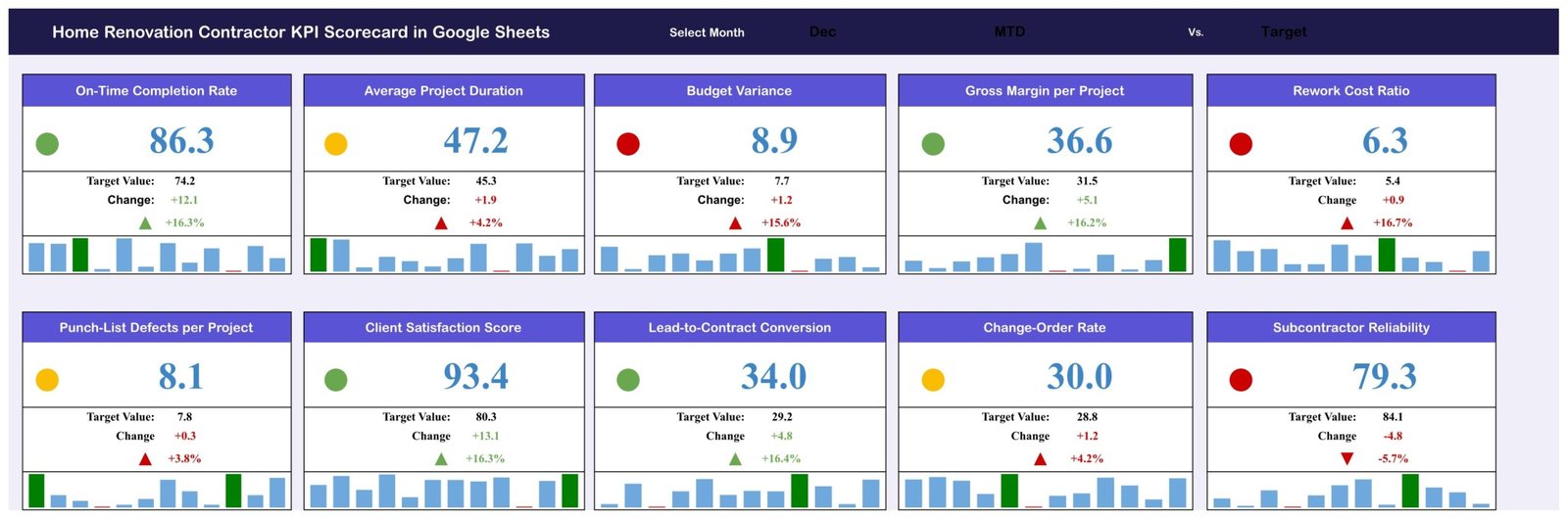
Monthly contractor scorecard with 10 KPI cards and status indicators
Key Features of Home Renovation Contractor KPI Scorecard
- 10 renovation KPIs: monitor delivery, financial health, quality, sales, and operations in a focused scorecard.
- Monthly selection: choose the reporting month and review the matching actual, target, variance, and status values.
- Traffic-light status: green, yellow, and red signals make exceptions easier to spot during a review meeting.
- MTD and YTD inputs: maintain monthly actual, target, and previous-year values for each KPI.
- KPI trend analysis: select a KPI to compare Actual, Previous Year, and Target across months.
- Editable definitions: document each KPI’s group, unit, formula, definition, and Upper-the-Better or Lower-the-Better direction.
- Google Sheets delivery: the downloadable PDF contains the link used to create your own editable copy.
What’s Inside the Google Sheets Scorecard
Monthly KPI Scorecard
The main scorecard shows ten measures: On-Time Completion Rate, Average Project Duration, Budget Variance, Gross Margin per Project, Rework Cost Ratio, Punch-List Defects per Project, Client Satisfaction Score, Lead-to-Contract Conversion, Change-Order Rate, and Subcontractor Reliability. Each card pairs the current value with its target, change, status color, and compact monthly history. These measures are examples and remain editable; use only definitions appropriate to your business and source data.
KPI Trend View
Select a KPI to see its group, unit, formula, definition, and direction. Two charts compare Actual, Previous Year, and Target for MTD and YTD. This view helps separate a one-month exception from a developing pattern without promising automated forecasting or project controls.
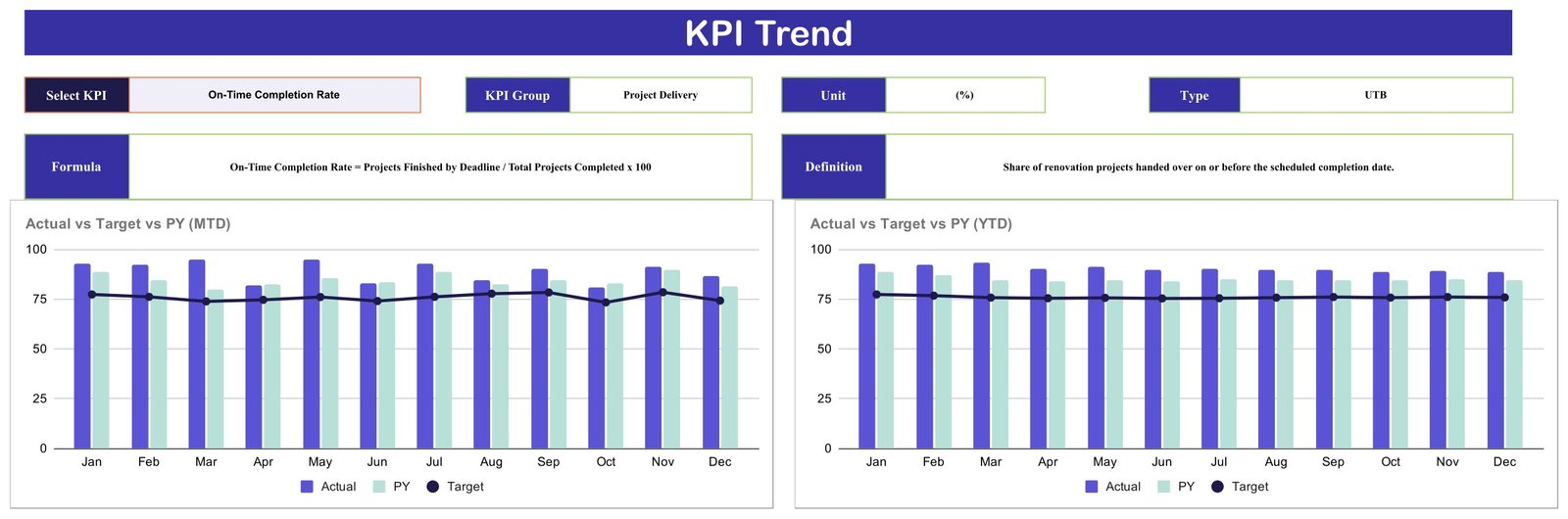
KPI Trend view with MTD and YTD comparisons
KPI Definitions
The definition table records the KPI group, name, unit, formula, explanation, and performance direction. Examples include schedule delivery, quoted-cost variance, direct-job-cost margin, rework and callbacks, snag items, post-handover survey results, qualified-lead conversion, change orders, and scheduled subcontractor tasks.

Editable KPI groups, formulas, definitions, units, and directions
Monthly Data Tables
The data layout stores MTD and YTD Actual, Target, and Previous Year values by month for every KPI. Replace the sample numbers with your approved monthly figures and keep the same structure so the scorecard and trend views can read them correctly.
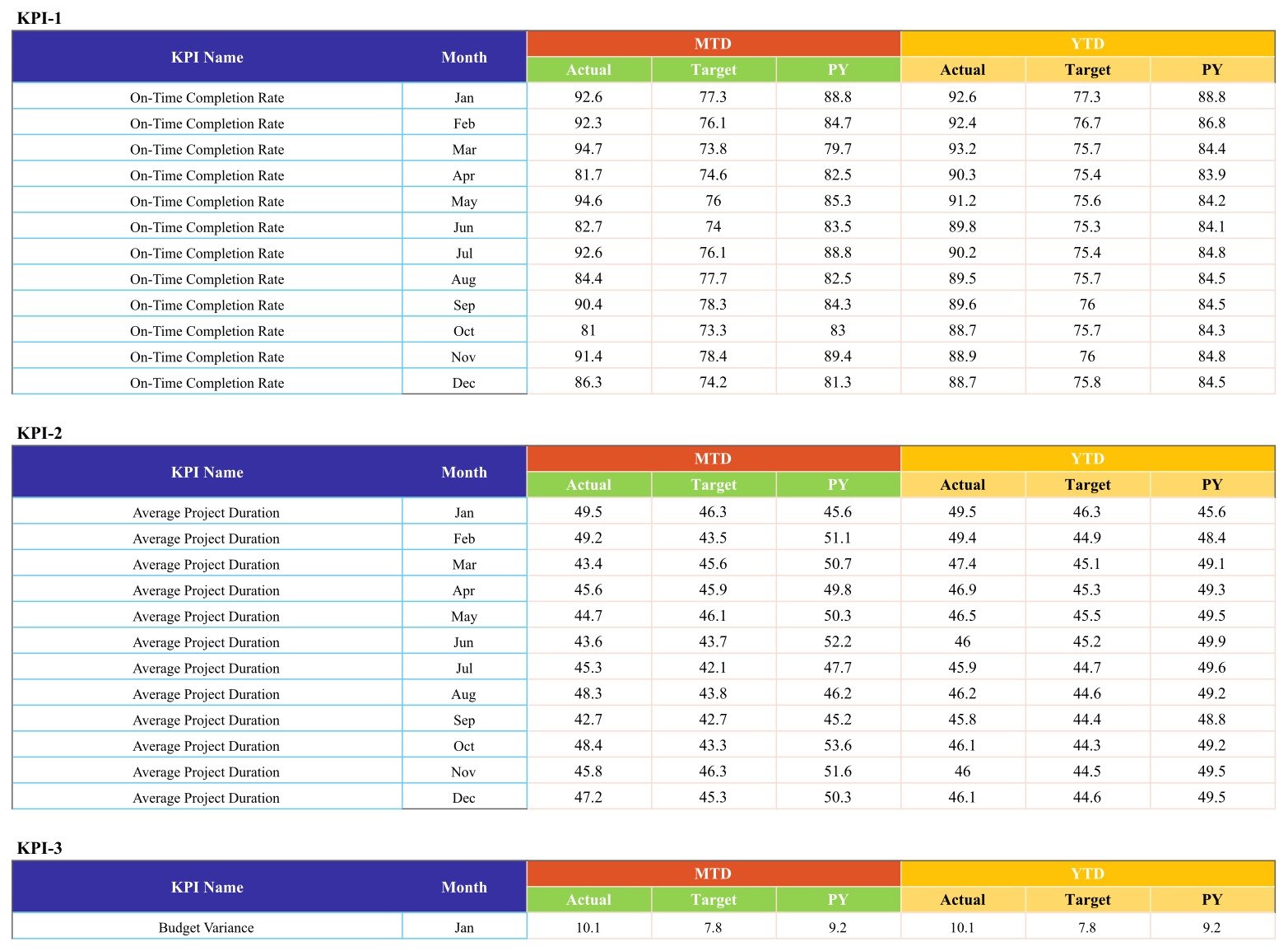
Monthly Actual, Target, and Previous Year input structure
Home Renovation Contractor KPI Scorecard vs. Excel vs. Paid Construction SaaS – Where This Fits
| Consideration | This Google Sheets scorecard | Excel alternative | Paid construction SaaS |
|---|---|---|---|
| Cost model | One-time template purchase | One-time file purchase | Usually recurring subscription |
| Setup | Create a copy and replace sample figures | Download and open locally | Account, permissions, and implementation |
| Collaboration | Native Google sharing controls | Depends on storage and Excel version | Role-based collaboration varies by plan |
| Core use | Monthly KPI review and trend visibility | Offline-friendly KPI review | Broader workflow and project administration |
| Customization | Editable labels, definitions, and data | Editable workbook | Configuration depends on vendor |
| Not included | Estimating, accounting, scheduling, approvals, compliance, and inspections | Varies by workbook | May include operational modules |
Who This Template Is For – and Who It’s Not For
Use it if you own or manage a home renovation business, coordinate several active projects, prepare monthly operational reviews, or need a consistent way to discuss results with managers. It also suits consultants helping a contractor define a small KPI framework.
This renovation scorecard is especially useful when your team already has source records but lacks one agreed monthly review page.
It is not a substitute for job-cost accounting, a CRM, a project schedule, a site diary, safety documentation, licensed professional advice, code-compliance records, inspection approval, contracts, change-order authorization, or warranty management. It does not pull data automatically from other systems unless you build and maintain that integration.
How to Use the Home Renovation Contractor KPI Scorecard
Keep the template aligned with one reporting calendar and one approved source for each measure.
- Download the PDF and use its Google Sheets link to create your private editable copy.
- Review the ten KPI definitions, units, formulas, and UTB/LTB directions.
- Replace sample values with validated monthly Actual, Target, and Previous Year figures.
- Select a month on the scorecard and review the traffic-light exceptions.
- Open the trend view for any KPI that needs a month-by-month comparison.
- Record decisions separately in your normal project or meeting workflow; the template does not approve actions.
Real-World Use Cases
Maya, renovation business owner
Maya reviews schedule, margin, rework, and satisfaction measures before a monthly planning meeting. Red and yellow cards tell her where to ask for supporting details.
Daniel, operations manager
Daniel compares project duration, punch-list defects, and subcontractor reliability with agreed targets, then uses the trend view to check whether the latest result is isolated.
Priya, independent consultant
Priya uses the editable definition table to help a contractor agree on consistent formulas before the first reporting cycle.
Frequently Asked Questions
Does the scorecard calculate project estimates or budgets?
No. It summarizes user-entered KPI values. It does not create estimates, manage invoices, or replace job-cost accounting.
Can I change the KPI names and targets?
Yes. The template is editable, but changes to its structure or formulas should be tested in a backup copy.
Does it update from my CRM or accounting software?
No automatic connector is included. Values are entered and maintained in the provided Google Sheets layout.
Can several people use it?
Google Sheets supports sharing, subject to the permissions you configure. Decide who may view or edit the data.
Is it a compliance or inspection system?
No. It does not establish licensing, building-code compliance, inspection approval, safety compliance, or warranty status.
What do I receive after purchase?
You receive a PDF containing the link to create your editable Google Sheets copy.
About the Author
Built by PK – Microsoft Certified Professional with 15+ years of Excel, Google Sheets, and Power BI experience. Founder of NextGenTemplates, reaching 300K+ subscribers across YouTube channels. Every template is hand-built and tested before release.
Explore Related Templates
Browse more Google Sheets templates and Google Sheets KPI templates. For help managing access, see Google’s official Drive sharing guidance.
- Home Renovation Budget Tracker in Google Sheets
- Home Renovation Project Management Web App
- Construction KPI Dashboard in Google Sheets
- Painting Contractor KPI Scorecard in Google Sheets
- Flooring Installation KPI Scorecard in Google Sheets
Ready for a clearer monthly review? Add the Home Renovation Contractor KPI Scorecard in Google Sheets to your toolkit and adapt the definitions to your reporting process. This scorecard keeps the conversation centered on defined measures rather than scattered figures.
Watch the step-by-step video Demo:
Last updated: September 10, 2026.