



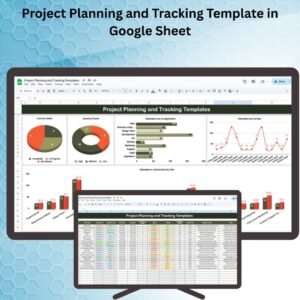
The Project Planning and Tracking Template in Google Sheet is a comprehensive solution for individuals and teams looking to organize, plan, and track their projects efficiently. This set of templates includes various tools designed to streamline project management, from initial planning and task assignment to tracking milestones and progress.
With these templates, you can ensure that your projects are well-structured, timelines are adhered to, and resources are allocated efficiently. Whether you’re managing a small team or overseeing large-scale projects, these Google Sheets templates offer flexibility and customization to fit your needs.

Key Features of the Project Planning and Tracking Template in Google Sheet
📅 Project Planning: Create detailed project plans, including timelines, milestones, and key deliverables.
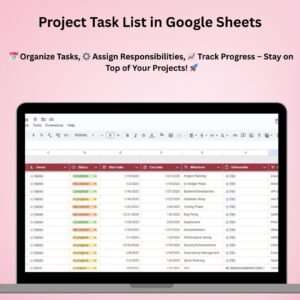
⚙️ Task Assignment: Assign tasks to team members, set deadlines, and track progress with ease.
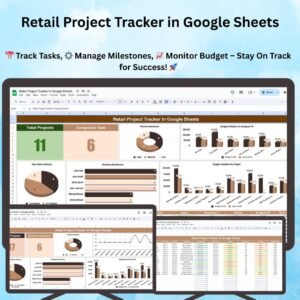
📈 Progress Monitoring: Track project milestones and overall progress with color-coded status indicators.
💼 Customizable Templates: Modify templates to suit your project’s unique needs, from timelines to resource management.
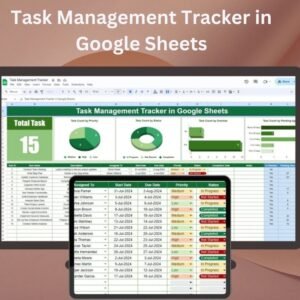
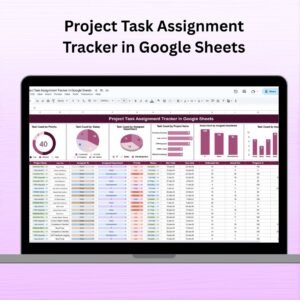
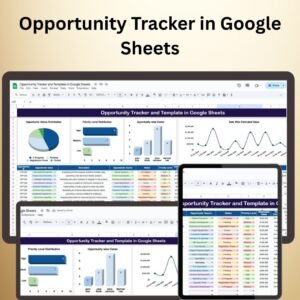
📊 Visual Dashboards: View project health at a glance with built-in charts and graphs to visualize milestones and tasks.
🔄 Real-Time Collaboration: Share and collaborate with your team in real time for seamless project management.
Why You’ll Love the Project Planning and Tracking Templates in Google Sheets
✅ Streamlined Project Management: Organize and track all aspects of your project in one easy-to-use template.
✅ Visualize Progress: Use charts and color-coded indicators to easily track the status of tasks, milestones, and overall project performance.
✅ Customizable: Modify the templates to fit your specific project goals, timelines, and team structure.
✅ Real-Time Updates: Share with your team and update project status in real time to stay aligned on progress.
✅ Improve Collaboration: Easily assign tasks, track progress, and ensure that everyone is on the same page.
What’s Inside the Project Planning and Tracking Templates in Google Sheets?
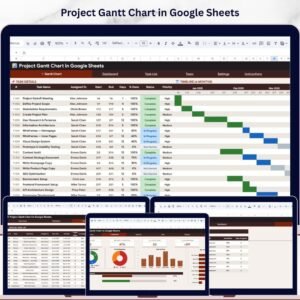
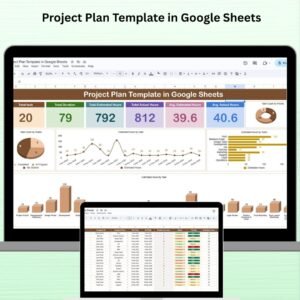
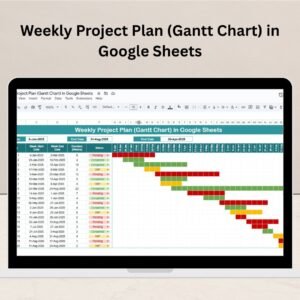
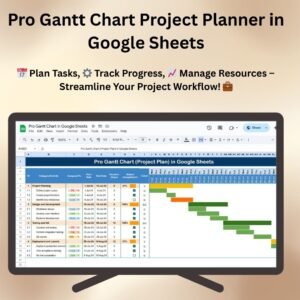
📅 Project Timeline: Organize tasks, milestones, and deadlines to create a clear project timeline.
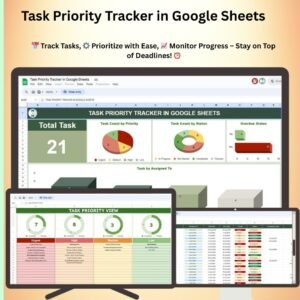
⚙️ Task Tracker: Assign and monitor tasks with deadlines, priorities, and completion statuses.
📈 Progress Dashboard: Visual charts and graphs to track milestones, tasks, and overall progress.
💼 Resource Allocation: Manage resources and assign responsibilities to ensure optimal utilization.
📊 Visual Reports: Generate reports to analyze project performance, identify delays, and track success.
How to Use the Project Planning and Tracking Templates in Google Sheets
1️⃣ Download the Templates – Get access to pre-configured templates designed for efficient project planning and tracking.
2️⃣ Plan Your Project: Input key project details, including tasks, deadlines, and milestones.
3️⃣ Assign Tasks: Delegate tasks to team members and set priorities and deadlines.
4️⃣ Track Progress: Update task statuses and monitor progress using the visual dashboard.
5️⃣ Collaborate: Share with your team and make real-time updates for improved collaboration.
Who Can Benefit from the Project Planning and Tracking Templates in Google Sheets?
🔹 Project Managers
🔹 Team Leaders
🔹 Business Owners
🔹 Freelancers
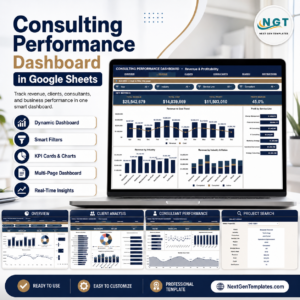
🔹 Consultants
🔹 Marketing Teams
🔹 Event Planners
🔹 Small to Medium Businesses (SMBs)
Streamline project management and improve collaboration with the Project Planning and Tracking Templates in Google Sheets. Stay on track, monitor progress, and ensure project success from start to finish. Project Planning and Tracking Template in Google Sheet
Click here to read the detailed blog post Project Planning and Tracking Template in Google Sheet
Visit our YouTube channel to learn step-by-step video tutorials
Watch the step-by-step video tutorial: Project Planning and Tracking Template in Google Sheet
Frequently Asked Questions
What is inside the Project Planning and Tracking Template?
A project timeline, a task tracker, a progress dashboard, a resource allocation section and visual reports.
Can I assign tasks to team members?
Yes. You assign each task to a team member and set its deadline, priority and status.
How do I see project progress?
Milestones and tasks use color-coded status indicators, and the dashboard charts show overall progress.
Can several people work on it at once?
Yes. Share the Google Sheets file and your team can update project status in real time.
Compatibility and Requirements
- Works in Google Sheets with a free Google account and a web browser. Nothing to install.
- Make a copy to your own Google Drive and edit it there. Google explains charts in Add & edit a chart or graph.
Related Project Management Templates
- Project Status Tracker in Google Sheets: a status view for running projects
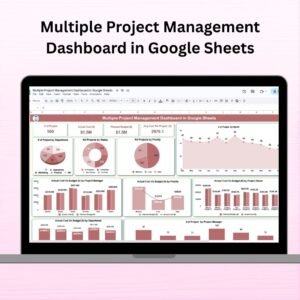
- Multiple Project Management Dashboard in Google Sheets
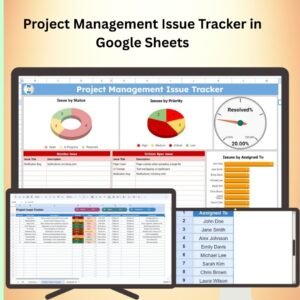
- Project Management Issue Tracker in Google Sheets: log issues and risks during the project
- Project Management Dashboard in Excel: the same job in Excel
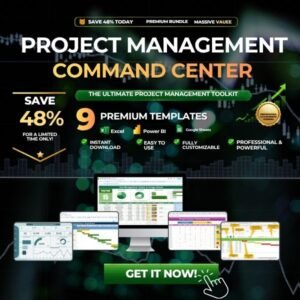
- Project Management Pro Bundle: 9 Excel and Google Sheets project templates
Browse all Google Sheets project management templates or the Excel project management templates.










Reviews
There are no reviews yet.