

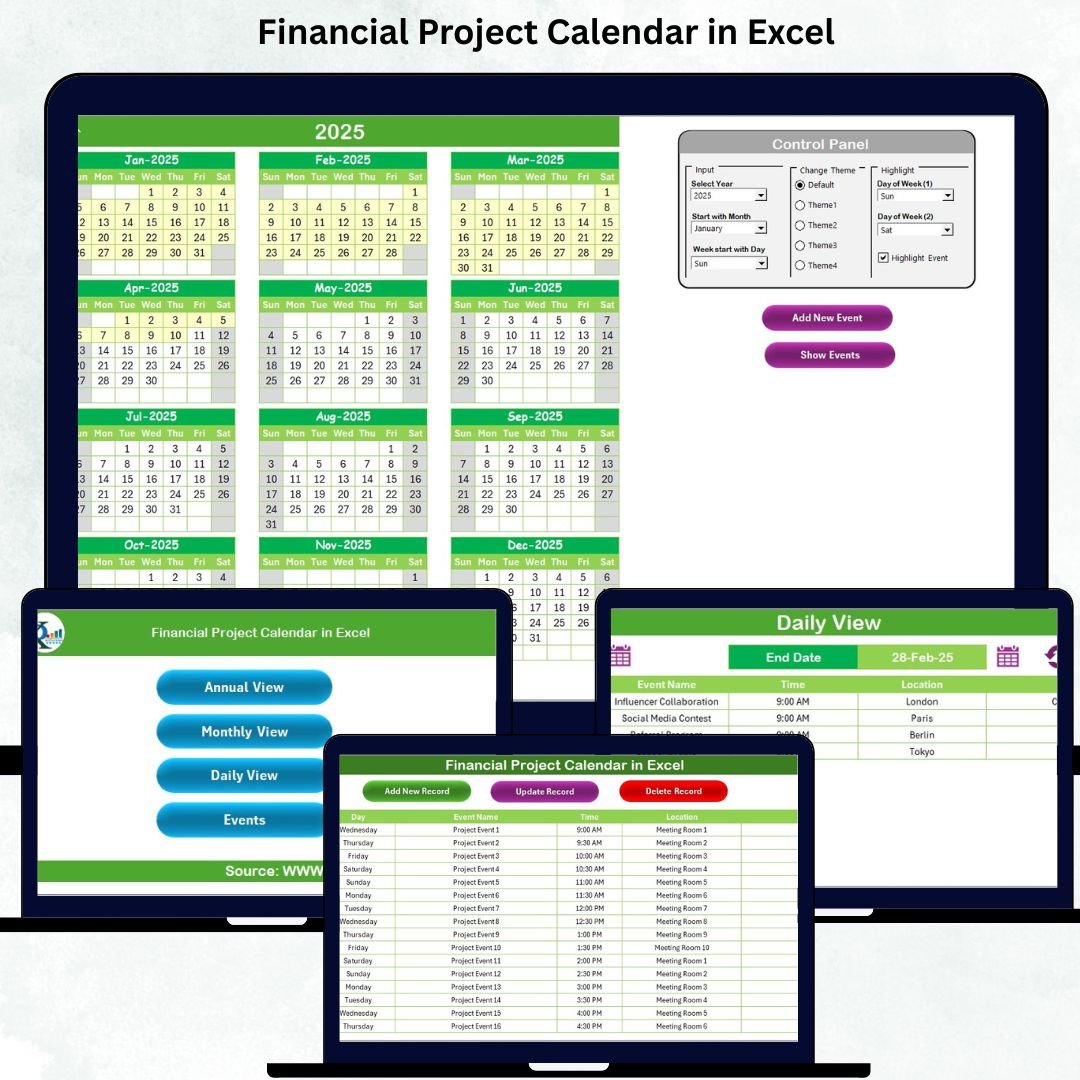
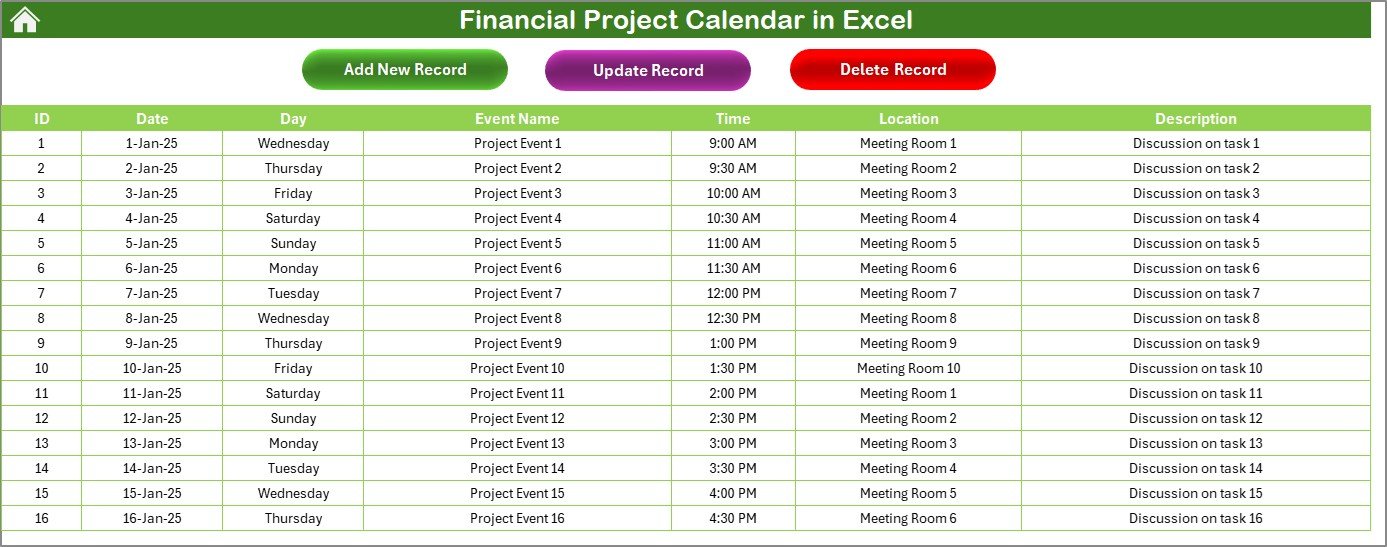
Managing financial tasks can often feel overwhelming—deadlines overlap, events change unexpectedly, and team schedules rarely match. A single missed date can disrupt budgets, delay projects, and create unnecessary confusion. That’s exactly why the Financial Project Calendar in Excel is designed—to give you a clean, organized, and automated system to plan, track, and manage all your financial activities effortlessly. This ready-to-use Excel template brings structure, clarity, and complete control to your financial workflow.
Whether you handle monthly closings, audit timelines, tax filings, billing cycles, reporting deadlines, or team meetings, this calendar serves as your powerful all-in-one planning companion.
✨ Key Features of Financial Project Calendar in Excel
Here’s what makes this template a must-have for finance teams and professionals:
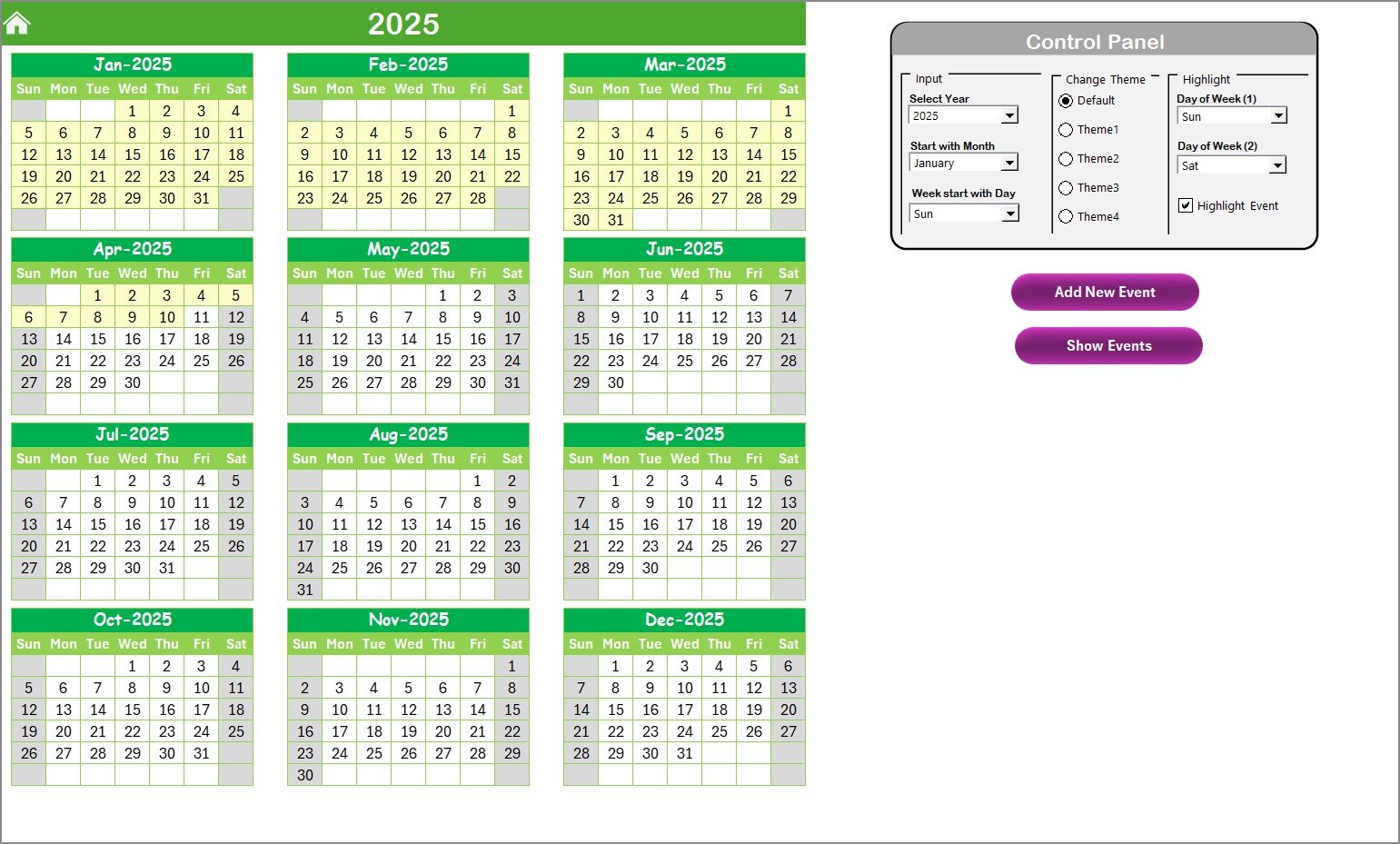
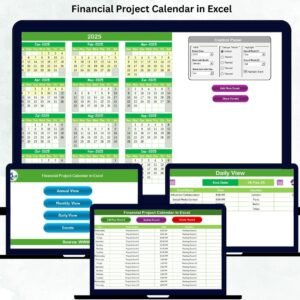
📅 Annual, Monthly & Daily Views
View your entire financial year at once or drill down into specific months and days for detailed planning.
🎨 5 Professional Color Themes
Switch between themes instantly to match your branding or personal preference.
⚙️ Smart Control Panel
Select year, starting month, day of the week, and more—with just a few clicks.
📝 Event Management System
Create, edit, update, and delete any event using automated forms—no manual entry required.
🔍 Highlight Important Dates
Highlight weekends, holidays, review dates, or critical deadlines easily.
🚀 No Coding Needed
Enjoy full automation without writing a single line of VBA—everything works instantly.
These features help you stay organized, aligned, and fully in control of your financial schedule.
📂 What’s Inside the Financial Project Calendar in Excel
You get 5 professionally designed worksheets that make financial planning smooth and error-free:
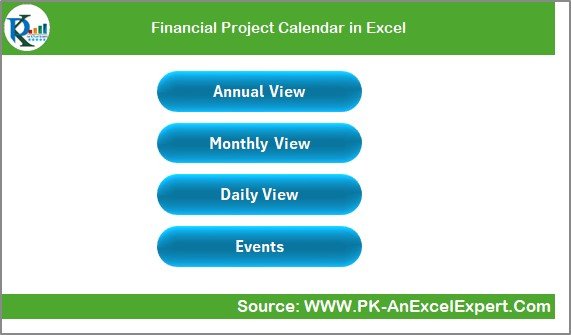
🏠 Home Sheet – Navigation Hub
Jump instantly to Annual View, Monthly View, Daily View, or Events Database using quick-access buttons.
📆 Annual View Sheet – Yearly Planning at a Glance
See all 12 months together, plan long-term activities, and use theme & highlight tools for better clarity.
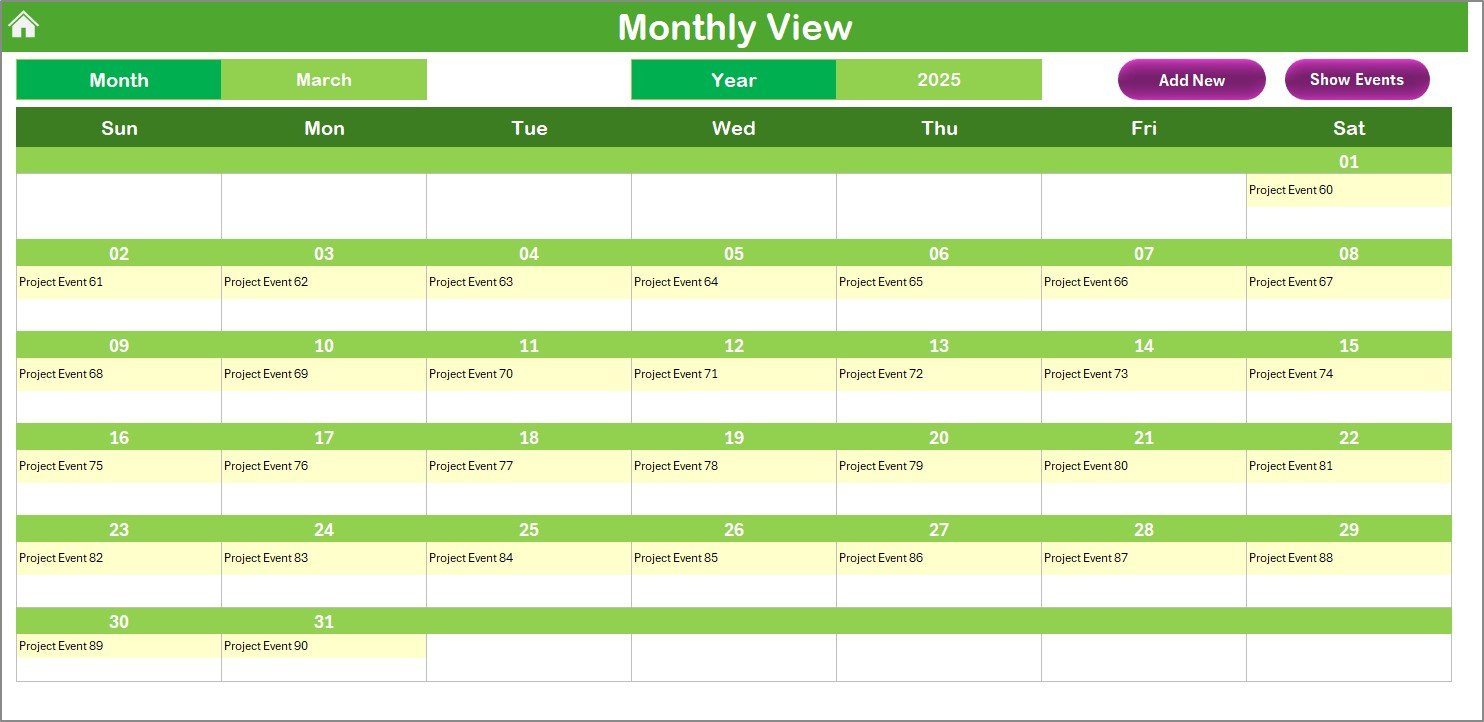
📅 Monthly View Sheet – Month-Level Planning
Shows detailed schedules for each month along with “more than 1…” indicators for days with multiple events.
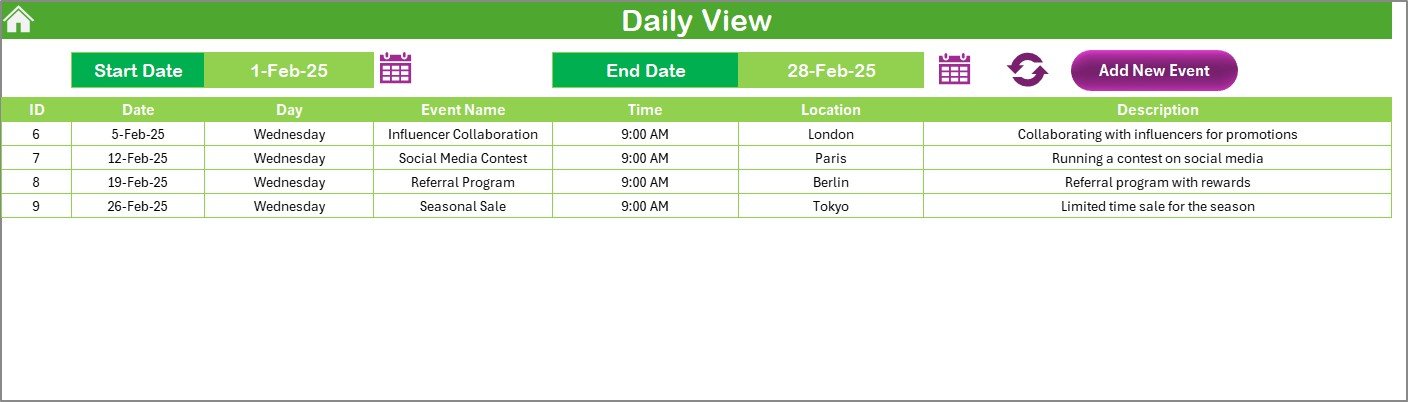
🗓️ Daily View Sheet – Daily Activity Breakdown
Select date ranges to view every financial event scheduled within that period.
📘 Events Sheet – Complete Event Database
Stores all your financial tasks, with easy options to add, update, and delete records using built-in buttons.
Everything is structured to help you plan smarter and manage deadlines with complete confidence.
🛠️ How to Use the Financial Project Calendar in Excel
Using this template is incredibly simple—even for beginners:
🔸 Step 1: Open the Home Sheet
Use the navigation buttons to move between pages.
🔸 Step 2: Adjust Calendar Settings
Select your Year, Starting Month, and Week Start Day from the Annual View Control Panel.
🔸 Step 3: Add Financial Events
Click Add New Event, fill the form, and save—your calendar updates automatically.
🔸 Step 4: Track Tasks Daily, Monthly, or Yearly
Use the views to visualize upcoming schedules easily.
🔸 Step 5: Manage Your Database
Edit or delete events in the Events Sheet when needed.
In just minutes, your entire year’s financial planning becomes structured and easy to manage.
👥 Who Can Benefit from This Financial Project Calendar in Excel
This template is perfect for:
💼 Finance Managers & CFO Teams
Plan audits, reconciliations, reporting tasks, and closing cycles.
🧮 Accountants & Bookkeepers
Organize payment cycles, tax deadlines, and billing schedules.
🏢 Corporate Finance Departments
Track project reviews, compliance dates, and team meetings.
🧑💻 Freelancers & Consultants
Manage project milestones and client deliverables efficiently.
🏫 Educational & Government Institutions
Plan grants, budgets, and review cycles with ease.
If your work involves handling dates, deadlines, or financial events—you’ll benefit from this calendar.
### Click here to read the Detailed blog post
Watch the step-by-step video tutorial:























Reviews
There are no reviews yet.