

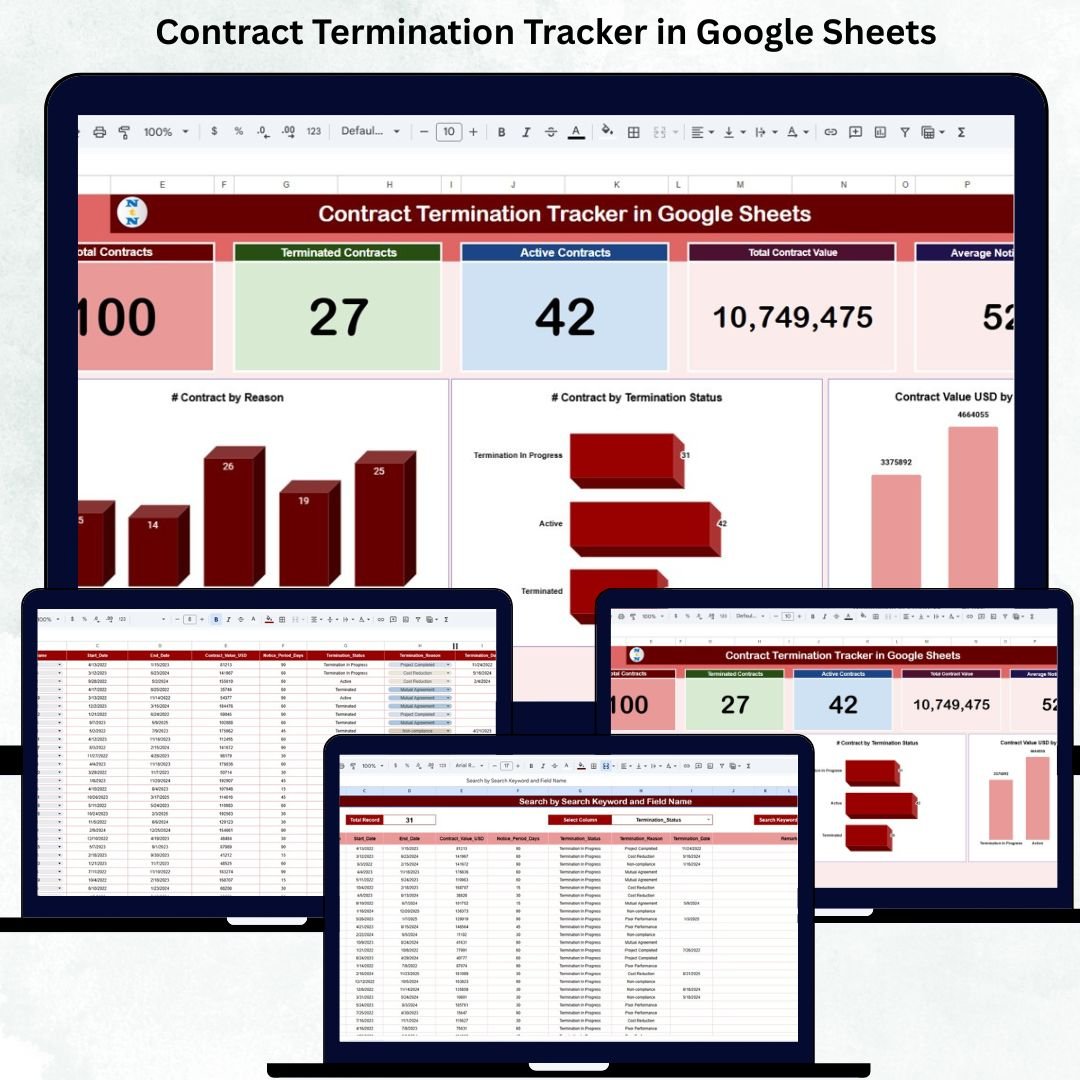

Managing Contract Termination Tracker in Google Sheets is one of the most sensitive and risk-prone parts of business operations. Missing notice periods, forgetting renewal deadlines, or losing track of termination reasons can lead to financial penalties, compliance issues, or damaged vendor relationships. When organizations deal with multiple agreements across departments, clients, and vendors, the need for a structured system becomes even stronger. That’s why the Contract Termination Tracker in Google Sheets is the perfect tool for modern businesses.Contract Termination Tracker in Google Sheets
This ready-to-use Google Sheets tracker centralizes all contract information, displays key metrics, visualizes termination patterns, and helps teams manage contract lifecycles with complete clarity. With automatic charts, powerful search features, KPI cards, and a clean data entry structure, this tracker gives businesses the exact control they need to stay compliant and reduce operational risk.Contract Termination Tracker in Google Sheets
Whether you’re handling vendor contracts, client agreements, legal documents, or project-based contracts — this digital tracker ensures nothing slips through the cracks.Contract Termination Tracker in Google Sheets
✨ Key Features of the Contract Termination Tracker in Google Sheets
📊 1. All Contracts in One Centralized Dashboard
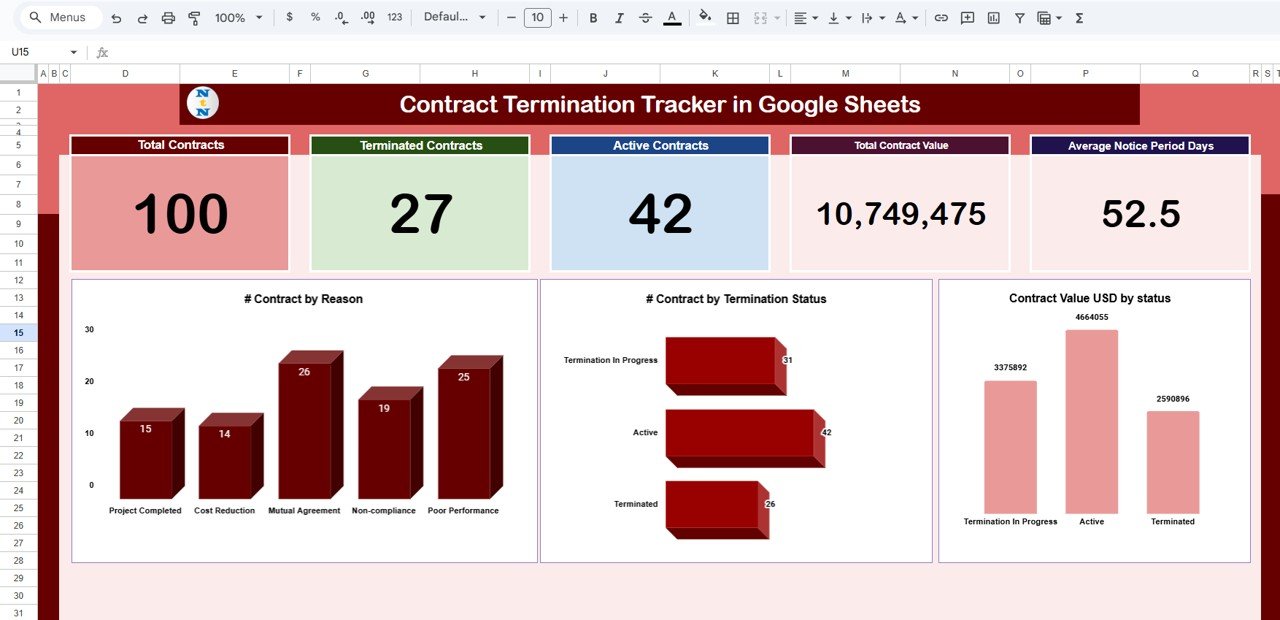
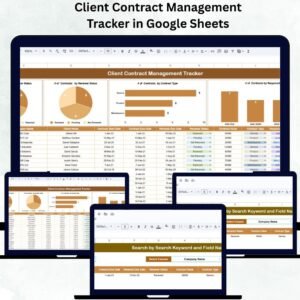
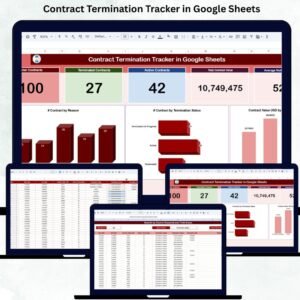
The Tracker Sheet Tab gives leaders instant visibility with its automated KPI cards:
Total Contracts – All agreements recorded in the system
Terminated Contracts – Completed or ended agreements
Active Contracts – Ongoing agreements still in effect
Total Contract Value (USD) – Financial worth of all contracts
Average Notice Period Days – Helps plan termination timelines
These cards help managers track contract volume, workload, risk exposure, and financial value at a glance.
📈 2. Insightful Charts for Better Decision-Making
Visual charts give a high-level understanding of contract behavior:
Contracts by Termination Reason – Non-renewal, non-performance, budget issues, etc.
Contracts by Termination Status – Active, terminated, extended
Contract Value by Status – Financial impact of active vs. terminated agreements
These charts highlight risk patterns, compliance issues, and vendor performance challenges.
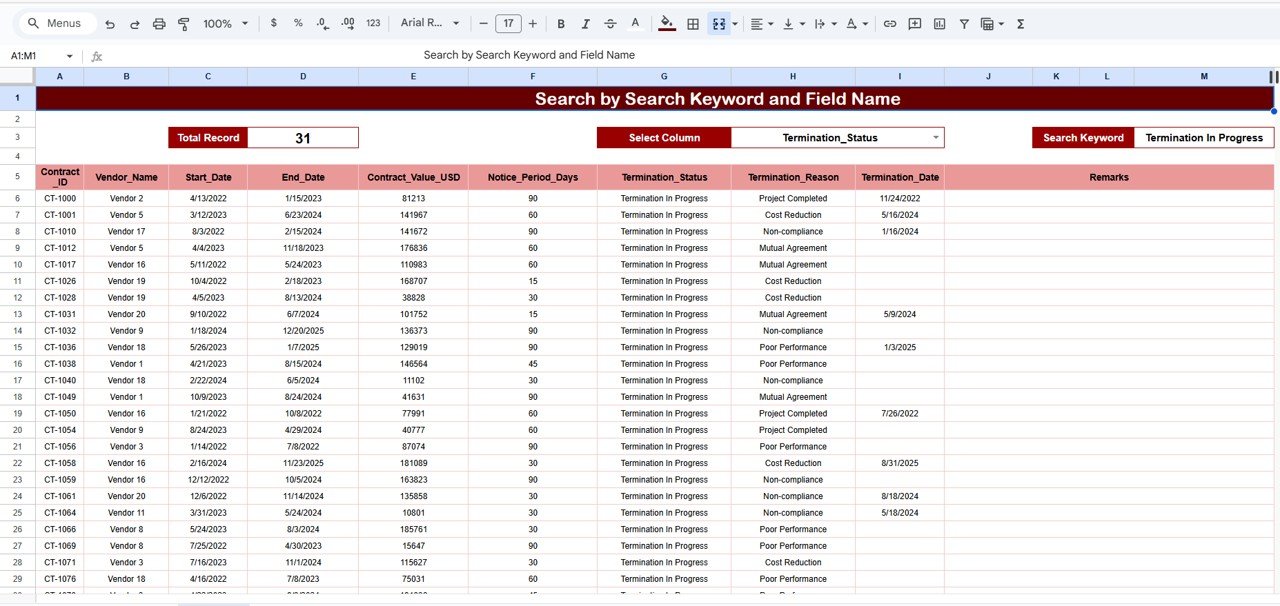
🔍 3. Smart Search Sheet for Fast Contract Lookup
Finding a contract becomes effortless with keyword and field-based search.
Search using:
Contract ID
Vendor/Client Name
Termination Reason
Status
Value
Department
Responsible Person
Instead of scrolling through long spreadsheets, you get instant search results within seconds.
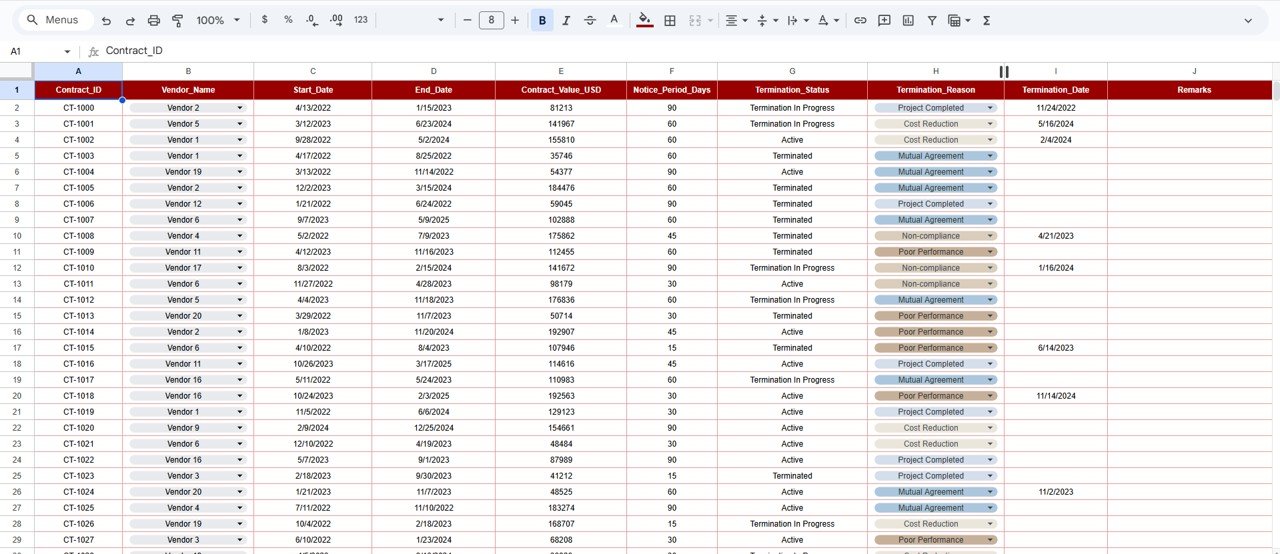
📝 4. Structured Data Sheet for Clean Record Management
The Data Sheet stores all information in a clean, ready-to-analyze format, including:
Contract Name
Contract ID
Vendor/Client
Contract Value
Termination Reason & Date
Notice Period
Status
Start/End Dates
Department
Responsible Person
The dashboard reads directly from this sheet, ensuring real-time updates for KPIs and charts.
📦 What’s Inside the Contract Termination Tracker in Google Sheets
📊 Tracker Sheet – KPI & Chart Dashboard
Provides a high-level visual summary of contract metrics, termination status, and value distribution.
🔍 Search Sheet – Find Contracts in Seconds
Perfect for auditors, legal teams, procurement, and managers needing fast access.
📝 Data Sheet – Full Contract Database
Acts as the core source of truth for all contract records.
🛠️ How to Use the Contract Termination Tracker in Google Sheets
1️⃣ Update Contract Records in the Data Sheet
Add new, active, or terminated contracts with full details.
2️⃣ Review Dashboard KPIs
Check trends, notice periods, termination reasons, and contract value impacts.
3️⃣ Use Smart Search for Instant Lookup
Find any contract quickly using keyword or field-based searching.
4️⃣ Analyze Termination Patterns
Use charts to identify issues such as repeated non-performance or budget conflicts.
5️⃣ Strengthen Compliance & Planning
Monitor notice periods and avoid penalties or missed deadlines.
🎯 Who Can Benefit from This Tracker?
🏢 Business Owners & Directors
Gain full visibility into contract liabilities and performance.
📑 Procurement & Vendor Management Teams
Track vendor contracts, termination causes, and financial risks.
⚖️ Legal & Compliance Teams
Ensure timely terminations and avoid legal exposure.
💼 Project & Operations Managers
Monitor project contracts, notice periods, and renewals.
📊 Finance Teams
View contract values and plan budgets accurately.
Click here to read the Detailed blog post
Watch the step-by-step video Demo:
Visit our YouTube channel to learn step-by-step tutorials — Youtube.com/@NeotechNavigators
Compatibility and Requirements
- Works in Google Sheets. You need a free Google account and a web browser.
- Google explains how to build charts like the ones on the Tracker sheet in Add & edit a chart or graph.
Frequently Asked Questions
Which sheets are included?
Three sheets: Tracker, Search and Data. The Tracker sheet shows the KPI cards and charts, the Search sheet finds contracts, and the Data sheet holds every contract record.
Which KPIs does the Tracker sheet show?
Total Contracts, Terminated Contracts, Active Contracts, Total Contract Value (USD) and Average Notice Period Days.
What can I record for each contract?
Contract name, contract ID, vendor or client, contract value, termination reason and date, notice period, status, start and end dates, department and responsible person.
How do I find a single contract?
Use the Search sheet. You can look up a contract by ID, vendor or client name, termination reason, status, value, department or responsible person.
Do the charts update when I add contracts?
Yes. The KPI cards and charts read from the Data sheet, so they update when you add or change a record there.
Is there an Excel version?
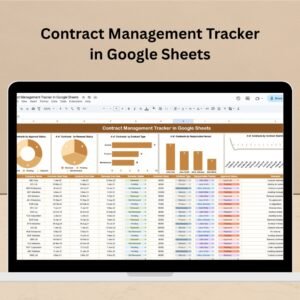
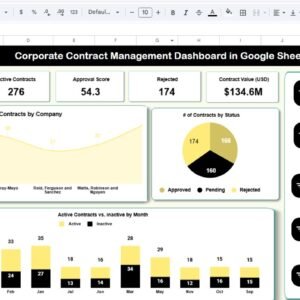
There is a Contract Management Tracker in Excel for broader contract tracking, and a Contract Management Tracker in Google Sheets as well.
Related Contract Templates
- Contract Management Tracker in Google Sheets: track contracts across their full lifecycle
- Contract Management Tracker in Excel: the Excel edition of the contract tracker
- Vendor Contract Renewal Calendar in Google Sheets: keep renewal dates in view
- Contract Renewal Checklist in Google Sheets: a checklist for renewal steps
- Termination Letter Template in MS Word and Google Docs: a free letter to send once you decide to end a contract
Browse all Google Sheets trackers.







Reviews
There are no reviews yet.