



Managing multiple properties can quickly become overwhelming. From tracking lease agreements and monthly rent to monitoring maintenance costs, deposits, tenant performance, and space utilization—property managers deal with a huge amount of data every day. As portfolios grow, manual tracking becomes stressful, time-consuming, and prone to errors. That’s why the Lease & Property Insights Dashboard in Google Sheets is designed to simplify everything. This smart, ready-to-use dashboard brings clarity, automation, and accuracy to your entire property management workflow.Lease & Property Insights Dashboard in Google Sheets
Whether you manage residential units, commercial buildings, retail outlets, warehouses, or corporate spaces, this dashboard gives you a full 360° view of your operations. You can instantly see key numbers, analyze trends, identify upcoming renewals, and manage financial performance—all inside one clean Google Sheets dashboard. With zero technical skills required, you simply enter your data and let the dashboard do the heavy lifting.Lease & Property Insights Dashboard in Google Sheets
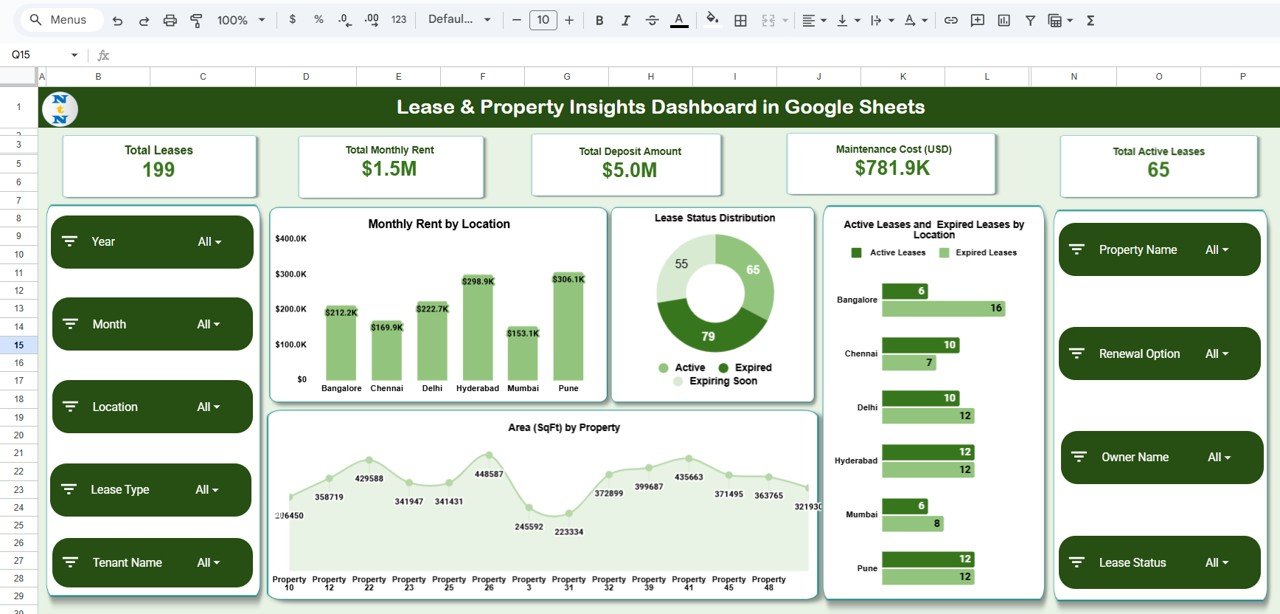
✨ Key Features of Lease & Property Insights Dashboard in Google Sheets
This dashboard is crafted to help property managers make fast and confident decisions.
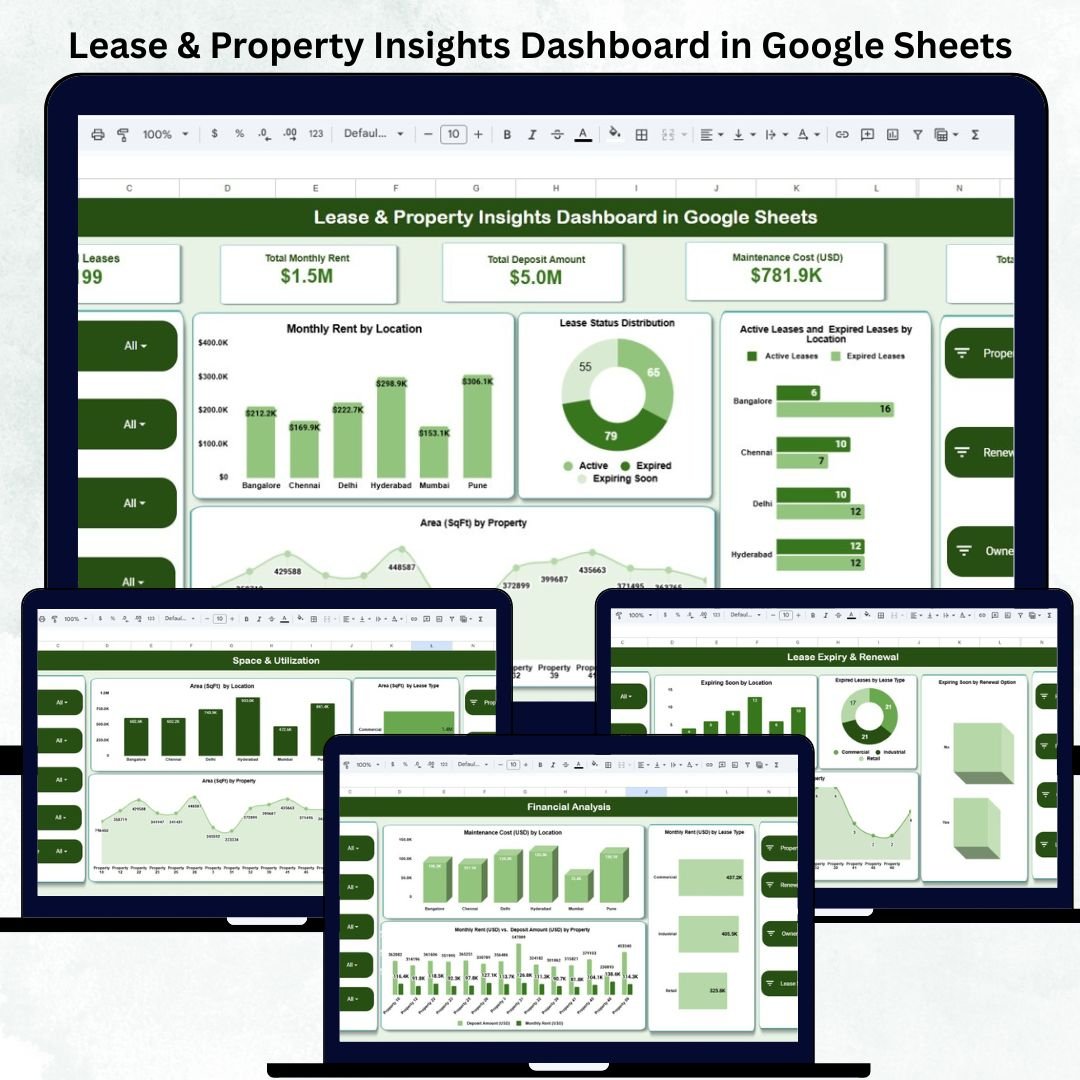
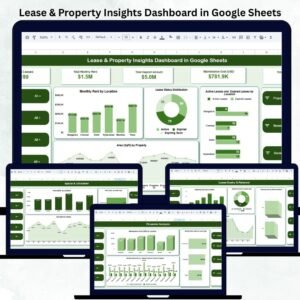
📊 Smart KPI Cards – Instantly view total leases, total monthly rent, deposit amounts, active leases, and maintenance costs.
📍 Interactive Overview Page – Analyze rent distribution, lease status, area usage, and active vs expired leases by location.
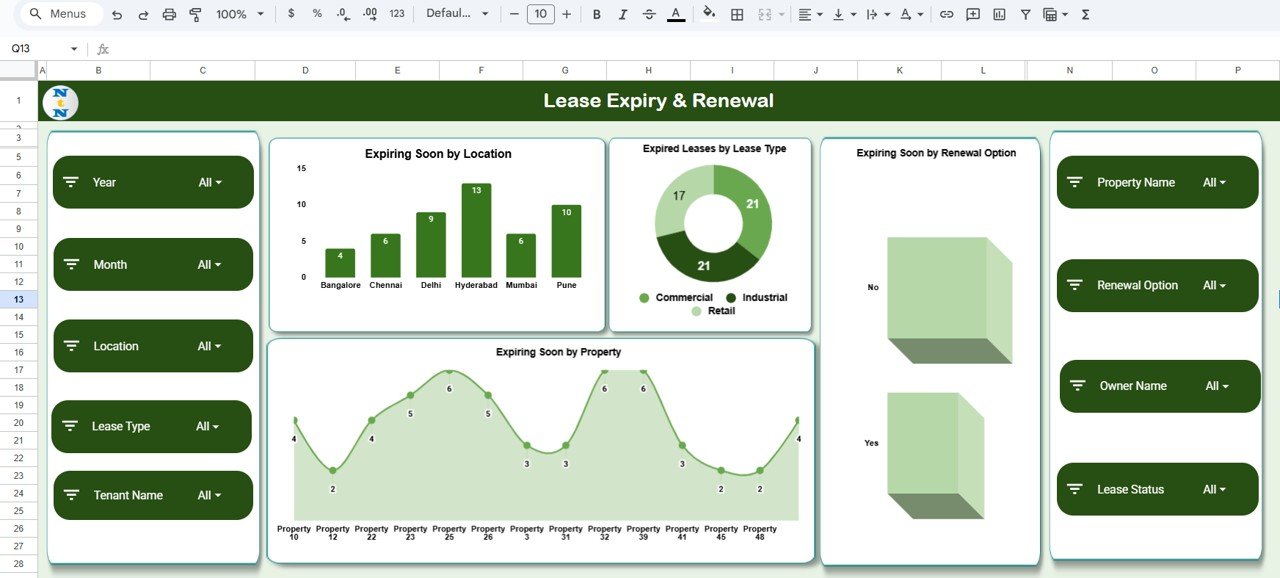
📅 Expiry & Renewal Insights – Identify leases expiring soon based on location, property, lease type, and renewal options.
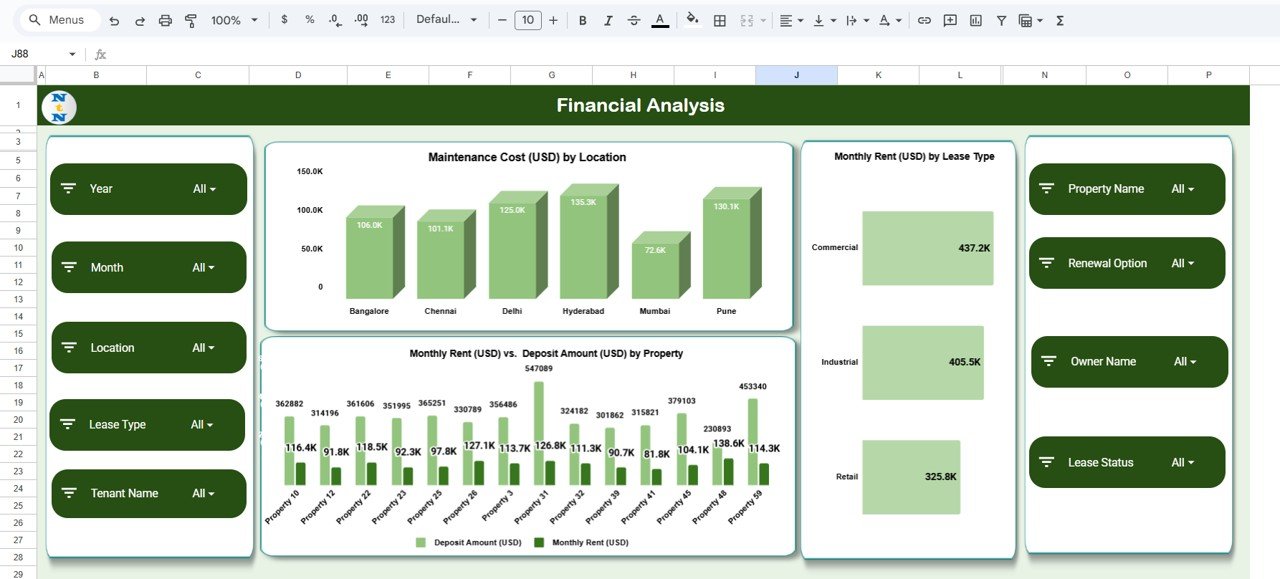
💰 Financial Analysis Tools – Track maintenance costs, rent trends, and rent vs deposit ratios across properties.
📐 Space Utilization Charts – Discover which spaces are fully used, under-utilized, or available for expansion.
👥 Tenant Analysis Section – Monitor tenant-wise rent contribution, deposit values, and financial reliability.
🔎 Search Function – Find any lease instantly using keywords, property names, tenant names, or locations.
💾 Fully Automated – Update the Data Sheet, and every chart refreshes automatically—no formulas needed from your side.
This dashboard reduces manual work by nearly 80% and gives you complete control over your leasing operations.
📦 What’s Inside the Lease & Property Insights Dashboard in Google Sheets
When you download this template, you get a complete property management system:
📁 Dashboard File in Google Sheets – Fully interactive and ready to use.
📊 4 Analysis Sections –
Overview
Lease Expiry & Renewal
Financial Analysis
Space & Utilization
👥 Tenant Insights Module – View tenant-wise financial contribution effortlessly.
🧾 Smart KPI Cards – Designed to highlight your top property metrics.
📊 Beautiful Visual Charts – Including location-wise rent, lease type trends, area distribution, and more.
📝 Editable Data Sheet – Add unlimited properties, tenants, and lease records.
Everything is created for smooth navigation and professional reporting.
🛠️ How to Use the Lease & Property Insights Dashboard in Google Sheets
Using the dashboard is extremely easy:
1️⃣ Enter your lease details, tenant information, rent amounts, and area details in the Data Sheet.
2️⃣ Update changes whenever a lease starts, ends, or renews.
3️⃣ Open the dashboard pages to instantly view financials, trends, and expiry alerts.
4️⃣ Use filters to compare leases by location, type, property, or tenant.
5️⃣ Check the financial charts to plan budgets and estimate future revenue.
6️⃣ Use the expiry section to track renewals and avoid last-minute surprises.
7️⃣ Review tenant analysis to understand contribution and deposits.
The dashboard works automatically, helping you make informed decisions in minutes.
👥 Who Can Benefit from This Lease & Property Insights Dashboard in Google Sheets
This dashboard is ideal for:
🏢 Property Managers – Manage multiple properties effortlessly.
🏬 Commercial Leasing Teams – Track rent, deposits, and lease conditions with accuracy.
🏘️ Real Estate Companies – Monitor financial performance and property status in real time.
🧾 Landlords & Owners – Keep clear insights into tenants and leases.
📊 Facilities & Operations Teams – Track space usage and maintenance costs.
🏗️ Construction & Development Firms – Manage lease portfolios across multiple sites.
🌐 Co-working Spaces & Business Centers – Optimize occupancy and rental performance.
Anyone who handles leases, tenant data, or property performance will benefit from this dashboard every single day.
Click here to read the Detailed blog post
Watch the step-by-step video Demo:
Visit our YouTube channel to learn step-by-step video tutorials
Youtube.com/@NeotechNavigators
Compatibility and Requirements
- Works in Google Sheets. You need a free Google account and a web browser.
- You enter your lease, tenant, rent and area records on the Data Sheet, and the charts update from it. Google explains how to build and edit charts in Add and edit a chart or graph.
Frequently Asked Questions
What does the dashboard show?
It has four analysis sections: Overview, Lease Expiry and Renewal, Financial Analysis, and Space and Utilization. A tenant insights module and KPI cards for total leases, monthly rent, deposits, active leases and maintenance costs are included too.
How do I add my own leases?
Type your lease details, tenant information, rent amounts and area details into the Data Sheet. You can add as many properties, tenants and lease records as you need, and the charts refresh from that sheet.
Can I see which leases are about to expire?
Yes. The Lease Expiry and Renewal section shows leases expiring soon by location, property, lease type and renewal option.
Can I look up one lease or tenant quickly?
Yes. The search function finds a lease by keyword, property name, tenant name or location.
Is there an Excel or Power BI version?
There are related lease dashboards on other platforms. See the Lease Management KPI Dashboard in Excel and the Lease Management Dashboard in Power BI.
Related Lease and Property Templates
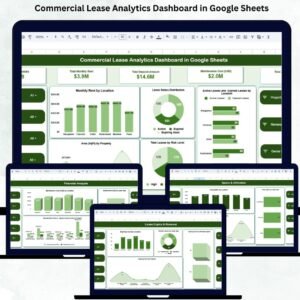
- Commercial Lease Analytics Dashboard in Google Sheets: lease analysis for commercial space
- Office Lease Management Dashboard in Google Sheets: a lease dashboard for office space
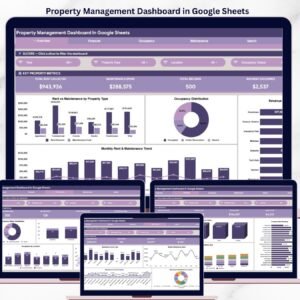
- Property Management Dashboard in Google Sheets: a wider view of property operations
- Lease Management KPI Dashboard in Excel: lease KPIs in Excel
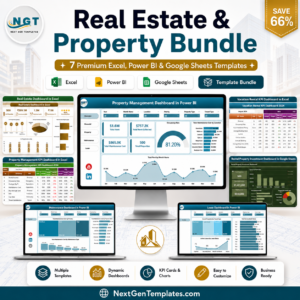
- Real Estate & Property Bundle: 7 real estate templates in one download
Browse all Google Sheets dashboards.















Reviews
There are no reviews yet.