

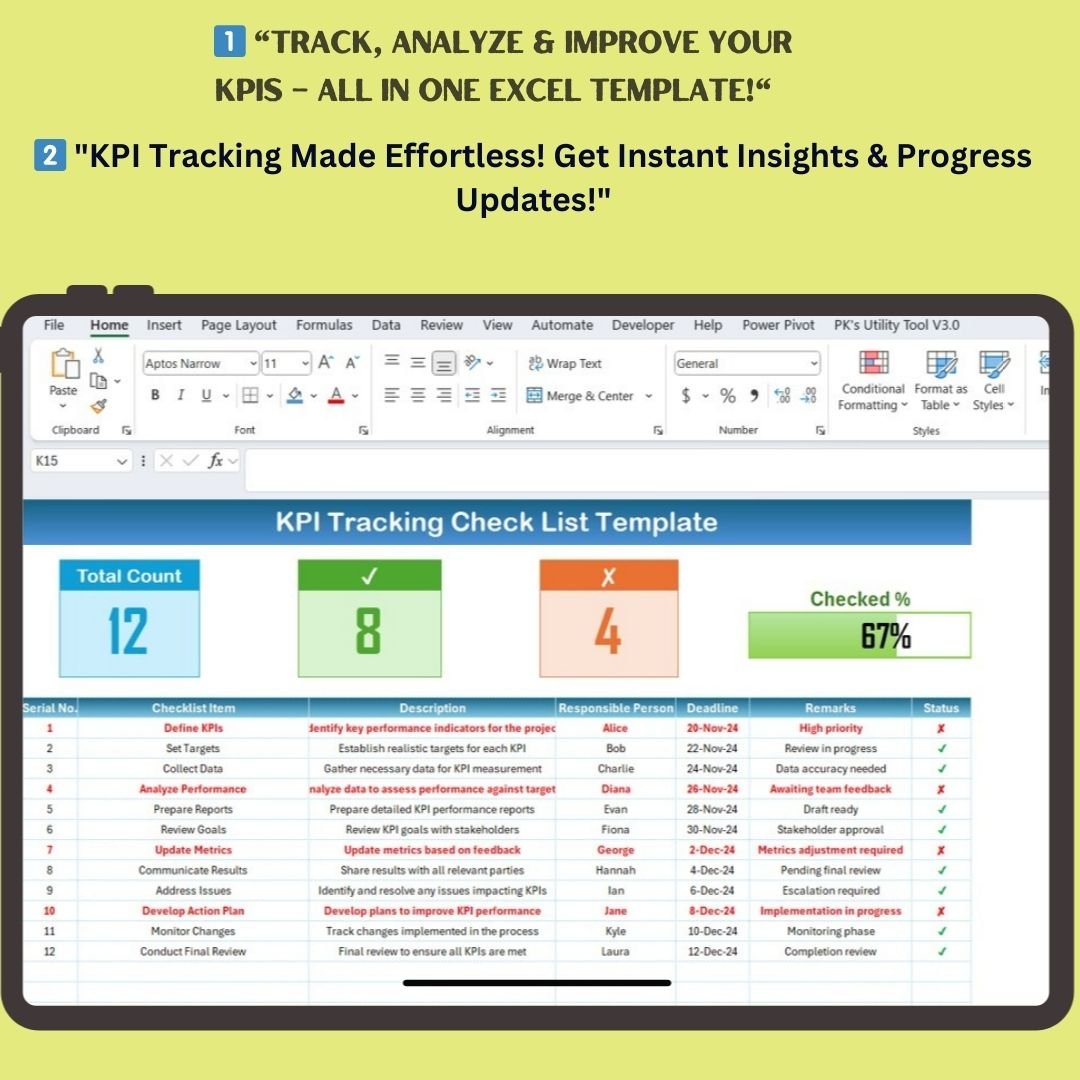
Stay on top of your business performance with our KPI Tracking Checklist Template in Excel! This ready-to-use template helps you monitor key performance indicators (KPIs) effectively, ensuring accountability, progress tracking, and goal achievement. Whether you’re managing a project, overseeing a business strategy, or optimizing performance, this template provides the structure you need to succeed.
🔹 Why Use a KPI Tracking Checklist?
Tracking KPIs manually can be time-consuming and prone to errors. This Excel KPI Tracking Checklist streamlines the entire process by providing a structured and automated way to:
✔ Define measurable performance goals
✔ Assign responsibilities to team members
✔ Track progress in real-time with visual indicators
✔ Identify bottlenecks and improvement areas
✔ Keep all performance-related data organized in one place
🔹 Key Features of the KPI Tracking Checklist Template
📌 Two Organized Worksheets for Seamless Tracking
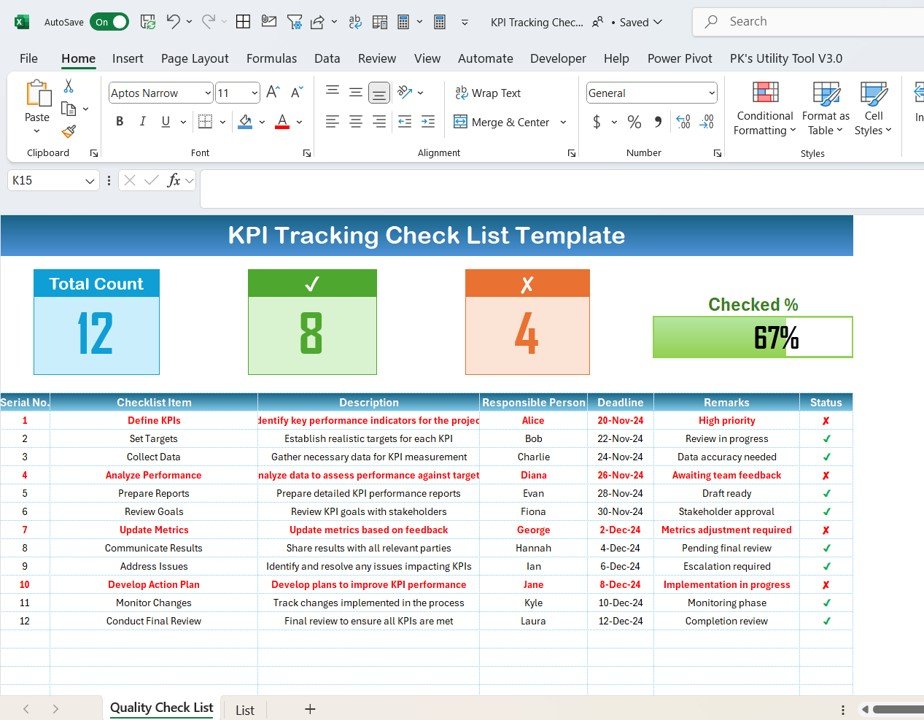
1️⃣ KPI Tracking Checklist Sheet
- The primary sheet where you input, update, and monitor KPIs.
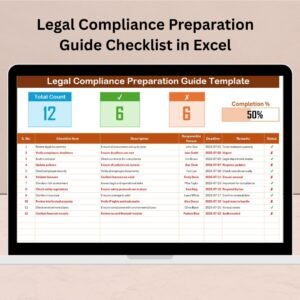
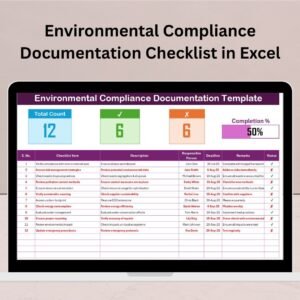
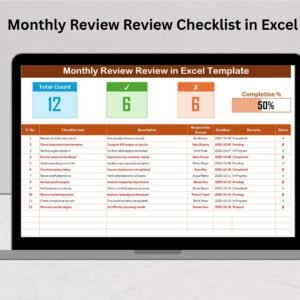
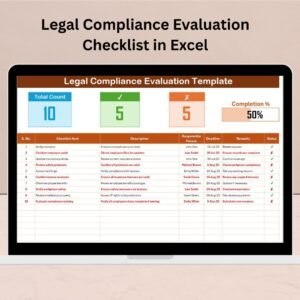
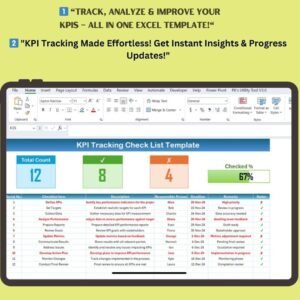
- Visual summary cards at the top give you a quick glance at your overall progress.
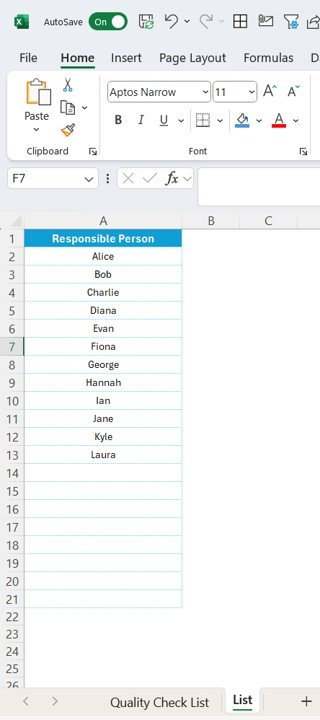
2️⃣ List Sheet
- A pre-set list of responsible persons to ensure consistency in task assignment.
- Dropdown functionality eliminates manual entry errors.
📊 Visual Summary Cards for Instant Insights
At the top of the KPI Tracking Checklist, you’ll find real-time progress indicators that give you a snapshot of your performance tracking:
✅ Total Count: Displays the total number of KPI checklist items.
✅ Checked Count: Shows the number of completed KPI tasks (✔).
❌ Crossed Count: Highlights pending KPI tasks (✘).
📈 Progress Bar: A visual indicator of your KPI completion percentage.
📋 Comprehensive KPI Checklist Table
This is the core section of the template where you track all KPI-related tasks. The table includes:
✔ Serial Number: Helps keep track of the order of tasks.
✔ Checklist Item: Lists specific KPI tasks that need monitoring.
✔ Description: Provides details on what needs to be done.
✔ Responsible Person: Assigns accountability for each KPI.
✔ Deadline: Ensures tasks are completed on time.
✔ Remarks: Space for any additional notes or updates.
✔ Status: Marks whether a KPI has been completed (✔) or is still pending (✘).
🔹 How to Use the KPI Tracking Checklist?
Using this template is simple! Follow these easy steps:
1️⃣ Enter KPI Data: Populate the checklist with your defined KPIs, descriptions, and deadlines.
2️⃣ Assign Responsibilities: Use the dropdown menu to select the responsible person for each KPI.
3️⃣ Monitor and Update Status: As tasks are completed, mark them as ✔ to reflect progress.
4️⃣ Track Performance: Use the visual summary at the top to instantly see how well KPIs are being met.
5️⃣ Analyze and Adjust: Identify performance gaps and make data-driven decisions to improve KPIs.
🔹 Advantages of Using This KPI Tracking Template
🌟 Improved Performance Monitoring: Keeps all KPIs in one structured place, reducing manual errors.
🌟 Enhanced Accountability: Assign tasks and deadlines clearly, ensuring everyone knows their responsibilities.
🌟 Real-Time Tracking: Stay updated with instant progress visuals and a dynamic checklist.
🌟 Saves Time: Predefined drop-down menus and automated status tracking streamline KPI monitoring.
🌟 Fully Customizable: Adapt it to your business needs by adding new KPIs, changing formats, or modifying descriptions.
🔹 Who Can Benefit from This KPI Checklist?
This template is perfect for:
✔ Project Managers – Monitor project KPIs and ensure goals are met.
✔ Business Owners – Keep track of operational and financial performance.
✔ HR Professionals – Measure employee productivity and engagement KPIs.
✔ Marketing Teams – Track campaign performance and ROI.
✔ Finance Departments – Monitor budget adherence and cost efficiency.
🔹 Why Choose This KPI Tracking Template?
Unlike generic spreadsheets, this KPI Tracking Checklist Template is pre-structured, automated, and visually optimized for efficiency. It eliminates the hassle of manual tracking while ensuring accurate, organized, and data-driven decision-making.
✅ Easy to use and customizable
✅ Instant download and ready-to-go format
✅ Visually appealing with progress indicators
✅ Boosts productivity and performance
Visit our YouTube channel to learn step-by-step video tutorials





Reviews
There are no reviews yet.