


Efficient project monitoring is key to success in the construction industry. The Construction KPI Scorecard in Google Sheets is a ready-to-use, interactive tool designed to track and analyze performance across multiple project metrics—helping construction managers, site supervisors, and stakeholders make data-driven decisions.
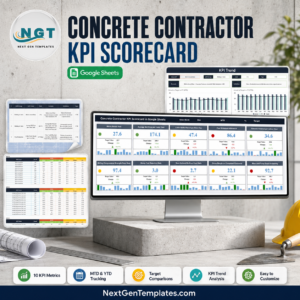
This scorecard brings all your key performance indicators (KPIs) into one dynamic and visual Google Sheets dashboard. It provides Month-to-Date (MTD) and Year-to-Date (YTD) insights, highlighting areas of success and identifying where corrective actions are needed.
Whether you’re managing a single project or multiple construction sites, this tool helps ensure timely delivery, budget control, safety compliance, and resource optimization — all within an easy-to-use, cloud-based environment.
🔑 Key Features of the Construction KPI Scorecard in Google Sheets
📊 Scorecard Sheet Tab
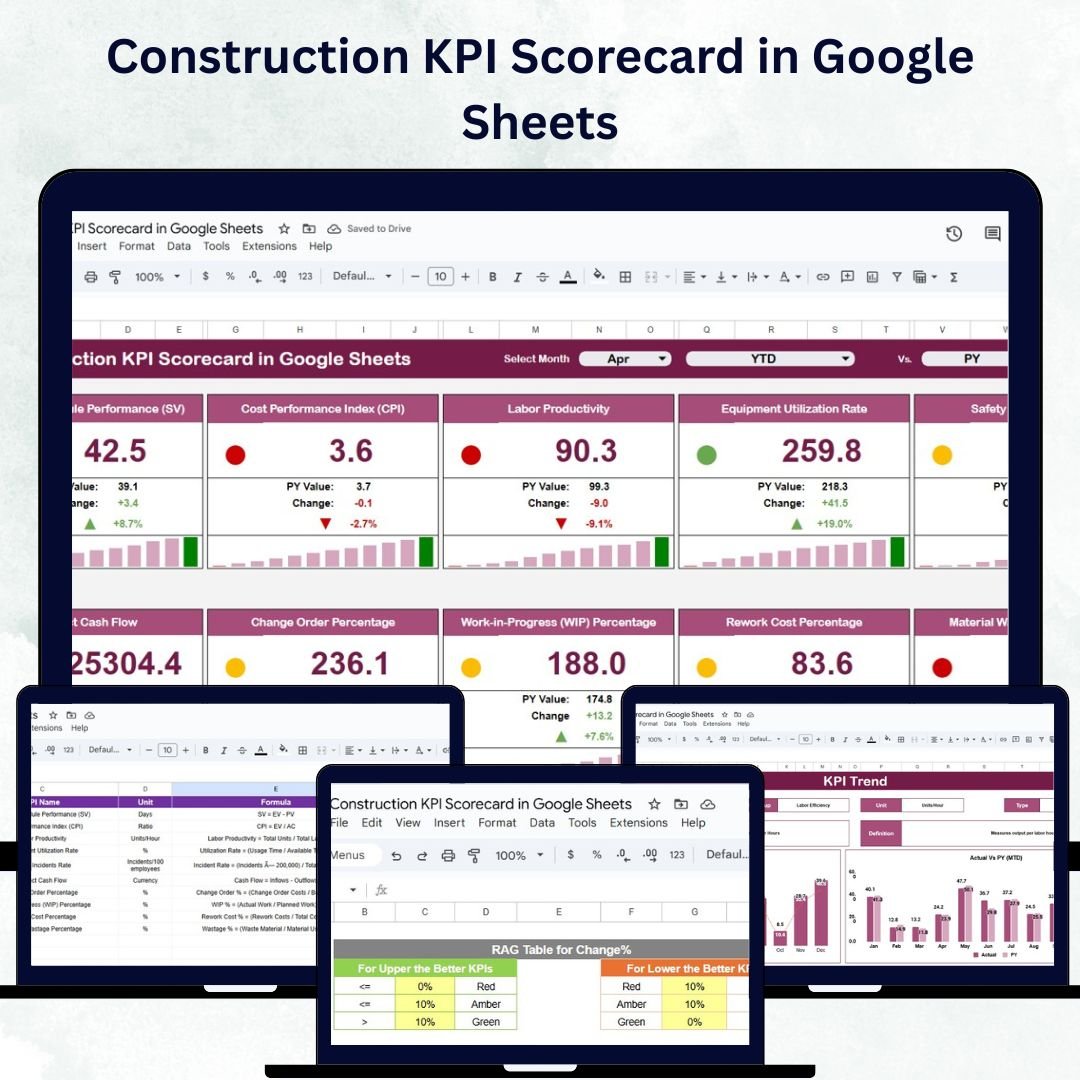
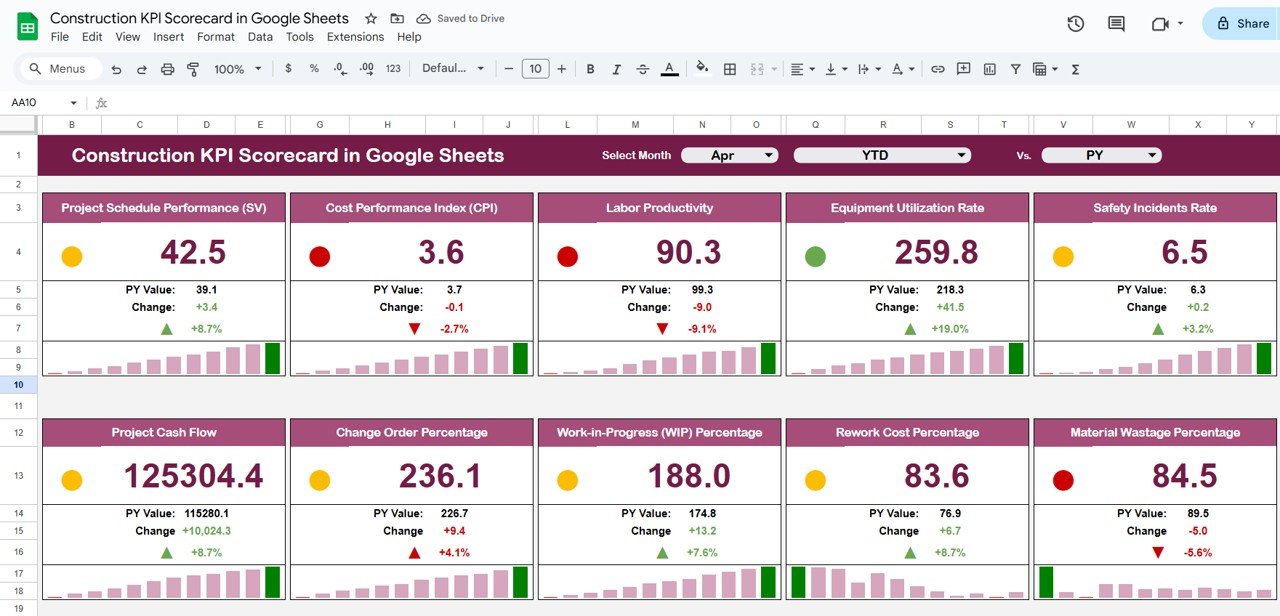
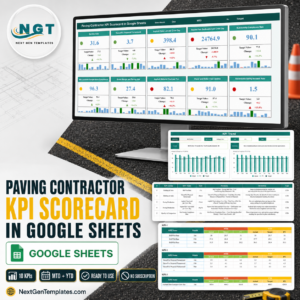
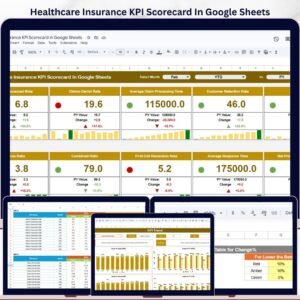
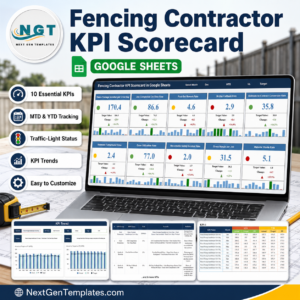
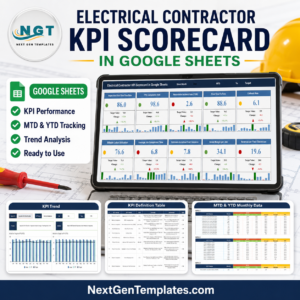
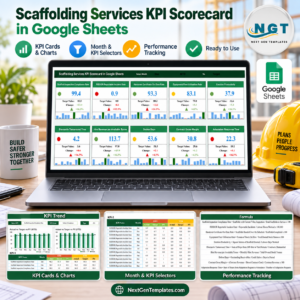
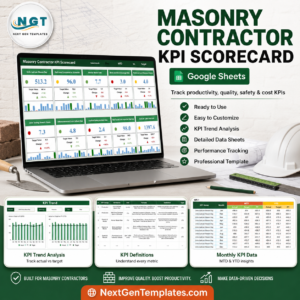
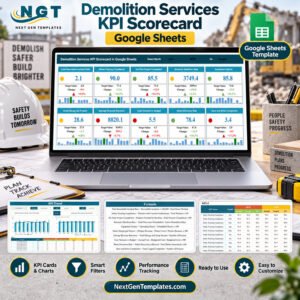
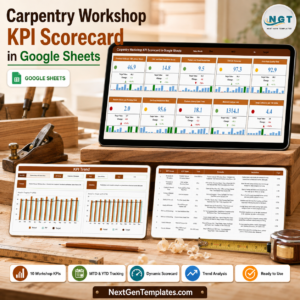
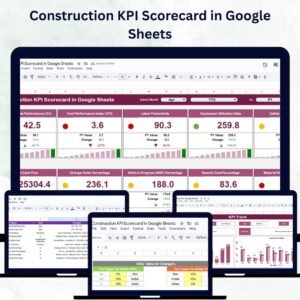
The main dashboard gives a visual overview of all construction KPIs with real-time updates and intuitive visuals.
Highlights Include:
🗓️ Month Selection Dropdown: Automatically updates all dashboard data for the selected month.
📅 MTD & YTD Toggle: Instantly switch between monthly and annual performance views.
🚦 Traffic Lights and Arrows: Color-coded indicators for quick status checks on KPIs.
📈 Performance Cards: Display 10 key KPIs with Actual, Target, and Previous Year comparisons.
This sheet gives managers a one-glance summary of project health and progress.
📈 Trend Sheet Tab
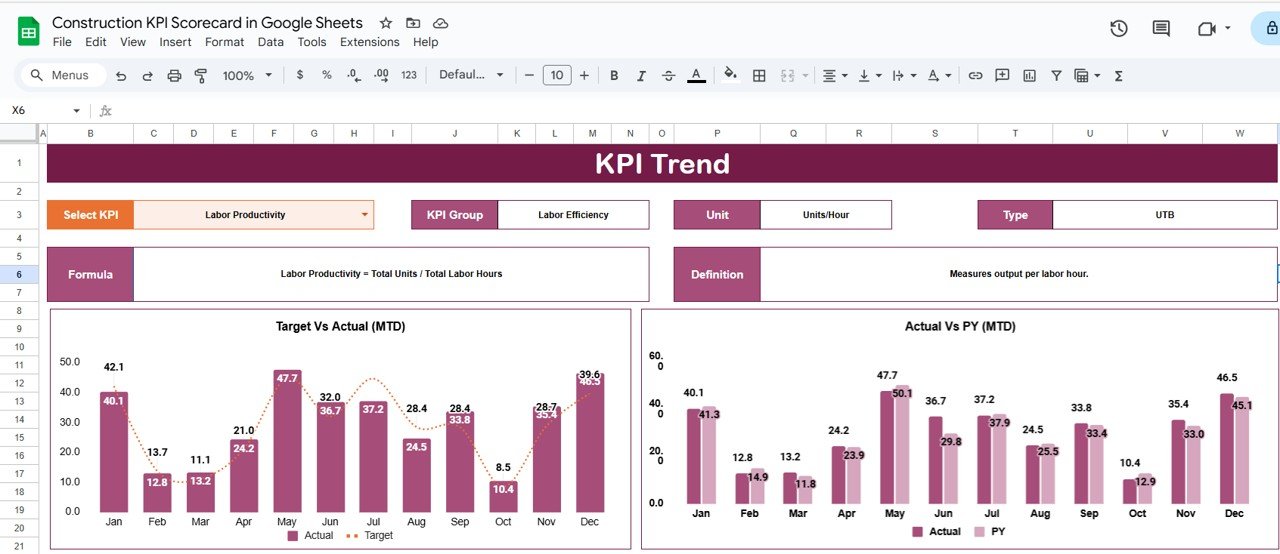
Dive deeper into individual KPIs with historical trends and detailed insights.
Select KPI from a dropdown (Range C3)
View KPI Group, Unit, Type (UTB/LTB), and Formula
Visual charts highlight monthly and yearly performance trends
This helps managers spot patterns, identify bottlenecks, and take timely actions.
📘 KPI Definition Sheet Tab
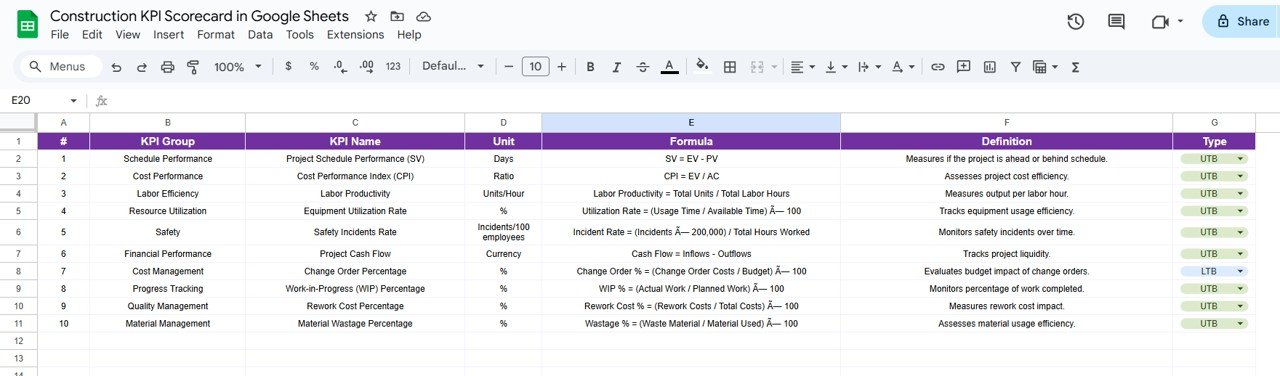
A structured reference for all your KPIs.
Document KPI Name, Group, Unit, Formula, and Definition
Specify KPI Type (Upper-the-Better or Lower-the-Better)
This ensures clarity and consistency across all reporting and analysis.
🧾 Data Input Sheet Tab
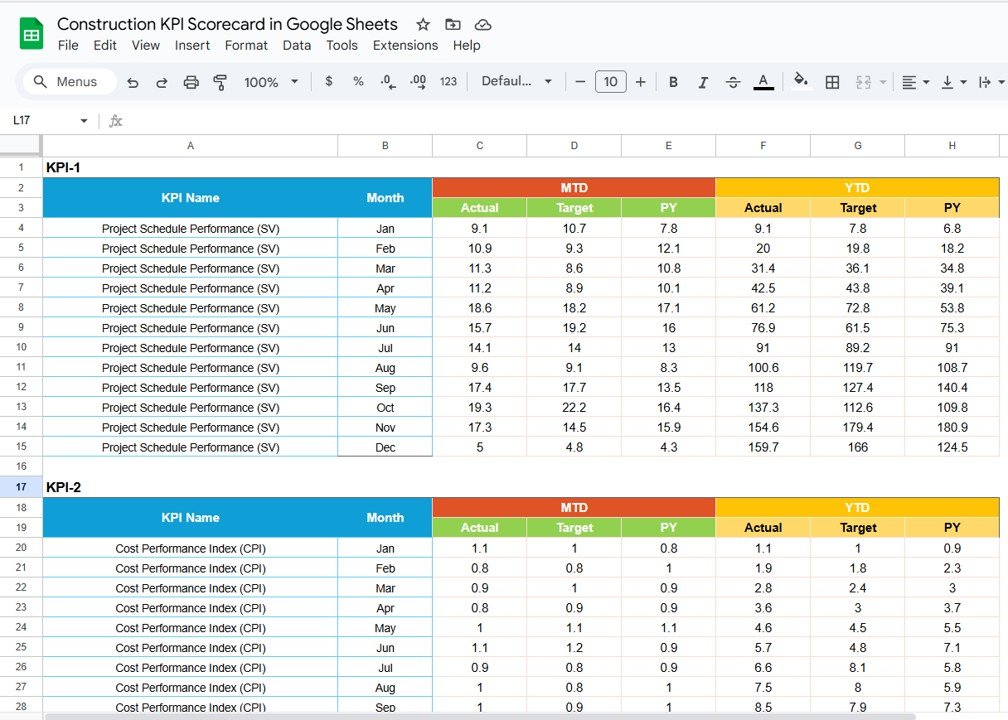
Centralized data entry for all performance metrics.
Input monthly and yearly KPI data
Automatic calculations reflect instantly in the dashboard and trend charts
This keeps your reporting real-time and accurate.
🎨 Color Settings Tab
Fully customizable visuals for the dashboard.
Adjust color codes for performance levels
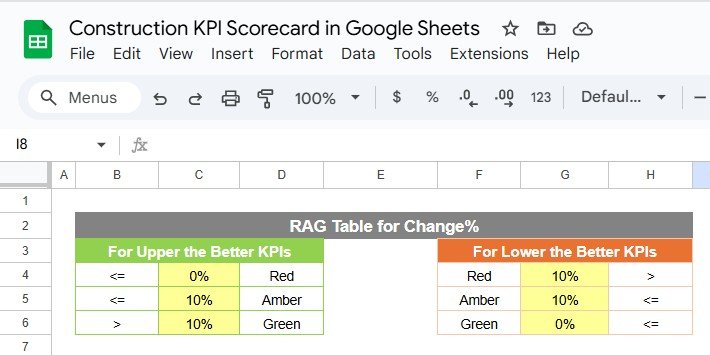
Define traffic light thresholds and arrow settings
This helps make the dashboard intuitive and brand-aligned.
🧠 Advantages of Using the Construction KPI Scorecard
✅ Centralized Performance Tracking: Monitor project metrics in one unified dashboard.
📈 Real-Time Insights: Automatically updates as soon as data changes.
🚦 Visual Performance Indicators: Instantly identify KPIs that are on track or lagging.
📊 Trend Analysis: Monitor month-to-month and year-over-year trends.
💡 Data-Driven Decisions: Identify underperforming areas quickly and take corrective measures.
⚙️ Fully Customizable: Add KPIs, adjust colors, or modify formulas based on project needs.
👥 Collaborative: Share and edit data with multiple users simultaneously through Google Sheets.
This scorecard transforms traditional reporting into a dynamic, visual, and strategic performance tool.
💡 Best Practices for Using the Scorecard
Update Regularly: Keep monthly and yearly data current for accurate reporting.
Focus on Key Metrics: Prioritize high-impact KPIs like safety, cost, and timeline adherence.
Analyze Trends: Use the Trend Sheet to detect recurring issues or seasonal variations.
Use Visual Cues: Traffic lights and arrows help highlight urgent issues.
Record Changes: Maintain update logs for transparency and accountability.
🧩 Examples of KPIs to Track
Some of the most valuable KPIs for construction teams include:
🏗️ Project Completion Rate (%): Measures milestone achievement.
💰 Budget Utilization ($): Tracks actual vs. planned expenditure.
🦺 Safety Incidents (#): Measures compliance and safety performance.
👷 Labor Productivity (Hours/Unit): Assesses workforce efficiency.
🧱 Quality Compliance (%): Tracks adherence to standards.
🚜 Equipment Utilization (%): Monitors machinery performance.
⏰ On-Time Task Completion (%): Evaluates schedule reliability.
Each KPI includes Unit, Formula, and Type (UTB/LTB) for accurate performance measurement.
🏗️ How This Scorecard Helps Construction Managers
Monitor Performance Efficiently: Centralized KPI tracking for all projects.
Detect Issues Early: Spot potential delays, overruns, or safety gaps.
Support Accountability: Assign KPIs to departments or teams.
Improve Resource Allocation: Track labor, materials, and costs effectively.
Enhance Decision-Making: Provide visual, data-driven insights to stakeholders.
With this scorecard, managers can transform complex construction metrics into actionable insights — ensuring on-time, safe, and cost-effective project delivery.
🔗 Click here to read the Detailed blog post
Watch the step-by-step video Demo:
🔗 Visit our YouTube channel to learn step-by-step video tutorials
Compatibility and Requirements
- Works in Google Sheets. You need a free Google account and a web browser.
- You pick the month and the KPI from dropdowns. Google explains dropdowns in Create an in-cell dropdown list.
Frequently Asked Questions
Which sheet tabs are included?
Five tabs: Scorecard, Trend, KPI Definition, Data Input and Color Settings.
How do I update the scorecard?
Enter your monthly and yearly KPI figures in the Data Input tab. Then pick a month on the Scorecard tab and the cards and charts update.
Can I switch between monthly and yearly views?
Yes. The Scorecard tab has an MTD and YTD toggle, so you can switch between month-to-date and year-to-date performance.
Can I change the colors and traffic lights?
Yes. The Color Settings tab lets you adjust the color codes, the traffic light thresholds and the arrow settings.
How do I see the trend for one KPI?
Open the Trend tab and pick the KPI from the dropdown. It shows the KPI group, unit, type (UTB or LTB), formula and charts of monthly and yearly performance.
Is there an Excel version?
Yes. See the Construction KPI Scorecard in Excel.
Related Construction Templates
- Construction KPI Scorecard in Excel: the same scorecard in Excel
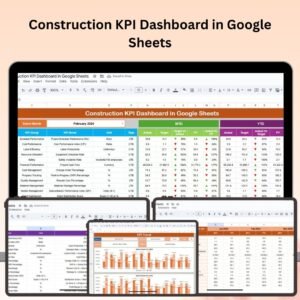
- Construction KPI Dashboard in Google Sheets: a dashboard view of construction KPIs
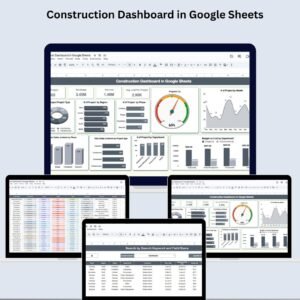
- Construction Dashboard in Google Sheets: a project overview in Google Sheets
- Construction Project Timeline in Google Sheets: plan and track project schedules
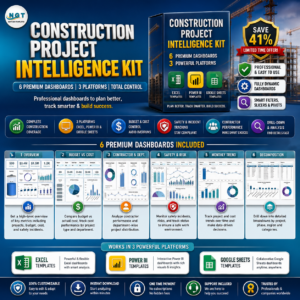
- Construction Project Intelligence Kit: 6 construction templates in one download
Browse all Google Sheets KPI dashboards.








Reviews
There are no reviews yet.