

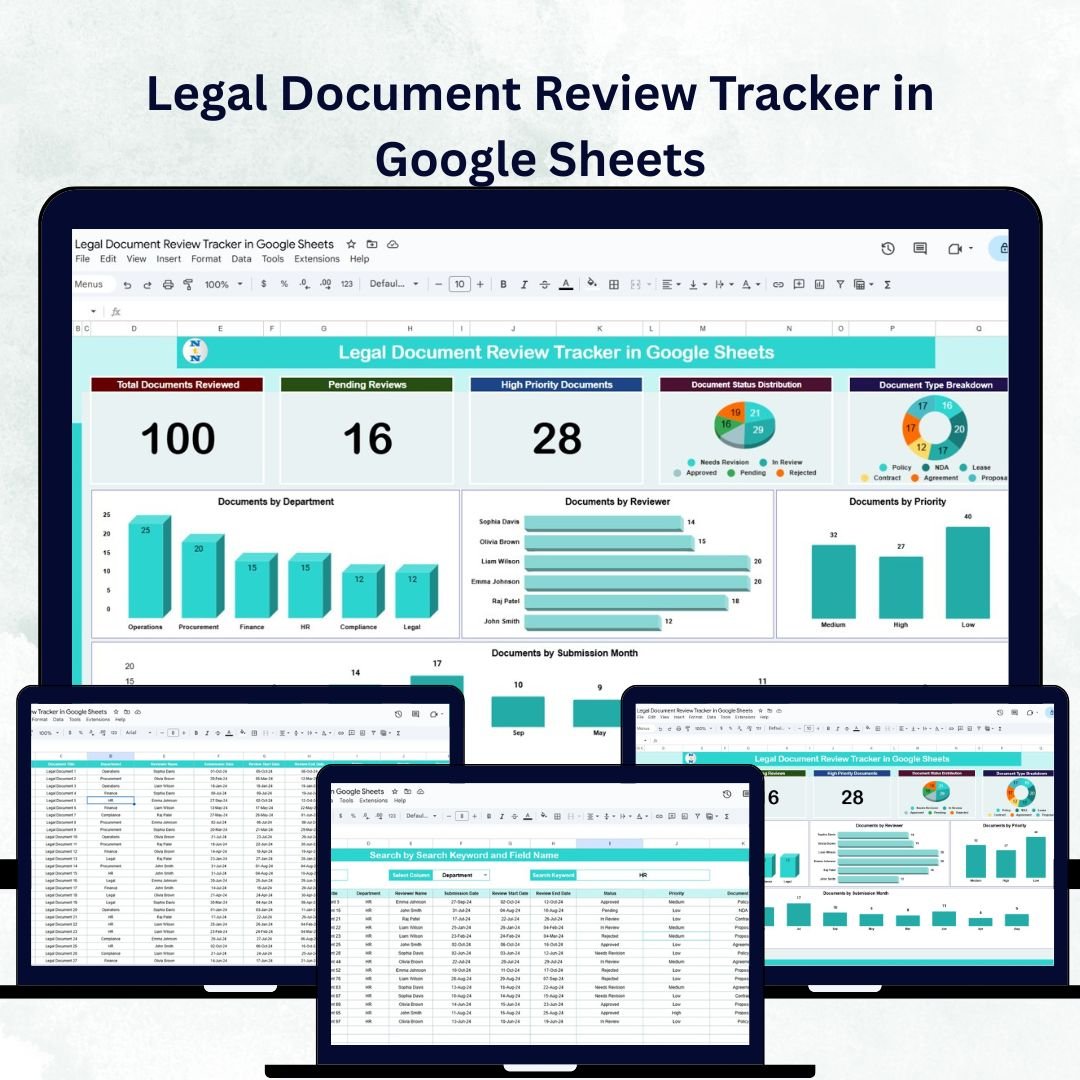

Efficient document management is the backbone of every successful legal team. The Legal Document Review Tracker in Google Sheets is a ready-to-use, interactive tool that simplifies tracking, reviewing, and prioritizing legal documents — helping firms stay compliant and meet deadlines with confidence. 🏛️📁
Whether you’re part of a law firm, corporate legal department, or compliance team, this tracker enables seamless collaboration, ensuring every document moves through the review process efficiently. Built entirely in Google Sheets, it’s accessible anytime, anywhere — making it a perfect choice for remote or distributed legal teams.
🔑 Key Features of the Legal Document Review Tracker in Google Sheets
📊 Tracker Sheet Tab
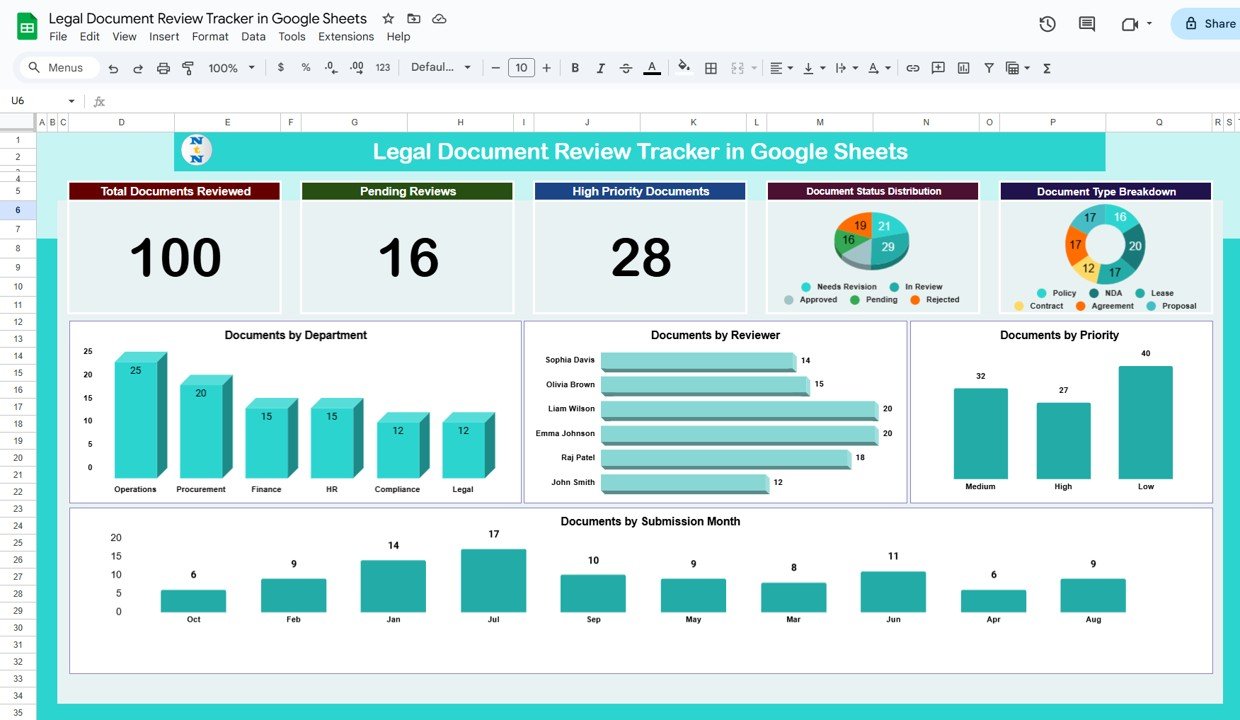
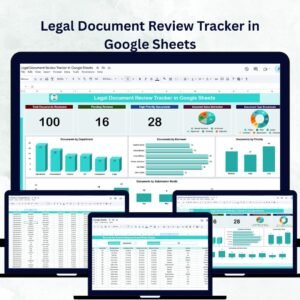
The Tracker Sheet provides a clear and organized visual overview of your legal document workflow:
Cards Section:
Total Documents Reviewed 📚 – Tracks the total number of completed reviews
Pending Reviews ⏳ – Displays documents awaiting review
High Priority Documents ⚠️ – Highlights documents that need immediate attention
Charts Section:
Document Status Distribution: Visualizes stages such as Pending, In Progress, and Completed
Document Type Breakdown: Categorizes documents like Contracts, Agreements, Policies, etc.
Documents by Priority: Displays the count of High, Medium, and Low priority documents
Documents by Reviewer: Analyzes individual reviewer workloads
Documents by Department: Tracks document flow across departments
Documents by Submission Month: Reveals monthly submission and review trends
This sheet offers a 360° view of legal operations — from status tracking to performance monitoring.
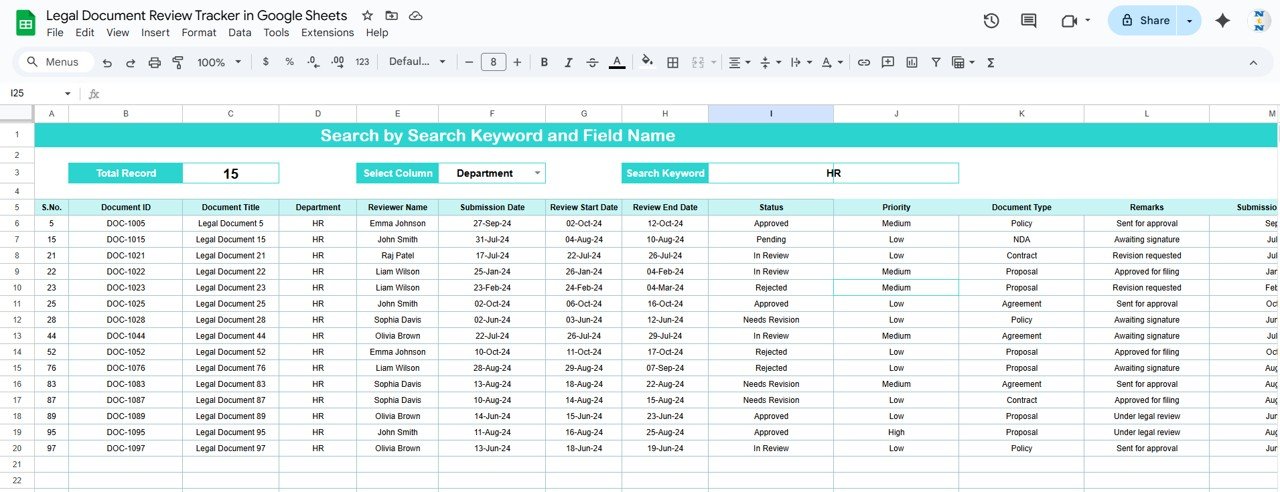
🔍 Search Sheet Tab
Find what you need in seconds:
Search using keywords (e.g., Document ID, Type, or Reviewer Name)
Filter by Field Name (Department, Status, or Priority)
Instantly view total record count and matching results
This feature is a game-changer for auditing, reporting, and resolving review delays quickly.
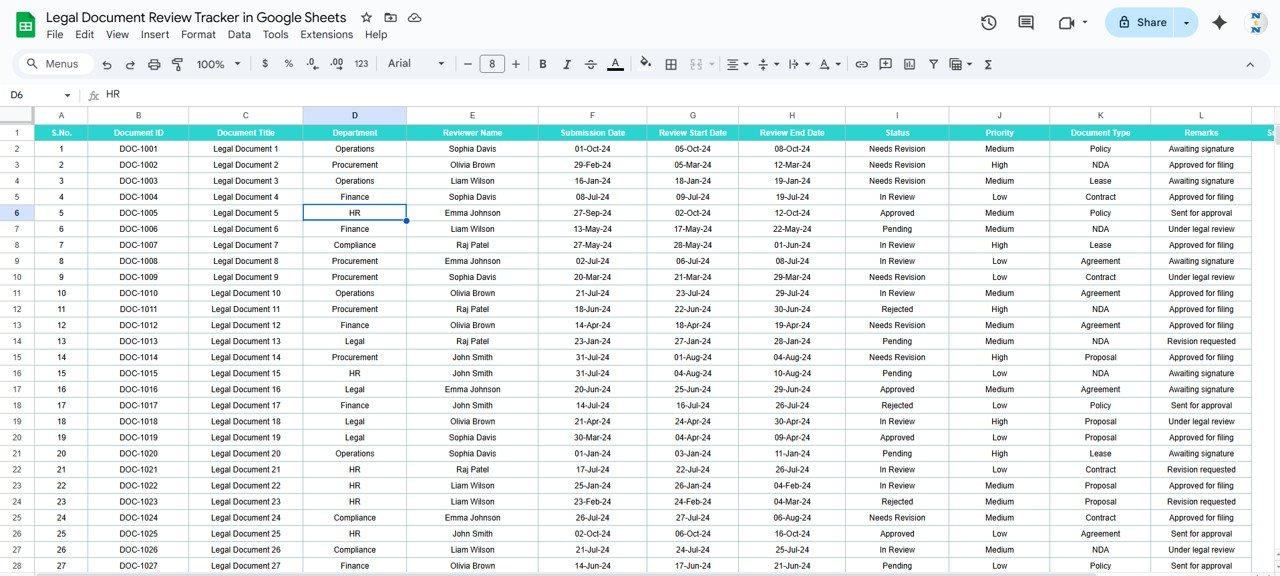
🧾 Data Sheet Tab
The backbone of the tracker where all document information resides:
Columns include Document ID, Type, Priority, Department, Reviewer, Submission Date, and Status
Automatically feeds live data to the Tracker and Search tabs
Ensures consistent and accurate record-keeping
This sheet maintains transparency, consistency, and traceability — crucial for legal compliance.
📦 What’s Inside the Legal Document Review Tracker?
✅ Tracker Sheet – Visual dashboard with progress cards and trend charts
✅ Search Sheet – Intelligent record lookup by keyword or field
✅ Data Sheet – Structured table for centralized document information
✅ Auto-updating Charts – Reflect changes in real time
✅ Sample Data – Pre-filled examples to help you get started quickly
✅ Customization Ready – Modify fields, charts, or layouts easily
All sheets are interconnected and automated, providing seamless updates without any coding or manual refresh. ⚙️
🧑💼 Who Can Benefit from This Tracker?
⚖️ Law Firms – Track document reviews across multiple clients or cases
🏢 Corporate Legal Teams – Manage internal contracts, agreements, and compliance documents
🧾 Compliance Departments – Ensure timely review and audit-readiness
👩💼 Legal Project Managers – Monitor review progress and team workload
📊 Paralegals and Assistants – Simplify administrative tracking and reporting
Ideal for both small teams and enterprise legal operations, this tracker adapts effortlessly to any document workflow.
🧪 How to Use the Legal Document Review Tracker
Input Data: Enter or import document details into the Data Sheet.
Monitor Progress: Track document statuses through the Dashboard charts and cards.
Search Documents: Use the Search tab to find specific files instantly.
Analyze Trends: Review charts to identify bottlenecks or overworked reviewers.
Collaborate in Real Time: Allow multiple users to update the tracker simultaneously using Google Sheets sharing features.
No complex setup, macros, or coding — it’s plug-and-play and designed for busy legal professionals. 🚀
🌟 Why Choose This Tracker?
Streamlines legal document management
Centralized view of all reviews and priorities
Enhances transparency and team accountability
Tracks reviewer workload and document trends
Fully customizable fields and charts
Cloud-based collaboration in Google Sheets
Saves hours of manual tracking and reporting
With the Legal Document Review Tracker in Google Sheets, you’ll manage every review with precision, meet deadlines, and ensure compliance — all from a single, efficient platform. 📋⚖️
🔗 Click here to read the Detailed blog post
Watch the step-by-step video Demo:
🔗 Visit our YouTube channel to learn step-by-step video tutorials
Compatibility and Requirements
- Works in Google Sheets with a free Google account and a web browser. Nothing to install.
- The Tracker sheet charts update from the Data sheet. Google explains how charts work in Add & edit a chart or graph.
Frequently Asked Questions
Which sheets are in the Legal Document Review Tracker?
Three: Tracker, Search and Data. The Data sheet feeds the cards and charts on the Tracker sheet and the results on the Search sheet.
What do the cards on the Tracker sheet show?
Total Documents Reviewed, Pending Reviews and High Priority Documents.
What columns does the Data sheet have?
Document ID, Type, Priority, Department, Reviewer, Submission Date and Status.
How do I find a document?
On the Search sheet, search by keyword such as Document ID, type or reviewer name, or filter by a field such as Department, Status or Priority. It shows the matching records and their count.
Is there an Excel version?
Yes. The Legal Document Review Tracker in Excel covers the same workflow in Excel.
Related Legal Templates
- Legal Document Review Tracker in Excel: the Excel edition.
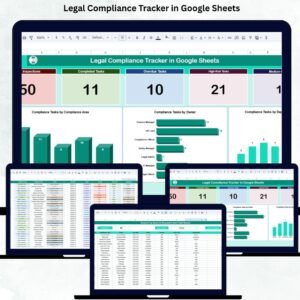
- Legal Compliance Tracker in Google Sheets: track compliance tasks.
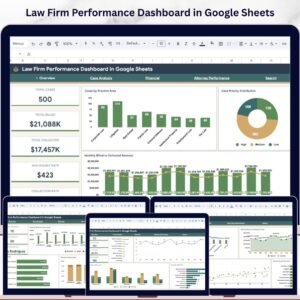
- Law Firm Performance Dashboard in Google Sheets: firm-level performance charts.
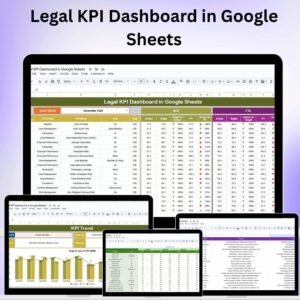
- Legal Compliance KPI Dashboard in Google Sheets: monthly compliance KPIs.
- Tracker Toolkit: 12 Excel and Google Sheets trackers.
Browse all Google Sheets trackers or the Google Sheets dashboards.



























Reviews
There are no reviews yet.