

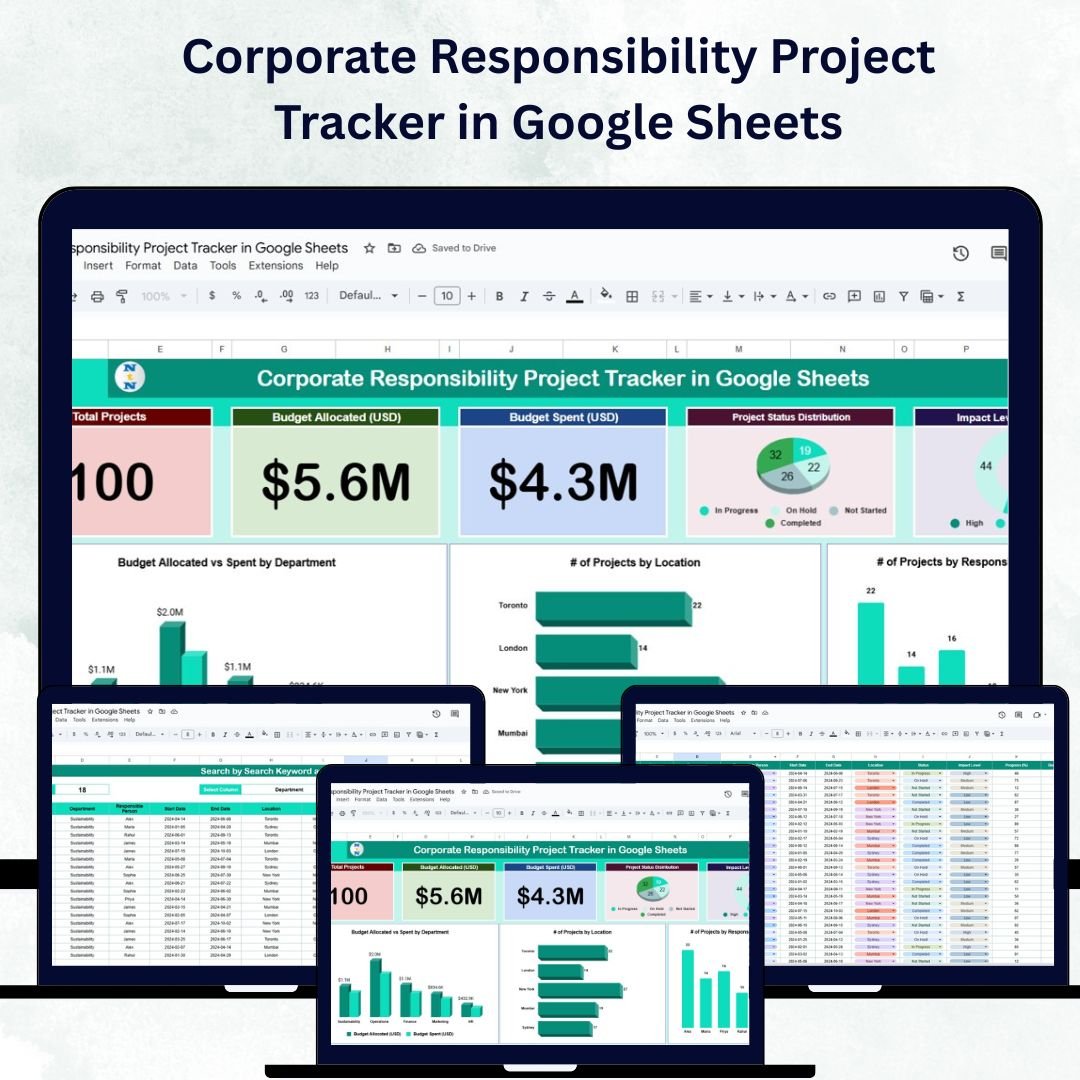

In today’s world, organizations are increasingly focusing on Corporate Social Responsibility (CSR) to build trust, drive community development, and reinforce brand reputation. However, managing multiple CSR initiatives—each with its own budget, status, and impact—can quickly become complex.
That’s where the Corporate Responsibility Project Tracker in Google Sheets comes in. ✅
This ready-to-use, fully customizable tool helps organizations track, manage, and evaluate their CSR projects efficiently. With interactive charts, automated metrics, and real-time collaboration, it turns your CSR reporting into a data-driven, transparent, and insightful process.
🔑 Key Features of the Corporate Responsibility Project Tracker
📋 1. Tracker Sheet Tab
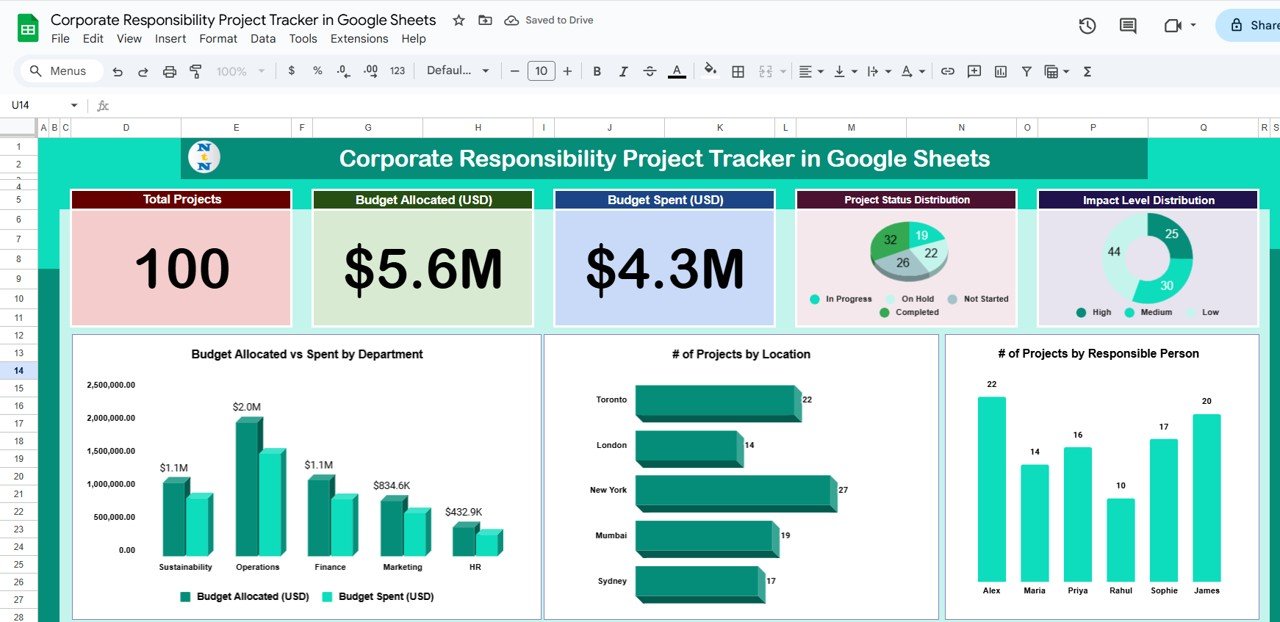
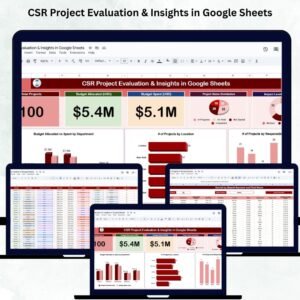
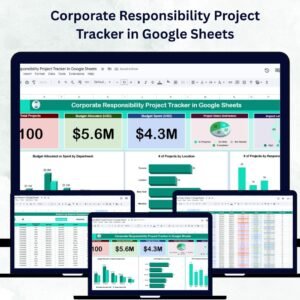
The Tracker Sheet gives you a comprehensive visual overview of all ongoing CSR projects through dynamic cards and charts.
Cards Section:
🌍 Total Projects: Count of all CSR initiatives under management
💰 Budget Allocated (USD): Total funds allocated for CSR efforts
💸 Budget Spent (USD): Track real-time spending for each project
Charts Section:
📊 Project Status Distribution: View projects categorized as Planned, In Progress, or Completed
🌱 Impact Level Distribution: Analyze the spread of High, Medium, and Low impact projects
👤 # of Projects by Responsible Person: Identify who’s managing which initiative
📍 # of Projects by Location: Visualize geographical spread of CSR activities
🏢 Budget Allocated vs. Spent by Department: Compare planned versus actual expenses across departments
These visuals offer actionable insights, helping decision-makers evaluate performance and resource utilization at a glance.
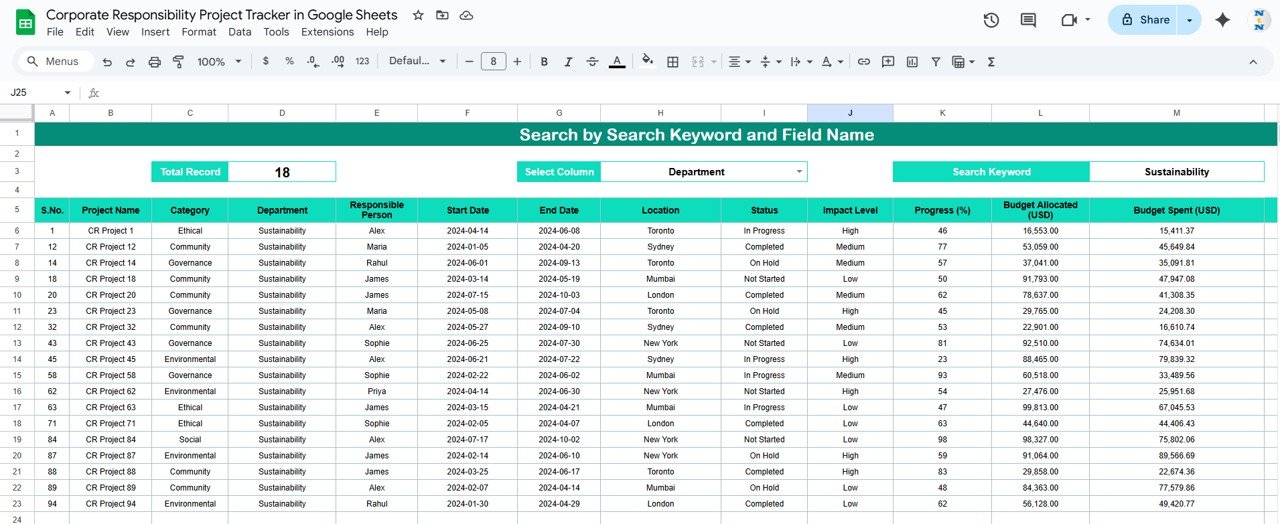
🔍 2. Search Sheet Tab
Finding a specific project or team member has never been easier.
Search projects by keyword or field name such as project title, location, or responsible person
Instantly view all matching records with a clean, structured display
This feature simplifies navigation across large CSR portfolios and helps teams follow up quickly on active projects.
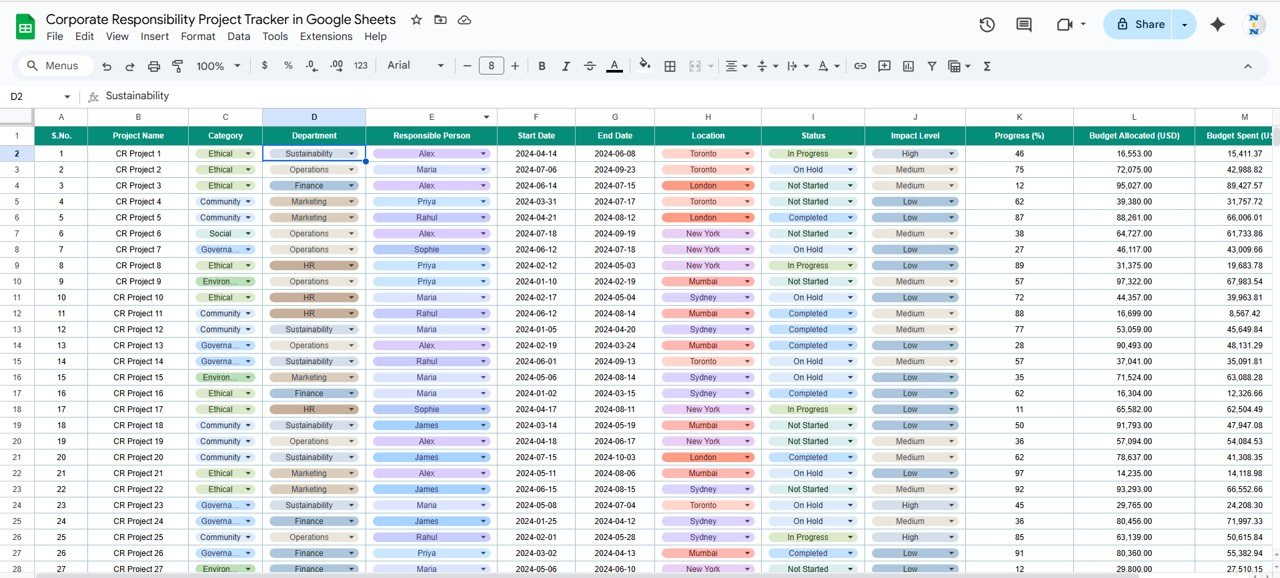
📑 3. Data Sheet Tab
This sheet acts as the backbone of your CSR database.
Each row contains complete project information, including:
Project Name
Responsible Person
Location
Department
Budget Allocated and Spent
Status and Impact Level
As you update the data, the Tracker and Search sheets refresh automatically, ensuring up-to-date reporting and accuracy.
📦 What’s Inside the Tracker
✅ Tracker Sheet: Real-time visual dashboard for project monitoring
✅ Search Sheet: Instant project lookup with keyword-based search
✅ Data Sheet: Structured, auto-linked project database
✅ Pre-Filled Sample Data: Start exploring instantly
✅ Dynamic Charts and Cards: Visualize budgets, statuses, and impacts
✅ Full Customization: Adapt categories, KPIs, and visuals to fit your CSR goals
🧑💼 Who Can Benefit from This Tracker
🎯 CSR Managers – Track multiple initiatives and evaluate their progress effortlessly
🎯 Finance Teams – Monitor allocated vs. spent budgets
🎯 Department Heads – Review performance by team or region
🎯 Executives & Stakeholders – Gain transparency into organizational impact
🎯 Nonprofits & NGOs – Simplify reporting for grant-funded programs
🧪 How to Use the Corporate Responsibility Project Tracker
Enter Project Data: Add or update CSR initiatives in the Data Sheet.
View Performance: Analyze the Tracker Sheet for insights into progress, spending, and impact.
Search Projects: Use the Search Sheet to locate projects instantly.
Compare Budgets: Monitor spending trends across departments or time periods.
Collaborate: Share the sheet with your CSR team for real-time collaboration.
💡 Within minutes, your organization will have a transparent and efficient system for managing CSR operations.
🌟 Why Choose This Tracker
📊 Centralized tracking of all CSR projects
💰 Budget and expenditure insights for better financial management
🌱 Impact analysis tools to measure success and effectiveness
⏱ Time-saving automation with real-time updates
👥 Team accountability tracking with assigned responsibilities
🌍 Google Sheets-based collaboration for multi-user access
💡 Fully customizable interface to fit your CSR objectives
With the Corporate Responsibility Project Tracker in Google Sheets, you’ll turn CSR data into actionable insights, strengthen accountability, and elevate your organization’s social impact. 🌍💼
🔗 Click here to read the Detailed blog post
Watch the step-by-step video Demo:
🔗 Visit our YouTube channel to learn step-by-step video tutorials
Compatibility and Requirements
- Works in Google Sheets. You need a free Google account and a web browser.
- The Tracker sheet uses Google Sheets charts. Google explains charts in Add & edit a chart or graph.
Frequently Asked Questions
Which sheets are included?
A Tracker sheet with cards and charts, a Search sheet and a Data sheet. Sample data is pre-filled so you can explore it first.
What does the Tracker sheet show?
Total projects, budget allocated and budget spent, plus charts for project status, impact level, projects by responsible person, projects by location and budget allocated versus spent by department.
What do I enter for each project?
Project name, responsible person, location, department, budget allocated and spent, status and impact level.
Can my CSR team work in it together?
Yes. It is a Google Sheets file, so you can share it for real-time collaboration.
Is there an Excel version?
Yes. The Corporate Responsibility Project Tracker in Excel does the same job in Excel.
Related CSR Templates
- Corporate Responsibility Project Tracker in Excel: the same tracker in Excel
- Corporate Social Responsibility KPI Dashboard in Google Sheets: CSR KPIs in Google Sheets
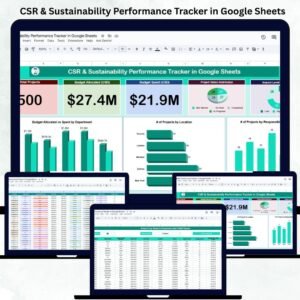
- CSR & Sustainability Performance Tracker in Google Sheets: track CSR and sustainability results
- CSR Events Calendar in Google Sheets: plan CSR events
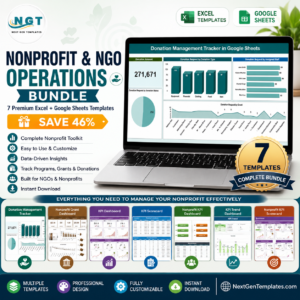
- Nonprofit & NGO Operations Bundle: 7 nonprofit templates in one download
Browse all Google Sheets trackers or the Google Sheets project management templates.



























Reviews
There are no reviews yet.