


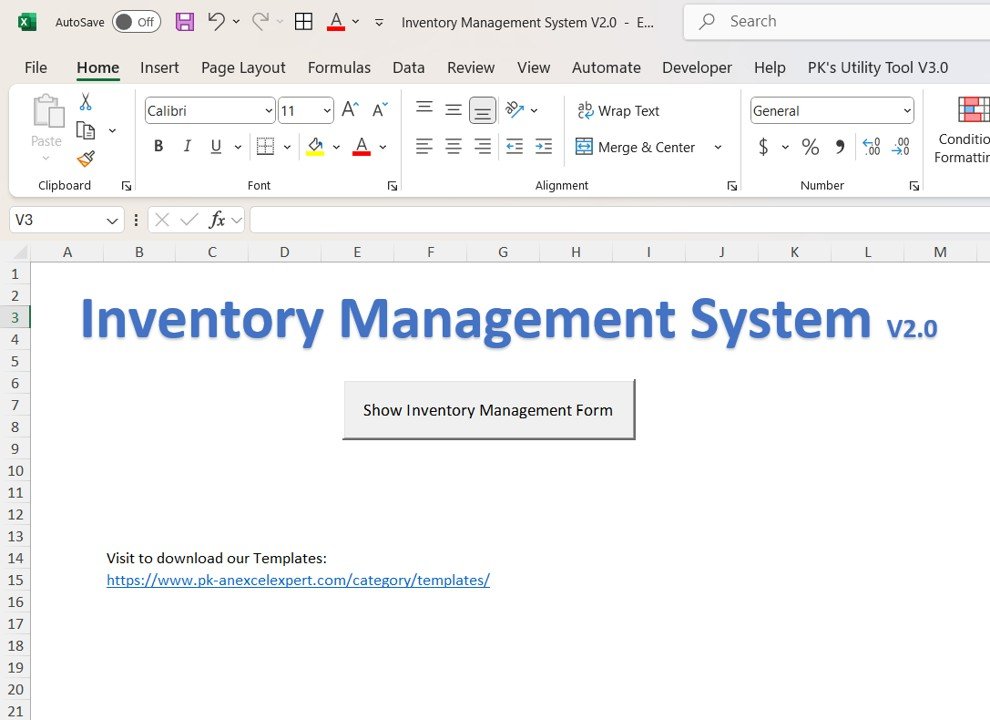
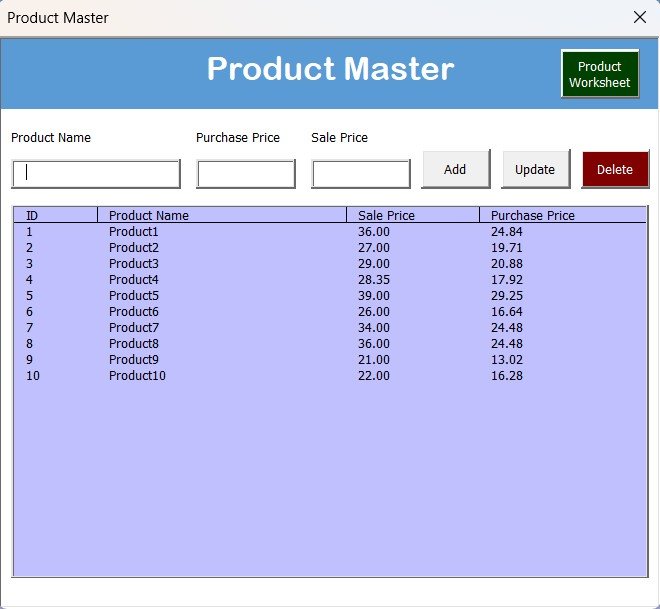
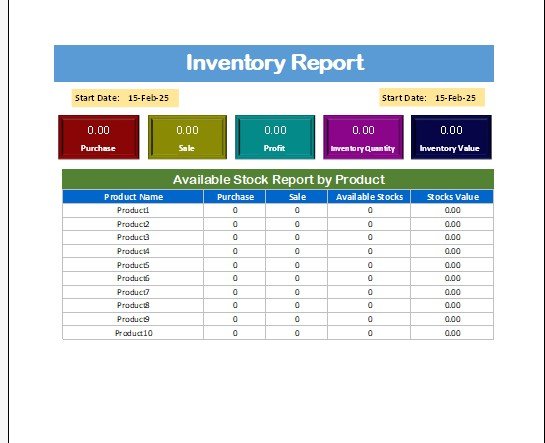

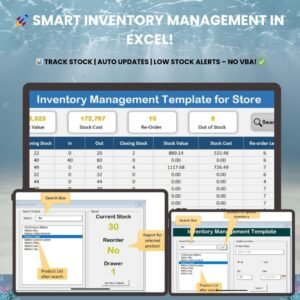
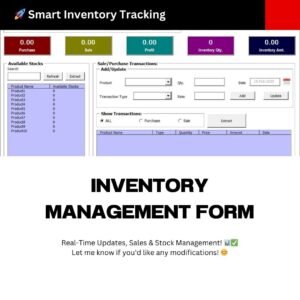
The Inventory Management Form (Inventory Management System V2.0) is an Excel VBA tool that helps businesses track inventory, sales and purchases in one place. It is built for small businesses through to large warehouses that need accurate, centralized stock records. The result is real-time stock updates, faster transaction recording and fewer stock shortages or overstock situations.
Why Use This Excel VBA Inventory Management Form?
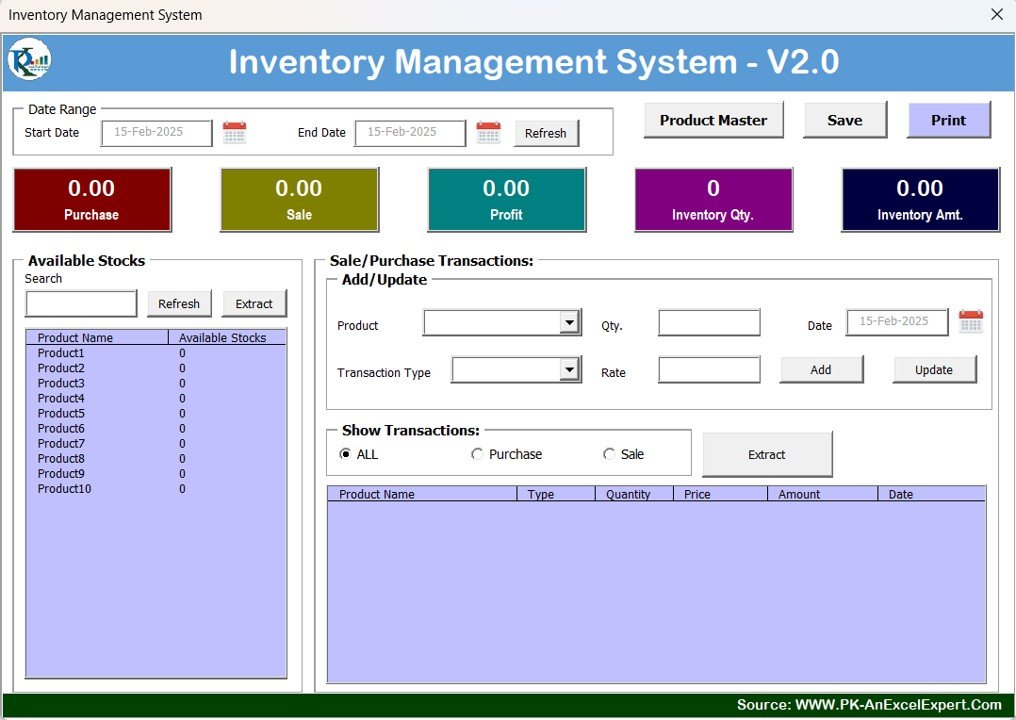
Managing stock with scattered spreadsheets often leads to errors, missing transactions and guesswork about what is actually on the shelf. This Excel VBA inventory system brings real-time stock updates, transaction recording and centralized data management together in a single workbook. Because it runs on Excel VBA-powered automation, you can manage inventory efficiently without installing or paying for additional software.
Whether you are a shop owner, distributor or warehouse manager, the tool helps you streamline operations, prevent stock shortages and optimize stock levels with ease.
Key Features
- Seamless sales and purchase recording – Effortlessly log sales and purchase transactions with real-time updates to your stock.
- Real-time stock monitoring – Keep track of stock levels at all times to prevent overstocking or shortages.
- Detailed inventory tracking – Maintain an accurate product database with full purchase and sale history.
- Product master management – Store product details, including purchase price, sale price and available stock.
- Custom reports and insights – Generate inventory reports to analyze sales trends, profit margins and stock movements.
- User-friendly interface – A simple, intuitive dashboard with easy navigation and data entry.
- Excel VBA-powered automation – Efficient inventory management that works inside Excel, with no additional software required.
What’s Inside the Inventory Management System V2.0
| Component | What it does |
|---|---|
| Product Master | Holds each product’s details, purchase price, sale price and available stock. |
| Sales Recording | Logs sales transactions and updates stock levels in real time. |
| Purchase Recording | Logs purchase transactions so incoming stock is reflected immediately. |
| Inventory Tracking | Keeps the purchase and sale history for an accurate product database. |
| Reports | Inventory reports covering sales trends, profit margins and stock movements. |
| Dashboard | A simple, intuitive interface for navigation and data entry. |
Who Is It For?
- Small businesses that want a simple way to handle stock tracking and sales and purchase recording in Excel.
- Warehouses and larger operations that need centralized data management and accurate stock records.
- Retailers and traders who want to monitor profit margins using stored purchase and sale prices.
- Anyone already using Excel who prefers an Excel VBA inventory solution over separate inventory software.
How to Use the Inventory Management Form
- Open the workbook in Excel and enable macros so the VBA automation can run.
- Set up your Product Master by adding each product with its purchase price, sale price and available stock.
- Record purchases as new stock arrives to keep stock levels up to date.
- Record sales as they happen; stock updates in real time.
- Review inventory reports to analyze sales trends, profit margins and stock movements.
Click here to read the detailed blog post
Watch the step-by-step video tutorial:
Frequently Asked Questions
What is the Inventory Management Form?
It is the Inventory Management System V2.0, an Excel VBA-based tool for tracking inventory, recording sales and purchases, and monitoring stock levels in real time from one centralized workbook.
Do I need any additional software?
No. The tool uses Excel VBA-powered automation, so it ensures efficient inventory management without requiring additional software beyond Excel.
Can it help prevent stock shortages?
Yes. Real-time stock monitoring shows your current stock levels as sales and purchases are recorded, helping you avoid both shortages and overstocking.
What product details can I store?
The Product Master stores product details including purchase price, sale price and available stock, along with the purchase and sale history used for detailed inventory tracking.
What kind of inventory reports does it generate?
You can generate inventory reports that help you analyze sales trends, profit margins and stock movements.
Is it suitable for both small businesses and warehouses?
Yes. Whether you run a small business or a large warehouse, the system is designed to streamline operations and optimize stock levels.
The Inventory Management System V2.0 is a practical tool for businesses looking to optimize their inventory and maintain accurate stock records with ease.
Also check our Quality checklist template in Excel
Last updated: October 2026
Compatibility and Requirements
- Microsoft Excel desktop on Windows (Excel 2016 or later, or Microsoft 365).
- Macros must be enabled, because the forms and buttons run on VBA. Microsoft shows how in Enable or disable macros in Microsoft 365 files.
- It does not run in Excel for the web, Google Sheets or the Excel mobile apps.
Related Inventory Templates
- Inventory Management System -V3.0: the V3.0 inventory system.
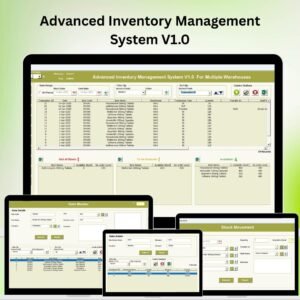
- Advanced Inventory Management System V1.0
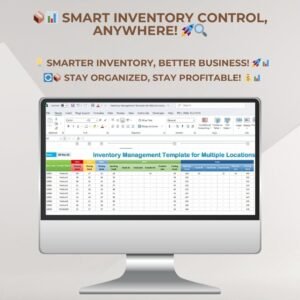
- Inventory Management Template for Multiple Locations: track stock across several locations.
- Multi-Location Inventory Management in Google Sheets: multi-location inventory in Google Sheets.
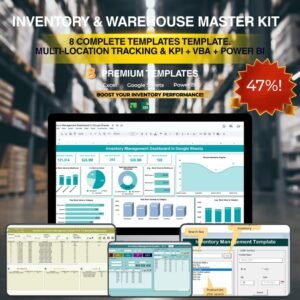
- Inventory & Warehouse Master Kit: 8 inventory and warehouse templates in one kit.
Browse all Excel inventory management templates or the Excel VBA tools.










Reviews
There are no reviews yet.