

Employee development is the foundation of a strong organization. 💼📈 From upskilling programs to compliance training, keeping track of completion rates, participant feedback, and trainer performance is essential for HR and learning & development teams.
The Training and Development Report in Excel is a ready-to-use, interactive solution that simplifies training monitoring, reporting, and analysis. With built-in dashboards, pivot tables, and structured data management, this tool gives you real-time insights into your organization’s learning progress and ROI.
🔑 Key Features of Training and Development Report in Excel
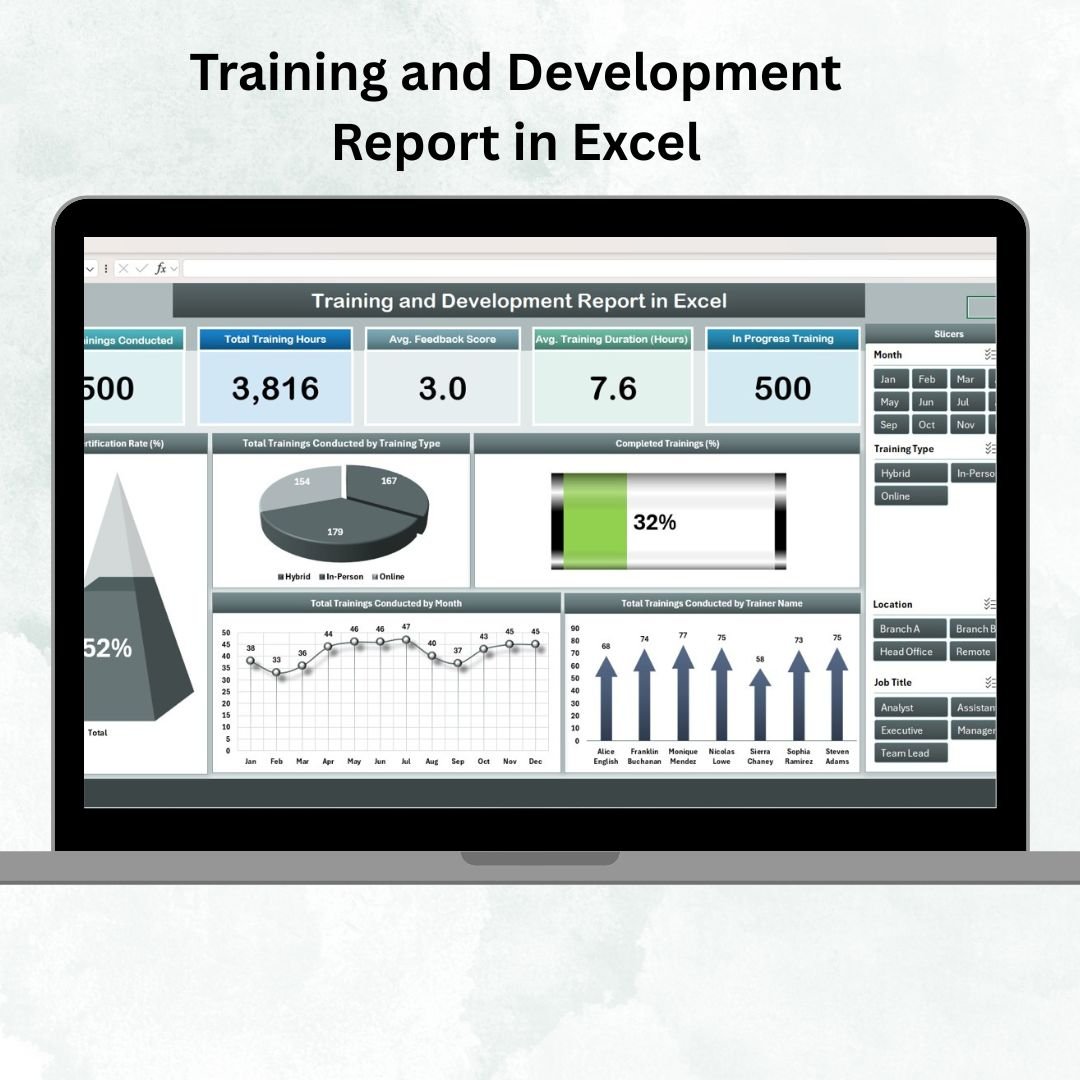
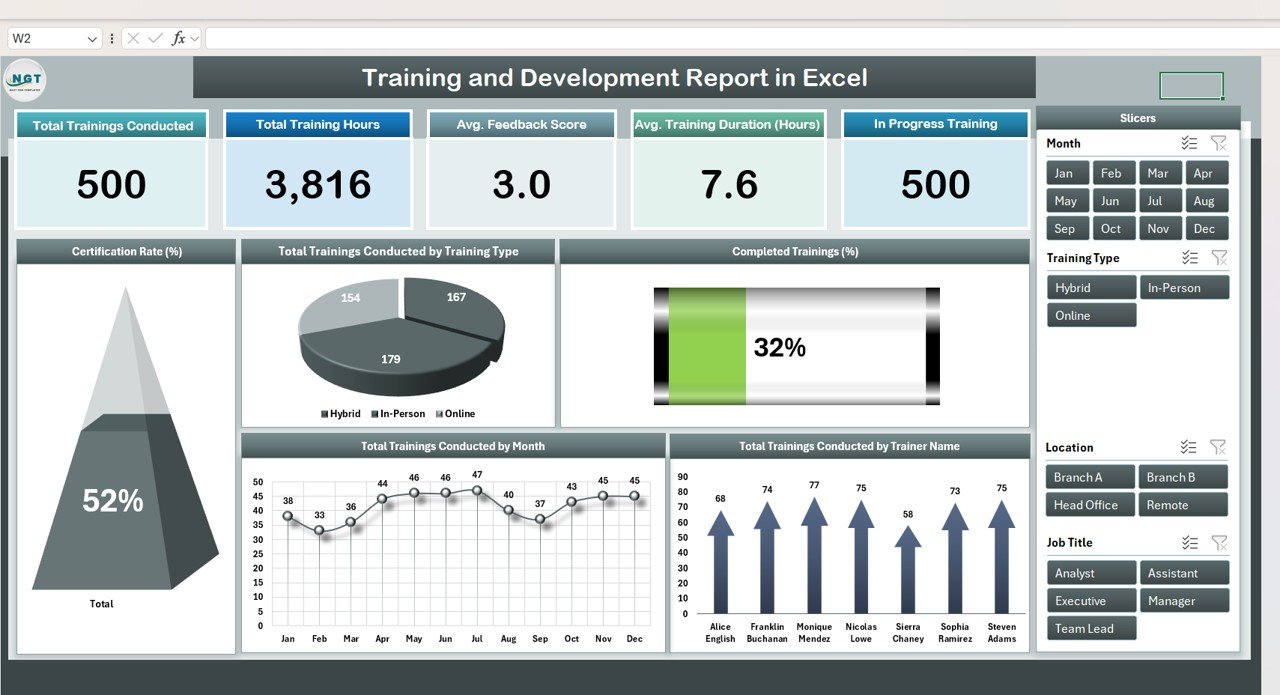
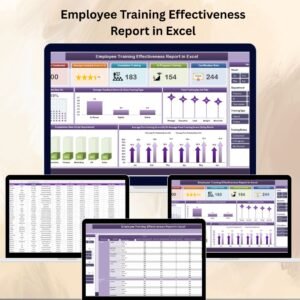
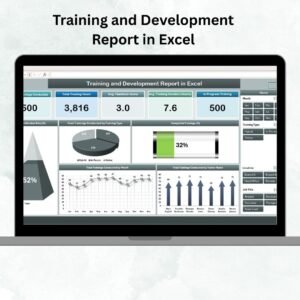
📊 Summary Sheet (Training Overview)
Cards Section: Instantly view Total Trainings, Training Hours, Average Feedback, Average Duration, and Ongoing Sessions.
Charts Section:
Certification Rate (%)
Trainings by Type (Technical, Soft Skills, Compliance, etc.)
Completed vs In-Progress Programs
Monthly Training Trends
Trainer Contribution Breakdown
This provides management with a high-level snapshot of organizational training health.
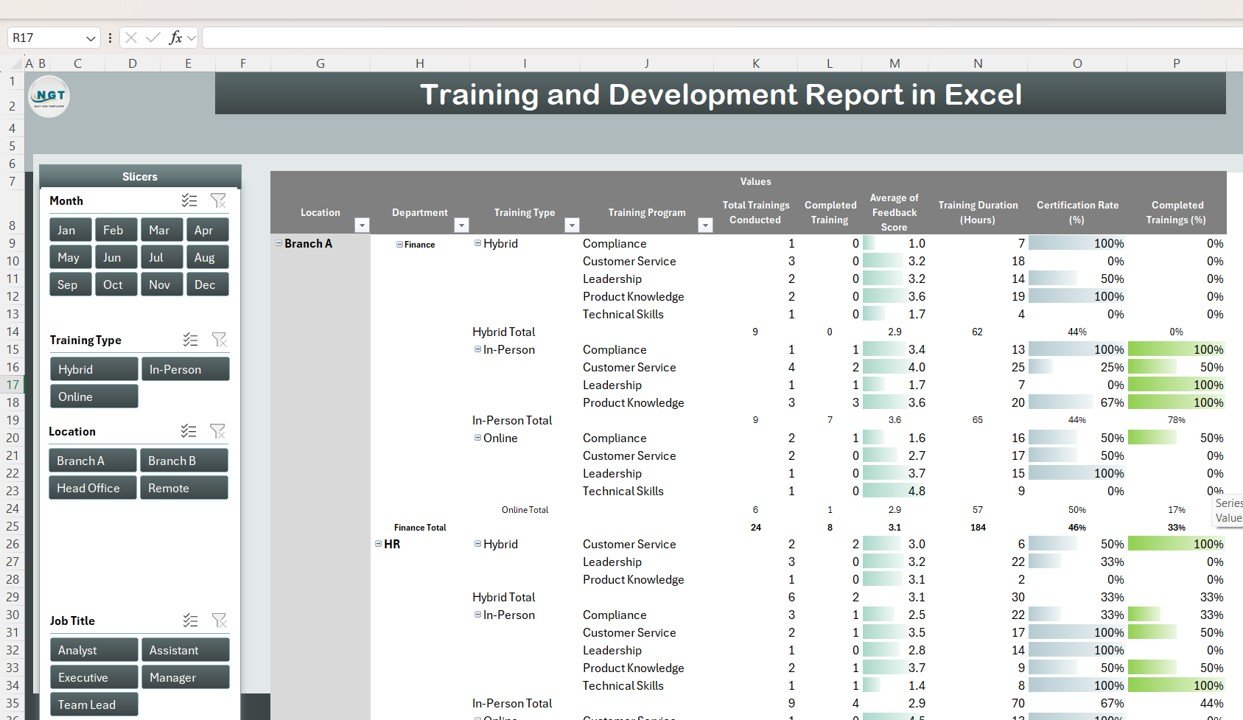
📈 Report Sheet (Advanced Analytics)
Pivot tables to summarize by employee, department, trainer, or training type.
Interactive slicers for dynamic filtering by month, type, or status.
Trend analysis across months or departments.
Drill-down feature to move from summary to participant-level detail.
This ensures in-depth analysis and easy identification of training gaps.
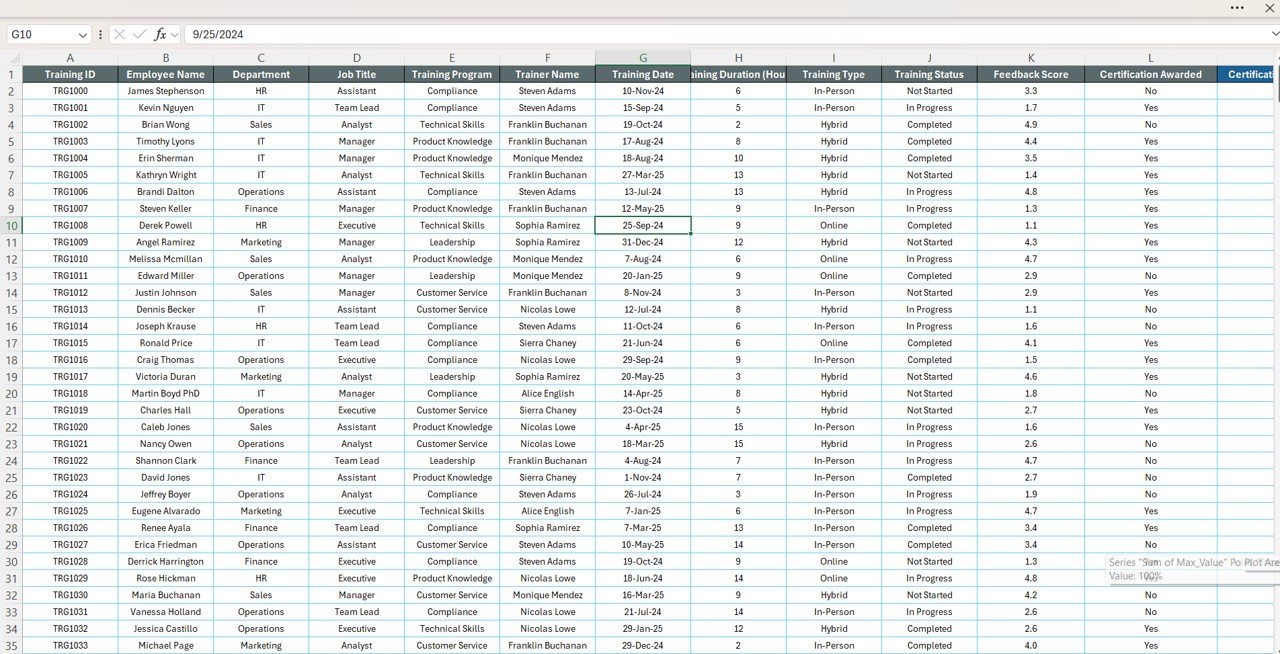
📋 Data Sheet (Central Input Database)
Store complete training data: Training Name, Type, Trainer, Date, Duration, Participants, Feedback Score, Certification, and Department.
All entries automatically feed into the Summary and Report sheets.
Ensures real-time updates and accurate reporting.
📦 What’s Inside the Report?
When you download this template, you’ll receive:
✅ Summary Sheet with KPIs & charts
✅ Report Sheet powered by pivot tables & slicers
✅ Data Sheet for structured input
✅ Built-in formulas & visualizations – no setup required
✅ Sample data for quick demonstration
✅ Customizable structure to adapt to your organization
👥 Who Can Benefit from This Report?
👩💼 HR Professionals – Monitor employee training participation & outcomes.
📚 Learning & Development Teams – Track skill gaps and optimize training plans.
👨🏫 Trainers – Measure effectiveness through participant feedback & certifications.
🏢 Business Leaders – Evaluate ROI of training investments.
🎓 Training Institutes – Organize programs and measure engagement.
🧾 How to Use the Training and Development Report
📥 Download & Save the Excel template.
📝 Input training data in the Data Sheet (program details, participants, scores).
📊 Review KPIs & Charts in the Summary Sheet for a quick overview.
📈 Deep dive into the Report Sheet using pivot tables and slicers.
🎨 Customize categories, trainers, or KPIs to fit your needs.
📤 Share reports for HR reviews, audits, and management updates.
No advanced Excel knowledge required — just fill in data and watch the reports update automatically. 🚀



Reviews
There are no reviews yet.