

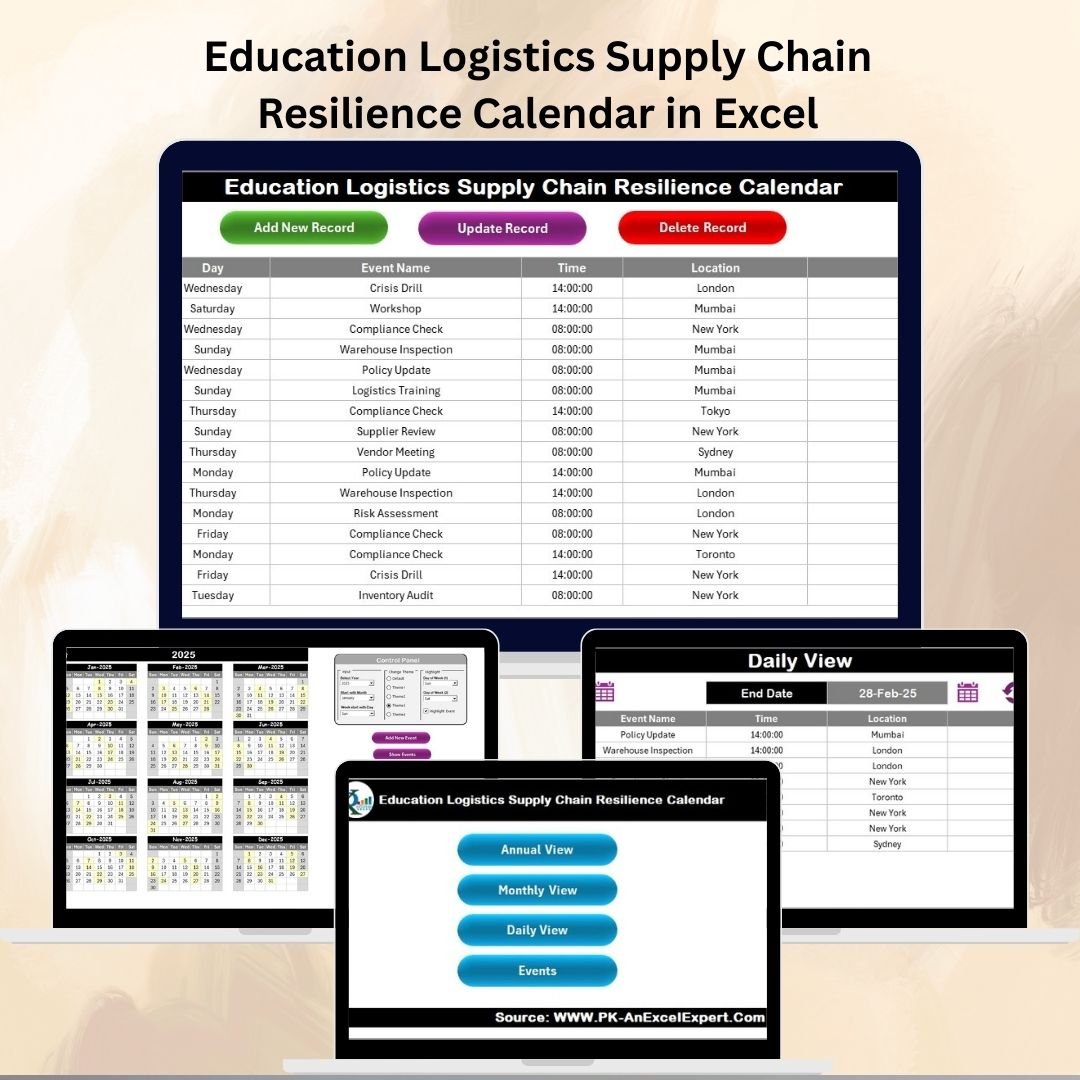

In today’s educational ecosystem, logistics is the backbone that ensures students, teachers, and staff get the right resources at the right time. From distributing textbooks and supplies to scheduling exams, managing transportation, and coordinating events, schools, colleges, and universities face increasing complexity. Without a structured system, these processes can lead to confusion, delays, and supply chain breakdowns.
The Education Logistics Supply Chain Resilience Calendar in Excel is a ready-to-use, interactive template that streamlines planning and strengthens resilience. By providing annual, monthly, and daily scheduling views along with a centralized event database, this tool helps institutions anticipate challenges, reduce risks, and ensure smooth operations.
🔑 Key Features of the Calendar
5 Structured Worksheet Tabs designed for clarity and efficiency:
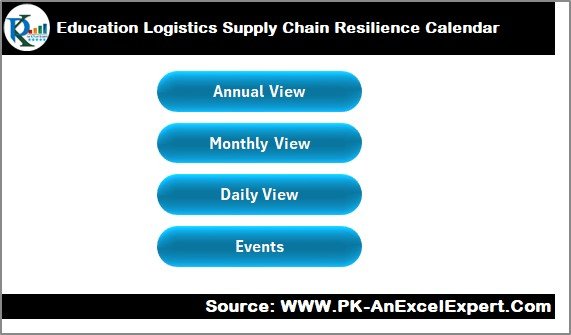
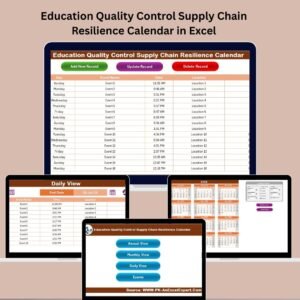
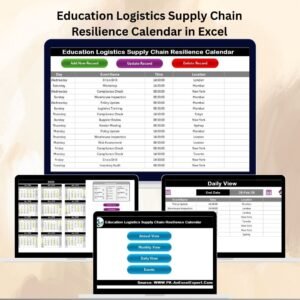
Home Sheet – A central navigation hub with quick buttons for Annual, Monthly, Daily, and Events views.
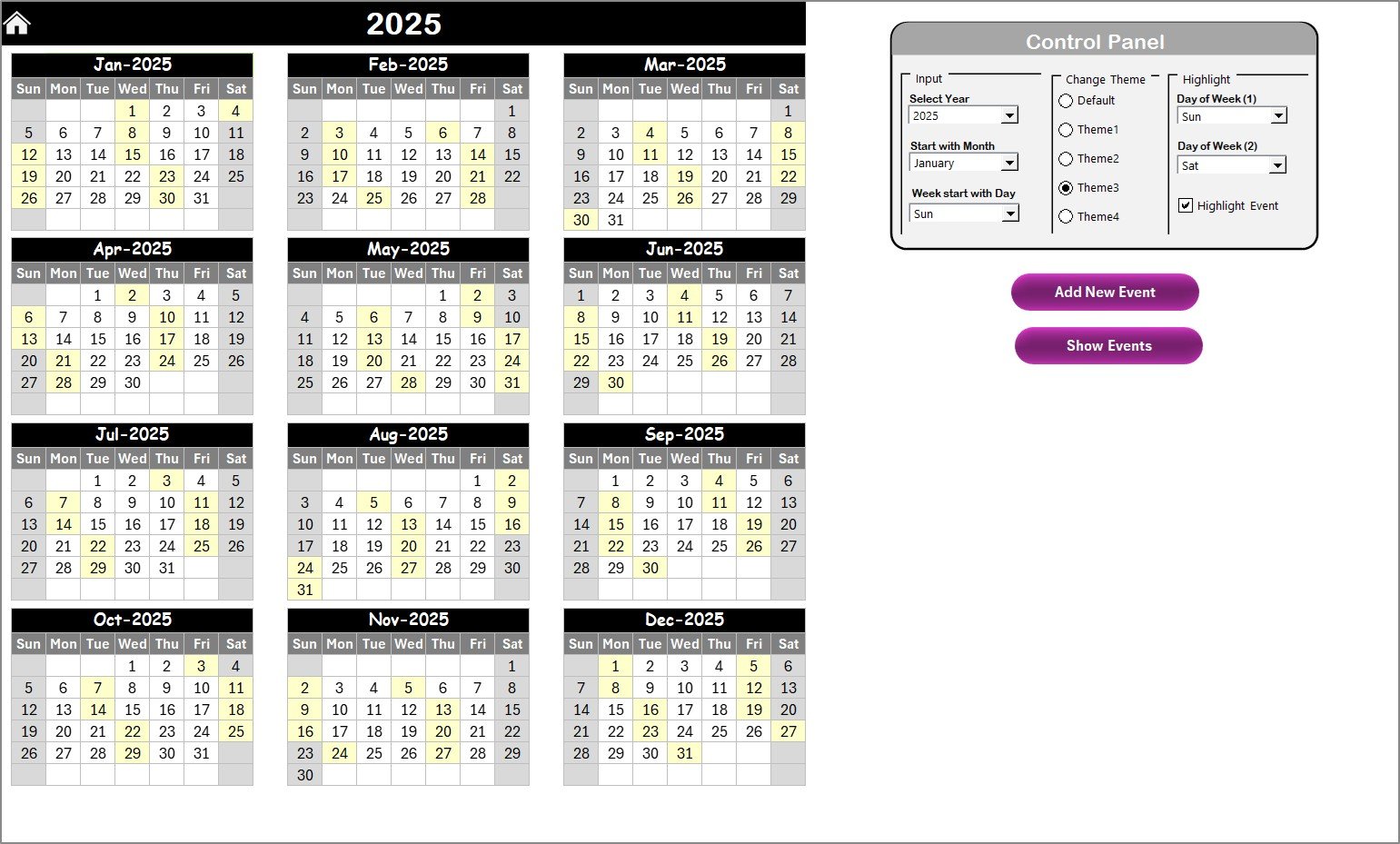
Annual View Sheet – A 12-month calendar with options to set academic year, choose starting month, select the first day of the week, highlight weekends, and mark events. Includes Add New Event and Show Event buttons.
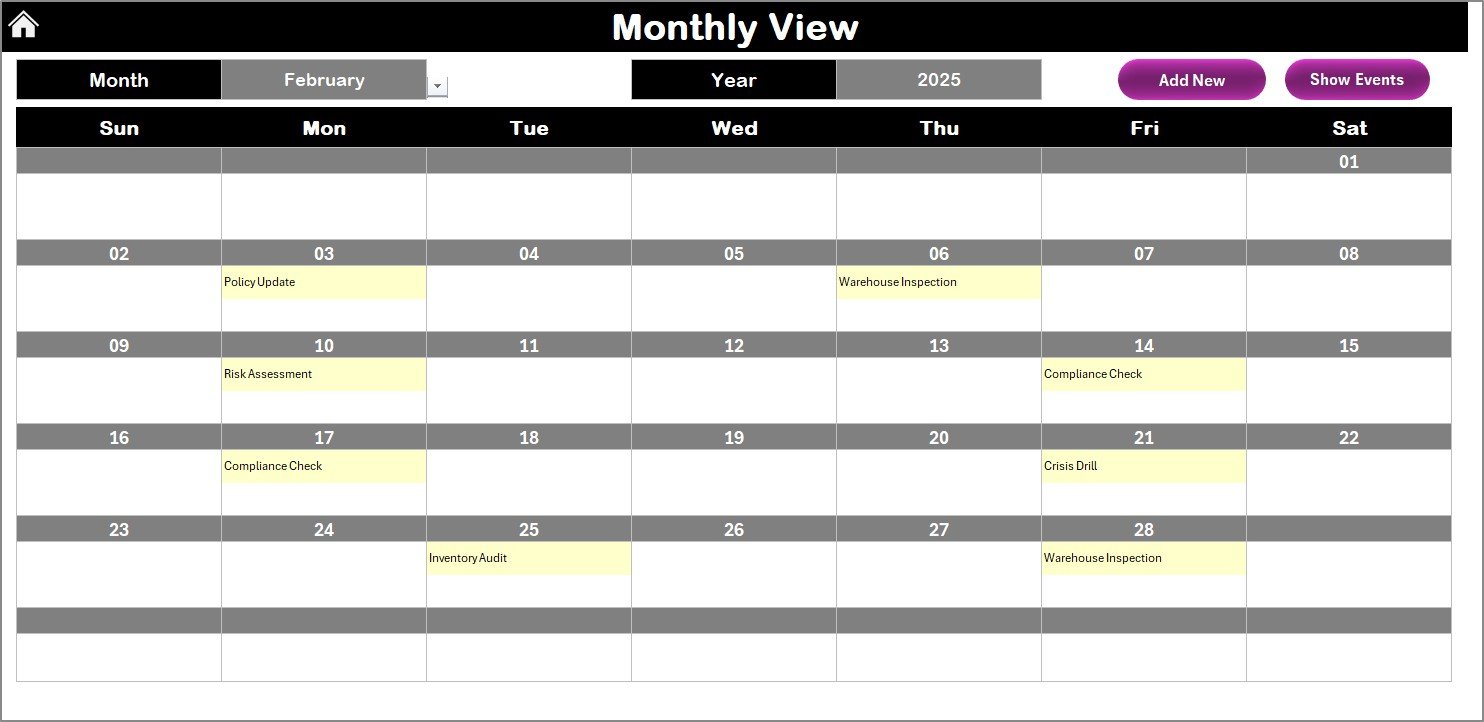
Monthly View Sheet – Displays events for a selected month, with indicators for multiple events per day. Quick buttons allow adding or reviewing events instantly.
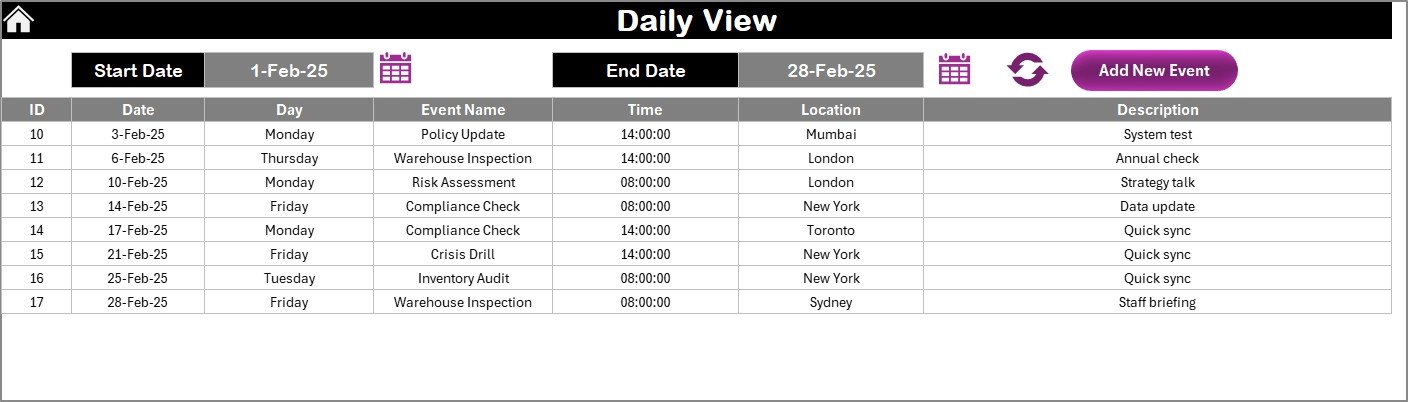
Daily View Sheet – Focused on micro-level management. Filter events by date range, refresh updates, and add new records on the go.
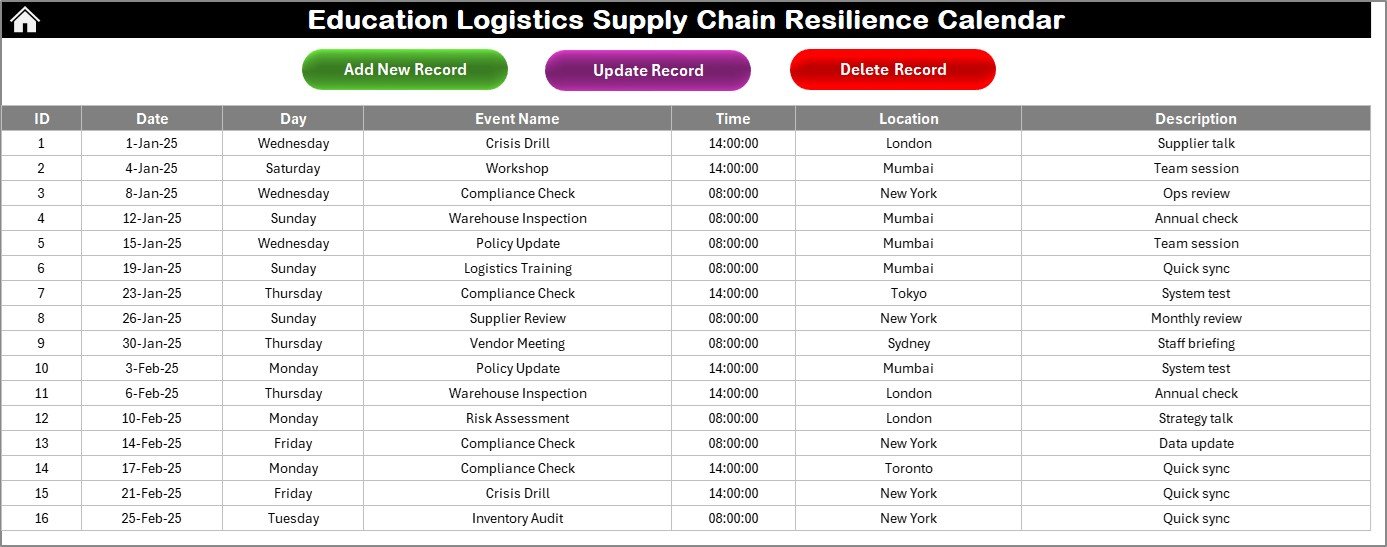
Events Sheet – A centralized database that records all activities, including Event ID, Date, Day, Event Name, Time, Location, and Description. Includes add, update, and delete functions for easy management.
This structure ensures complete visibility of logistics across multiple timeframes.
📦 What’s Inside the Product
When you download the Education Logistics Supply Chain Resilience Calendar, you get:
1️⃣ A fully functional Excel template with interactive buttons and automated navigation.
2️⃣ Annual, Monthly, and Daily views for flexible scheduling.
3️⃣ A centralized Events database for all logistics activities.
4️⃣ Highlighting options to emphasize weekends, holidays, exams, or delivery deadlines.
5️⃣ Theme customization with 5 color palettes for institutional branding.
🛠️ How to Use the Calendar
✔️ Step 1 – Enter Events: Use the Events Sheet or Add Event button to record logistics activities.
✔️ Step 2 – Switch Views: Use the Home Sheet to navigate between annual, monthly, or daily views.
✔️ Step 3 – Track Activities: Review events in calendar format to identify overlaps or bottlenecks.
✔️ Step 4 – Customize Appearance: Apply themes and highlighting to fit your academic setup.
✔️ Step 5 – Monitor Resilience: Use daily tracking for transportation, supplies, or urgent rescheduling.
The template requires basic Excel knowledge only—all automation is built-in.
👥 Who Can Benefit from This Calendar?
Schools – Manage exams, events, and resource planning.
Colleges & Universities – Coordinate lectures, labs, supply distribution, and campus-wide events.
Administrators – Gain clear visibility across departments.
Teachers & Staff – Stay updated on academic and extracurricular schedules.
Logistics Managers – Track inventory, deliveries, and supply schedules with clarity.
✅ Advantages of the Supply Chain Resilience Calendar
Centralized Planning – All logistics data in one place.
Flexibility – Adjustable academic cycles, weekends, and themes.
User-Friendly – Simple navigation and interactive buttons.
Resilient Operations – Stay prepared for disruptions with multi-level visibility.
Customization – Modify themes, highlight days, and add unlimited events.
Audit-Ready Records – Maintain a traceable history of logistics events.
🚀 Opportunities for Improvement
🔹 Integrate with Power BI for advanced analytics and dashboards.
🔹 Enable automated notifications via email reminders.
🔹 Use cloud collaboration (SharePoint or Google Drive) for multi-user access.
🔹 Add password protection for sensitive event data.
🔹 Create a mobile-friendly version for on-the-go access.
📌 Best Practices for Using the Calendar
Update Regularly – Keep events current to avoid scheduling conflicts.
Leverage Daily View – Use micro-management for urgent activities like transportation.
Highlight Important Days – Exams, deliveries, or critical deadlines should stand out.
Review Annual Trends – Spot recurring bottlenecks or peak workloads.
Backup Weekly – Keep copies of the Events sheet for safety.
Train Staff – Ensure key users understand event management features.
🏆 Conclusion
The Education Logistics Supply Chain Resilience Calendar in Excel is more than just a timetable. It is a strategic logistics management tool that enhances planning, strengthens resilience, and improves coordination in schools, colleges, and universities.
With centralized planning, multi-level calendar views, and a robust events database, this template ensures efficiency, accountability, and adaptability. By adopting best practices and customizing features, institutions can overcome disruptions and deliver a seamless academic experience.
📖 Click here to read the Detailed Blog Post
🎥 Visit our YouTube channel for step-by-step video tutorials
👉 Youtube.com/@PKAnExcelExpert
Watch the step-by-step video tutorial:
Compatibility and Requirements
- Works in Microsoft Excel desktop (Excel 2016 or later, or Microsoft 365).
- The Home sheet uses interactive buttons to move between the Annual, Monthly, Daily and Events sheets. Microsoft explains how to build charts and calendars in Excel in Excel for Windows training.
Frequently Asked Questions
Which sheets are included?
Five sheets: Home, Annual View, Monthly View, Daily View and Events.
What details can I store for each event?
The Events sheet records Event ID, Date, Day, Event Name, Time, Location and Description. You can add, update and delete events from there.
Can I change the academic year and the first day of the week?
Yes. On the Annual View sheet you set the academic year, choose the starting month, select the first day of the week and highlight weekends.
Can I change the colors?
Yes. The template has 5 color themes, so you can match your school or university branding.
Is there a version for other departments?
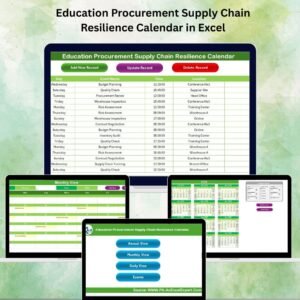
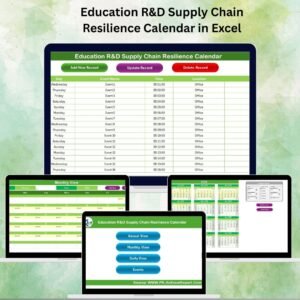
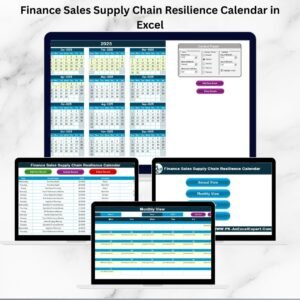
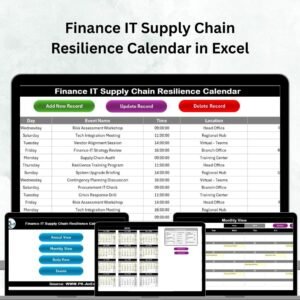
Yes. For example, see the Education Operations Supply Chain Resilience Calendar in Excel and the Education Procurement Supply Chain Resilience Calendar in Excel.
Related Education Calendar Templates
- Education IT Supply Chain Resilience Calendar in Excel: the same calendar for IT teams in education
- Education Operations Supply Chain Resilience Calendar in Excel: planning for school operations
- Education Procurement Supply Chain Resilience Calendar in Excel: purchasing and supplier dates
- Logistics Supply Chain Resilience Calendar in Excel: the general logistics edition
- Education & School Management Bundle: 8 templates for schools in one download
Browse all Excel calendar templates and Excel education templates.


























Reviews
There are no reviews yet.