

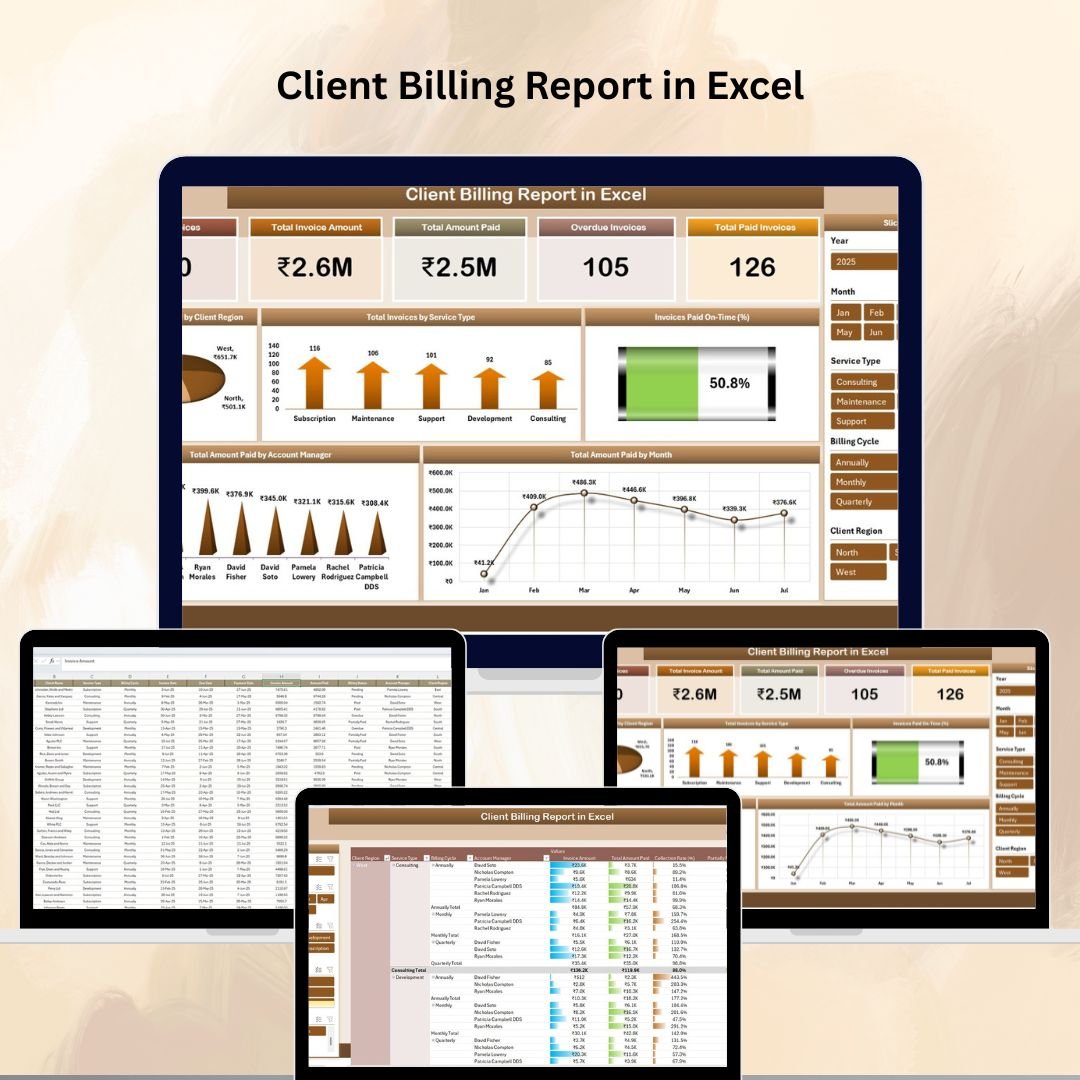
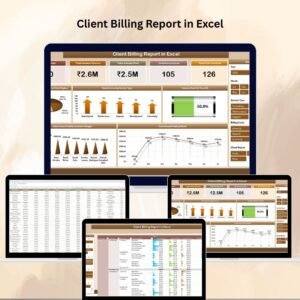
Managing client billing effectively is essential for maintaining healthy cash flow and ensuring timely payments. The Client Billing Report in Excel is a ready-to-use, interactive tool designed to consolidate your invoicing data, track overdue payments, and monitor payment trends — all in one place.
With dynamic cards, charts, and pivot tables, this report gives you the insights needed to make informed decisions about collections, client relationships, and account manager performance. Whether you’re a business owner, finance manager, or accountant, this tool simplifies billing analysis and improves efficiency.
🔑 Key Features of the Client Billing Report
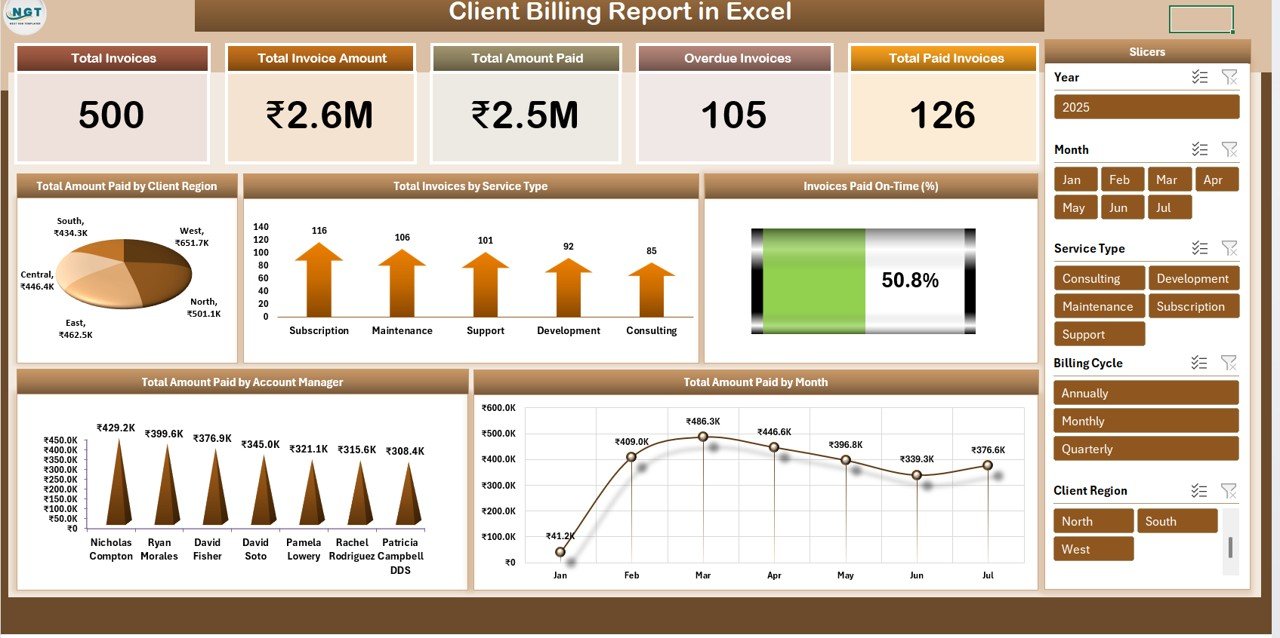
📌 Summary Sheet – High-Level Billing Overview
Cards Display:
Total Invoices
Total Invoice Amount
Total Amount Paid
Overdue Invoices
Total Paid Invoices
Charts for Insights:
Total Amount Paid by Client Region
Total Invoices by Service Type
Invoices Paid On-Time (%)
Total Amount Paid by Account Manager
Total Amount Paid by Month
These visuals help identify top-paying clients, track overdue amounts, and evaluate payment patterns.
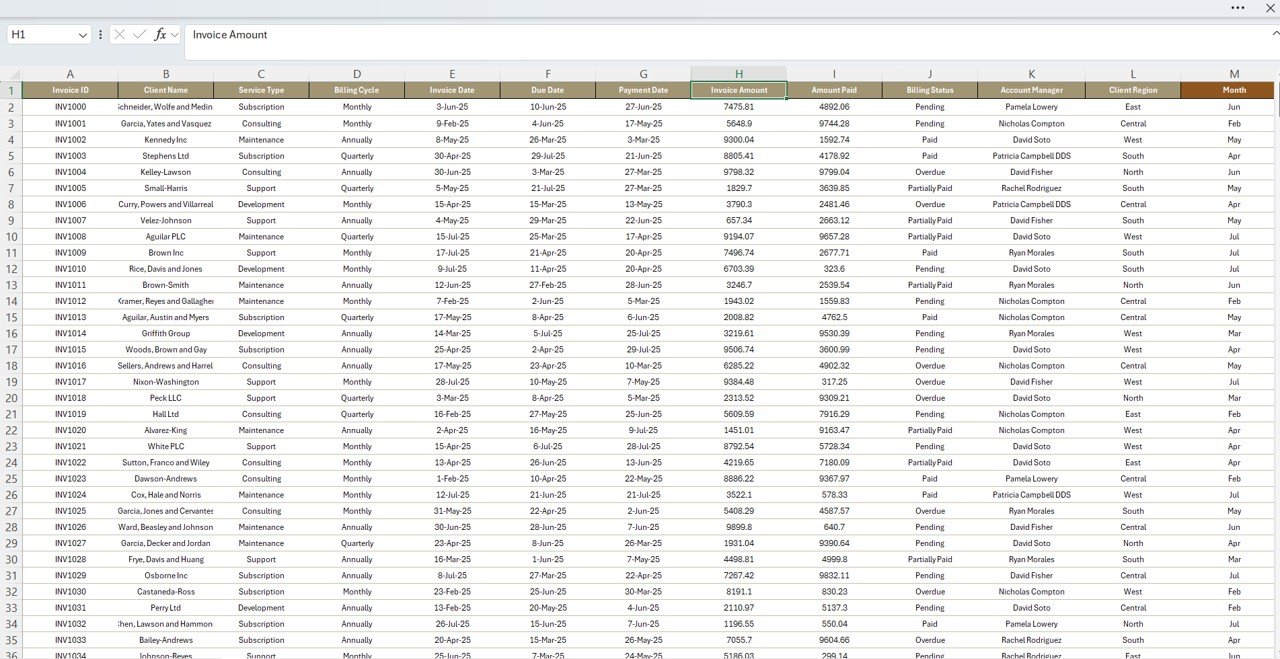
📌 Data Sheet – Centralized Billing Data
Fields include:
Invoice Number
Client Name
Service Type
Invoice Date & Due Date
Invoice Amount & Paid Amount
Payment Status
Account Manager
This sheet acts as the data backbone, feeding all calculations and visual summaries in the report.
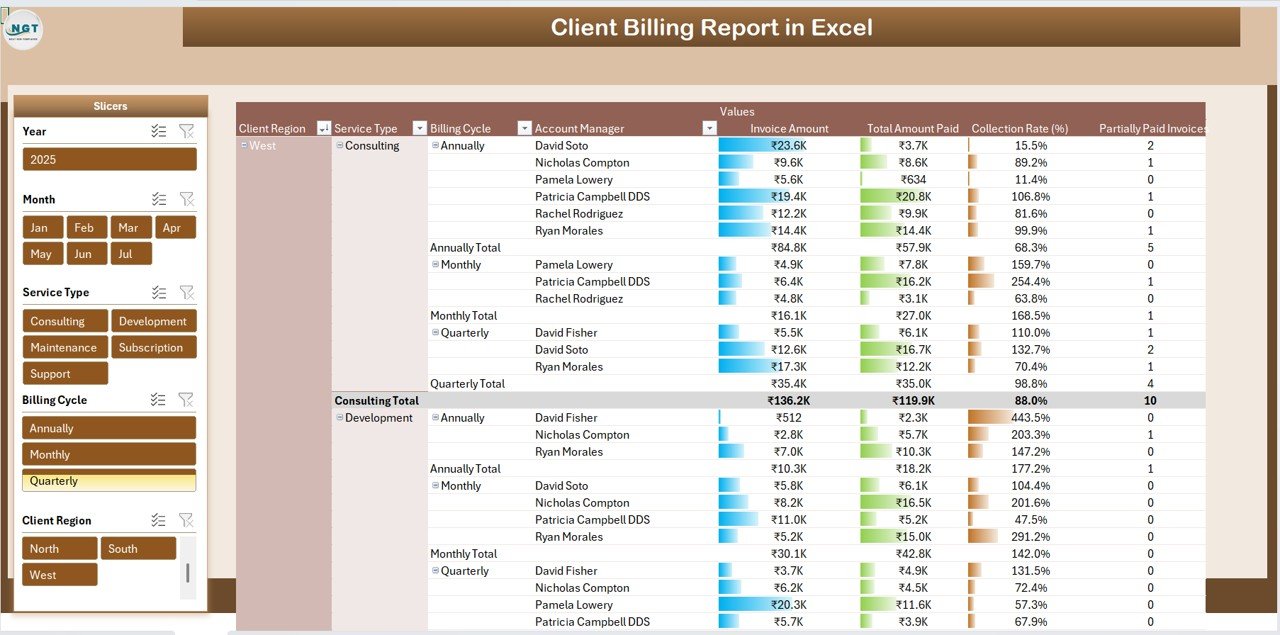
📌 Report Pivot Table – Flexible Analysis
Filter by client, service type, or region.
Compare overdue vs paid invoices.
Analyze monthly, quarterly, or yearly payment performance.
Evaluate account manager performance side-by-side.
Pivot tables allow you to drill down into the details and customize your reports for specific business needs.
📦 What’s Inside the Client Billing Report?
✅ Summary Sheet – Metrics and visual trends at a glance
✅ Data Sheet – Organized billing database
✅ Pivot Table Report Sheet – Flexible filtering and analysis
✅ Pre-Built Charts – Auto-updating visuals for quick insight
✅ Customizable Layout – Add your own KPIs or data fields
✅ Ready-to-Use Structure – Just input your data and start analyzing
🧠 How to Use the Client Billing Report
Open the File in Excel.
Enter or paste billing records into the Data Sheet.
Review key metrics and charts in the Summary Sheet.
Use the Pivot Table Report to analyze by time period, client, service, or account manager.
Update regularly for real-time insights into billing performance.
👥 Who Can Benefit from This Report?
🏢 Business Owners – Keep a pulse on cash flow and overdue accounts.
📊 Finance Teams – Analyze collection rates and client payment habits.
📈 Account Managers – Monitor performance against payment targets.
💼 Freelancers & Consultants – Stay on top of client billing and follow-ups.
🔗 Click here to read the Detailed blog post
Watch the step-by-step video Demo:





Reviews
There are no reviews yet.