

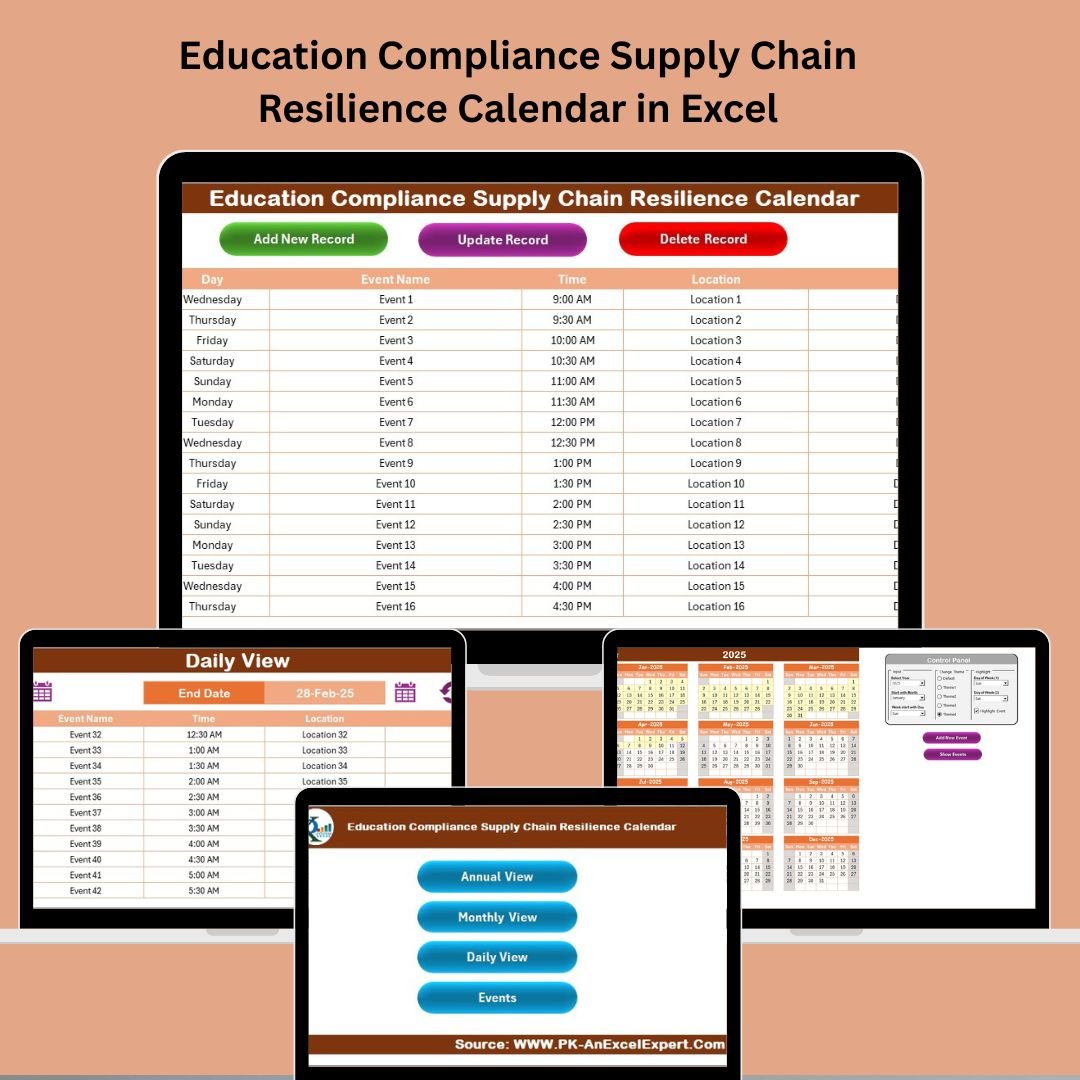

Managing compliance and supply chain logistics in education has never been more critical—or more complex. Introducing the Education Compliance Supply Chain Resilience Calendar in Excel—a ready-to-use, dynamic planning tool built for educational institutions that want to stay ahead of disruptions, deadlines, and compliance requirements with confidence. 🎯
This smart calendar is packed with features that make scheduling, event tracking, and compliance planning effortless. Whether you’re overseeing exams, audits, procurement, or campus-wide events, this calendar ensures you’re organized, compliant, and proactive.
✨ Key Features of Education Compliance Supply Chain Resilience Calendar
🏠 Home Sheet – One-Click Navigation Hub
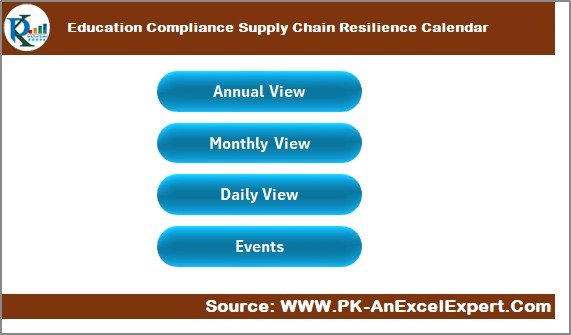
Navigate your calendar like a pro:
📌 Buttons for Annual View, Monthly View, Daily View, and Events Database
🎯 Central dashboard experience to jump to what matters instantly
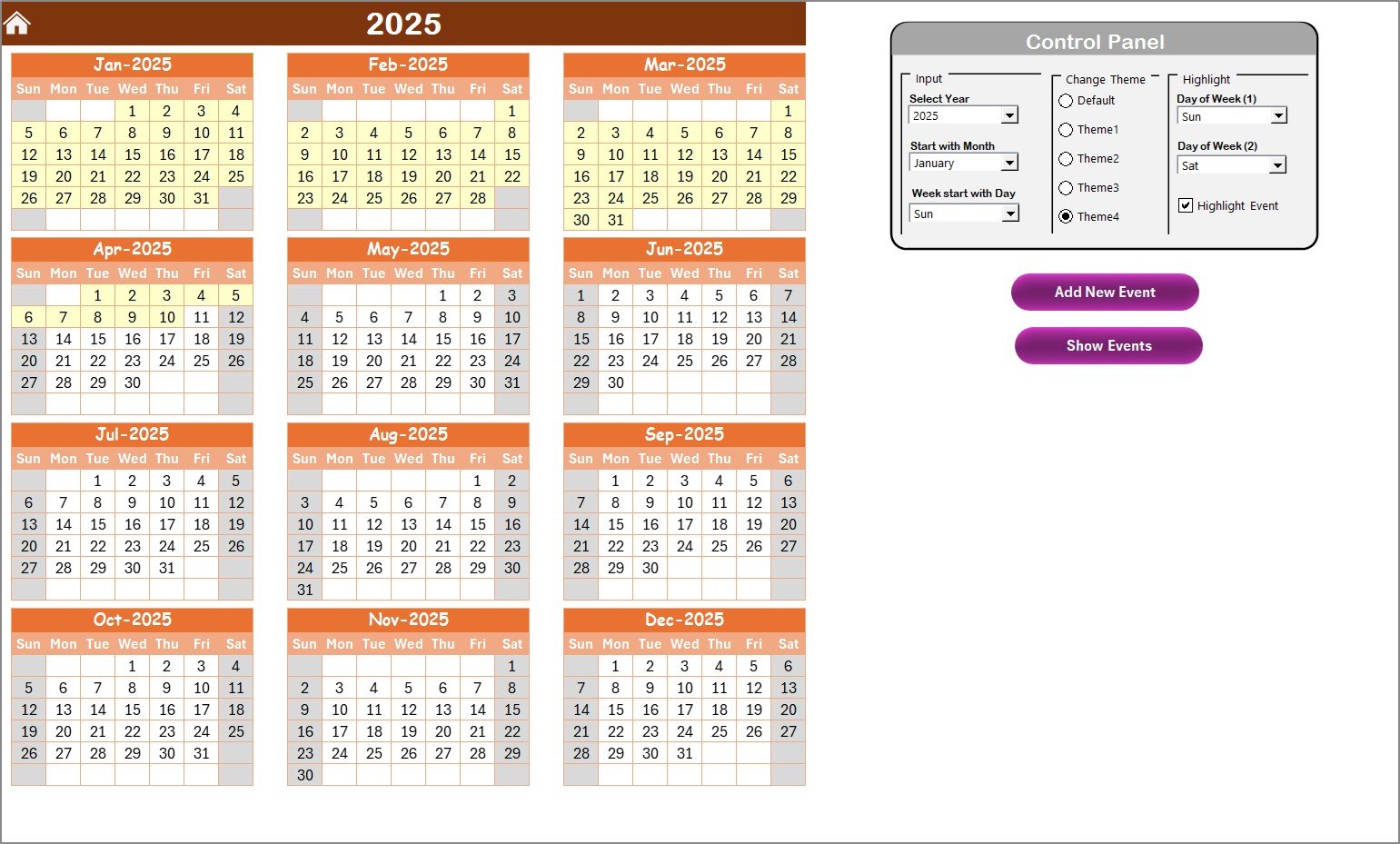
📅 Annual View – A Year in One Glance
Plan the entire academic or operational year with ease:
🔄 Choose the year, starting month, and day of the week
🎨 Pick from 5 color themes for a personalized experience
📍 Highlight weekends or key dates for instant visual cues
➕ Add New Event or Show Events with just one click
This view helps your team stay aligned on year-long priorities and compliance cycles.
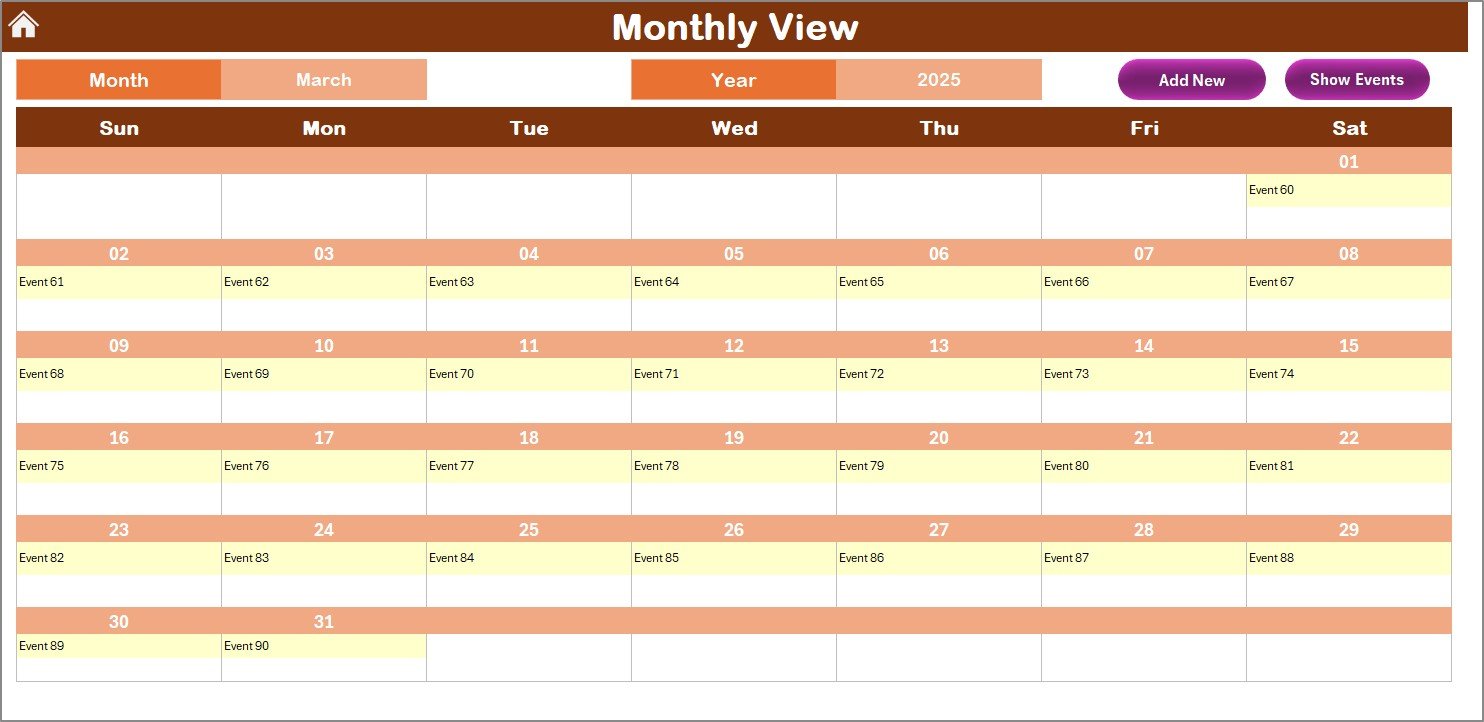
🗓️ Monthly View – Month-by-Month Event Planning
Zoom in for detailed monthly scheduling:
🔍 See all events in a selected month
🔁 If a day has multiple events, it shows “more than 1…”
➕ Quickly add or view events without switching sheets
Perfect for managing exams, maintenance schedules, procurement deadlines, and internal reviews.
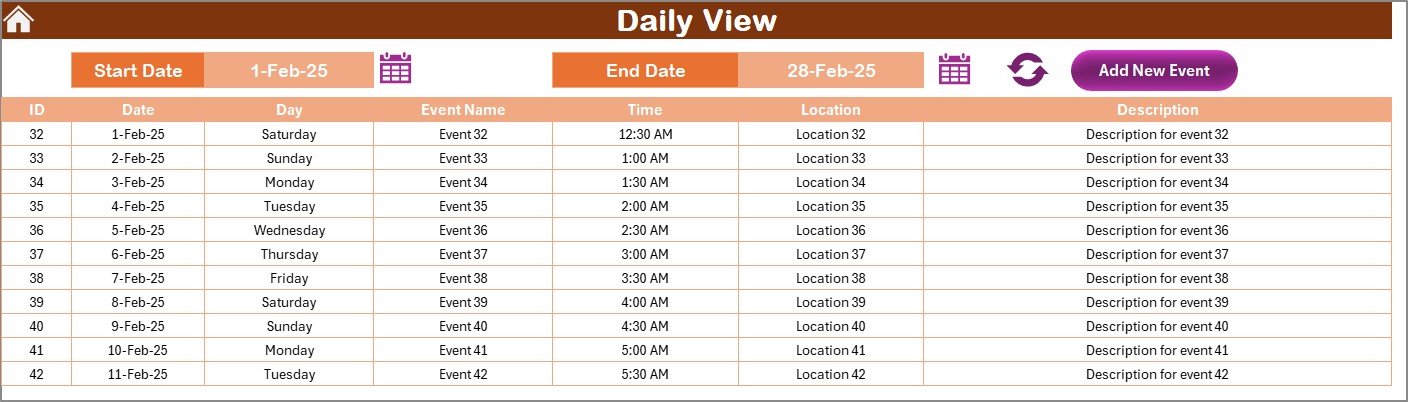
📆 Daily View – Track Every Detail
Get granular with your event planning:
📅 Select any date range and hit Refresh to display relevant events
📝 Add New Event using a simple form interface
🔍 Drill into operational or compliance-related timelines
Ideal for high-frequency updates or mission-critical deadlines.
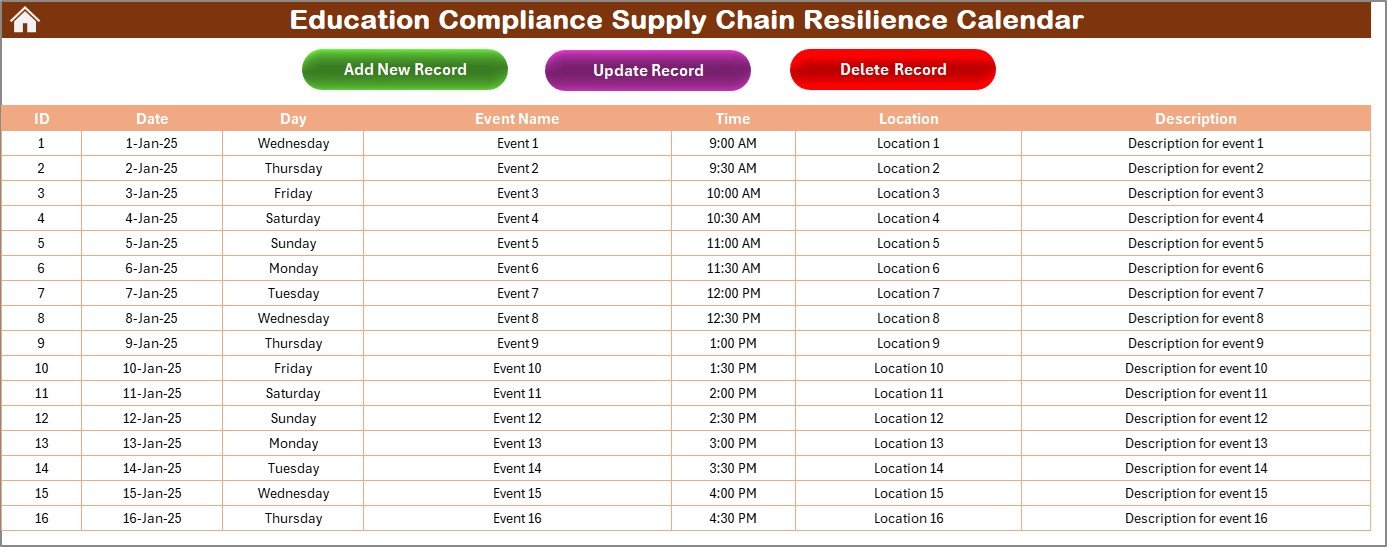
🗃️ Events Sheet – The Master Database
Store and manage everything in one place:
Auto-generated Event IDs
Fields include: Date, Day, Event Name, Time, Location, Description
🔧 Buttons to Add, Update, or Delete any event
Everything is centralized, making it simple to track, modify, or export your schedule.
📂 What’s Inside the Calendar?
You’ll receive a structured Excel workbook with five key tabs:
Home Sheet – Navigation dashboard
Annual View – Yearly calendar overview
Monthly View – Monthly schedule tracking
Daily View – Date-range event analysis
Events Sheet – Editable master event log
Each sheet is prebuilt, interlinked, and designed for both technical and non-technical users.
🛠️ How to Use the Calendar
🎯 Start at the Home Sheet for navigation
📅 Choose your calendar year and theme from the Annual View
📝 Add new events using the built-in forms
🔄 Refresh the Daily View to display event ranges
🧾 Manage all entries in the Events Sheet
💾 Save backups regularly to maintain data security
Whether you’re a planner or a principal, it takes just minutes to master.
👥 Who Can Benefit from This Calendar?
📘 Compliance Officers – Track audit events and policy deadlines
🏫 School Administrators – Oversee academic and operational schedules
📦 Supply Chain Teams – Plan vendor deliveries and inventory cycles
👨🏫 Educators – Schedule training, exams, and workshops
🔐 IT & Facilities – Organize maintenance and system updates
🗂️ Event Coordinators – Manage end-to-end logistics
From small schools to large university systems, this calendar adapts to your needs.
🔗 Click here to read the Detailed blog post
📺 Visit our YouTube channel to learn step-by-step video tutorials






























Reviews
There are no reviews yet.