

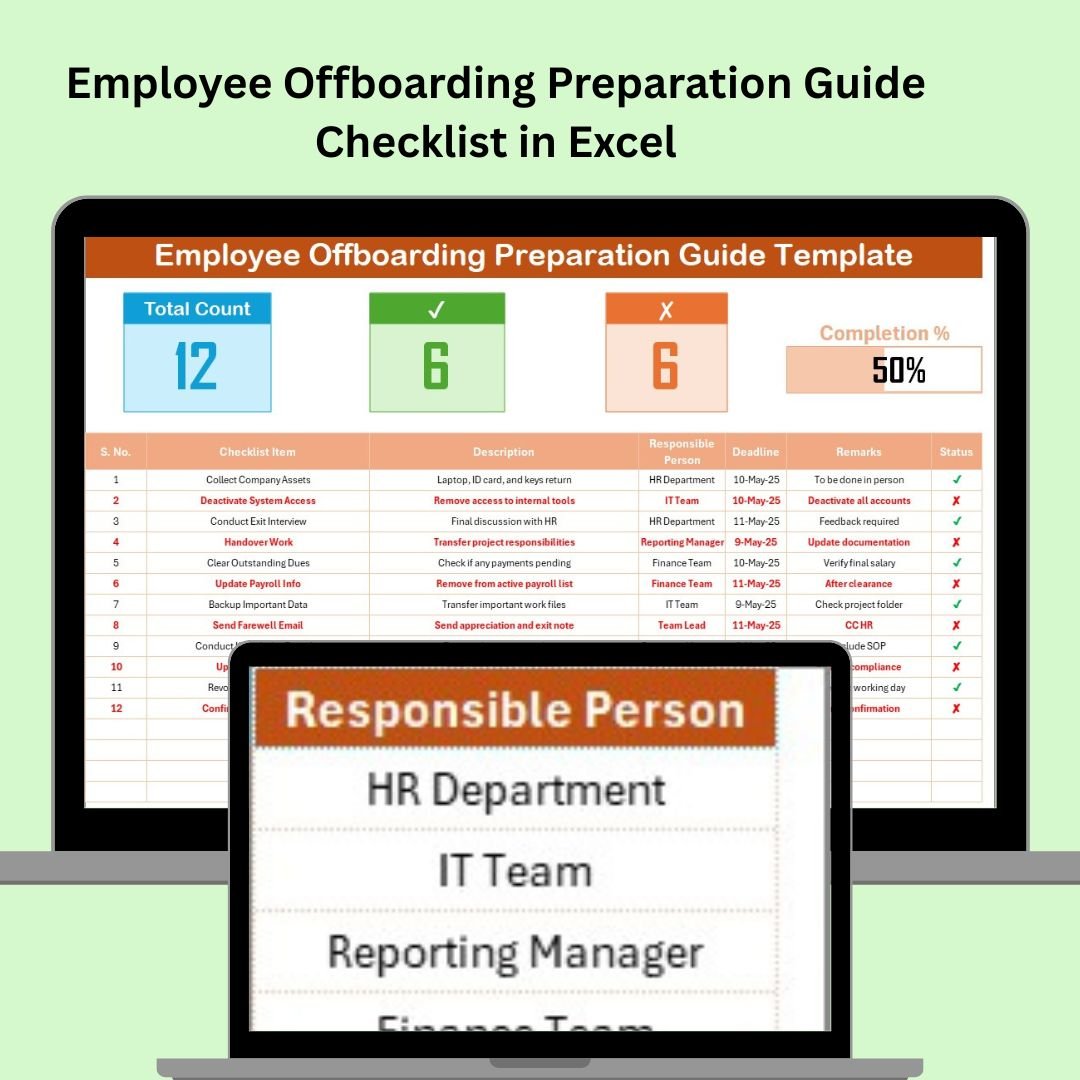

Managing the departure of an employee is a critical process that requires careful planning and execution. The Employee Offboarding Preparation Guide Checklist in Excel is a comprehensive tool designed to assist HR professionals and managers in ensuring a smooth and efficient offboarding process. This checklist covers all essential tasks, from the initial notification of resignation to the final exit interview, helping organizations maintain compliance, secure sensitive information, and uphold a positive employer brand.
Key Features:
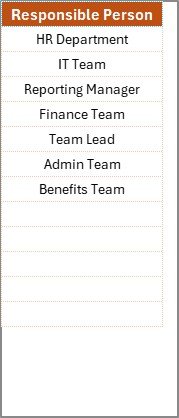
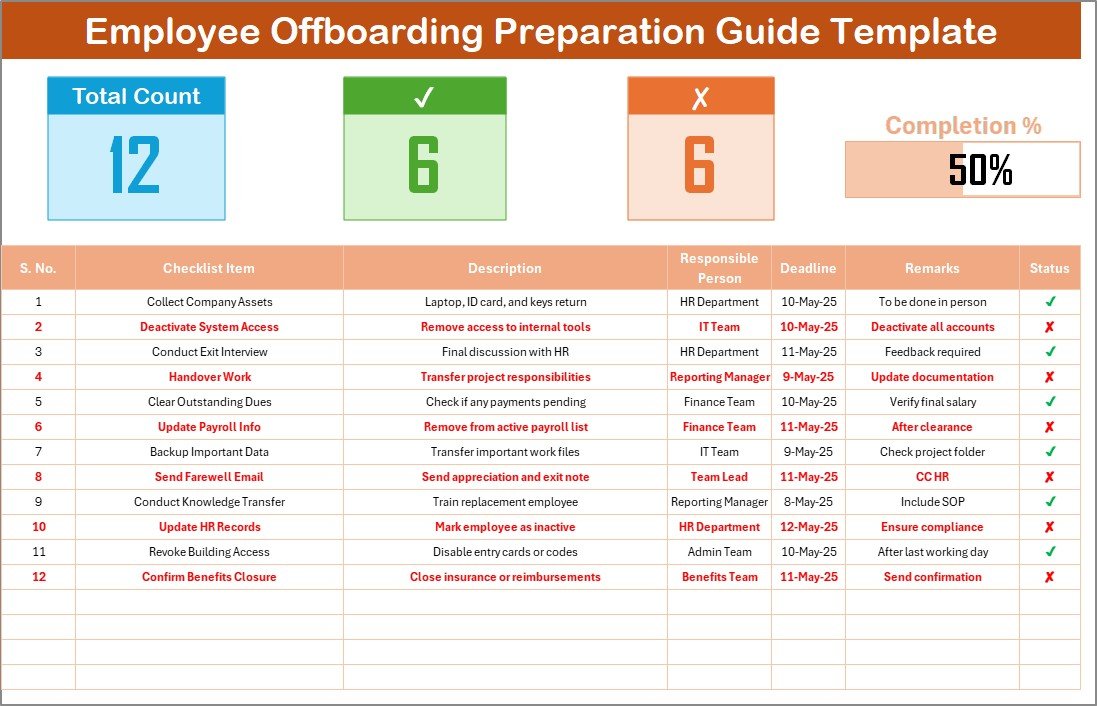
Comprehensive Task List: The checklist includes a detailed list of tasks organized into categories such as documentation, asset retrieval, knowledge transfer, and final settlements. Each task is accompanied by columns for the responsible person, due date, status, and remarks, allowing for clear tracking and accountability.
Customizable Template: The Excel format allows for easy customization to fit the specific needs of your organization. You can add or remove tasks, adjust timelines, and assign responsibilities as necessary.
Progress Tracking: Built-in features such as conditional formatting and data validation help monitor the progress of each task, ensuring that nothing is overlooked and all steps are completed on time.
Compliance and Security: The checklist includes tasks related to revoking access to company systems, retrieving company property, and conducting exit interviews, helping to protect sensitive information and maintain legal compliance.
Benefits:
Streamlined Process: By following a structured checklist, organizations can ensure that all necessary steps are taken during the offboarding process, reducing the risk of errors and omissions.
Improved Communication: The checklist facilitates clear communication among HR, IT, and other departments involved in the offboarding process, promoting collaboration and efficiency.
Enhanced Security: Ensuring that all company property is returned and access to systems is revoked helps protect against potential security breaches and data loss.
Positive Employer Brand: A well-managed offboarding process leaves a positive impression on departing employees, which can lead to valuable feedback and potential future rehire opportunities.
How to Use:
Download the Template: Access the Employee Offboarding Preparation Guide Checklist in Excel from the provided link.
Customize the Checklist: Tailor the checklist to your organization’s specific needs by adding or removing tasks, adjusting timelines, and assigning responsibilities.
Assign Responsibilities: Designate team members responsible for each task and set due dates to ensure timely completion.
Monitor Progress: Regularly update the status of each task and address any issues or delays promptly.
Conduct Exit Interview: Schedule and conduct an exit interview to gather feedback from the departing employee and identify areas for improvement.
Finalize Documentation: Ensure that all necessary documentation is completed, including final pay settlements and return of company property.
Conclusion:
The Employee Offboarding Preparation Guide Checklist in Excel is an invaluable resource for organizations seeking to manage employee departures efficiently and professionally. By following a structured approach, organizations can ensure compliance, protect sensitive information, and maintain a positive relationship with departing employees, all of which contribute to a strong and reputable employer brand.
🔗 Click here to read the Detailed blog post
Visit our YouTube channel to learn step-by-step video tutorials
Youtube.com/@PKAnExcelExpert
Watch the step-by-step video Demo:
Compatibility and Requirements
- Works in Microsoft Excel desktop (Excel 2016 or later, or Microsoft 365).
- Task status is kept consistent with data validation. Microsoft explains it in Apply data validation to cells.
Who Can Use This Checklist
It suits HR teams, line managers and IT staff who handle employee exits.
Frequently Asked Questions
Which offboarding tasks does it cover?
Tasks are grouped into documentation, asset retrieval, knowledge transfer and final settlements.
Does it cover system access and company property?
Yes. It includes revoking access to company systems, retrieving company property and conducting exit interviews.
How do I track progress?
Conditional formatting and data validation help you monitor the status of each task.
Can I assign tasks and due dates?
Yes. You can name the person responsible for each task and set a due date.
Is there a Google Sheets version?
Yes. The Employee Offboarding Checklist in Google Sheets covers offboarding in Google Sheets.
Related Employee Offboarding Templates
- Employee Offboarding Planner Checklist in Excel: plan each exit step
- Employee Offboarding Tracker in Excel: track several exits at once
- Employee Offboarding Tracking Checklist in Excel: tick off exit tasks
- Employee Offboarding Checklist in Google Sheets: offboarding in Google Sheets
- HR Director Toolkit: 10 HR templates in one download
Browse all Excel checklists or the Excel HR and payroll templates.



























Reviews
There are no reviews yet.