


🗓️ Plan, Post & Prosper with Our Social Media Posting Calendar in Google Sheets!
Effortlessly manage your social media strategy with this fully interactive and customizable Social Media Posting Calendar—built in Google Sheets for real-time collaboration and crystal-clear content tracking.
This ready-to-use template helps marketers, creators, and teams stay organized, consistent, and on-brand. Whether you’re a solo entrepreneur or part of a digital marketing agency, this tool simplifies your content planning across multiple platforms like Facebook, Instagram, Twitter (X), LinkedIn, and more!
🔍 What’s Inside the Template?
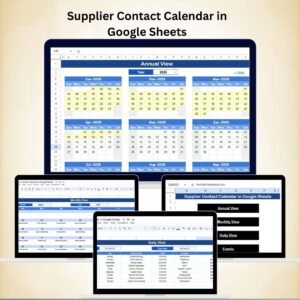
The template includes 5 intelligently designed worksheet tabs that support year-round social media planning:
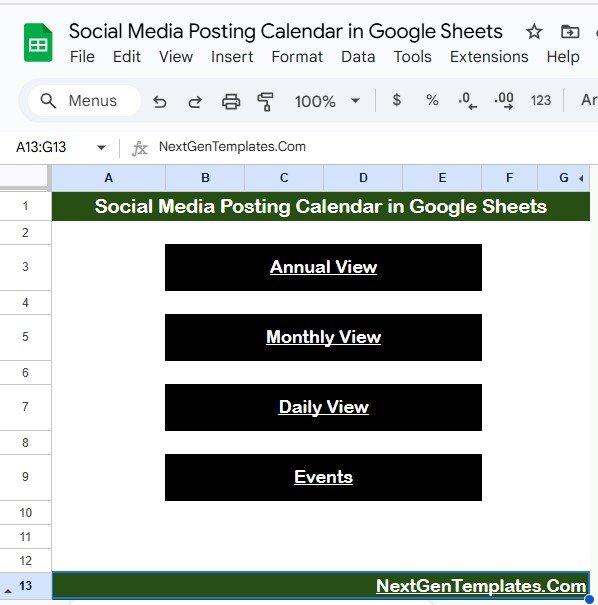
📌 1. Home Sheet Tab – Your Command Center
One-click navigation buttons to all views: Annual, Monthly, Daily, and Events
Instantly jump between calendar layouts
A clean, user-friendly interface for easy access
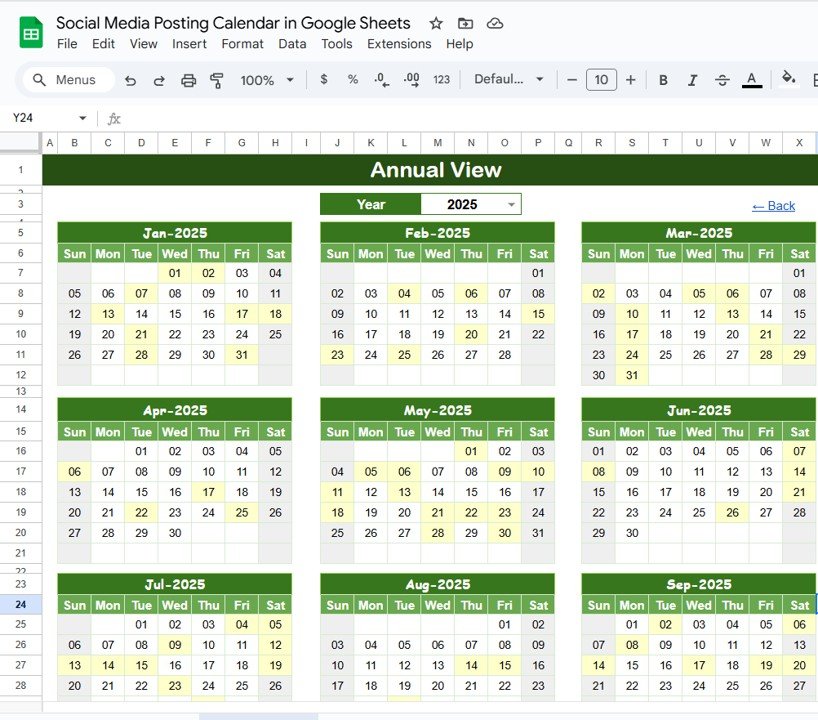
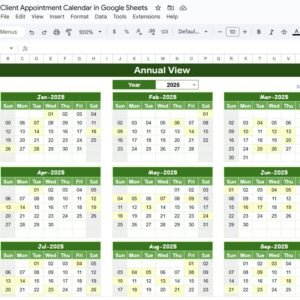
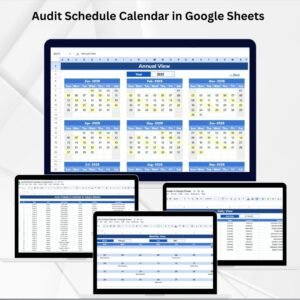
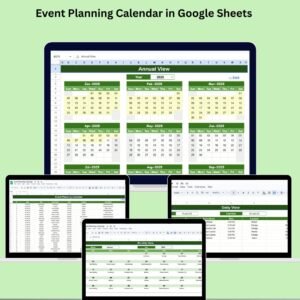
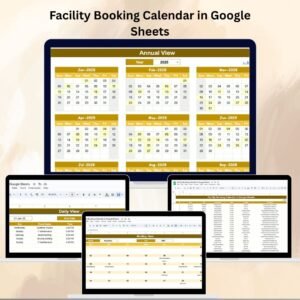
📆 2. Annual View Sheet – Year at a Glance
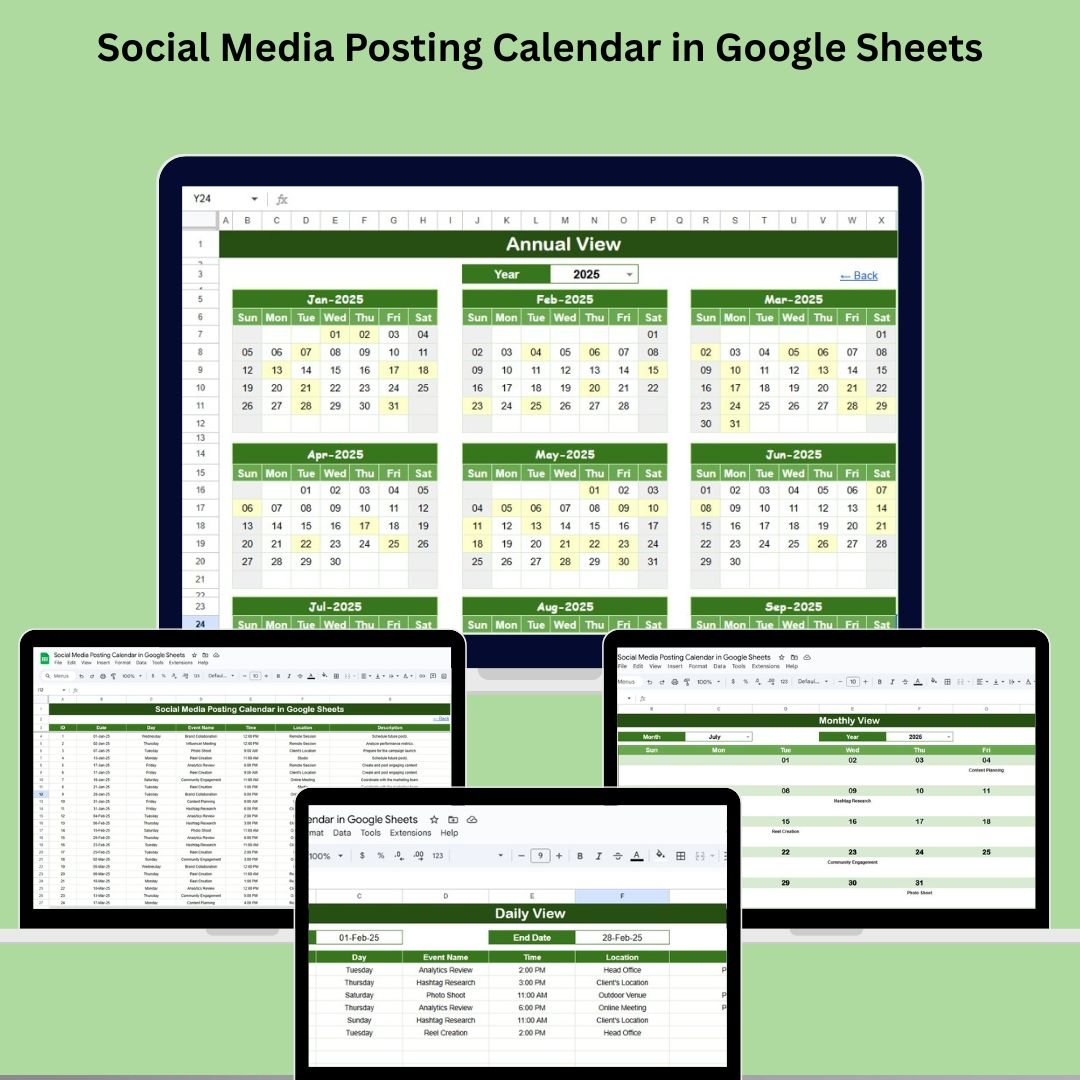
Dynamic 12-month view that adjusts based on selected year
Customize starting month and day of the week
High-level visibility into scheduled content across the full year
Ideal for long-term campaign planning and editorial strategy
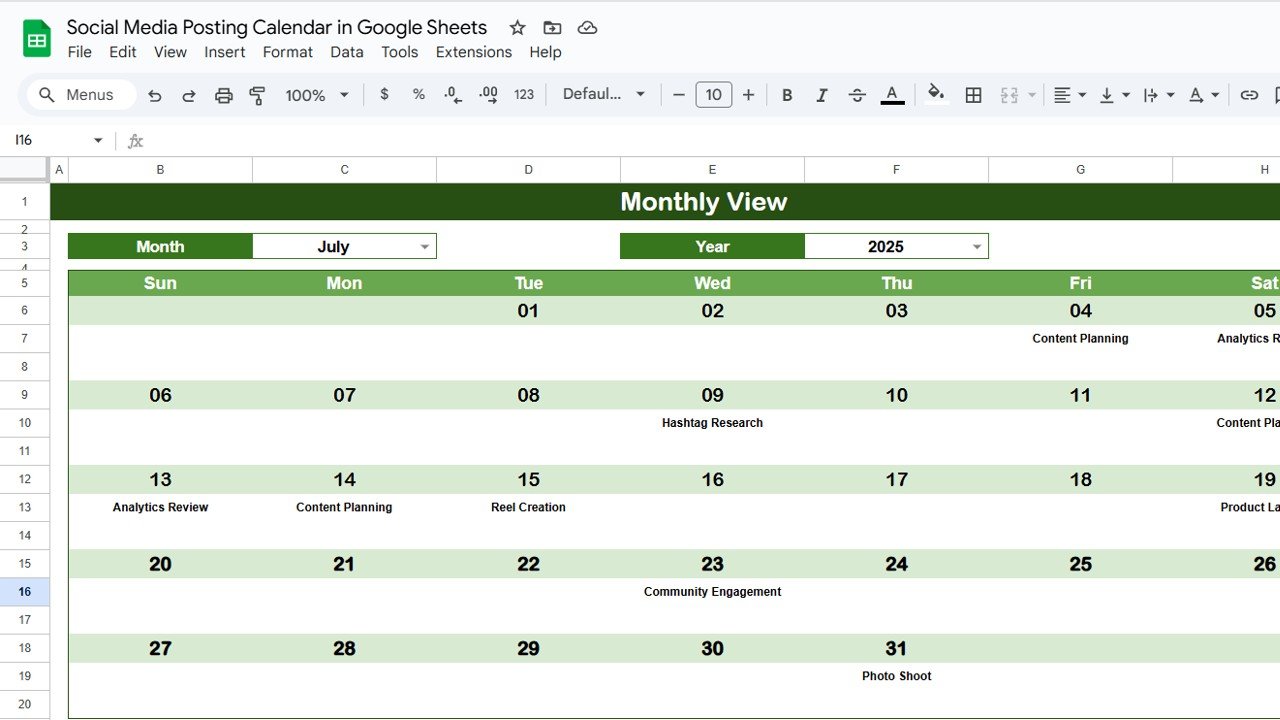
📅 3. Monthly View Sheet – Focus on a Month
Selectable Month and Year
View daily content slots with an indication if multiple posts exist
Designed for campaign coordination and mid-term editorial planning
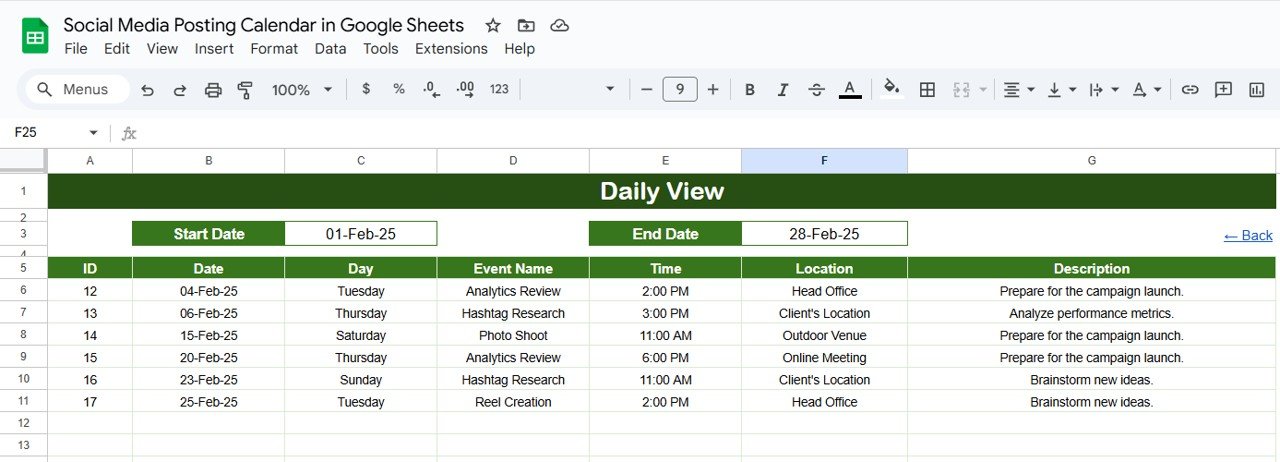
🗓️ 4. Daily View Sheet – Detailed Timeline
Filter by Start Date and End Date using clickable calendar icons
Get a focused list of all posts or events happening within a time range
Perfect for daily execution and task-level visibility
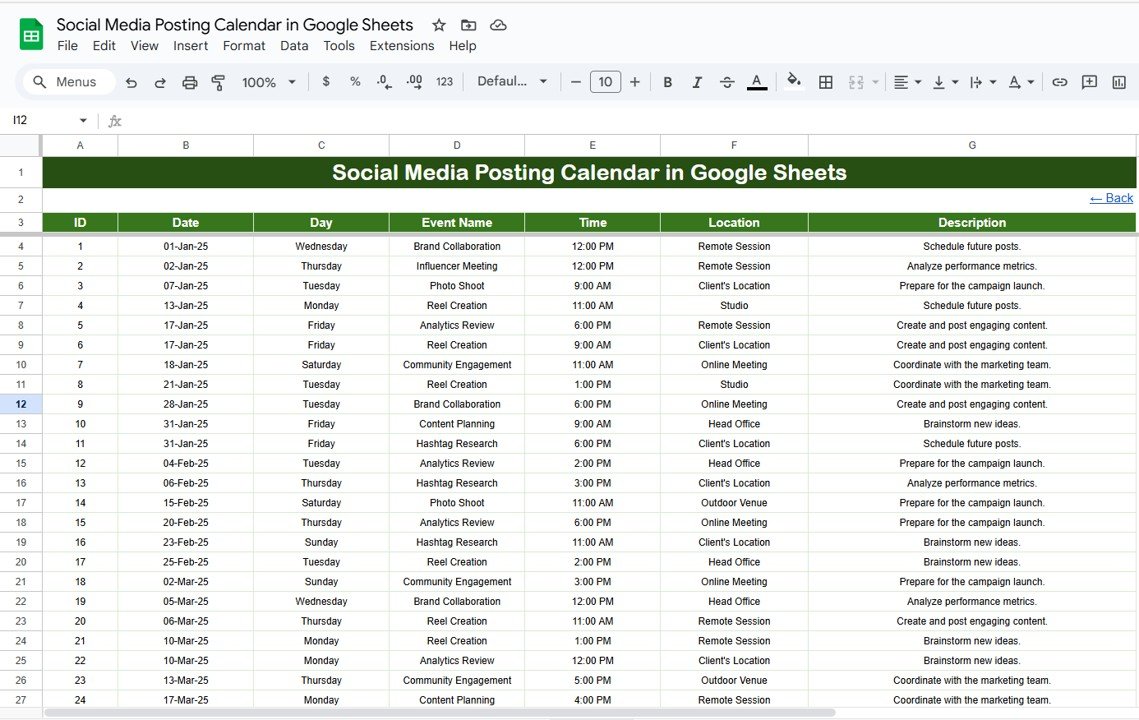
📋 5. Events Sheet – The Database
Central location for entering and editing content plans
Columns include: ID, Date, Day, Event Name, Time, Location (platform), and Description
Tracks every campaign, post, or announcement across all channels
💡 Benefits of Using This Calendar
✅ Organized Planning – Never miss a post again
✅ Visual Clarity – Easy-to-read calendar format for yearly, monthly, and daily planning
✅ Centralized Collaboration – Google Sheets allows team sharing and real-time edits
✅ Platform-Agnostic – Works for any combination of social platforms
✅ Fully Customizable – Add new fields, change layouts, or apply your brand’s color palette
🧠 Best Practices to Maximize Productivity
📌 Keep the Events Sheet up-to-date
📌 Assign realistic deadlines based on your content production pipeline
📌 Use filters in Daily View for high-focus execution
📌 Coordinate with your content writers, designers, and approvers
📌 Repurpose and analyze past performance trends by month or week
🔗 Click here to read the Detailed blog post
Watch the step-by-step video Demo:
🎥 Visit our YouTube channel to learn step-by-step video tutorials
Compatibility and Requirements
- Works in Google Sheets with a free Google account and a web browser. Nothing to install.
- Google explains the basics in How to use Google Sheets.
How to Use the Social Media Posting Calendar
- Open the Events sheet and add each post with its date, time, platform, event name and description.
- Go to the Home sheet and use the buttons to open the Annual, Monthly or Daily view.
- In the Annual view, pick the year, starting month and first day of the week.
- In the Monthly view, pick a month and year to see each day’s posts.
- In the Daily view, set a start and end date to list every post in that range.
Frequently Asked Questions
Which sheets are in the calendar?
Five tabs: Home, Annual View, Monthly View, Daily View and Events.
What do I enter for each post?
The Events sheet has columns for ID, Date, Day, Event Name, Time, Location (the platform) and Description.
Does it work for any social platform?
Yes. You type the platform in the Location column, so it works for Facebook, Instagram, X, LinkedIn or any other channel.
Can my team edit it together?
Yes. It is a Google Sheets file, so you can share it and edit it in real time.
Related Social Media Templates
- Social Media Posting Calendar in Excel: the same calendar for Excel
- Content Planning Calendar in Google Sheets: plan blog, video and other content
- Social Media Content Calendar Tracker in Google Sheets: track each post through its status
- Social Media Posting Checklist in Google Sheets: check each post before it goes out
- Social Media Performance Dashboard in Google Sheets: see how posts perform after they go live
Browse all Google Sheets Calendar templates.











Reviews
There are no reviews yet.