

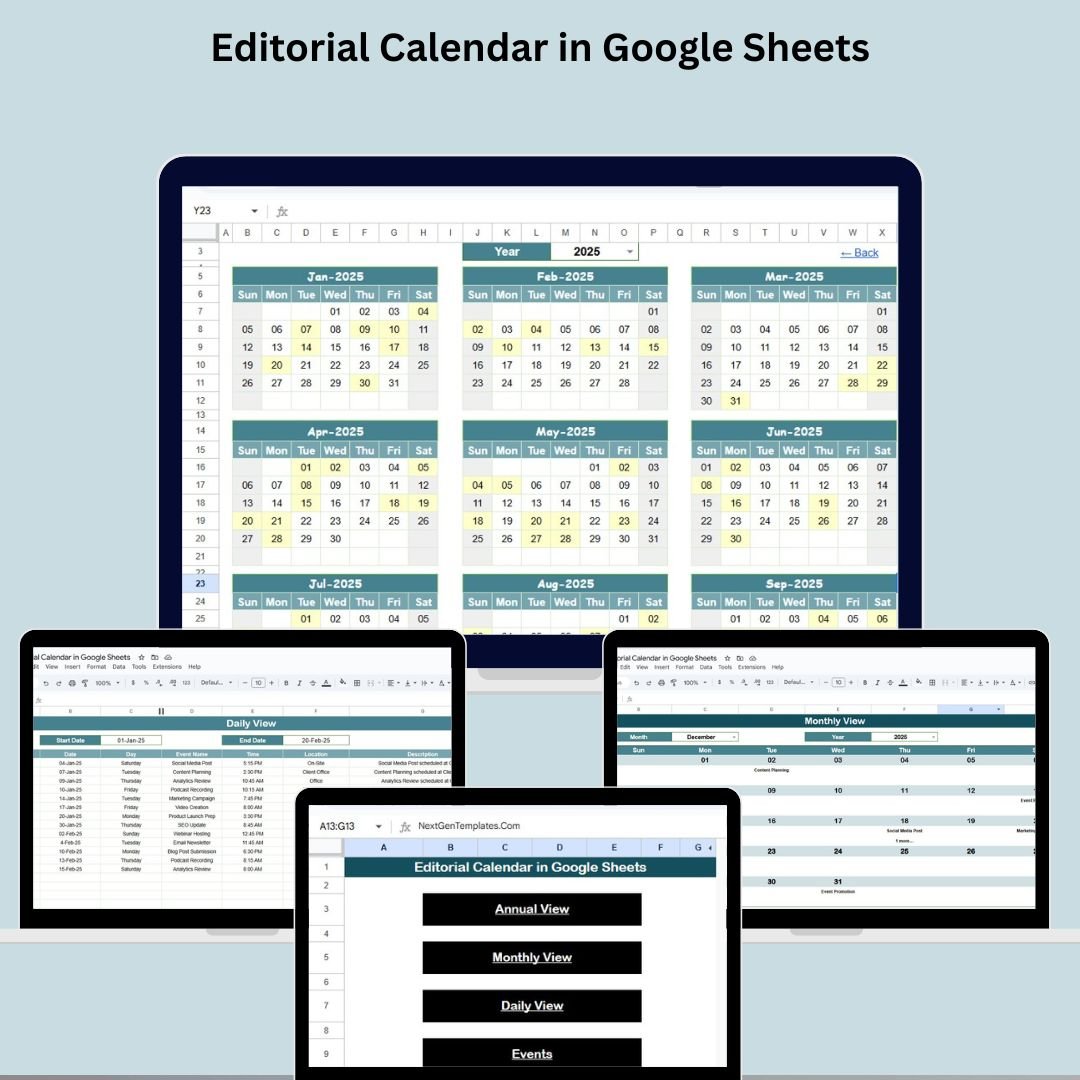

Planning, publishing, and tracking content across platforms can be overwhelming—unless you have the right system. Introducing the Editorial Calendar in Google Sheets, a fully customizable and collaborative content planning template designed for bloggers, marketers, teams, and creators.
Whether you’re running a solo blog, managing a digital marketing team, or scheduling content for multiple platforms, this tool offers a centralized, user-friendly, and visual solution to stay organized, meet deadlines, and streamline your editorial workflow.
✨ Key Features of the Editorial Calendar Template
🏠 Home Sheet Tab: One-Click Navigation
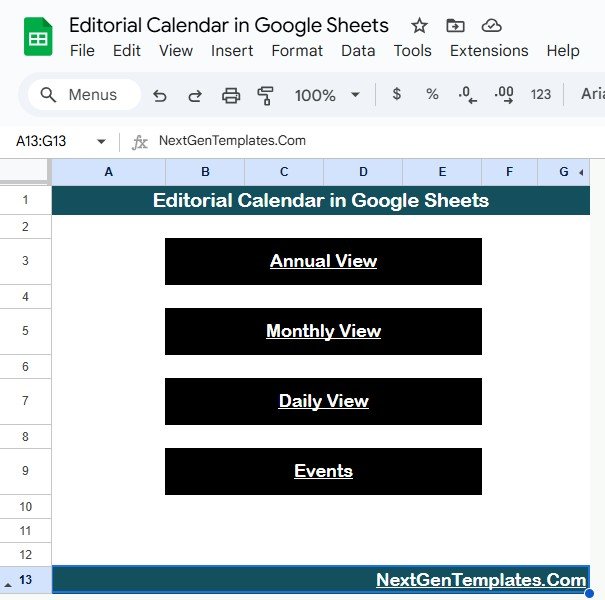
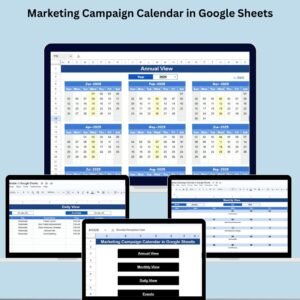
Start your journey from the Home tab, which acts as a central dashboard with four buttons:
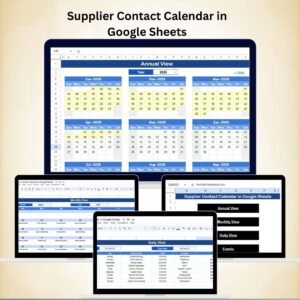
🔁 Annual View – Jump to the year-wide calendar
📆 Monthly View – Focused view of selected month
📋 Daily View – Zoom in on specific date ranges
🗂️ Events – Direct access to the event database
This central hub makes navigating between sheets effortless.
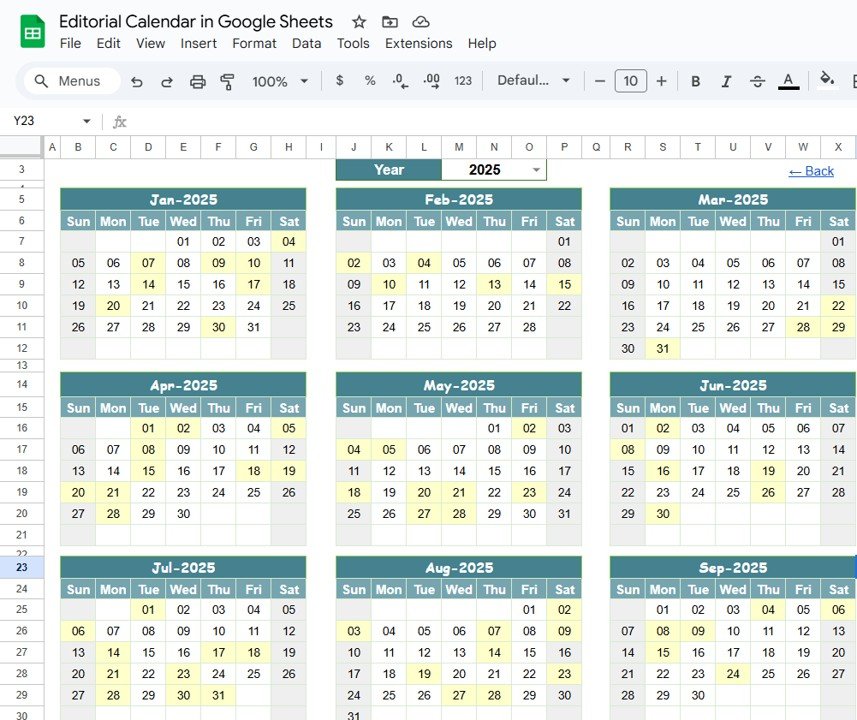
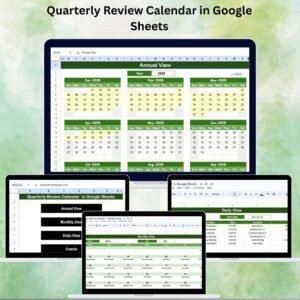
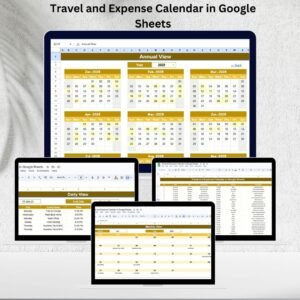
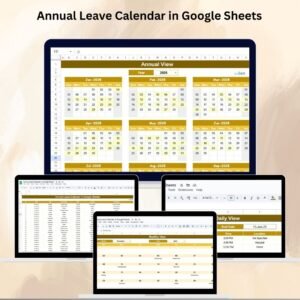
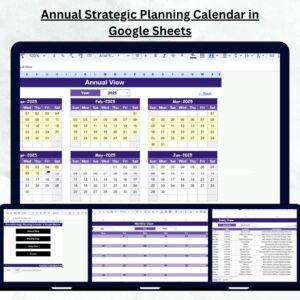
📅 Annual View Sheet Tab: Plan Big, Stay Ahead
Visualize your entire content roadmap across 12 months:
🔢 Select the Year from a dropdown to update the calendar
🔄 Change the Starting Month to align with your planning cycle
🗓️ Choose the Start Day of the week (Monday/Sunday)
This sheet is perfect for annual campaign planning, blog scheduling, and multi-channel content visibility.
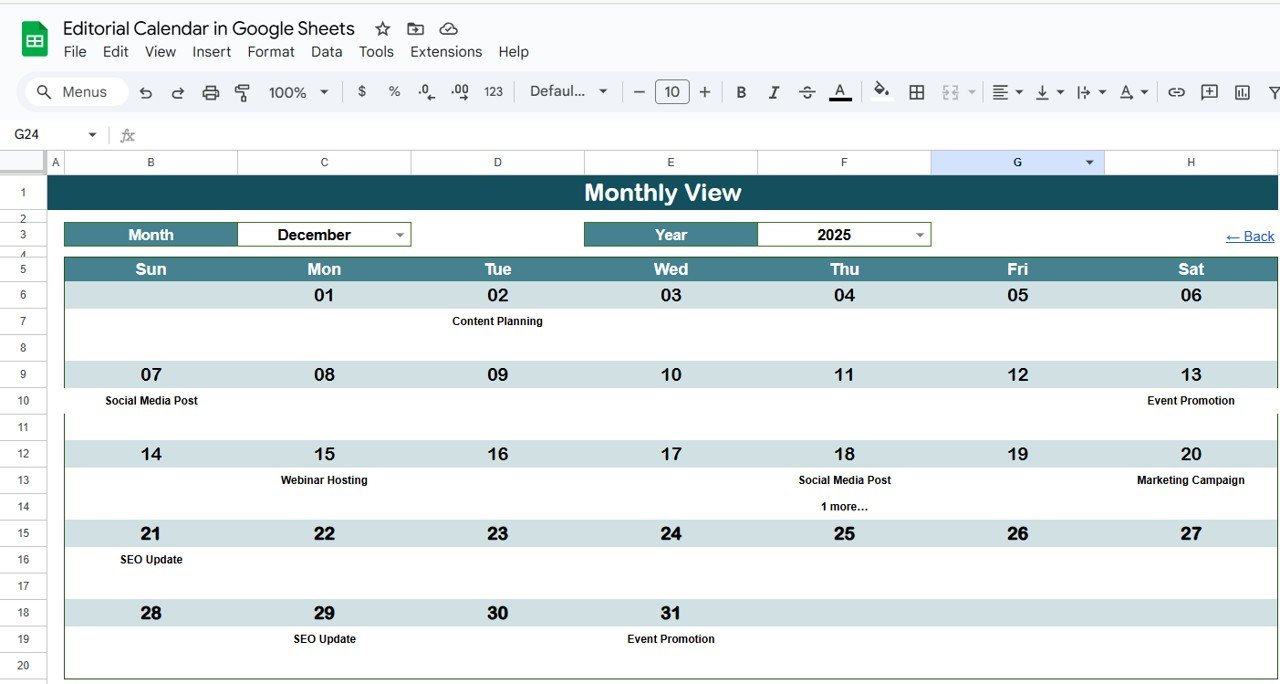
🗓️ Monthly View Sheet Tab: Detailed Monthly Focus
Get a simple, easy-to-read calendar view of scheduled content:
👁️🗨️ Displays one event clearly per day, or “more than 1…” if multiple items exist
🔍 Great for tracking content themes, posting frequency, and deadlines
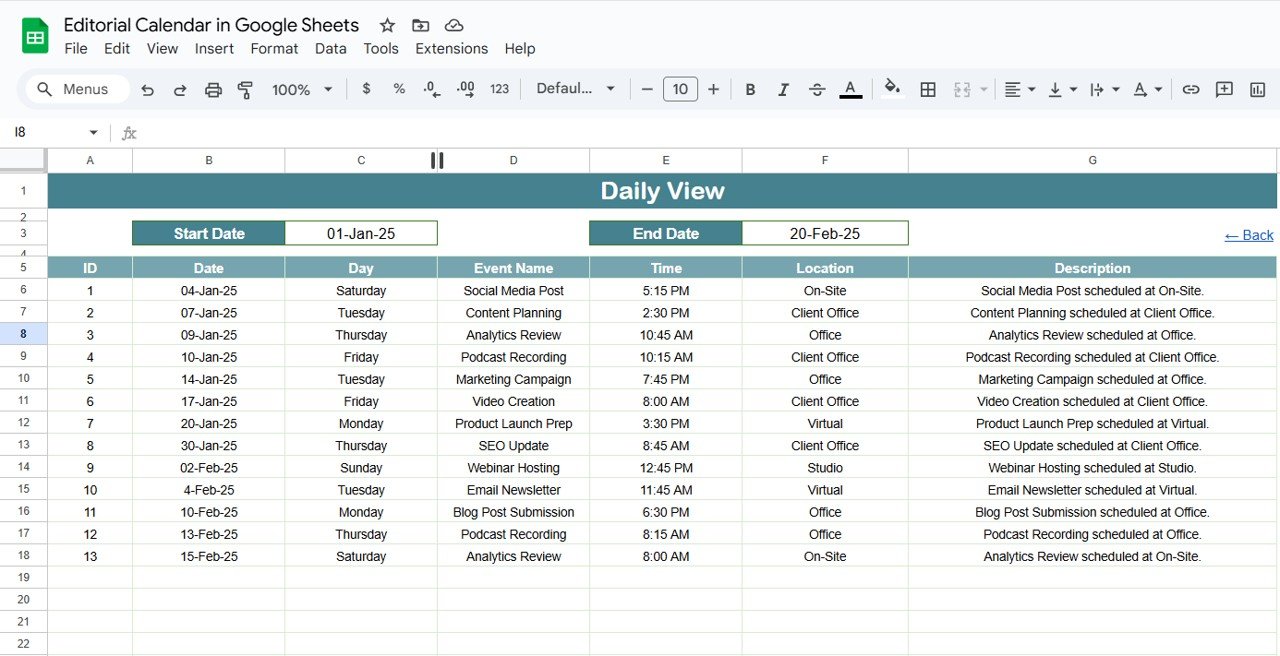
📆 Daily View Sheet Tab: Day-to-Day Management
Zoom in on activities between two dates:
📅 Input Start Date and End Date with calendar pickers
📋 See a full list of scheduled events, times, and locations
Ideal for content editors and social media managers working with daily publishing queues.
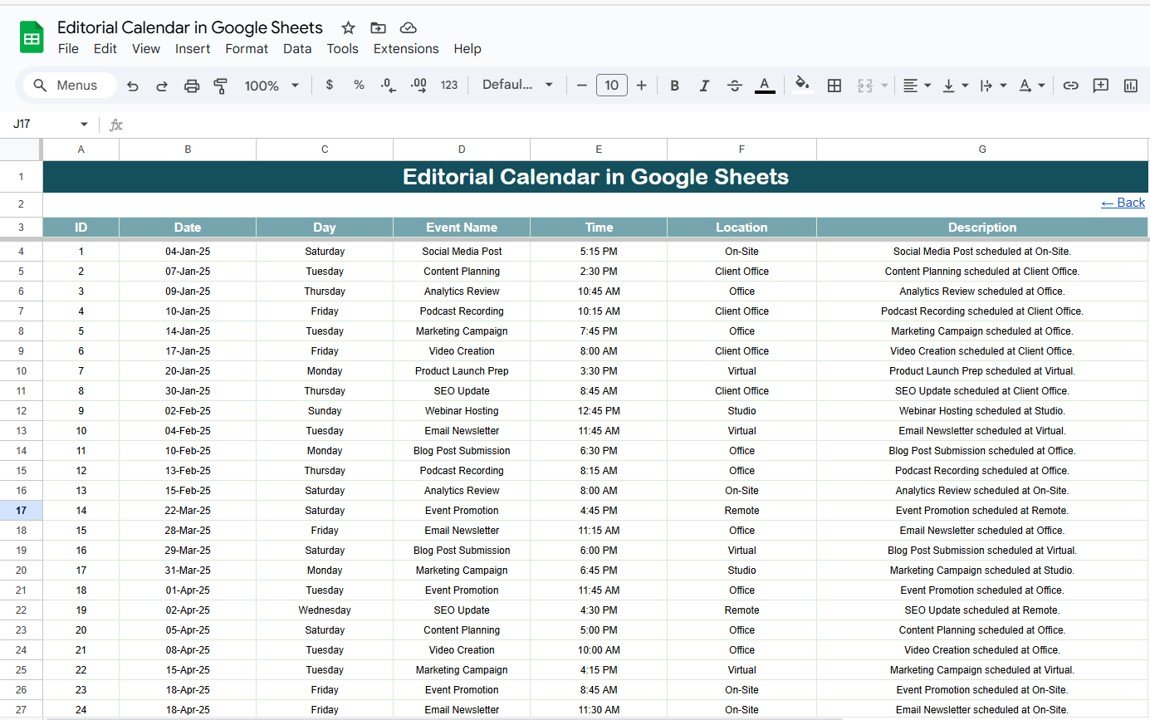
📝 Events Sheet Tab: Your Content Database
Everything lives here!
📌 Columns: ID, Date, Day, Event Name, Time, Location, Description
💾 Use as the master source for all content scheduling
🧩 Compatible with all other sheets via live references
📦 What You’ll Get
✅ 5 Google Sheets Tabs (Home, Annual, Monthly, Daily, Events)
✅ Built-in calendar logic (Year, Month, and Day automation)
✅ Dropdowns for year & day control
✅ Real-time collaboration across teams
✅ Fully editable structure (add filters, colors, extra columns)
✅ Event & content planner for blogs, YouTube, newsletters & more
No coding, no plug-ins, just plug-and-play content organization! 🚀
🧠 How to Use
Open the Google Sheet
Navigate to the Events tab and input your content details
Switch between Annual, Monthly, or Daily views based on planning needs
Use the navigation buttons on Home tab for quick access
Share the sheet with your team for seamless collaboration
🎯 Who Is It For?
👩💻 Bloggers & Vloggers
📣 Marketing Agencies
📆 Social Media Managers
🧑🏫 Educators & Content Trainers
🗂️ Newsletter & Email Teams
🧑💼 Project Managers handling content workflows
Whether you’re working solo or with a team of 20—this template scales to your needs.
📘 Click here to read the Detailed blog post
Watch the step-by-step video Demo:
📺 Visit our YouTube channel to learn step-by-step video tutorials
👉 YouTube.com/@PKAnExcelExpert
Compatibility and Requirements
- Works in Google Sheets. You need a free Google account and a web browser.
- You pick the year and the start day of the week from dropdowns. Google explains dropdowns in Create an in-cell dropdown list.
Frequently Asked Questions
Which sheets are included?
Five sheets: Home, Annual View, Monthly View, Daily View and Events.
Where do I enter my content items?
Enter them in the Events sheet. It has columns for ID, Date, Day, Event Name, Time, Location and Description, and the other views read from it.
Can I change the year and the first day of the week?
Yes. On the Annual View sheet you select the year from a dropdown, change the starting month and choose the start day of the week (Monday or Sunday).
What happens when two items fall on the same day?
The Monthly View shows one event for the day, or “more than 1…” when several are scheduled. The Daily View lists all of them between the start and end dates you pick.
Can my team edit the calendar together?
Yes. It is a Google Sheet, so you can share it with your team and work in it at the same time.
Is there an Excel version?
Yes. See the Editorial Calendar in Excel.
Related Calendar Templates
- Editorial Calendar in Excel: the same content planner for Excel
- Dynamic Holiday and Event Calendar in Google Sheets: another event calendar in Google Sheets
- Calendar & Planner Pack: 12 calendar and planner templates in one download
- Marketing Manager Toolkit: 9 templates for marketing teams
Browse all Google Sheets calendars.









Reviews
There are no reviews yet.