


Organizing multiple training sessions, workshops, or seminars? You need a clear, dynamic system to keep everything on track—and that’s exactly what our Training and Workshop Calendar in Google Sheets delivers.
This ready-to-use calendar system empowers HR teams, coordinators, trainers, and administrators to manage events efficiently with annual, monthly, and daily views. Whether you’re overseeing 5 sessions or 50, this tool keeps your planning neat, organized, and insightful.
✨ Key Features of the Training and Workshop Calendar
📆 Multi-View Calendar System
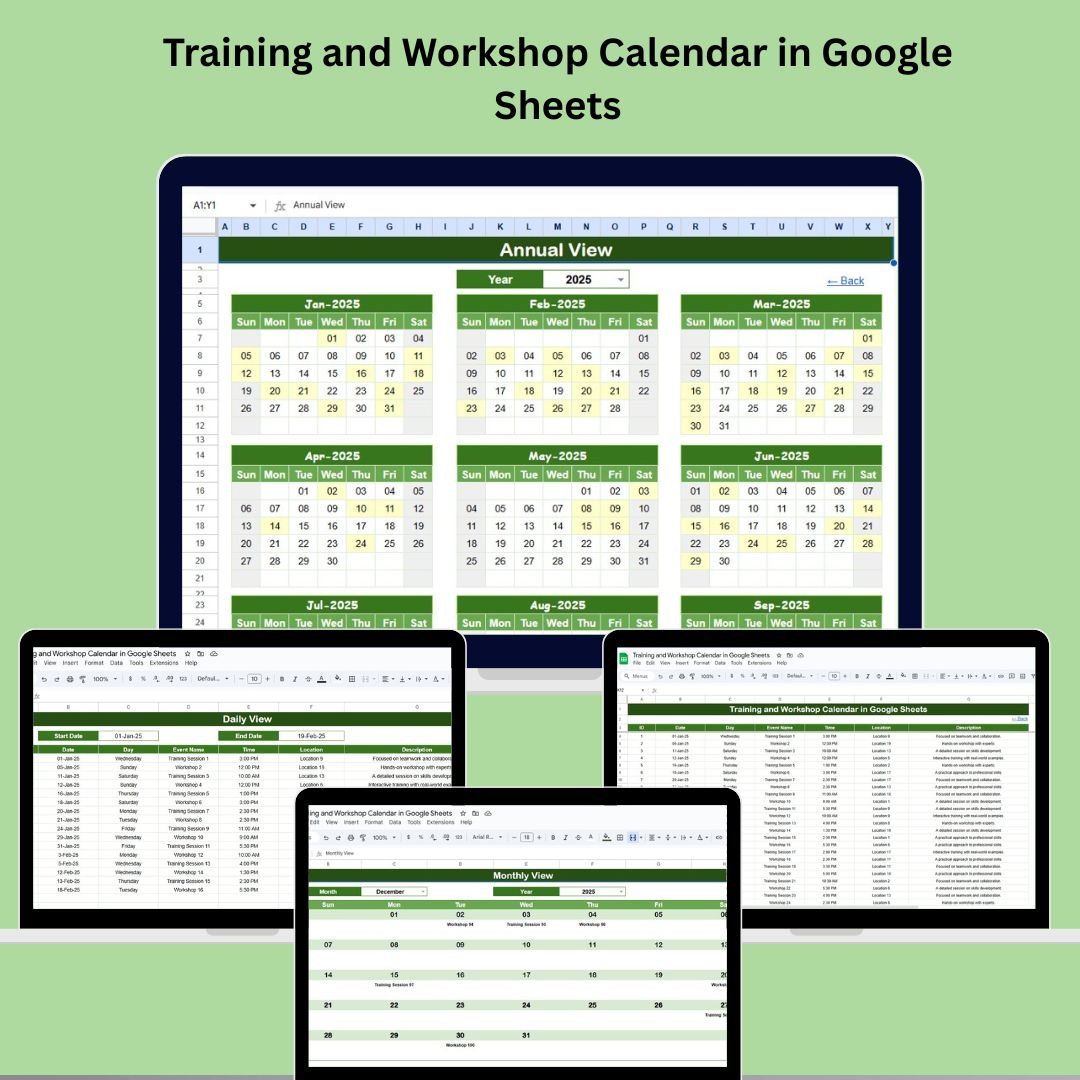
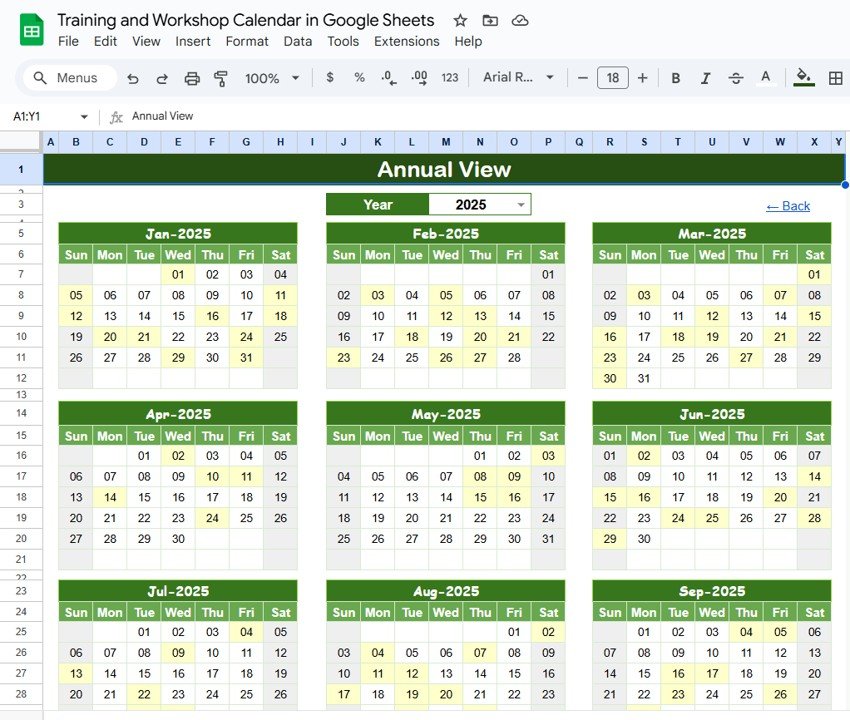
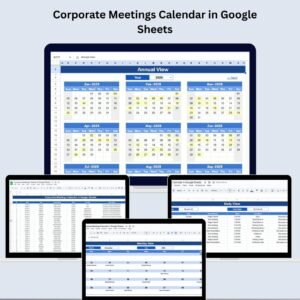
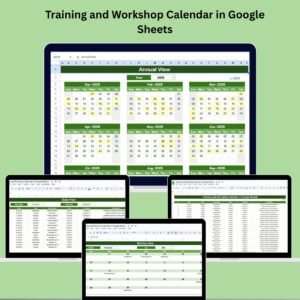
Annual View: Overview of all events for the entire year—customizable by year, start month, and start day.
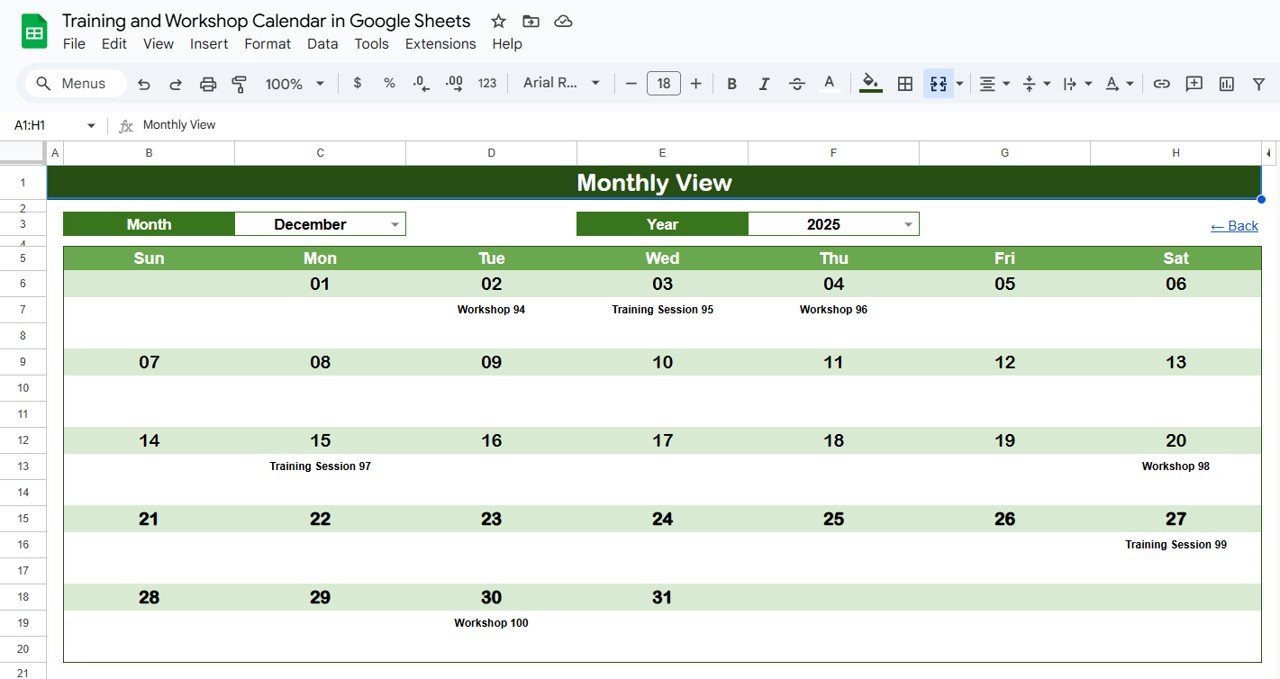
Monthly View: Zoom in to a specific month and see all scheduled sessions with clear day-wise allocation.
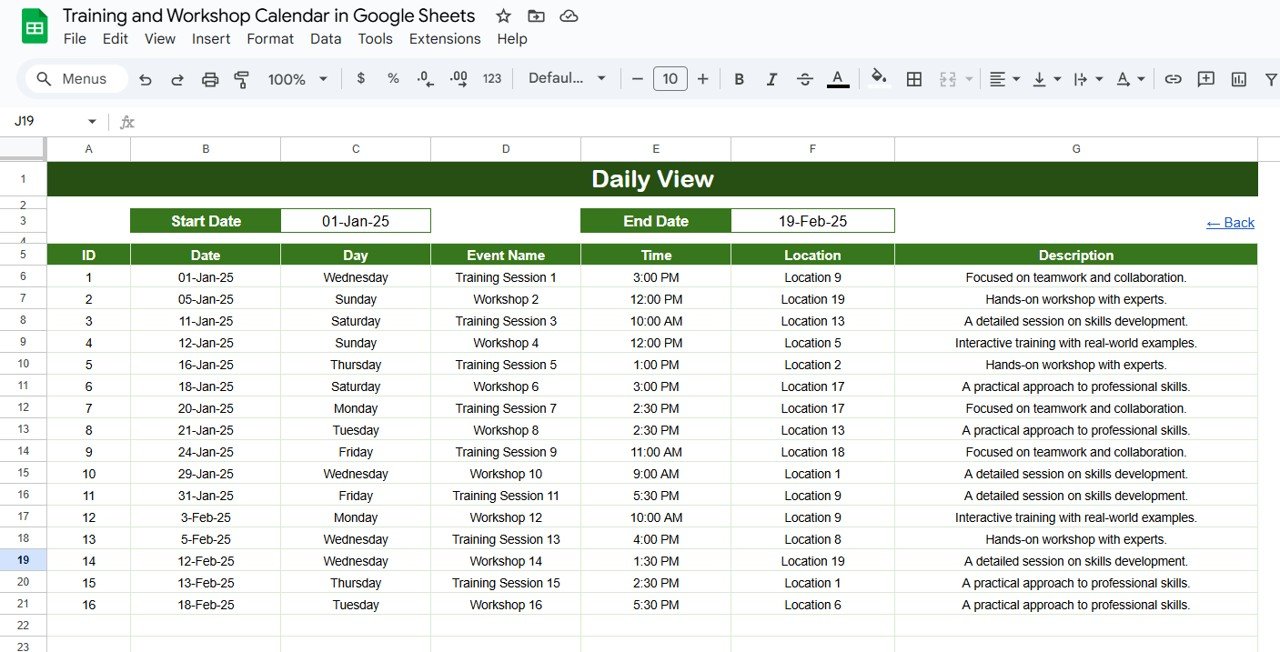
Daily View: Focused display of all events within a selected date range for micro-level management.
🏠 Smart Home Sheet for Navigation
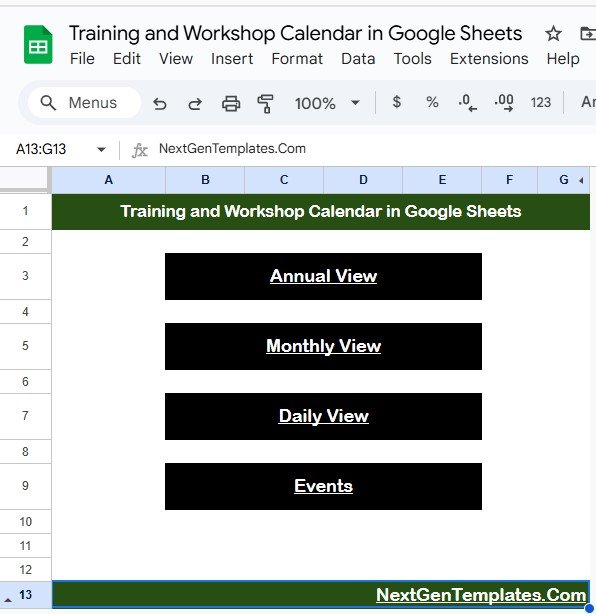
One-click buttons to jump to Annual, Monthly, Daily, and Events tabs.
Works as your central dashboard—no need to scroll endlessly.
📋 Events Database Sheet
Capture all event details like:
Event Name, Date, Day
Time & Location
Description
Unique Event ID
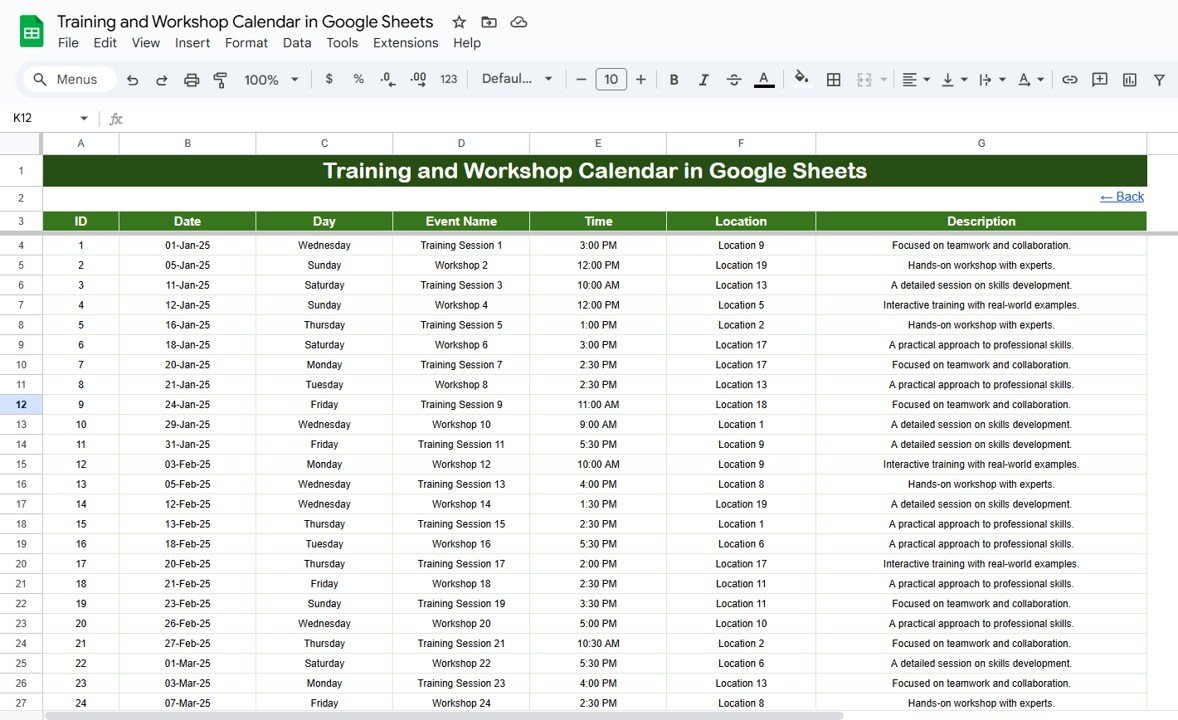
Filter, search, and update event records easily from this master database.
🔄 Customizable & User-Friendly
Drop-downs for selecting years, months, and day preferences.
Built in Google Sheets—no installation, no coding required.
📦 What’s Inside the Training and Workshop Calendar
✅ 1 x Home Sheet with navigation buttons
📅 1 x Annual View Sheet with dynamic year selector
📆 1 x Monthly View Sheet with auto-updating events
📖 1 x Daily View Sheet with date range selection
📋 1 x Events Sheet with full event records and search/filter options
✏️ Editable event template – fully customizable for any industry
🌐 Share-ready format – perfect for remote or hybrid teams
🎯 Clean design, bold headers, and print-friendly layout
🚀 How to Use the Training and Workshop Calendar
Open the template in Google Sheets
🖊️ Enter your training or workshop events in the Events Sheet
📆 Select the Year/Month/Day in Annual or Monthly View to auto-refresh
📊 View scheduled events in calendar layout—daily or monthly
👥 Share with your team for real-time collaboration
🔍 Use filters and search to find events or edit details instantly
It’s like having your own training coordinator—inside a spreadsheet!
👥 Who Can Benefit from This Calendar?
👩💼 HR Managers overseeing team development programs
🧑🏫 Trainers & Workshop Facilitators needing structured planning
🏢 Corporate L&D Teams managing multi-team learning initiatives
🧑💻 IT & Admin Staff handling logistics for events
📚 Coaches, Educators, and Program Coordinators
🎓 Institutes and Bootcamps offering regular training schedules
If you run training or events, this calendar is your ultimate sidekick! 💼✅
📚 Click here to read the Detailed blog post
Watch the step-by-step video Demo:
🎥 Visit our YouTube channel to learn step-by-step video tutorials
👉 Youtube.com/@NeotechNavigators
Compatibility and Requirements
- Works in Google Sheets. You need a free Google account and a web browser.
- You pick the year, month and start day from dropdowns. Google explains dropdowns in Create an in-cell dropdown list.
Frequently Asked Questions
Which views does the calendar include?
It has a Home sheet with navigation buttons, an Annual View, a Monthly View, a Daily View and an Events sheet.
What details can I record for each session?
Each event has a name, date, day, time, location, description and a unique event ID.
Can I start the year in a month other than January?
Yes. The Annual View lets you set the year, the start month and the start day.
Can I see only the sessions in a date range?
Yes. The Daily View lists all events within the date range you select.
Is there an Excel version?
Yes. The Training and Workshop Calendar in Excel covers the same job in Excel.
Related Training Templates
- Training and Workshop Calendar in Excel: the same calendar in Excel
- Workshop Planning Checklist in Google Sheets: prepare each workshop
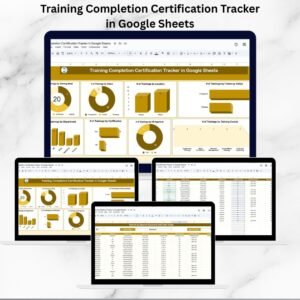
- Training Completion Certification Tracker in Google Sheets: track completions and certificates
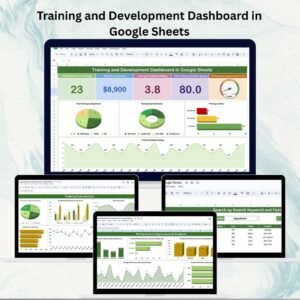
- Training and Development Dashboard in Google Sheets: report on training results
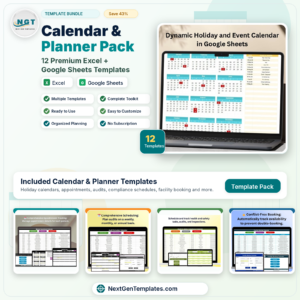
- Calendar & Planner Pack: 12 calendar and planner templates in one download
Browse all Google Sheets calendars or the Google Sheets HR and payroll templates.







Reviews
There are no reviews yet.