

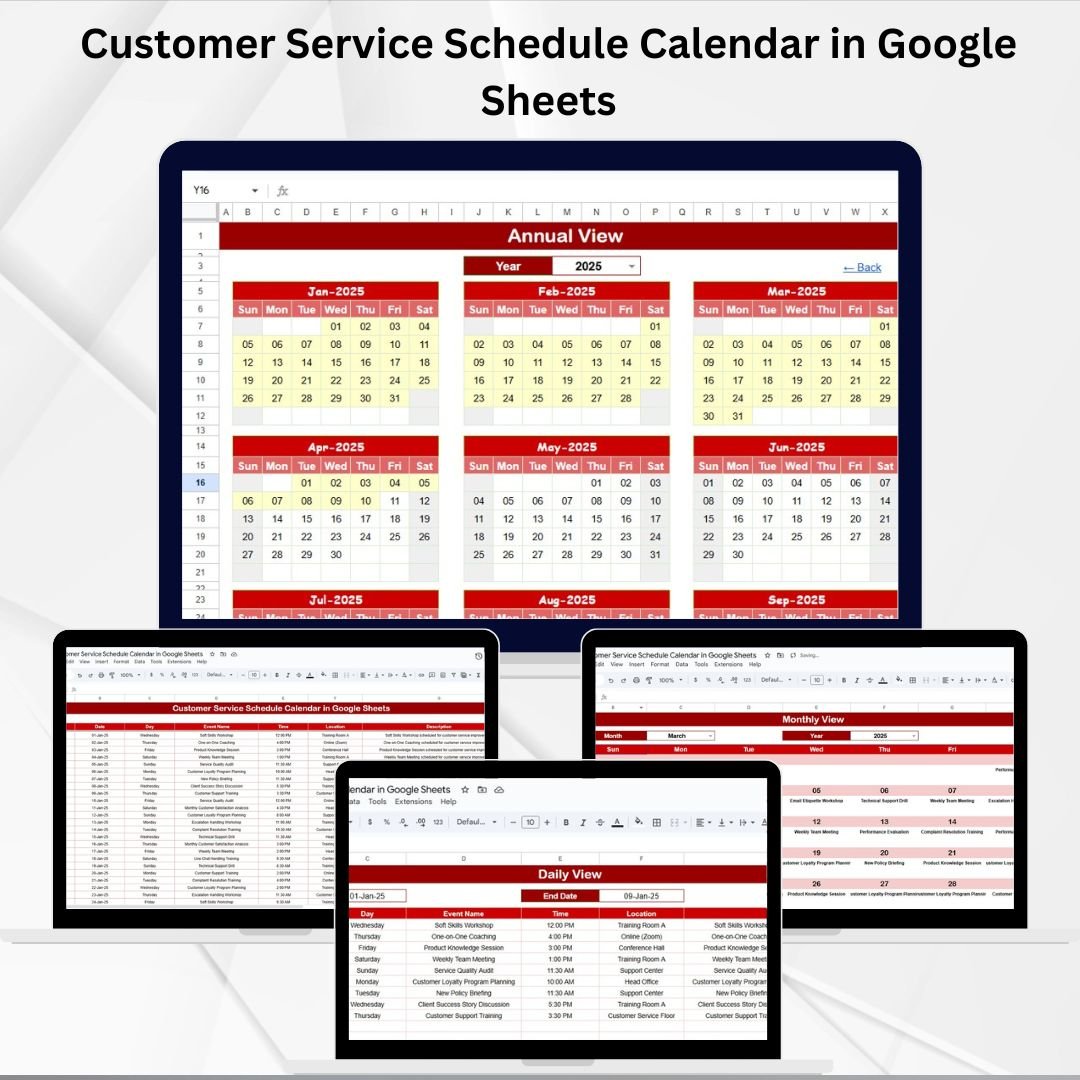
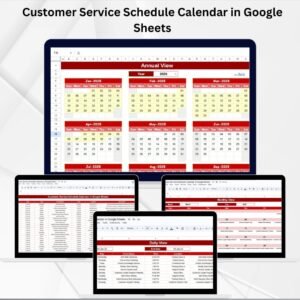
Delivering excellent customer service starts with proper planning. ⏰ Missed follow-ups, double-booked appointments, or unclear schedules can frustrate customers and overwhelm teams. The Customer Service Schedule Calendar in Google Sheets solves this by giving you a clear, structured way to plan, track, and manage all service-related activities across daily, monthly, and yearly timelines.
This ready-to-use Google Sheets template is built for customer service teams that need real-time collaboration, easy navigation, and flexible scheduling — all without expensive software. Whether you’re managing calls, follow-ups, or service appointments, this calendar ensures nothing slips through the cracks.
🔑 Key Features of Customer Service Schedule Calendar in Google Sheets
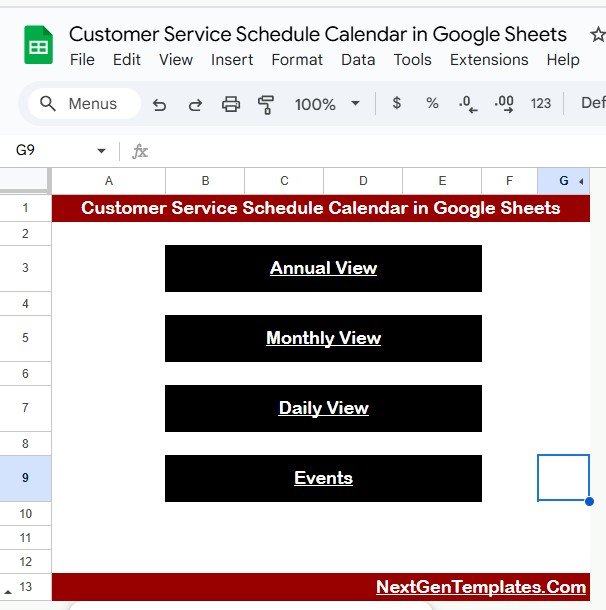
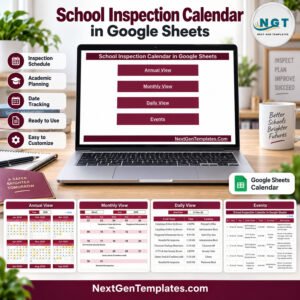
🏠 Home Sheet (Navigation Hub)
Quick navigation buttons to jump between Annual, Monthly, Daily, and Events views.
Provides a clean, user-friendly entry point for all users.
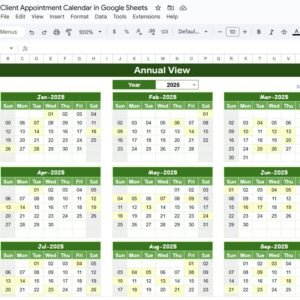
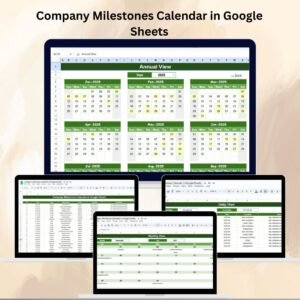
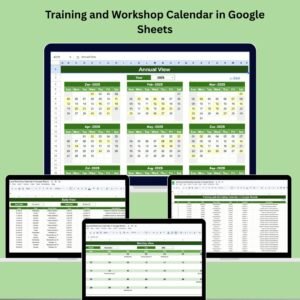
📅 Annual View (Big Picture Planning)
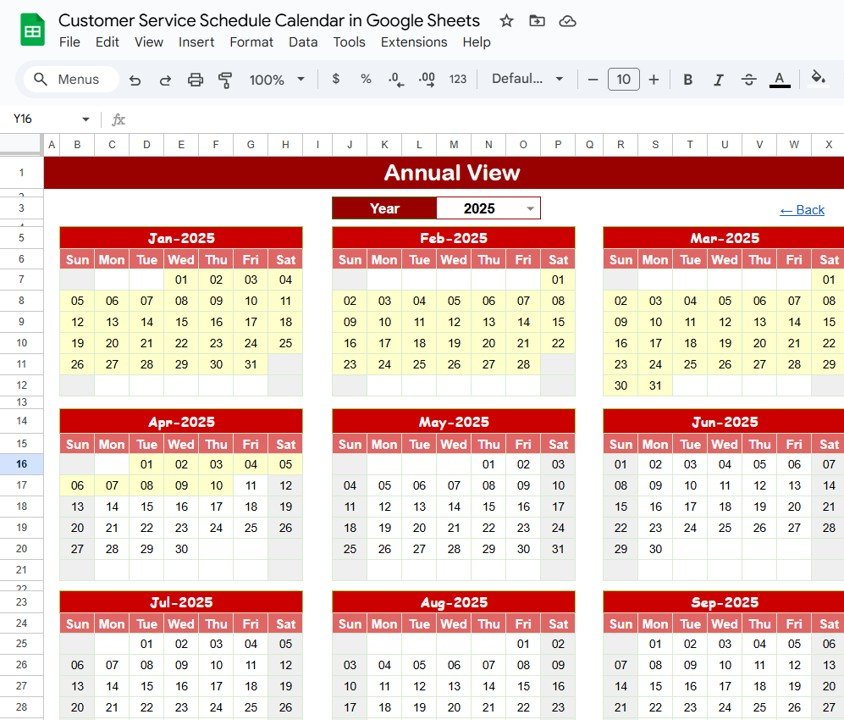
Displays all 12 months in a single view.
Select year, adjust starting month, and choose the week start day.
Highlight key customer service events like audits, campaigns, or peak service periods.
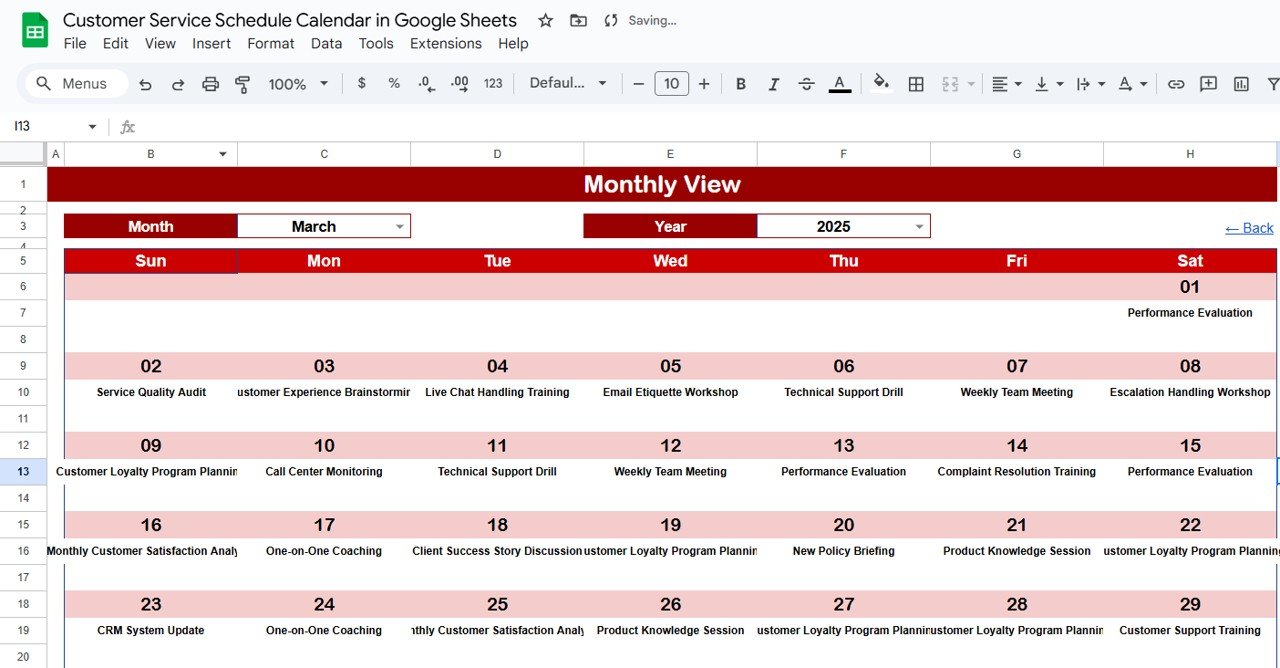
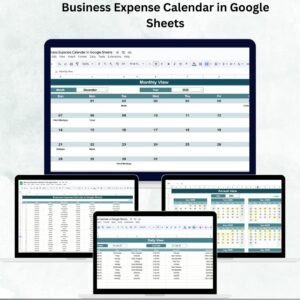
📆 Monthly View (Focused Planning)
Choose any month and year to see detailed schedules.
Each date shows events; if more than one, the calendar displays “more than 1…” to avoid overlap confusion.
Perfect for organizing weekly shifts, customer follow-ups, or recurring meetings.
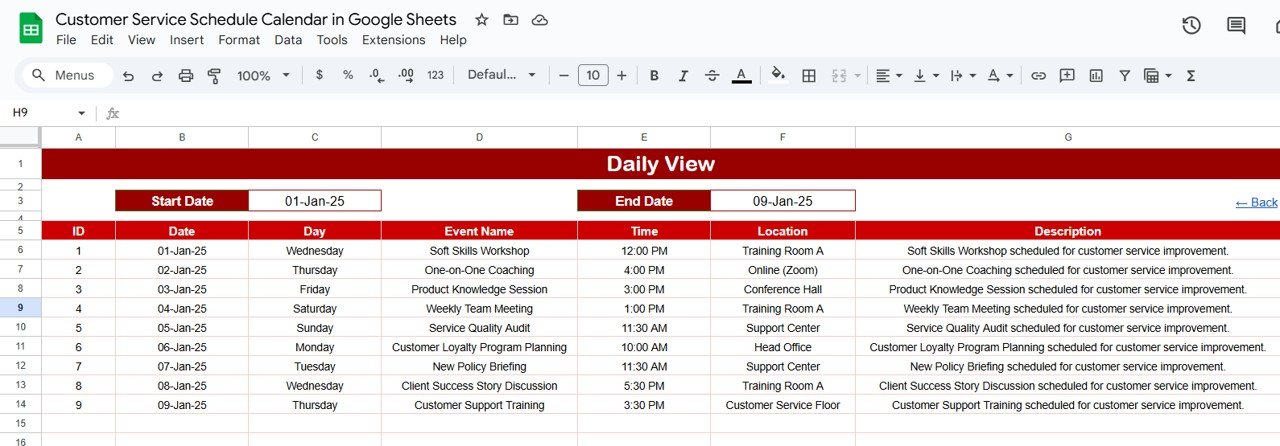
🗓 Daily View (Operational Management)
Filter events within a specific date range.
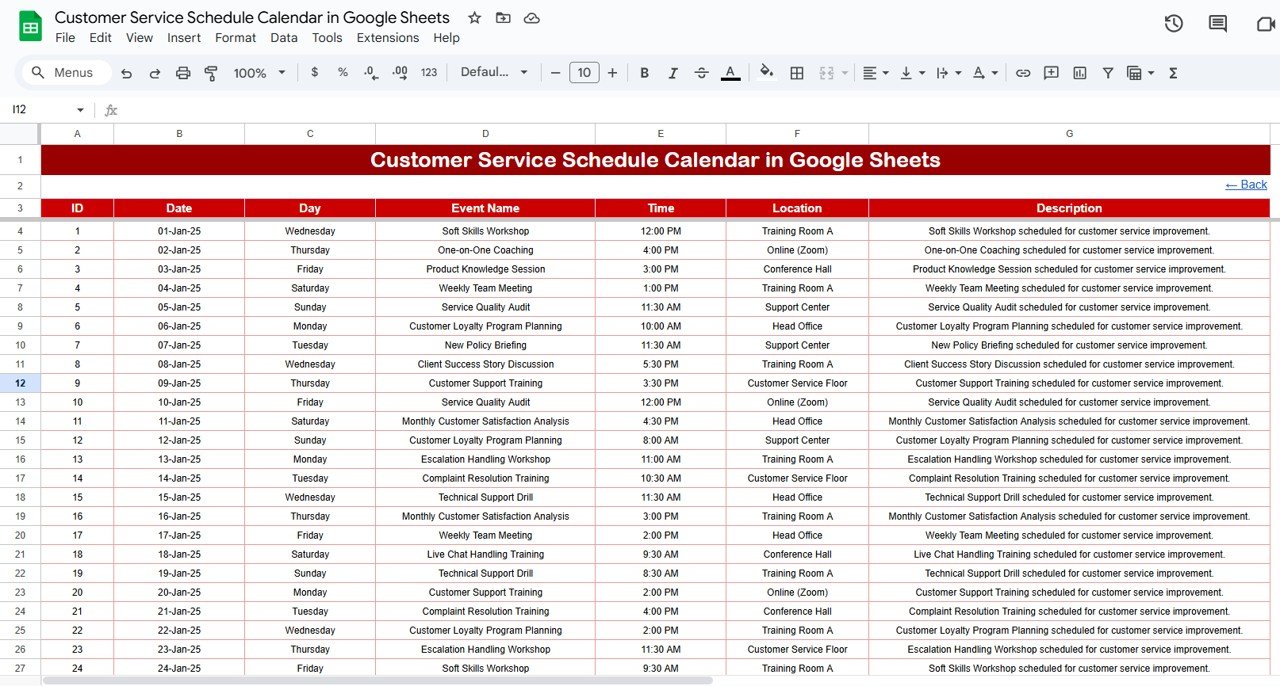
Includes details such as Date, Day, Event Name, Time, Location, and Description.
Ideal for day-to-day service execution — ensuring no appointment is missed.
📋 Events Sheet (Master Database)
Centralized record of all events with fields for:
Event ID
Date & Day
Event Name
Time
Location
Short Description
Powers all other views (Annual, Monthly, Daily) automatically.
📦 What’s Inside the Calendar?
When you download this template, you’ll get:
✅ Home Tab with quick navigation buttons
✅ Annual View Tab for year-round scheduling
✅ Monthly View Tab for detailed planning
✅ Daily View Tab for operational tracking
✅ Events Tab with all customer service activities in one place
✅ Pre-structured formatting, dropdowns, and conditional logic
✅ Ready-to-use layout — just enter your events and start managing instantly
👥 Who Can Benefit from This Calendar?
👩💼 Customer Service Managers – Ensure balanced workloads and avoid scheduling conflicts.
📞 Call Center Teams – Track appointments, callbacks, and customer commitments.
🏢 Operations Leaders – Plan resources across months and service cycles.
💻 Remote Teams – Collaborate in real-time on customer service schedules.
📊 SMEs & Enterprises – Manage large volumes of events without costly tools.
Whether your team is big or small, this template makes scheduling simple, transparent, and efficient.
🧾 How to Use the Customer Service Schedule Calendar
📥 Download & Copy the template into your Google Drive.
📝 Fill the Events Tab with customer service tasks, follow-ups, or appointments.
📅 Navigate to Annual/Monthly/Daily views for planning at different levels.
📆 Filter by dates in Daily View for operational control.
⚡ Collaborate in real time by sharing with your team.
🎨 Customize as Needed – Add color coding, KPIs, or staff assignments.
No coding or technical setup required — just plug in your events and start scheduling. 🚀
🔗 Click here to read the Detailed blog post
Watch the step-by-step video Demo:







Reviews
There are no reviews yet.