


In the fast-paced software development environment, ensuring smooth and timely testing is critical for delivering high-quality releases. Coordinating multiple Quality Assurance Testing Calendar in Google Sheets—ranging from regression tests to user acceptance testing (UAT)—can often be overwhelming without a structured system in place. That’s why we’ve built the Quality Assurance Testing Calendar in Google Sheets—a ready-to-use, customizable template designed for QA teams, project managers, and software testers to plan, monitor, and track testing activities efficiently.Quality Assurance Testing Calendar in Google Sheets
This calendar provides a centralized hub for QA scheduling, offering multiple calendar views (annual, monthly, daily) and a dedicated events database. Whether you’re managing testing for a sprint, a major release, or multiple projects simultaneously, this tool ensures nothing slips through the cracks.
🔑 Key Features of Quality Assurance Testing Calendar
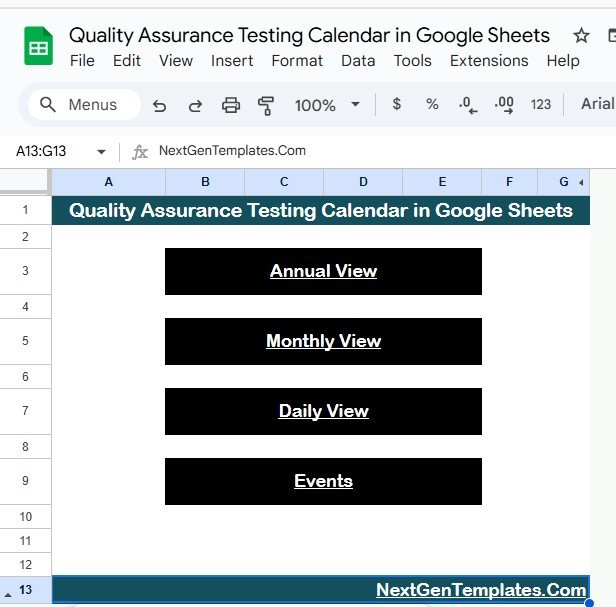
📌 Home Sheet Tab
Acts as your navigation hub with quick buttons to jump to Annual, Monthly, Daily, or Events views.
Simplifies workflow by reducing clicks and keeping QA teams focused.
📌 Annual View Sheet Tab
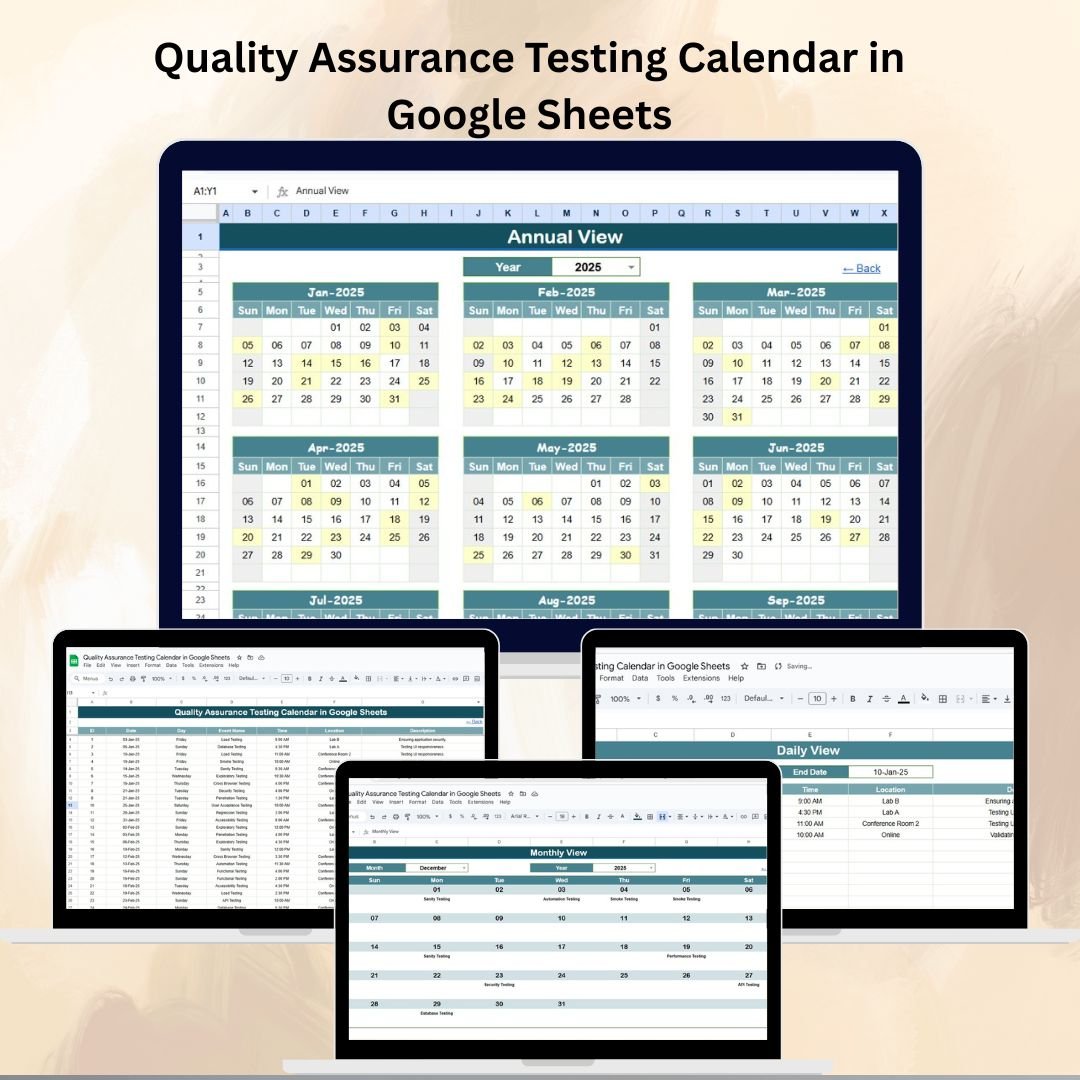
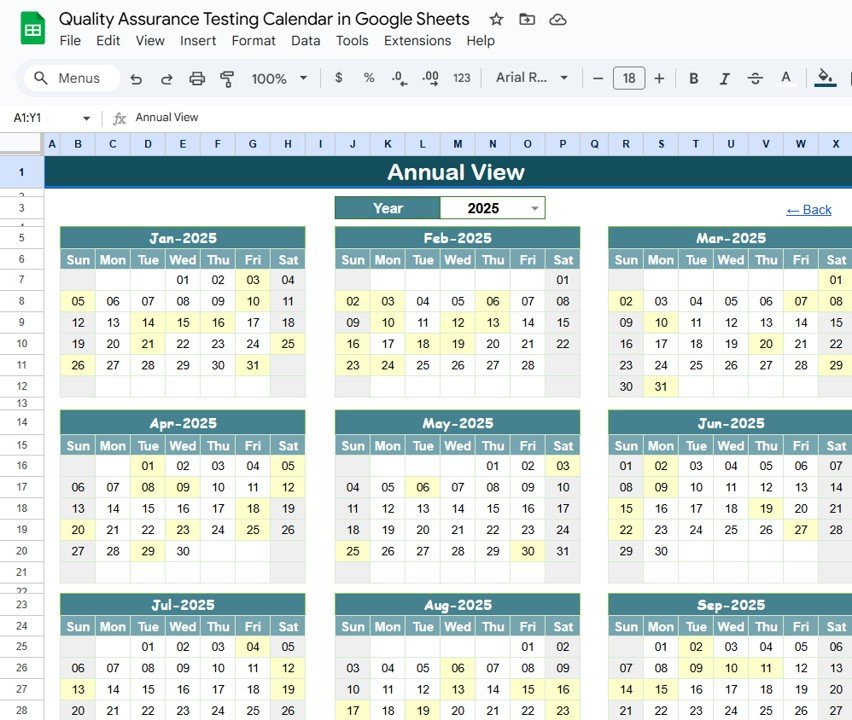
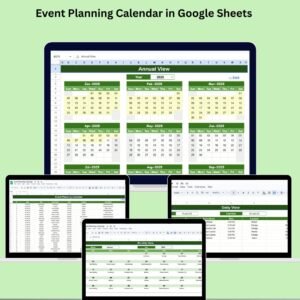
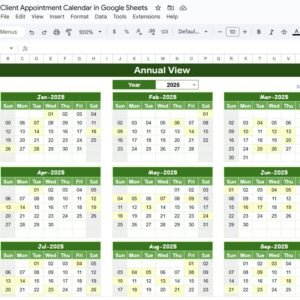
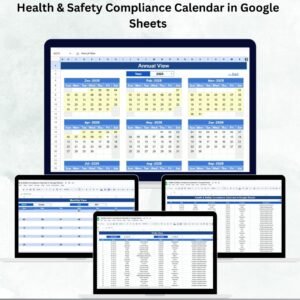
Displays all 12 months in one sheet, perfect for long-term planning.
Features an input group to select the Year, update the calendar instantly, and customize the starting month and first day of the week.
Ideal for managers who need a big-picture view of testing timelines.
📌 Monthly View Sheet Tab
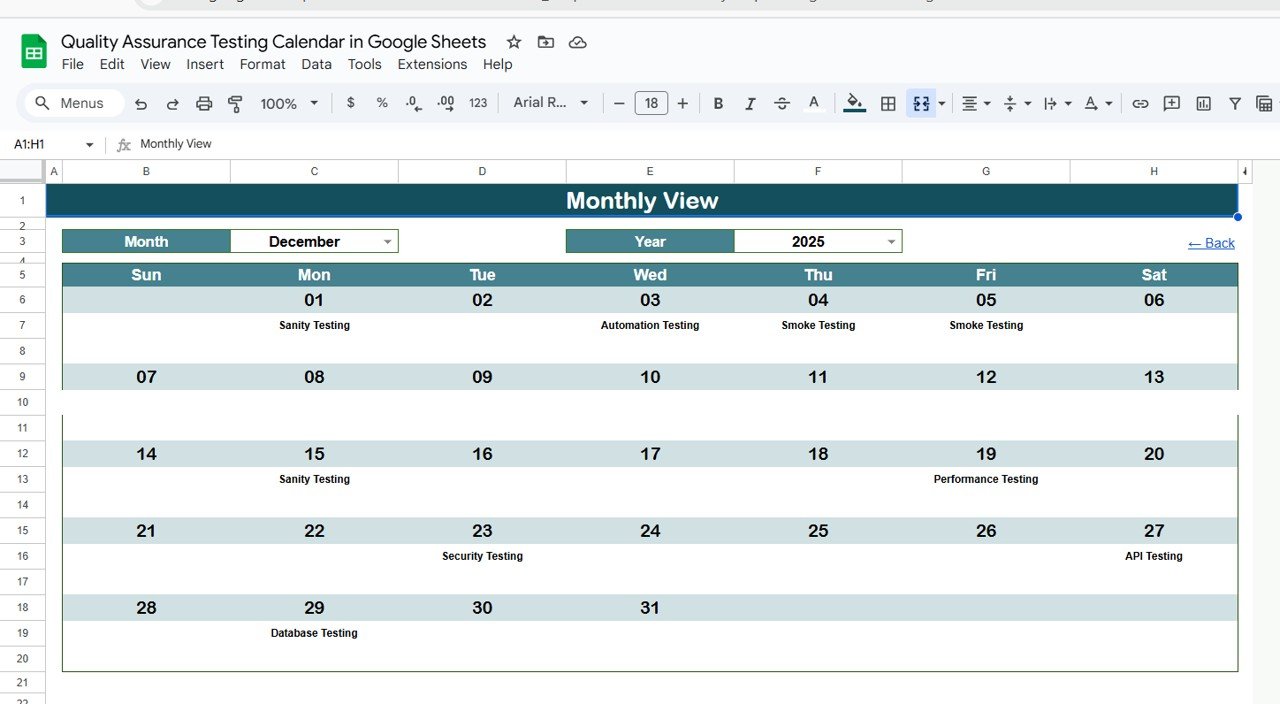
Focused view for sprint or release planning.
Select Month and Year at the top, and the calendar updates automatically.
Handles multiple events per day by showing “more than 1…” for easy clarity.
📌 Daily View Sheet Tab
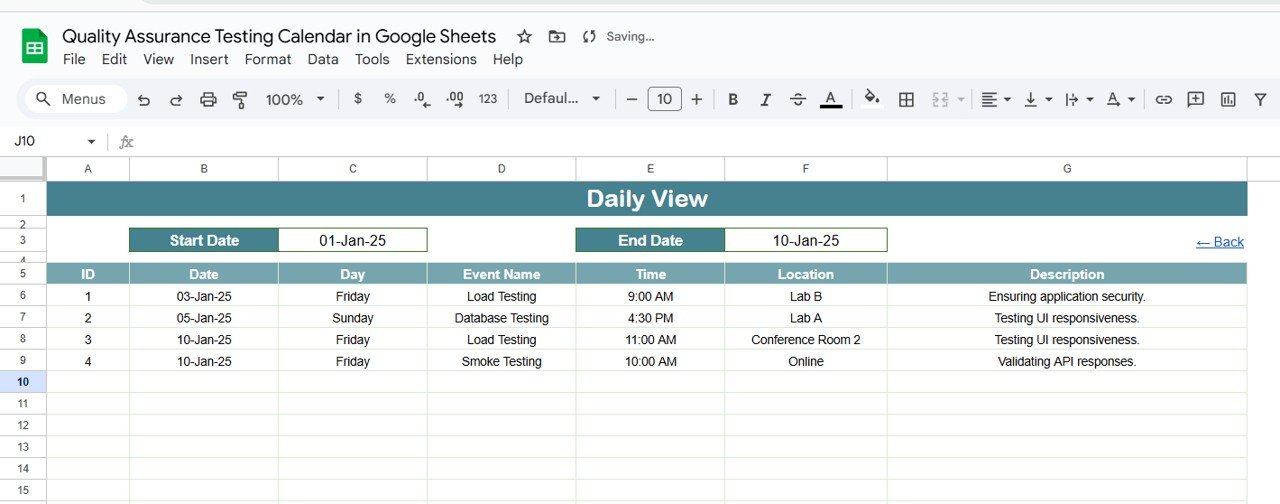
Provides a detailed list of QA activities for a chosen date range.
Input Start Date and End Date using a calendar picker to quickly filter events.
Perfect for testers managing daily priorities and avoiding missed deadlines.
📌 Events Sheet Tab
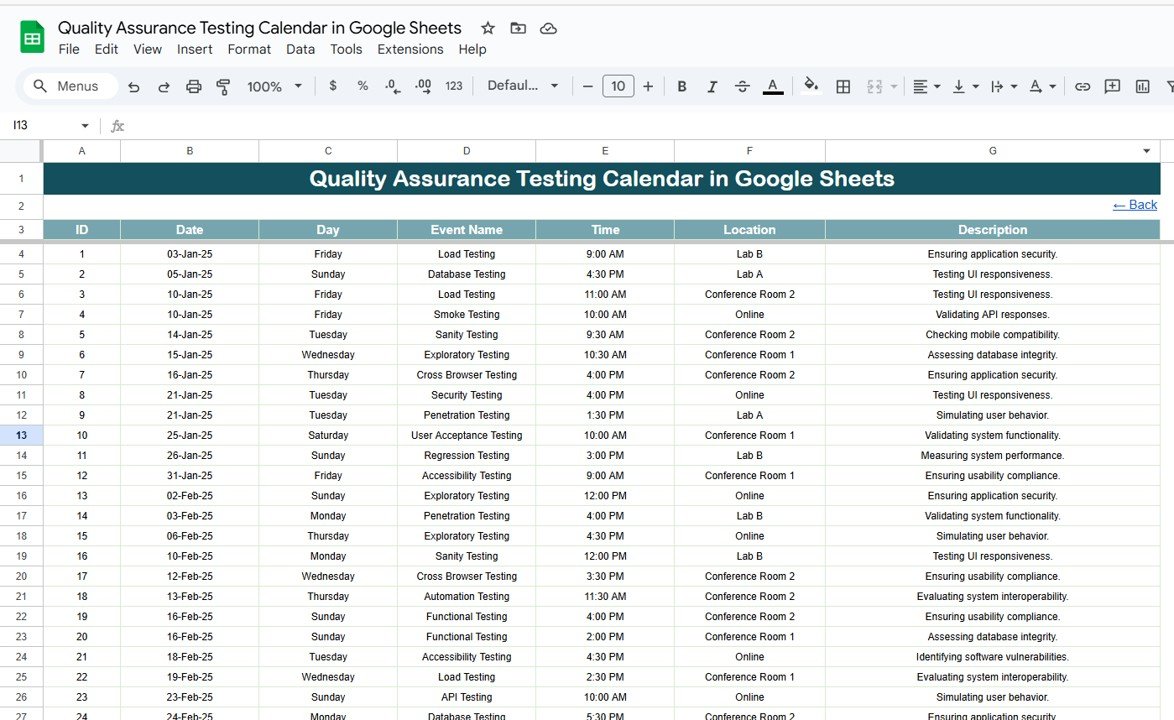
A centralized database of all testing activities.
Columns include: ID, Date, Day, Event Name, Time, Location, and Description.
Keeps QA event details organized, searchable, and easily updated.
📦 What’s Inside the Calendar
✅ 5 interactive sheets: Home, Annual View, Monthly View, Daily View, Events
✅ Centralized event management with searchable database
✅ Flexible filters for year, month, and date ranges
✅ Customizable starting day of the week & month
✅ Smart handling of multiple events per day
👥 Who Can Benefit from This Calendar?
👨💻 QA Teams – Organize regression, smoke, and UAT schedules
👩💼 Project Managers – Oversee testing timelines across sprints and releases
🏢 Software Development Teams – Coordinate with QA for smooth deployments
📊 Agile Teams – Integrate QA schedules directly into sprint planning
📋 Best Practices for Using the Calendar
🔄 Update Events Regularly – Keep the Events sheet current to maintain accuracy
🏷 Consistent Naming – Use standardized names for events to avoid confusion
📅 Plan Ahead – Enter sprint or release testing events at least one cycle in advance
🤝 Share with Teams – Provide edit/view access to QA and dev teams for transparency
📊 Review Frequently – Use monthly and daily views to manage workloads effectively
✅ Advantages of Quality Assurance Testing Calendar
Centralized Planning – All QA schedules in one organized tool
Flexible Views – Annual for long-term, monthly for sprint planning, daily for task-level detail
Customizable – Adapt year, start month, and week to your organization’s workflow
Improved Coordination – Prevent overlapping tests and manage resources better
User-Friendly – Built in Google Sheets; no extra software required
🔗 Click here to read the Detailed blog post
Watch the step-by-step video Demo:
🔗 Visit our YouTube channel to learn step-by-step video tutorials
Compatibility and Requirements
- Works in Google Sheets. You need a free Google account and a web browser.
- You pick the year, month and date range from the input cells on each view sheet. Google explains how to build a chart-ready sheet in Get started with Google Sheets.
Frequently Asked Questions
Which sheets are included?
Five sheets: Home, Annual View, Monthly View, Daily View and Events.
Where do I enter my testing events?
On the Events sheet. Each row holds an ID, Date, Day, Event Name, Time, Location and Description. The Annual, Monthly and Daily views read from this sheet.
Can I start the year in a different month?
Yes. The Annual View has an input group where you set the year, the starting month and the first day of the week.
What happens when two tests fall on the same day?
The Monthly View shows “more than 1…” in that day’s cell, so you know to check the Daily View or the Events sheet for the full list.
Is there an Excel version?
Yes. See the Quality Assurance Testing Calendar in Excel.
Related Quality Assurance Templates
- Quality Assurance Testing Calendar in Excel: the same calendar for Excel
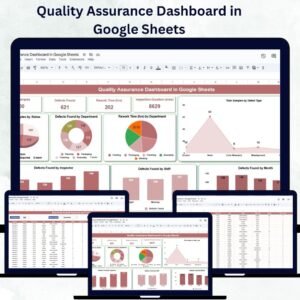
- Quality Assurance Dashboard in Google Sheets: a dashboard view of QA results in Google Sheets
- Dynamic Holiday and Event Calendar in Google Sheets: a general event calendar in Google Sheets
- Quality Assurance KPI Dashboard in Excel: QA KPIs in Excel
- Google Sheets Business Pack (Pro): 14 business templates in one download
Browse all Google Sheets calendars.











Reviews
There are no reviews yet.