


Planning events—whether corporate meetings, workshops, webinars, social functions, or personal milestones—can often feel overwhelming. But what if there was a smarter way to keep every detail organized and visible at a glance?
Introducing the Event Planning Calendar in Google Sheets – a powerful, easy-to-use template designed to make event planning seamless, efficient, and collaborative. Whether you’re managing one event or a full year’s calendar, this dynamic Google Sheets tool helps you stay ahead of deadlines, avoid overlaps, and deliver flawless execution.
✨ Key Features of Event Planning Calendar in Google Sheets
📆 Multi-View Event Calendar
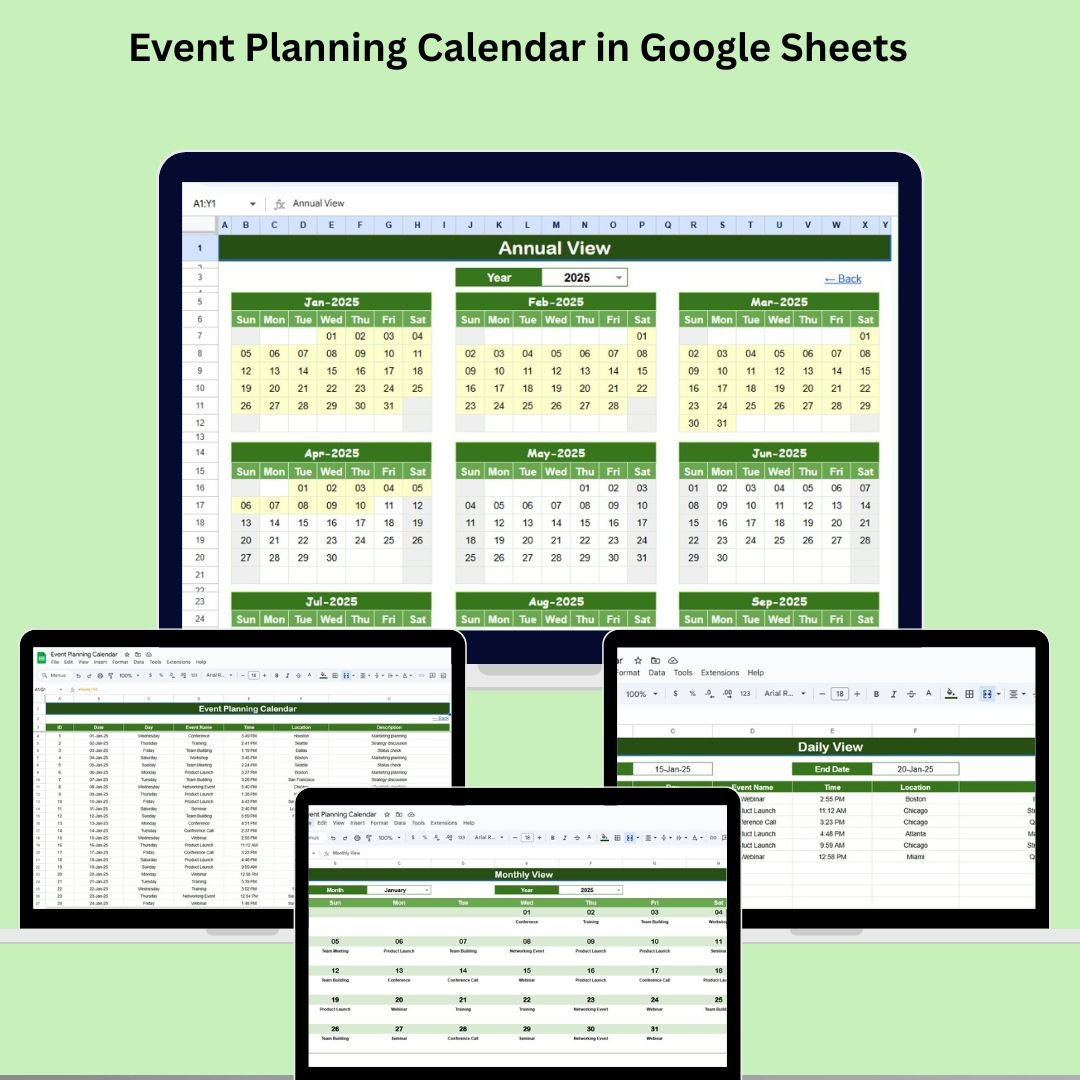
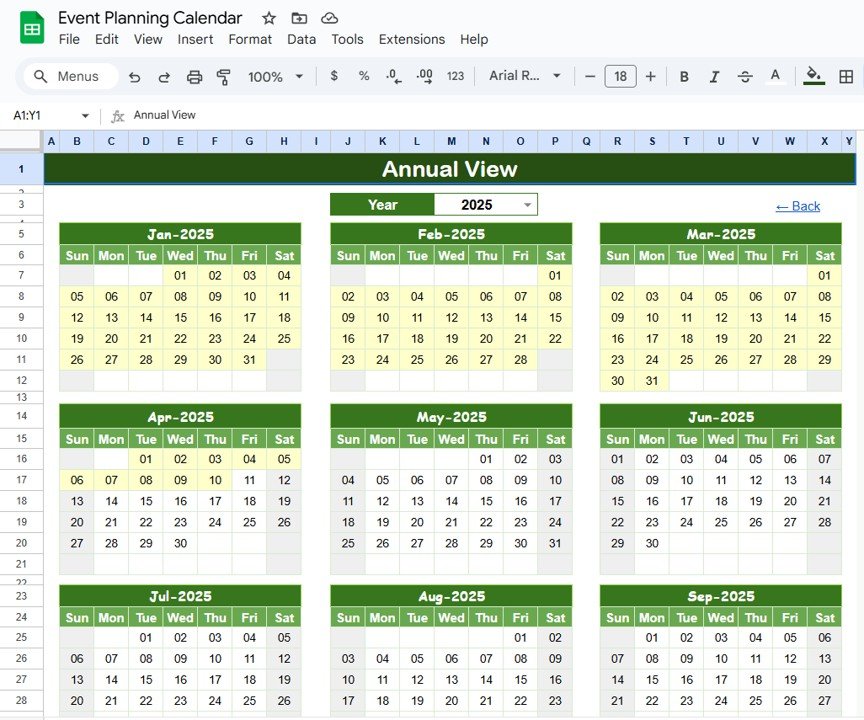
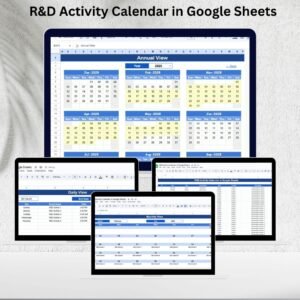
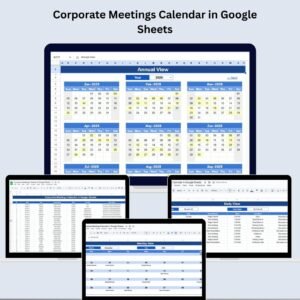
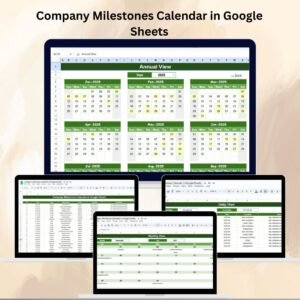
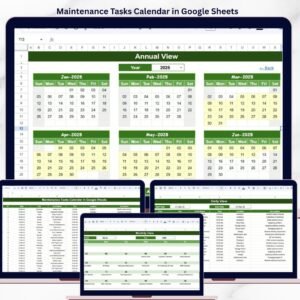
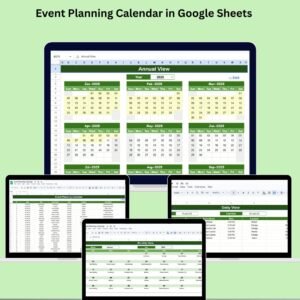
Annual View: Visualize your entire year in a 12-month calendar layout.
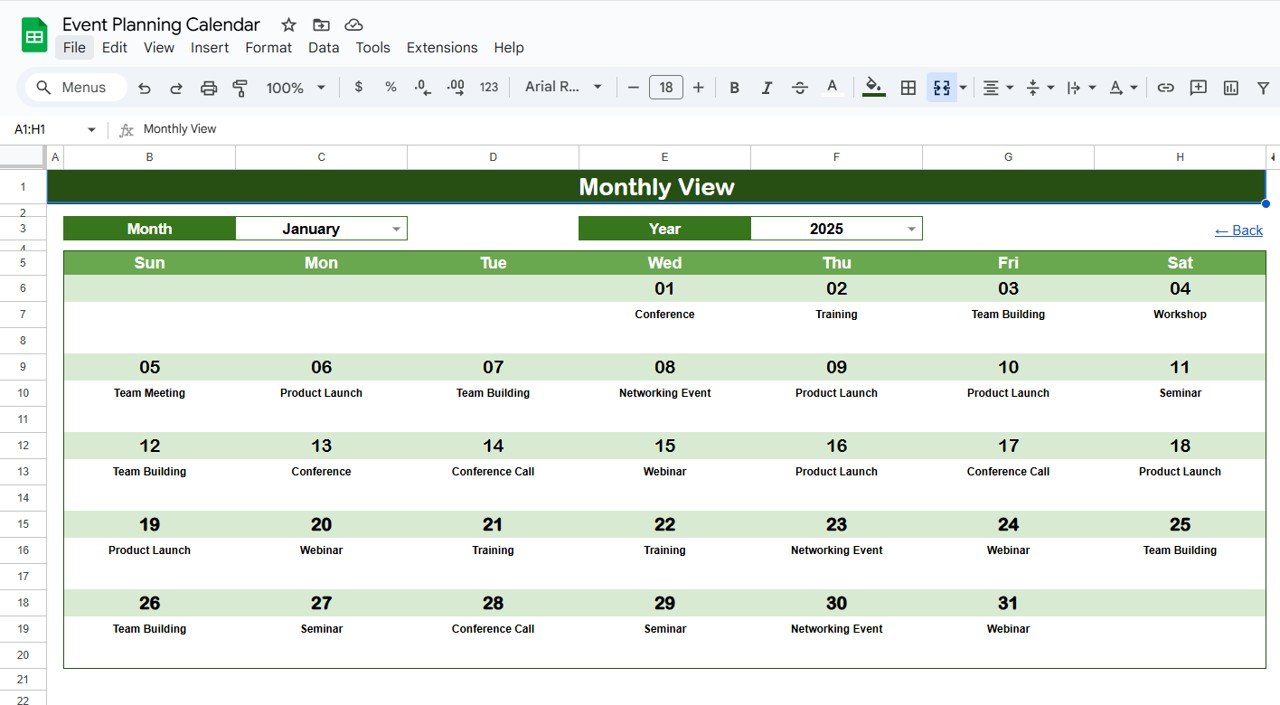
Monthly View: Get a detailed look at scheduled events for each month.
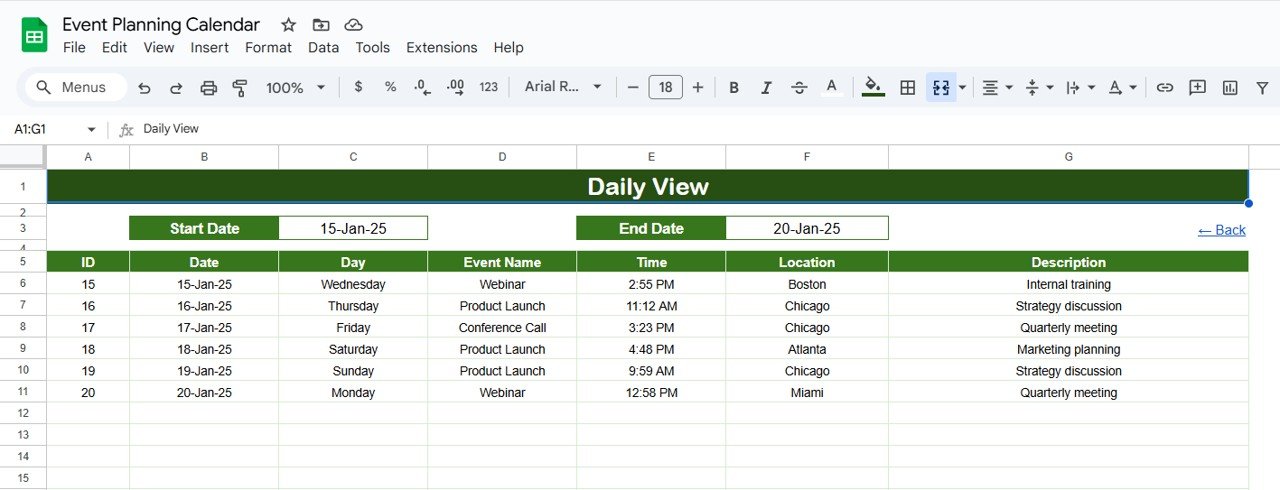
Daily View: Drill down to specific days and see full event lists by date.
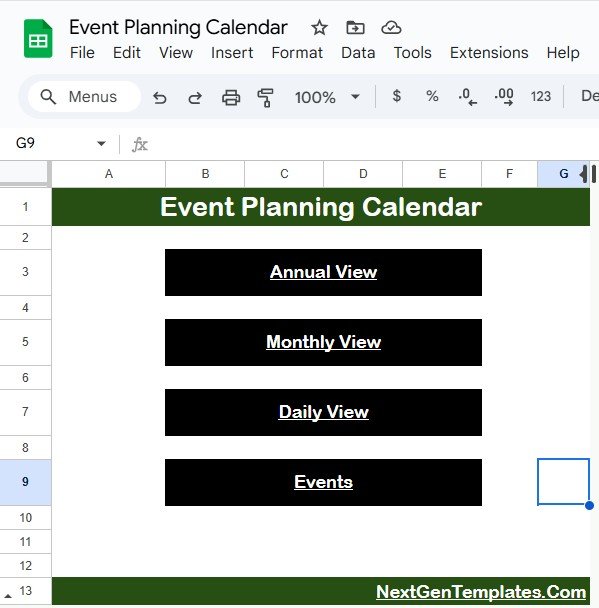
Home Page Navigation: Use buttons to jump between views instantly.
🧠 Smart Filters & Inputs
Customizable Year and Start Month
Selectable Week Start Day
“More than 1…” Tag for days with multiple events
Filter by Date Range in Daily View
🗂 All-In-One Event Repository
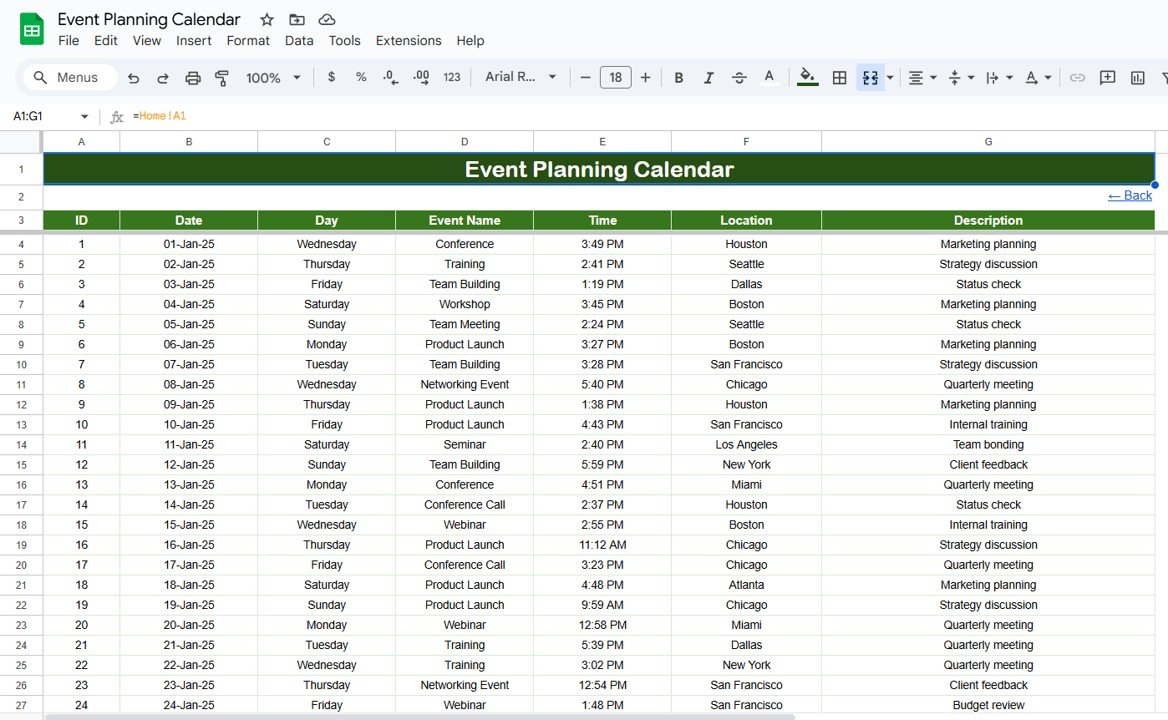
Store all event data—ID, Date, Day, Event Name, Time, Location, and Description—in a centralized Events Sheet that auto-feeds into other calendar views.
🌐 Real-Time Collaboration
As a Google Sheets-based tool, you can work live with teammates, assign responsibilities, and edit events on the go.
📦 What’s Inside the Event Planning Calendar?
🏠 Home Sheet Tab
This is your command center. It includes clickable buttons that take you directly to Annual, Monthly, Daily, and Events sheets—no more endless scrolling!
📅 Annual View Sheet Tab
Select the year and define the starting month and week day
See a 12-month calendar overview
Perfect for visualizing seasonal planning, holidays, and year-round events
📆 Monthly View Sheet Tab
Pick a specific month and year
Events populate automatically
If multiple events exist on the same day, it displays “more than 1…”
📋 Daily View Sheet Tab
Set a Start Date and End Date using a calendar picker
View all events between those dates, complete with time, location, and description
Ideal for detailed planning or event week prep
🗃 Events Sheet Tab
This is your master database. Input your event info here, and the rest of the calendar updates automatically:
Event ID
Date
Day of the Week
Event Name
Time
Location
Short Description
🛠 How to Use the Event Planning Calendar in Google Sheets
Go to the Events tab and enter your events in the table.
Navigate to the Annual, Monthly, or Daily view for automatic updates.
Use filter options in the Daily tab to focus on date-specific events.
Share with your team or collaborators to plan together in real time.
Print any view if you prefer a hard copy reference for meetings or bulletin boards.
👥 Who Can Benefit from This Event Calendar?
✅ Event Managers – Stay on top of client timelines and deadlines
✅ Marketing Teams – Schedule and track product launches, webinars, and campaigns
✅ Schools & Colleges – Plan academic events, exams, and holidays
✅ HR Departments – Organize trainings, interviews, and employee events
✅ Small Business Owners – Manage appointments, promotional events, and more
✅ Community Groups – Keep everyone aligned on upcoming meetings or festivals
✅ Freelancers – Schedule gigs, client meetings, and personal commitments
🔑 Benefits at a Glance
🔄 Auto-updating calendar views
🧩 Fully customizable for any type of event
📉 Minimize overlap & scheduling conflicts
💡 See your entire year, month, or day in one glance
🧑🤝🧑 Shareable with unlimited collaborators
⏰ Save time and effort compared to manual planners
🖨️ Print-friendly layouts for offline use
📚 Click here to read the Detailed blog post
Watch the step-by-step video Demo:
📺 Visit our YouTube channel to learn step-by-step video tutorials
👉 Youtube.com/@NeotechNavigators
Compatibility and Requirements
- Works in Google Sheets. You need a free Google account and a web browser.
- The year, start month and week start day are picked from dropdowns. Google explains dropdowns in Create an in-cell dropdown list.
Frequently Asked Questions
Which views does the calendar include?
It has a Home sheet with navigation buttons, an Annual View, a Monthly View, a Daily View and an Events sheet that stores every event.
Where do I enter my events?
Enter them in the Events sheet with Event ID, Date, Day, Event Name, Time, Location and a short description. The other views update automatically.
What happens when a day has several events?
The Monthly View shows a single event directly and marks days with more than one event with a “more than 1…” tag.
Can I list events for a date range?
Yes. Set a start date and end date in the Daily View to see every event in that range with its time, location and description.
Can I print the calendar?
Yes. You can print any view if you want a paper copy for meetings or a notice board.
Related Event Calendar Templates
- Event Planning Calendar in Excel: the same calendar in Excel
- Event Planning Checklist in Google Sheets: tasks for each event
- Trade Show & Conference Calendar in Google Sheets: plan trade shows and conferences
- Fundraising Event Calendar in Google Sheets: schedule fundraising events
- Calendar & Planner Pack: 12 calendar and planner templates in one download
Browse all Google Sheets calendars or the Google Sheets templates.









Reviews
There are no reviews yet.