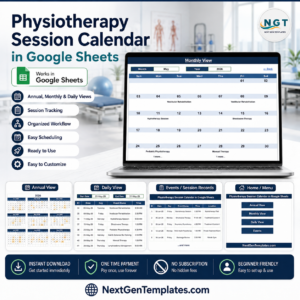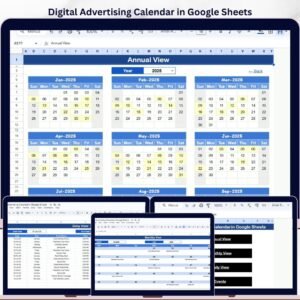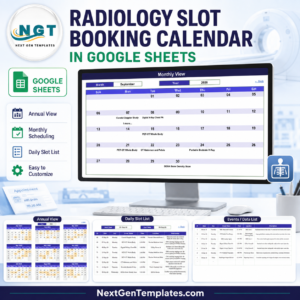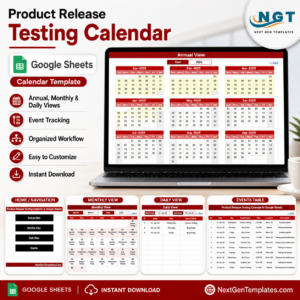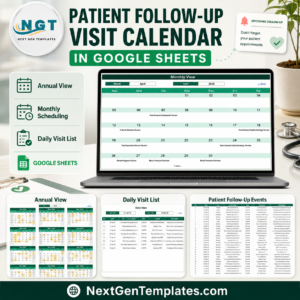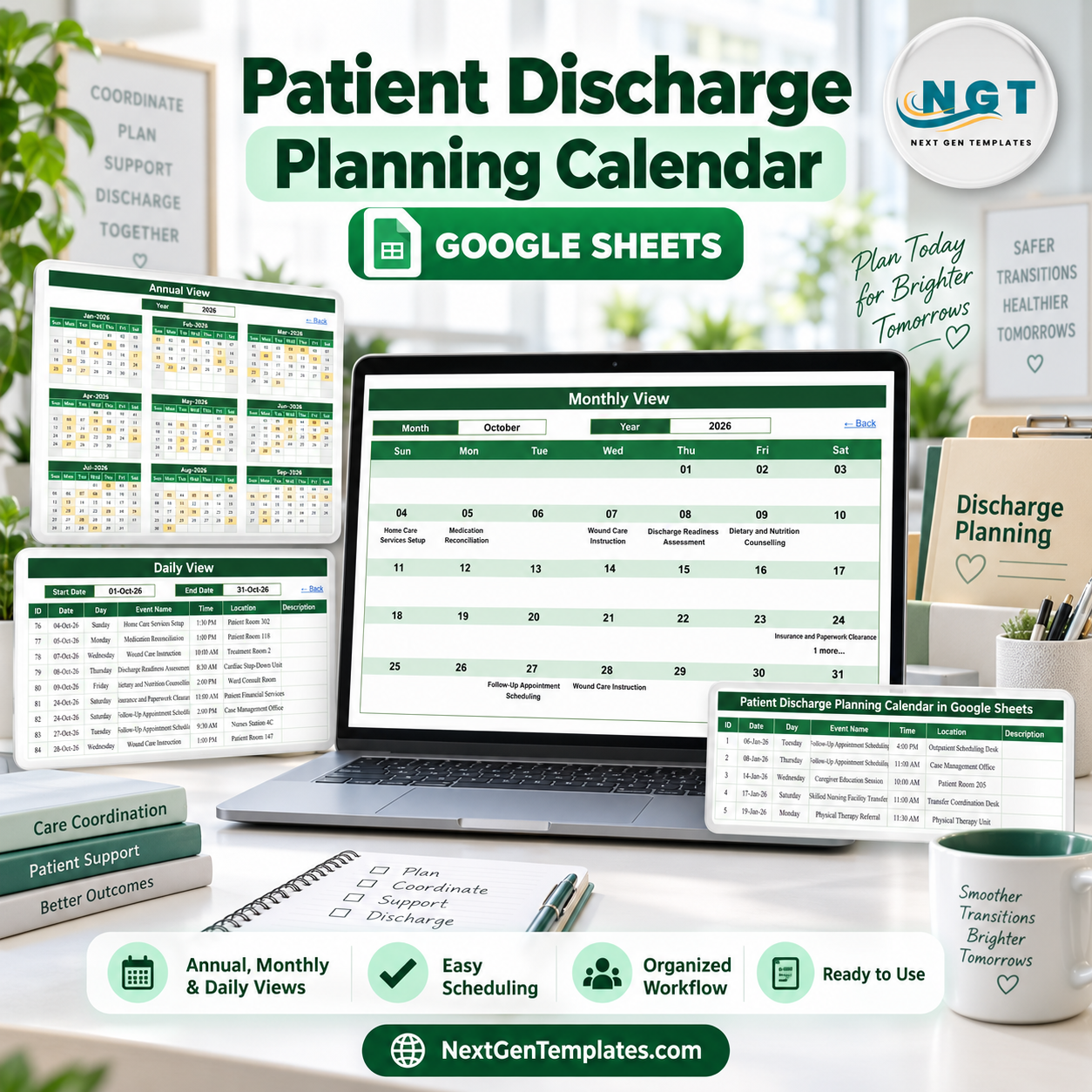
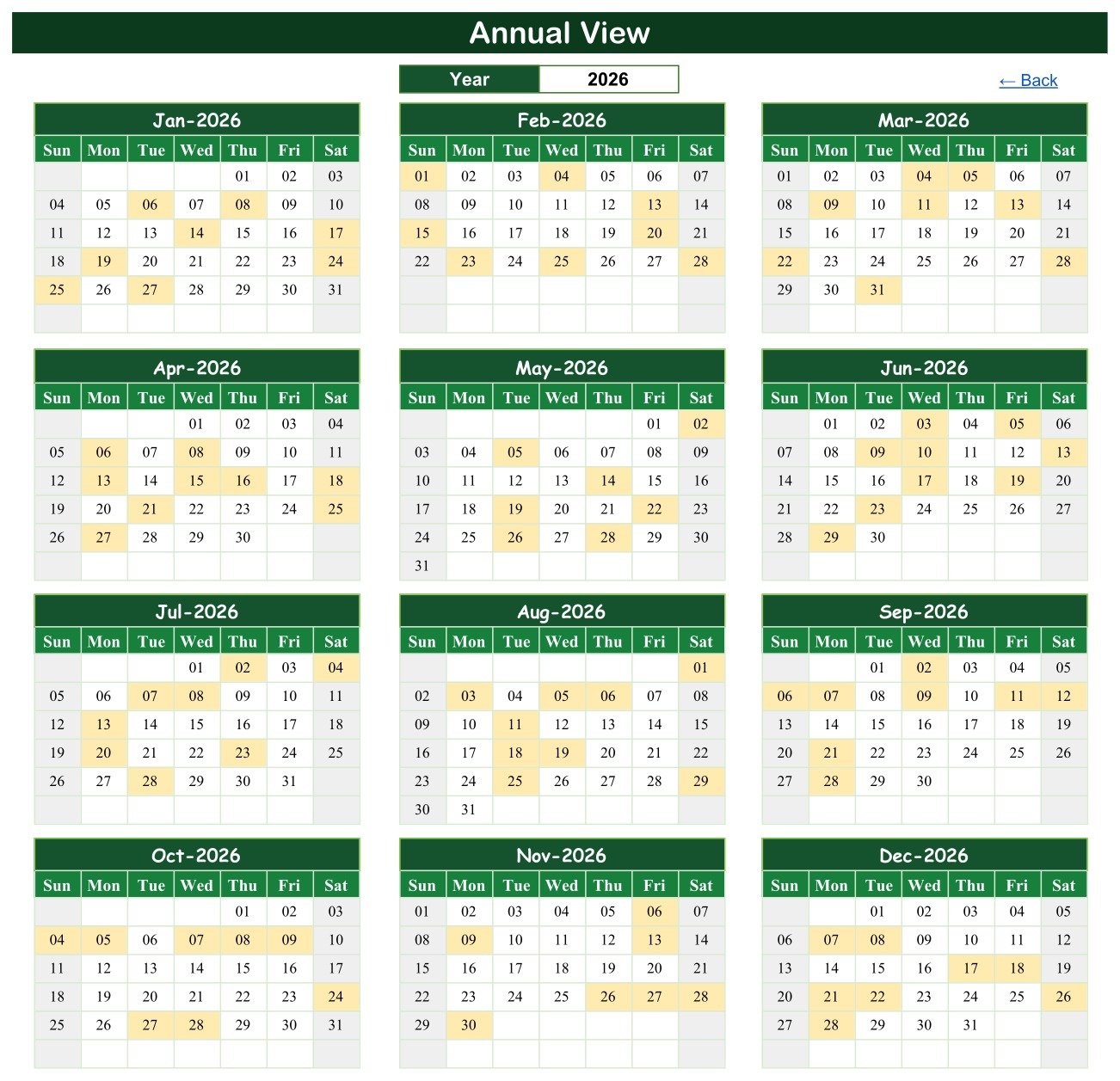
The Patient Discharge Planning Calendar in Google Sheets organizes administrative transition tasks across five pages: Home, Annual View, Monthly View, Daily View, and Events. The Annual View displays all 12 months of 2026, while the Events table uses seven practical fields – ID, Date, Day, Event Name, Time, Location, and Description. It is designed for scheduling and coordination, not clinical decision support. Make a private Google Drive copy, replace the sample events, and share only with authorized users. One-time purchase, no subscription, and no add-on to install. Built by a Microsoft Certified Professional whose spreadsheet channels reach 300K+ subscribers.
Key Features of the Patient Discharge Planning Calendar in Google Sheets
- Five-page calendar structure with Home, Annual, Monthly, Daily, and Events views.
- Full-year overview showing all twelve months on one page with event dates highlighted.
- Month and year selectors for a focused calendar view.
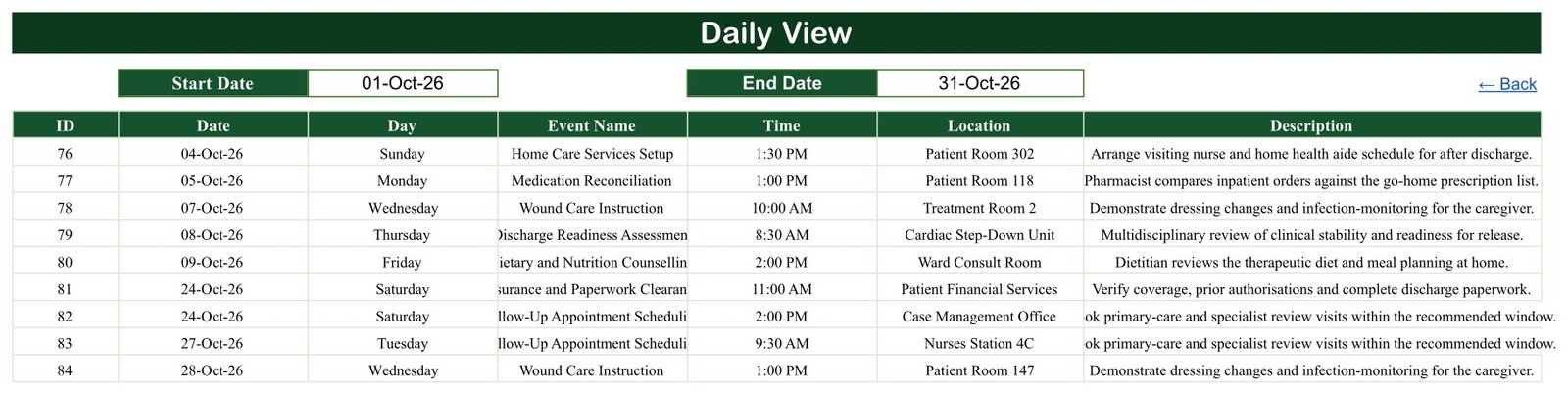
- Date-range list showing matching event IDs, dates, days, names, times, locations, and descriptions.
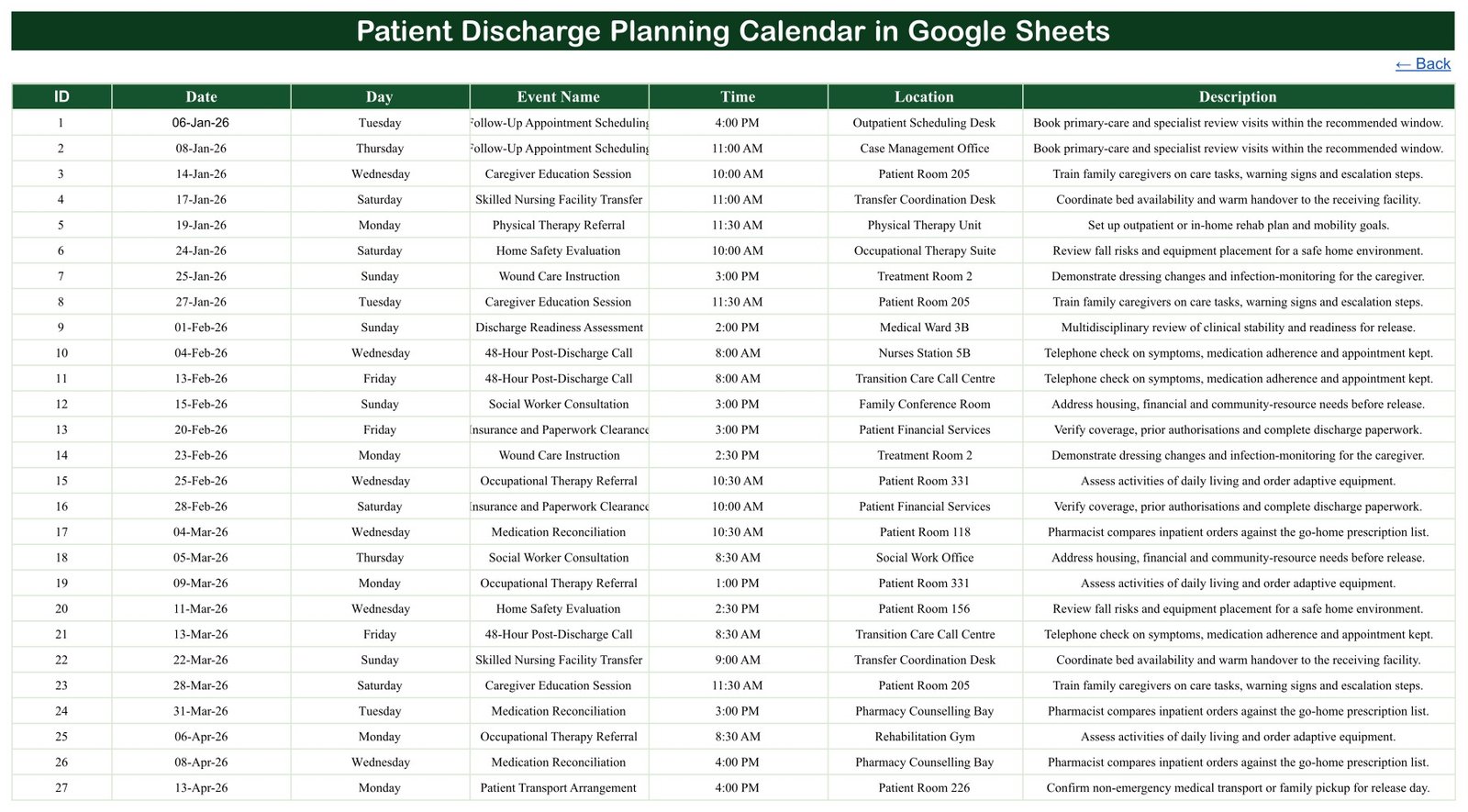
- Central Events table where administrative coordination entries can be added or edited.
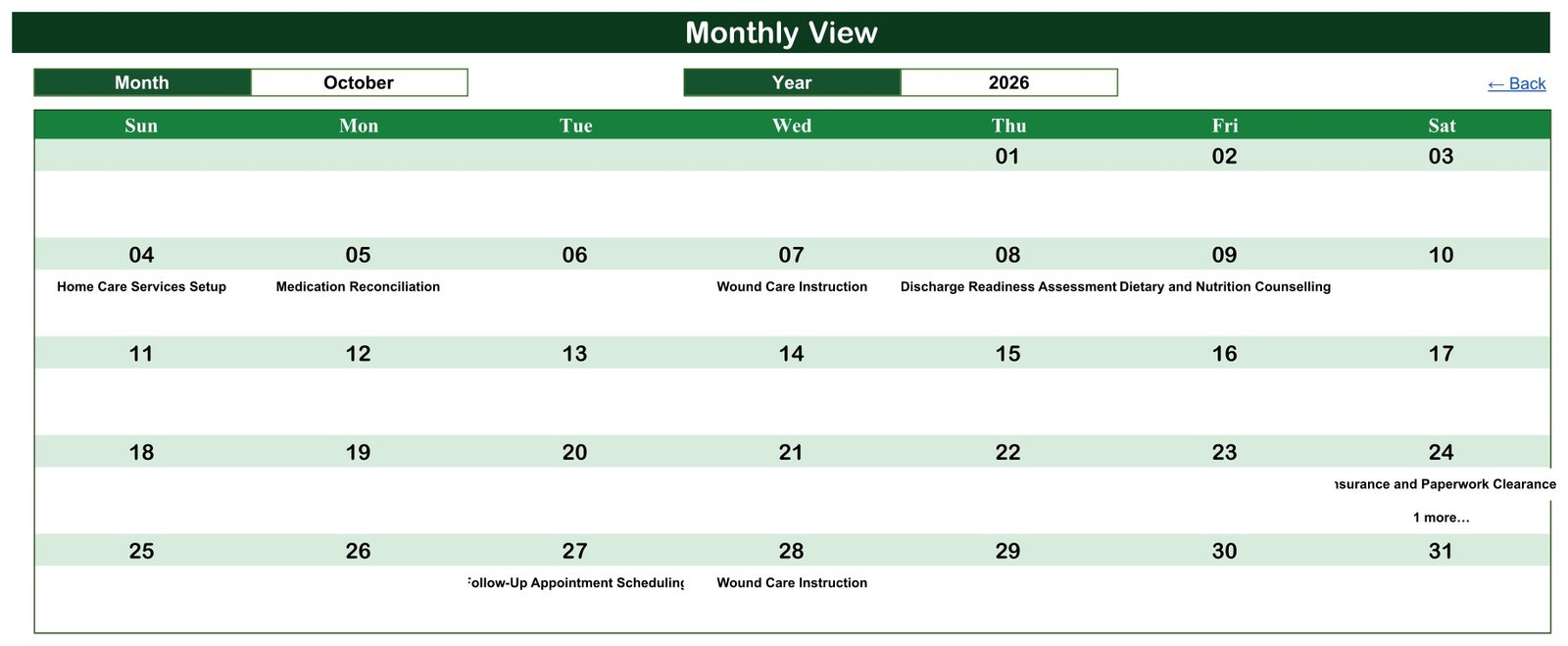
- Duplicate-date visibility with a “1 more…” indicator when more than one item shares a date in Monthly View.
- Google Sheets sharing for controlled collaboration in a private copy.
- No macros or scripts and no recurring software charge.
What’s Inside the Patient Discharge Planning Calendar in Google Sheets
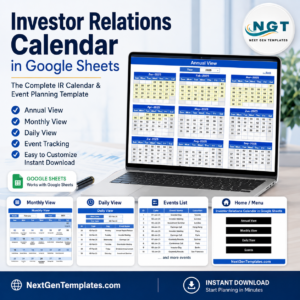
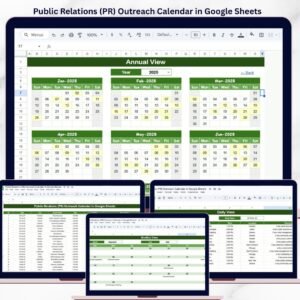
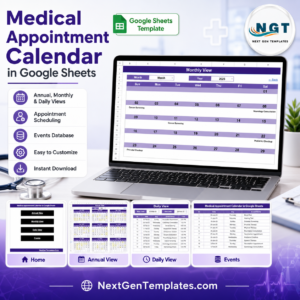
Home provides four navigation buttons. Annual View lays out January through December 2026 and highlights dates that have entries. Monthly View displays one month, with the first event name visible on a date and an additional-item counter where applicable. Daily View filters the event list between selected start and end dates. Events is the source table for schedule entries.
Sample administrative event types include follow-up appointment scheduling, caregiver education sessions, skilled nursing facility transfer coordination, physical or occupational therapy referrals, home safety evaluation, home-care services setup, medication reconciliation, wound-care instruction, discharge-readiness assessment, insurance and paperwork clearance, patient transport arrangements, and post-discharge calls. These are examples only; they do not authorize discharge or prescribe care.
Patient Discharge Planning Calendar in Google Sheets vs. Excel vs. Paid Care-Coordination SaaS – Where This Fits
| Decision point | This Google Sheets calendar | Excel calendar | Paid care-coordination SaaS |
|---|---|---|---|
| Cost | One-time 8.99, 4.99 on sale | Template plus Excel license | Recurring organizational subscription |
| Platform | Google Sheets browser/app | Excel desktop | Vendor web/mobile platform |
| Setup | Make a copy and replace sample events | Download and edit locally | Configuration, governance, and integration |
| Collaboration | Google sharing permissions | Cloud co-authoring setup | Role-based accounts |
| Clinical/EHR integration | None | None | May be available |
| Discharge authorization | No | No | Depends on approved workflow |
| Best fit | Administrative date coordination | Offline planning | Clinical and operational workflow |
Who This Template Is For – and Who It’s Not For
It can help discharge coordinators, administrative case-management teams, ward clerks, home-care coordinators, and operations staff plan non-clinical dates and handoffs. It is not for deciding whether a patient is ready to leave, selecting treatment, reconciling medication clinically, prescribing follow-up, or replacing a care plan, EHR, or approved discharge workflow.
The sample contains generic events and room/location labels, but no patient name, MRN, date of birth, diagnosis, contact detail, or account number was observed. Adding person identifiers or health information creates privacy and security risk. Use minimum-necessary data, prefer de-identified/internal references, restrict access, and follow your organization’s approved privacy policy. This template does not claim HIPAA, GDPR, or any other compliance certification.
How to Use the Patient Discharge Planning Calendar in Google Sheets
- Open the downloaded PDF and use its link to make your own private Google Sheets copy.
- Delete or replace the sample Events rows with administrative planning items.
- Avoid names and sensitive health information unless your approved system and policy explicitly permit them.
- Use Annual View for workload distribution, Monthly View for upcoming dates, and Daily View for a selected period.
- Share with the minimum necessary audience using Google Drive permissions.
- Keep clinical decisions and official records in the authorized EHR or source system.
Real-World Use Cases
Administrative transition checklist
An operations coordinator places transport, paperwork, home-service setup, and follow-up scheduling dates on one calendar while clinicians retain responsibility for care decisions.
Weekly capacity review
A ward clerk uses Annual and Monthly views to see clustered coordination dates without entering patient identity.
Post-discharge coordination window
A case-management administrator filters Daily View to the next two weeks and confirms that approved follow-up tasks have calendar slots.
Frequently Asked Questions
Is this clinical decision support?
No. It is an administrative planning calendar only.
Does it authorize discharge?
No. Discharge decisions and authorizations remain with qualified staff and approved systems.
Is it HIPAA or GDPR compliant?
No compliance claim is made. Compliance depends on your data, configuration, access controls, policies, and jurisdiction.
Should I enter patient names?
Prefer de-identified or internal references and minimum-necessary information. Follow your organization’s policy.
Why are some long entries clipped?
The supplied Monthly and Daily views have narrow display columns, so some long event names/descriptions are visually clipped. The underlying Events row remains editable.
What do I receive?
A PDF containing the link used to create your own editable copy.
About the Author
Built by PK – Microsoft Certified Professional with 15+ years of Excel, Google Sheets, and Power BI experience. Founder of NextGenTemplates, reaching 300K+ subscribers across YouTube channels. Every template is hand-built and tested before release.
Explore Related Templates
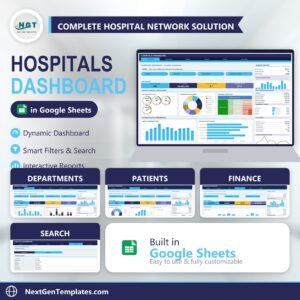
See the Patient Follow-Up Visit Calendar, Hospital Patient Flow Dashboard, Hospitals Dashboard, and Healthcare & Hospital Management Bundle. Browse more Google Sheets calendars and the Google Sheets collection.
Use the calendar for coordination, not care decisions. Download it, create a private copy, remove the sample rows, and build an administrative schedule that follows your organization’s privacy and governance rules.
Watch the step-by-step video Demo:
Last updated: September 2026.