

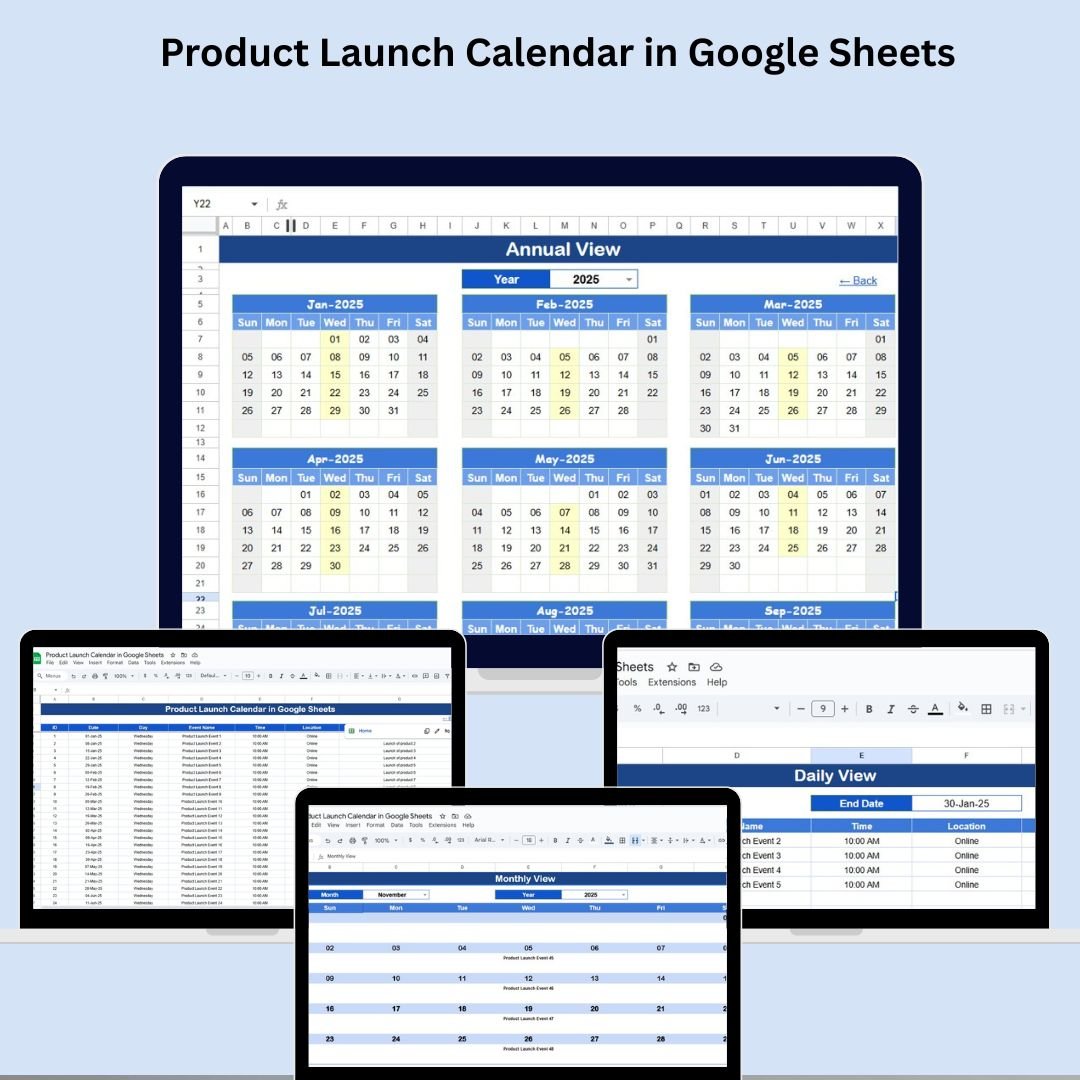

Launching a product takes more than just a great idea—it requires careful coordination, crystal-clear visibility, and flawless execution. That’s why we built the Product Launch Calendar in Google Sheets—a ready-to-use template designed to simplify your entire product launch process, from initial planning to the final event.
Whether you’re launching a new SaaS tool, a retail product, or an online course, this Google Sheets calendar gives you full control of your timelines, deadlines, and deliverables—all in one place!
✨ Key Features of the Product Launch Calendar
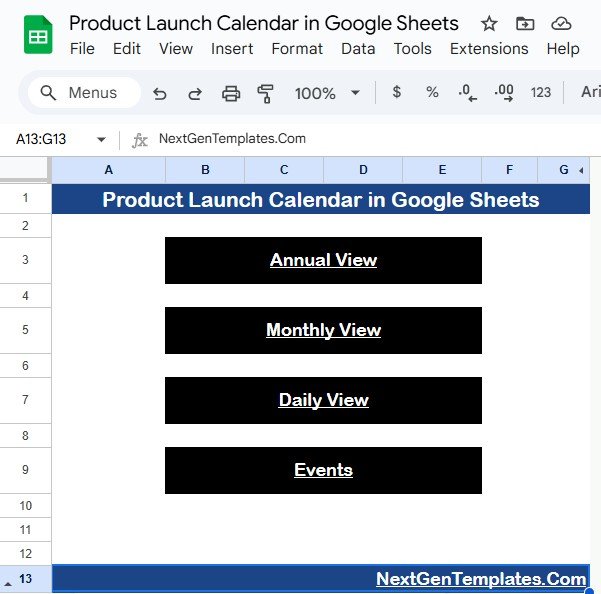
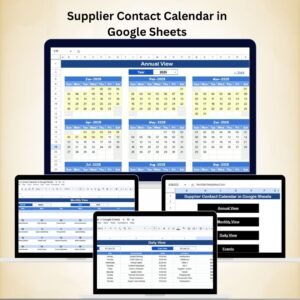
🏠 Centralized Navigation with Home Sheet
Easily jump to any section with a single click!
🗓️ Annual View Button for year-long planning
📅 Monthly View Button for month-specific strategy
📆 Daily View Button for daily execution
📋 Events Button to manage all event entries
No more digging through tabs—navigate seamlessly.
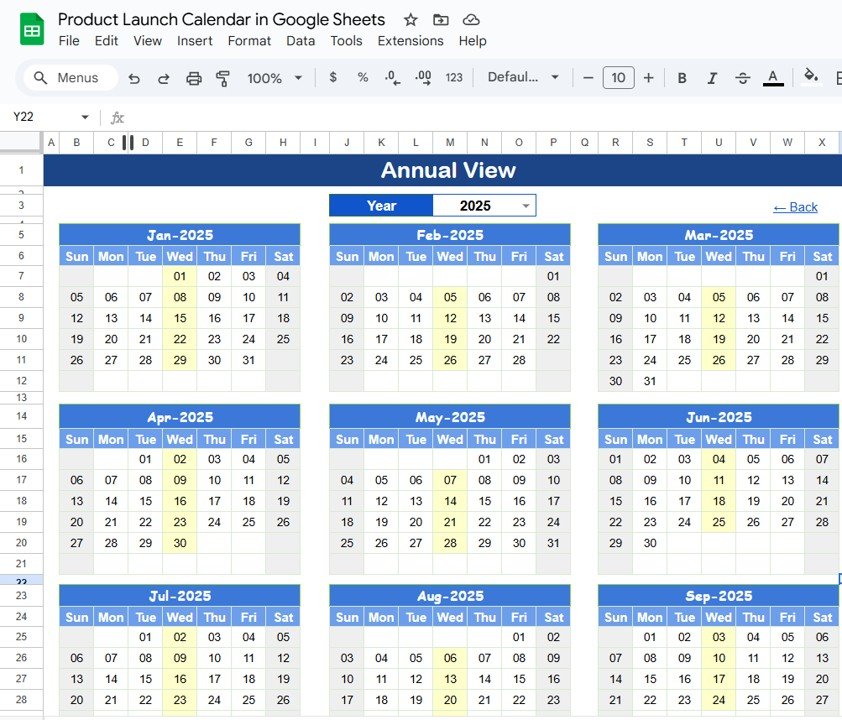
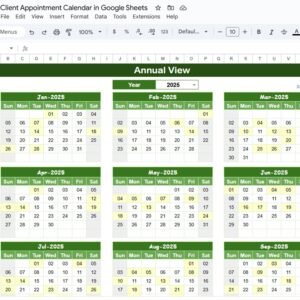
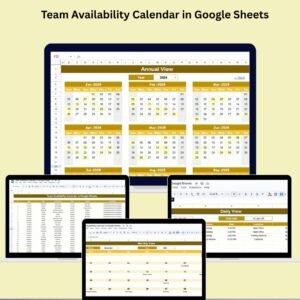
📅 Annual View for Big-Picture Planning
Track your launch milestones throughout the year:
🔁 Change starting month to fit your launch cycle
🧭 Set start day of the week to match your regional standard
🎯 Get a bird’s-eye view of all key launch events
Perfect for long-term planning and quarterly goal setting.
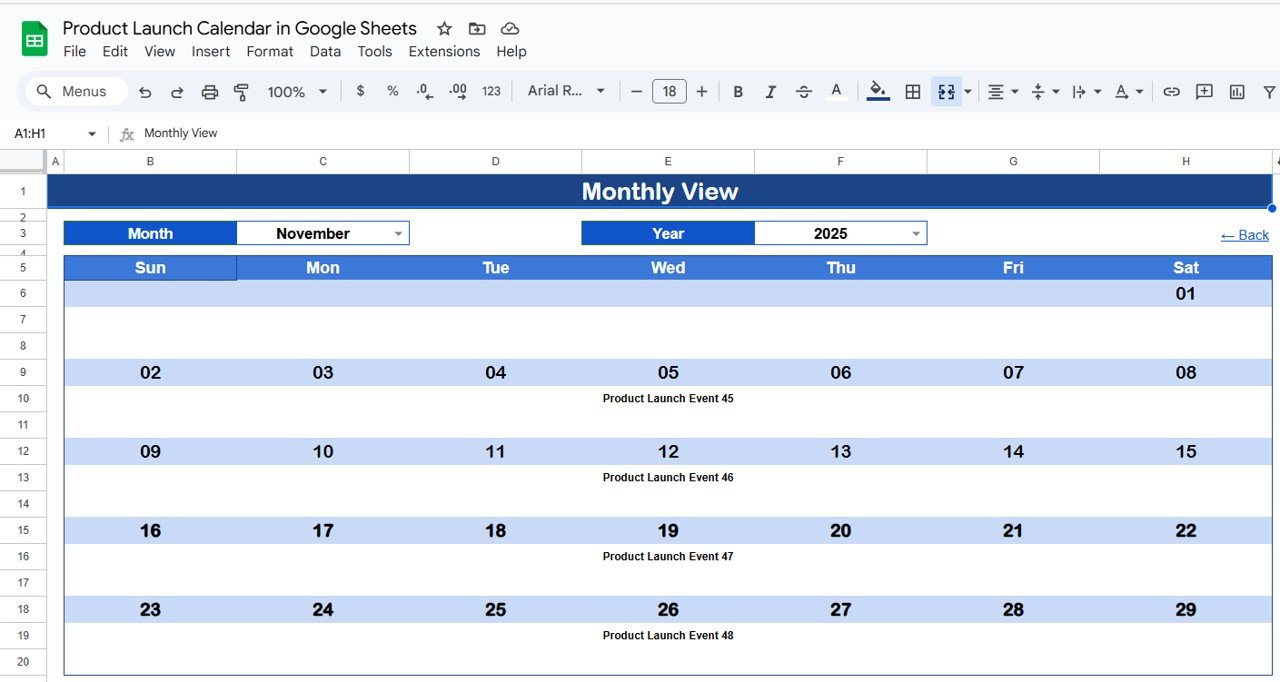
📆 Monthly View for Targeted Execution
Dive deep into what’s happening each month:
🔍 Pick a Month & Year to see events
🔔 “More than 1…” alert for days with multiple tasks
✅ Stay on top of monthly priorities and deadlines
Ideal for marketing managers and product leads.
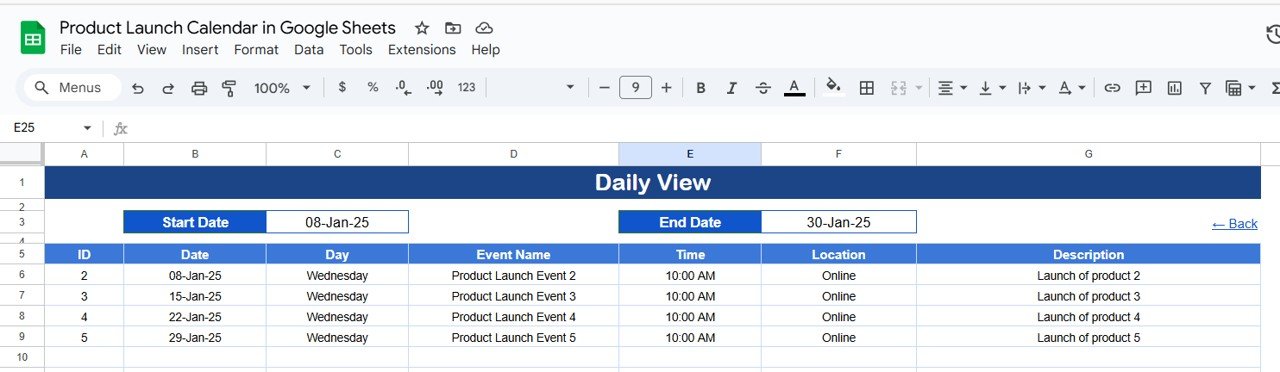
📋 Daily View for Task-by-Task Management
Focus on your launch to-do list by date range:
📌 Select start and end dates
📖 See full list of events with time, location & notes
🔄 Update as plans change
Keep every stakeholder in the loop with real-time clarity.
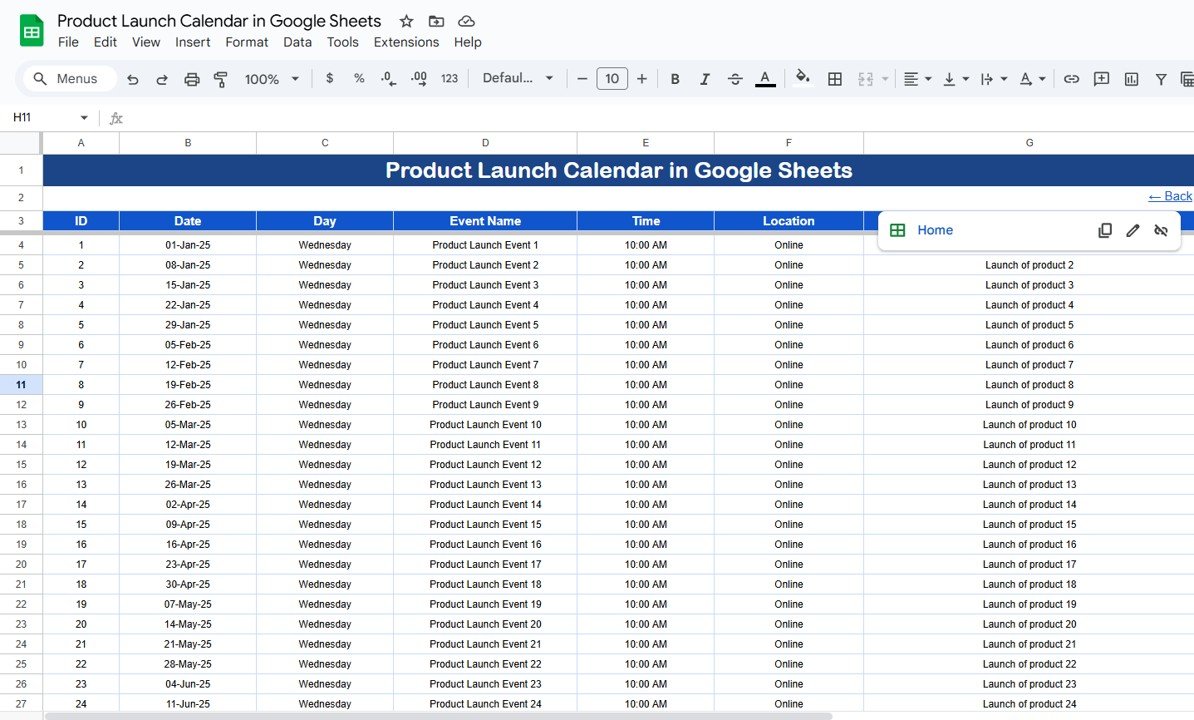
🗃️ Events Sheet as the Master Database
All your events in one structured place:
🔢 Event ID for tracking
📍 Date, Time, Location, Description
🧾 Easy to filter, search, and audit
Organized, filterable, and fully customizable.
📦 What’s Inside the Product?
🏠 Home Sheet with Navigation Buttons
🗓️ Annual View Calendar
📆 Monthly View Calendar
📋 Daily Event Breakdown
🗃️ Master Events Log
🔄 Auto-updating dropdowns
👥 Team collaboration-ready
🛠️ Fully editable and brandable
💡 How to Use the Product
📥 Open the Google Sheets file
🔧 Customize the Year, Month, and Day Settings
➕ Add launch events to the Events Sheet
📌 Filter tasks by view (Annual, Monthly, or Daily)
👥 Share the calendar with your team
🎯 Monitor deadlines, track deliverables, and ensure launch success!
No learning curve required—it’s plug-and-play!
🎯 Who Can Benefit from This Product?
🧑💻 Product Managers launching new features
🎨 Marketing Teams planning campaigns
🛍️ E-commerce Sellers launching collections
📈 Startups preparing investor demos
🧑🏫 Course Creators releasing online programs
🏢 Event Organizers planning promotions
👩💼 Project Coordinators managing cross-functional timelines
If you’re launching anything—this tool is for you!
📚 Click here to read the Detailed blog post
Watch the step-by-step video Demo:
🎥 Visit our YouTube channel to learn step-by-step video tutorials
👉 Youtube.com/@NeotechNavigators
Compatibility and Requirements
- Works in Google Sheets. You need a free Google account and a web browser.
- The Annual View and Monthly View use dropdowns to pick the month, year and start day. Google explains dropdowns in Create an in-cell dropdown list.
Frequently Asked Questions
Which sheets does the calendar include?
A Home sheet with navigation buttons, an Annual View, a Monthly View, a Daily View and an Events sheet that holds every entry.
What details can I record for each event?
Each entry on the Events sheet has an Event ID, date, time, location and description.
Can I start the year in a different month?
Yes. The Annual View lets you change the starting month and the start day of the week to match your launch cycle and region.
How do I see what is planned on a given day?
Pick a start date and an end date in the Daily View to list the events in that range with their time, location and notes. The Monthly View shows a “More than 1…” alert on days that have several events.
Is there an Excel version or a launch checklist?
Yes. See the Product Launch Calendar in Excel and the Product Launch Checklist in Google Sheets.
Related Product Launch Templates
- Product Launch Calendar in Excel: the same calendar for Excel users
- Product Launch Checklist in Google Sheets: a task checklist for the launch
- Product Launch Dashboard in Google Sheets: a dashboard view of launch progress
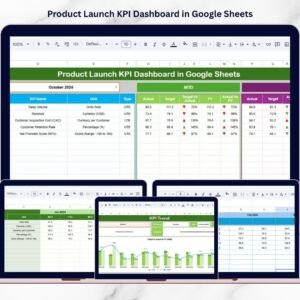
- Product Launch KPI Dashboard in Google Sheets: KPI tracking for the launch
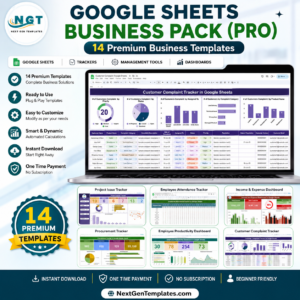
- Google Sheets Business Pack (Pro): 14 business templates in one download
Browse all Google Sheets calendars.






Reviews
There are no reviews yet.