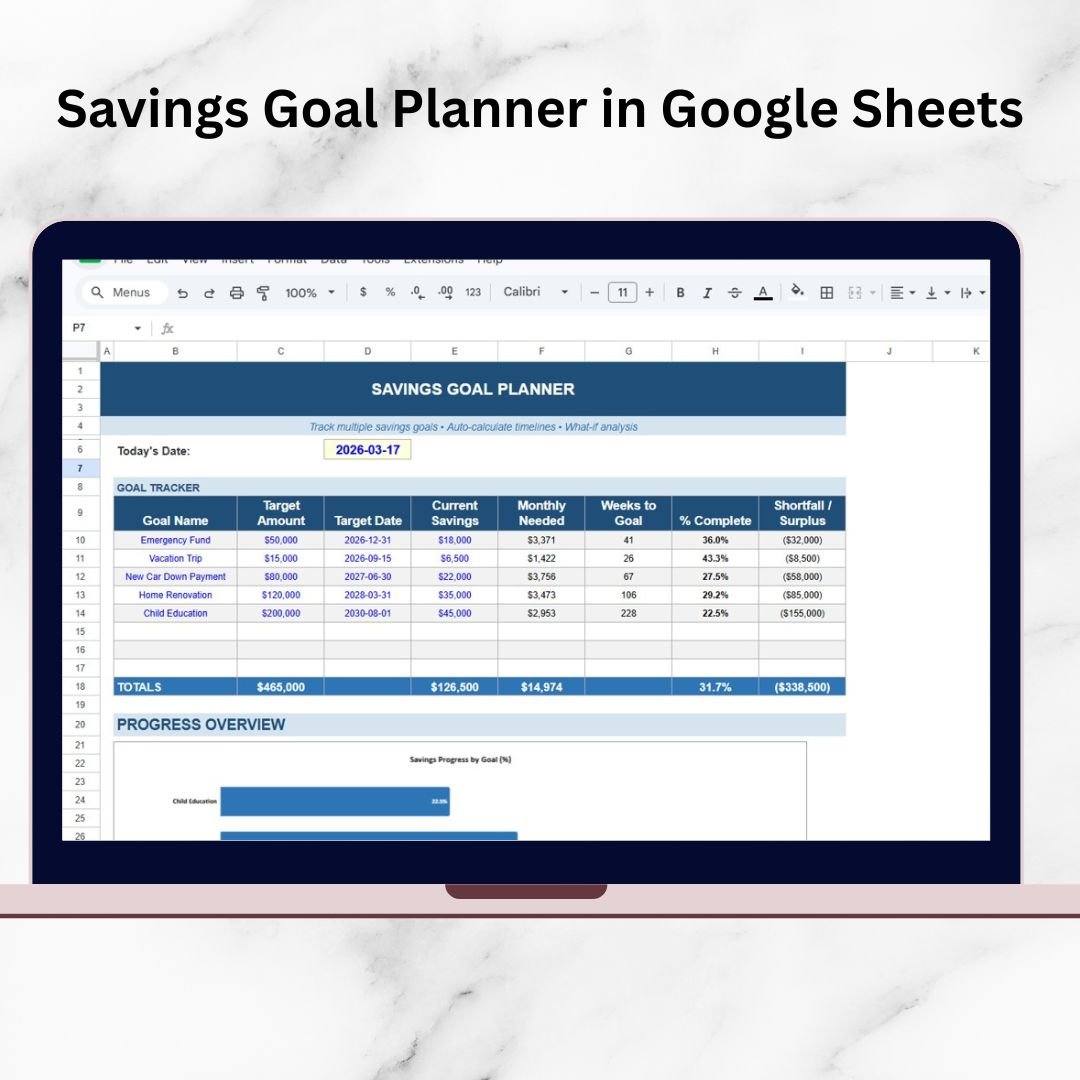

Are you struggling to manage multiple savings goals at once? Finding it difficult to track progress and stay consistent with your financial plans?
Savings Goal Planner in Google Sheets!
This powerful, ready-to-use Google Sheets planner is designed to help you organize, track, and achieve your financial goals with ease. Whether you’re saving for an emergency fund, a vacation, a new car, or your child’s education, this planner gives you complete control over your savings journey.
Instead of using multiple sheets or doing manual calculations, this smart planner centralizes all your savings goals in one place. With automated calculations, real-time updates, and visual insights, you can instantly understand your financial progress and take better decisions.
As a result, you stay disciplined, motivated, and on track to achieve your goals faster.
🔑 Key Features of Savings Goal Planner in Google Sheets
✨ 💰 Multi-Goal Tracking System – Manage multiple savings goals in one place without confusion.
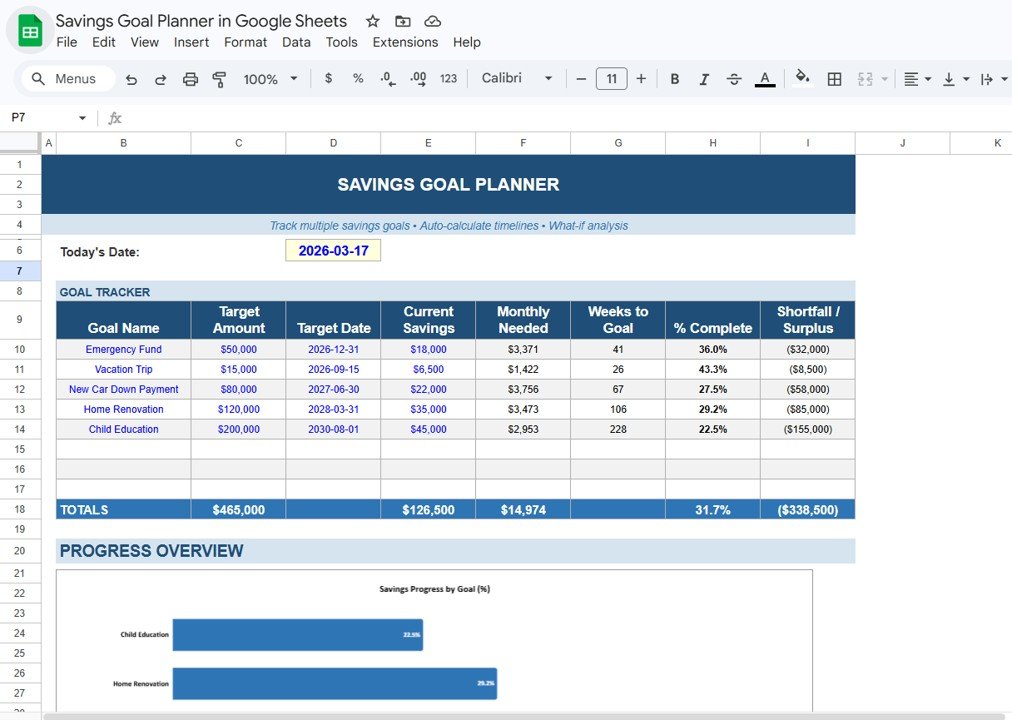
✨ 📊 Automated Calculations – Instantly calculate monthly savings required, progress %, and shortfall/surplus.
✨ 📅 Goal Timeline Planning – Set target dates and track remaining time to achieve each goal.
✨ 📈 Progress Visualization – View savings growth through charts and percentage indicators.
✨ ⚡ Real-Time Updates – Dashboard updates automatically whenever you enter new data.
✨ 🎯 Shortfall & Surplus Tracking – Identify gaps in your savings plan and adjust accordingly.
✨ ☁️ Cloud-Based Access – Access your planner anytime, anywhere using Google Sheets.
📂 What’s Inside the Savings Goal Planner in Google Sheets
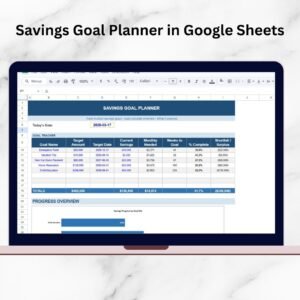
📁 Goal Tracker Sheet – Track multiple goals with details like target amount, current savings, and completion %.
📁 Automated Calculation System – Built-in formulas for monthly savings, remaining time, and progress tracking.
📁 Progress Overview Section – Visual charts showing savings performance and comparisons.
📁 Dynamic Data Updates – Real-time updates across all calculations and visuals.
📁 Clean & User-Friendly Layout – Simple design for easy navigation and usage.
📁 Fully Customizable Template – Modify goals, values, and structure as per your needs.
🛠️ How to Use the Savings Goal Planner in Google Sheets
👉 Step 1: Enter your savings goals with target amount and date
👉 Step 2: Input your current savings
👉 Step 3: Review monthly required savings automatically
👉 Step 4: Track your progress using charts and percentages
👉 Step 5: Adjust your plan based on shortfall or surplus
💡 No technical skills required—simple, smart, and effective!
👥 Who Can Benefit from This Savings Goal Planner in Google Sheets
✔️ Working Professionals – Plan and achieve financial goals efficiently
✔️ Students – Build strong saving habits early
✔️ Families – Manage multiple financial goals together
✔️ Financial Planners – Track client savings goals effectively
✔️ Budget-Conscious Individuals – Improve financial discipline
This planner is more than just a spreadsheet—it’s your personal financial management tool. It helps you stay organized, track your progress clearly, and achieve your goals with confidence.
If you want to eliminate financial stress, stay consistent with savings, and achieve your dreams faster, this planner is the perfect solution.
📖 Click here to read the Detailed blog post
🎥 Visit our YouTube channel to learn step-by-step video tutorials
Compatibility and Requirements
- Works in Google Sheets. You need a free Google account and a web browser.
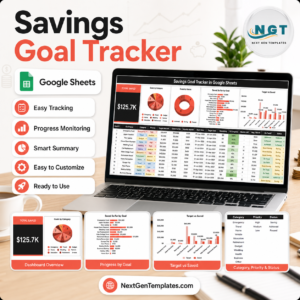
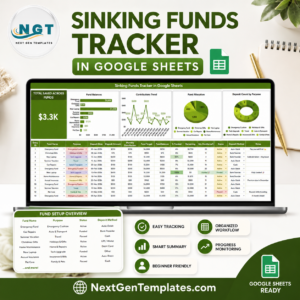
- Charts show savings progress for each goal. Google explains charts in Add & edit a chart or graph.
Frequently Asked Questions
Can I track several goals at once?
Yes. The Goal Tracker sheet lists multiple goals with target amount, current savings and completion %.
What does it calculate for me?
The monthly savings you need, the time remaining, your progress % and any shortfall or surplus against the plan.
How do I use it?
Enter each goal with its target amount and date, add your current savings, then check the monthly amount needed and the progress charts.
Can I open it from different devices?
Yes. It is a Google Sheets file, so you can open it wherever you sign in to your Google account.
Is there an Excel version?
Yes. The Savings Goal Planner in Excel covers the same job in Excel.
Related Savings Templates
- Savings Goal Planner in Excel: the same planner in Excel
- Savings Goal Tracker in Google Sheets: a savings goal tracker in Google Sheets
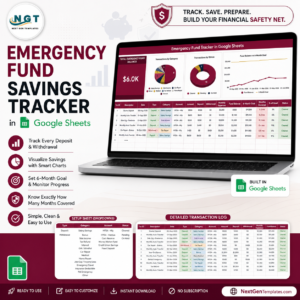
- Emergency Fund Savings Tracker in Google Sheets: build an emergency fund
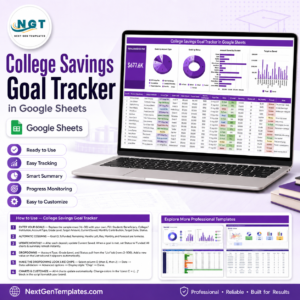
- College Savings Goal Tracker in Google Sheets: save for college costs
- Retirement Savings Tracker in Google Sheets: track retirement savings
Browse all Google Sheets financial tools.