

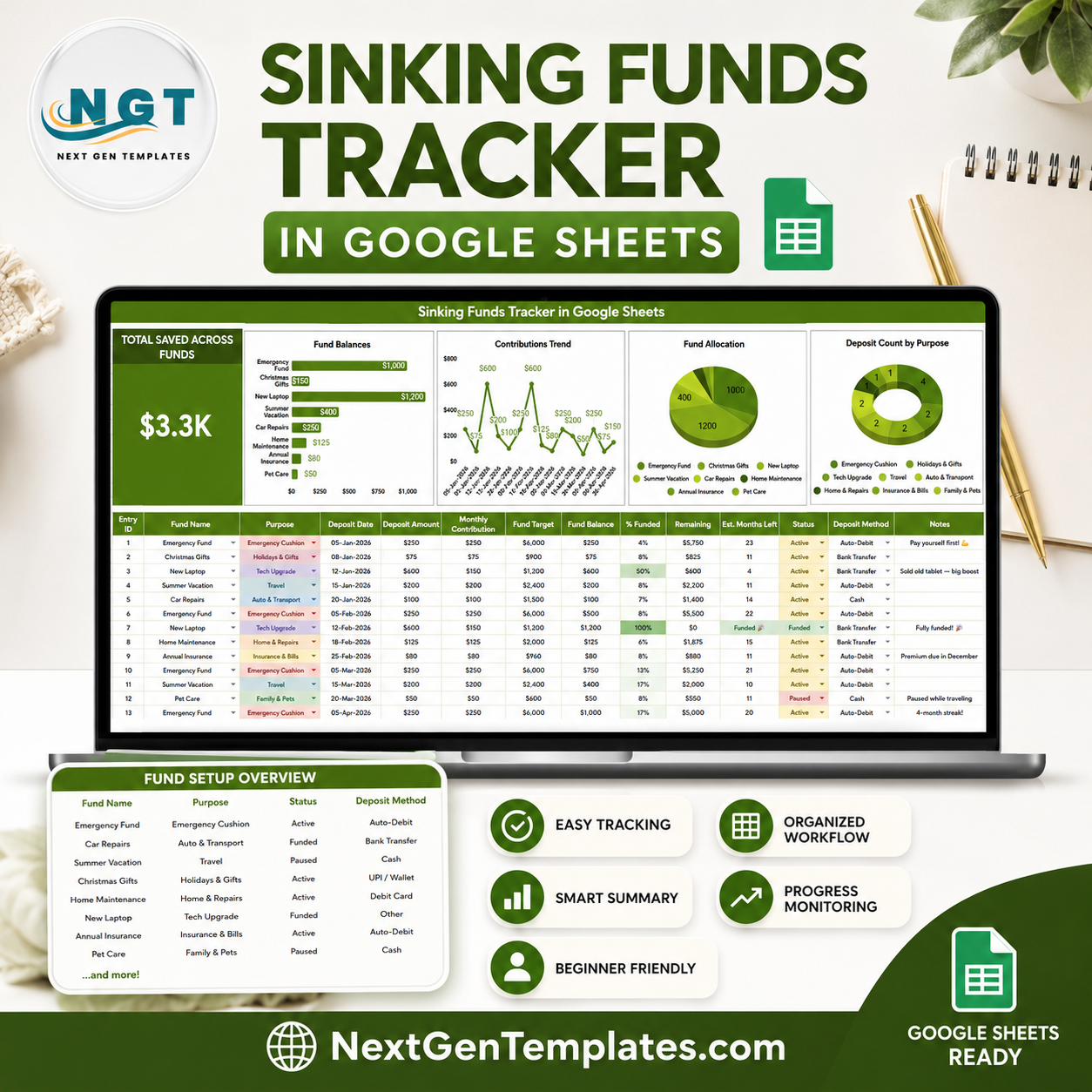

The Federal Reserve’s 2026 household report found that only 63% of adults could cover a $400 emergency expense with cash or its equivalent, which is exactly why planned savings buckets matter. The Sinking Funds Tracker in Google Sheets turns irregular expenses into named funds, deposits, balances, and dashboard charts. Built by the NextGenTemplates team behind 300K+ YouTube subscribers, it gives you a reusable Google Sheets tracker for one $6.99 purchase instead of another finance app subscription.
Key Features of Sinking Funds Tracker in Google Sheets
- Total Saved Across Funds card: See the combined value of all sinking funds in one headline number.
- Fund-level balance tracking: Compare balances by fund name so vacation, gifts, repairs, taxes, and other goals stay separate.
- Deposit trend analysis: Review contribution amount by deposit date to see whether your saving pace is steady.
- Purpose and method views: Analyze deposits by purpose and payment method for cleaner personal finance records.
- Google Sheets slicers: Filter the dashboard quickly without rebuilding formulas or charts.
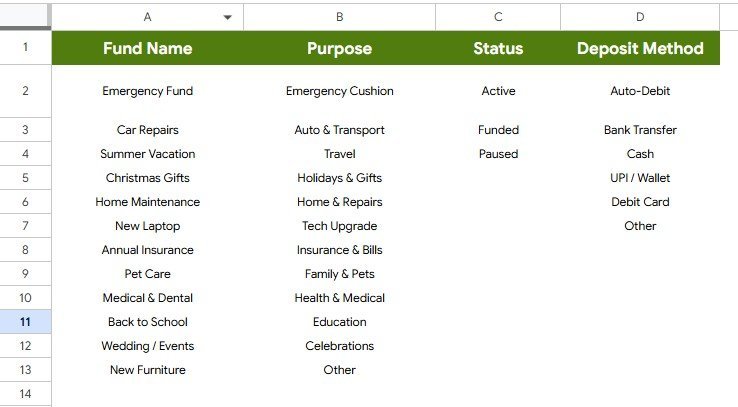
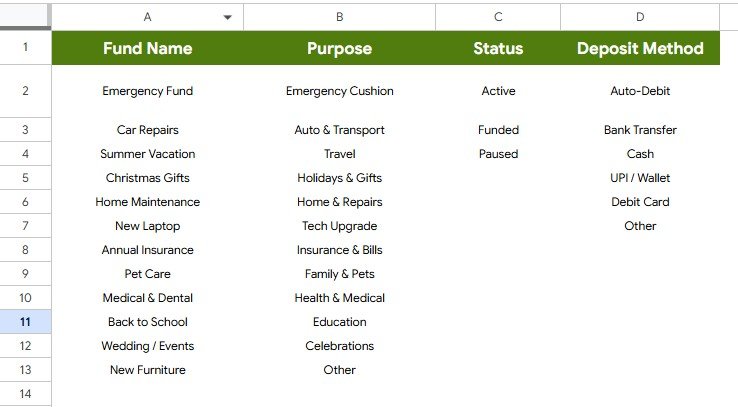
- Editable list sheet: Maintain fund names, purposes, statuses, and deposit methods in a structured setup tab.
- Real-time collaboration: Share the sheet with a spouse, partner, assistant, or small team through Google Drive.
- One-time purchase: Use it repeatedly for future savings cycles with no per-user software fee.
What’s Inside the Sinking Funds Tracker in Google Sheets
This template includes an Overview Page and a List Sheet. The Overview Page is built for day-to-day savings review, while the List Sheet supports cleaner dropdown values and consistent reporting.
Overview Page
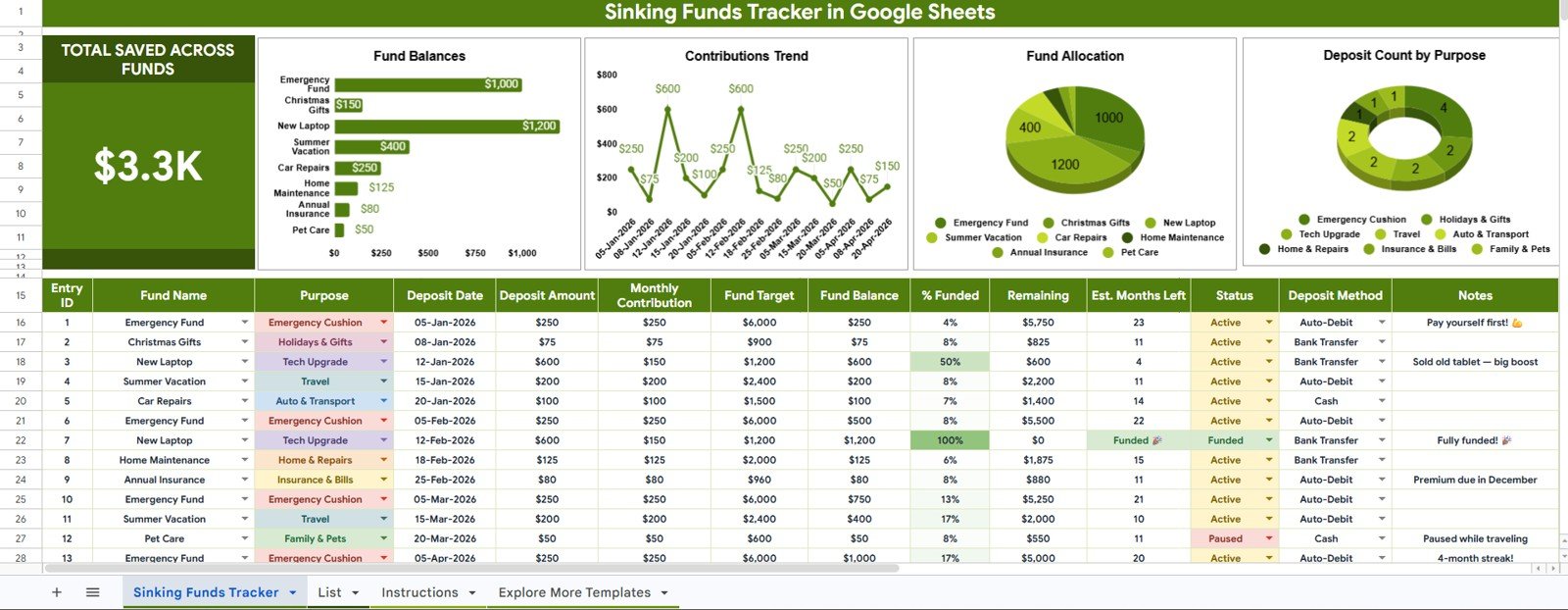
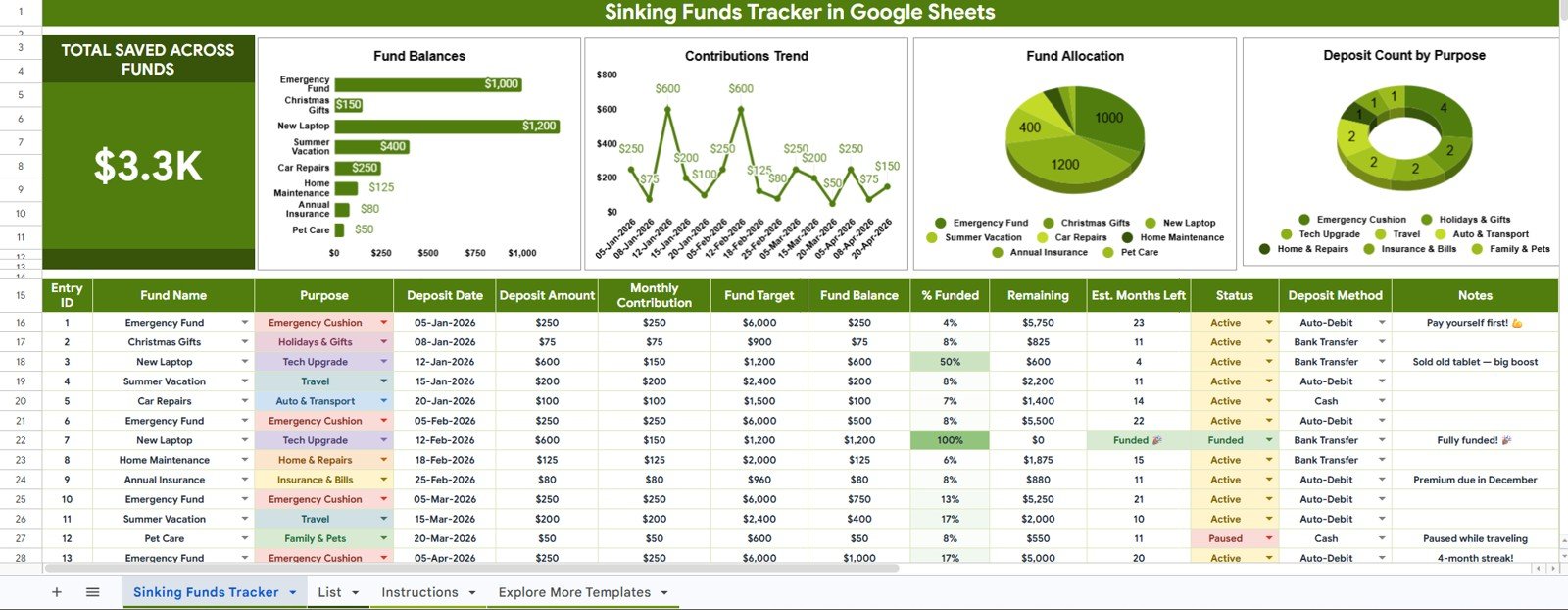
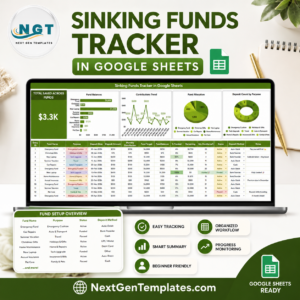
The top card shows Total Saved Across Funds, so you can see the current amount saved across every fund before reading any chart. This is useful for monthly budget reviews and for checking whether upcoming expenses are funded.
Fund Balance by Fund Name: This chart compares the current balance for every fund. It helps you spot which goals are funded and which still need attention before the expense arrives.
Contribution Amount by Deposit Date: This chart shows how deposits have built up over time. Use it to review saving consistency and identify missed contribution periods.
Fund Allocation by Fund Name: This visual shows how your total savings are distributed across fund names. It is helpful when one category is absorbing too much of the total savings pool.
Deposit Count by Purpose: This chart counts deposits by purpose so you can see which types of expenses receive the most frequent funding activity. It gives a quick view of saving behavior, not just dollar value.
List Sheet
The List Sheet keeps setup values organized. Instead of typing slightly different fund names, purposes, statuses, or deposit methods each time, you can maintain consistent lists that feed the tracker and charts.
Fund Name by Purpose: This analysis shows how fund names connect to the purpose of saving. It helps separate emergency, planned purchase, travel, tax, maintenance, and seasonal spending goals.
Status by Deposit Method: This analysis groups statuses by deposit method so you can understand how money is moving into the tracker. It is useful when deposits come through bank transfer, cash, card, or other custom methods.
Sinking Funds Tracker in Google Sheets vs. Microsoft Excel vs. Paid Budgeting SaaS – Where This Fits
| Feature | This Google Sheets tracker | Microsoft Excel alternative | Paid budgeting SaaS |
|---|---|---|---|
| Cost | $6.99 sale price, one-time | Template cost plus Microsoft licensing if needed | Recurring monthly or annual subscription |
| Platform | Google Sheets in Drive | Excel desktop or web | Vendor-hosted app |
| Setup time | Copy the sheet, edit lists, enter deposits | Open workbook and customize manually | Create account, connect accounts, configure categories |
| Real-time team collaboration | Built into Google Sheets sharing | Available through Microsoft sharing tools | Depends on the plan |
| Mobile access | Google Sheets mobile app | Excel mobile app | Usually included |
| Customizable fields | Edit lists, labels, funds, and purposes | Editable if workbook is unlocked | Often limited by app structure |
| Share with link | Yes, through Google Drive permissions | Yes, through OneDrive or SharePoint | Usually account-based |
| Year-1 cost at 5 users | $6.99 before any Google Workspace costs | Template plus any licensing costs | Can become expensive across multiple users |
| Sinking fund dashboard | Card, charts, and slicers included | Must be built or customized | Depends on the app |
Who This Template Is For – and Who It’s Not For
This tracker is for households, couples, freelancers, students, and small business owners who want a clear way to save ahead for irregular expenses. It works well when you already know your fund names and want a simple dashboard to track deposits, balances, purposes, statuses, and methods.
It is not the right fit if you need bank feed automation, card syncing, investment tracking, tax filing, or full accounting software. It also does not move money automatically; it records and analyzes what you enter.
How to Use the Sinking Funds Tracker in Google Sheets
- Open the PDF guide from your download and copy the Google Sheets template to your Drive.
- Edit the List Sheet so the fund names, purposes, statuses, and deposit methods match your workflow.
- Add each contribution with deposit date, amount, fund name, purpose, method, and status.
- Use the slicers on the Overview Page to filter the dashboard by the view you need.
- Review Total Saved Across Funds and the chart set during your weekly or monthly budget review.
Real-World Use Cases
Maya, a household budgeter: Maya creates funds for annual insurance, holiday gifts, car maintenance, and school expenses. Each paycheck, she records deposits and checks whether upcoming categories are on track.
Daniel, a freelancer: Daniel uses separate funds for quarterly taxes, software renewals, laptop replacement, and travel. The deposit date chart helps him see whether he is contributing consistently after client payments arrive.
Priya, a small business owner: Priya tracks sinking funds for equipment, licenses, marketing campaigns, and emergency cash. The List Sheet keeps payment method and status labels consistent for cleaner reporting.
Frequently Asked Questions
What is included in the Sinking Funds Tracker in Google Sheets?
It includes an Overview Page with a Total Saved Across Funds card, four analysis charts, slicers, and a List Sheet for setup values and supporting analysis.
Does this template connect to my bank account?
No. This is a manual Google Sheets tracker. It helps you record and analyze sinking fund activity, but it does not connect to banks or move money.
Can I add my own fund names?
Yes. You can edit the List Sheet and add fund names such as emergency fund, car repair, vacation, gifts, property tax, insurance, or any other goal.
Can two people use the same tracker?
Yes. After copying the file to Google Drive, you can share it with another user and control whether they have view or edit access.
Is this better than a paid budgeting app?
It depends on your needs. If you want bank syncing and automation, use a budgeting app. If you want a low-cost, editable savings tracker, this Google Sheets template is lighter and easier to customize.
Can I reuse it for future years?
Yes. Make a copy of the file, clear sample data, and reuse the same structure for a new year or a new set of savings goals.
About the Author
Built by PK – Microsoft Certified Professional with 15+ years of Excel, Google Sheets, and Power BI experience. Founder of NextGenTemplates, reaching 300K+ subscribers across YouTube channels. Every template is hand-built and tested before release.
Explore Related Templates
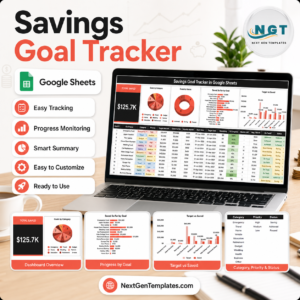
- Savings Goal Tracker in Google Sheets for goal-based savings tracking.
- Bill Payment Tracker in Google Sheets for due dates, amounts, and payment status.
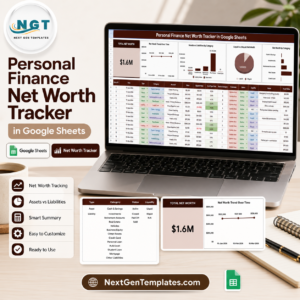
- Personal Finance Net Worth Tracker in Google Sheets for assets, liabilities, and net worth.
- Tracker Toolkit for a larger collection of tracker templates.
- Google Sheets tracker templates and Google Sheets financial tools for more finance workflows.<
Watch the step-by-step video Demo:
Get the Sinking Funds Tracker in Google Sheets today and turn irregular expenses into visible, filterable savings buckets.
Last updated: July 2026.




















Reviews
There are no reviews yet.