

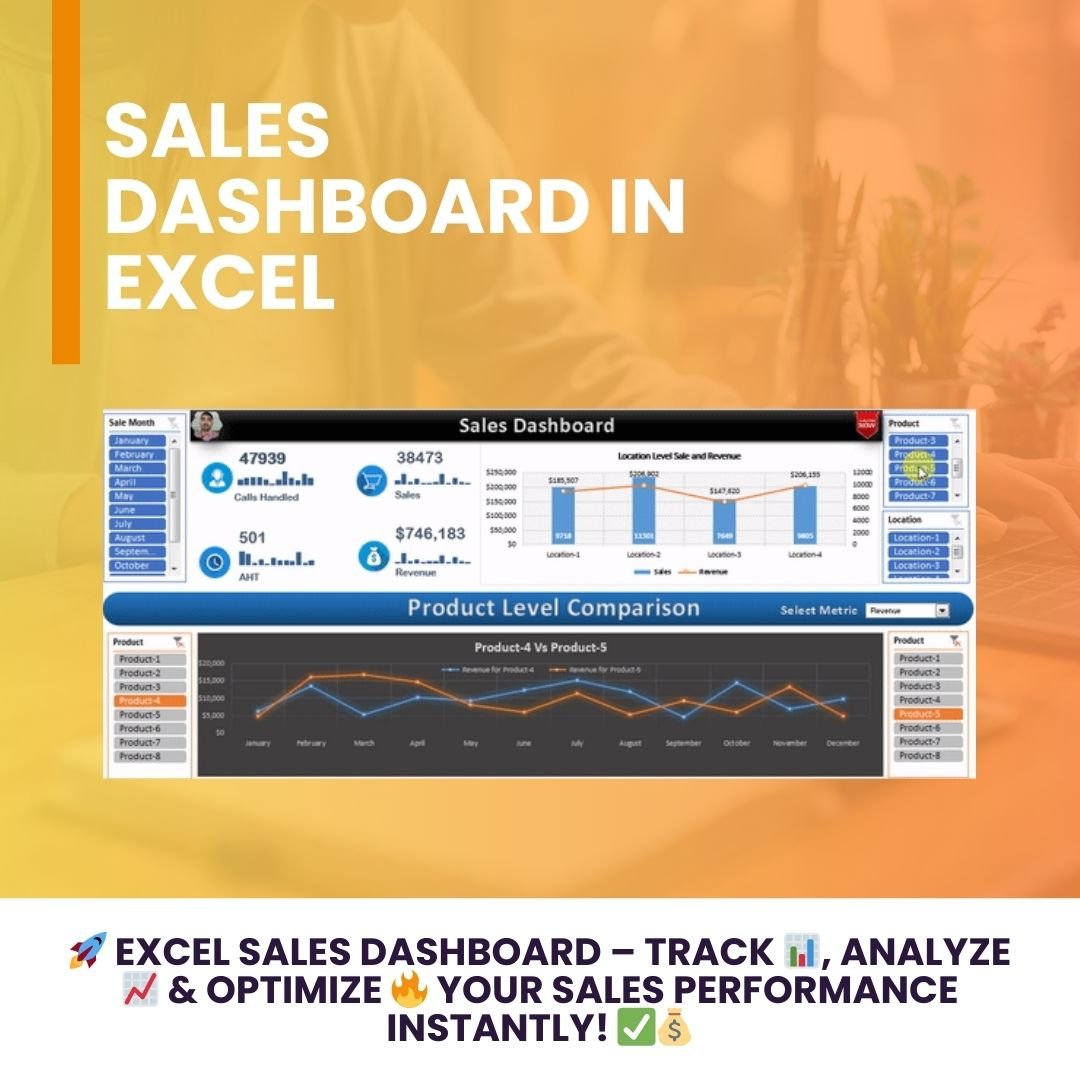

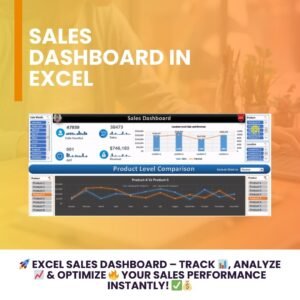
The Sales Dashboard in Excel is a dynamic, ready-made template that gives you real-time insights into sales performance, customer engagement and revenue trends. It is built for sales teams, business owners, marketing analysts and finance teams who want to slice and filter results by month, product and location. With automated calculations and a user-friendly design, it helps you make data-driven decisions and optimize your sales strategy.
Key Features of the Sales Dashboard in Excel
Interactive Slicers
- Filter data by month, product or location to focus on the metrics that matter most.
- Customize the dashboard view to explore targeted sales trends in seconds.
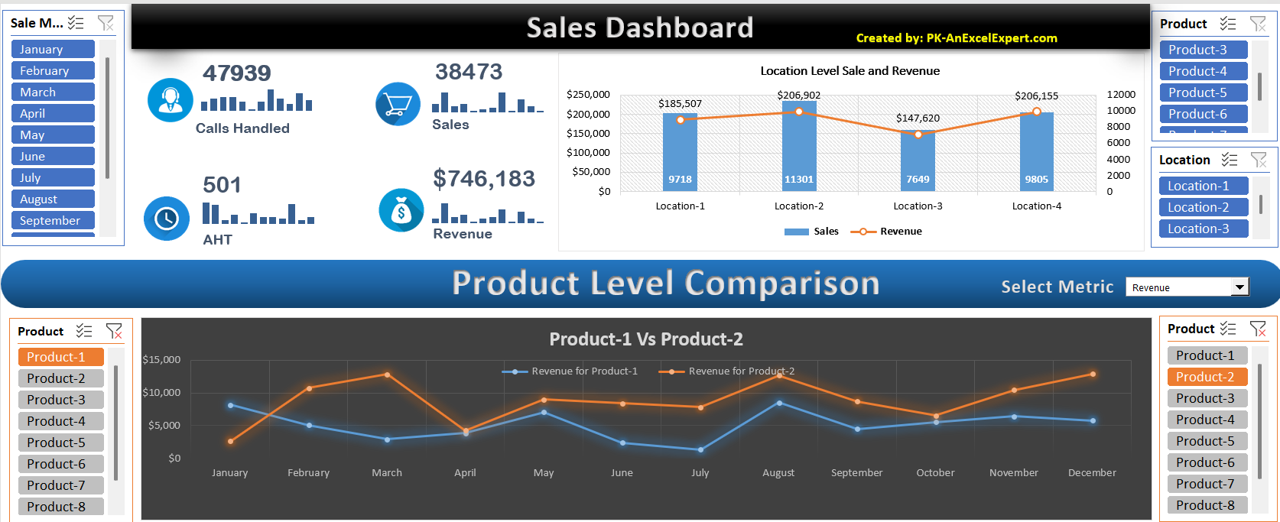
Comprehensive Summary Metrics (Sales KPI Dashboard)
The top section works as a compact sales KPI dashboard, displaying the key performance indicators your team tracks every day:
- Calls Handled – total number of calls made or received.
- Sales – number of successful transactions.
- AHT (Average Handling Time) – time spent on each call or transaction.
- Revenue – total revenue generated.
Sparklines next to each metric provide a quick snapshot of monthly trends, so you can spot rises and dips at a glance.
Location-wise Sales vs. Revenue Chart
- A combination of column and line charts visualizes sales performance across different locations.
- Quickly identify which locations generate higher revenue and which need improvement.
Product-Level Comparison
- Run month-on-month comparisons between two selected products.
- A dynamic line chart shows fluctuations in revenue, helping you identify trends and optimize product performance.
Support Sheet for Data Accuracy
The dashboard is powered by a back-end support sheet that contains:
- Pivot tables
- Pre-configured calculations
- Automated data refresh
This keeps the information shown on the dashboard accurate, up to date and reliable.
User-Friendly and Visually Appealing
- Designed with small pictures, dynamic elements and sparklines to make the report visually engaging.
- Interactive dropdowns and buttons make navigation simple and intuitive.
What’s Inside the Template
| Component | What It Does |
|---|---|
| Dashboard sheet | Summary KPIs (Calls Handled, Sales, AHT, Revenue) with sparklines, interactive slicers, location-wise chart and product comparison chart. |
| Support sheet | Pivot tables, pre-configured calculations and automated data refresh that feed the dashboard. |
| Interactive controls | Slicers, dropdowns and buttons for filtering by month, product and location. |
Why Use This Dashboard?
- Quick insights – view performance metrics instantly.
- Customizable analysis – slice and dice data by different factors for deeper revenue analysis.
- Better decision-making – identify growth opportunities and optimize sales strategies.
- Automated and error-free – reduce manual data entry and human errors.
Who Is It For?
- Sales teams – track and analyze performance metrics such as calls, sales and average handling time.
- Business owners – monitor revenue and product-level sales.
- Marketing analysts – identify key trends and optimize campaigns.
- Finance teams – assess financial performance and revenue trends.
How to Use the Sales Dashboard in Excel
- Open the template in Microsoft Excel.
- Add or update your sales data so the support sheet’s pivot tables and calculations can process it.
- Refresh the data so the dashboard reflects your latest numbers.
- Use the interactive slicers to filter by month, product or location.
- Select two products to compare their month-on-month revenue, and review the location-wise sales vs. revenue chart.
For a full walkthrough, Click here to read the detailed blog post.
Watch the step-by-step video tutorial:
Frequently Asked Questions
What metrics does the Sales Dashboard in Excel track?
It tracks four core KPIs: Calls Handled, Sales, AHT (Average Handling Time) and Revenue, each with a sparkline showing the monthly trend.
Can I filter the dashboard by product or location?
Yes. Interactive slicers let you filter by month, product or location, and dropdowns and buttons make navigation easy.
How does the product comparison work?
You select two products and a dynamic line chart shows their month-on-month revenue side by side, so you can spot trends and differences.
How is the data kept accurate?
A back-end support sheet with pivot tables, pre-configured calculations and automated data refresh powers the dashboard, keeping figures accurate and up to date.
Is there a tutorial to help me get started?
Yes. A detailed blog post and a step-by-step video tutorial are linked on this page.
Who should use this template?
It suits sales teams, business owners, marketing analysts and finance teams who need fast, visual revenue analysis without building a dashboard from scratch.
Also check our Inventory Management Form in Excel.
Last updated: October 2026
Compatibility and Requirements
- Works in Microsoft Excel desktop (Excel 2016 or later, or Microsoft 365).
- Slicers and PivotTables are standard Excel features. Microsoft explains slicers in Use slicers to filter data.
Related Sales Dashboard Templates
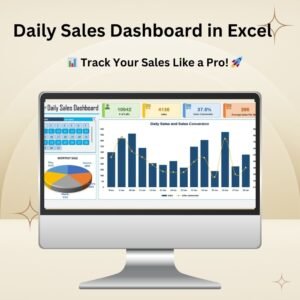
- Daily Sales Dashboard in Excel: sales results day by day
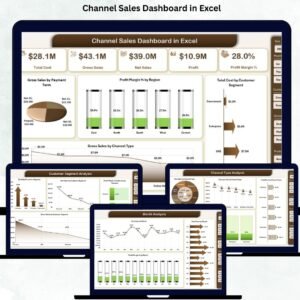
- Channel Sales Dashboard in Excel: compares sales channels
- Sales Dashboard For online Store in Excel: built for online shops
- Sales Dashboard in Power BI: a sales dashboard in Power BI
- One Page Sales Dashboard in Google Sheets (Free Template): a free one page view in Google Sheets
Browse all Excel dashboards or the Excel sales and marketing templates.















Reviews
There are no reviews yet.