



In a world full of expenses, subscriptions, and spontaneous spending, it’s more important than ever to track your finances accurately. That’s where the Personal Finance Tracker in Excel comes in—a secure, automated, and customizable tool built with Excel and VBA, designed for everyday individuals who want to master their money without complex apps.
Whether you’re budgeting for a family, managing side income, or planning for long-term goals, this tracker simplifies it all with dynamic dashboards, user-friendly forms, and real-time insights.
⚙️ Key Features of the Personal Finance Tracker
🔐 1. Login Form for Secure Access
Start with a login screen to ensure your financial records remain private. Default login credentials are provided and fully customizable through a user management panel.
🧭 2. Main Form (Control Center)
From the main form, users can easily add, update, or delete financial entries. Navigate to dashboards or list sheets with just one click.
📊 3. Interactive Dashboard Sheet
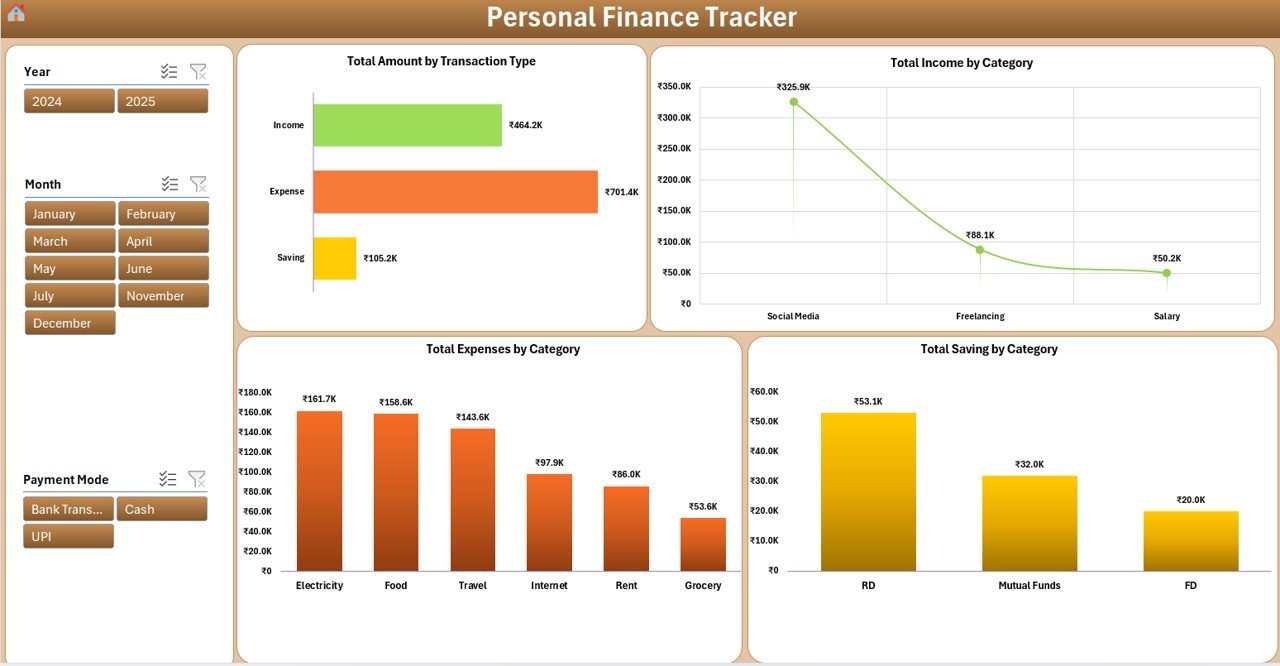
Instantly visualize your money flow using:
💸 Total by Transaction Type (Income/Expense/Saving)
📈 Total Income, Expenses, and Savings by Category
📆 Filters by Month, Year, and Transaction Type
All charts update automatically upon data entry.
🧾 4. Data Entry Sheet
A structured backend table with fields such as:
ID, Date, Transaction Type, Category
Payment Mode, Amount, Description, Remarks
Auto-filled Month and Year columns
Add, edit, or delete entries using smart buttons.
🗂️ 5. Manage List Sheet
Control your dropdown options for:
Transaction Types (Income, Expense, Saving)
Custom Categories and Payment Modes
Ensures cleaner data and faster entry.
🧠 6. Support Sheet (Hidden Calculations)
Handles pivot tables and dashboard logic. No need to touch this—just let it power your visuals.
👥 7. User Management Panel
Create, delete, or modify users and passwords—perfect for shared financial planning.
🎯 Who Should Use This?
This tool is ideal for:
👨💼 Freelancers & self-employed individuals
👪 Families and home budgeters
🧑🎓 Students tracking pocket money or loans
💼 Small business owners managing dual incomes
👫 Couples managing shared expenses
💡 Why Choose Excel Over Budgeting Apps?
✅ 100% Offline Access – No Wi-Fi? No problem.
✅ No Subscription Fees – Pay once, use forever.
✅ Complete Flexibility – Add new sheets, charts, or columns easily.
✅ Enhanced Privacy – Keep your data on your device.
📚 How to Use the Tracker – Step-by-Step
Login with your credentials
Add a Transaction using the data entry form
Review Dashboard for updated income, expenses, and savings
Edit/Delete Entries as needed from the Data Entry sheet
Customize Lists via the Manage List sheet
Check Progress Monthly using dashboard filters and charts
🛠️ Best Practices for Success
✔️ Record transactions regularly
✔️ Use consistent category names
✔️ Filter data monthly to find trends
✔️ Update passwords for multi-user access
✔️ Back up your file before major changes
📝 Real-World Use Cases
✈️ Travel Budgeting – Plan and save for upcoming vacations
🧾 Utility Bill Tracking – Monitor recurring bills like electricity, rent, or broadband
💼 Side Income Management – Track freelance projects or small business revenue
🏦 Emergency Funds – Visualize your progress toward long-term savings
🔗 Bonus: Watch the Step-by-Step Tutorial
👉 youtube.com/@PKAnExcelExpert
Watch the step-by-step video tutorial:
Compatibility and Requirements
- Needs Microsoft Excel desktop on Windows with macros enabled. The login, forms and buttons run on VBA.
- It works offline, and your records stay in the file on your own computer.
- It does not run in Excel for the web, Google Sheets or the Excel mobile apps.
- Microsoft explains how to turn on macros in Enable or disable macros in Microsoft 365 files.
Frequently Asked Questions
Does the Personal Finance Tracker have a login?
Yes. It opens with a login screen. Default credentials come with the file, and you can add users or change passwords in the User Management panel.
What transaction types can I record?
Income, Expense and Saving, each with a date, category, payment mode, amount, description and remarks.
Can I filter the dashboard?
Yes. Filter by month, year and transaction type. The charts update as soon as you add an entry.
Can I use my own categories?
Yes. Categories and payment modes are managed on the Manage List sheet and appear as dropdown options.
Is there a subscription?
No. It is a one-time Excel download that runs offline.
Related Budget and Expense Templates
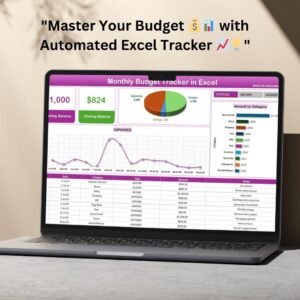
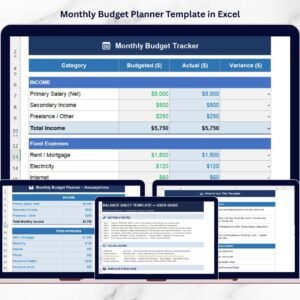
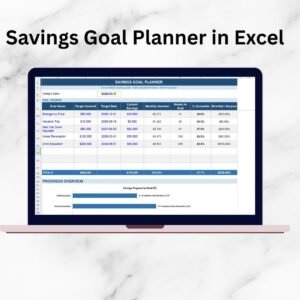
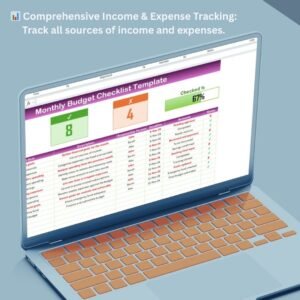
- Monthly Budget Tracker in Microsoft Excel: plan a monthly budget
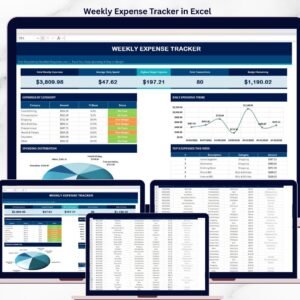
- Weekly Expense Tracker in Excel: a free weekly expense log
- Budget Calculator in Excel: a free budget calculator
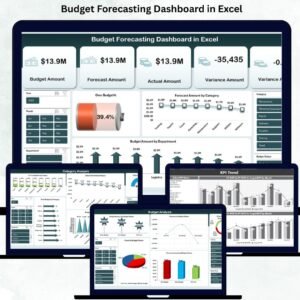
- Budget Forecasting Dashboard in Excel: forecast budgets in a dashboard
- Finance and Accounting Command Center: 8 finance templates for Excel, Power BI and Google Sheets
Browse all Excel financial tools or the Excel VBA tools.


Reviews
There are no reviews yet.