

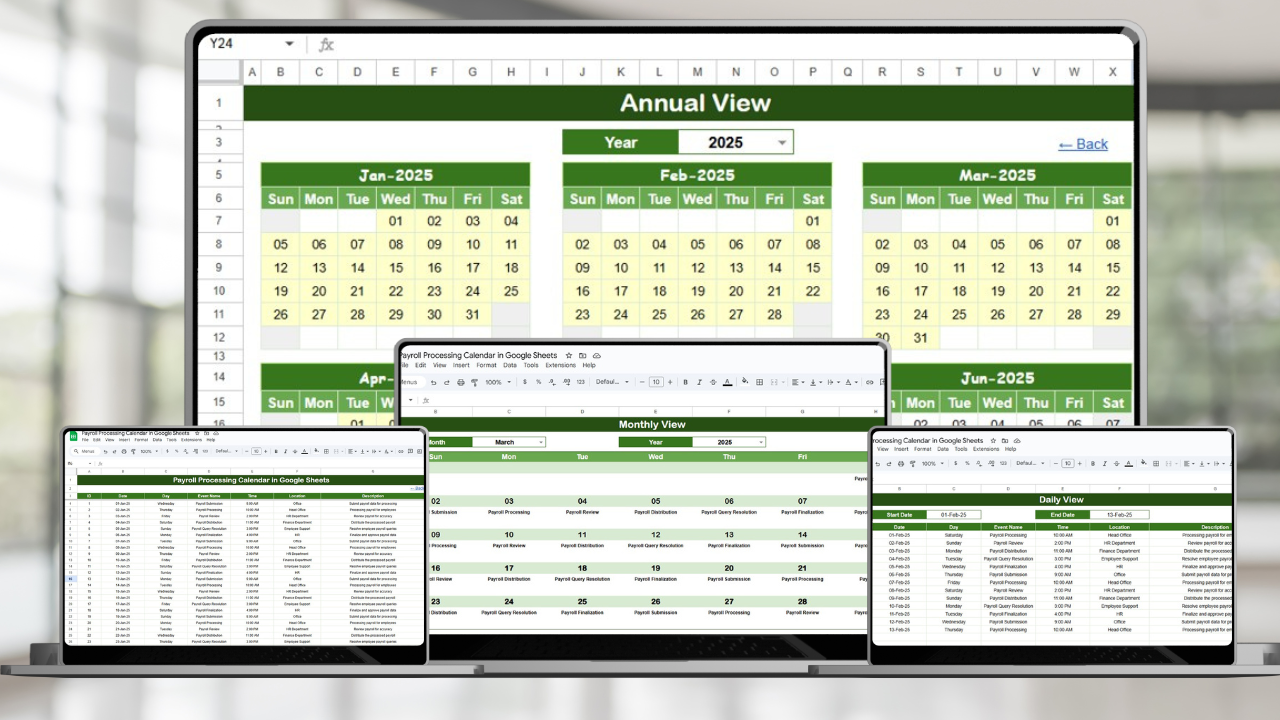

Never miss a payroll deadline again! The Payroll Processing Calendar in Google Sheets is your all-in-one scheduling and tracking tool to manage payroll tasks with precision and ease. From annual planning to daily task tracking, this calendar helps HR and payroll teams stay organized, compliant, and efficient—all within Google Sheets!
⚙️ Key Features of the Payroll Processing Calendar
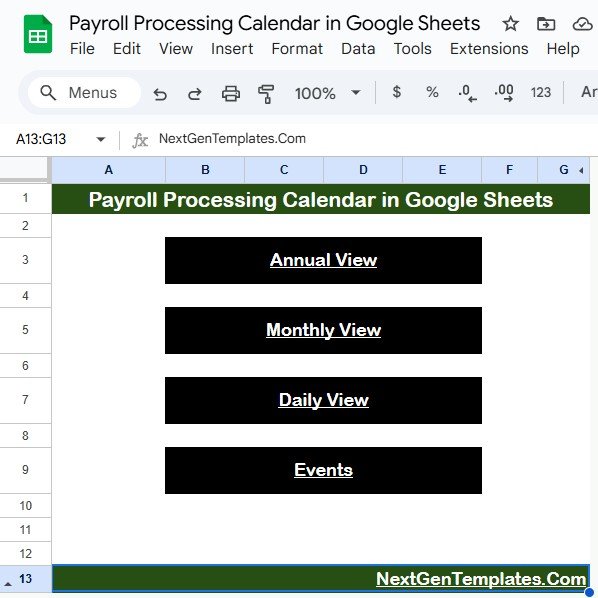
🏠 Home Sheet with Quick Navigation
Jump to any view in seconds using smart navigation buttons:
📅 Annual View
📆 Monthly View
📖 Daily View
📋 Events Sheet
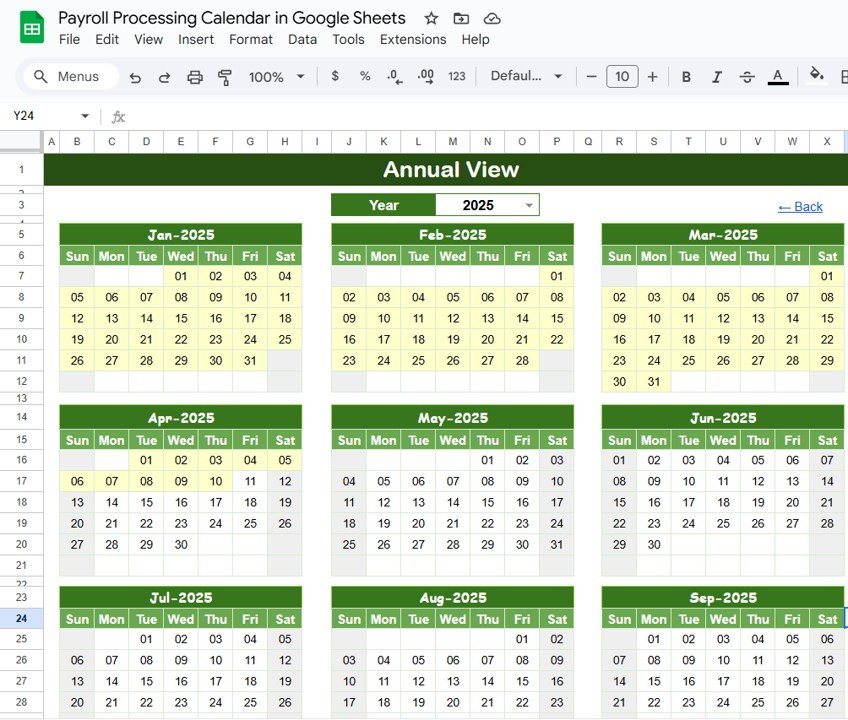
📅 Annual View Sheet
Get a bird’s-eye view of payroll activities throughout the year.
Select year dynamically
Set starting month and weekday
Track all major payroll events & deadlines
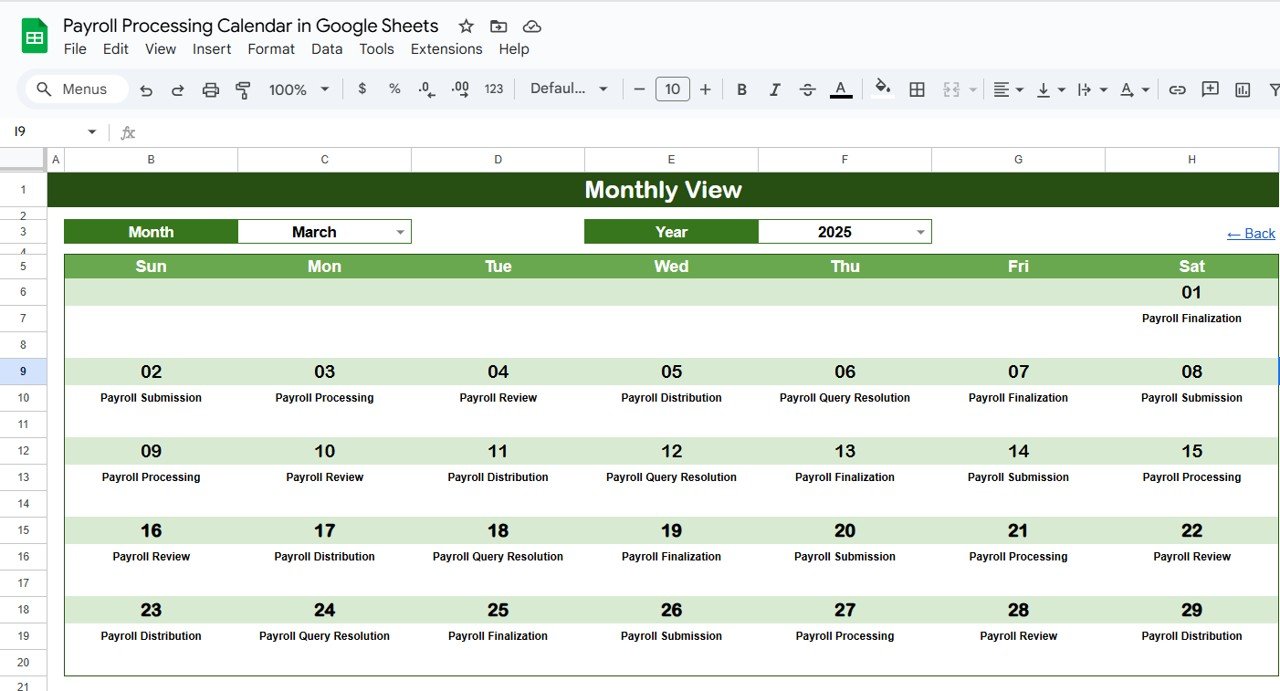
🗓️ Monthly View Sheet
Dive deeper into each month’s schedule:
Pick any month & year
View scheduled events
Smart hint for “more than 1” events per day
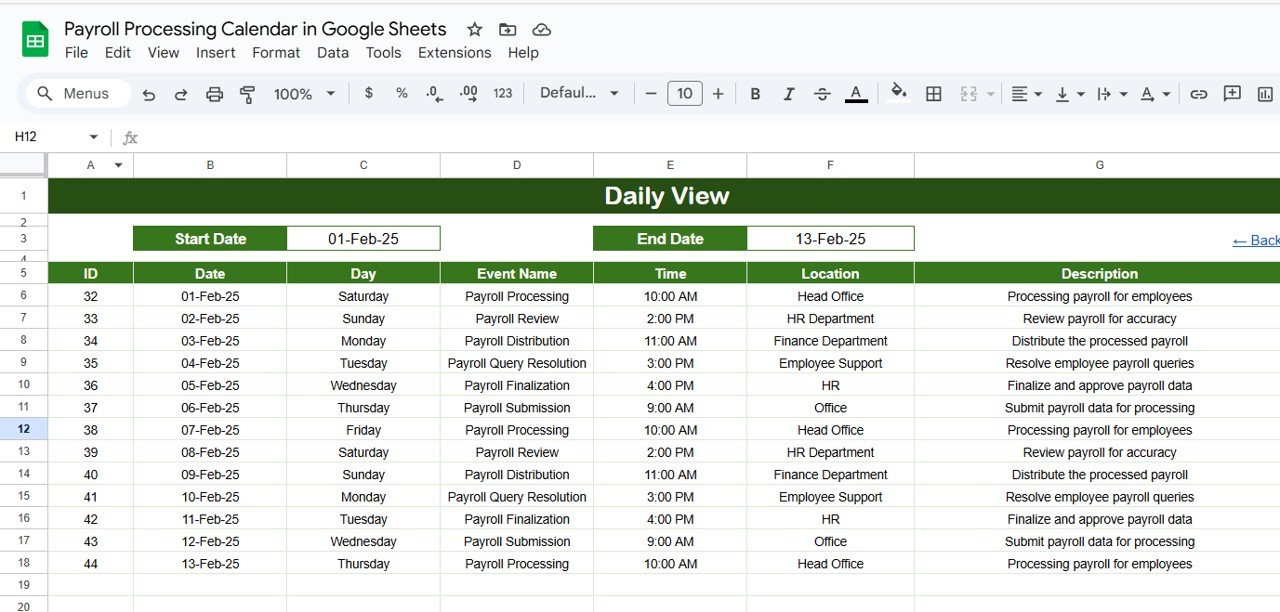
📖 Daily View Sheet
Track day-to-day payroll tasks effortlessly:
Filter events by start and end date
Detailed list of events with time, location, and description
Ideal for daily payroll operations
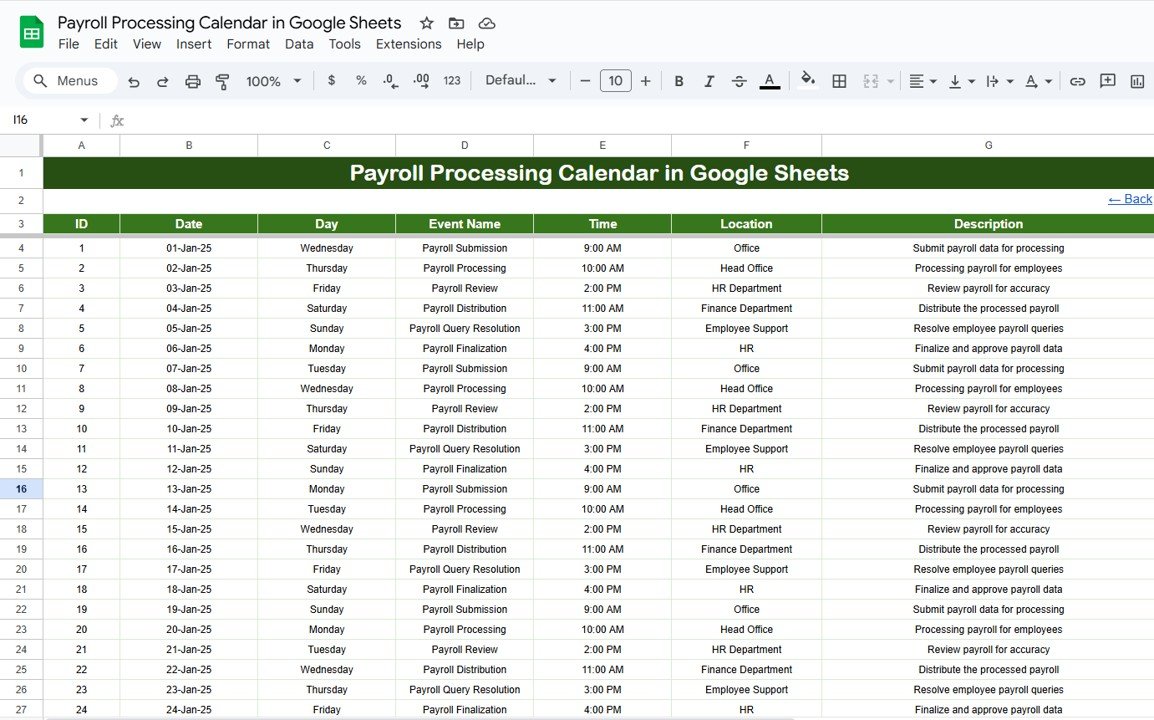
📋 Events Sheet Tab
Your centralized database of all payroll activities:
Store event ID, date, day, event name, time, location, and description
Easily editable and searchable
🔄 Fully Dynamic & Auto-Updating
All views reflect data changes instantly—just update the Events tab!
📦 What’s Inside the Payroll Processing Calendar
Here’s what you’ll find in this robust Google Sheets template:
✅ Home Sheet – Quick navigation to all views
✅ Annual View Sheet – Plan across the entire year
✅ Monthly View Sheet – Focus on current month’s payroll tasks
✅ Daily View Sheet – Drill down into exact dates
✅ Events Sheet – Central data entry hub for all payroll events
No formulas needed—everything is pre-built for ease of use!
🧑💻 How to Use the Payroll Processing Calendar
📋 Step 1: Add events to the Events Sheet
📆 Step 2: Pick the year/month on the Annual or Monthly View
🔍 Step 3: Navigate using buttons from the Home Sheet
📊 Step 4: Review tasks by day, week, or month
📤 Step 5: Share with your HR/payroll team or export to PDF
Even non-technical users can manage this tool easily.
👥 Who Can Benefit from This Payroll Calendar?
💼 HR Managers & Payroll Officers – Ensure timely and accurate payroll runs
🏢 Small & Medium Businesses – Track monthly, bi-weekly, or weekly payroll tasks
📊 Finance & Compliance Teams – Maintain accurate payroll records and deadlines
📆 Administrative Staff – Organize pay-related activities with ease
🧾 Accountants – Stay aligned with client payroll cycles and requirements
✅ Why Choose This Google Sheets Payroll Calendar?
✔ Built for Google Sheets – Access anywhere, anytime
✔ Fully customizable – Add your own fields or department filters
✔ Real-time updates – Auto-reflects changes across all views
✔ Simple interface – No coding or complex setup
✔ Great for remote teams – Easy to share & collaborate online
🔁 Click here to read the Detailed blog post
Click here to read the Detailed blog post
Watch the step-by-step video Demo:
🎥 Visit our YouTube channel to learn step-by-step video tutorials
Youtube.com/@NeotechNavigators
Compatibility and Requirements
- Works in Google Sheets with a free Google account and a web browser. Nothing to install.
- New to Google Sheets? Google’s guide on how to use Google Sheets covers the basics.
Frequently Asked Questions
Which sheets are in the Payroll Processing Calendar?
Five sheets: Home, Annual View, Monthly View, Daily View and Events. The Home sheet has buttons that jump to each view.
How do I add a payroll deadline?
Add it as a row on the Events sheet with the date, event name, time, location and description. The Annual, Monthly and Daily views pick it up from there.
Can the calendar start in a month other than January?
Yes. On the Annual View you select the year, the starting month and the starting weekday.
Can my payroll team use the same calendar?
Yes. Share the sheet with your HR or payroll team in Google Sheets, or export it to PDF.
Related Payroll Templates
- Payroll Processing Calendar in Excel: the same calendar in Excel.
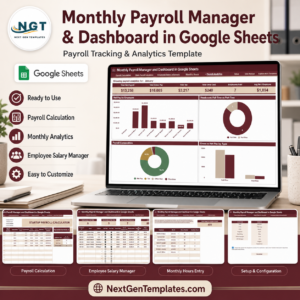
- Monthly Payroll Manager and Dashboard in Google Sheets: run monthly payroll in Google Sheets.
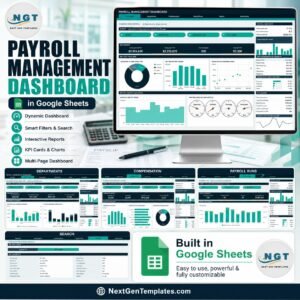
- Payroll Management Dashboard in Google Sheets: charts for payroll costs.
- Payroll Calculator and Payslip Generator in Excel: salary calculation and PDF payslips in Excel.
- HR Google Sheets Pack: 10 HR templates for Google Sheets.
Browse all Google Sheets calendars or the Google Sheets HR and payroll templates.




























Reviews
There are no reviews yet.