

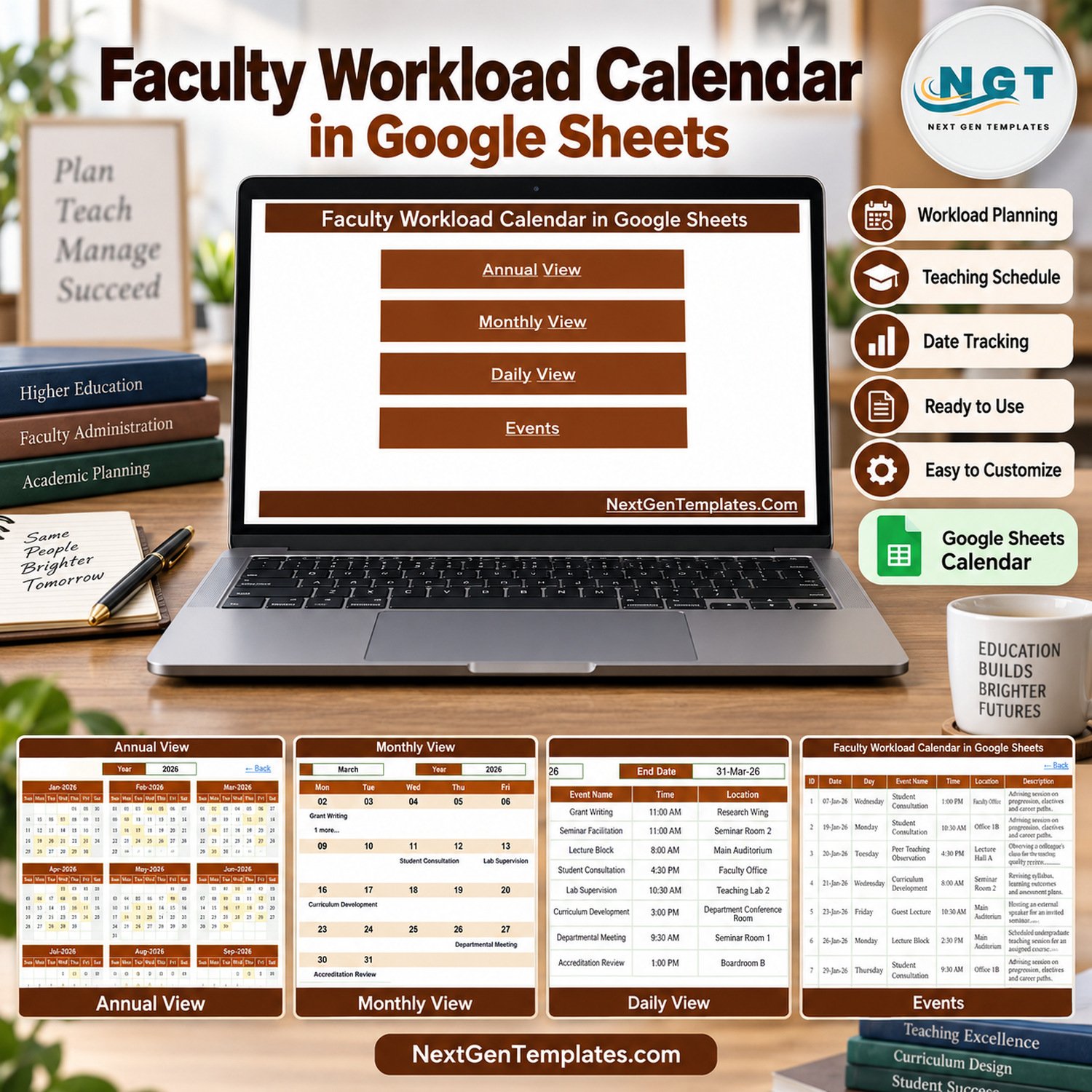
Faculty Workload Calendar in Google Sheets is a ready-to-use academic calendar for recording teaching, research, advising, service and administrative commitments, then reviewing them in annual, monthly, daily and event-register views. It gives department heads, academic coordinators and individual lecturers a simple visual alternative to scattered diaries, email threads and spreadsheets with no calendar layout.
Faculty Workload Calendar in Google Sheets Overview
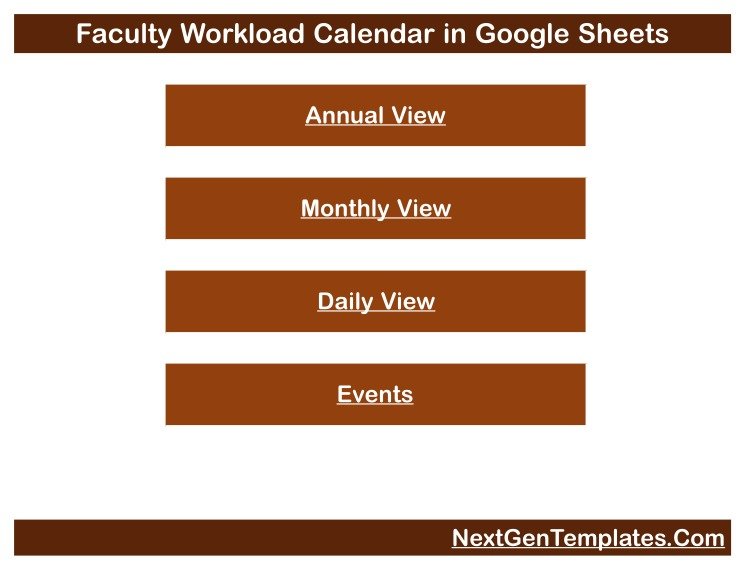
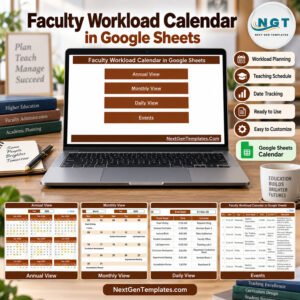
This faculty workload planner is built around one clean Events table and formula-driven calendar pages. Enter the date, weekday, activity, time, location and a short description, and the Annual, Monthly and Daily views show where lecture blocks, lab supervision, consultations, grading windows, committee work and research time fall across the year. A Home page links to every view, and each view has a Back link. Explore more Google Sheets templates for related planning workflows.
Key Features
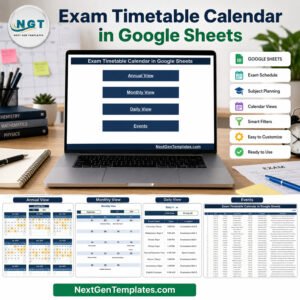
- Home navigation: one-click buttons to Annual View, Monthly View, Daily View and Events.
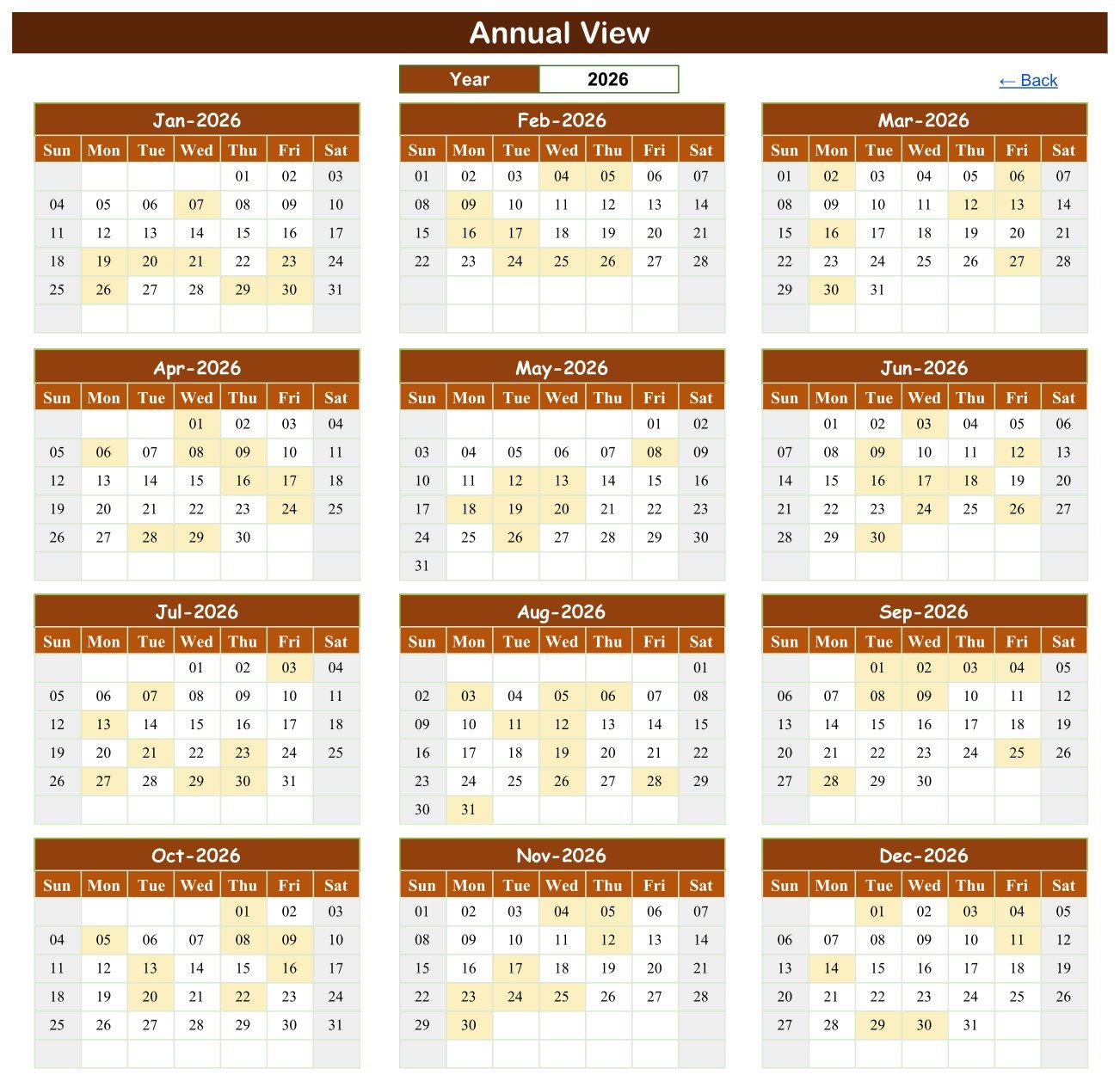
- Annual View: choose a year and see all twelve months together, with every date that carries a workload entry highlighted.
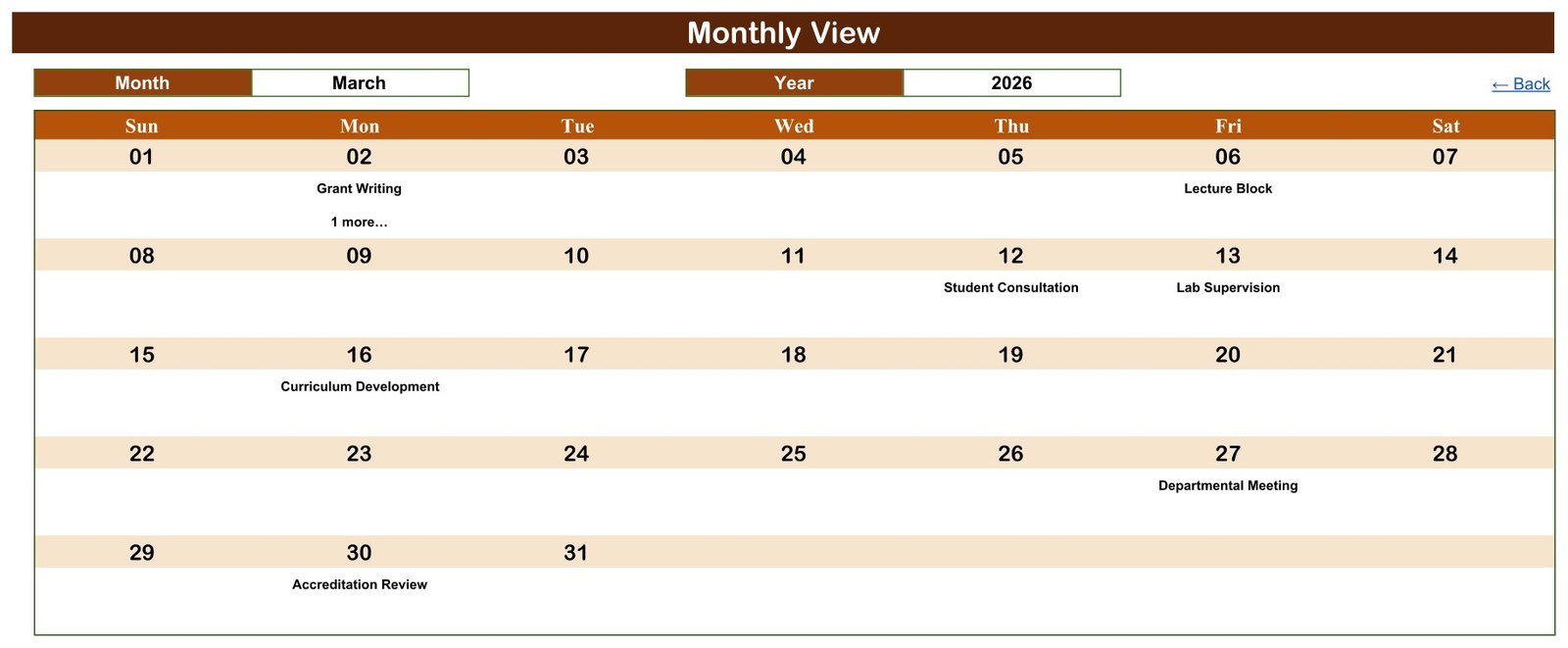
- Monthly View: pick a month and year to place activities into a Sunday-to-Saturday calendar grid.
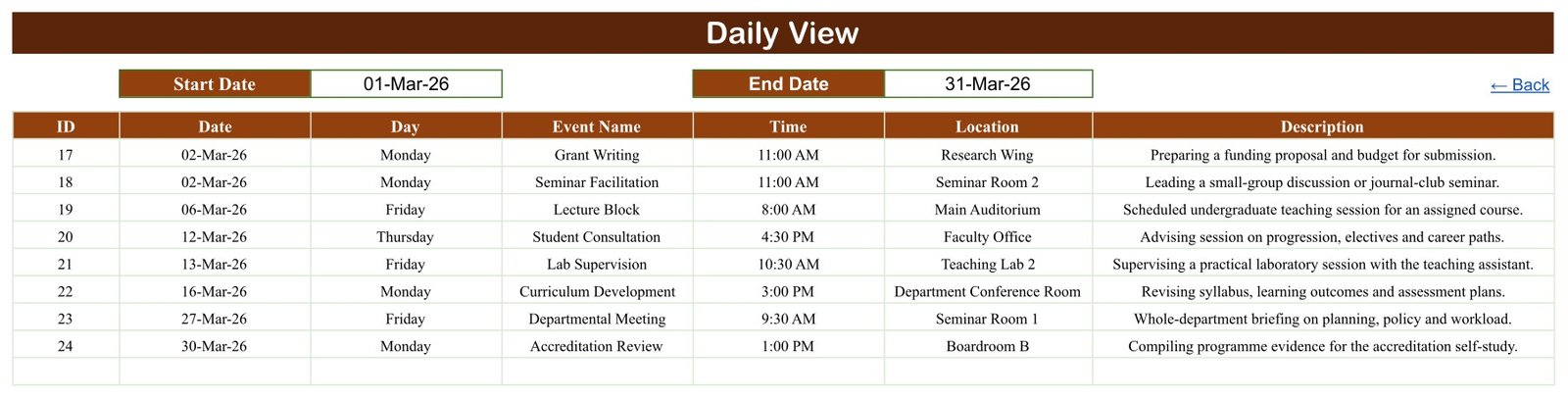
- Daily View: set a start and end date to list the matching records with ID, date, day, activity, time, location and description.
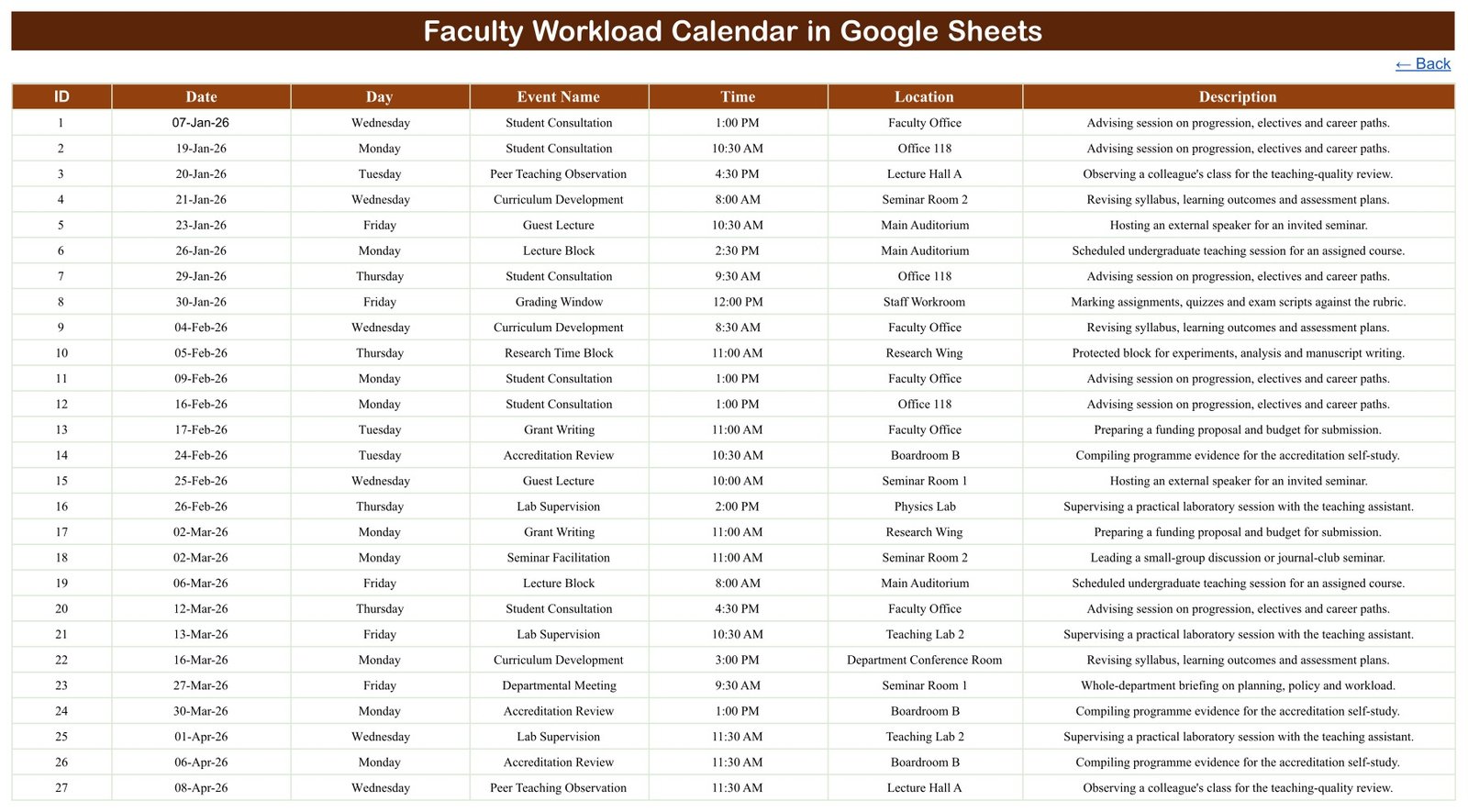
- Events register: maintain the source schedule in a straightforward seven-column table.
- Academic sample data: 100 example entries covering lecture blocks, seminar facilitation, lab supervision, office hours, student consultation, thesis advising, grading windows, exam invigilation, curriculum development, research time, grant writing, accreditation review, committee service, departmental meetings, guest lectures and peer teaching observation.
- Google Sheets delivery: receive a PDF containing the live Make-a-copy link to your own editable sheet.
- No macros or add-ons: works in the browser with the template’s built-in formulas.
What the Template Tracks
| Field | Purpose |
|---|---|
| ID | Gives every workload entry a simple reference number |
| Date | Places the entry in the annual and monthly calendar views |
| Day | Shows the written weekday beside each record |
| Event Name | Names the activity, such as Lecture Block, Office Hours or Grading Window |
| Time | Records the planned start time |
| Location | Records the lecture hall, lab, office, seminar room or boardroom |
| Description | Adds a short note about what the commitment involves |
How to Use the Faculty Workload Calendar
- Open the delivered PDF and use its Make-a-copy link to create your own Google Sheets file.
- Replace the sample Events rows with your own dates, activities, times, locations and descriptions.
- Keep each ID unique and check that the Day value matches the date you entered.
- Open Annual View and select the year for a high-level picture of busy teaching and assessment periods.
- Use Monthly View to focus on one month. On a date with several entries, the grid shows the first entry and a counter such as “1 more…”.
- Use Daily View when you need every detailed row for a chosen week, month or term.
- Share the file only with approved colleagues and follow your institution’s data and retention policies.
Verified Sample Calendar
The supplied demonstration sheet contains 100 workload records dated from 7 January to 30 December 2026. It uses 16 activity types and 21 locations, and every entry falls on a weekday. All 100 written weekday values were checked against their 2026 dates with zero mismatches. One date, 2 March 2026, holds two entries at the same 11:00 AM start time, which shows how the detail views keep both rows and also that the template does not block overlapping commitments.
Who This Calendar Is For
The template suits heads of department, programme leaders, academic administrators, faculty coordinators and individual lecturers who want a lightweight academic workload calendar. Schools, colleges, training institutes and small universities can use it as a shared visual schedule without buying a dedicated workload-allocation platform.
Template vs Manual Notes
| Need | Template | Manual Notes |
|---|---|---|
| Year overview | Twelve months on one page | Separate lists |
| Monthly planning | Calendar-grid view | Rewritten each month |
| Date-range detail | Daily View with start and end dates | Manual searching |
| Source record | Structured Events table | Inconsistent fields |
| Collaboration | Google Sheets sharing | Multiple copies |
Important Limitations
- This is a scheduling calendar, not a workload-allocation model. It does not calculate teaching hours, credit loads, FTE, contact-hour totals or workload points.
- The Events table has no faculty-name, course code, class, credit, contract or pay field. To plan several staff members in one file, add a column carefully or keep one copy per person.
- It does not detect clashes or prevent double-booking, send reminders, approve leave or sync with Google Calendar, a timetabling system or an HR platform.
- The Monthly View shows the first entry on a shared date plus a counter such as “1 more…”; use Daily View or Events to see every row.
- It is not an accreditation, compliance or contractual workload record. Sample entries are fictional planning data; replace them and check your copy before relying on it.
- Google account access, sharing controls and Google service availability remain the buyer’s responsibility.
Before granting access, review Google’s official file-sharing guidance and apply your institution’s approved sharing policy.
Frequently Asked Questions
Does this calculate teaching hours or workload points?
No. It records and displays dated commitments. It does not total hours, credits or workload units.
Can I change the year?
Yes. The Annual and Monthly views include year selectors, and the Daily View uses a start and end date. Replace the Events data and check the weekday values whenever you reuse the file for another year.
Can several activities fall on one date?
Yes. Events and Daily View keep every row. Monthly View shows the first entry and an additional-entry counter.
Does the file contain staff or student names?
No. The sample Events table has no staff or student identifiers. If you add names, use codes where possible and limit sharing to approved colleagues.
What do I receive?
You receive a downloadable PDF containing the link to copy the editable Google Sheets calendar into your own Drive. No Excel is needed.
Plan Academic Commitments with a Clearer View
The Faculty Workload Calendar in Google Sheets combines a structured event list with annual, monthly and daily views, so teaching, research, advising and service commitments are easy to scan. Use it as a practical faculty workload calendar and adapt the activity names and locations to your department. Read the full Faculty Workload Calendar guide for setup tips.
























Reviews
There are no reviews yet.