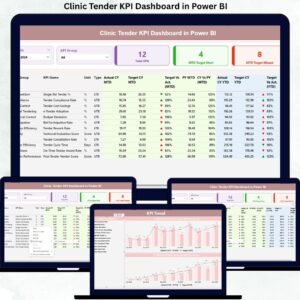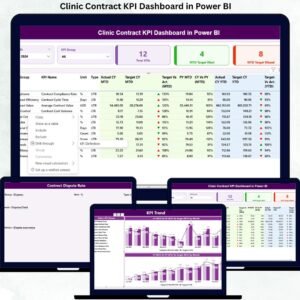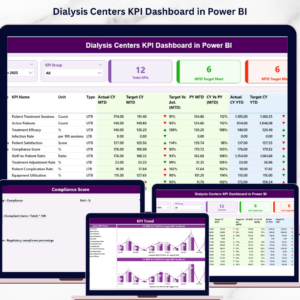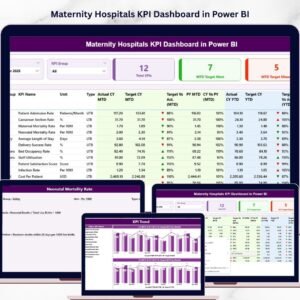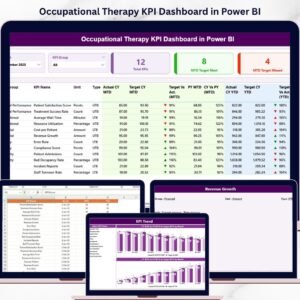
Introducing the Occupational Therapy KPI Dashboard in Power BI — a powerful and interactive tool designed to help healthcare professionals monitor performance, analyze trends, and improve patient outcomes—all in one place.
In today’s healthcare landscape, occupational therapy centers must manage large volumes of performance data. However, without a structured system, it becomes difficult to extract meaningful insights and make informed decisions.
That’s where this smart dashboard makes a difference! 🚀
It transforms complex therapy data into clear, visual insights. Moreover, it enables real-time KPI tracking, helping you identify performance gaps, optimize operations, and enhance patient care.
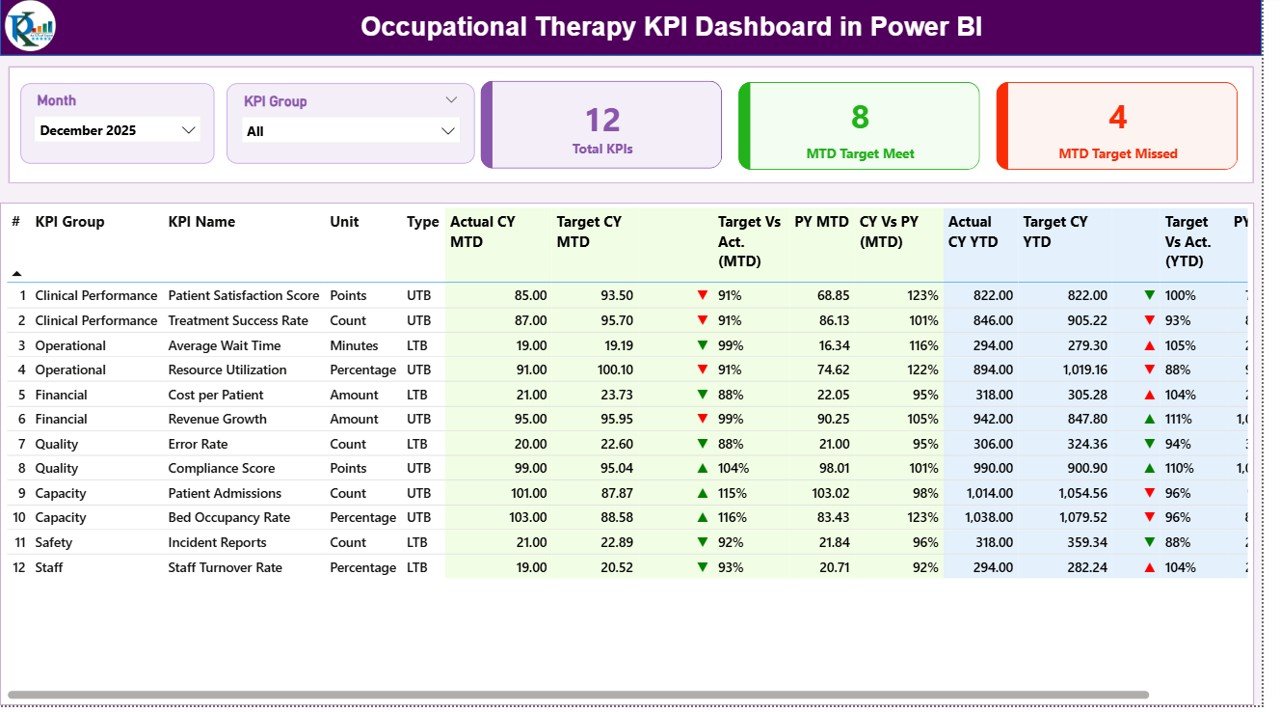
✨ Key Features of Occupational Therapy KPI Dashboard in Power BI
📊 Real-Time KPI Monitoring
Track therapy KPIs with MTD and YTD performance insights in one centralized dashboard.
🎯 Target vs Actual Comparison
Evaluate performance easily by comparing actual outcomes with targets.
📈 Trend Analysis (MTD & YTD)
Analyze therapy performance trends over time using dynamic visuals.
🔁 Year-over-Year Comparison
Compare current performance with previous year data for better insights.
🧠 KPI Definitions & Formulas Included
Understand each KPI clearly with structured definitions and formulas.
📊 Interactive Filters & Slicers
Filter data by month and KPI group for focused analysis.
📉 Performance Indicators
Visual arrows and color indicators highlight trends instantly.
⚡ Professional & Dynamic Dashboard Design
Clean layout with charts, KPI cards, and detailed tables.
📂 What’s Inside the Occupational Therapy KPI Dashboard in Power BI
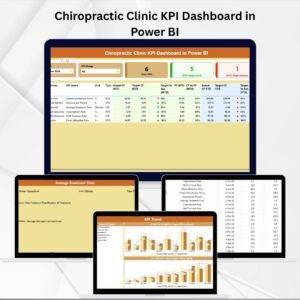
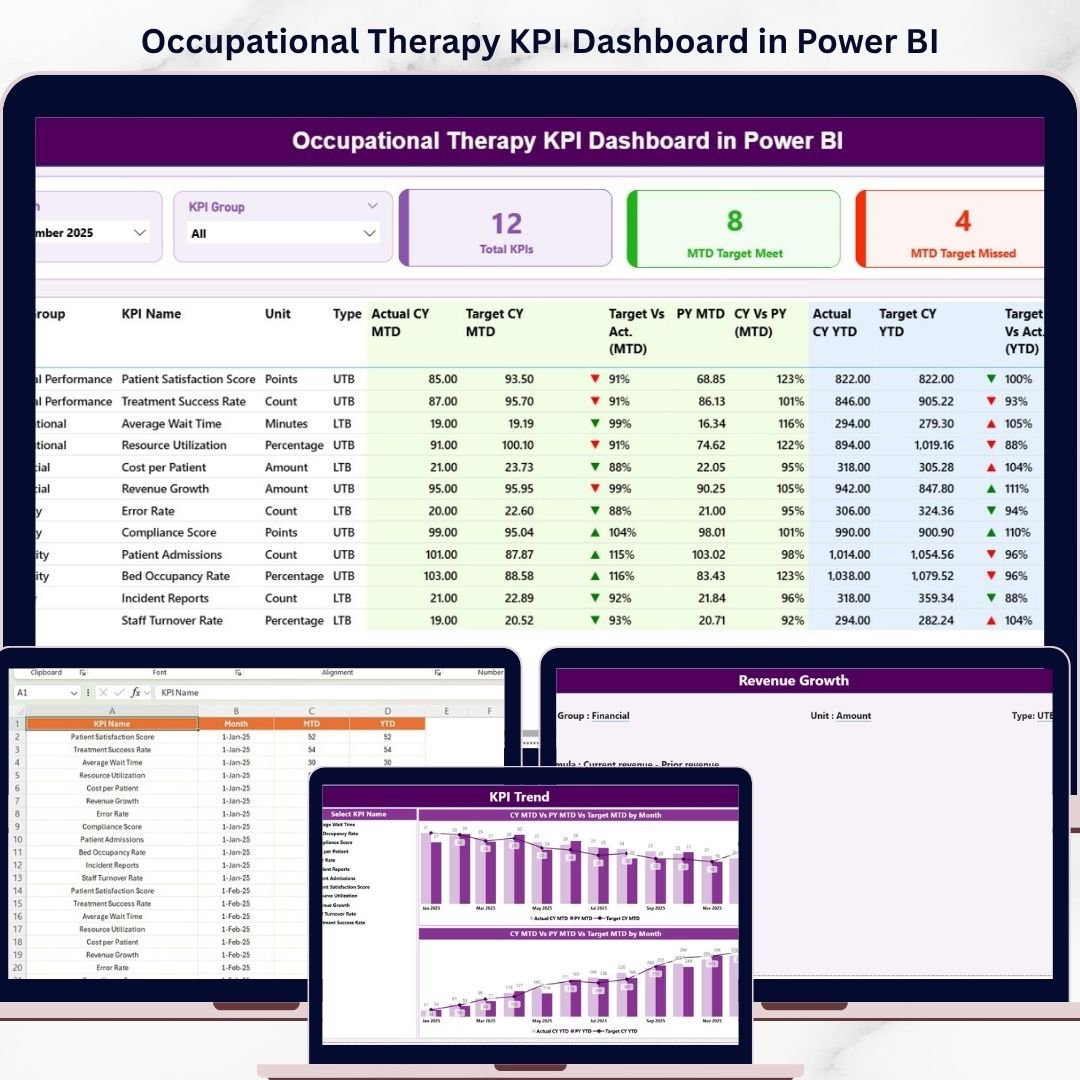
📌 Summary Page
Main dashboard showing KPI cards, slicers, and detailed KPI performance table.
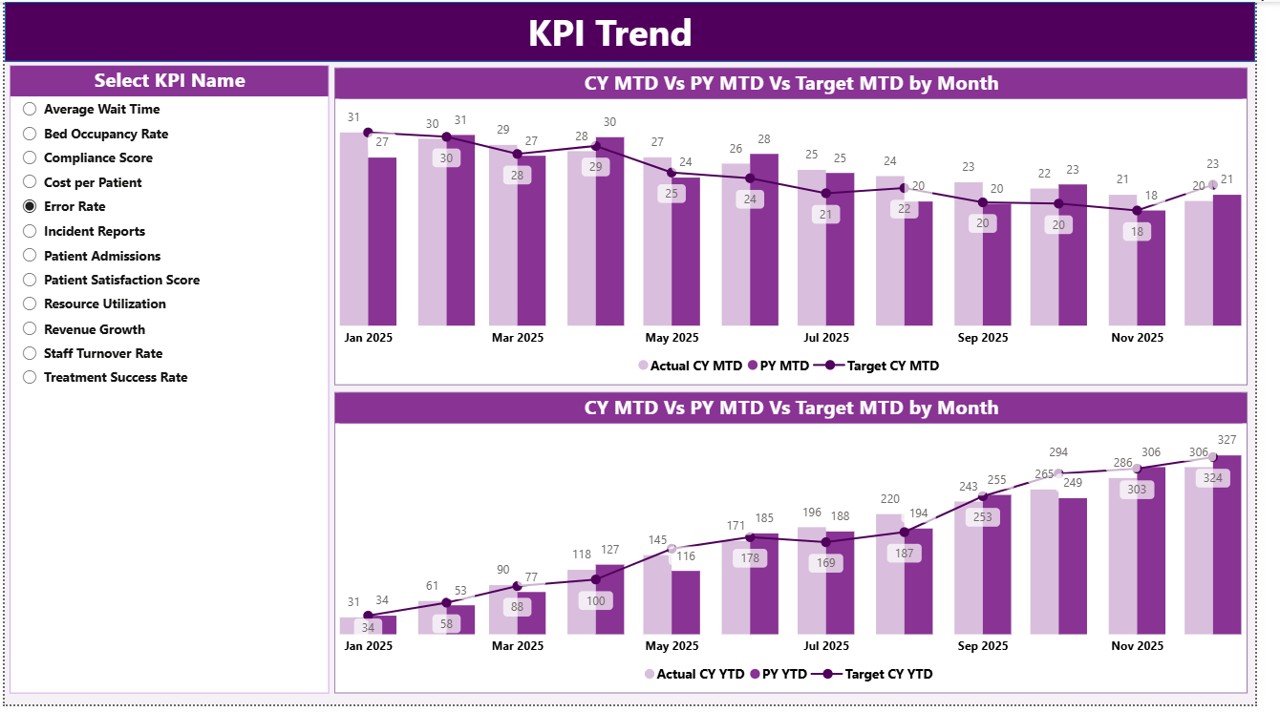
📌 KPI Trend Page
Visual analysis using combo charts for MTD and YTD trends.
📌 KPI Definition Page
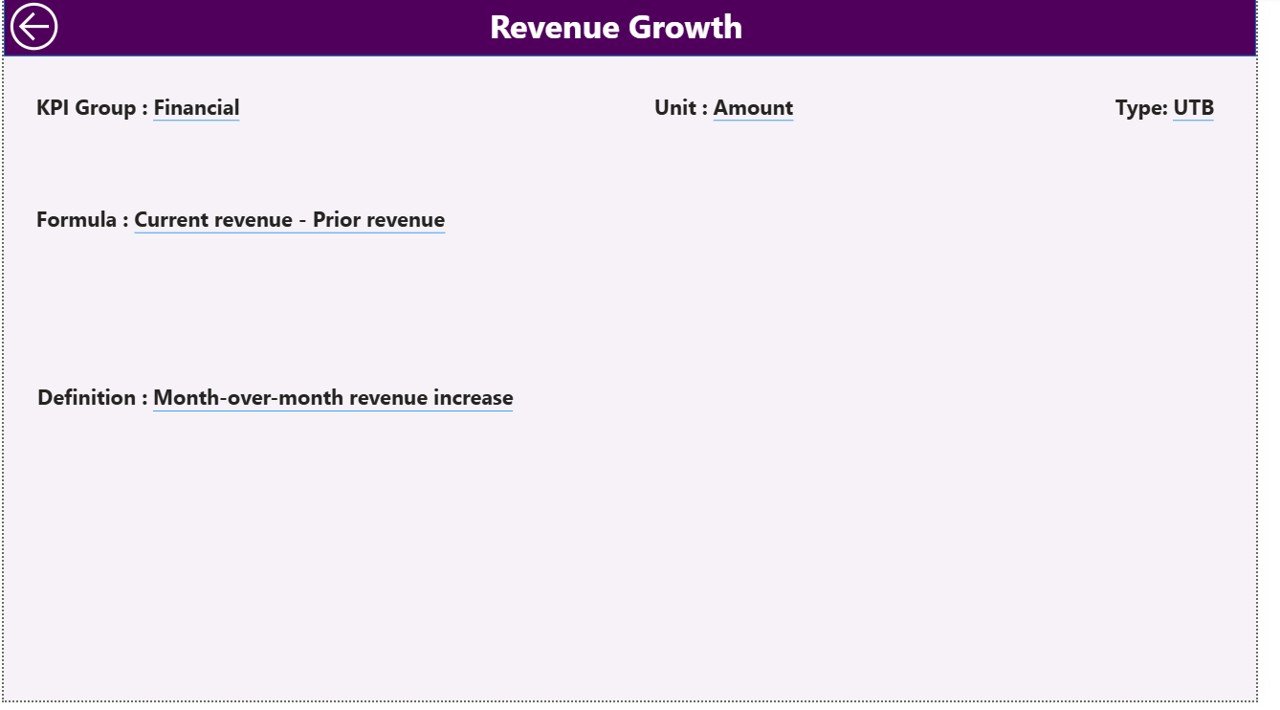
Drill-through page with KPI formulas, definitions, and types.
📌 Excel Data Source Included
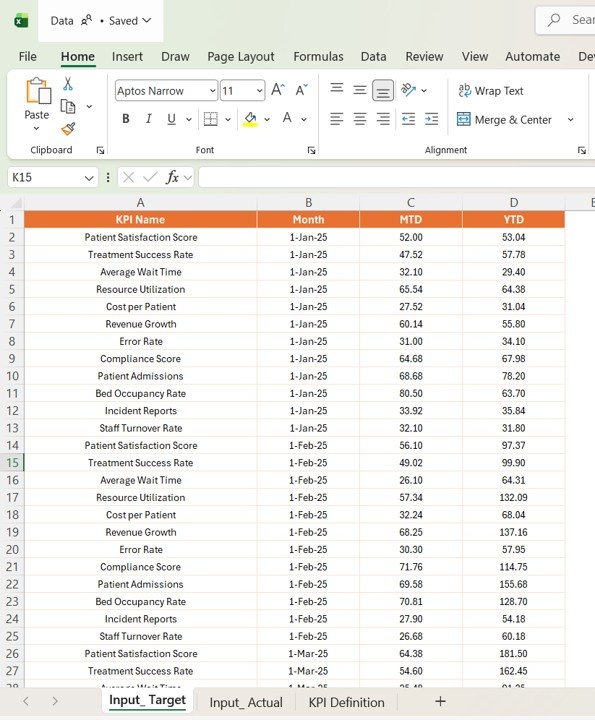
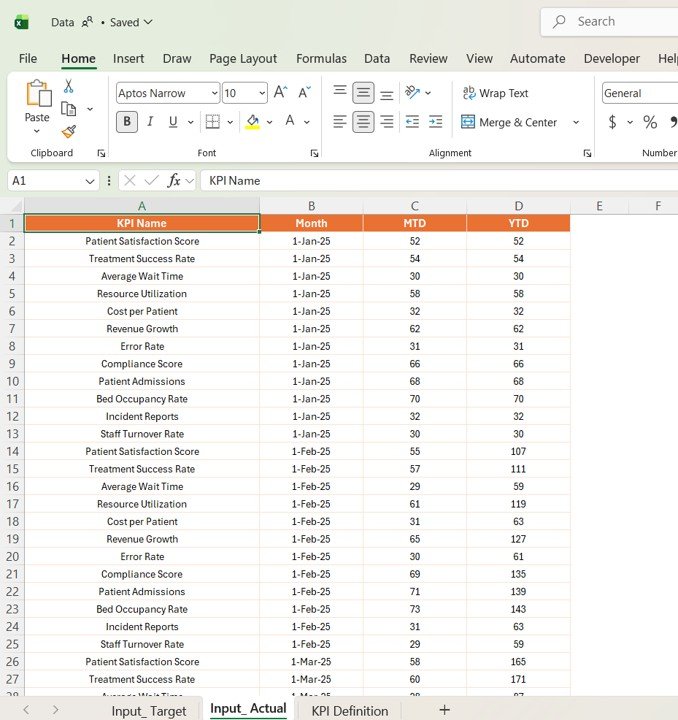
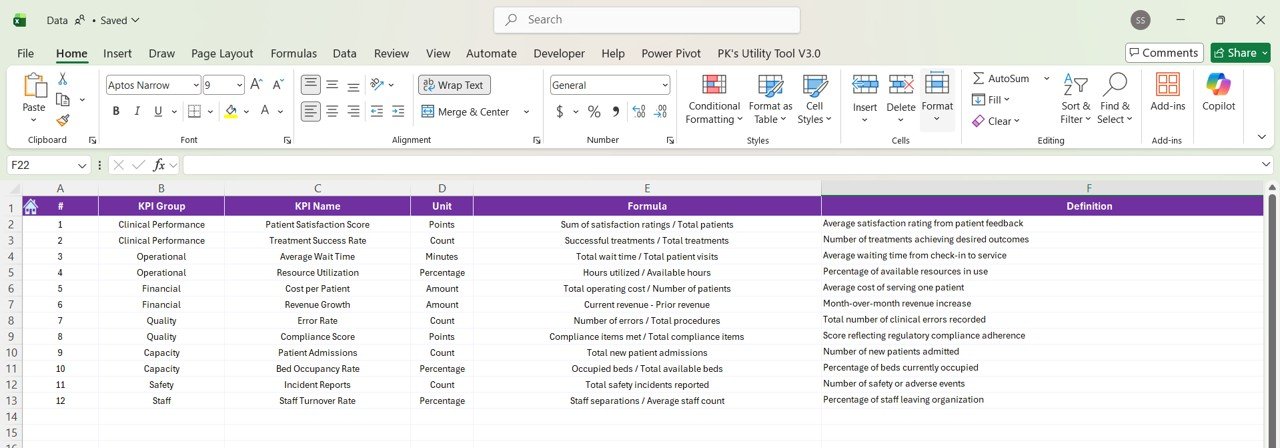
Structured Excel file with Actual Data, Target Data, and KPI Definitions.
🛠️ How to Use the Occupational Therapy KPI Dashboard in Power BI
Using this dashboard is simple and user-friendly! 💡
1️⃣ Enter KPI Definitions
Input KPI details in the Excel file.
2️⃣ Add Target Data
Enter monthly KPI targets.
3️⃣ Input Actual Data
Add performance data for MTD and YTD.
4️⃣ Refresh Dashboard
Load updated data into Power BI.
5️⃣ Apply Filters & Slicers
Select month or KPI group for analysis.
6️⃣ Analyze & Improve
Identify gaps and improve therapy outcomes.
👥 Who Can Benefit from This Occupational Therapy KPI Dashboard in Power BI
🏥 Occupational Therapy Clinics – Track patient outcomes and performance
👩⚕️ Therapists – Monitor therapy effectiveness
📊 Healthcare Analysts – Analyze KPI trends
🏢 Hospital Management – Improve operational efficiency
💼 Healthcare Administrators – Make data-driven decisions
💡 Why This Dashboard is a Must-Have?
✔ Monitor therapy KPIs in real time
✔ Improve patient outcomes
✔ Standardize KPI tracking
✔ Reduce manual reporting
✔ Make faster, data-driven decisions
👉 If you want to improve therapy performance and deliver better patient care, this dashboard is your ultimate solution!