

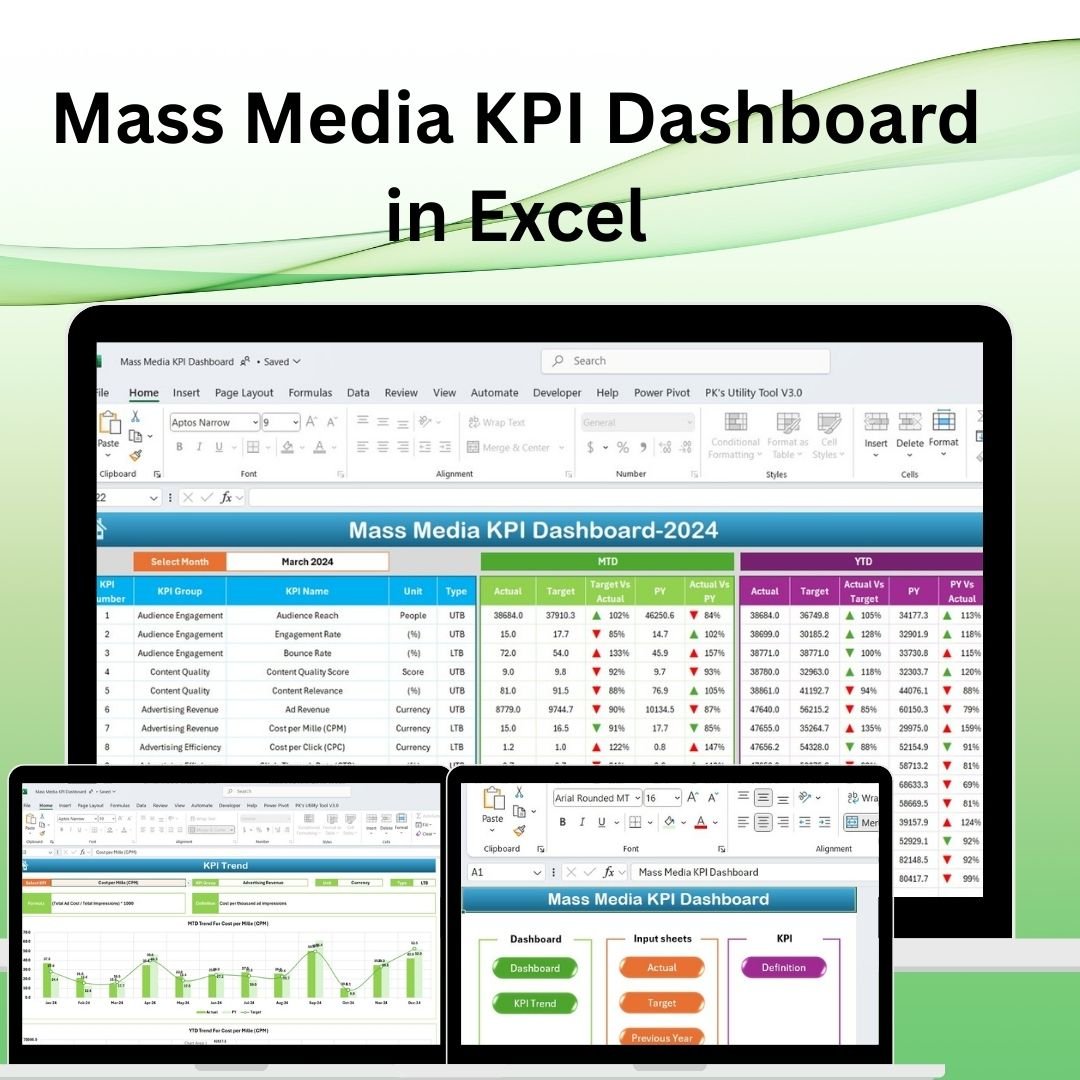
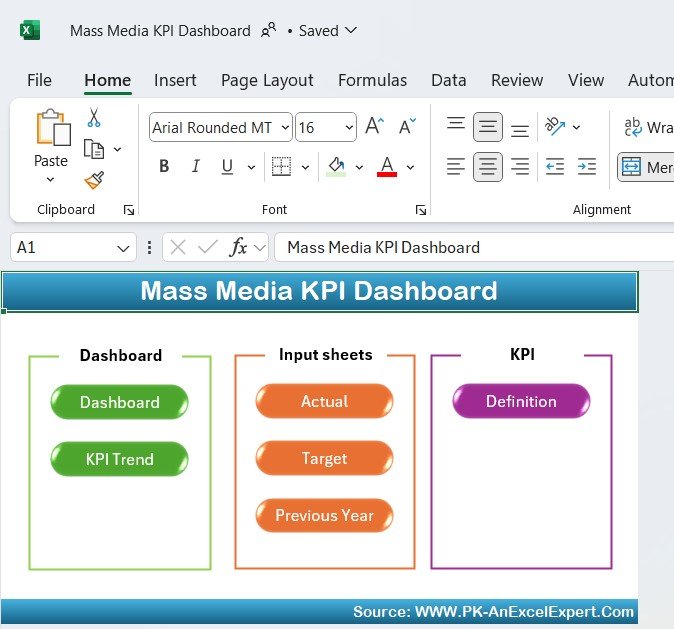
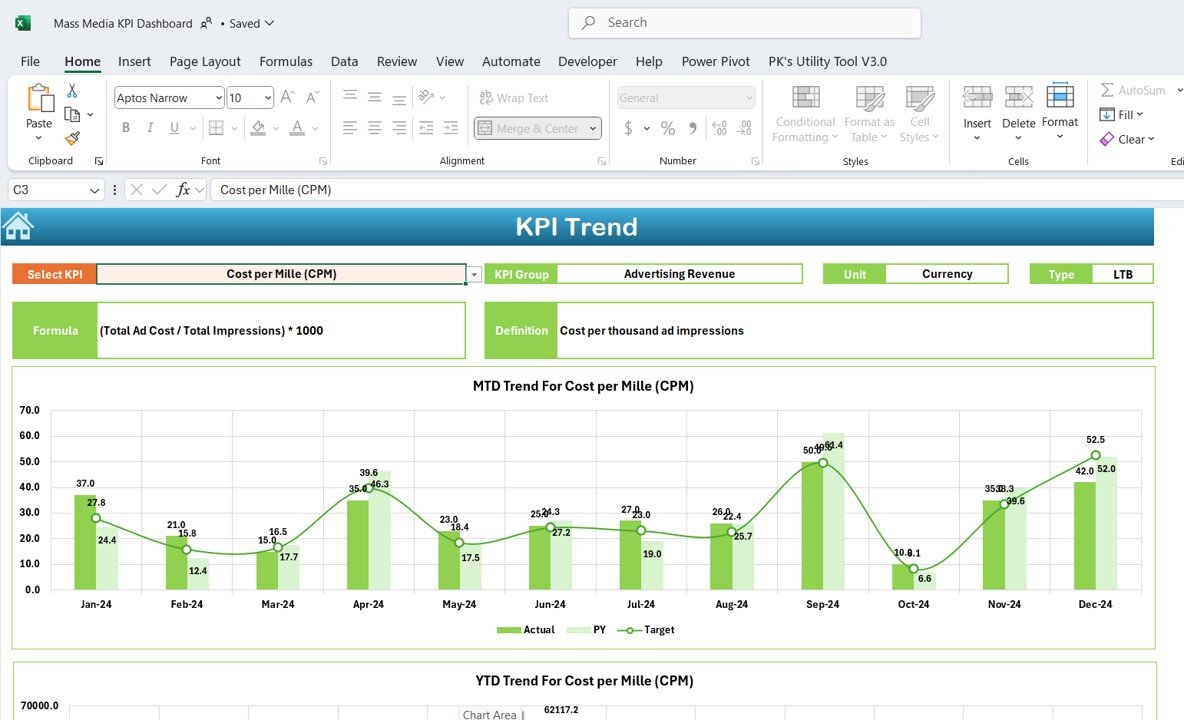
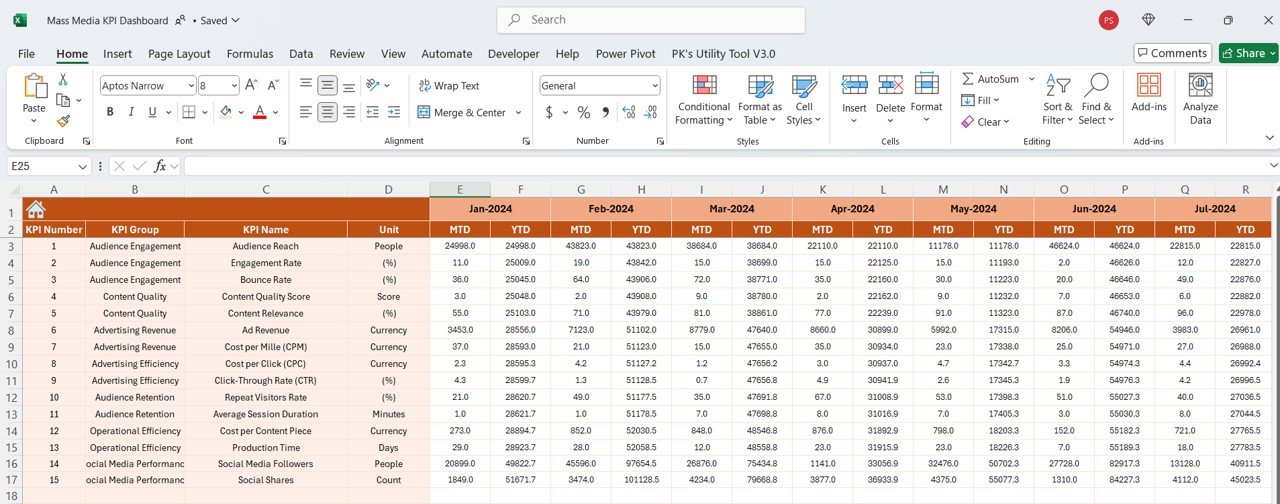
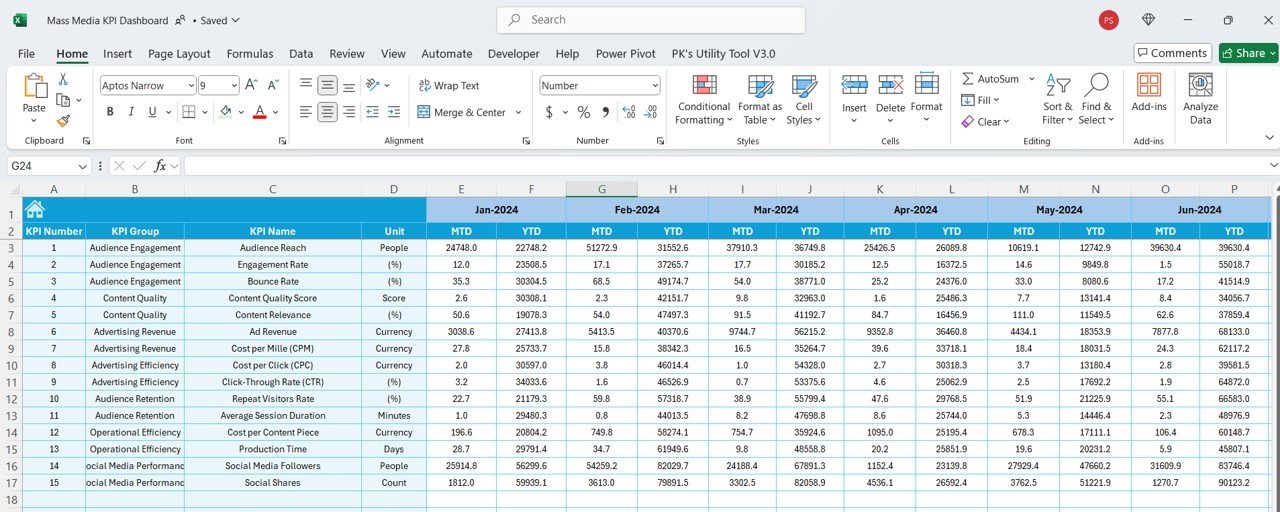
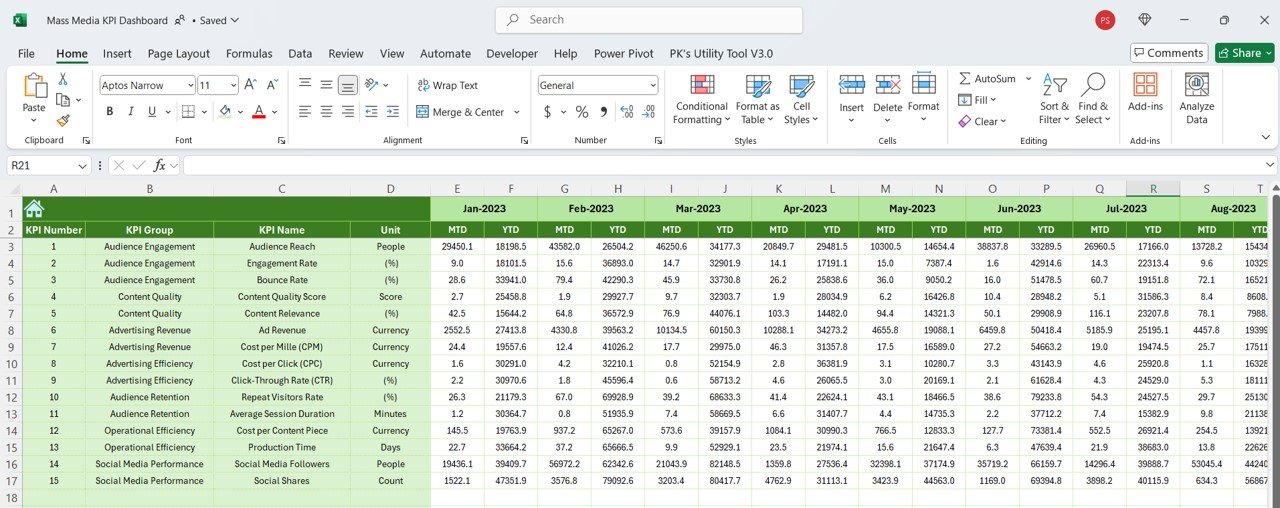
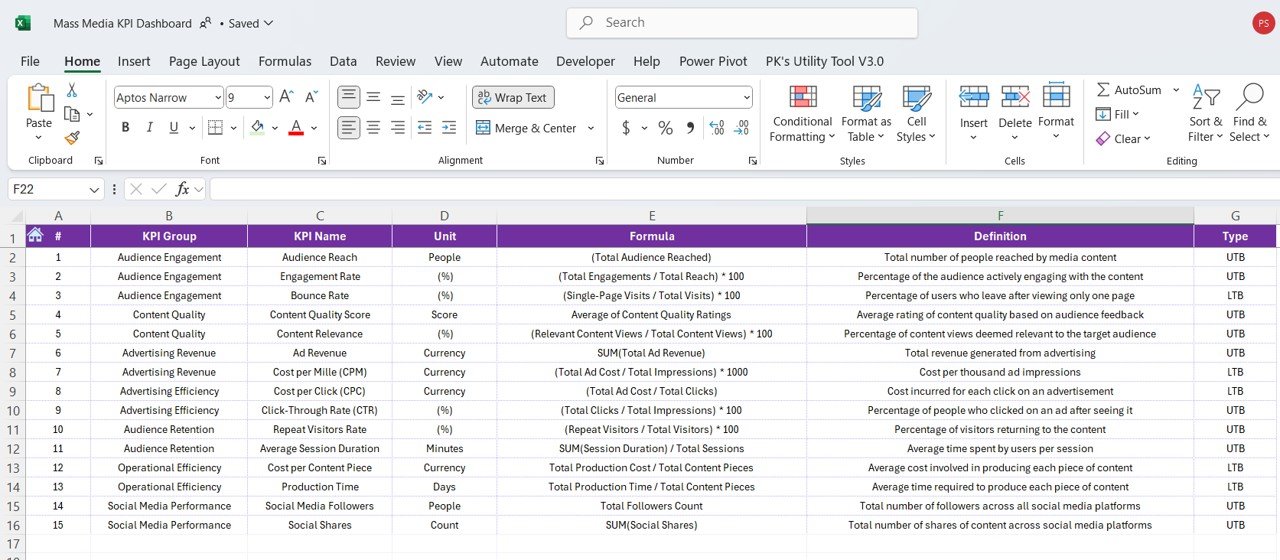

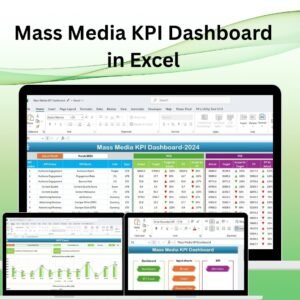
The Mass Media KPI Dashboard in Excel is an invaluable tool for businesses in the media industry, including advertising agencies, broadcasters, publishers, and digital media companies. This dashboard enables you to track, measure, and optimize key performance indicators (KPIs) related to your media campaigns, content reach, audience engagement, and advertising performance.
With real-time tracking, dynamic charts, and customizable features, this Excel-based dashboard helps media professionals analyze campaign performance, audience insights, and revenue generation to ensure that media strategies are on target. Whether you’re tracking TV viewership, radio listenership, digital content performance, or advertising metrics, this tool provides the insights you need to enhance media effectiveness and achieve business goals.
Key Features of the Mass Media KPI Dashboard in Excel:
📊 Comprehensive KPI Tracking
Track essential mass media KPIs such as audience reach, engagement rates, ad revenue, content performance, and cost per acquisition (CPA)—all in one dashboard.
📈 Real-Time Performance Monitoring
Monitor your media campaign performance in real time, ensuring that you can react quickly to shifts in audience behavior or ad effectiveness.
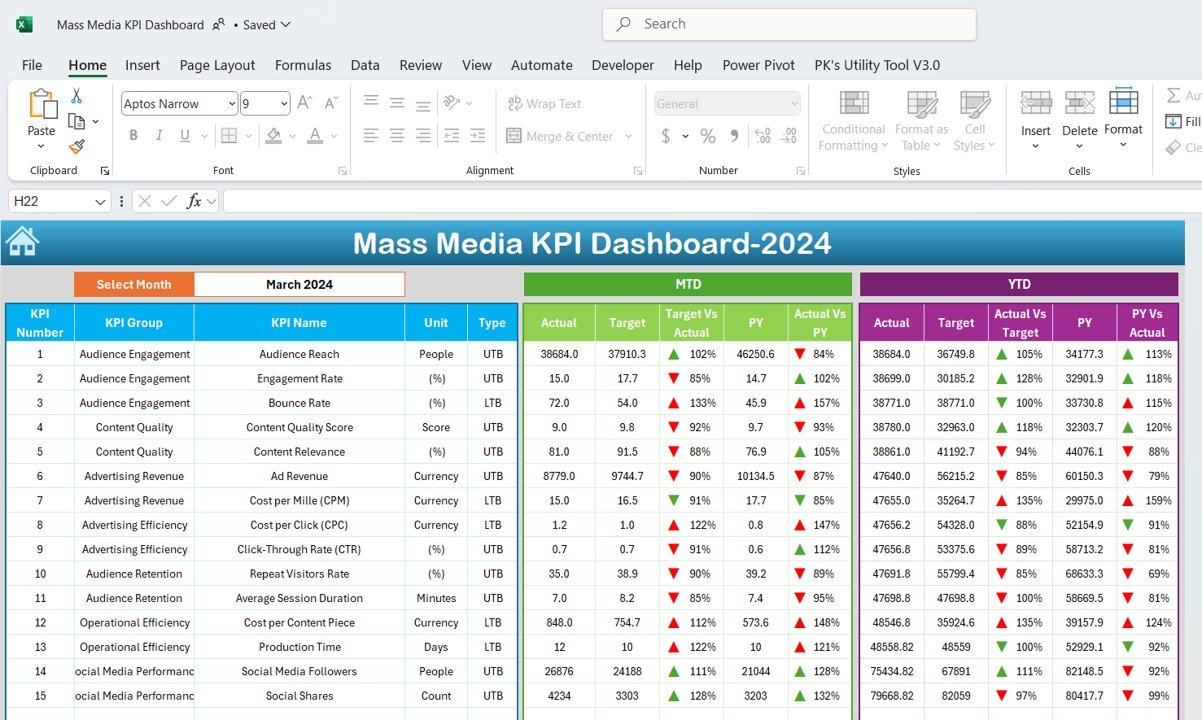
📅 Month-to-Date (MTD) and Year-to-Date (YTD) Analysis
Track performance over different periods and compare current data to historical performance, helping you spot trends and adjust your strategies.
🎯 Goal Setting and Performance Comparison
Set specific targets for each KPI and compare actual performance against those goals to optimize media strategy and campaign effectiveness.
🛠 Customizable Inputs
Easily input data such as audience numbers, content views, advertising spend, and revenue, while customizing the dashboard to fit your mass media operation’s unique needs.
🔔 Conditional Formatting Alerts
Get real-time alerts with color-coded indicators to highlight underperforming areas, such as low engagement rates, unprofitable ads, or missed reach targets.
📺 Content and Advertising Insights
Gain detailed insights into the performance of your media content, ads, and campaigns, allowing you to make data-driven decisions about future content and ad placements.
🚀 Why You’ll Love the Mass Media KPI Dashboard in Excel:
✅ Optimize Content Reach – Track audience reach, content views, and engagement to ensure your media content is effectively reaching your target audience.
✅ Increase Ad Revenue – Measure advertising performance across various media platforms, track cost per acquisition (CPA), and optimize ad placements for maximum revenue.
✅ Enhance Audience Engagement – Track key engagement metrics such as likes, shares, comments, and time spent to ensure content is resonating with your audience.
✅ Monitor Campaign ROI – Measure the return on investment (ROI) for your media campaigns, ensuring that your ad spend is delivering profitable results.
✅ User-Friendly Interface – The dashboard is easy to use and allows you to quickly input data and analyze performance without technical expertise.
✅ Fully Customizable – Tailor the dashboard to suit your specific media business needs, whether you are tracking TV, radio, digital, or print media.
What’s Inside the Mass Media KPI Dashboard in Excel:
- Audience Reach KPI: Track the total number of individuals reached by your media content, whether it’s TV, radio, or digital.
- Engagement Rate KPI: Monitor audience interaction with your content, including likes, shares, comments, and time spent.
- Ad Revenue KPI: Measure the total revenue generated from advertisements, helping you track profitability and identify lucrative ad opportunities.
- Cost-Per-Acquisition (CPA) KPI: Track the cost of acquiring a new customer or viewer through your media campaigns.
- Content Performance KPI: Measure how well your content performs in terms of views, interactions, and audience retention.
- Campaign ROI KPI: Analyze the return on investment for your media campaigns, comparing ad spend to generated revenue.
- Platform Comparison KPI: Compare performance metrics across different platforms (TV, radio, digital, etc.) to understand which media outlet performs best.
How to Use the Mass Media KPI Dashboard in Excel:
1️⃣ Download the Template – Access your Excel file immediately upon purchase.
2️⃣ Input Your Media Data – Enter audience data, ad revenue, engagement metrics, and campaign costs into the provided fields.
3️⃣ Set Advertising and Content Goals – Define your KPIs for reach, engagement, and revenue to guide your media strategy.
4️⃣ Track Performance – Monitor your media performance in real-time and adjust your strategies based on the data.
5️⃣ Generate Reports – Use the dashboard to create performance reports for internal reviews, client presentations, or marketing assessments.
Who Can Benefit from the Mass Media KPI Dashboard in Excel:
- Advertising Agencies
- Media Companies
- TV and Radio Stations
- Digital Media Teams
- Content Creators
- Marketing Managers
- Publishers
- Business Owners in the Media Industry
The Mass Media KPI Dashboard in Excel is the ultimate solution for media professionals looking to optimize content performance, increase ad revenue, and enhance audience engagement across various media platforms.
Click here to read the Detailed blog post
https://www.pk-anexcelexpert.com/mass-media-kpi-dashboard-in-excel/
Visit our YouTube channel to learn step-by-step video tutorials
Youtube.com/@PKAnExcelExpert
Compatibility and Requirements
- Works in Microsoft Excel desktop (Excel 2016 or later, or Microsoft 365).
- The dashboard uses Excel charts and conditional formatting. Microsoft explains charts in Create a chart from start to finish.
Frequently Asked Questions
Which KPIs does the Mass Media KPI Dashboard track?
It tracks audience reach, engagement rate, ad revenue, cost per acquisition, content performance, campaign ROI and a platform comparison across TV, radio and digital.
Can I compare results with targets?
Yes. You set a target for each KPI and the dashboard compares actual results against it, with MTD and YTD views.
How are weak areas flagged?
Conditional formatting colors highlight underperforming areas, such as low engagement, unprofitable ads or missed reach targets.
What data do I enter?
You enter audience numbers, content views, advertising spend, revenue and campaign costs in the input fields.
Related Media KPI Templates
- Mass Media KPI Dashboard in Power BI: the same media KPIs in Power BI
- Mass Media KPI Dashboard in Google Sheets: a browser-based version
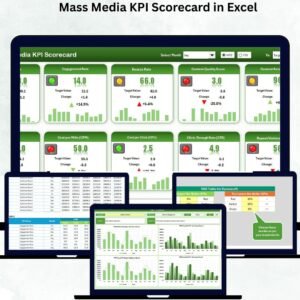
- Mass Media KPI Scorecard in Excel: a scorecard view of media KPIs
- Mass Media KPI Scorecard in Google Sheets: the scorecard in Google Sheets
- Marketing and Social Media Analytics Kit: a bundle of 7 marketing templates
Browse all Excel KPI dashboards or the Excel sales and marketing templates.
































Reviews
There are no reviews yet.