

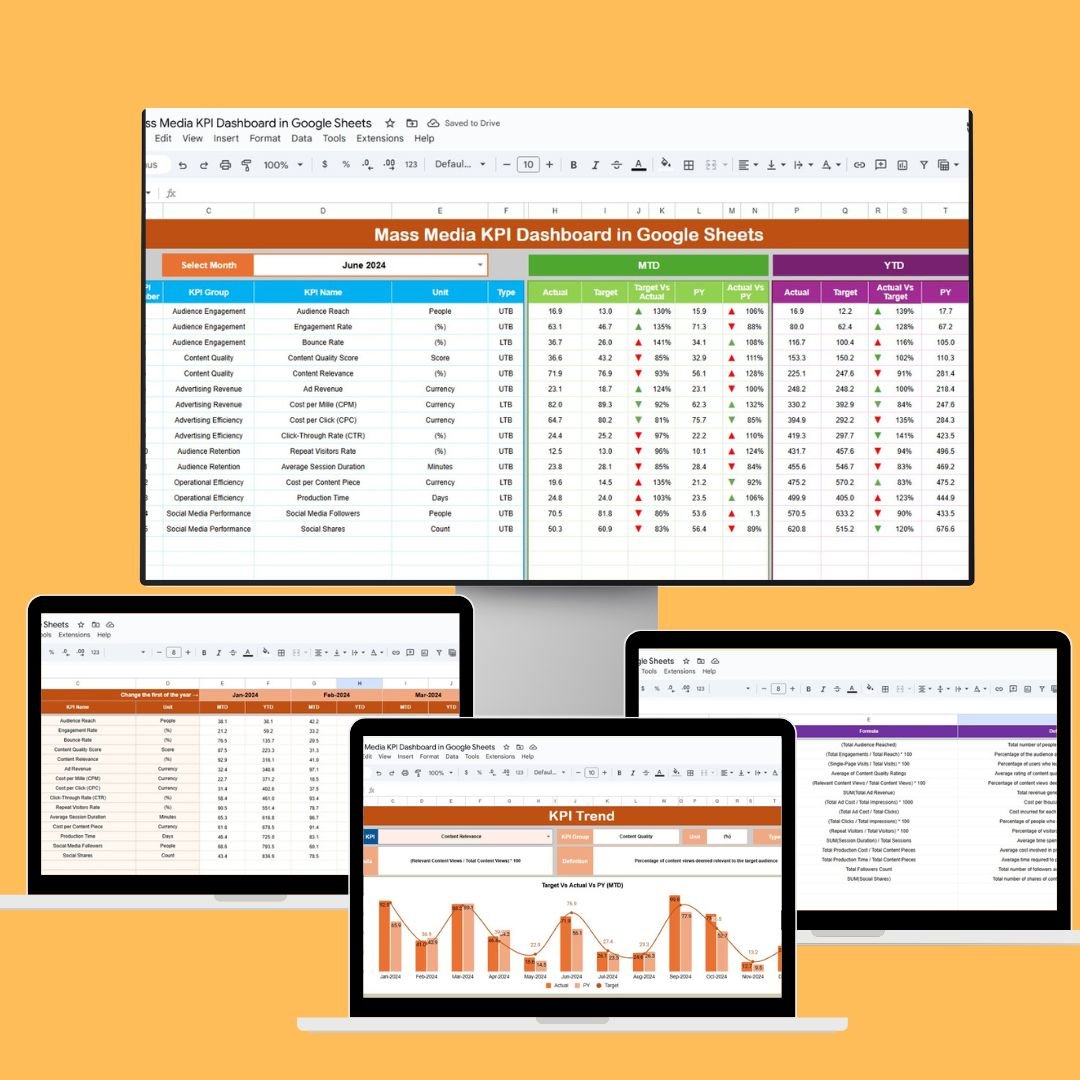
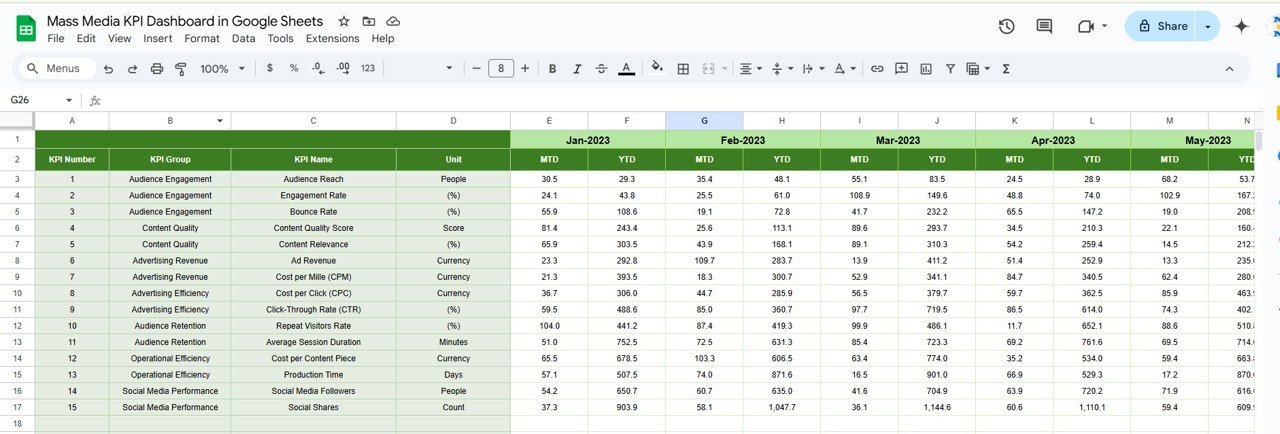
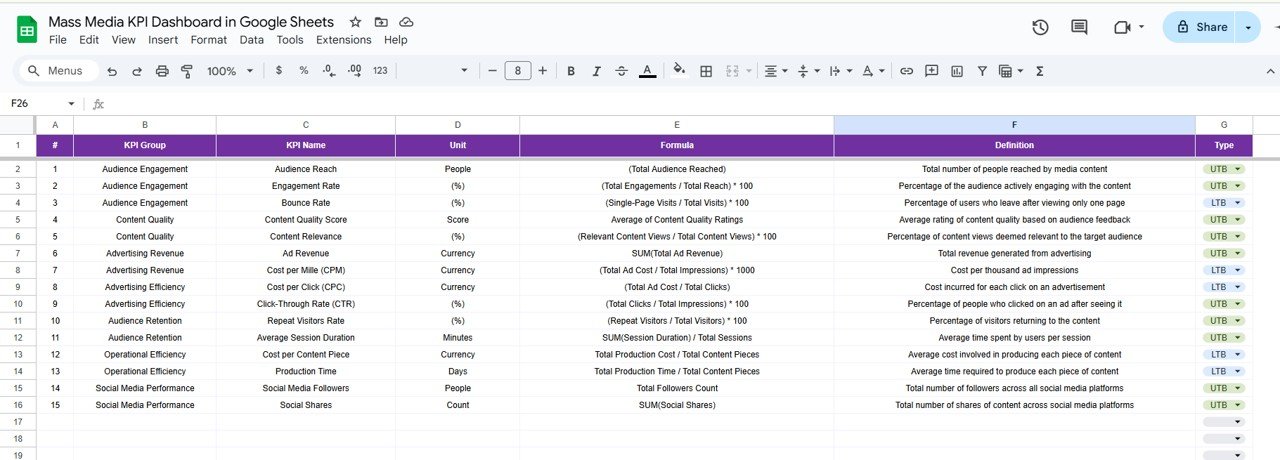

The Mass Media KPI Dashboard in Google Sheets is a meticulously designed tool aimed at helping media professionals, agencies, and communication teams monitor and optimize their mass media strategies. Whether you’re overseeing television, radio, print, or digital media campaigns, this dashboard provides a centralized platform to track key performance indicators (KPIs) and make data-driven decisions.

Key Features:
Customizable Metrics: Tailor the dashboard to your specific media goals, such as audience reach, engagement rates, ad spend efficiency, and content performance.
Real-Time Data Integration: Automatically update your dashboard with real-time data inputs, ensuring that your performance metrics are always current and accurate.
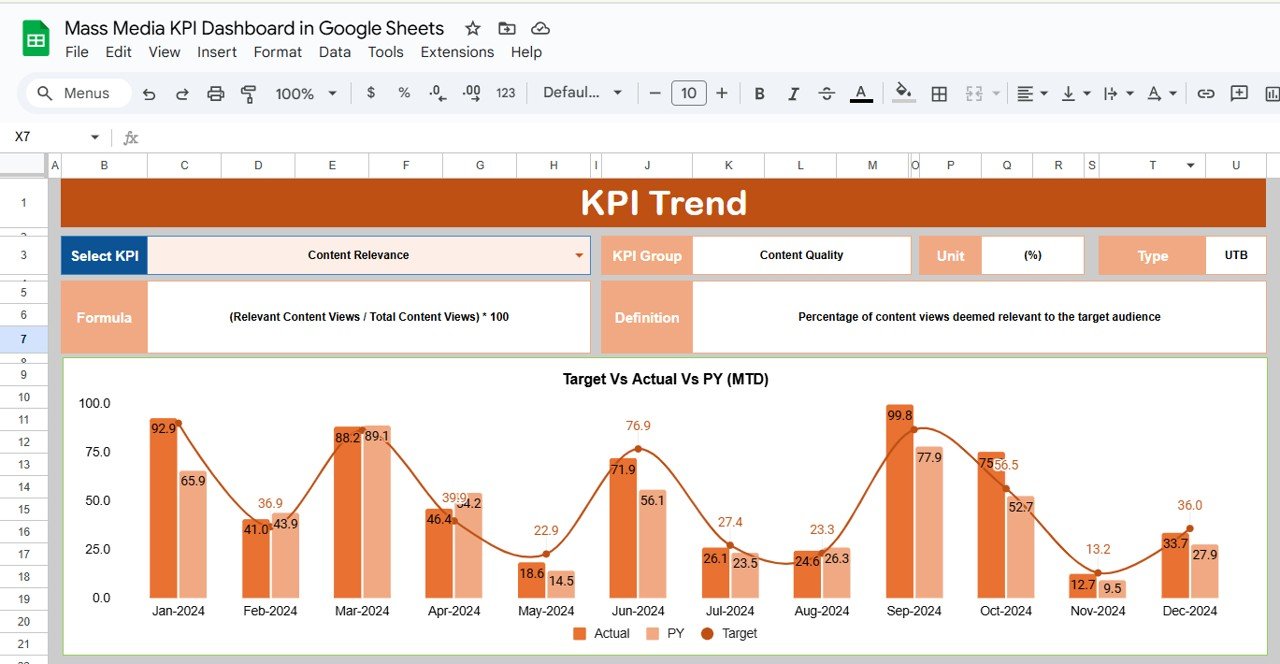
Interactive Visualizations: Utilize charts, graphs, and trend lines to visualize your data, making it easier to identify patterns, anomalies, and areas for improvement.
User-Friendly Interface: Navigate through the dashboard with ease, thanks to its intuitive design and layout, making it accessible for users with varying levels of technical expertise.
Collaboration Tools: Share the dashboard with team members and stakeholders to foster transparency and collaborative decision-making.
Benefits:
Enhanced Decision-Making: With real-time data and visualizations, make informed decisions that can improve media strategy and reduce costs.
Increased Accountability: Track progress towards your media goals and identify areas for improvement, promoting accountability within your organization.
Resource Optimization: By identifying trends and patterns, allocate resources more effectively to areas that require attention, ensuring optimal use of assets.
Regulatory Compliance: Stay compliant with media regulations by monitoring key metrics and ensuring that media practices meet required standards.
How to Use:
Access the Template: Open the provided Google Sheets template link.
Customize Metrics: Modify the existing metrics or add new ones that align with your organization’s goals.
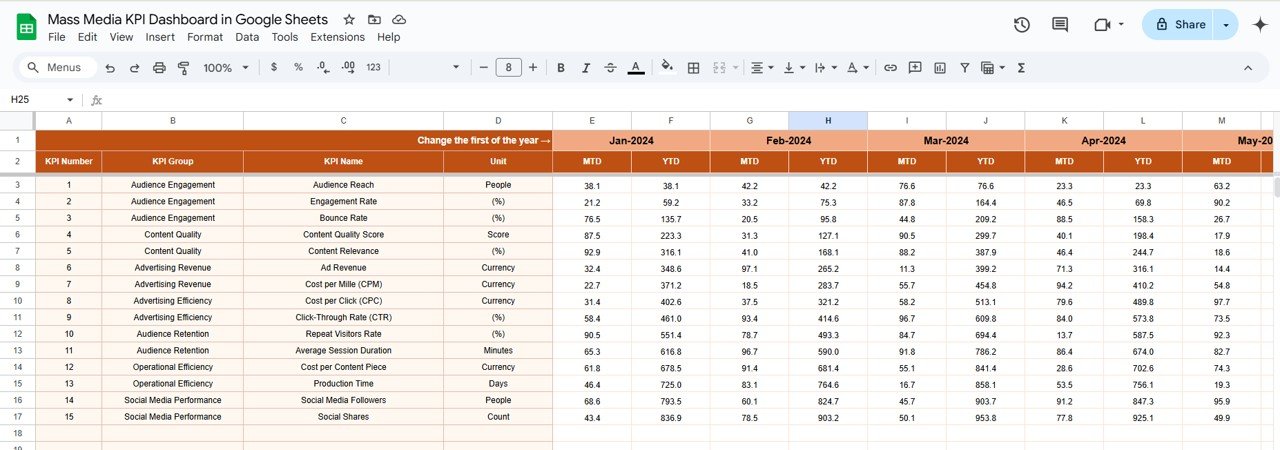
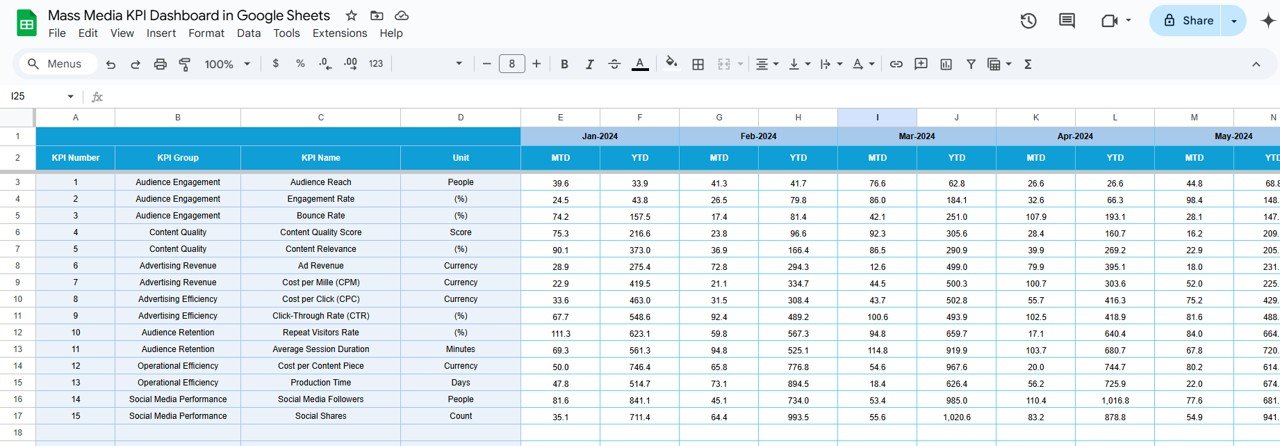
Input Data: Regularly update the dashboard with your organization’s data to keep it current.
Analyze Trends: Use the visualizations to identify trends and make data-driven decisions.
Share Insights: Collaborate with team members and stakeholders by sharing the dashboard and discussing the insights gathered.
Who Can Benefit:
Media Planners: Oversee the performance of media campaigns and ensure they meet their objectives.
Advertising Agencies: Assess the effectiveness of ad placements and identify opportunities for improvement.
Content Strategists: Monitor content performance across various media channels and optimize strategies accordingly.
Regulatory Bodies: Ensure that media practices comply with industry standards and regulations.
By implementing the Mass Media KPI Dashboard in Google Sheets, organizations can enhance their ability to monitor performance, make informed decisions, and ultimately improve the efficiency and impact of their mass media strategies.
Click here to read the Detailed blog post
Visit our YouTube channel to learn step-by-step video tutorials
Youtube.com/@PKAnExcelExpert
Compatibility and Requirements
- Works in Google Sheets. You need a free Google account and a web browser.
- To change or add charts, see Google’s guide Add & edit a chart or graph.
Frequently Asked Questions
Which mass media KPIs can I track?
You can track metrics such as audience reach, engagement rates, ad spend efficiency and content performance, and add the KPIs your team needs.
Can I change the metrics?
Yes. You can edit the existing metrics or add new ones that match your goals.
How is the data shown?
Charts, graphs and trend lines show patterns, anomalies and areas to improve.
Who is this dashboard for?
It suits media planners, advertising agencies, content strategists and regulatory bodies.
Is there an Excel version?
Yes. The Mass Media KPI Dashboard in Excel covers the same topic in Excel.
Related Media Templates
- Mass Media KPI Dashboard in Excel: the same topic in Excel
- Mass Media KPI Dashboard in Power BI: the same topic in Power BI
- Mass Media KPI Scorecard in Google Sheets: score media KPIs against targets
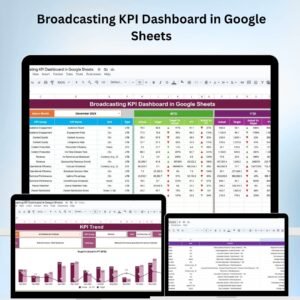
- Broadcasting KPI Dashboard in Google Sheets: focus on broadcasting
- Marketing and Social Media Analytics Kit: 7 marketing templates in one download
Browse all Google Sheets KPI dashboards or the Google Sheets sales and marketing templates.































Reviews
There are no reviews yet.