

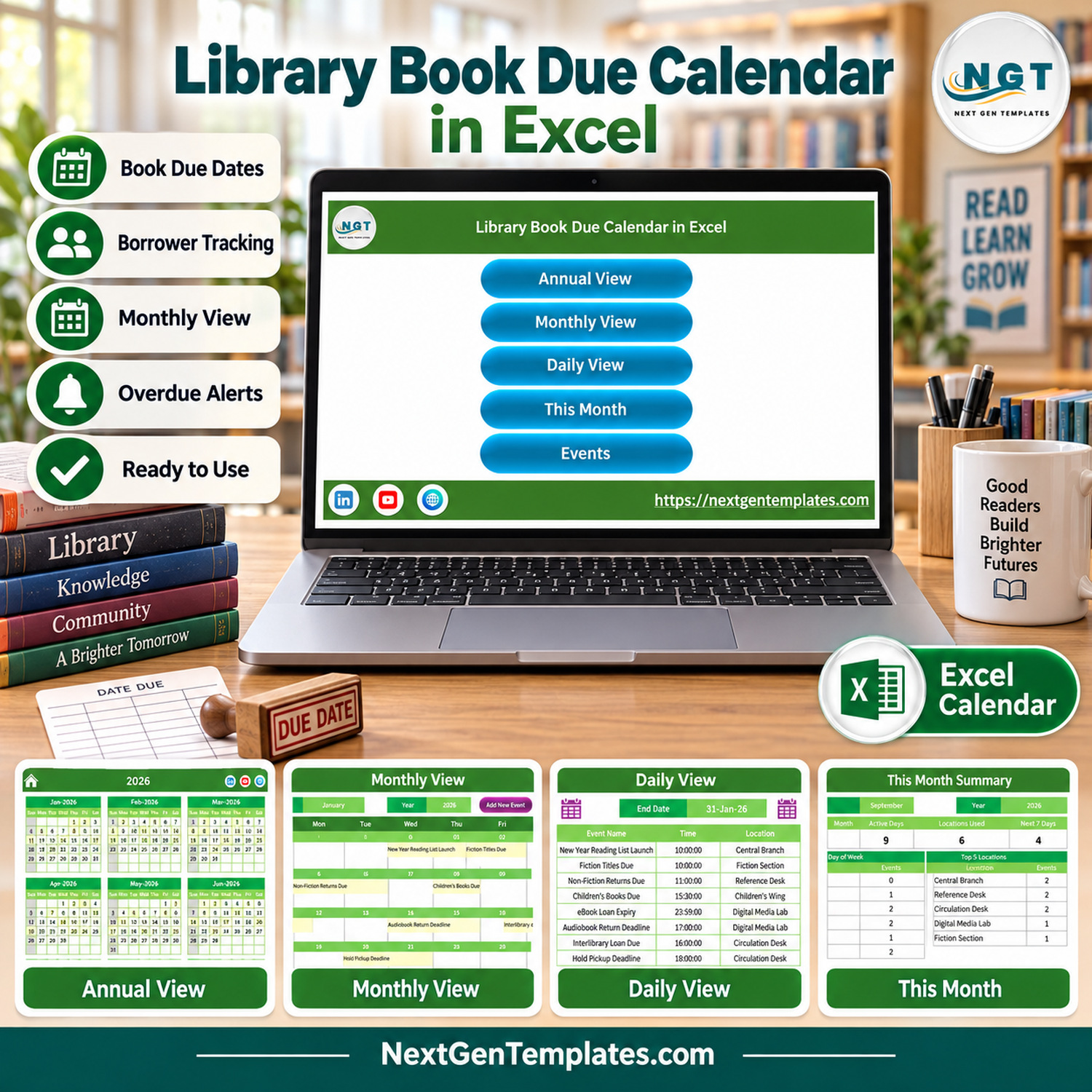

Library Book Due Calendar in Excel is a macro-enabled workbook that keeps every return date, hold deadline and reading event in one Events table and shows it four ways: Annual View, Monthly View, Daily View and This Month. It ships with 100 sample events spread over January to December 2026, 8 to 9 events per month, across 7 library locations such as the Circulation Desk, Digital Media Lab and Children’s Wing.
Every sample row was checked before release: the IDs run from 1 to 100 with no gaps, no two events share a date, and the stored weekday matches the calendar date on all 100 rows. Replace the sample events with your own and the calendar views follow.
✅ Instant download · One-time payment · No subscription · Lifetime access
🔑 Key Features of the Library Book Due Calendar in Excel
- 📅 Four views from one table. Annual View, Monthly View, Daily View and This Month all read the same Events sheet, so a due date entered once appears in every view without copying it between tabs.
- 🗓️ Annual View. All 12 month grids of the selected year sit on one page, and every date that carries an event is shaded, so busy return weeks stand out at a glance.
- 📆 Monthly View. Choose a month and a year and the grid rebuilds with the event name written inside each day cell, for example Fiction Titles Due on Friday 2 January 2026.
- 📋 Daily View. Enter a start date and an end date to list every event in that range with its ID, date, day, event name, time, location and description.
- 📊 This Month summary. Four counters (Events This Month, Active Days, Locations Used, Next 7 Days), an Events by Day of Week table, a Top 5 Locations table and the full event list for the month.
- 📝 Event form. Add New Event opens a form with a date picker, an automatic Day field, a time picker, Event Name, Location and Description. The Events sheet adds Update Record and Delete Record buttons.
- ⚙️ Setting sheet. Set the year, the starting month, the first day of the week, up to two highlighted weekdays and whether event dates are highlighted.
- 📚 Library sample data. 28 event names including eBook Loan Expiry, Interlibrary Loan Due, Hold Pickup Deadline, Renewal Window Opens, Grace Period Ends and World Book Day Loans Due.
📦 What’s Inside the Workbook
The download is a zip holding the .xlsm workbook and a user manual PDF. The workbook has 7 sheets: Home, Annual View, Monthly View, Daily View, This Month, Events and Setting. Annual View and Monthly View are formula-driven; Daily View and This Month are rebuilt by the workbook’s macros.
Home Screen
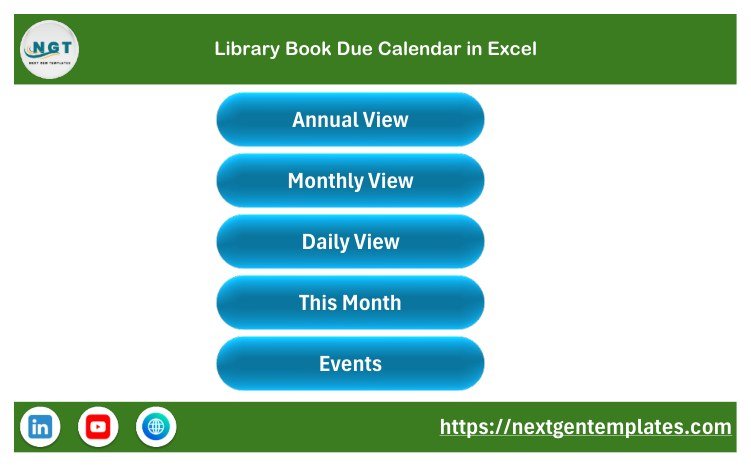
A navigation page with five buttons: Annual View, Monthly View, Daily View, This Month and Events. Each view has a home icon to return here.
Annual View
The 2026 sample shows twelve month grids starting on Sunday. Event dates are shaded; in January these are the 1st, 2nd, 5th, 8th, 11th, 14th, 17th and 20th.

Monthly View
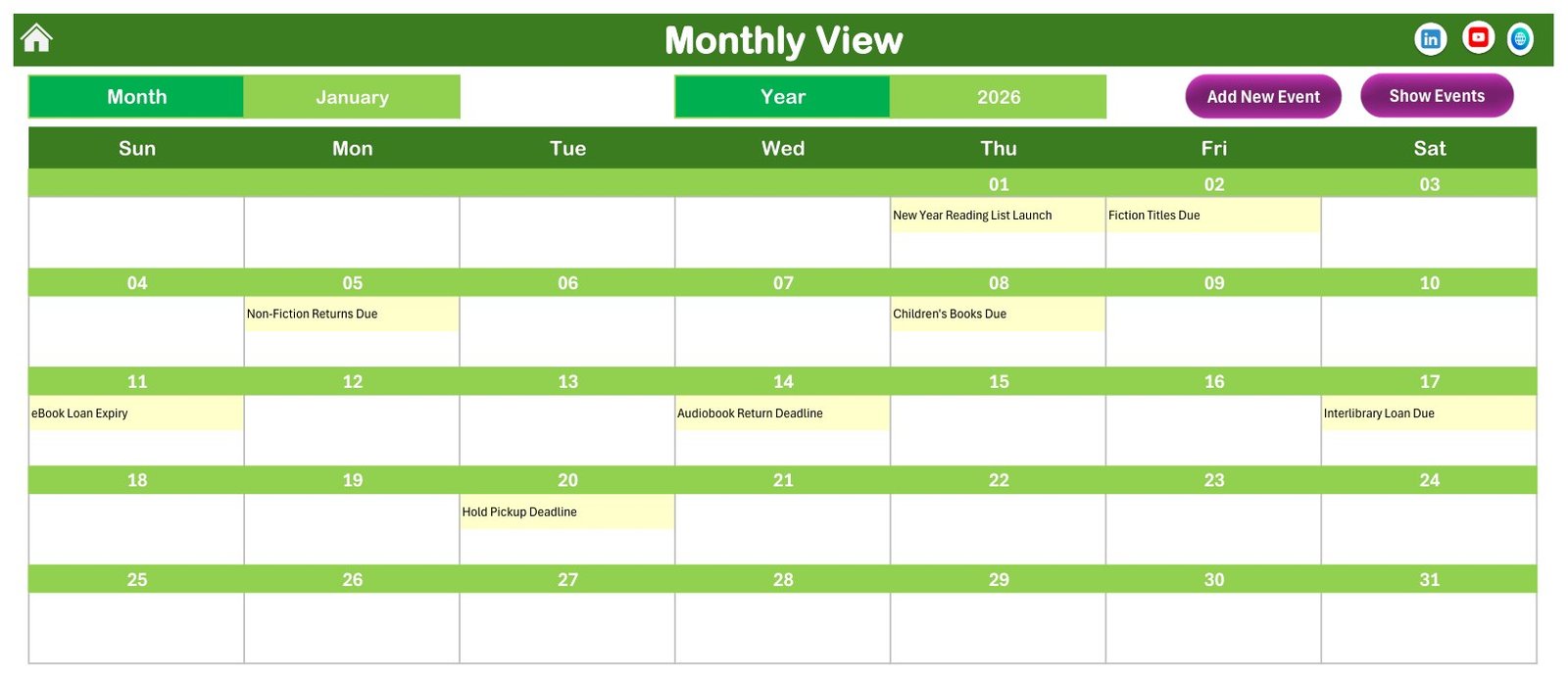
January 2026 shows New Year Reading List Launch on Thursday the 1st, Non-Fiction Returns Due on Monday the 5th, eBook Loan Expiry on Sunday the 11th and Hold Pickup Deadline on Tuesday the 20th. Add New Event and Show Events buttons sit above the grid.
Daily View
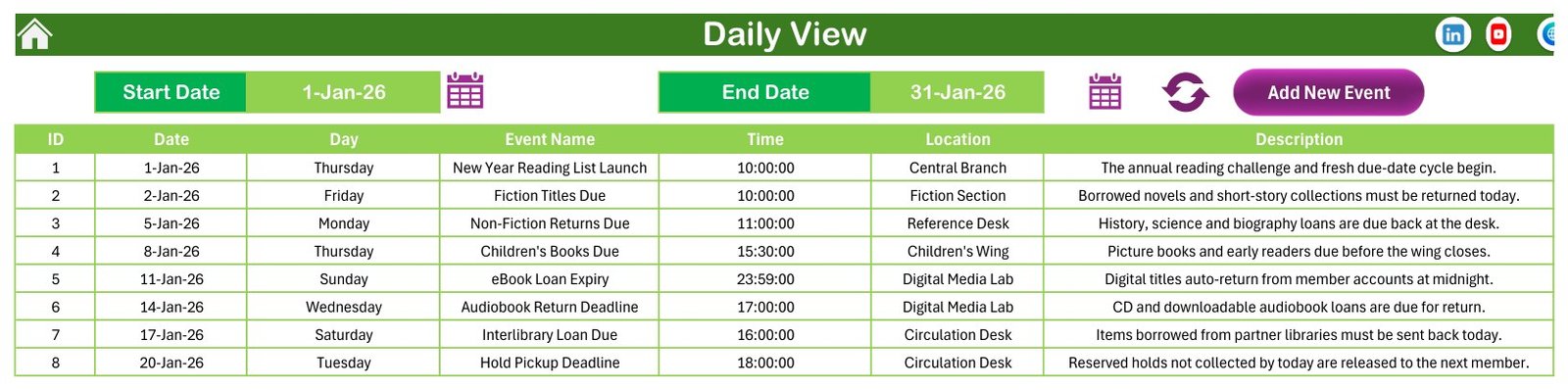
With a range of 1-Jan-26 to 31-Jan-26 the list returns the 8 January events, from New Year Reading List Launch at 10:00 in the Central Branch to Hold Pickup Deadline at 18:00 at the Circulation Desk.
This Month Summary
For September 2026 it reports 9 events on 9 active days across 6 locations, with Central Branch, Reference Desk and Circulation Desk each hosting 2, followed by the nine events in date order.

Events Table
The Events sheet is the master list of the Library Book Due Calendar in Excel: 100 events with ID, Date, Day, Event Name, Time, Location and Description, plus Add New Record, Update Record and Delete Record buttons.

Add New Event Form
Pick a date from the calendar icon and the Day field fills in automatically. Pick a time from the clock icon, type the event name, location and description, then Submit or Reset.

📊 Excel Library Calendar vs. Google Sheets Calendar vs. Library Management Software
| Feature | This Excel library calendar | Self-built Google Sheets calendar | Library management software (e.g. Libib, Follett Destiny) |
|---|---|---|---|
| Cost | ✅ $4.99 one-time | Free, but built by hand | Recurring subscription, varies by vendor |
| Platform | Excel desktop for Windows | Any browser | Cloud or hosted |
| Setup time | ✅ About 15 minutes | Hours to design views | Days: catalogue import and onboarding |
| Ready-made annual, monthly and daily views | ✅ Yes | You build them | Varies |
| Real-time team collaboration | No, one shared file | ✅ Yes | ✅ Yes |
| Mobile access | No, macros need desktop Excel | ✅ Yes | ✅ Usually |
| Fields | Fixed 7-field event table | ✅ Anything you design | Vendor-defined |
| Borrower accounts, barcodes, fines | No | No | ✅ Yes |
| Year-1 cost at 5 users | ✅ $4.99 one-time | Free | Recurring, per plan |
For a school or community library that wants a clear due-date calendar without paying for a full circulation system, this workbook sits in the sweet spot.
👥 Who This Template Is For — and Who It’s Not For
✅ This template is built for:
- School librarians and library assistants who want one visual calendar of return days, hold deadlines and reading events.
- Small community, club, church or office libraries that manage loans on paper or a simple register.
- Teachers running a classroom library and reading-programme coordinators planning a year of events.
❌ This template is NOT for:
- Libraries that need circulation: borrower accounts, per-item checkouts, barcode or ISBN scanning, automatic overdue detection or fine calculation.
- Teams working on a Mac, in Excel for the web or on phones, because the forms and refresh steps run on VBA macros.
- Anyone who needs email or SMS reminders; the workbook has no notifications.
⚙️ How to Use the Library Book Due Calendar in Excel
- Unzip the download, open the .xlsm file in Excel for Windows and click Enable Content.
- Open the Setting sheet and choose the year, starting month and first day of the week.
- Clear the 100 sample rows on the Events sheet, or overwrite them with your own dates.
- Click Add New Event, pick a date and time, type the event name, location and description, then Submit.
- Open Annual View or Monthly View to see the shaded dates for any month.
- On Daily View, set a start and end date and refresh to list that range.
- Open This Month for counts, busy weekdays and the top five locations.
💼 Real-World Use Cases
Priya runs a secondary school library with two part-time assistants. She enters fiction, non-fiction and reference due dates for each term, uses Monthly View on the staff noticeboard, and checks This Month every Monday to see how many returns fall in the next seven days.
Daniel volunteers at a community library open four days a week. He logs hold pickup deadlines, interlibrary loan returns and book club return days, then filters Daily View by week so the volunteer on duty knows what to expect at the desk.
Maria coordinates a summer reading programme. She plans kickoff, themed return days and the year-end fine clearance on Annual View, spotting crowded weeks before she publishes dates to families.
❓ Frequently Asked Questions
What does the library due date calendar include?
The Library Book Due Calendar in Excel includes Annual View, Monthly View, Daily View, This Month, an Events table, a Setting sheet and an Add New Event form. It comes with 100 fictional sample events for 2026 across 7 locations and a user manual PDF inside the zip file.
Does it work on Mac, Excel for the web or mobile?
No. The calendar is built for Microsoft Excel desktop on Windows. The event form, record buttons and the Daily View and This Month refresh run on VBA macros, which Excel for Mac, Excel for the web and the mobile apps do not fully support. Macros must be enabled when the file opens.
Is this a library management or circulation system?
No. It is a date calendar, not a library or student information system. There are no borrower accounts, no per-book checkout records, no barcode or ISBN lookup, no automatic overdue detection and no fine calculation. Pair it with a separate issue register if you need those records.
Can it send overdue or due-date reminders?
No. The workbook has no email, SMS or pop-up notifications. The This Month sheet shows a Next 7 Days count and the Daily View lists any date range you choose, so staff can review upcoming returns manually each day or week.
How long does setup take?
About 15 minutes. Choose the year and week start on the Setting sheet, clear or overwrite the sample rows, and add your own events through the form. Each event needs a date, time, event name, location and a short description.
Does the sample data contain real borrowers or students?
No. All 100 sample events are fictional and contain no borrower or student names. If you add personal details, you are responsible for how that data is stored and shared. The workbook makes no data-protection or compliance claim.
👤 About the Author
Built by PK — Microsoft Certified Professional with 15+ years of Excel, Google Sheets, and Power BI experience. Founder of NextGenTemplates, reaching 300K+ subscribers across YouTube channels (@PKAnExcelExpert, @NextGenTemplates, @NeoTechNavigators). Every template is hand-built and tested before release.
🔗 Explore Related Templates
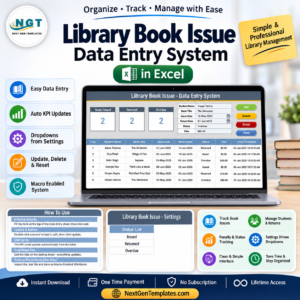
- 📘 Library Book Issue Data Entry System in Excel — record which member borrowed which book, the calendar’s natural companion for loan-level detail.
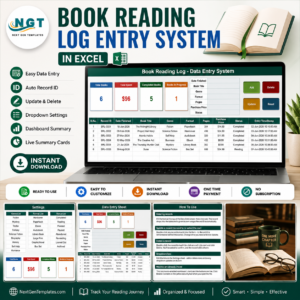
- 📖 Book Reading Log Data Entry System in Excel — log titles read for reading challenges and programmes.
- 🗓️ Exam Timetable Calendar in Google Sheets and Class Timetable Calendar in Google Sheets for the rest of the school year.
💎 Running a whole school? See the Education & School Management Bundle, or browse all Excel calendar templates. Macro help: enable macros in Microsoft 365 files.
📖 Click here to read the Detailed Blog Post
🎥 Visit our YouTube channel for step-by-step video tutorials
👉 YouTube.com/@NextGenTemplates
📅 Last updated: September 2026
































Reviews
There are no reviews yet.