

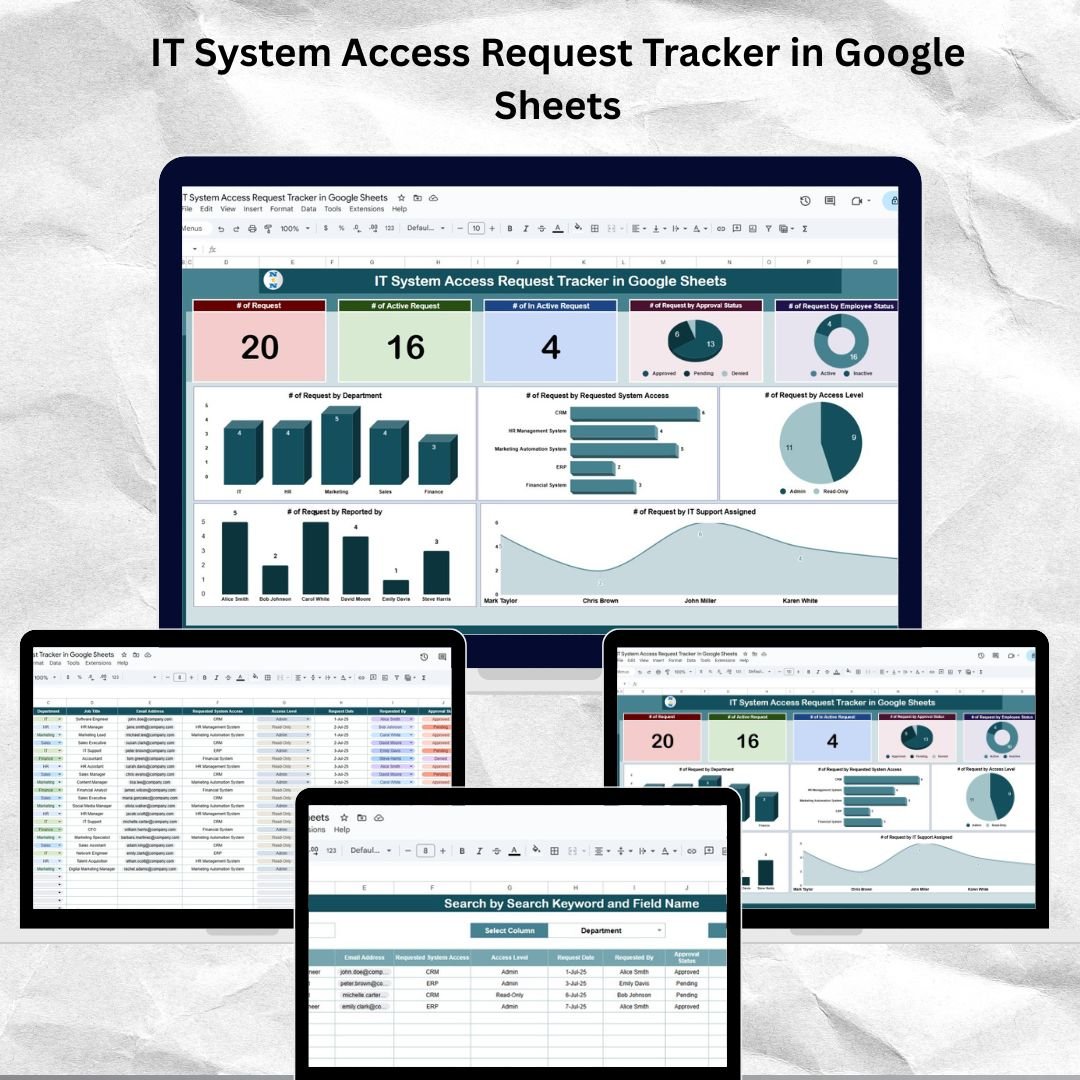

Keep your organization secure and compliant with the IT System Access Request Tracker in Google Sheets — an all-in-one solution to monitor, manage, and streamline IT system access requests across departments. Whether you’re an IT manager, HR lead, or operations executive, this user-friendly tracker ensures every access request is logged, approved, and revoked with transparency and ease. ✅IT System Access Request Tracker in Google Sheets
With a clean, intuitive interface, real-time charts, and advanced search capabilities, this Google Sheets-based tracker minimizes manual errors and improves response time. 💻🔐IT System Access Request Tracker in Google Sheets
🔐 Key Features of IT System Access Request Tracker in Google Sheets
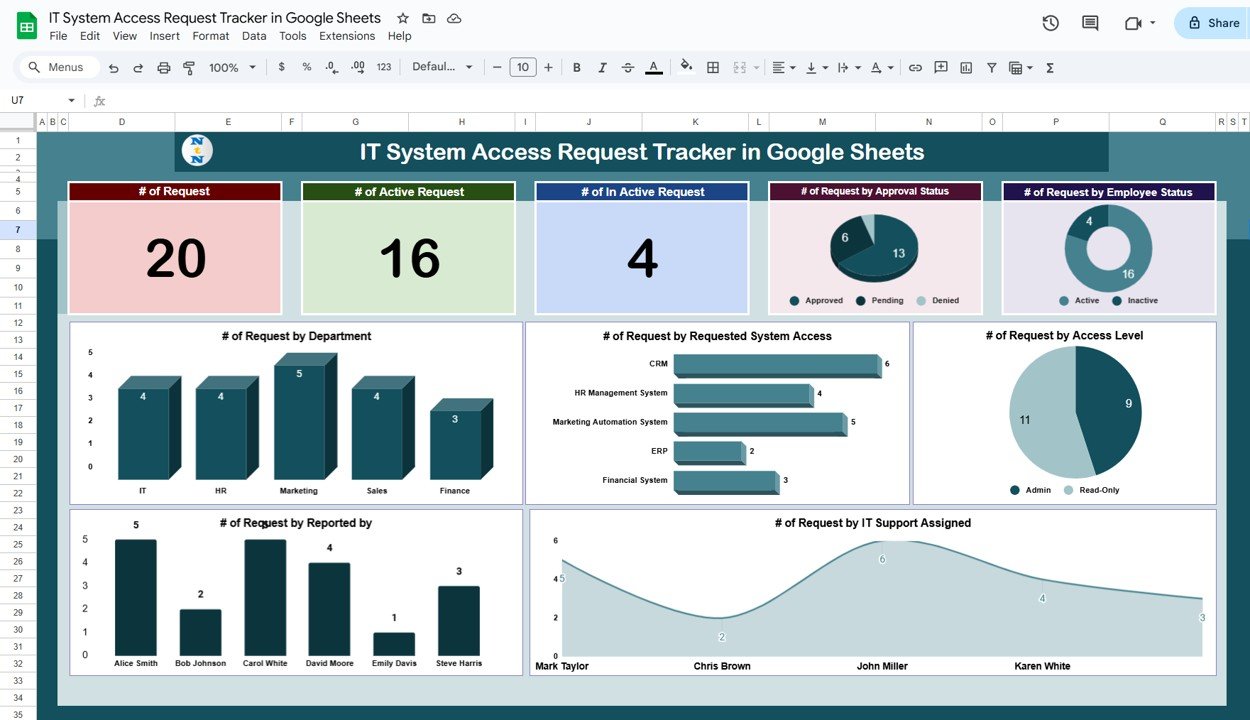
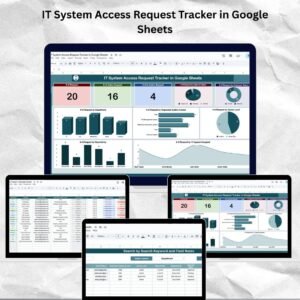
✅ Tracker Dashboard with Summary Cards and Charts
Gain full visibility into the number of active, inactive, and total requests. Interactive charts display request status by department, system type, access level, and IT support staff.
📊 Real-time Charts
Visual breakdowns help you analyze:
Approval Status
Employee Status
Requested System Access
Access Level
Responsible IT Support
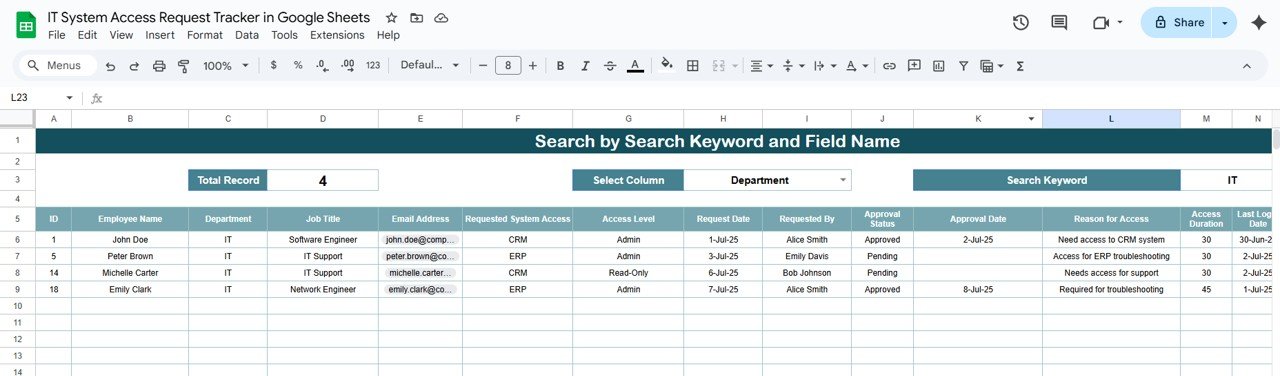
🔍 Search Functionality
Use the Search Sheet Tab to quickly find requests using keywords or filters. Search by Department, Employee Status, Requested Access, and more.
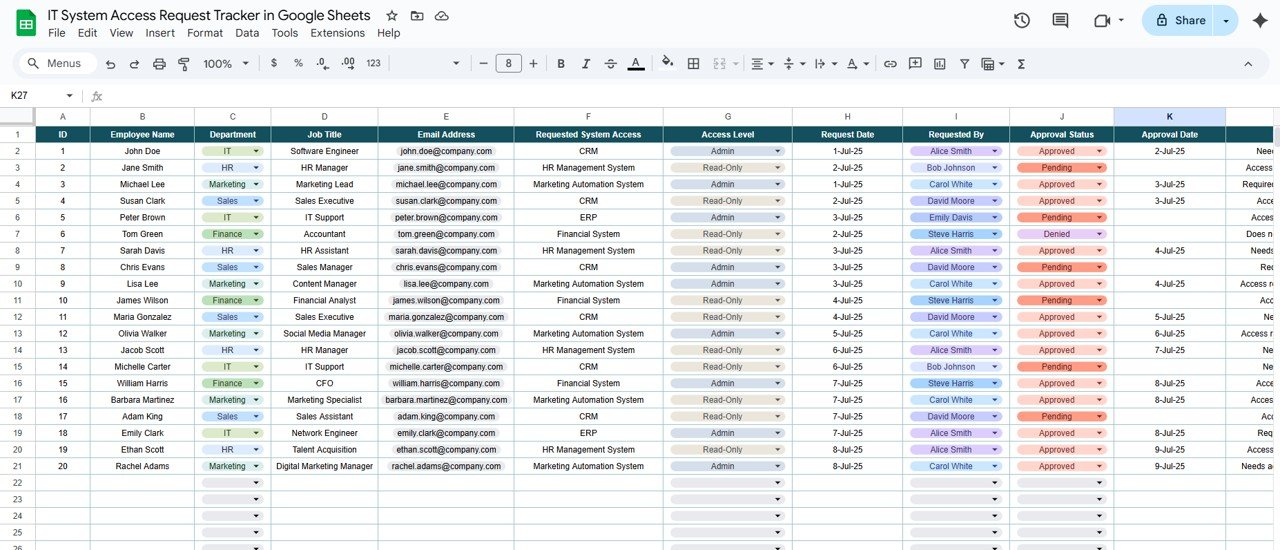
📁 Data Sheet Tab for Detailed Records
Track 20+ fields including Employee Info, System Requested, Reason, Duration, IT Assigned, Approval Dates, and Revocation Details — everything stored in one place for compliance and reporting.
🛠️ Fully Customizable
Add or remove columns, tweak dropdowns, and personalize it based on your organization’s unique access policies.
📦 What’s Inside the IT System Access Request Tracker?
Here’s what you’ll get when you download the tracker:
✅ Tracker Sheet Tab with Summary Cards and Interactive Charts
🔎 Search Sheet Tab with smart filtering options
📋 Data Sheet Tab containing comprehensive access request records
🧾 Pre-filled Sample Data for easy understanding
📌 Instructional Guide embedded in the file
📈 All formulas and visuals built-in — just plug and play
Everything is pre-formatted, ready-to-use, and designed to help you save time while improving oversight.
🧑💼 How to Use the IT System Access Request Tracker
Download the Google Sheet and make a copy to your drive.
Start entering requests in the Data Sheet Tab.
Review the Tracker Tab to view analytics and current status.
Use the Search Tab to instantly filter and locate records.
Regularly update statuses, approvals, and revocations to keep your tracker clean and actionable.
No complicated setup. No code. Just effective access request tracking, the way it should be. ✅
🎯 Who Can Benefit from This IT System Access Tracker?
🎯 IT Support Teams – Simplify tracking of access assignments and approvals.
🎯 HR Departments – Ensure compliance during onboarding and offboarding.
🎯 Compliance Officers – Monitor and audit system access for regulatory adherence.
🎯 Team Managers – Know who has access to what, and why.
🎯 Startups & SMEs – Get enterprise-level control without expensive tools.
🎯 Educational Institutions & NGOs – Manage access across multiple systems and roles effortlessly.
Whether you’re a small business or a large enterprise, this tracker adapts to your operational style.
🔗 Click here to read the Detailed blog post
Watch the step-by-step video Demo:
🔗 Visit our YouTube channel to learn step-by-step video tutorials
Compatibility and Requirements
- Works in Google Sheets. You need a free Google account and a web browser.
- The tracker uses dropdowns for fields such as approval status and access level. Google explains dropdowns in Create an in-cell dropdown list.
Frequently Asked Questions
Which sheets are included?
Three sheet tabs: Tracker (summary cards and charts), Search and Data. The file also comes with pre-filled sample data and an instruction guide.
What can I record for each access request?
The Data tab has more than 20 fields, including employee info, the system requested, the reason, the duration, the assigned IT staff, approval dates and revocation details.
How do I find a specific request?
Open the Search tab and filter by keyword, department, employee status or requested access.
Can I change the columns and dropdowns?
Yes. You can add or remove columns and edit the dropdowns to match your own access policies.
Is there an Excel version?
Yes. See the IT System Access Request Tracker in Excel.
Related Access and IT Request Templates
- IT System Access Request Tracker in Excel: the same tracker for Excel
- IT Support Request Tracker in Google Sheets: log and follow IT support tickets
- Office Network Access Request Tracker in Google Sheets: track network access requests
- Employee Internet Access Request Tracker in Google Sheets: track internet access requests
- IT and Cybersecurity Operations Bundle: 8 IT templates in one download
Browse all Google Sheets trackers.




























Reviews
There are no reviews yet.