

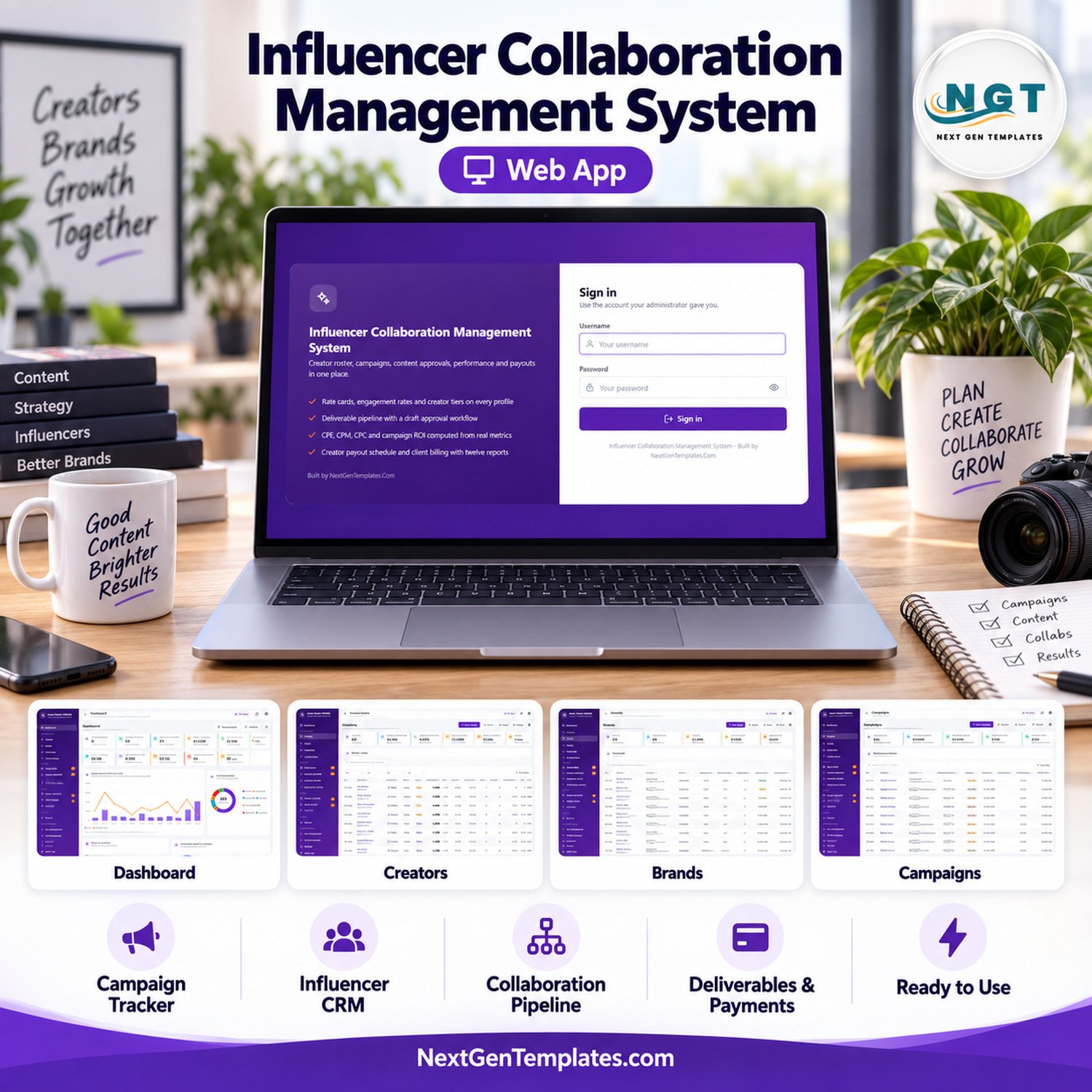


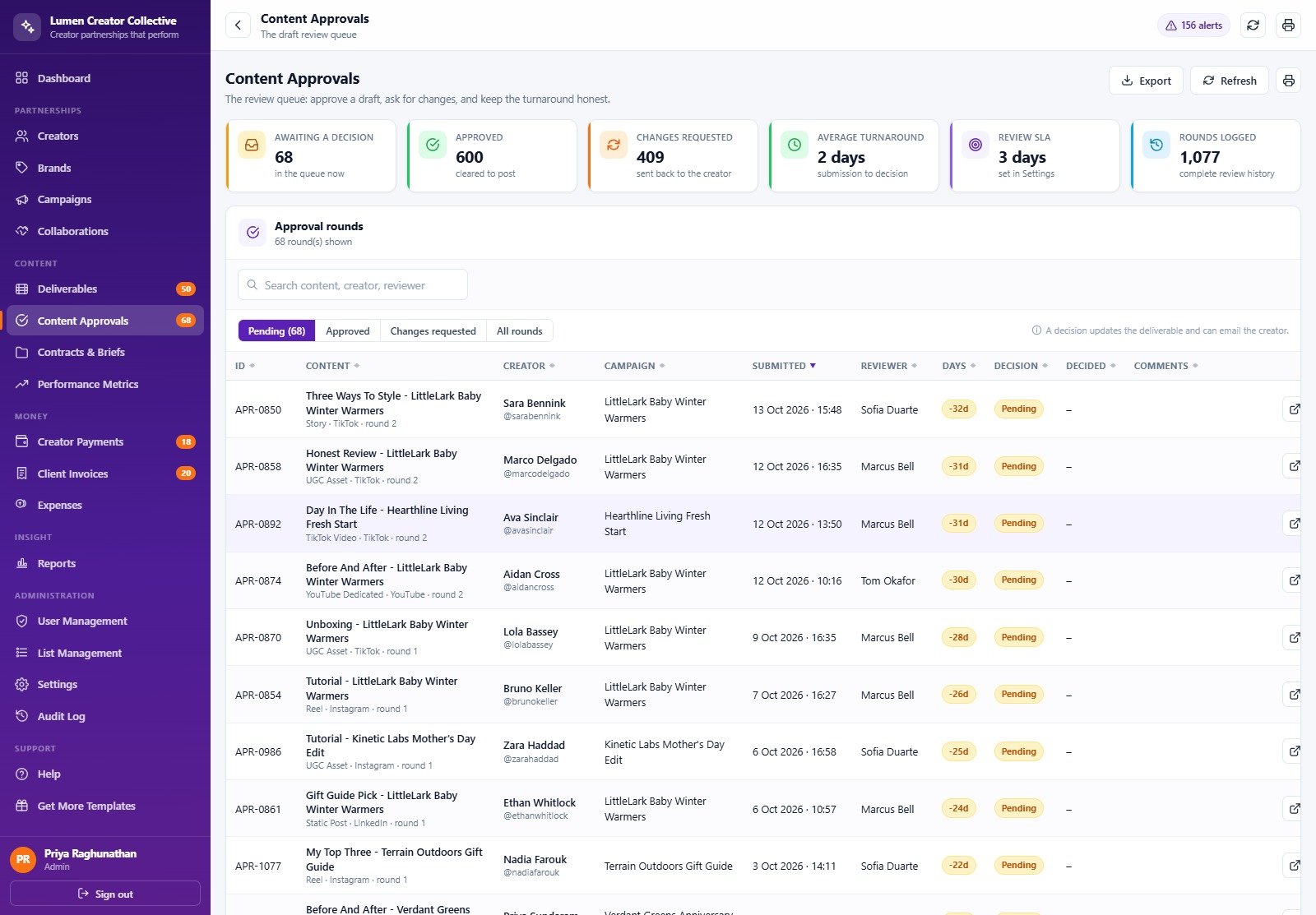


Influencer Collaboration Management System Web App brings creators, brands, campaigns, collaborations, deliverables, approvals, contracts, performance snapshots, creator payments, client invoices, expenses, and reports into one role-based workspace. The seeded demo contains 60 creators, 14 brands, 30 campaigns, 247 collaborations, 853 deliverables, and 2,335 performance snapshots, so you can examine a realistic operating flow before buying. Download the source once, deploy it in your own Google account, and replace the sample data with your organisation’s records.
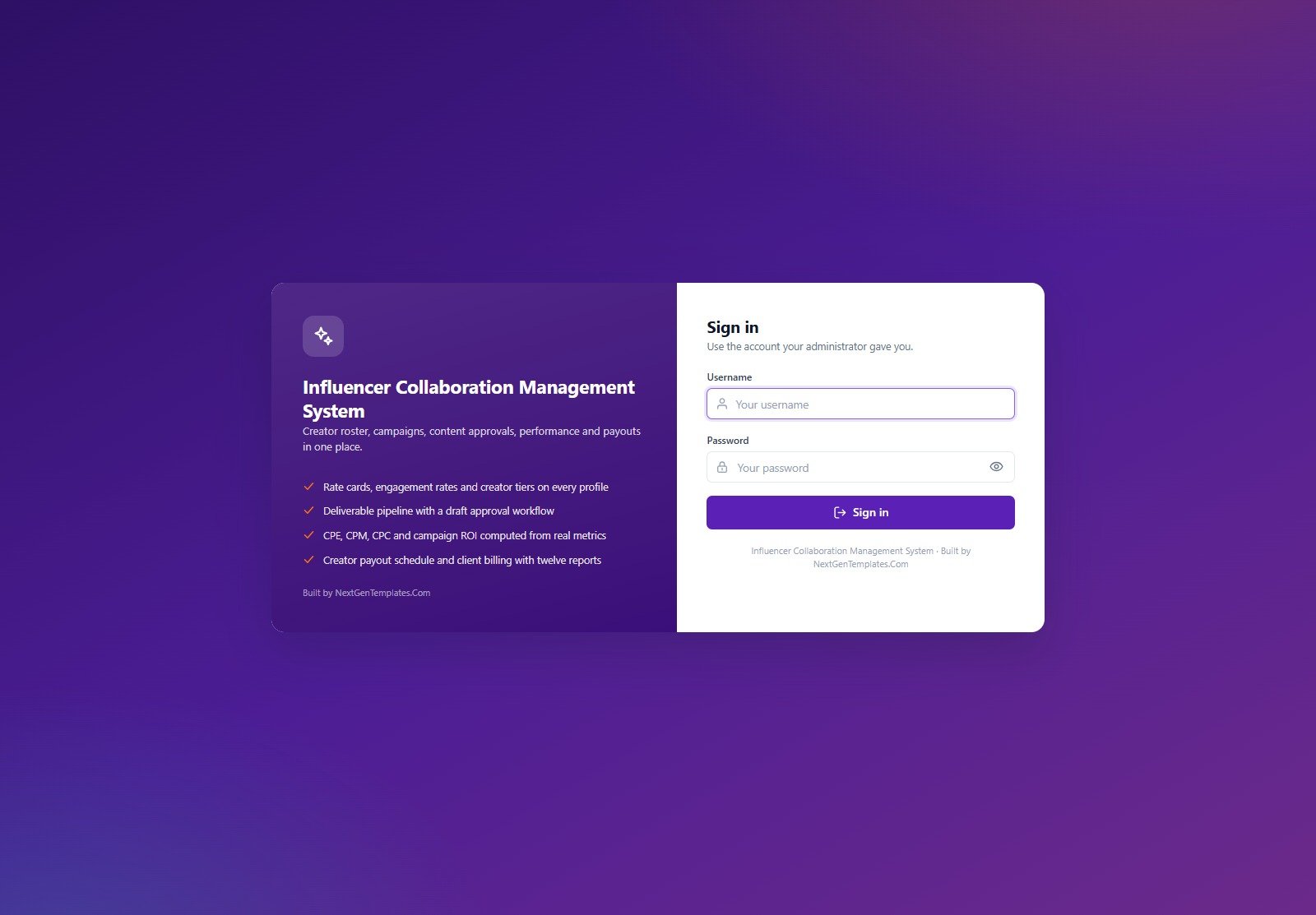
🚀 Try the Live Demo Before You Buy
We have deployed this web app in our own Google account so you can test every page, every role, the approval workflow, campaign reporting, and payment controls with realistic sample data before purchasing. No signup or email is required.
🔑 Test Login Credentials
Use Admin to review the complete setup, Campaign Manager to run creator programmes, Content Reviewer to test approvals, Finance to inspect payment and invoice controls, or Viewer for a read-only client view.
💡 What you get after purchase: The full source code (Code.gs + Index.html) and a deployment guide for your own private Google account. The public credentials above belong only to a seeded shared demo that may reset. Change every default password before storing real creator, contract, fee, bank-reference, or client information.
Key Features of the Influencer Collaboration Management System Web App
- Creator and brand records: maintain creator profiles, platforms, tiers, niches, rate cards, engagement calculations, client brands, contacts, and commercial context.
- Campaign and collaboration pipeline: connect campaigns to creators, agreed fees, deliverables, contracts, briefs, due dates, and workflow status.
- Content approval workflow: route submitted content through reviewer decisions and monitor drafts that exceed the configured approval SLA.
- Performance and ROI: store time-based performance snapshots and calculate engagement rate, CPE, CPM, CPC, CPA, ROI, and ROAS with guarded denominators.
- Finance controls: manage creator payment milestones, approval and release, client invoices, expenses, printable vouchers, and overdue alerts.
- Five enforced roles: Admin, Campaign Manager, Content Reviewer, Finance, and Viewer permissions are checked on the server as well as in the sidebar.
- Reports and auditability: use twelve operational reports, an audit log, notifications, backups, and a database archive workflow.
What’s Inside This Creator Collaboration Web App
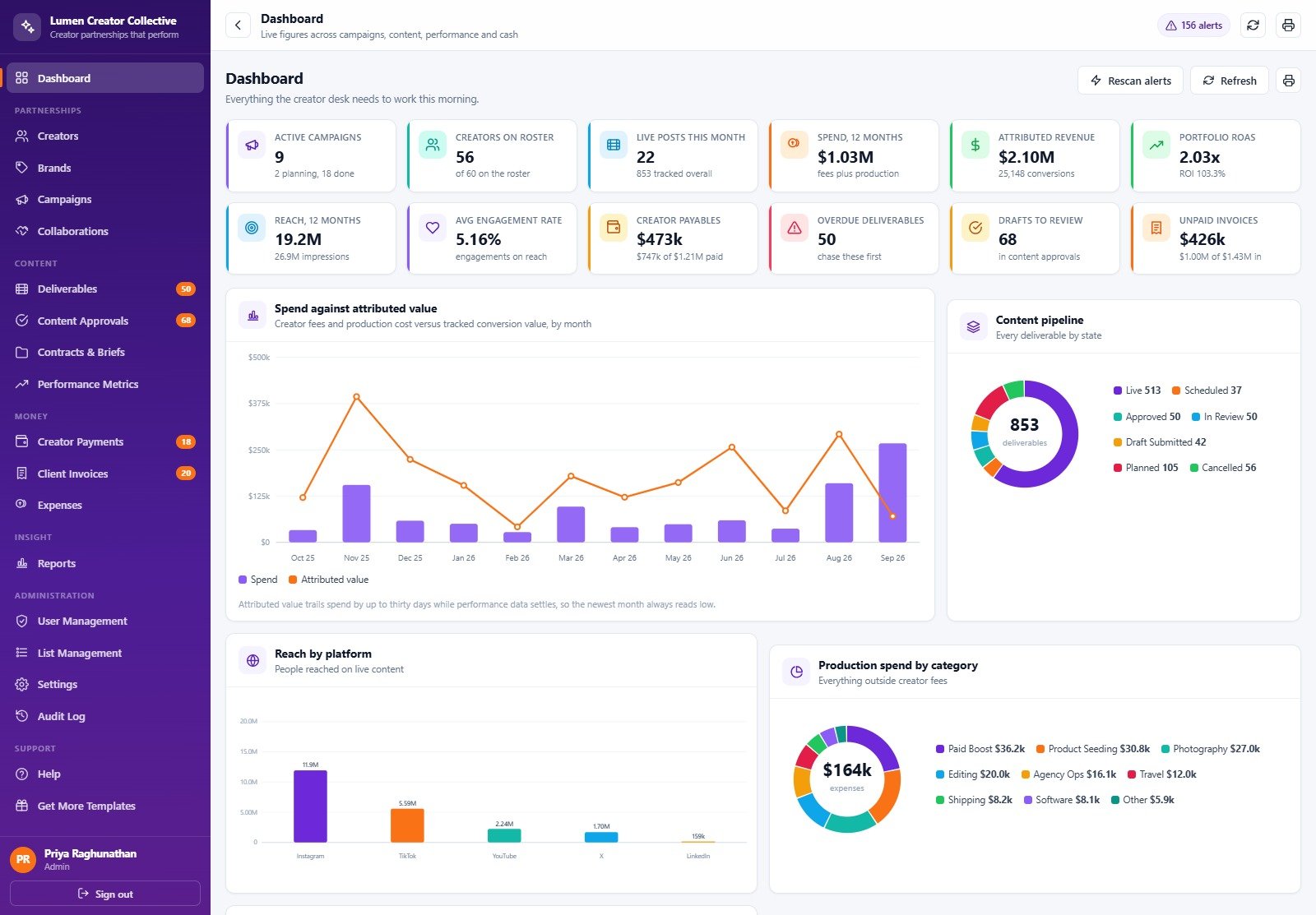
The download contains Code.cs.txt for the Apps Script backend, Index.txt for the responsive interface, and a PDF user manual. After deployment, setup creates an 18-table Google Sheets database with seeded creators, brands, campaigns, collaborations, deliverables, content approvals, contracts and briefs, performance metrics, payments, invoices, expenses, notifications, settings, users, sessions, audit entries, and archive records.
The interface covers creators, brands, campaigns, collaborations, deliverables, content approvals, contracts and briefs, performance metrics, creator payments, client invoices, expenses, reports, users, settings, audit log, database archive, and help. Google Drive folders are also created for contracts, briefs, content assets, receipts, creator invoices, profiles, backups, and archives.
This Web App vs. Spreadsheet vs. Paid CRM/SaaS – Where It Fits
| Area | This web app | Manual spreadsheet | Paid CRM/SaaS |
|---|---|---|---|
| Ownership | Deploy in your Google account | Usually owned in Drive | Vendor-hosted |
| Workflow | Role-based campaign, approval, payment, and reporting controls | Requires manual conventions | Varies by plan |
| Source access | Included Code.gs and Index.html source | Sheet structure only | Usually closed source |
| Collaboration | Five server-enforced roles | File-level sharing | Seat-based permissions |
| Recurring fees | No subscription from NextGenTemplates | No subscription | Typically monthly or annual |
| Maintenance | You deploy, secure, and maintain it | You maintain formulas and controls | Vendor maintains the platform |
Who This Template Is For – and Who It’s Not For
This creator campaign management tool suits influencer agencies, brand marketing teams, creator partnerships managers, content-review teams, and finance staff who want influencer marketing management software inside Google Workspace. As a Google Apps Script influencer CRM, it is especially useful when one team needs to connect campaign delivery, approval evidence, performance snapshots, fees, invoices, and alerts.
It is not a hosted SaaS subscription, public creator marketplace, social-network scraper, automatic post publisher, bank-payment processor, e-signature platform, tax engine, or legal-compliance system. Google Apps Script and Workspace quotas still apply. Confirm data-protection, contract, accounting, and access-control requirements for your jurisdiction and organisation.
How to Use the Creator Collaboration System
- Try the live demo first with several roles to confirm the workflow fits your team.
- Unzip the download and paste Code.cs.txt into Code.gs and Index.txt into an Apps Script HTML file named Index.
- Deploy as a web app, grant the required Sheets, Drive, and Gmail permissions, and run setup until all stages complete.
- Sign in as Admin, change every seeded password, and update company, regional, commercial, notification, and display settings.
- Replace sample records gradually, test role permissions, and verify notifications, print layouts, backup, and archive procedures before production use.
Real-World Use Cases
Influencer agency operations
An agency director can manage creator sourcing, collaboration fees, deliverables, client invoices, performance snapshots, and outstanding payments without separating the evidence across unrelated files.
Brand campaign team
A Campaign Manager can coordinate multiple launches while Content Reviewers clear submitted drafts and Finance controls payment release and invoice status.
Client visibility
A Viewer account can provide read-only operational and report access without exposing user administration, payment approval, or editing controls.
Frequently Asked Questions
Can I try it before buying?
Yes. Use the live demo and every seeded login above. It is a shared sample environment, so do not enter confidential information.
Do I receive the source code?
Yes. The ZIP includes backend and frontend source files plus a PDF deployment and usage guide.
Where is my data stored?
Your deployed instance creates and uses a Google Sheets database in your Google account, with supporting folders in Google Drive.
Does it publish content to social networks?
No. It tracks operational work, approvals, and performance records; it does not publish social posts or pull live platform data automatically.
Does it process creator payments?
No. It records approval, release, milestone, and outstanding-payment data. Actual bank or payment-provider transactions happen outside the app.
Can I customise fields and logic?
Yes, because the Apps Script and HTML source are included. Custom changes require familiarity with Google Apps Script, JavaScript, HTML, and the database structure.
What should I do before production use?
Change all passwords, confirm permissions, replace sample settings, review data-protection requirements, test backups, and validate the workflow with non-sensitive data.
About the Author
Built by PK – Microsoft Certified Professional with 15+ years of Excel, Google Sheets, and Power BI experience. Founder of NextGenTemplates, reaching 300K+ subscribers across YouTube channels. Every template is hand-built and tested before release.
Explore Related Templates
- Influencer Marketing Campaign Performance Dashboard in Google Sheets
- Instagram Growth & Engagement Tracker in Google Sheets
- Social Media Content Calendar Tracker in Google Sheets
- Content Writing Agency Management System Web App
- Browse all Mini Web Apps
Ready to replace disconnected creator, campaign, approval, and payment files? Download the creator collaboration web app, test the demo, deploy your own private instance, and adapt it to your operating process.
Last updated: September 2026.




























Reviews
There are no reviews yet.