


Managing procurement and cybersecurity activities in the healthcare sector is challenging—multiple vendors, compliance standards, audits, device checks, risk assessments, and system updates must all be handled on strict timelines. When these processes are tracked manually or across different spreadsheets, delays, errors, and security gaps become unavoidable.
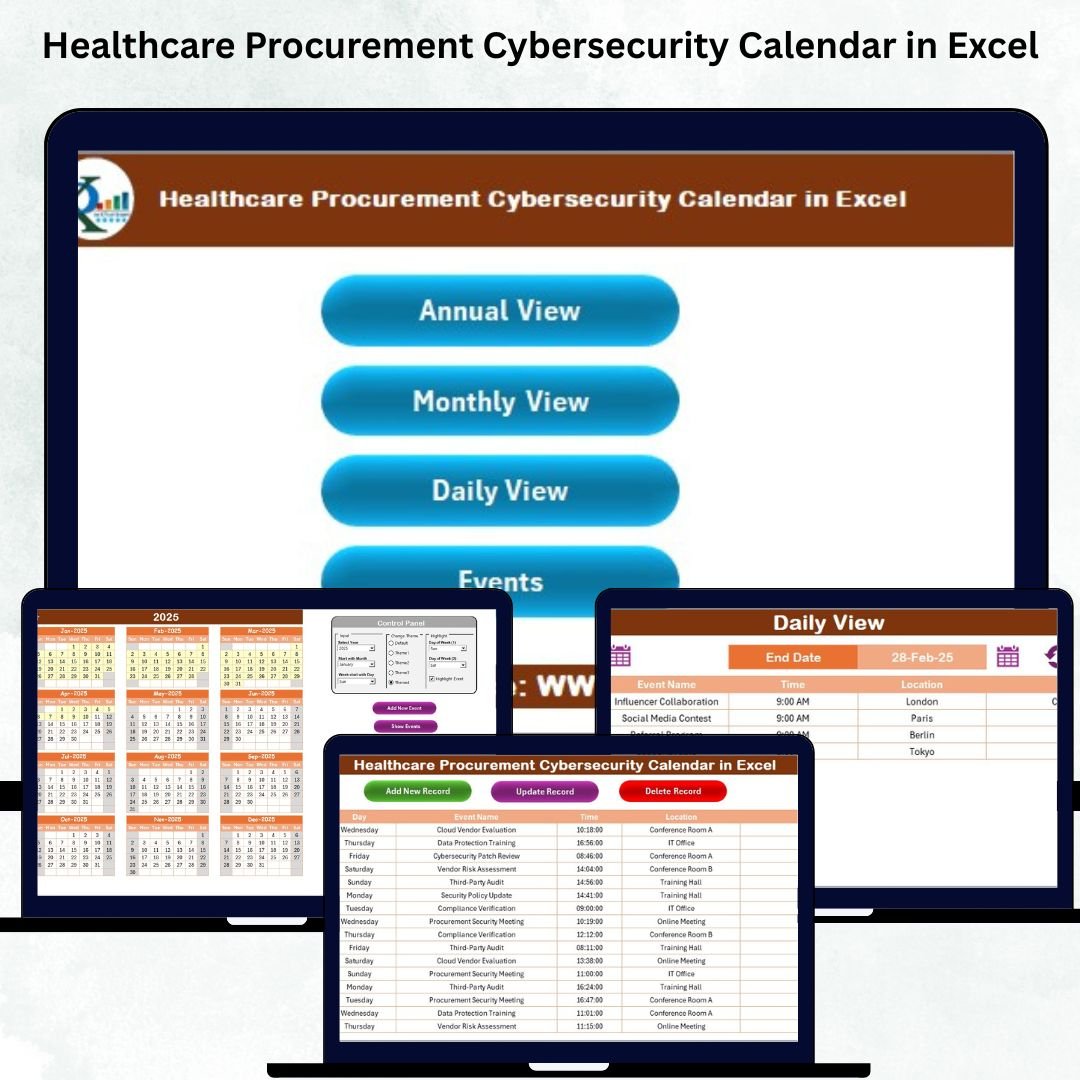
The Healthcare Procurement Cybersecurity Calendar in Excel is a powerful, ready-to-use Excel template designed to solve this exact problem. It brings all procurement and cybersecurity tasks into one centralized, automated, and easy-to-use workflow. With annual, monthly, and daily views, smart event forms, color themes, and a master event database, this template gives healthcare teams full control over their operational and cybersecurity schedules.
Whether you’re managing procurement activities, cybersecurity tasks, vendor audits, or compliance cycles—this calendar keeps everything organized, visible, and secure.
✨ Key Features of Healthcare Procurement Cybersecurity Calendar in Excel
This feature-rich Excel system is designed to simplify planning and strengthen cybersecurity practices across healthcare organizations.
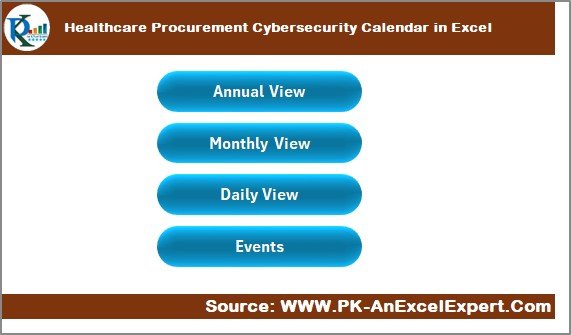
📌 🔹 Home Sheet (Quick Navigation)
Jump instantly to Annual View, Monthly View, Daily View, or the Events Database with clean navigation buttons.
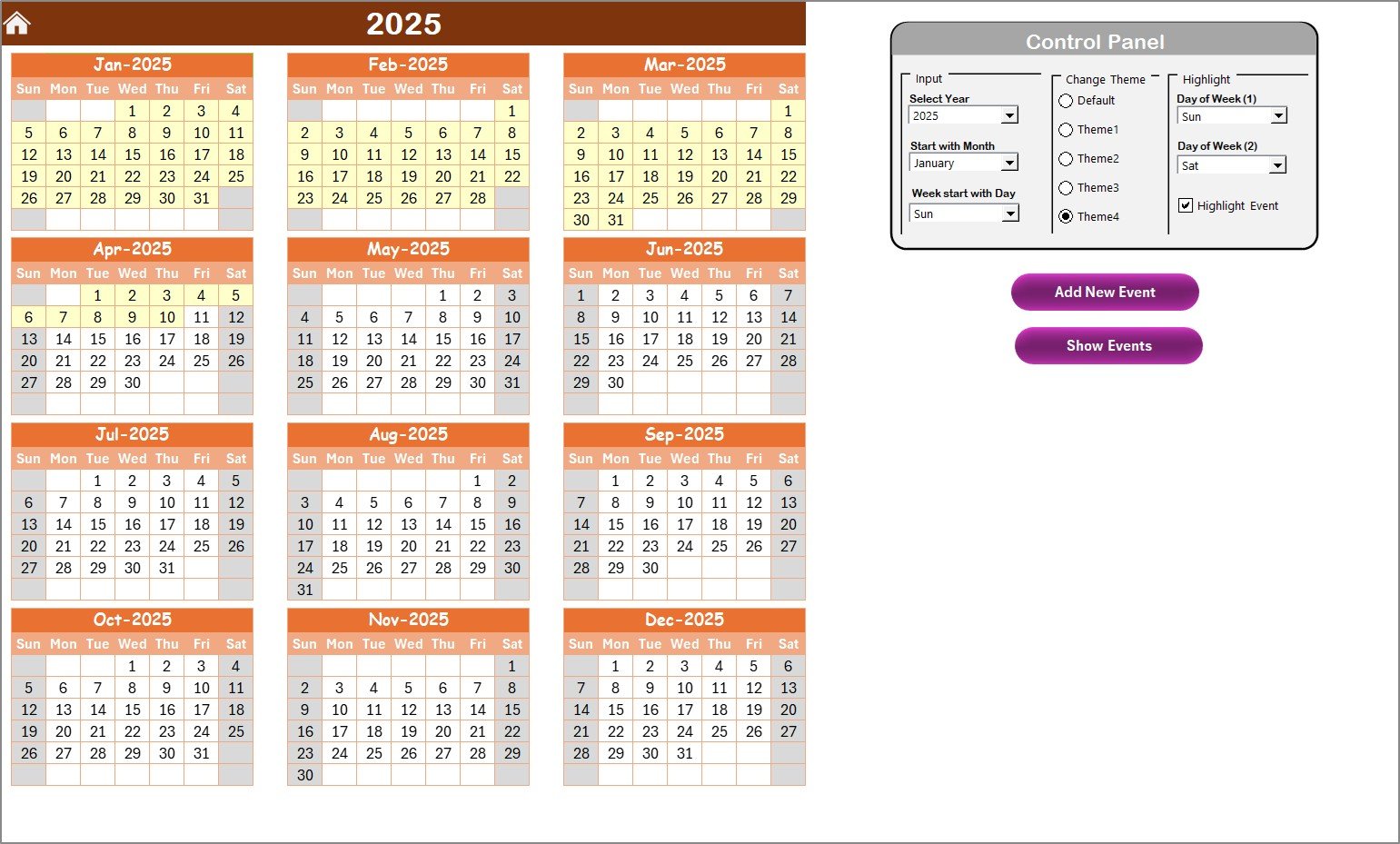
📌 🔹 Annual View (12-Month Calendar Overview)
See all months on one page and track cybersecurity and procurement tasks across the year.
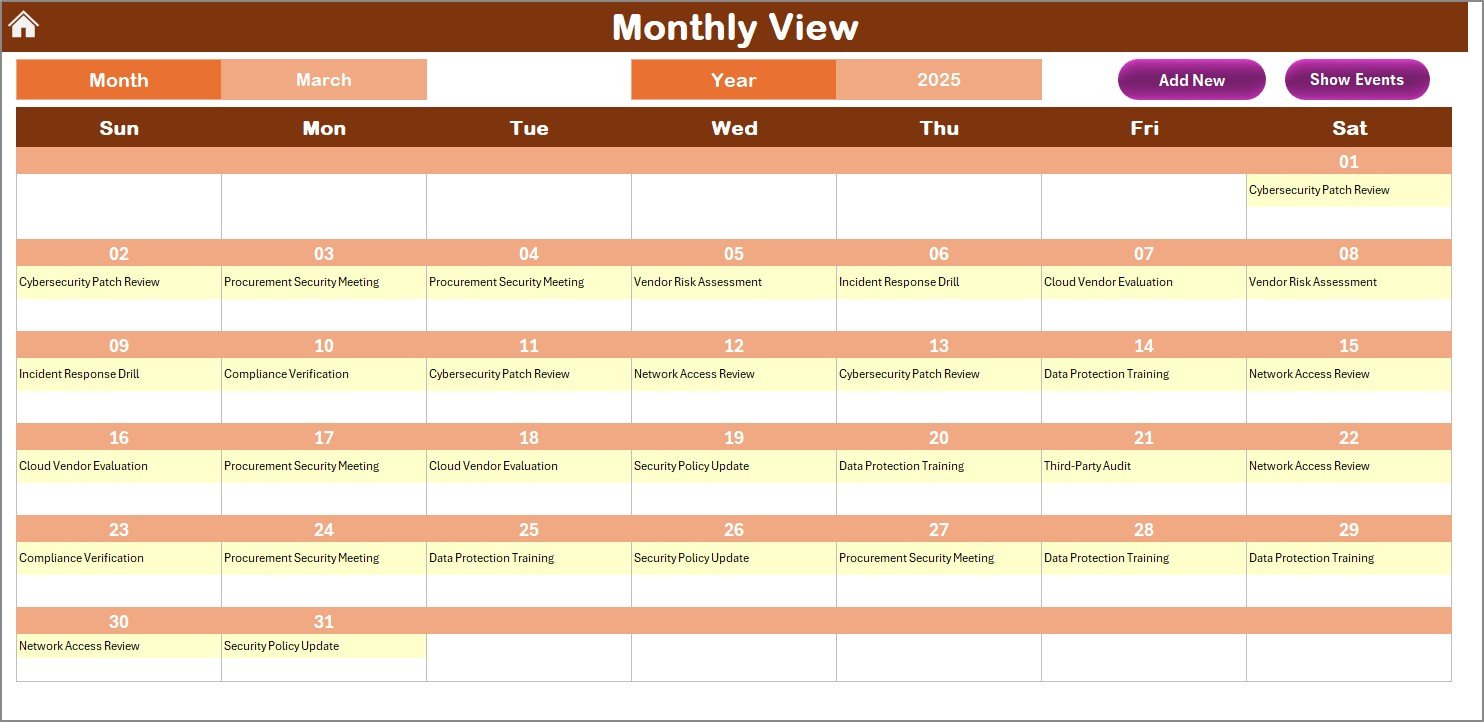
📌 🔹 Monthly View (Simple & Clear Planner)
Plan meetings, audits, vendor reviews, and compliance checks month by month.
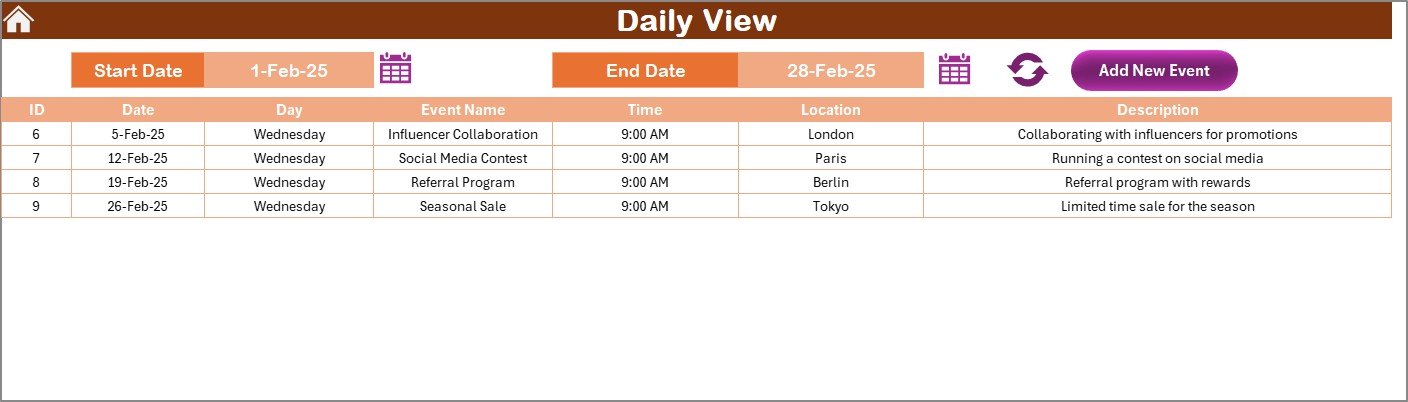
📌 🔹 Daily View (Detailed Task Monitoring)
View tasks between any chosen date range for tight monitoring of IT and procurement workflows.
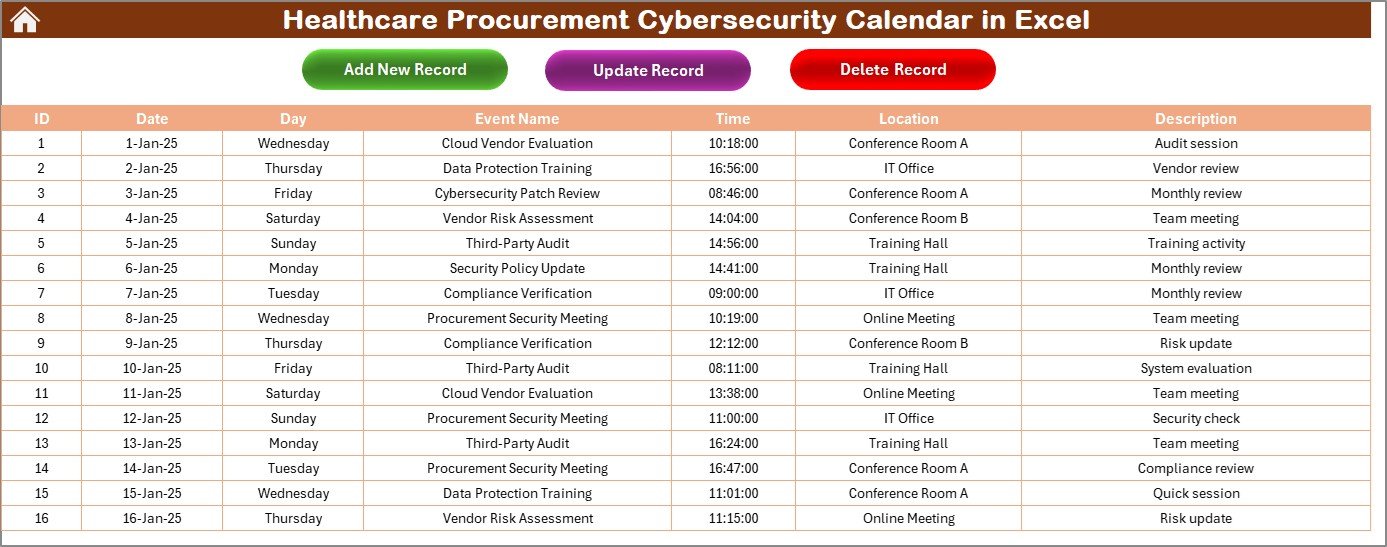
📌 🔹 Events Database (Master Record System)
Add, update, and delete events using smart forms—every record stays clean, organized, and searchable.
📌 🔹 Fully Automated Visual Themes
Switch between 5 professional color themes instantly for clarity and customization.
📌 🔹 Weekend & Event Highlight Options
Highlight busy days, weekends, special dates, or cybersecurity checkpoints for better planning.
📘 What’s Inside the Healthcare Procurement Cybersecurity Calendar in Excel
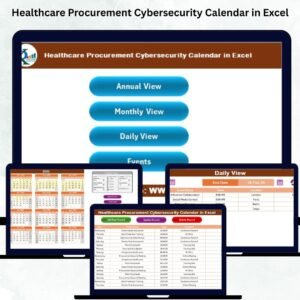
This template includes 5 powerful worksheets, making it a complete calendar management system:
⭐ Home Sheet – Easy navigation
⭐ Annual View – Full-year snapshot with control panel
⭐ Monthly View – Month-wise planning
⭐ Daily View – Date-range event listing
⭐ Events Sheet – Central event database with automated IDs
Each worksheet is designed to simplify workflows and give busy healthcare teams maximum clarity.
⚙️ How to Use the Healthcare Procurement Cybersecurity Calendar in Excel
Using the template is extremely simple—even for non-technical users.
📝 1. Add Events Easily
Use the “Add New Event” button in any view to enter details like event name, time, location, and description.
📅 2. Switch Between Views
Move from annual to monthly or daily views with one click for better planning.
🎨 3. Customize the Calendar
Change year, month, theme, and starting week day from the Control Panel.
🔍 4. Track Tasks Efficiently
Use the daily view to monitor short-term workloads and weekly cybersecurity cycles.
🗂️ 5. Manage Records Professionally
Use Add, Update, and Delete buttons on the Events sheet to maintain clean and accurate records.
👥 Who Can Benefit from This Healthcare Procurement Cybersecurity Calendar in Excel
This template is ideal for any healthcare team involved in cybersecurity, procurement, or compliance.
🟦 Procurement Teams – Track vendor reviews, contract renewals, sourcing cycles
🟦 Cybersecurity Teams – Plan audits, vulnerability scans, and system updates
🟦 Compliance Departments – Monitor regulatory deadlines and documentation
🟦 Healthcare Administrators – Manage operational schedules efficiently
🟦 Vendor & Risk Managers – Keep vendor-related cyber risks under control
🟦 IT Departments – Align cybersecurity tasks with procurement workflows
🟦 Hospitals, Clinics & Healthcare Agencies – Centralize all critical activities in one smart calendar
If your organization handles sensitive data, medical devices, software, or vendor contracts—this calendar is a must-have.
Click here to read the Detailed blog post
Watch the step-by-step video tutorial:
Visit our YouTube channel to learn step-by-step video tutorials — PK An Excel Expert
Compatibility and Requirements
- Works in Microsoft Excel desktop (Excel 2016 or later, or Microsoft 365).
- The Add, Update and Delete buttons and the event forms run on macros, so use Excel desktop on Windows with macros enabled. It does not run in Excel for the web, Google Sheets or mobile. Microsoft explains how to enable or disable macros.
Frequently Asked Questions
Which sheets are included?
Five sheets: Home, Annual View, Monthly View, Daily View and Events.
Where do I enter events?
Use the Add New Event button in any view to enter the event name, time, location and description. The Events sheet stores every record with an automated ID, and has Add, Update and Delete buttons.
Can I see tasks for a specific date range?
Yes. The Daily View lists the events between any date range you choose, which helps with short-term procurement and cybersecurity workloads.
Can I change the look of the calendar?
Yes. The Control Panel lets you change the year, month, starting day of the week and pick one of 5 color themes. You can also highlight weekends and event days.
Is there a similar calendar for other healthcare teams?
Yes. See the Healthcare Quality Control Cybersecurity Calendar in Excel and the Healthcare Compliance Cybersecurity Calendar in Excel.
Related Calendar and Procurement Templates
- Healthcare Compliance Cybersecurity Calendar in Excel: the same calendar for compliance teams
- Healthcare IT Cybersecurity Calendar in Excel: a version for IT departments
- Healthcare Procurement Sustainability Calendar in Excel: a procurement calendar with a sustainability focus
- Procurement Dashboard in Excel: a dashboard to report on procurement
- Cybersecurity KPI Dashboard in Excel: track cybersecurity metrics
Browse all Excel calendar templates.
































Reviews
There are no reviews yet.