

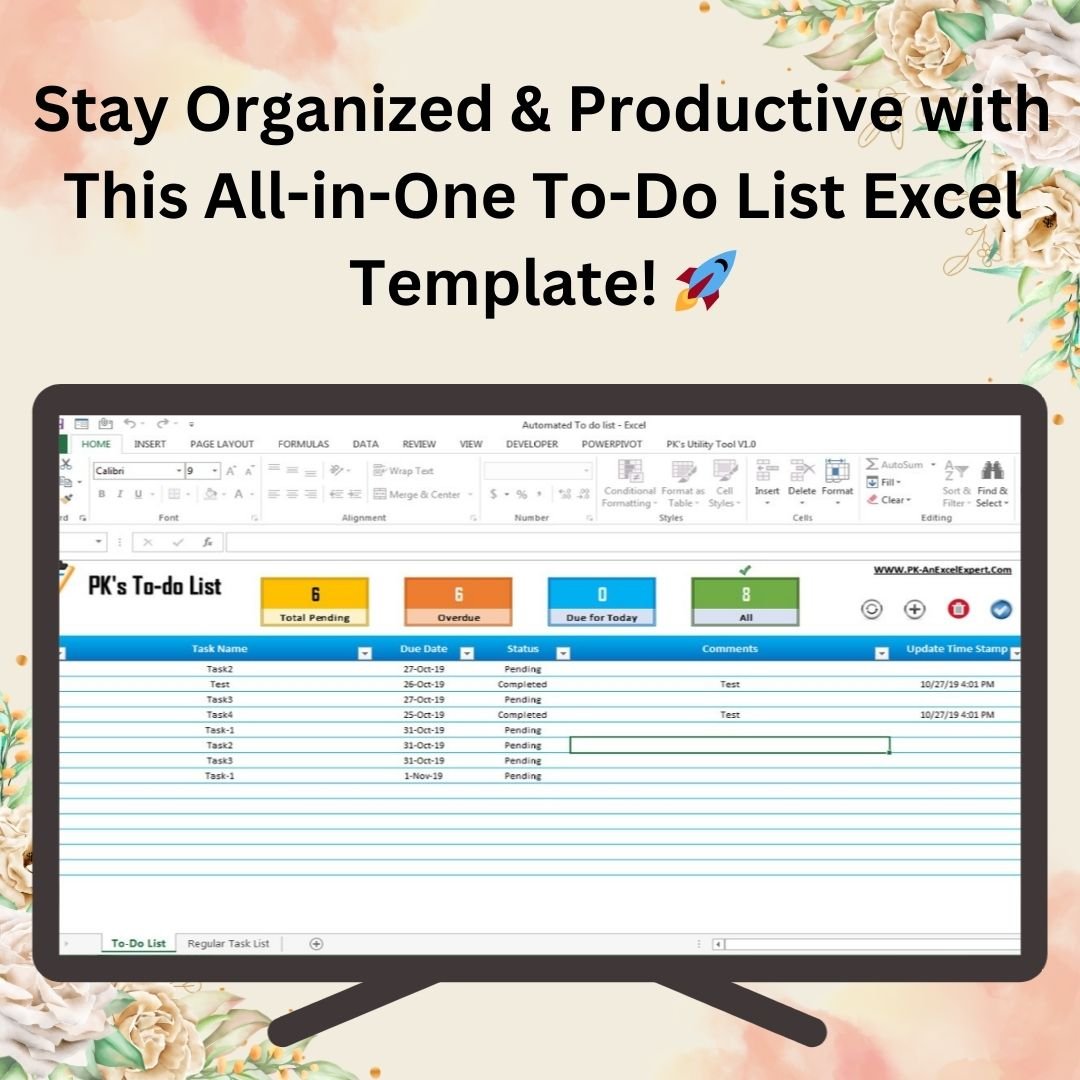

The Fully Functional To-do List in Excel is a ready-made, VBA-powered task tracker for individuals, professionals and teams who want to organize their workload without juggling notes or reminders. It combines structured task tracking, built-in VBA automation and an interactive dashboard, so you can plan, prioritize and complete tasks, and see what is pending, overdue or done at a glance.
As workloads grow, remembering every task and due date gets harder. This Excel to-do list helps you prioritize by urgency, stay organized with real-time tracking, automate task updates and see visual indicators for pending, overdue and completed tasks. The result is less manual effort, fewer errors and one place to manage both personal and professional tasks.
Key Features of the Fully Functional To-do List in Excel
Smart Task Tracking
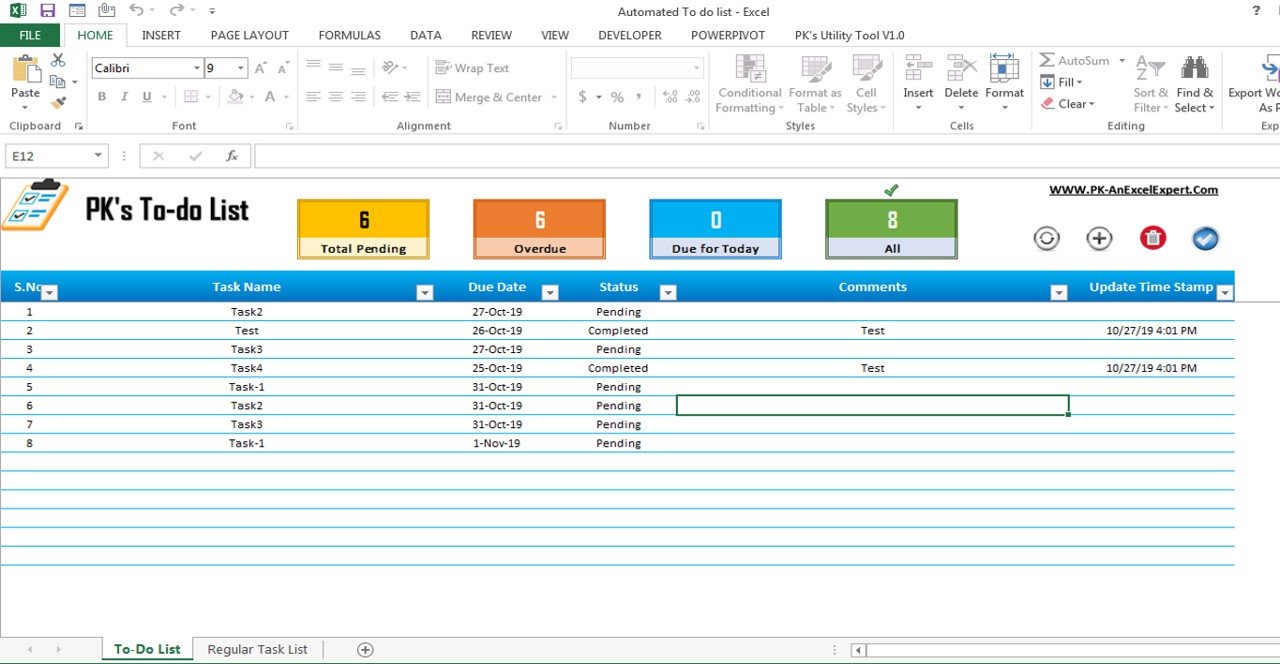
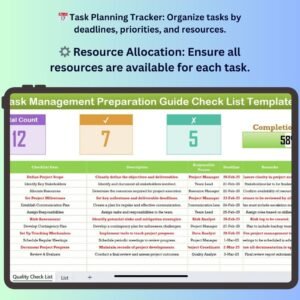
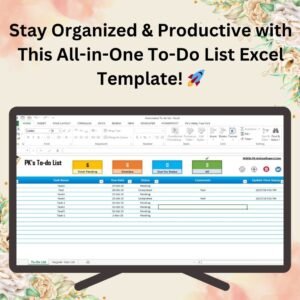
Add, update and manage tasks in structured columns: Task Name, Due Date, Status, Comments and Timestamps. Every task is recorded and monitored in one organized list, whether it is a daily, weekly or long-term task.
Built-in VBA Automation
You no longer have to update task statuses by hand. The automated VBA functions:
- Update task timestamps
- Change task status automatically
- Refresh task lists instantly
This takes the manual effort out of tracking and keeps your list accurate, which is what makes it a true VBA to-do list rather than a static spreadsheet.
Pending and Overdue Alerts
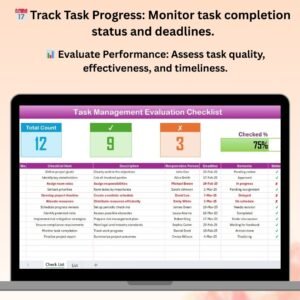
The dashboard highlights the numbers that matter most so you do not miss deadlines:
- Total pending tasks
- Overdue tasks
- Tasks due today
- Completed tasks
This visual summary helps you focus on urgent priorities straight away.
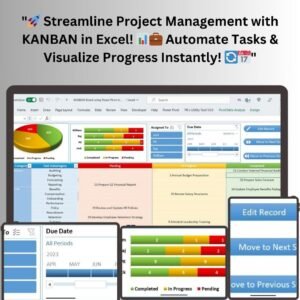
Interactive Dashboard
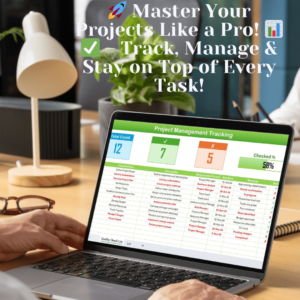
The clean, easy-to-use dashboard gives a real-time overview of your total, pending, overdue and completed tasks. It groups tasks by status (Pending, Completed, Overdue) and updates dynamically, with visual indicators that keep you on top of your workflow.
Customizable Task Management
Adapt the template to the way you work:
- Rename columns to match your workflow
- Add task categories or priorities
- Customize colors and layouts
- Modify the VBA automation as required
This flexibility makes it useful for professionals, freelancers, project managers and teams alike.
Real-Time Updates with Timestamps
Each time you update a task, the system records the date and time automatically. This gives you accountability and an accurate history of when work moved forward.
Prioritization, Categories, Filters and Sorting
Group tasks by urgency and importance, manage different task types in separate categories, and use the built-in filters and sort options to find any task quickly.
What’s Inside the Template
| Component | What it does |
|---|---|
| Task list | Structured columns for Task Name, Due Date, Status, Comments and Timestamps, with filter and sort options |
| Dashboard | Shows total, pending, overdue, due-today and completed tasks with visual indicators |
| VBA automation | Updates timestamps, changes task status and refreshes task lists |
| Customizable layout | Editable columns, categories, priorities, colors and VBA logic |
Who This Excel Task Tracker Is For
- Individuals who want a simple way to manage personal and daily tasks
- Professionals and freelancers who juggle deadlines across several clients or projects
- Project managers who need a clear view of pending and overdue work
- Teams looking for a shared, structured approach to task management in Excel
The design is simple and intuitive, so no technical skills are needed to use this Excel task tracker day to day.
How to Use It
- Open the workbook in Excel and enable macros when prompted so the VBA automation can run.
- Enter your tasks with a Task Name, Due Date, Status and any Comments.
- Update the status as you work. Timestamps and status changes are handled automatically.
- Use filters and sorting to focus on specific categories, priorities or due dates.
- Check the dashboard to review total, pending, overdue, due-today and completed tasks.
- Customize columns, categories, colors or VBA logic to fit your workflow.
Click here to read the detailed blog post
Visit our YouTube channel for step-by-step video tutorials: Youtube.com/@PKAnExcelExpert
Watch the step-by-step video tutorial:
Frequently Asked Questions
What does the VBA automation do in this to-do list?
It updates task timestamps, changes task status automatically and refreshes task lists instantly, so you do not have to maintain these details by hand.
Can I see overdue and pending tasks at a glance?
Yes. The interactive dashboard shows total pending tasks, overdue tasks, tasks due today and completed tasks, with visual indicators.
Can I customize the template?
Yes. You can rename columns, add task categories or priorities, change colors and layouts, and modify the VBA automation as required.
Is it suitable for teams as well as individuals?
Yes. It is built for individuals, professionals, freelancers, project managers and teams who need structured task management in Excel.
Do I need technical skills to use it?
No. The template is designed to be simple and intuitive. You only need to enable macros so the built-in VBA functions can work.
Does it record when tasks are updated?
Yes. Every task update automatically records the date and time, giving you accurate tracking and accountability.
Also check our Download Attachments from Multiple Emails Automatically using VBA
Last updated: October 2026
Compatibility and Requirements
- Made for Microsoft Excel desktop on Windows (Excel 2016 or later, or Microsoft 365).
- Macros must be enabled, because the timestamps, automatic status changes and list refresh run on VBA. Microsoft explains how in Enable or disable macros in Microsoft 365 files.
- Excel for the web, Google Sheets and the Excel mobile apps can’t run VBA, so use the Excel desktop app. For a browser-based list, see the To Do List Template in Google Sheets.
Related To-do and Task Templates
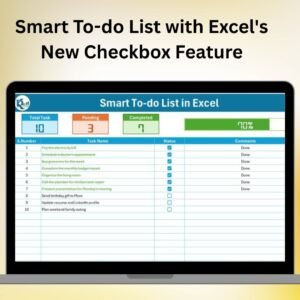
- Smart To-do List with Excel’s New Checkbox Feature: a free to-do list built on Excel checkboxes.
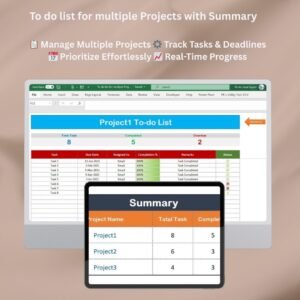
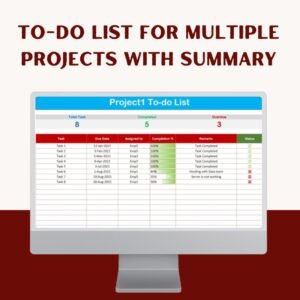
- To-do list for multiple Projects with Summary: track tasks across several projects.
- Task Management Tracker in Google Sheets: a task tracker for teams in the browser.
- Task Management Dashboard in Excel: a dashboard view of team tasks.
- VBA Management Systems Mega Pack: 5 Excel VBA management systems in one bundle.
Browse all Excel project management templates or the Excel VBA tools.












Reviews
There are no reviews yet.