

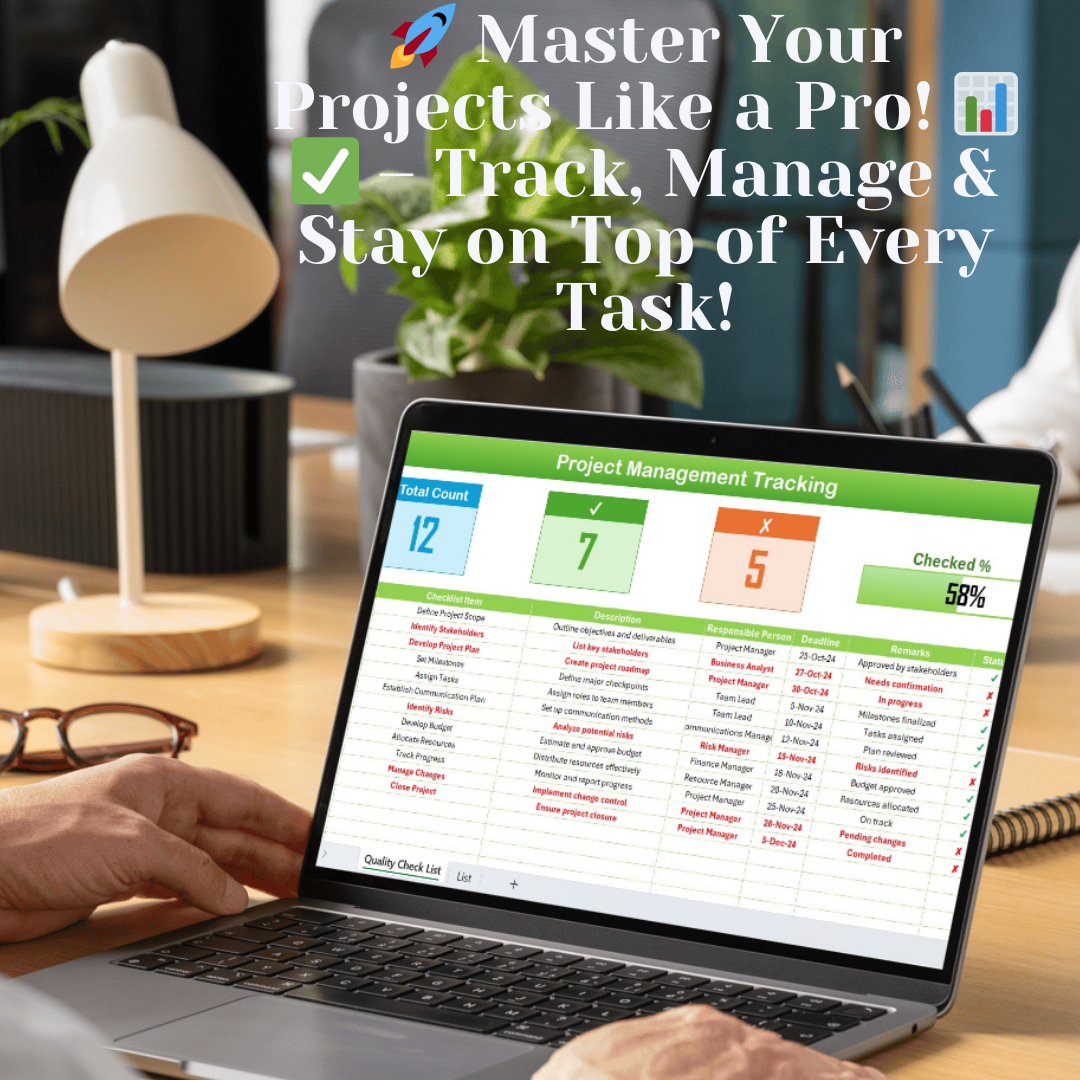


Take control of your Project Management Checklist Templet with a structured and efficient checklist system!
Managing projects effectively requires proper task tracking, accountability, and timely completion of milestones. The Project Management Checklist Template in Excel is designed to help project managers, team leaders, and business professionals efficiently plan, monitor, and execute projects with precision.
With its user-friendly design, this template helps streamline task assignments, track progress, and ensure every project milestone is met. Whether you’re managing a small business project or handling large-scale operations, this checklist template ensures nothing slips through the cracks!
Key Features of the Project Management Checklist Template
This template consists of two primary worksheets that simplify project tracking and ensure tasks are assigned and completed on time.
1. Project Management Checklist Sheet
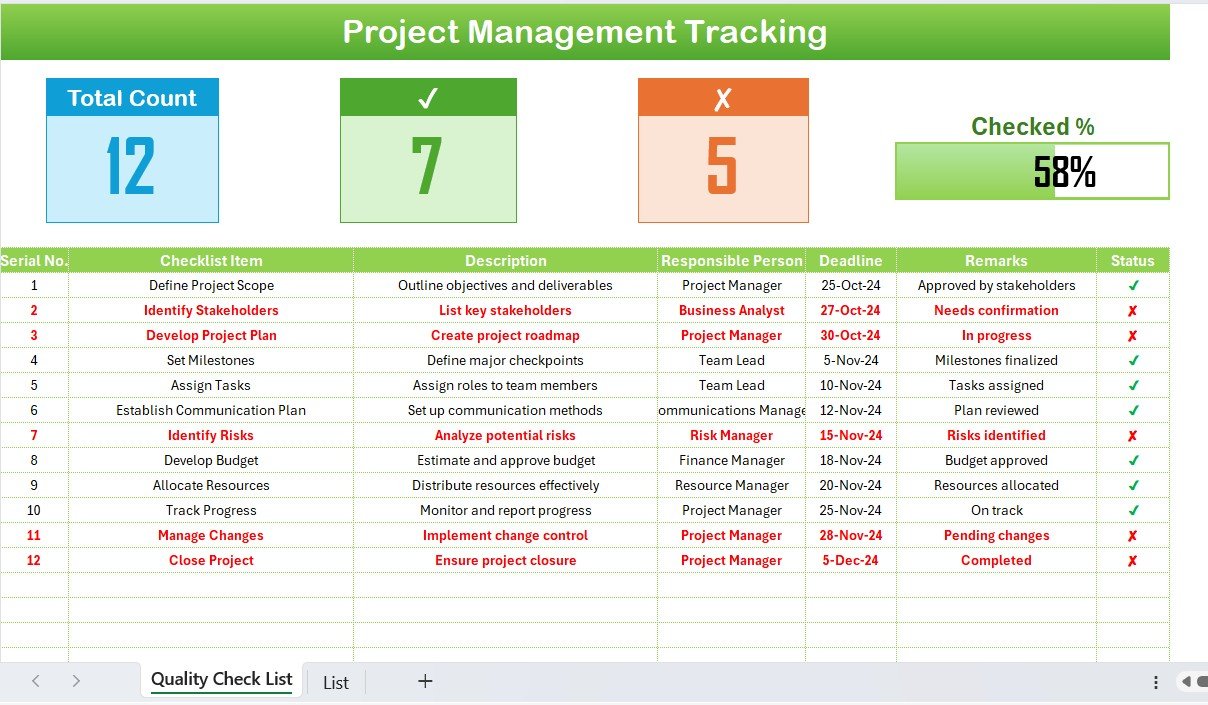
The core of the template, this sheet helps track project tasks in a structured format. It consists of:
Top Section: Project Summary at a Glance
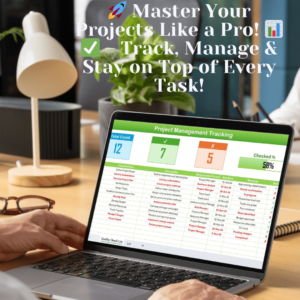
The top section provides an instant visual summary of the project’s progress with:
✅ Total Task Count – Displays the total number of tasks in the checklist.
✅ Checked Count – Tracks completed tasks, ensuring progress visibility.
✅ Crossed Count – Highlights pending or delayed tasks that need attention.
✅ Progress Bar – Provides a visual indicator of the percentage of completed tasks.
Checklist Table: Track Tasks with Precision
This section is designed to record and monitor all project-related tasks efficiently. It includes:
✔ Serial No. – Automatically assigned numbers to each task for easy reference.
✔ Checklist Item – Defines the task or activity that needs completion.
✔ Description – Provides a brief explanation of the task.
✔ Responsible Person – Assigns accountability by designating the team member responsible for the task.
✔ Deadline – Ensures timely task execution by setting clear deadlines.
✔ Remarks – Allows project managers to add notes, updates, or concerns regarding the task.
✔ Status Column – Uses checkmarks (✔) for completed tasks and crosses (✘) for pending tasks, providing a quick overview of progress.
2. List Sheet – Ensuring Consistency in Assignments
The List Sheet is a crucial feature that enhances efficiency by automating responsible person assignments. It captures a unique list of team members to create a dropdown menu in the checklist, ensuring consistency in task allocation.
Advantages of the List Sheet:
✔ Eliminates manual data entry errors by offering a pre-defined selection.
✔ Saves time when assigning tasks to responsible persons.
✔ Improves accuracy in tracking task ownership.
Why Use the Project Management Checklist Template?
🌟 Enhanced Task Visibility – Get a clear snapshot of all project tasks at any moment.
📊 Streamlined Collaboration – Assign responsibilities to team members and keep everyone on track.
📅 Timely Task Execution – Track deadlines effectively and ensure project milestones are met.
✅ Effortless Status Tracking – Quickly identify completed and pending tasks with a simple checklist.
🎯 Improved Productivity – Minimize delays and enhance project workflow for better efficiency.
Who Can Benefit from This Template?
✔ Project Managers – Easily manage and track project tasks for improved efficiency.
✔ Team Leaders – Assign roles and ensure every team member meets their responsibilities.
✔ Business Analysts – Track project execution and identify potential roadblocks.
✔ Operations Teams – Monitor ongoing processes and ensure seamless execution.
✔ Freelancers & Entrepreneurs – Keep projects organized and meet client deadlines effectively.
How to Use the Project Management Checklist Template?
1️⃣ Download and open the template in Excel.
2️⃣ Customize the checklist – Add tasks, assign responsibilities, and set deadlines.
3️⃣ Use dropdowns to assign responsible persons from the pre-set list.
4️⃣ Track progress visually – Monitor completed vs. pending tasks using checkmarks and progress indicators.
5️⃣ Update regularly – Keep the checklist up to date for real-time project tracking.
Why Choose This Template?
🚀 User-Friendly – No complex formulas; just plug and play!
📌 Customizable – Modify task lists, responsible persons, and deadlines as per your project needs.
🔍 Detailed Insights – Get real-time visibility into task completion rates.
📂 Reusable – Use the template for multiple projects without creating a new file from scratch.
Click hare to read the Detailed blog post
Visit our YouTube channel to learn step-by-step video tutorials
Compatibility and Requirements
- Works in Microsoft Excel desktop (Excel 2016 or later, or Microsoft 365).
- Microsoft’s guide Create a drop-down list explains the Excel feature this file is built on.
Frequently Asked Questions
What sheets are in the Project Management Checklist Template in Excel?
There are two: the Project Management Checklist sheet with the task table and summary, and a List sheet with team member names for the dropdown.
What does the summary at the top show?
It shows the total task count, checked count, crossed count and a progress bar for the share of completed tasks.
Which columns does the task table have?
Serial No., Checklist Item, Description, Responsible Person, Deadline, Remarks and Status.
Can I reuse it for other projects?
Yes. Clear the tasks and enter a new list. You can change tasks, responsible persons and deadlines for each project.
Related Project Management Templates
- Project Management Checklist in Google Sheets: the same checklist in your browser
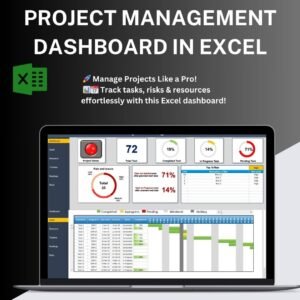
- Project Management Dashboard in Excel: track projects with charts
- Project Task Assignment Tracker in Excel: assign and follow tasks
- Project Management Pro Bundle: nine project templates in one bundle
Browse all Excel project management templates or the Excel checklists.































Reviews
There are no reviews yet.