

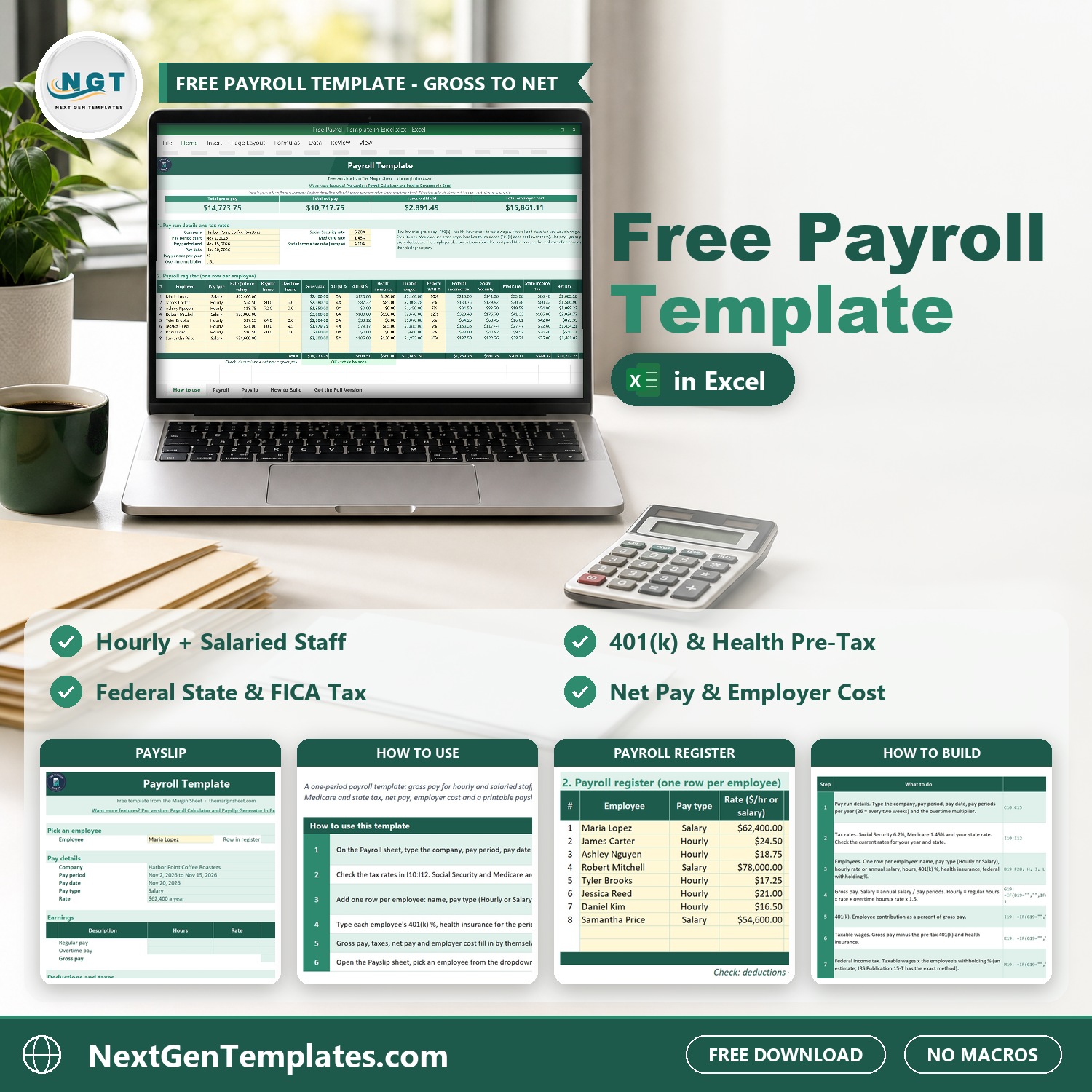

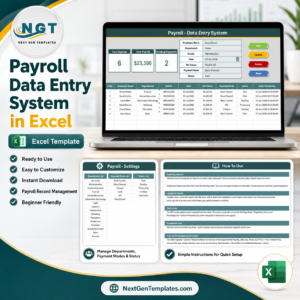
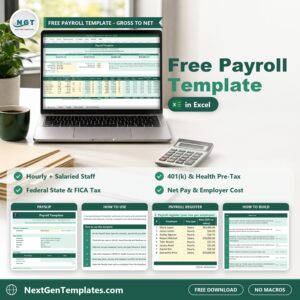
The Free Payroll Template in Excel runs one pay period for up to 10 employees on one sheet. Type each person’s pay type, rate or salary, hours, 401(k) percent, health insurance and federal withholding percent. The template works out gross pay, taxable wages, federal income tax, Social Security, Medicare, state income tax, net pay and the real employer cost, then builds a printable payslip for any employee you pick.
It is 100% free. It is the light version of our paid payroll calculator, and it comes with a How to Build sheet that shows every formula, so you can rebuild this payroll template Excel file from a blank workbook and see how each number is made. If you want a free payroll template that a small business can start using today, this is it.
Free download | Works in any recent Excel | No add-ins or macros | Hourly and salaried staff
Key features of the free payroll spreadsheet
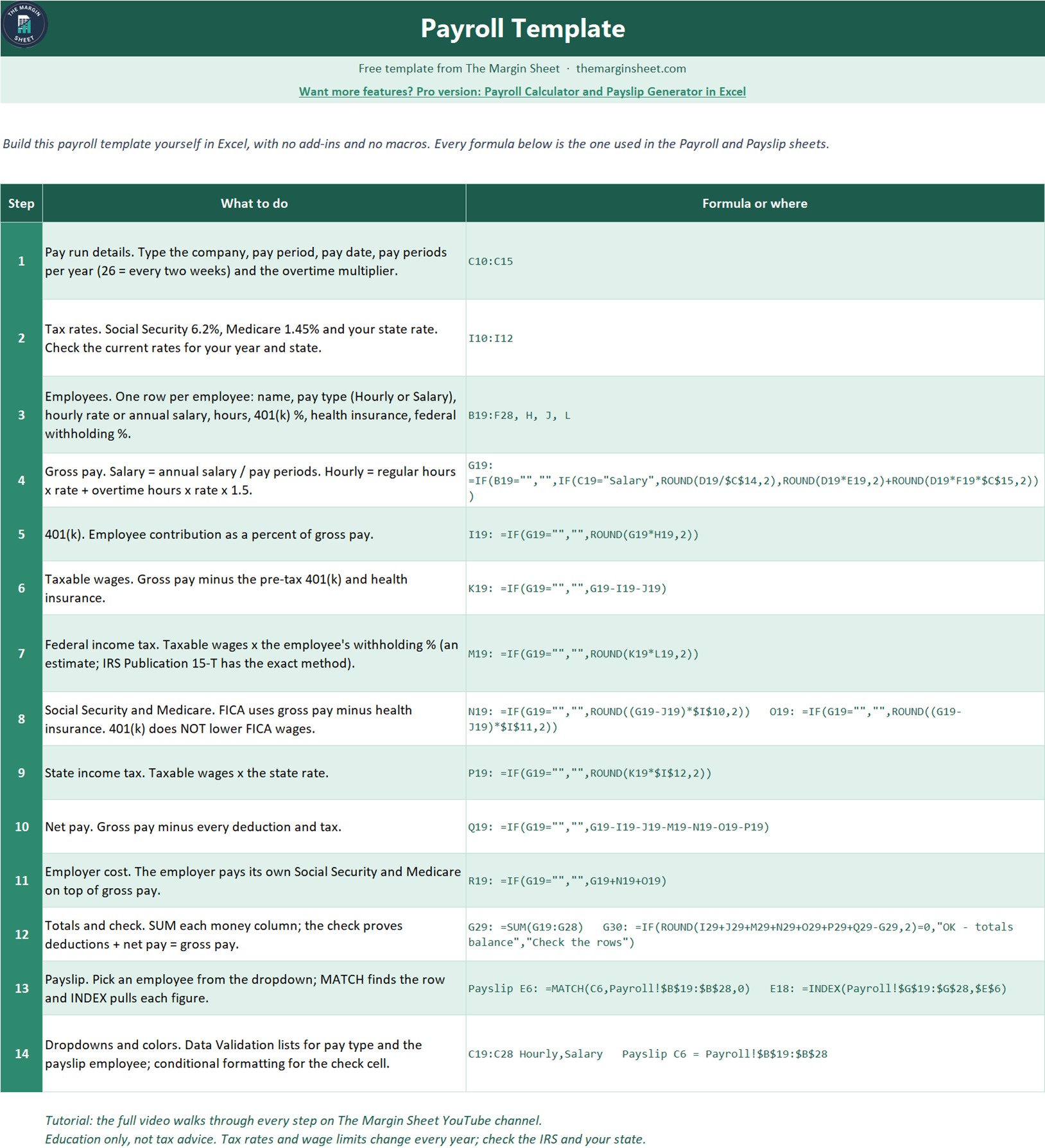
- Hourly and salaried staff in one register. Salary pay is the annual salary divided by pay periods per year; hourly pay is regular hours times rate plus overtime hours at your overtime multiplier (1.5x in the sample).
- Pre-tax deductions. 401(k) as a percent of gross pay and health insurance per period lower taxable wages. 401(k) does not lower Social Security and Medicare wages, and the template handles that correctly.
- Taxes calculated for you. Federal income tax from each employee’s withholding percent, Social Security at 6.2%, Medicare at 1.45% and a state income tax rate you set once.
- Net pay and employer cost. Net pay is gross pay minus every deduction; employer cost adds the employer’s own Social Security and Medicare on top of gross pay.
- KPI totals and a balance check. Total gross pay, total net pay, taxes withheld and total employer cost at the top, and a check that proves deductions plus net pay equal gross pay.
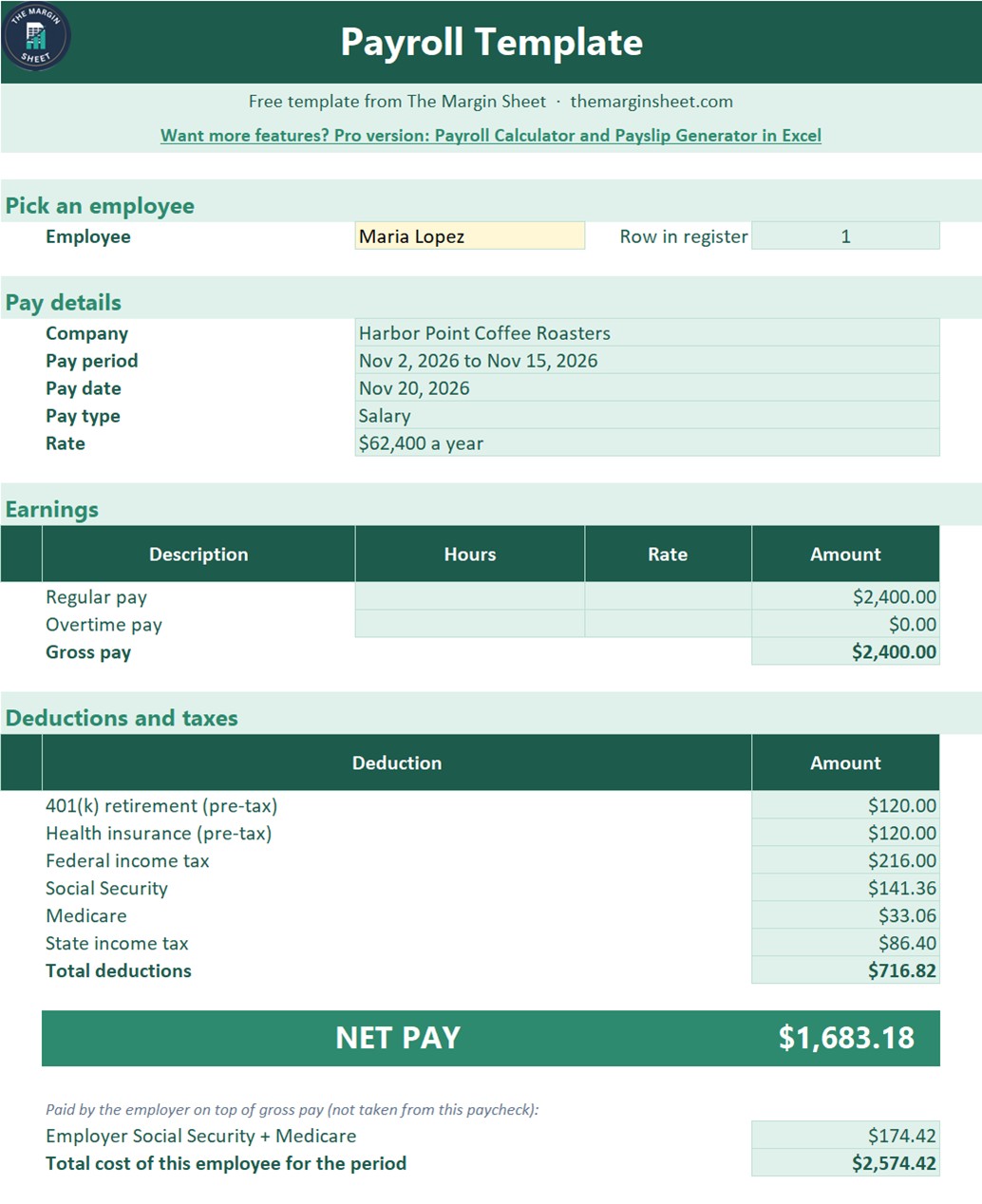
- Printable payslip. Pick an employee from a dropdown and the Payslip sheet shows earnings, deductions, net pay and employer cost. It prints on one portrait page.
What is inside the file
| Sheet | What it does |
|---|---|
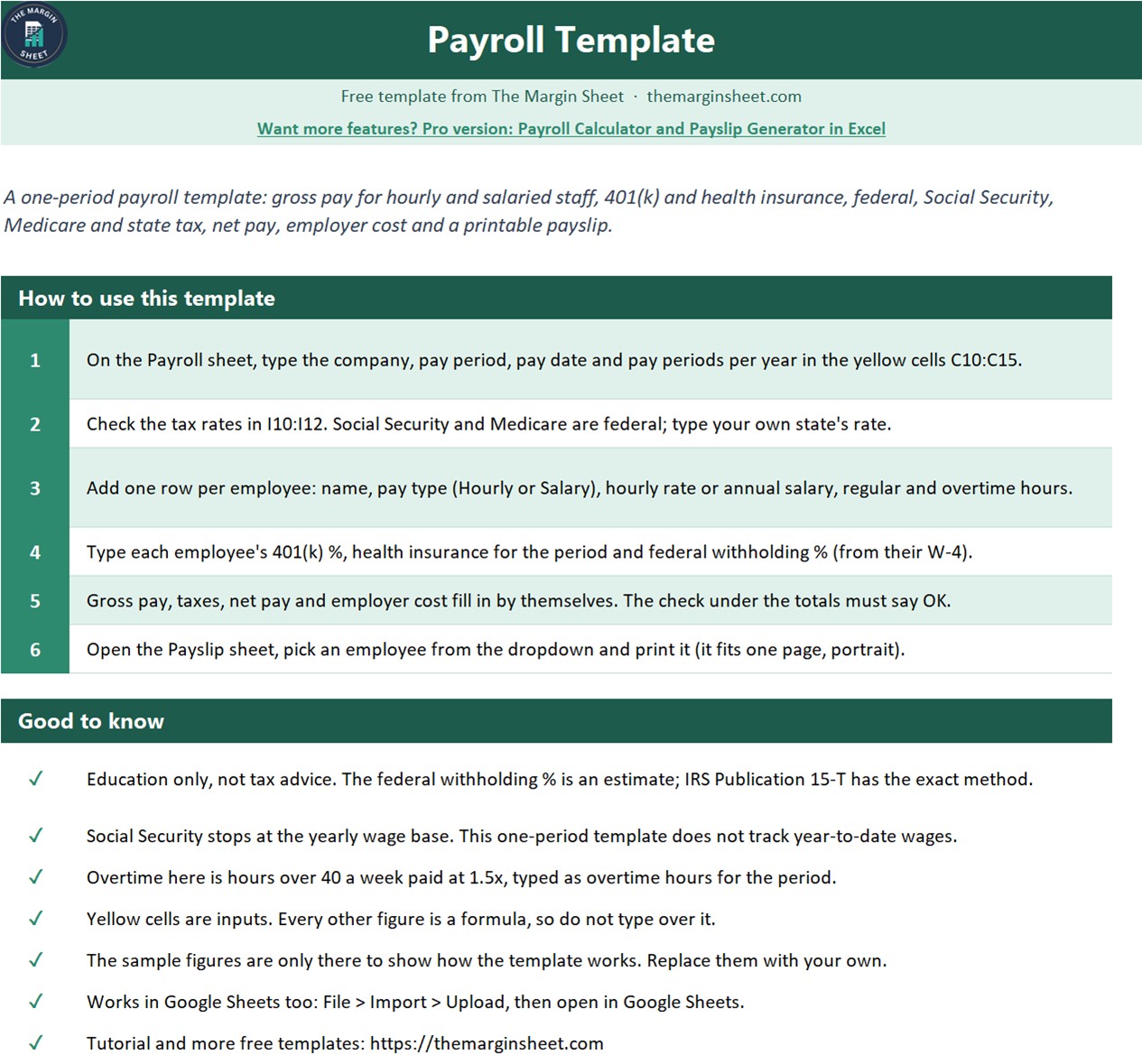
| How to use | Six short steps to run a pay period, plus good-to-know notes |
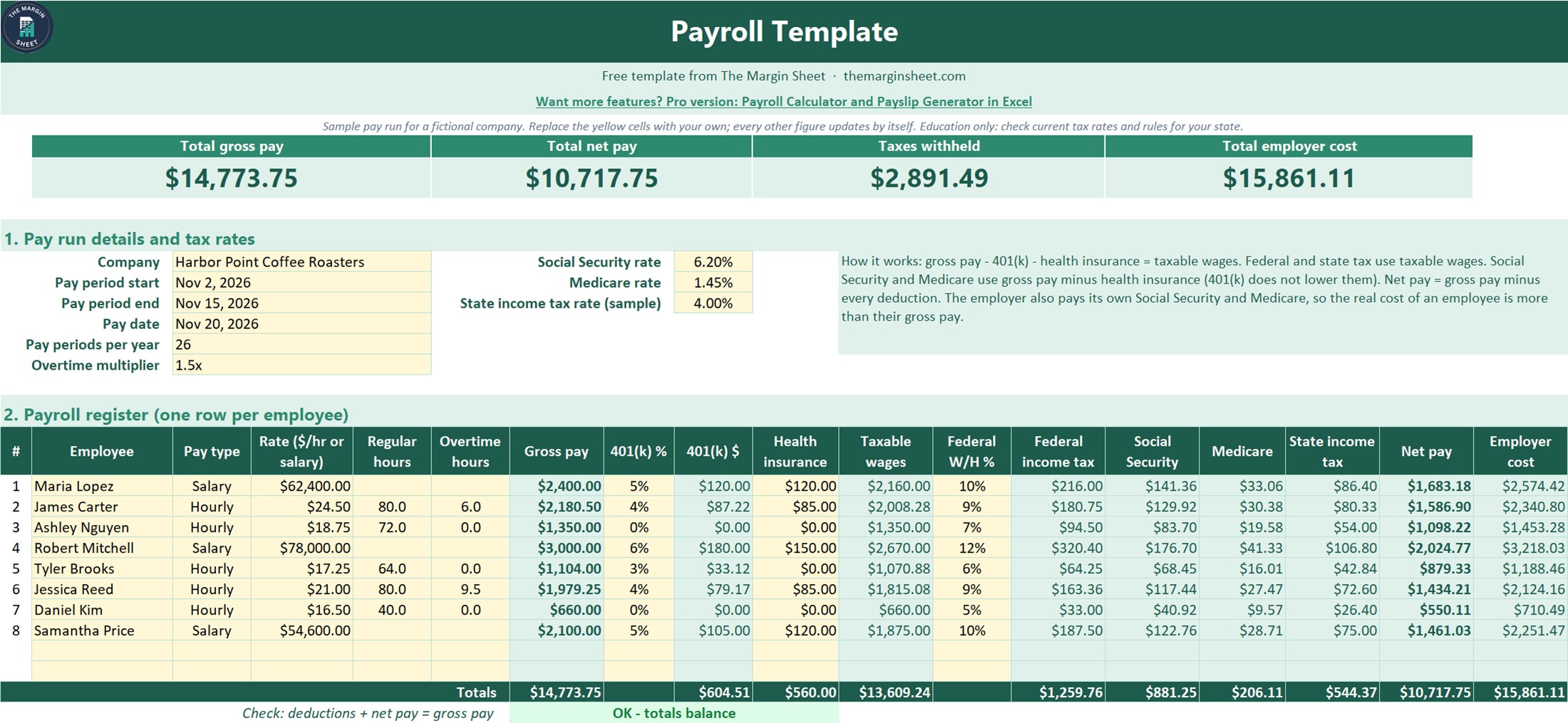
| Payroll | Pay run details, tax rates, the payroll register for up to 10 employees, totals and the balance check |
| Payslip | A one-page payslip for the employee you pick |
| How to Build | The 14 steps and every formula, so you can rebuild it from a blank sheet |
| Get the Full Version | Links to the paid payroll templates when you need more |
The sample data is a fictional company, Harbor Point Coffee Roasters, with 8 employees paid every two weeks: $14,773.75 gross pay, $2,891.49 taxes withheld, $10,717.75 net pay and $15,861.11 total employer cost. Replace the yellow cells with your own figures and everything else updates by itself.
How to use this payroll register template in three steps
- Set up the pay run. Type your company, pay period, pay date, pay periods per year and overtime multiplier, then check the Social Security, Medicare and state tax rates.
- Add your employees. One row per person: name, Hourly or Salary, rate or annual salary, hours, 401(k) percent, health insurance and federal withholding percent from their W-4.
- Check and print. Make sure the check under the totals says OK, then open the Payslip sheet, pick an employee and print.
Who this payroll sheet in Excel is for
Small business owners, office managers, bookkeepers and startups with a handful of employees who want to see how gross pay turns into net pay before they pay people or hand numbers to their accountant. It is also a good teaching file for anyone learning how US payroll taxes work.
When it makes sense to upgrade
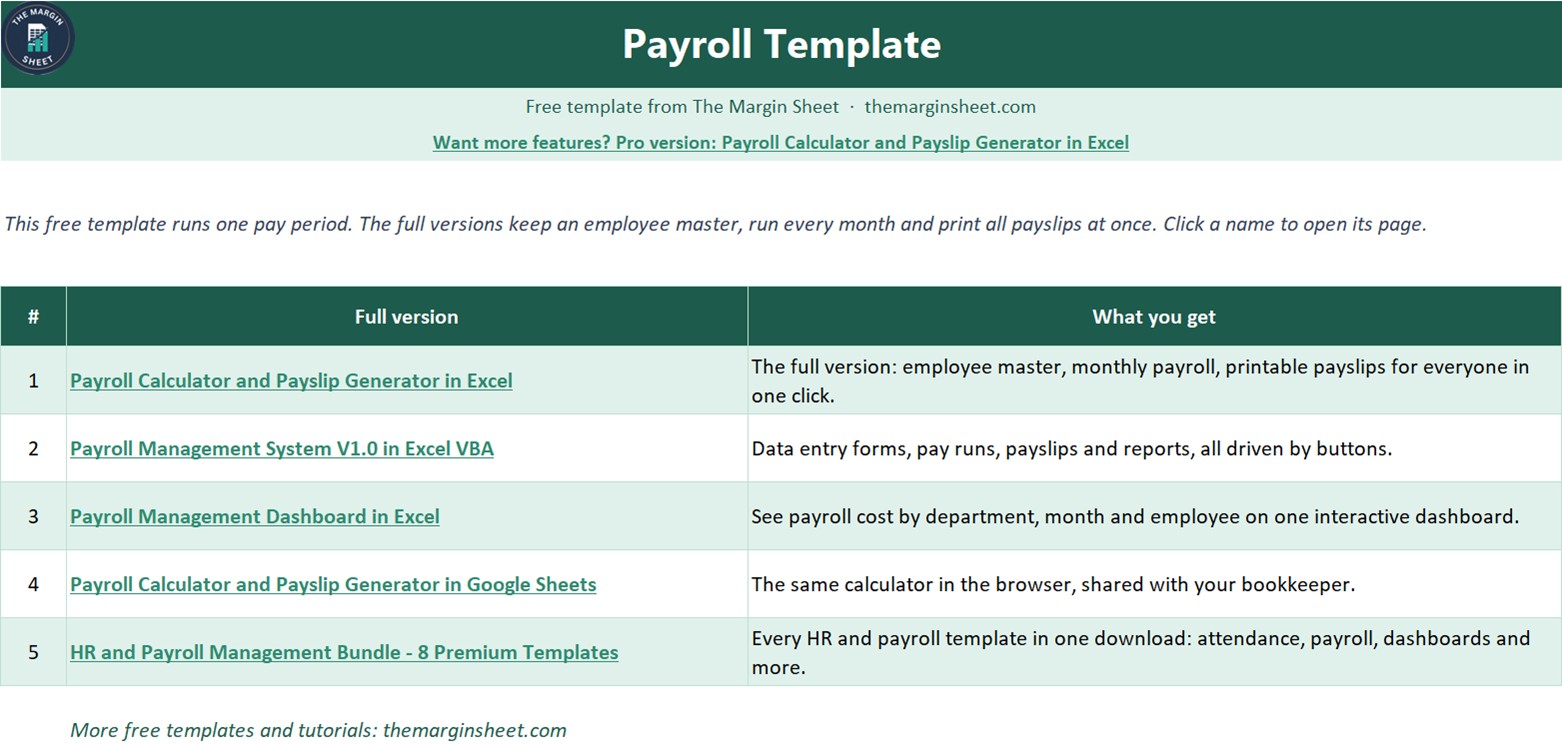
The free template covers one pay period with no year-to-date tracking. When you need more, these paid files from NextGenTemplates go further:
- Payroll Calculator and Payslip Generator in Excel, the full version of this free template.
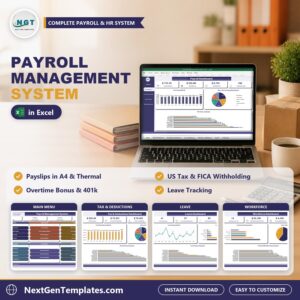
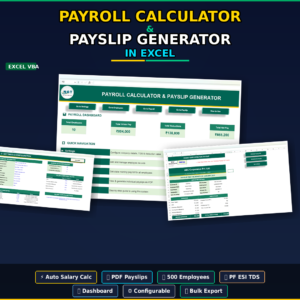
- Payroll Management System V1.0 in Excel VBA for a complete payroll system with forms and automation.
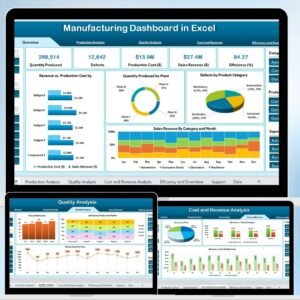
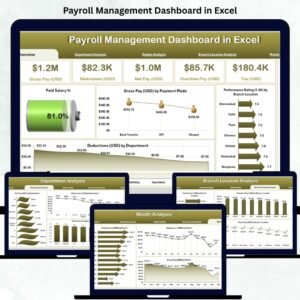
- Payroll Management Dashboard in Excel for payroll cost analysis with charts.
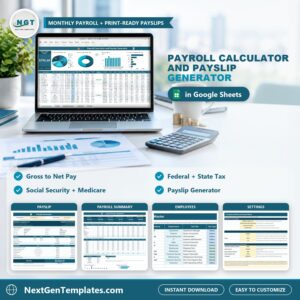
- Payroll Calculator and Payslip Generator in Google Sheets if you prefer to work in Google Sheets.
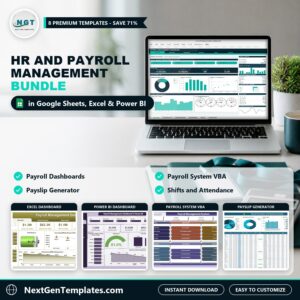
- HR and Payroll Management Bundle for 8 premium HR and payroll templates in one download.
Frequently asked questions
Is the payroll template really free?
Yes. It costs nothing to download and you can make a fresh copy for every pay period.
Do I need macros or add-ins?
No. The template uses IF, ROUND, SUM, MATCH, INDEX, data validation and conditional formatting, so it works in any recent version of Excel. It also opens in Google Sheets with File > Import.
Is this tax advice?
No. It is an educational template. The federal withholding percent is an estimate (IRS Publication 15-T has the exact method), and tax rates and wage limits change every year, so check current rates for your year and state.
Does it track year-to-date wages?
No. It covers one pay period, so it does not stop Social Security at the yearly wage base. The paid payroll templates above handle more.
Can I build it myself?
Yes. The How to Build sheet lists all 14 steps with the exact formulas, and the free video on The Margin Sheet YouTube channel builds it step by step.
Join 10,000+ customers in 180+ countries who use NextGenTemplates spreadsheets to run their business.






Reviews
There are no reviews yet.