

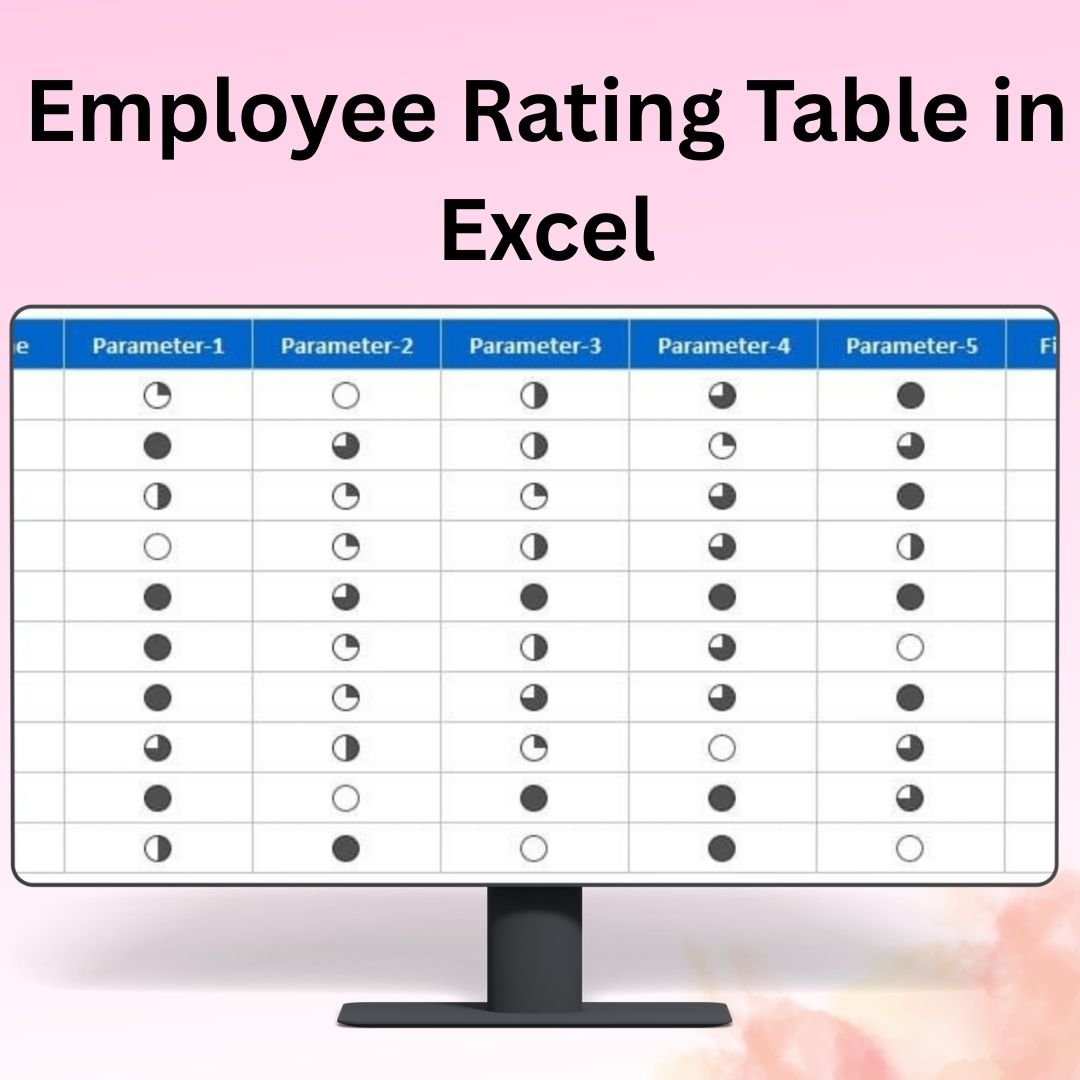

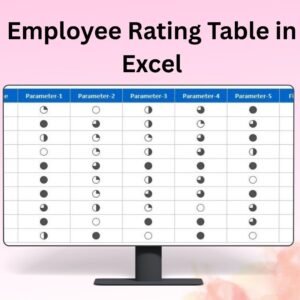
The Employee Rating Table in Excel is a comprehensive and easy-to-use tool designed to help managers and HR professionals evaluate and track employee performance. This Excel template allows you to rate employees on various criteria such as work quality, communication, teamwork, punctuality, and more. By providing clear ratings for each employee, this tool simplifies the performance review process and helps you identify areas of improvement, recognize high performers, and make data-driven decisions.
The Employee Rating Table is fully customizable, enabling you to add or remove evaluation criteria, set performance benchmarks, and define rating scales that match your company’s needs. Whether you’re conducting annual performance reviews or tracking ongoing progress, this tool helps streamline the process and improve the accuracy of your evaluations.
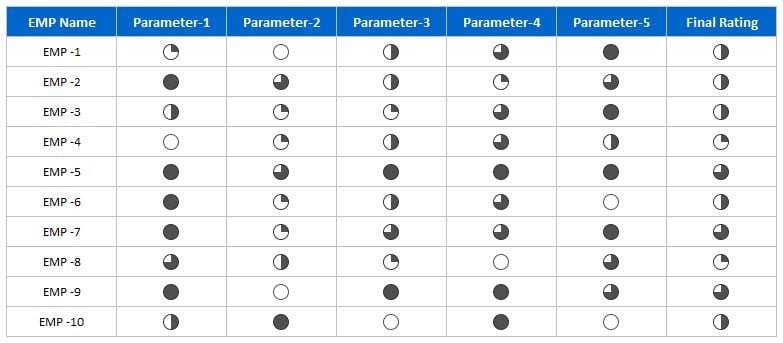
Key Features of the Employee Rating Table in Excel:
📋 Comprehensive Rating Criteria
Evaluate employees on multiple factors such as job performance, skills, punctuality, teamwork, and communication. Create a well-rounded evaluation system to assess various aspects of an employee’s contribution.
🔄 Real-Time Performance Tracking
Track employee performance on an ongoing basis. Update ratings as new evaluations are completed to keep a real-time record of each employee’s progress.
📈 Customizable Rating Scales
Use customizable rating scales (e.g., 1 to 5, excellent to poor) to evaluate employees. Tailor the criteria to fit your company’s unique performance expectations.
🛠️ Easy-to-Use Interface
The template is simple to navigate and requires no advanced Excel skills. Input data and automatically generate performance scores for your employees.
📊 Performance Analysis and Insights
The table provides a quick summary of employee performance, helping you spot trends, identify strengths, and pinpoint areas for improvement.
Why You’ll Love the Employee Rating Table in Excel:
✅ Efficient Employee Evaluations – Conduct employee evaluations quickly and efficiently using a structured rating system. ✅ Customizable to Your Needs – Adapt the table to fit your organization’s specific evaluation criteria, rating scales, and performance goals. ✅ Track Employee Progress – Monitor employee development over time and identify improvement areas or high performers. ✅ User-Friendly – With an easy-to-use interface, you can input ratings and instantly generate reports with minimal effort. ✅ Data-Driven Insights – Gain insights into overall team performance and make informed decisions about promotions, raises, or development needs.
What’s Inside the Employee Rating Table in Excel:
- Multiple Rating Criteria – Track performance in various areas such as teamwork, leadership, productivity, and work quality.
- Customizable Rating Scales – Adjust the rating scale to fit your evaluation preferences.
- Performance Tracking – Track individual employee ratings over time and review progress at any point.
- Clear Performance Summary – Generate a clear summary of employee ratings and performance for easy comparison.
- Reports Generation – Automatically generate reports based on your employee data and ratings.
How to Use the Employee Rating Table in Excel:
1️⃣ Download the Template – Access the Excel file immediately after purchase. 2️⃣ Input Employee Data – Add employee names, departments, and the criteria you want to evaluate. 3️⃣ Rate Employee Performance – Use the customizable rating scale to evaluate employees on each criterion. 4️⃣ Track and Analyze Performance – Review individual ratings and identify trends to help guide future development or decisions.
Who Can Benefit from the Employee Rating Table in Excel:
- HR Professionals
- Team Leaders
- Managers
- Business Owners
- Project Managers
- Organizational Development Teams
- Anyone responsible for conducting employee performance reviews
The Employee Rating Table in Excel is a powerful tool that helps streamline performance reviews, track employee progress, and make data-driven HR decisions. Improve the efficiency of your evaluations and ensure accurate feedback with this user-friendly Excel template.
Click here to read the Detailed blog post
https://www.pk-anexcelexpert.com/employee-rating-table-in-excel/
Visit our YouTube channel to learn step-by-step video tutorials
Watch the step-by-step video tutorial:
Compatibility and Requirements
- Works in Microsoft Excel desktop (Excel 2016 or later, or Microsoft 365).
- New to Excel? Microsoft’s Excel for Windows training covers the basics.
Frequently Asked Questions
What criteria can I rate employees on?
You can rate work quality, communication, teamwork, punctuality, leadership, productivity and any other criteria you add.
Can I change the rating scale?
Yes. You can use a 1 to 5 scale, an excellent to poor scale or your own scale.
Can I track ratings over time?
Yes. You update ratings after each review and keep a record of each employee’s progress.
Does it create a summary?
Yes. The table gives a summary of each employee’s ratings so you can compare people quickly.
Is there a full performance dashboard?
Yes. The Employee Performance Rating Card and Dashboard in Excel adds rating cards and a dashboard.
Related Employee Performance Templates
- Employee Performance Rating Card and Dashboard in Excel: rating cards plus a dashboard
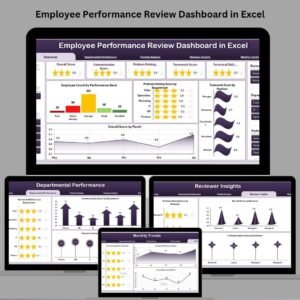
- Employee Performance Review Dashboard in Excel: review results on a dashboard
- Employee Performance Review Report in Excel: a printable review report
- Performance Appraisal KPI Dashboard in Excel: appraisal KPIs for HR
- HR Director Toolkit: 10 HR templates in one download
Browse all Excel HR and payroll templates or the Google Sheets HR templates.













Reviews
There are no reviews yet.