

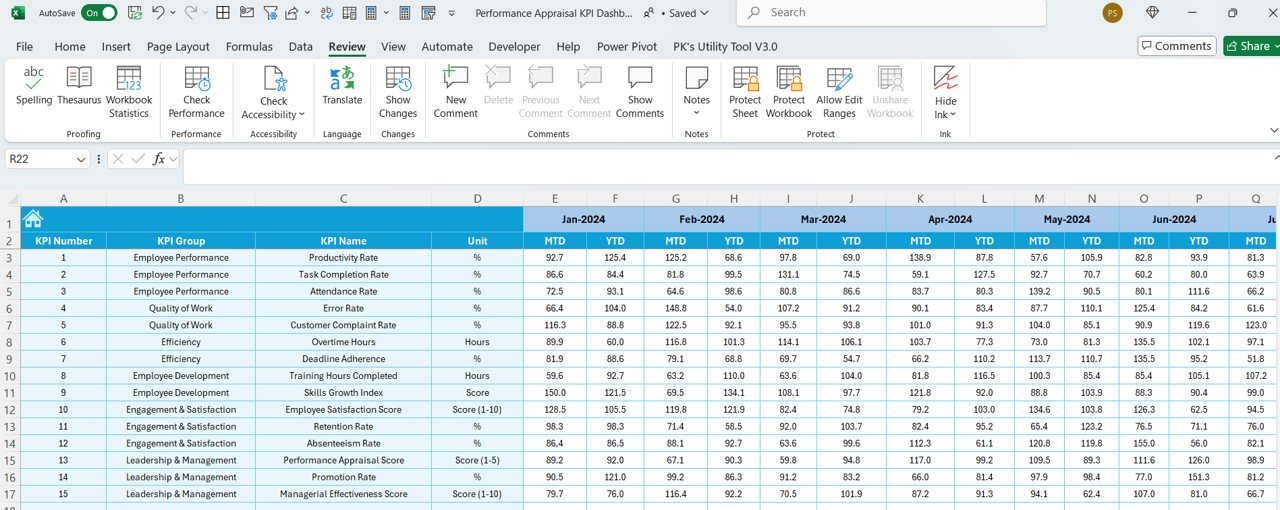
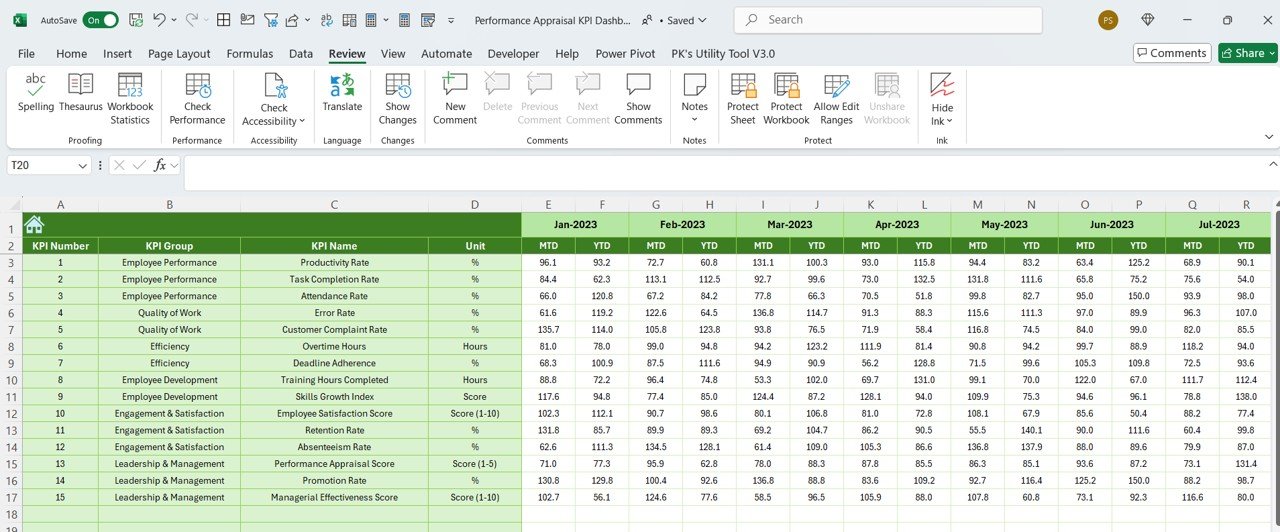
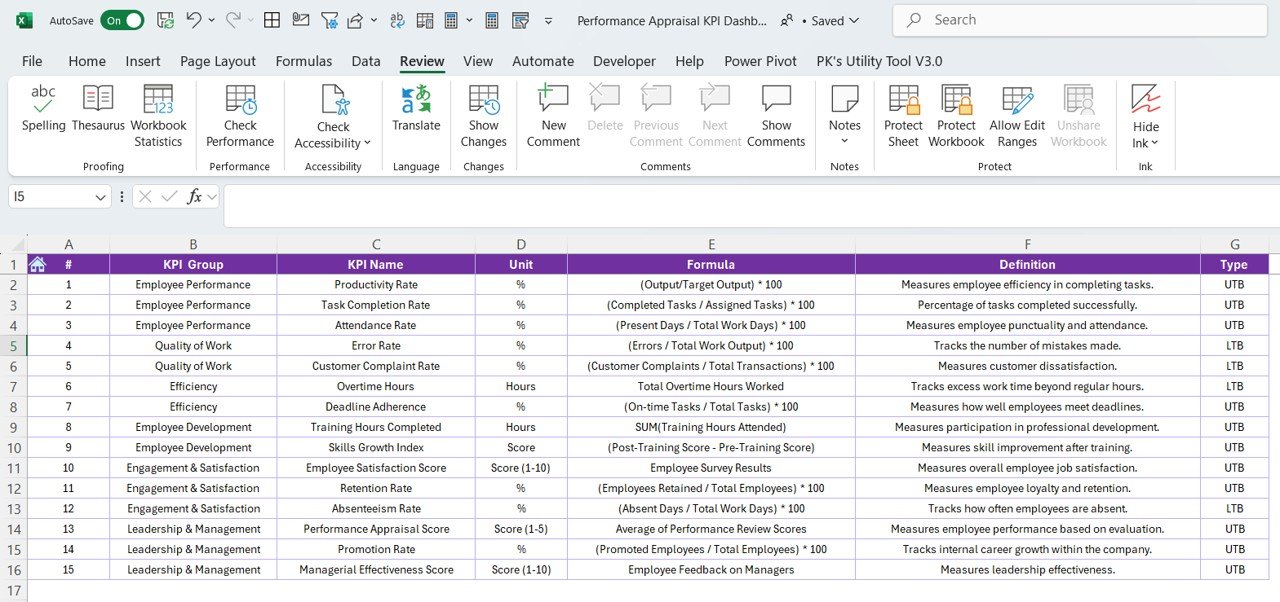

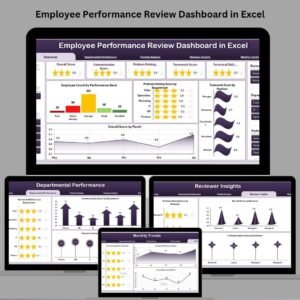
The Performance Appraisal KPI Dashboard in Excel is an essential tool for HR managers, team leaders, and business owners to effectively track, assess, and analyze employee performance. This Excel-based dashboard allows you to monitor key performance indicators (KPIs) that align with your organizational goals, ensuring that your employee evaluations are data-driven and objective.
With this dashboard, you can track individual performance, assess skill development, evaluate productivity, and measure goal achievement. By visualizing employee performance data in real-time, this tool helps you make informed decisions about promotions, salary reviews, and personal development plans, contributing to enhanced productivity and job satisfaction.
Key Features of the Performance Appraisal KPI Dashboard in Excel
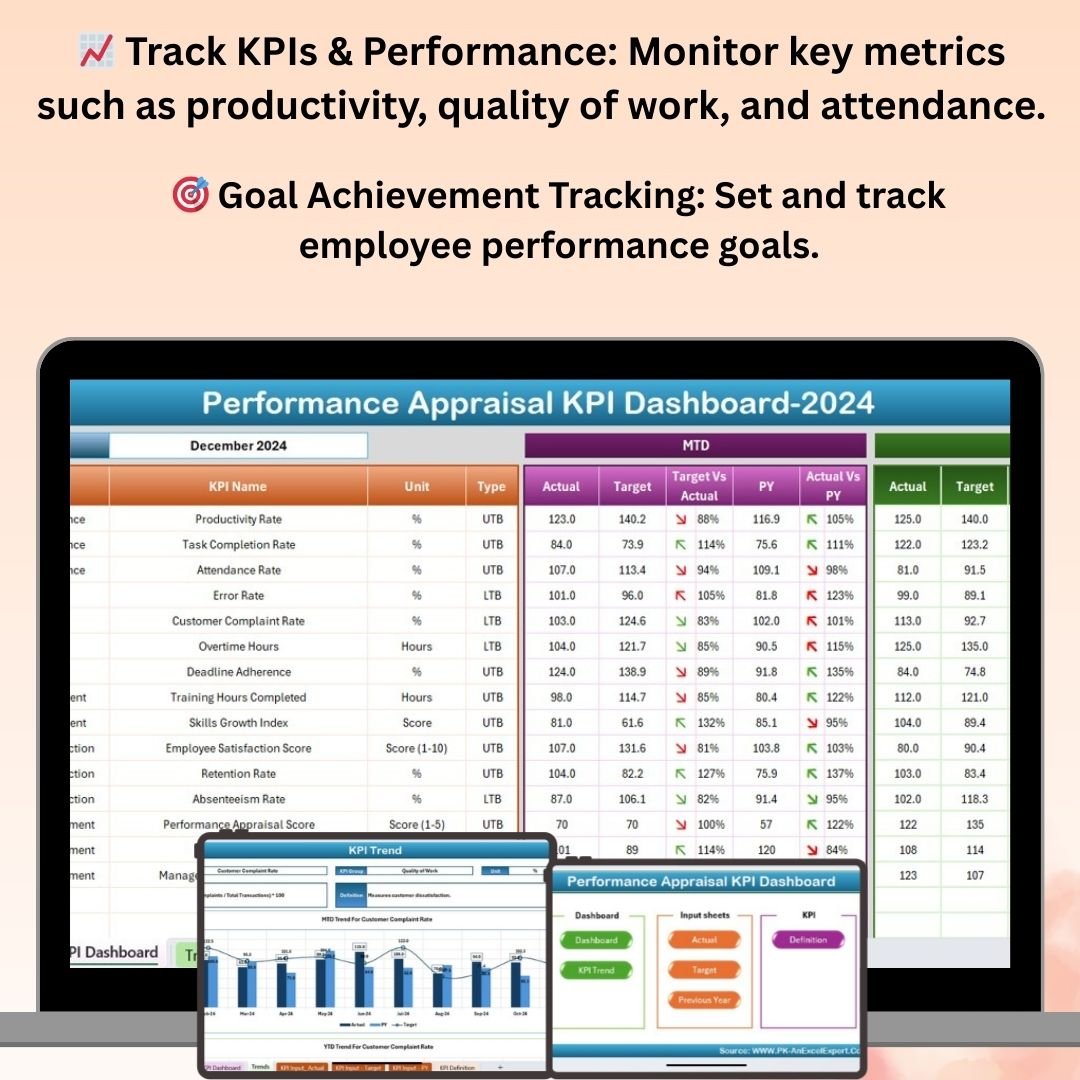
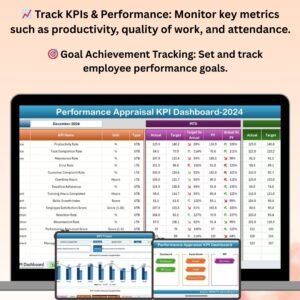
📈 Track Key Performance Indicators (KPIs)
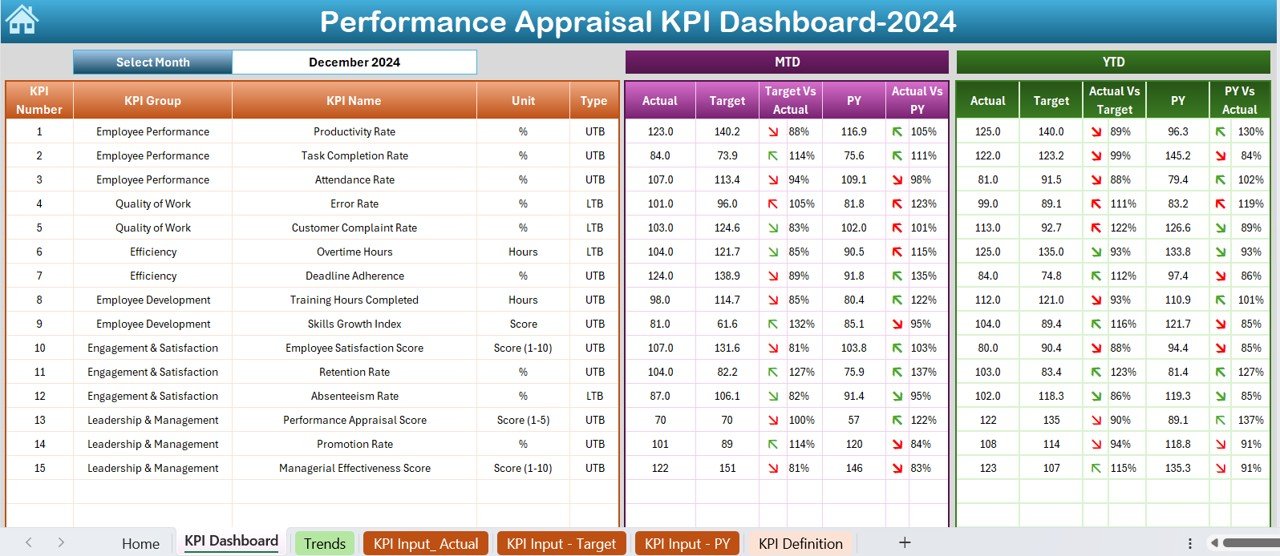
Monitor KPIs such as productivity, quality of work, attendance, goal achievement, and team collaboration. Track performance across multiple dimensions to get a holistic view of each employee’s contributions.
📝 Employee Evaluation Metrics
Evaluate employee performance based on predefined criteria such as job-specific skills, behavioral competencies, and soft skills. Use this data to provide valuable feedback and development opportunities.
📊 Visual Reports & Dashboards
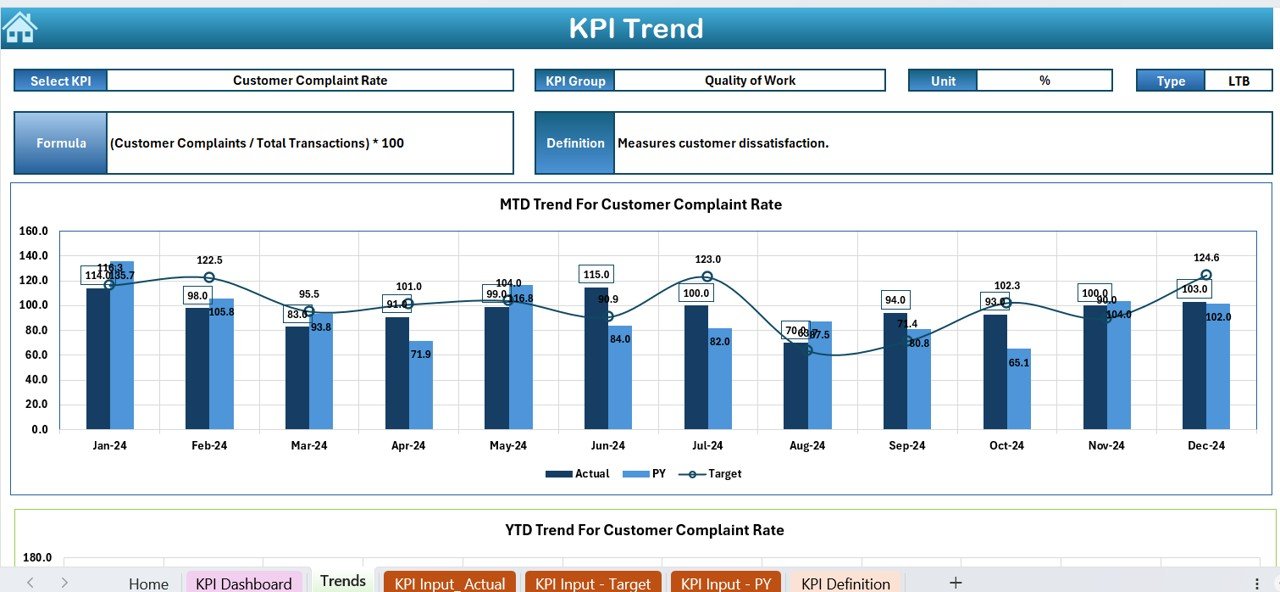
Access dynamic, visual reports and dashboards that display performance metrics through easy-to-read graphs and charts. Quickly identify trends, top performers, and areas needing improvement.
🎯 Goal Achievement Tracking
Set and track performance goals for employees. Monitor their progress toward meeting specific targets and ensure that goals align with overall company objectives.
📅 Customizable & Scalable Dashboard
Fully customizable to fit your company’s performance appraisal process, this dashboard allows you to add or remove KPIs, adjust evaluation criteria, and tailor the layout to meet your needs.
🔔 Automated Alerts & Reminders
Set reminders for performance review cycles, appraisal deadlines, and follow-ups. Keep the review process on schedule and ensure timely feedback and evaluations for all employees.
Why You’ll Love the Performance Appraisal KPI Dashboard in Excel
✅ Streamline Employee Evaluations
This dashboard helps you streamline your employee appraisal process by keeping track of all the necessary metrics and ensuring that you evaluate each employee on key aspects of their performance.
✅ Make Data-Driven Decisions
With visual data insights, you can make more informed decisions regarding promotions, raises, and professional development plans. Remove bias from performance evaluations and focus on measurable results.
✅ Track Goal Achievement
Monitor employee progress towards set goals and ensure that performance reviews are based on actual achievements rather than subjective judgments. Use the data to motivate employees to reach new targets.
✅ Improve Employee Development
Identify skill gaps and performance trends that can be addressed through training, coaching, or mentorship. Track improvement over time and make development plans accordingly.
✅ Customizable for Any Organization
Whether you’re a small business or a large enterprise, this dashboard can be customized to suit your specific performance appraisal criteria and company goals. Track the KPIs most relevant to your organization.
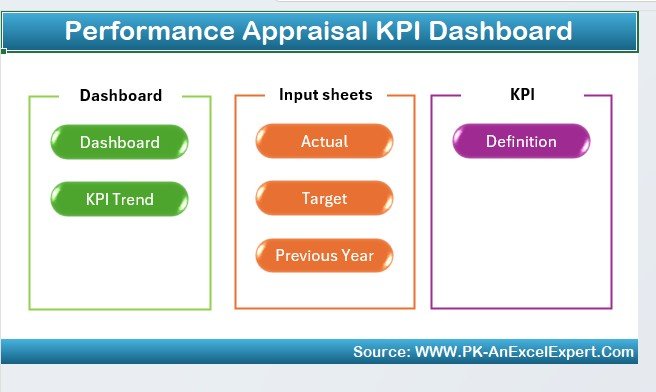
What’s Inside the Performance Appraisal KPI Dashboard in Excel?
- KPI Tracking: Track key metrics such as attendance, productivity, and quality of work.
- Performance Evaluation Metrics: Assess employee performance based on job-specific skills and competencies.
- Goal Achievement Tracker: Set performance goals and track employee progress.
- Visual Dashboards & Reports: View performance metrics in easy-to-read charts and graphs.
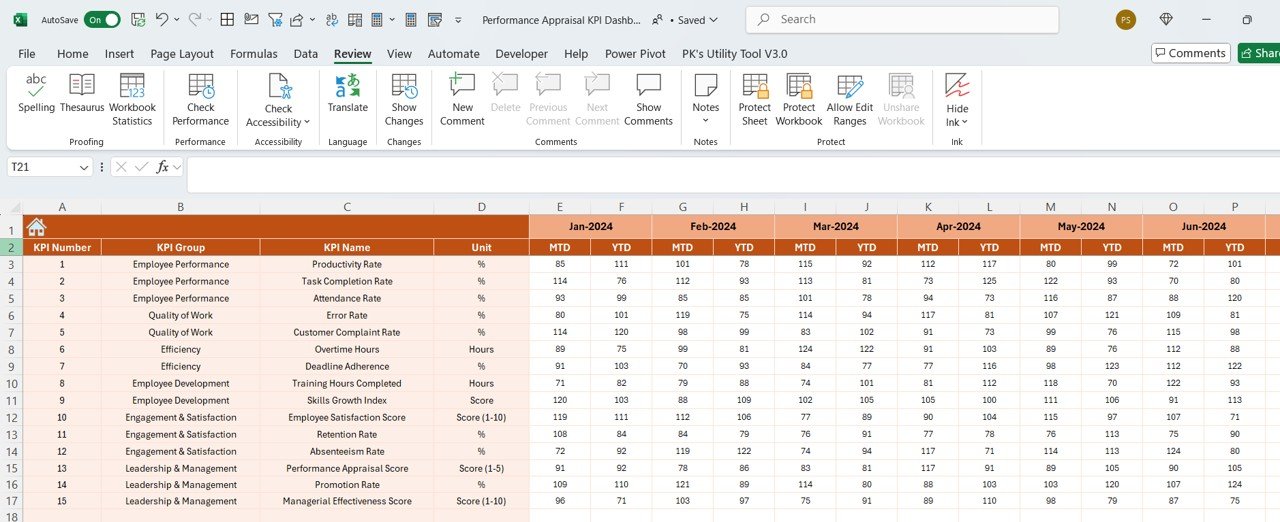
- Customizable KPIs & Evaluation Criteria: Adjust the dashboard to match your organization’s goals.
- Automated Alerts & Reminders: Stay on top of performance review deadlines and reminders.
How to Use the Performance Appraisal KPI Dashboard in Excel
1️⃣ Download the Template: Get immediate access to the Performance Appraisal KPI Dashboard in Excel.
2️⃣ Set Up Your KPIs & Evaluation Metrics: Customize the dashboard by adding the relevant KPIs and evaluation criteria for your company.
3️⃣ Track Employee Performance: Monitor employee performance across multiple dimensions, including productivity, attendance, and goal achievement.
4️⃣ Analyze Data & Visualize Trends: Use the dynamic dashboards and visual reports to analyze trends, identify high performers, and track areas needing improvement.
5️⃣ Generate Reports & Make Informed Decisions: Create performance reports to inform decisions about promotions, salary reviews, and professional development.
Who Can Benefit from the Performance Appraisal KPI Dashboard in Excel?
🔹 HR Managers & Talent Development Teams
🔹 Team Leaders & Department Heads
🔹 Business Owners & Executives
🔹 Employee Engagement & Experience Teams
🔹 Performance Coaches & Mentors
🔹 Small & Medium Enterprises (SMEs) & Large Corporations
Optimize your employee performance evaluation process and make data-driven decisions with the Performance Appraisal KPI Dashboard in Excel. Track progress, set goals, and create personalized development plans for your team, ensuring that your business continuously improves and thrives.
Click here to read the Detailed blog post
Visit our YouTube channel to learn step-by-step video tutorials
Youtube.com/@PKAnExcelExpert
Compatibility and Requirements
- Works in Microsoft Excel desktop (Excel 2016 or later, or Microsoft 365).
- Results are shown with standard Excel charts. Microsoft’s guide Create a chart from start to finish explains how to change them.
Frequently Asked Questions
Which KPIs does the Performance Appraisal KPI Dashboard track?
Productivity, quality of work, attendance, goal achievement and team collaboration, so each employee is reviewed on more than one measure.
What evaluation criteria can I use?
Job-specific skills, behavioral competencies and soft skills. You can adjust the criteria to match your appraisal process.
Can I add or remove KPIs?
Yes. The dashboard is customizable, so you can add or remove KPIs, change the evaluation criteria and adjust the layout.
Can I track goals for each employee?
Yes. The goal achievement tracker lets you set performance goals and follow each employee’s progress toward them.
Related Performance Templates
- Employee Performance Rating Card and Dashboard in Excel: rating cards for each employee
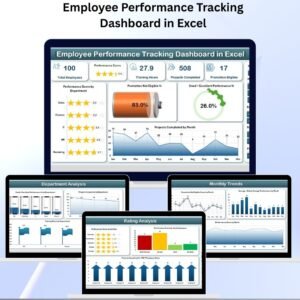
- Employee Performance Tracking Dashboard in Excel: track performance across the team
- Employee Performance Management System V1.0: a full performance management system
- Employee Evaluation Form in MS Word and Google Docs: a free review form to collect the scores
- HR & Workforce Analytics Bundle: 10 HR templates in one bundle
Browse all HR and Payroll templates or the Excel KPI dashboards.
















Reviews
There are no reviews yet.