

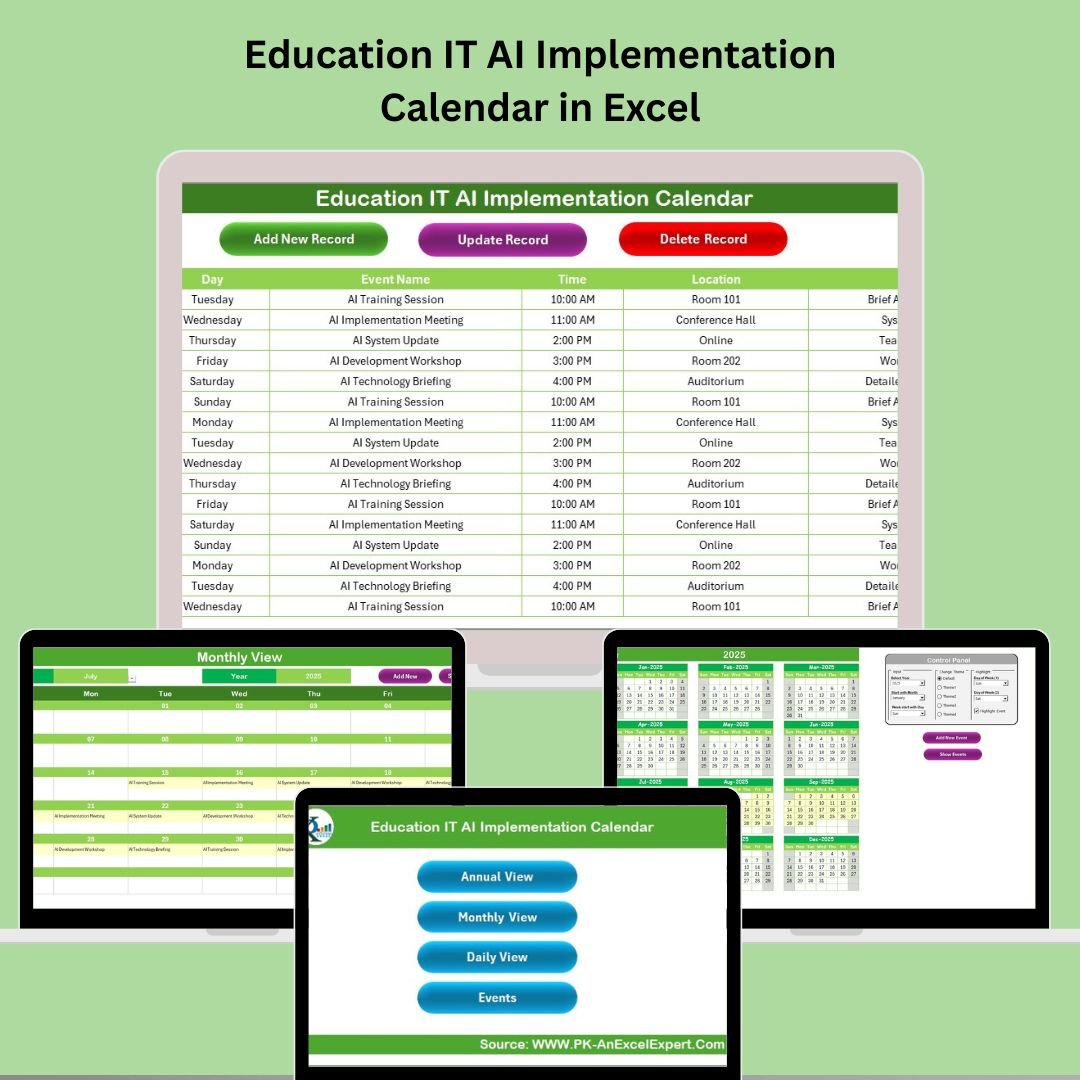


Integrating AI into education requires thoughtful planning, clear timelines, and coordinated teams. The Education IT AI Implementation Calendar in Excel is your all-in-one project planning tool — built specifically to manage AI-related timelines, milestones, and tasks within schools, colleges, and educational institutions. 📘⚙️
Whether you’re just beginning your AI transformation journey or managing a full-scale institutional rollout, this Excel-based calendar helps you track progress, assign responsibility, and stay ahead of key deadlines — all in a clear, intuitive interface.
🛠️ Key Features of the Education IT AI Implementation Calendar
🏠 Home Sheet – Command Center for Navigation
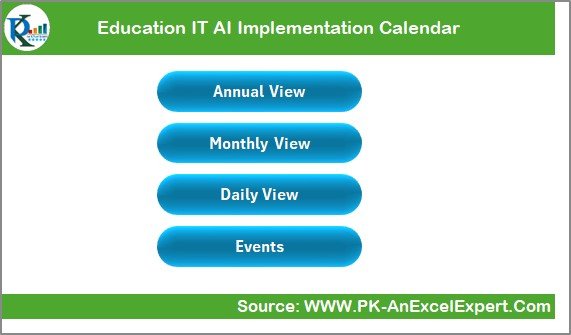
🎯 Four smart buttons to jump directly to:
Annual View
Monthly View
Daily View
Events Sheet
🧭 Easy access to every section of the calendar
🖱️ Streamlined workflow and clean design
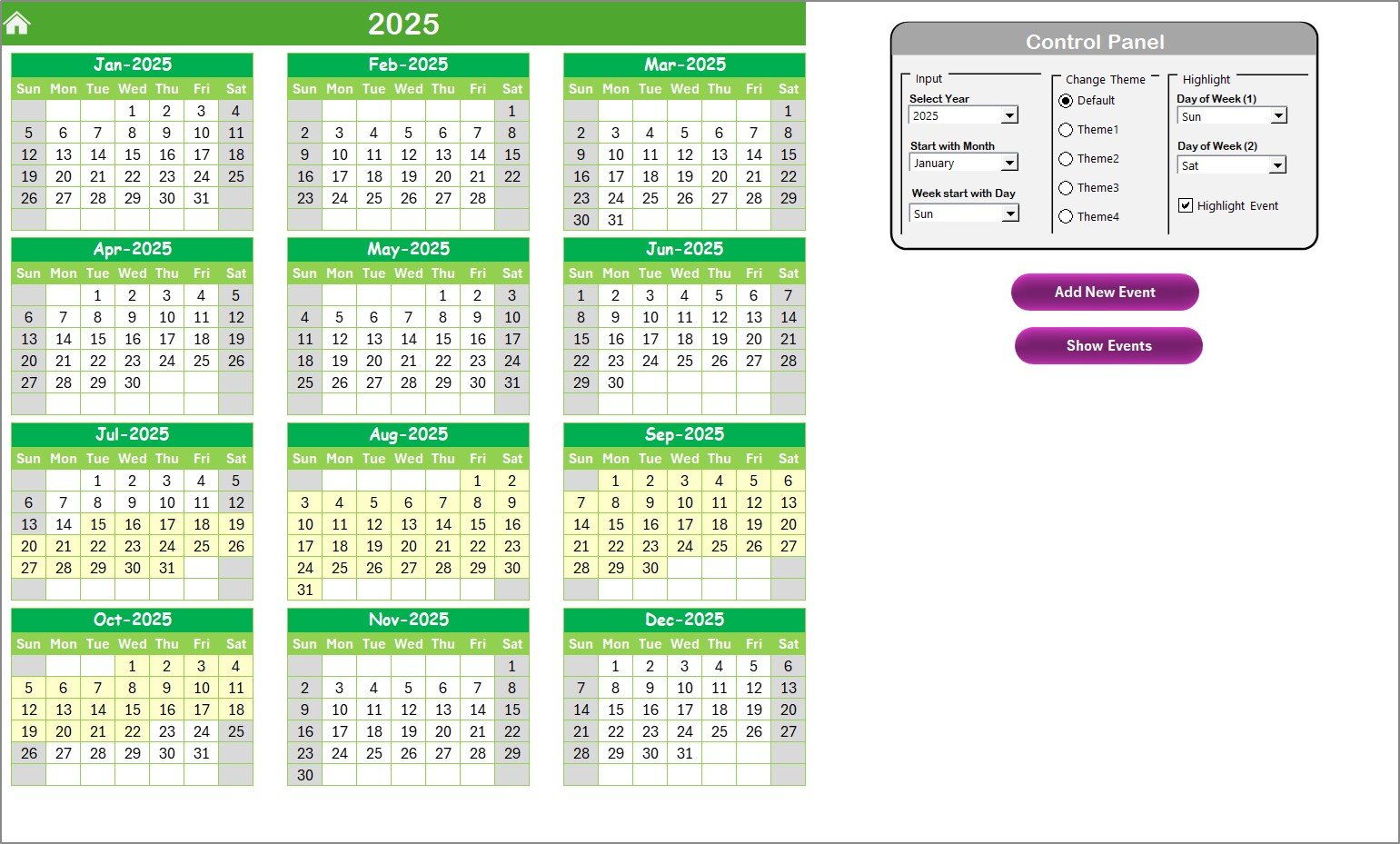
📅 Annual View Sheet – Full-Year AI Planning at a Glance
📆 12-month dynamic calendar
🎛️ Control Panel lets you:
Select the year
Set your starting month
Choose which day the week starts on
🎨 Change Theme Group – Pick from 5 color presets
✨ Highlight Feature – Emphasize weekends or custom days
📌 Add New Event and Show Event buttons for real-time interaction
🗓️ Monthly View Sheet – Detailed Month-by-Month Planning
🔽 Select month & year at the top
📅 Events are displayed on the calendar grid
📥 “More than 1…” label for days with multiple events
✍️ Add or view event details using interactive buttons
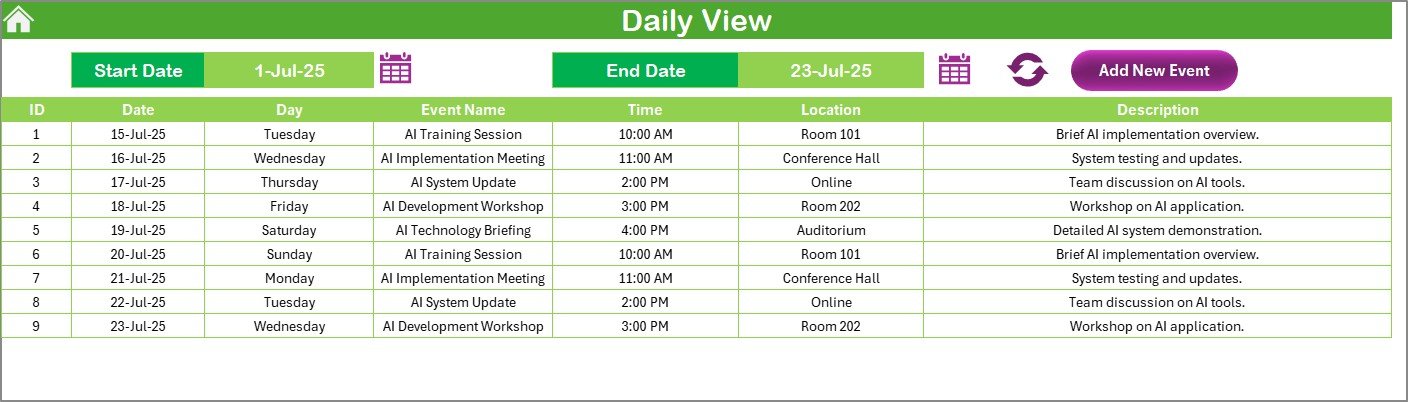
📆 Daily View Sheet – Focus on Date-Range Deliverables
📅 Select a Start Date and End Date
🔁 Click Refresh to update events dynamically
📥 Add new tasks directly from the Daily View
✅ Ideal for tracking daily milestones and task ownership
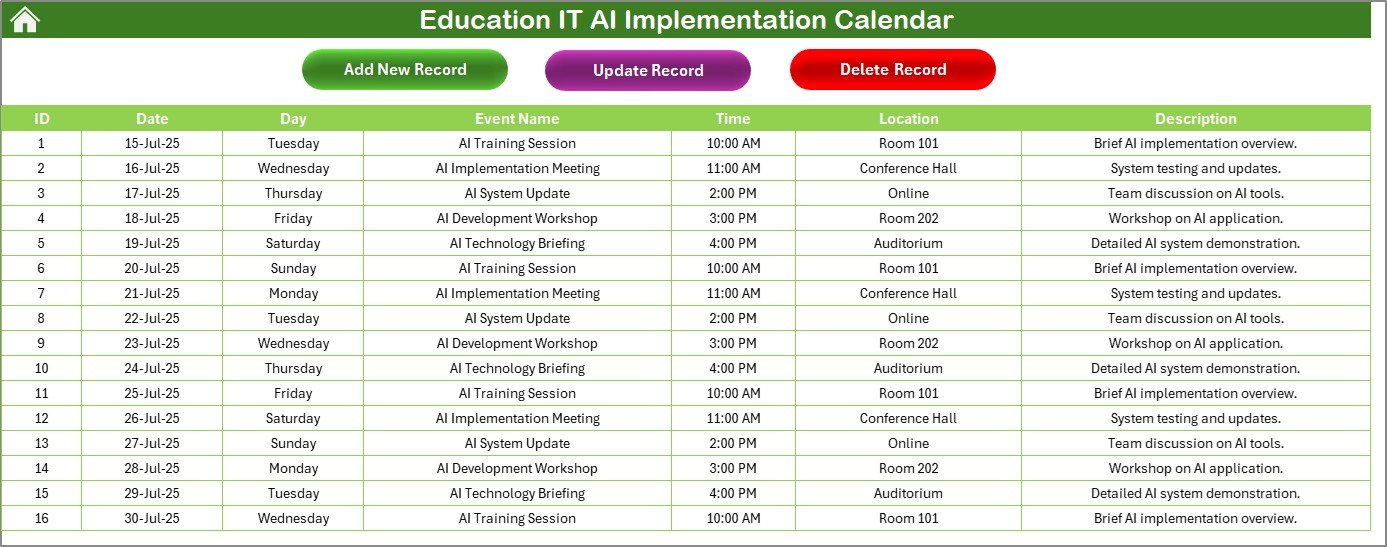
🧾 Events Sheet – Centralized Event Management Database
🆔 Auto-generated Event IDs
📅 Fields: Date, Day, Event Name, Time, Location, Description
🎛️ Top Buttons:
Add New Record
Update Existing Record
Delete Record
📂 Full data control in one organized table
📂 What’s Inside the Calendar File?
✅ 5 structured Excel worksheets
✅ Yearly, monthly, and daily planning views
✅ Click-to-add event forms
✅ Prebuilt filters, themes, and highlight options
✅ Central event tracker with update/delete capabilities
✅ Fully editable for any AI rollout roadmap
✅ No VBA knowledge needed — just point and click!
Whether you’re leading a multi-campus deployment or a single-department upgrade, this calendar gives you total project visibility.
🧑💻 How to Use the Education IT AI Implementation Calendar
🔧 Start with the KPI Definition Sheet to define event categories (optional)
📆 Go to Annual View and set your year, start month, and theme
📥 Use the Add New Event buttons to schedule milestones
🧾 Navigate to Monthly or Daily View to see events unfold
🧑🤝🧑 Use the Events Sheet to update, edit, or remove entries
📤 Share your calendar with stakeholders for real-time collaboration
Everything updates automatically — no formulas or coding required.
🎯 Who Can Benefit from This Calendar?
🧑💼 IT Project Managers – Oversee infrastructure, security, and AI rollouts
👩🏫 School Admin Teams – Coordinate training, procurement, and awareness events
🧠 AI Education Consultants – Visualize deployment phases and stakeholder engagement
📊 Strategic Planners – Align timelines with budgets and academic cycles
🏫 University Departments – Manage multi-phase pilots or system-wide upgrades
If you’re working on AI in education, this calendar is built for you.
🔗 Click here to read the Detailed blog post
🔗 Visit our YouTube channel to learn step-by-step video tutorials






























Reviews
There are no reviews yet.